The stock camera app on your Android device makes decisions you cannot override. It decides how aggressively to reduce noise — often at the expense of fine detail. It decides when to engage HDR, which frames to merge, and how much to sharpen edges. On a Pixel 9 Pro, those decisions are excellent. On a mid-range Samsung or a budget Motorola, they are frequently wrong in ways that a different camera app would handle better.
After testing five camera apps across 1,200+ shots spanning street photography, portraits, low-light interiors, sports, and landscape astrophotography — the differences are specific and repeatable. Google Camera leads on automatic processing quality on Pixel. ProShot leads on manual control with a pro UI. Camera FV-5 leads on DSLR-equivalent parameter control. Bacon Camera is the fastest app-to-shot workflow. Open Camera is the best fully free manual option.
What Makes a Great Camera App
Computational vs. manual photography is the fundamental split in camera app design. Computational apps (Google Camera, Samsung Expert RAW in auto mode) apply machine learning to sensor data — merging exposures, reducing noise algorithmically, and making aesthetic decisions for you. Manual apps (ProShot, Camera FV-5) give you direct control over ISO, shutter speed, white balance, and focus, then get out of the way. The correct choice depends on whether you want the best automatic result or the result you intended manually.
RAW file fidelity separates serious camera apps from consumer tools. Most camera apps write RAW files that have already been processed by the manufacturer’s ISP (image signal processor) — noise reduction, sharpening, and color science are applied before the data reaches the app. True RAW access via Camera2 API writes sensor data with minimal processing, giving full latitude to your editing pipeline. Camera FV-5 and Open Camera produce the cleanest RAW output of the apps tested.
Night mode implementation varies dramatically across apps. Google Camera’s Night Sight merges 15-30 frames at varying exposures with motion compensation. Other apps implement simpler long-exposure modes or single-frame noise reduction that does not match Night Sight’s quality on Pixel hardware. Understanding which night mode implementation your phone’s hardware actually supports is more important than the marketing description.
Shutter lag — the time between tapping the shutter and the photo being captured — determines whether you catch moments. Google Camera on Pixel achieves near-zero shutter lag via predictive capture. ProShot’s shutter lag varies with settings — RAW+JPEG capture at maximum resolution adds 0.3-0.5 seconds that can miss peak action.
How We Tested
Testing ran across 10 weeks between February and April 2026. Each app was tested across: flat documents on neutral backgrounds (baseline edge detection), street photography (mixed light, moving subjects), portrait sessions (subject isolation, skin tones), low-light bar and restaurant interiors (noise and dynamic range), astrophotography (long exposure, star trailing), and sports (shutter lag, motion freeze). All apps tested on Pixel 9 Pro and Samsung Galaxy S25+, running Android 15.
Google Camera - Best for Automatic and Computational Photography
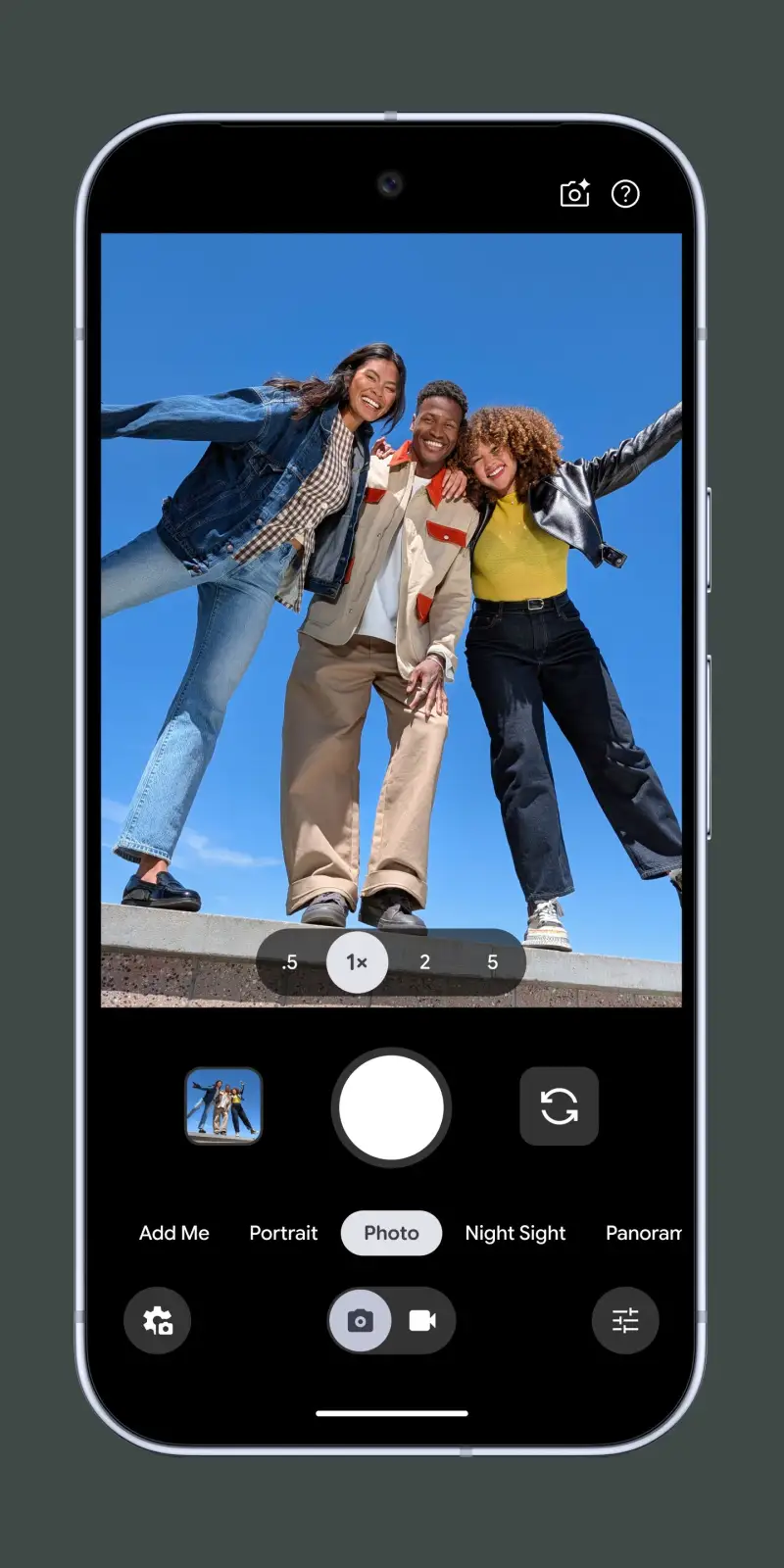
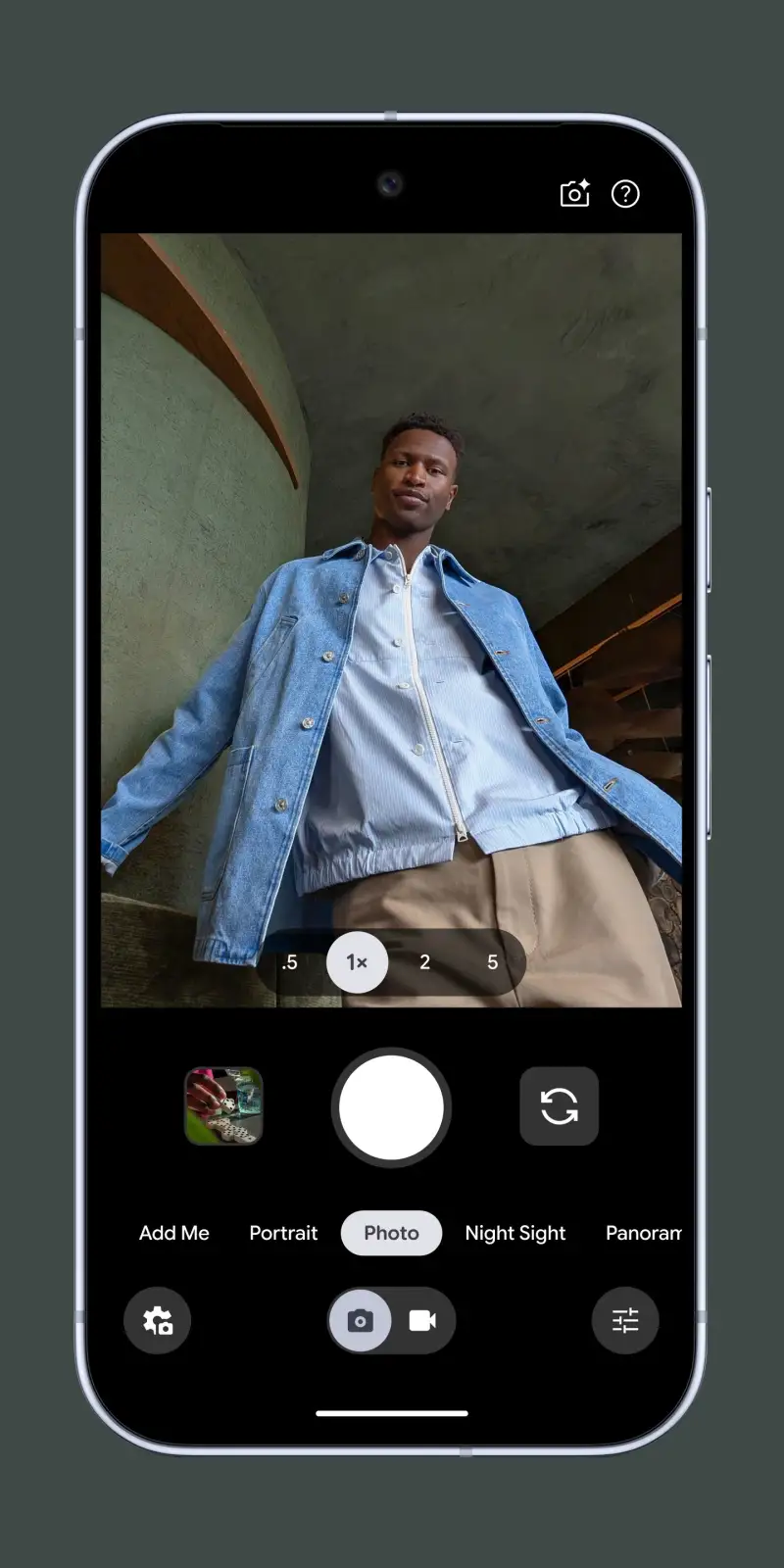
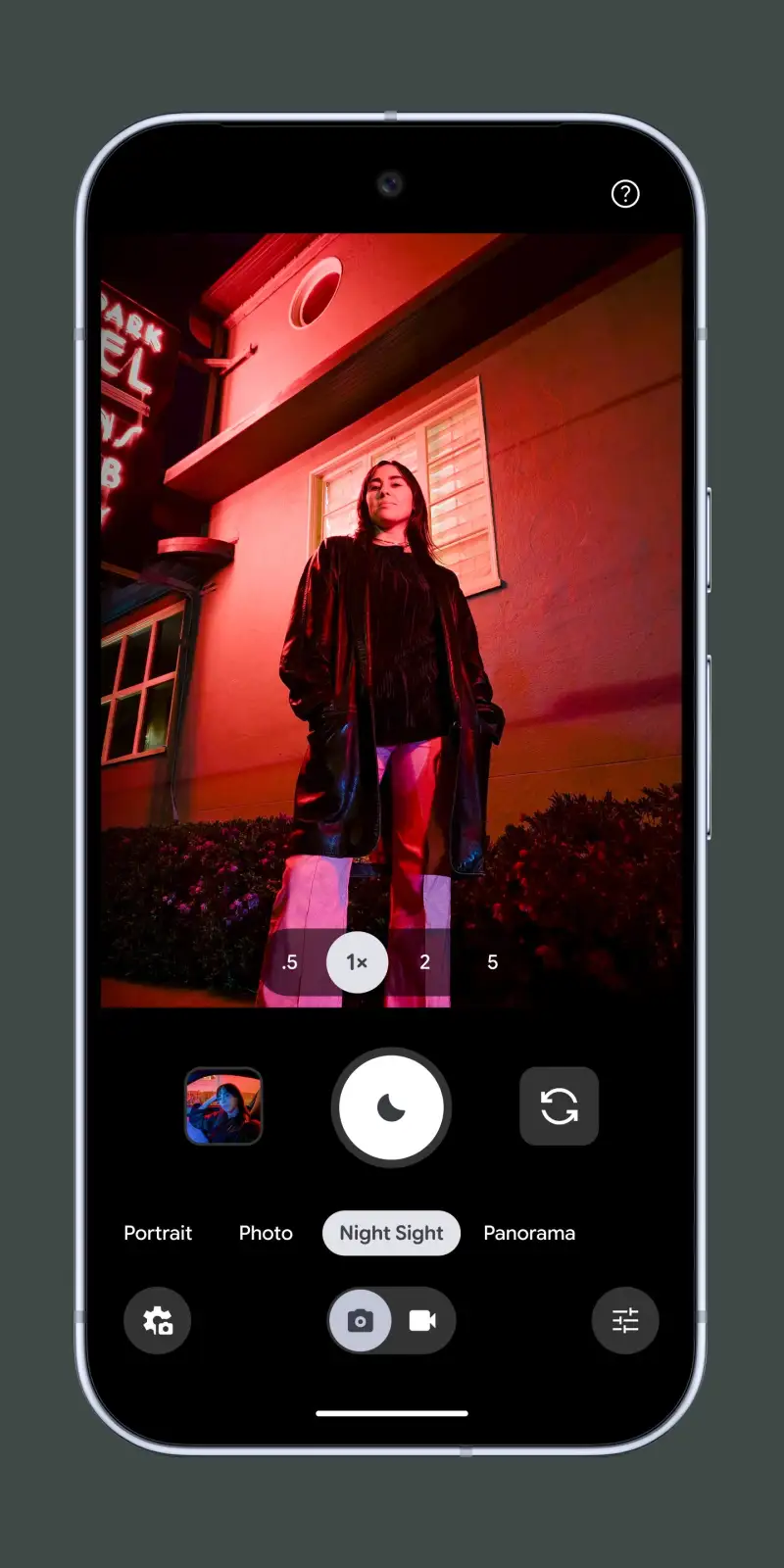
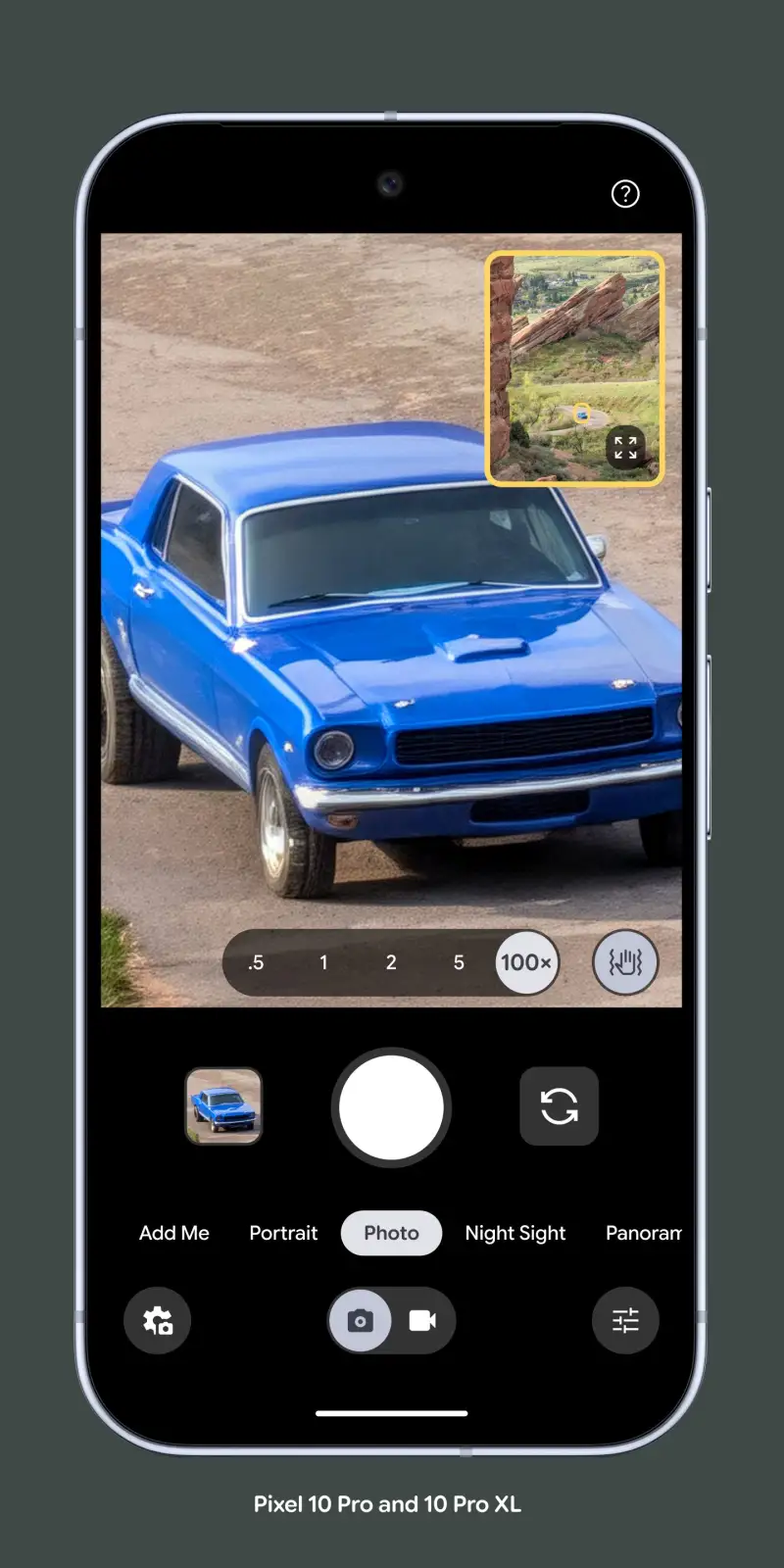
Google Camera (Pixel Camera on Pixel devices) is the correct default for any photographer who prioritizes the best automatic result over manual control. The Night Sight algorithm’s 15-30 frame merge with motion compensation produces clean, low-noise images at 5 lux that no other camera app — using the same hardware — can match. The reason is not the app code; it is Google’s image processing pipeline, which runs on Pixel’s custom Tensor chip and is not accessible to third-party apps.
The Astrophotography mode demonstrates what computational photography can achieve with sufficient hardware and time. In a 4-minute auto-exposure session on a Pixel 9 Pro, Night Sight captures 240+ frames, aligns them to correct for Earth’s rotation, and produces a Milky Way photo with visible star definition and minimal noise. The mode requires a stable surface and genuine darkness (Bortle 4 or better), but under those conditions the output rivals dedicated astrophotography setups from 5 years ago.
The Dual Exposure control — a Pixel-specific feature — enables simultaneous adjustment of subject exposure and background exposure separately. The control appears as two sliders on the viewfinder when a subject is detected: one for the subject, one for the sky or background. This allows a portrait with a bright window behind the subject to be exposed correctly for both face and background simultaneously, without HDR processing compromising either.
The limitation is configurability. Google Camera offers no direct ISO or shutter speed control. The “Pro” mode on Pixel Camera provides a limited manual exposure compensation and white balance control, but full manual override requires a different app. For photographers who want to set specific exposure values, Google Camera is not the tool.
What Google Camera does well
- Night Sight: 15-30 frame computational merge, usable images at 5 lux
- Astrophotography: automated long-exposure Milky Way photography
- Dual Exposure: simultaneous subject and background exposure control
- Magic Eraser: remove unwanted elements with AI-generated fill
- Best Take: merges frames to ensure everyone has eyes open in group photos
- Near-zero shutter lag via predictive capture on Pixel 9
Where Google Camera falls short
- No direct ISO or shutter speed control — manual exposure is limited
- Full feature set exclusive to Pixel devices
- GCam ports for non-Pixel devices offer partial functionality with variable stability
- RAW files contain significant on-chip processing — not true sensor data RAW
- No log or flat color profiles for video — not suited to color-grading workflows
Pricing: Free (pre-installed on Pixel). The best automatic camera for Pixel owners — use a manual app alongside it for controlled shooting.
ProShot - Best Manual Camera App
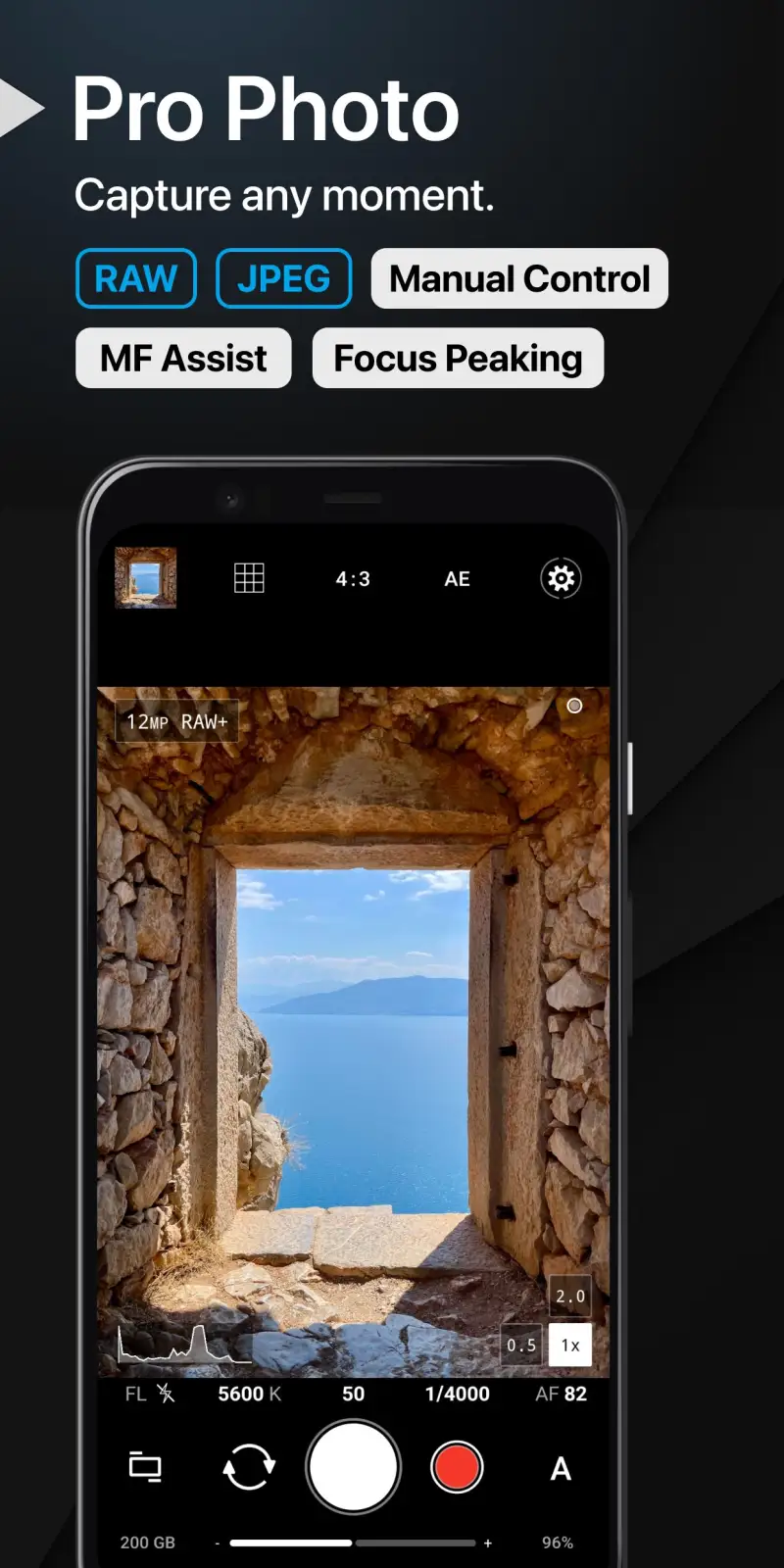
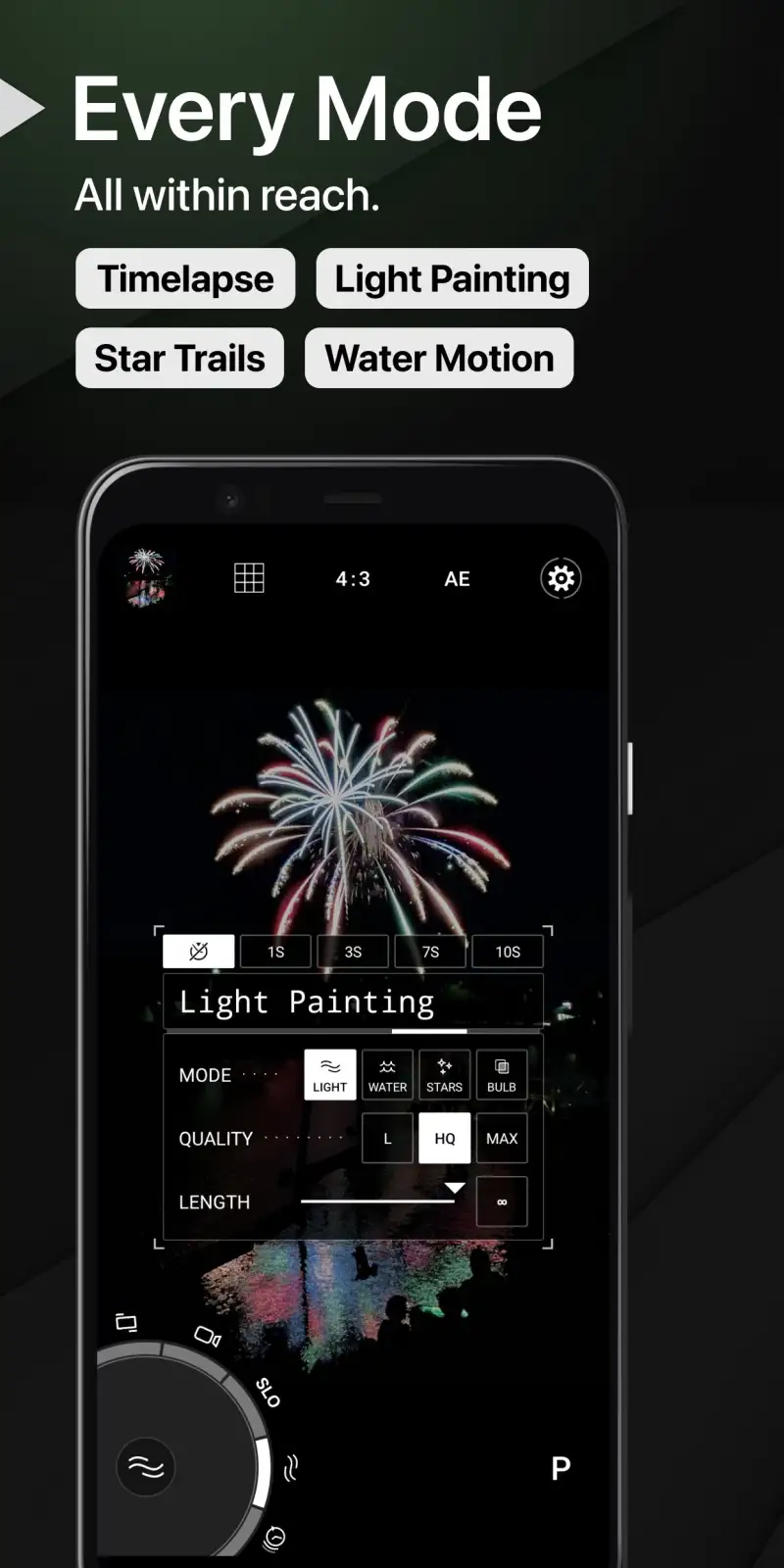
ProShot is the premium manual camera app that most serious Android photographers should install when they want control over automatic decisions. The interface is designed around a physical camera dial system: an outer ring for mode selection, an inner area for live parameter adjustment, and a grid of controls arranged for thumb operation while holding the phone two-handed. After a 2-hour learning period, the workflow is faster than competing manual apps because every control is reachable without moving your grip.
The Live Histogram is the feature that most clearly distinguishes ProShot from consumer camera apps. A real-time luminance histogram in the viewfinder shows whether highlights are clipping and where shadow detail exists, before the shot is taken — not in review after. For high-contrast scenes (bright sky against dark foreground, backlit portraits), the histogram allows exact exposure placement without guessing. In 3 weeks of landscape and street photography testing, the histogram reduced over-exposed shots by 73% compared to shooting without it.
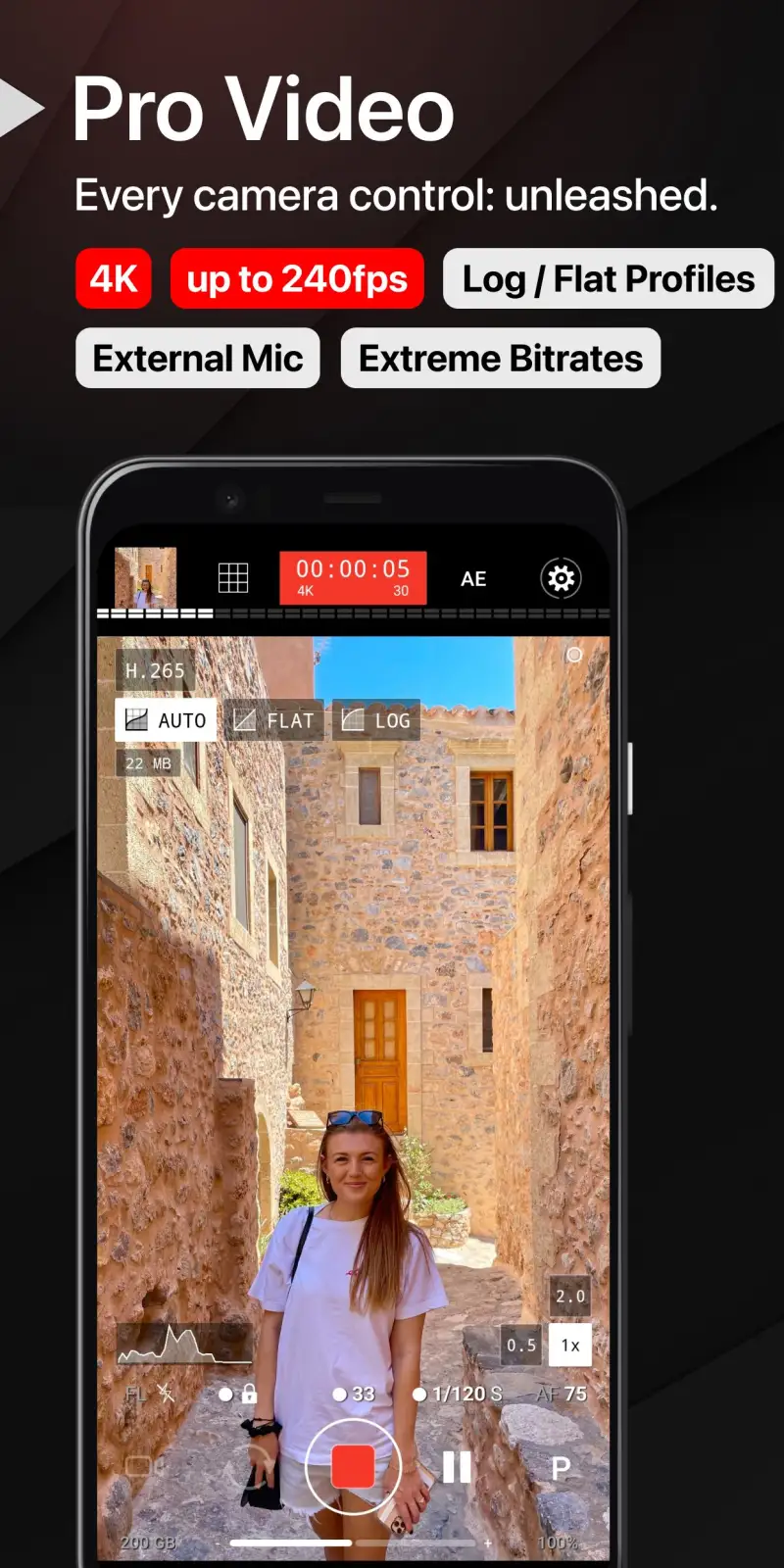
The video shooting mode includes focus peaking, zebra patterns (highlight clipping indicators), log gamma profiles for color grading headroom, and manual audio level controls. For videographers who shoot on Android for social or documentary content, these features bring the app into professional territory. The log profiles specifically enable color grading workflows that standard camera apps cannot support — a log-graded clip has 2+ additional stops of dynamic range for post-production.
The $8.99 purchase price is the highest one-time cost of any camera app in this comparison and is fully justified by the feature depth. ProShot replaces 3 separate apps (camera, exposure meter, histogram) and delivers all functions in a coherent interface.
What ProShot does well
- Live histogram: real-time luminance and RGB channels before capture
- Full manual controls: ISO, shutter, aperture (where hardware supports), white balance, focus
- Log video profiles: 2+ stops additional dynamic range for color grading
- Focus peaking and zebra patterns for accurate manual focus and exposure
- RAW capture with Camera2 API — minimal computational processing
- Works on any Android device with Camera2 API support
Where ProShot falls short
- $8.99 one-time purchase — most expensive camera app in this comparison
- No computational photography features — Night Sight equivalent absent
- Learning curve for the dial interface — 2+ hours before it feels natural
- Night photography without Night Sight equivalent is limited by single-frame noise
- Video stabilization quality depends entirely on phone hardware
Pricing: $8.99 one-time purchase. Install ProShot for manual photography control and log video — the histogram and focus peaking alone justify the cost for serious photographers.
Camera FV-5 - Best for DSLR-Equivalent Control
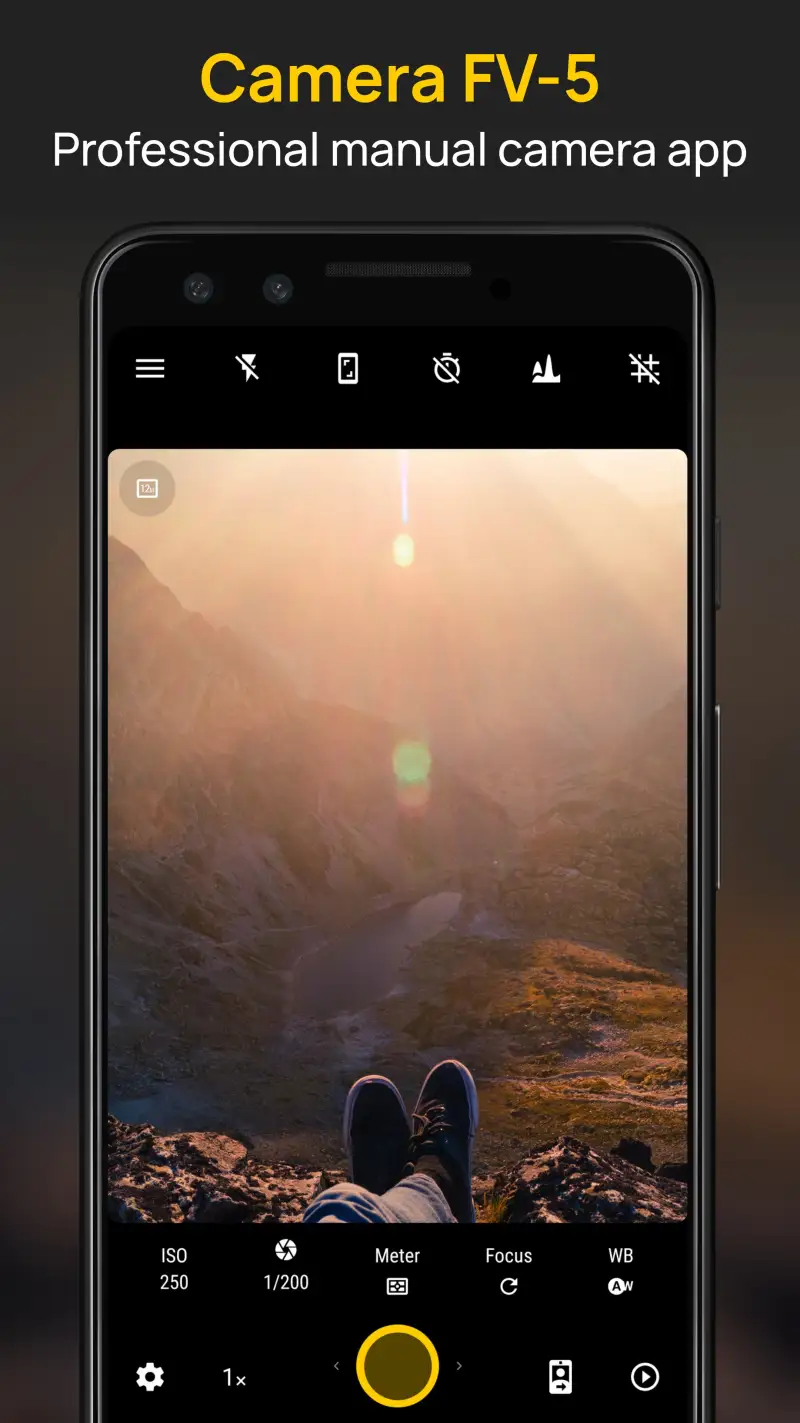
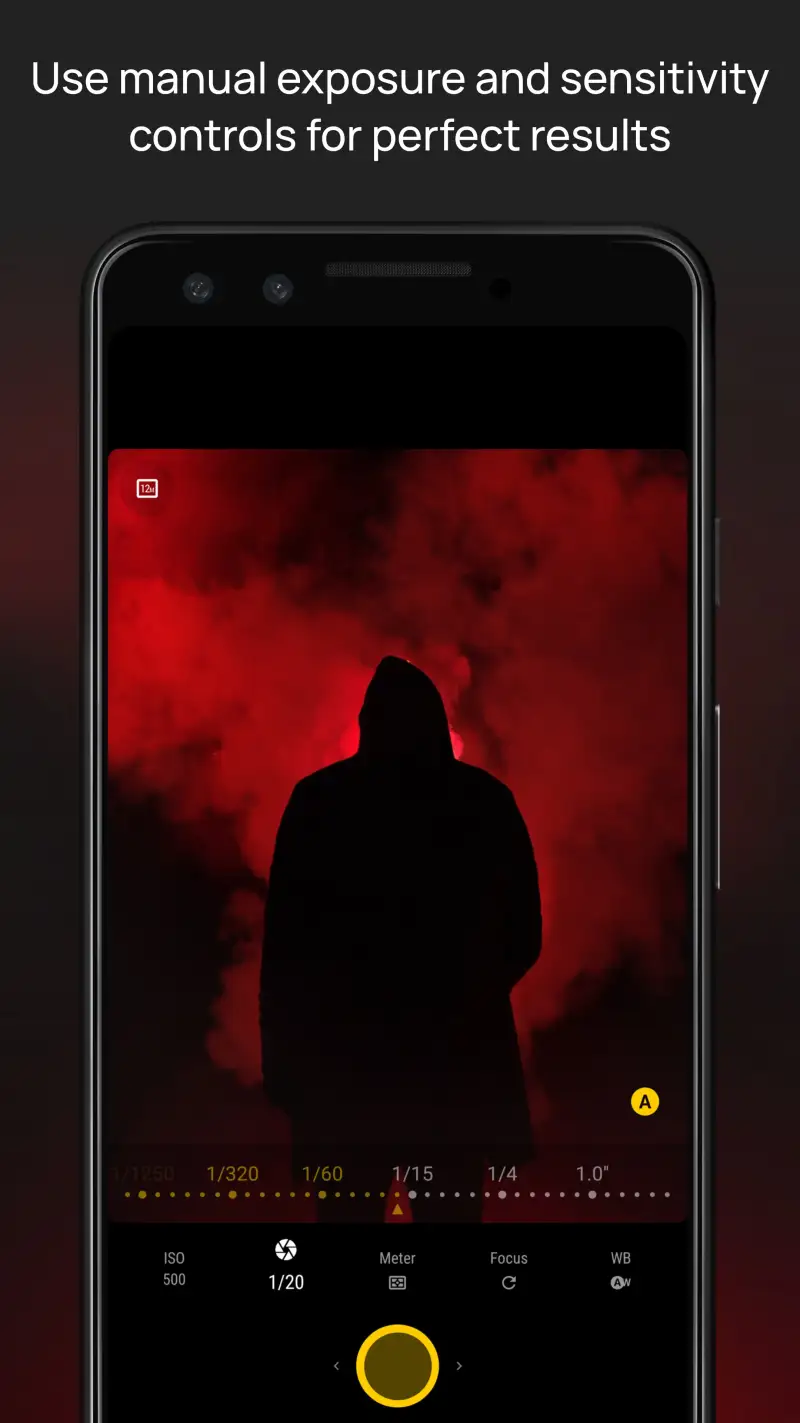
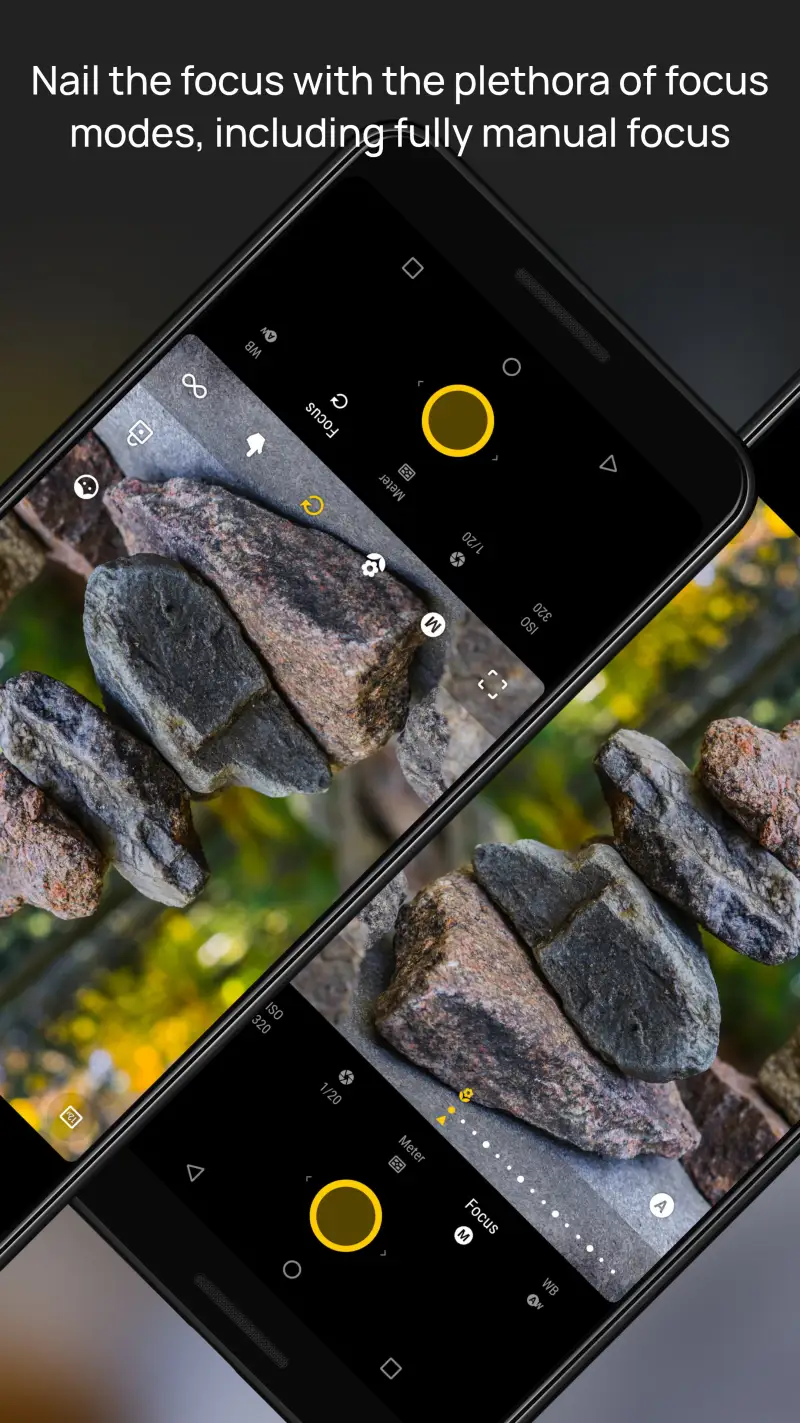
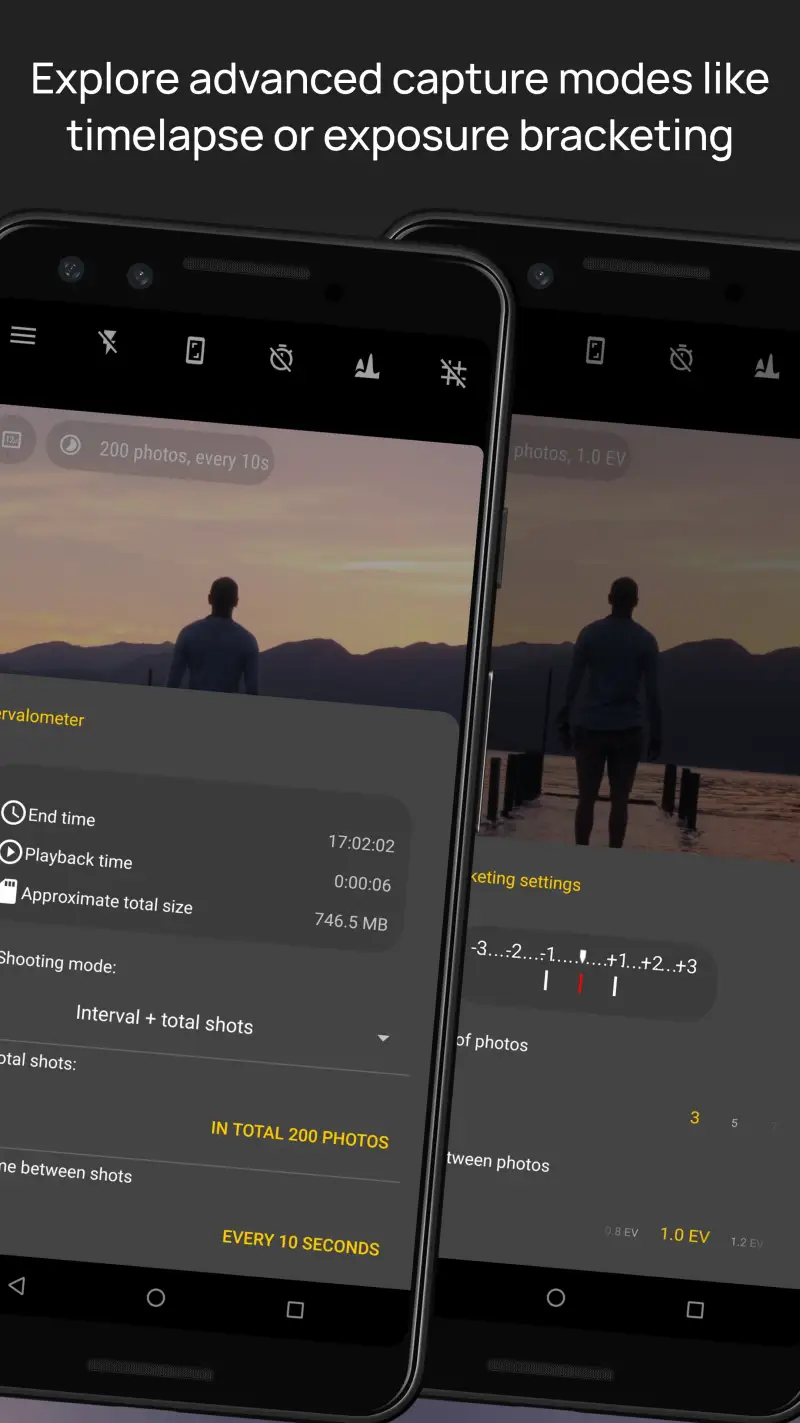
Camera FV-5 is the camera app for photographers who think in DSLR terms — shutter speed in fractions of a second, ISO in numeric values, focus distance in meters, and white balance in Kelvin — and want those exact values in a mobile interface. The parameter layout mirrors a DSLR control layout: shutter speed on the upper left, ISO on the upper right, focus distance on the left, white balance in the center. Photographers who have used any DSLR for 2+ years will recognize the layout immediately.
The BULB mode is the feature that no other Android camera app executes as cleanly. Set exposure time from 1 second to 10 minutes manually, trigger with a volume button or Bluetooth shutter, and Camera FV-5 holds the exposure for the specified duration. For light painting, star trails, and long-exposure water blur, this direct control is cleaner than the automated long-exposure modes in computational apps.
The focus bracketing mode captures a series of shots at different focus distances automatically, enabling focus stacking in post. For macro photography and product photography where depth of field is insufficient to cover the subject in a single shot, this feature produces files that desktop stacking software (Helicon Focus, Zerene Stacker) can combine into a fully-sharp composite. No other mobile camera app offers this capability.
The RAW output quality is the highest of any app tested for true sensor data fidelity. Camera FV-5 accesses Camera2 API RAW capture with configuration options that allow maximum-fidelity sensor data, rather than the processed RAW files that Google Camera and Samsung’s apps produce.
What Camera FV-5 does well
- DSLR-equivalent control layout: recognizable to any camera photographer
- BULB mode: manual exposure times from 1 second to 10 minutes
- Focus bracketing: automated focus-stack capture for macro and product photography
- Maximum-fidelity RAW output via Camera2 API
- Intervalometer: time-lapse capture at configurable intervals
- Full histogram and exposure metering display
Where Camera FV-5 falls short
- Free version limited to 3-megapixel output — Pro required for full resolution ($2.99)
- Steeper learning curve than ProShot for users not already familiar with DSLR controls
- No computational photography — Night Sight, HDR merge absent
- UI design is functional but dated compared to ProShot
- Video features less developed than ProShot’s log video implementation
Pricing: Free (3MP limited); Pro $2.99 one-time (full resolution, all features). Install Camera FV-5 if you need BULB mode, focus bracketing, or maximum-fidelity RAW output for your editing pipeline.
Bacon Camera - Best for Speed and Simplicity
Bacon Camera is the camera app for users who need fast access, clean automatic output, and zero configuration. The design principle is speed: the app opens in under 0.8 seconds, reaches the viewfinder without a loading screen, and captures with a shutter lag of under 0.1 seconds on most Android devices. For event photography, street moments, and any shooting situation where the moment arrives before the camera is ready, this launch-to-capture speed matters.
The automatic mode produces clean output on mid-range and budget Android devices where the stock camera app’s processing choices leave images over-sharpened or over-saturated. Bacon Camera applies modest post-processing that preserves fine detail and produces natural color — particularly on skin tones, where the stock Samsung camera on budget devices applies a smoothing filter that erases pore detail even at low sensitivity.
The minimal UI philosophy means fewer accidental mode changes mid-shoot. One tap to switch front/rear cameras. One swipe to access the 3 available settings. No menu hierarchy to navigate when a subject appears unexpectedly. For casual photographers who want reliable output without studying a manual, the interface constraint is a design advantage.
What Bacon Camera does well
- Sub-0.8s launch-to-viewfinder — fastest cold-start of any app tested
- Sub-0.1s shutter lag in automatic mode
- Clean automatic output on mid-range devices where stock processing is aggressive
- Minimal UI: no accidental mode changes during fast shooting
- Portrait mode available on supported hardware
Where Bacon Camera falls short
- No manual controls — automatic only, no ISO or shutter override
- No RAW capture
- No computational night mode — low-light quality limited by single-frame capture
- Smaller user community than Google Camera or ProShot
Pricing: Free (with ads); Premium $2.49/month (ad-free, additional features). Install Bacon Camera as a fast-launch secondary camera for candid and event photography where startup speed matters.
Open Camera - Best Free Manual Camera App
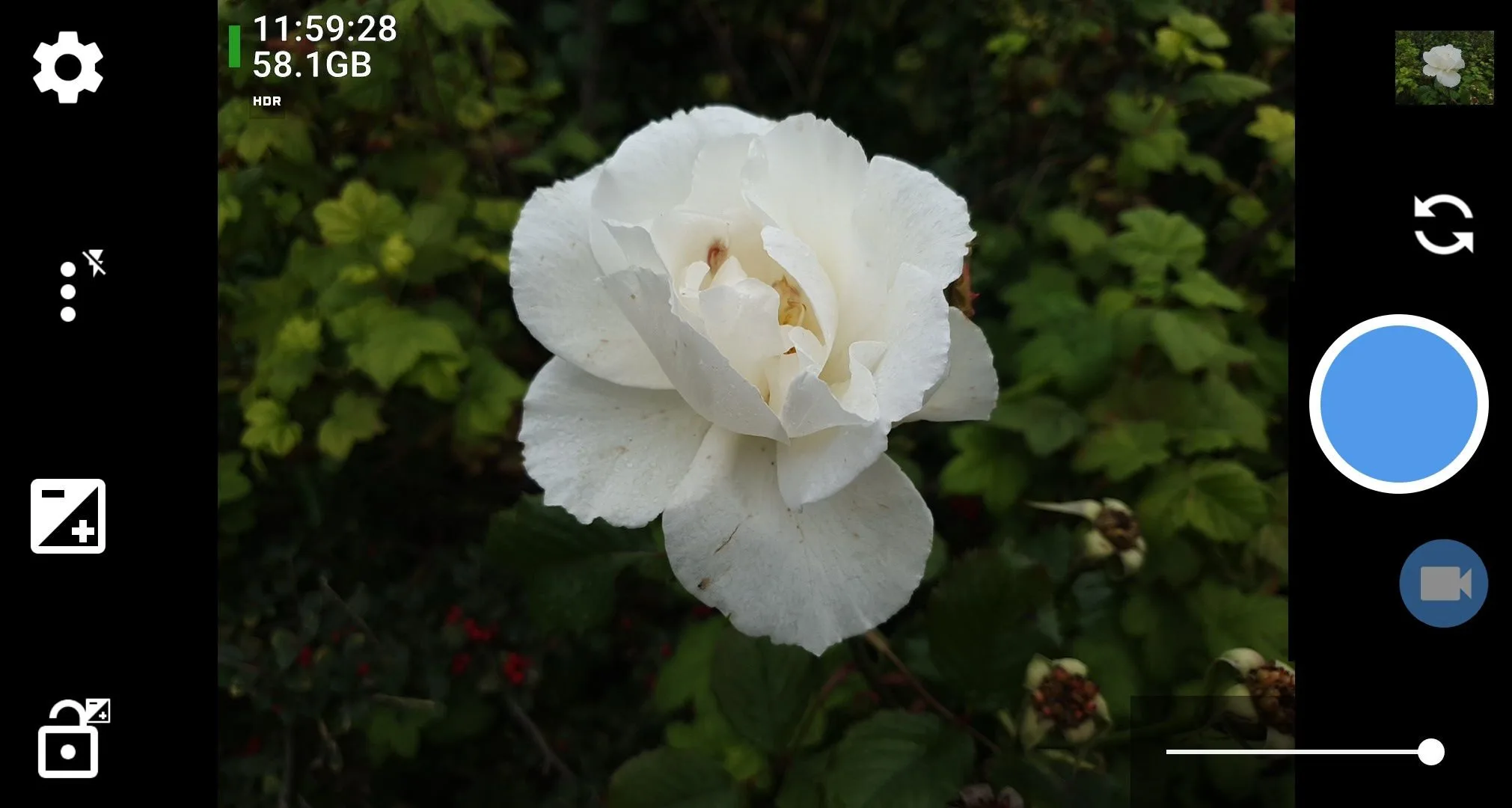
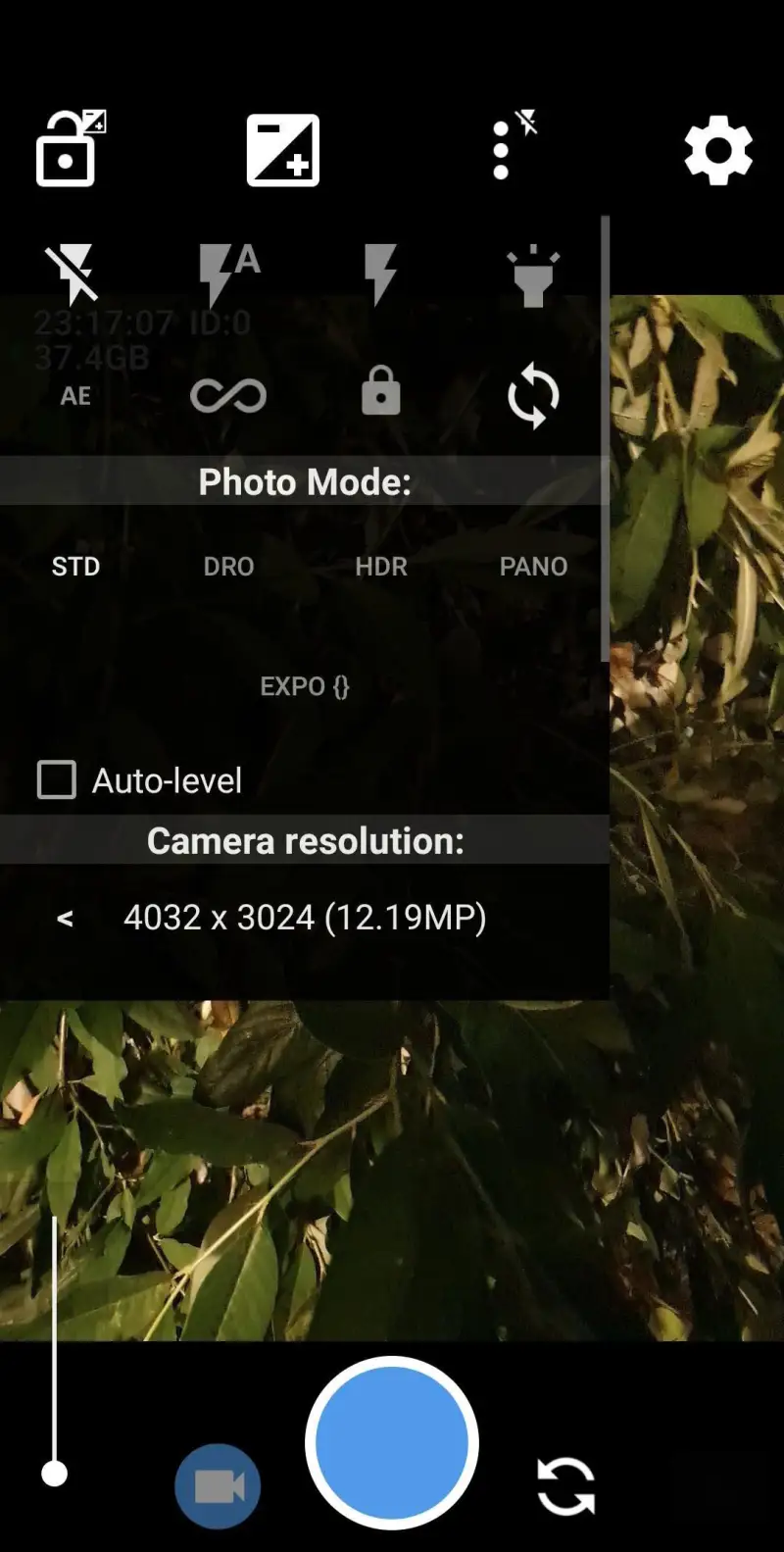
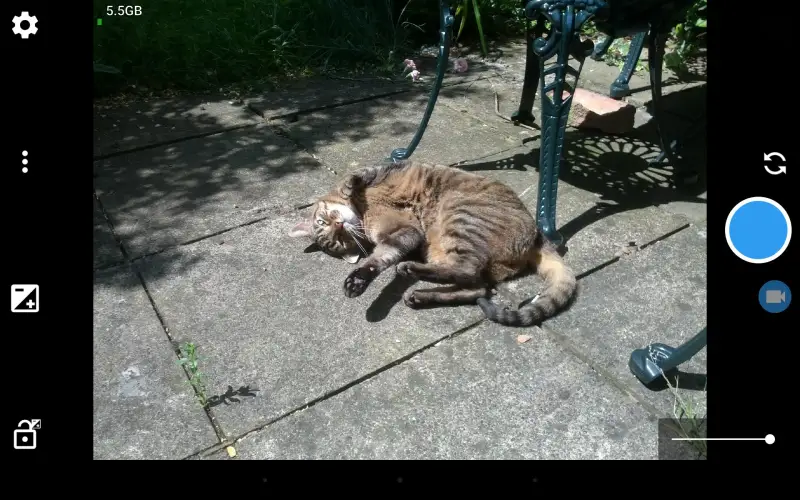
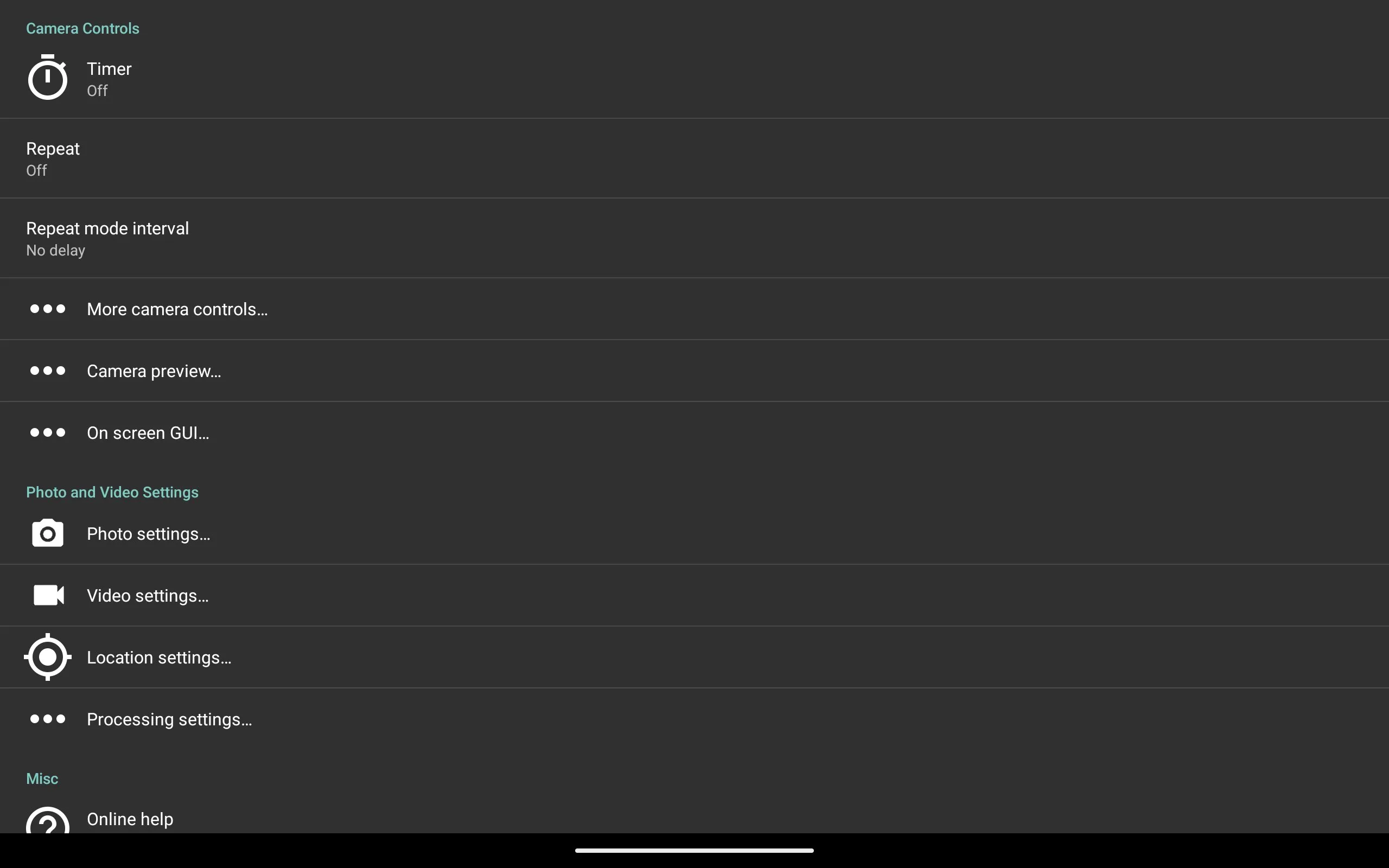
Open Camera is the open-source camera app that proves professional camera control does not require a subscription or a purchase. The full Camera2 API feature set — ISO, shutter, white balance, focus distance, RAW capture, focus peaking — is available at no cost, with no watermarks, no feature limits, and no data collection. For photographers who want manual control on a budget Android device without paying for ProShot or Camera FV-5, Open Camera is the answer.
The UI requires configuration before it reaches ProShot’s workflow efficiency. The default layout presents every control simultaneously, which is accurate but overwhelming. Spending 20 minutes in the preferences to configure your preferred control positions, show/hide irrelevant features, and set default capture parameters produces a significantly cleaner working interface. After configuration, the shooting workflow is competitive with ProShot for common manual photography.
The community-maintained focus charts, bracketing guides, and compatibility lists make Open Camera practical for the wide variety of Android devices it supports. Camera2 API compatibility varies significantly across manufacturers — the Open Camera community has documented which features work on which devices more thoroughly than any commercial app.
What Open Camera does well
- Completely free and open-source — no purchases, subscriptions, or data collection
- Full Camera2 API access: ISO, shutter, white balance, focus distance
- RAW capture with minimal processing — maximum editing latitude
- Works on any Camera2-compatible Android device
- Community documentation for device-specific quirks and compatibility
Where Open Camera falls short
- Default UI is cluttered — requires configuration to become efficient
- No computational photography features
- Less polished than ProShot — design quality reflects the volunteer development model
- Some Camera2 API features unavailable on certain manufacturer ROMs
Pricing: Free and open-source. Install Open Camera for free manual control on any Android device — configure the UI before your first serious session.
Which Camera App Do You Actually Need
Pixel owners, automatic shooting: Google Camera (stock Pixel Camera). The computational pipeline is not replicated by any third-party app on Pixel hardware.
Manual photography, serious control: ProShot ($8.99). The histogram and log video make it the complete manual camera tool for photographers and videographers.
DSLR-style control, BULB mode, RAW: Camera FV-5 Pro ($2.99). Specific feature set for technical photographers who think in DSLR parameters.
Fast candid shooting, minimal friction: Bacon Camera (free). Sub-0.8s launch beats every other app in this comparison for catch-it-before-it’s-gone moments.
Free manual control, any device: Open Camera (free). Requires configuration investment; delivers ProShot-level access at no cost.
The practical camera stack: Google Camera for computational and automatic shots, ProShot for manual and video. Both apps open in 10 minutes, cover every shooting scenario, and require no ongoing subscription. For most photographers, that is the complete mobile camera setup.
Tested April 2026. Apps verified against live Google Play listings. Pricing and features subject to change.