The average knowledge worker has 8 productivity apps installed on their phone. Most use 2 or 3 of them regularly. That gap — between what is installed and what is actually used — is the real productivity problem in 2026, and no app solves it by adding to the pile. After testing 10 of the most popular productivity apps for Android across real work scenarios — solo knowledge management, team task tracking, freelance time billing, and daily habit building — the finding is consistent: the right stack for most people is 3 to 4 apps, chosen deliberately, used daily.
This guide maps the best app for each specific job. A task manager, a note-taking tool, a password manager, and a focus timer cover 90% of what most Android users actually need from a productivity stack. The remaining six apps in this comparison cover specific use cases: time tracking for freelancers, document scanning for paperwork, gamified habits for people who have abandoned simpler trackers, and all-in-one tools for users who want fewer apps, not more.


What Makes a Great Productivity App
Friction at the point of capture determines whether you use an app for a week or for years. A task manager that takes 4 taps to add a task will be abandoned by week two. A note app that opens slowly loses the thought you were trying to save. The apps that build long-term habits are the ones that reduce the distance between intention and action to near zero.
Offline reliability separates tools built for work from tools built for demos. Planes, trains, rural areas, low-signal offices — connectivity is not guaranteed, and a productivity app that stops working without internet is not a productivity app, it is a web app with a mobile icon.
Platform lock-in is the risk most users ignore until it is too late. When your entire note archive is in Evernote’s proprietary format and Evernote raises prices, migration is painful. Apps that use open formats (Markdown in Obsidian, plain text in many others) give you full ownership of your data. Apps that lock you into a cloud database (Notion, OneNote) trade convenience for portability.
The one-tool trap is the productivity industry’s most profitable myth. Notion can replace your task manager, calendar, habit tracker, and note-taking app — but doing all of them averagely is not better than doing each of them well with the right tool. Use the best task manager for tasks, the best note app for notes. The overhead of switching between two well-designed apps is lower than the overhead of making one flexible app work for everything.
How We Tested
Testing ran across 14 weeks between January and April 2026. Each app was used as the primary tool for its category across real work: Todoist managed a 3-month freelance project with 120+ tasks across 6 clients; Obsidian served as the sole note-taking system for a writing project generating 80+ linked notes; Bitwarden was stress-tested across 200+ saved logins on 4 Android devices; Forest was used for daily 90-minute focus blocks across 60 sessions. Habitica, Toggl Track, TickTick, and Adobe Scan were tested on secondary devices running parallel workflows. Tested on Pixel 8 Pro and Samsung Galaxy S24+, both running Android 15.
Notion - Best for Flexible Workspaces and Knowledge Management
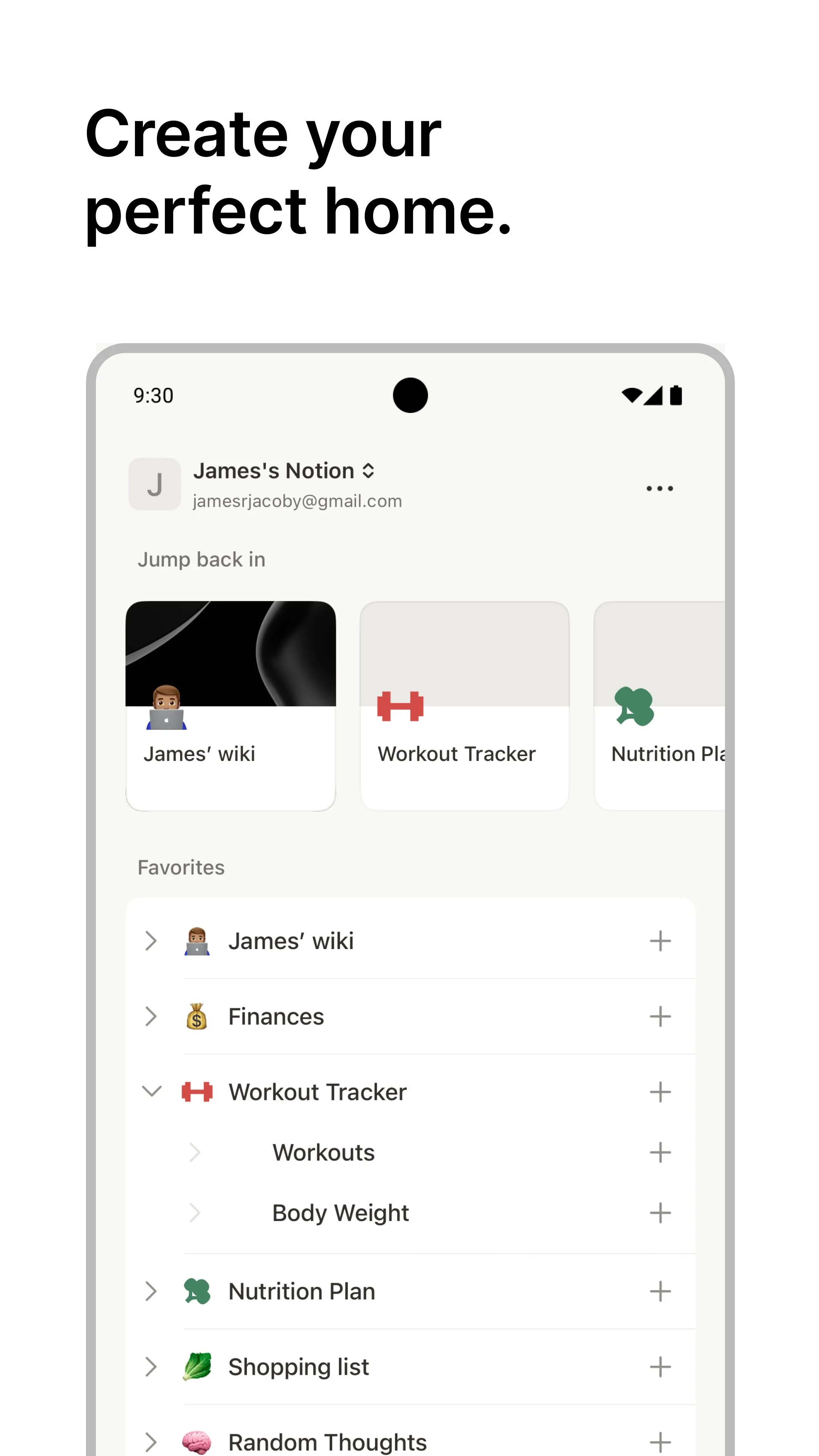
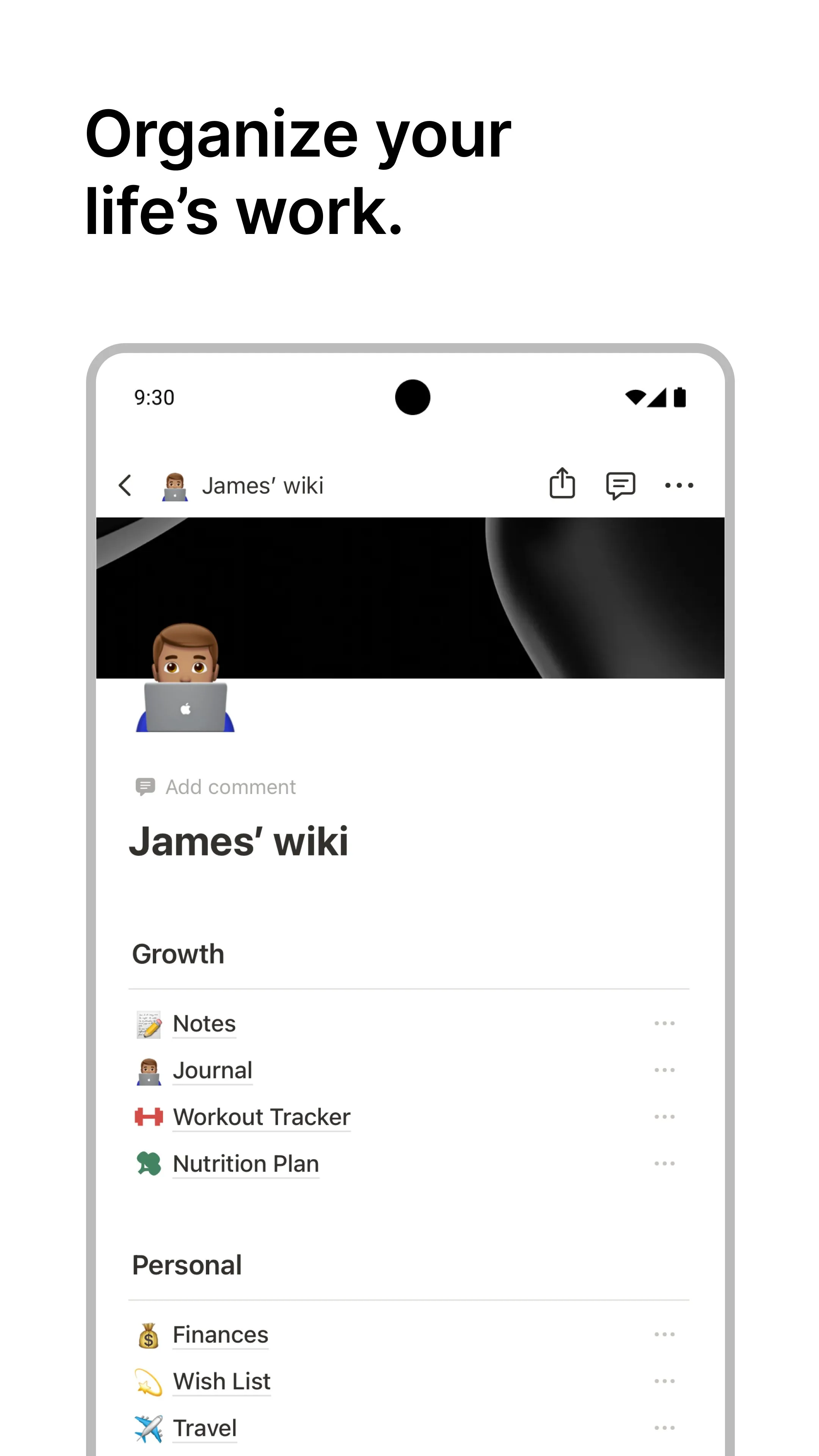
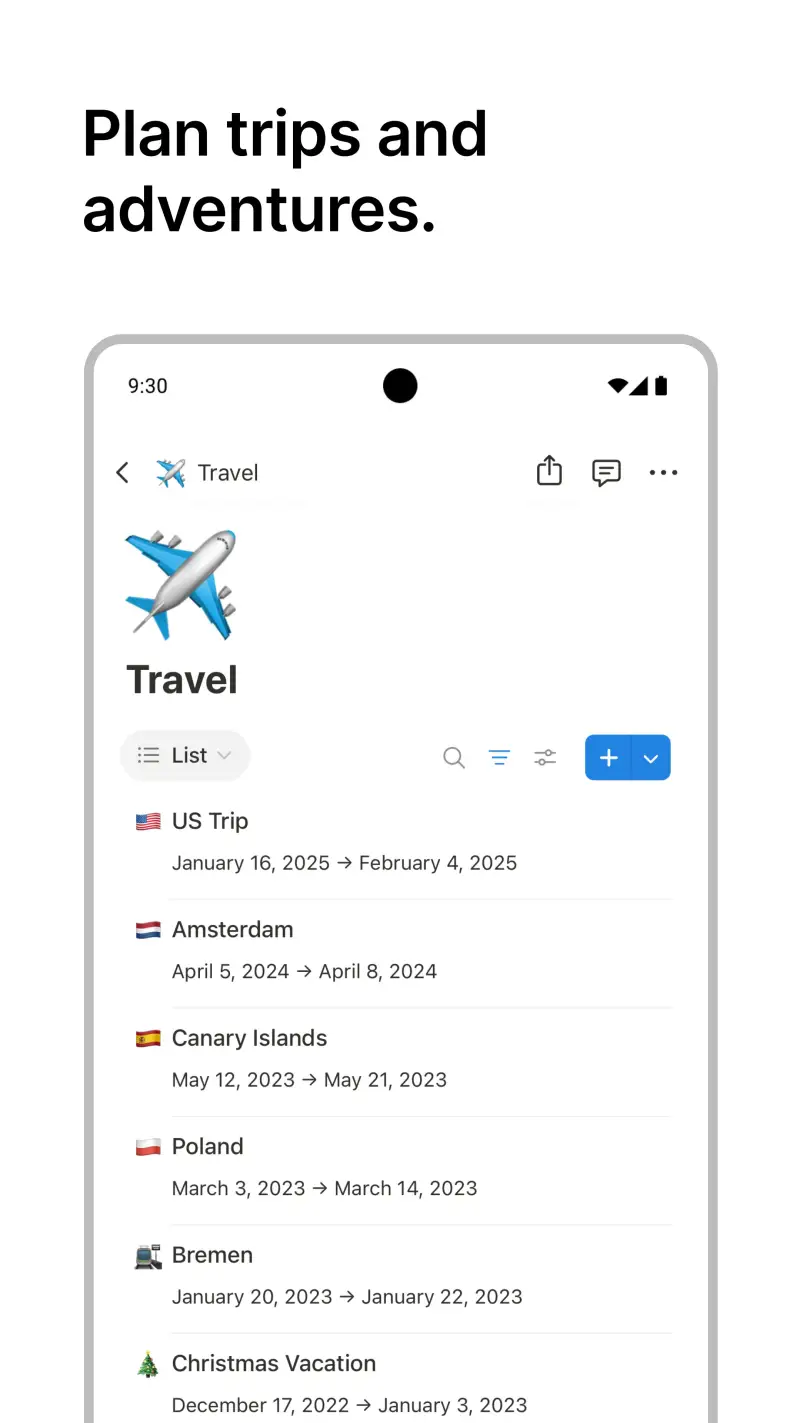
Notion is the most flexible workspace tool on Android, and flexibility is both its strongest feature and its most honest limitation. A blank Notion page can become a personal wiki, a project tracker, a reading list, a content calendar, or a meeting notes database — and then link all of these together. For users who want one tool to contain everything, no app comes closer to delivering on that promise.
The block-based editor is what makes this possible. Every element — a paragraph, a heading, a checklist, an embedded table, a kanban board — is a block that can be dragged, nested, or converted into another type. A bullet list becomes a database. A database view switches between table, gallery, timeline, and board with one click. For structuring knowledge, this flexibility produces results that neither a simple note app nor a traditional task manager can replicate.
The Android performance gap is real and should be stated before anything else. Notion’s mobile app carries a 4.1-star rating precisely because large databases load slowly on older devices, sync occasionally stalls, and complex database views sometimes render incompletely on Android. For a simple personal wiki or daily journal, the app works smoothly. For a team database with hundreds of linked entries, expect occasional friction that the desktop client does not produce.
Notion AI, included in paid plans, adds summarization, translation, and inline text generation. In practice, the most useful feature for productivity is the “summarize this page” function on meeting notes and long documents — reducing 2,000 words to 5 bullet points in under 10 seconds. The AI writing assistance is competent but not differentiated from alternatives.
What Notion does well
- Infinite flexibility: notes, databases, wikis, kanban boards, and calendars in one tool
- 10,000+ community templates for any workflow — import and customize in minutes
- Real-time collaboration: share any page, multiplayer editing, comments per block
- Notion AI: summarize, translate, and generate content inline on paid plans
- 50M+ installs at 4.1 stars reflects breadth of use cases covered
- Free tier is genuinely unlimited for personal use with no page or storage cap
Where Notion falls short
- Android performance lags desktop on complex databases — slower load times, occasional rendering issues
- Steep learning curve — the flexibility that attracts power users intimidates new ones
- Offline mode caches content but database views are read-only on mobile without connection
- Platform lock-in: exporting years of Notion data to another tool requires significant effort
- Not a fast-capture tool — adding a quick note takes more steps than dedicated apps
Pricing: Free (unlimited personal); Plus $10/month (unlimited file uploads, 30-day history); Business $15/user/month. Start with Notion’s free tier and build one simple system before deciding whether the complexity is worth it.
Todoist - Best Task Manager for Most People
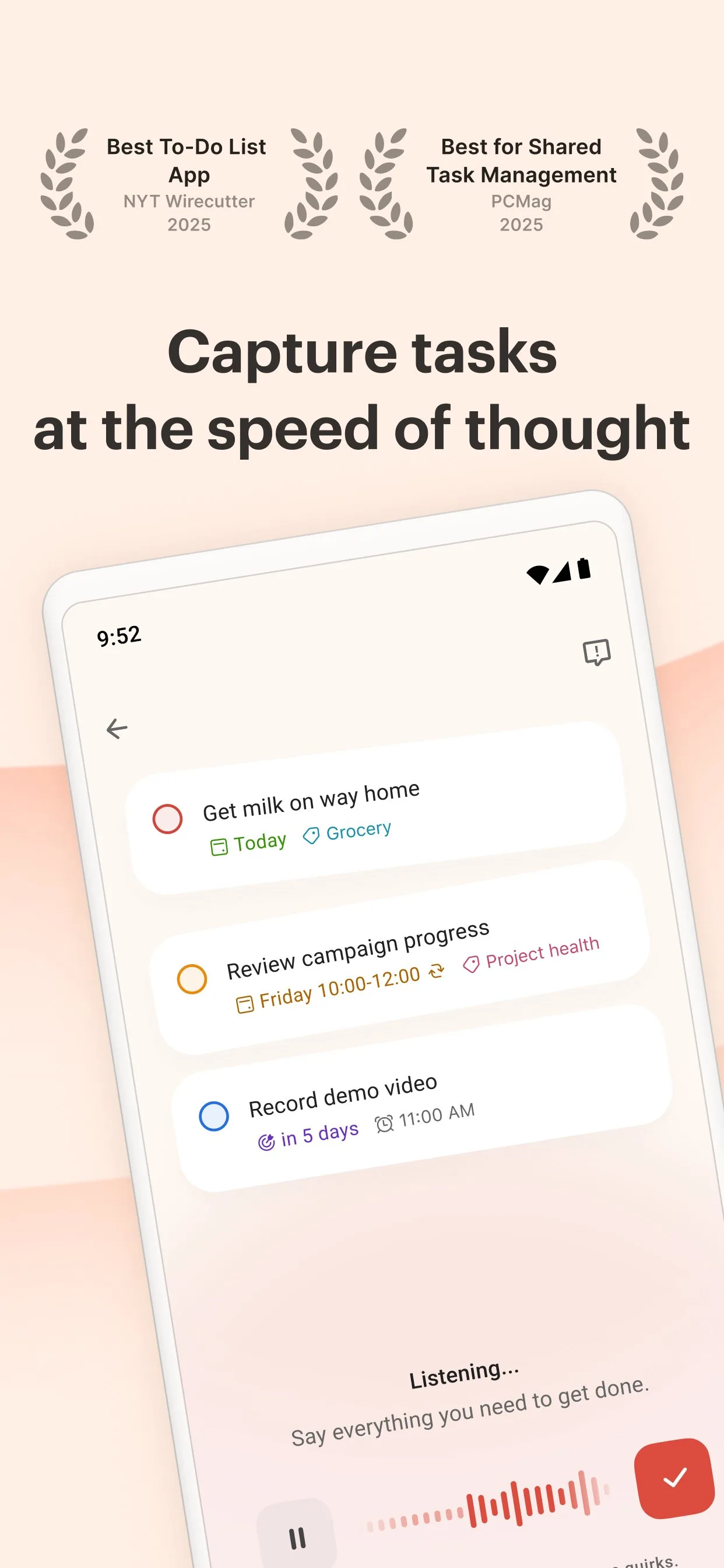
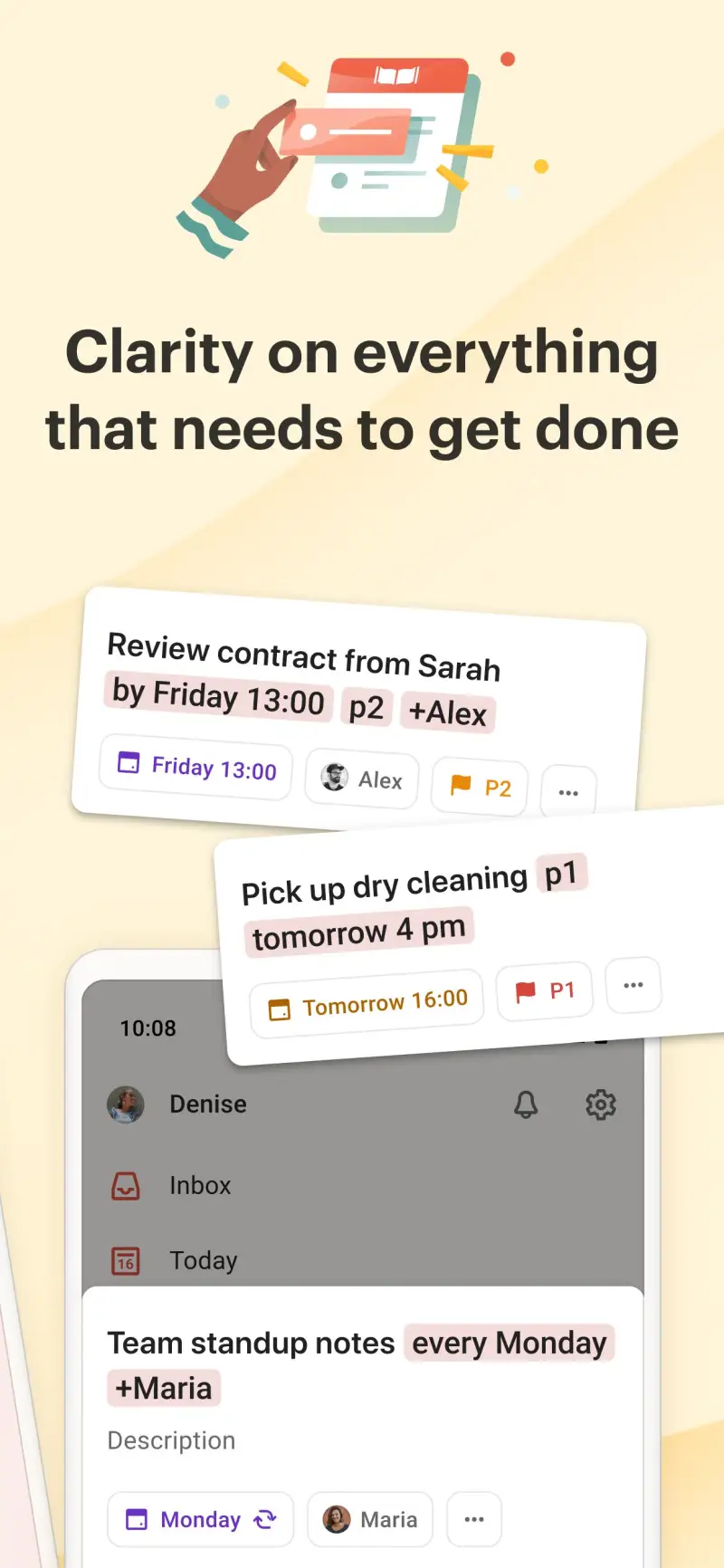
Todoist is the benchmark Android task manager, and the 4.7-star rating from 50 million installs reflects sustained quality across every Android version tested. The core proposition is simple: natural language input, clean design, and cross-platform reliability. Type “submit invoice every last Friday of the month” and Todoist creates a recurring task with the correct schedule without a date picker.
The natural language parsing extends beyond dates. “High priority report for Client A under Projects” adds a task with the correct priority flag, project assignment, and label in one line of text. For users who type faster than they tap through menus, this input method reduces task capture to two seconds rather than fifteen. The Android widget puts quick-add one tap from any home screen.
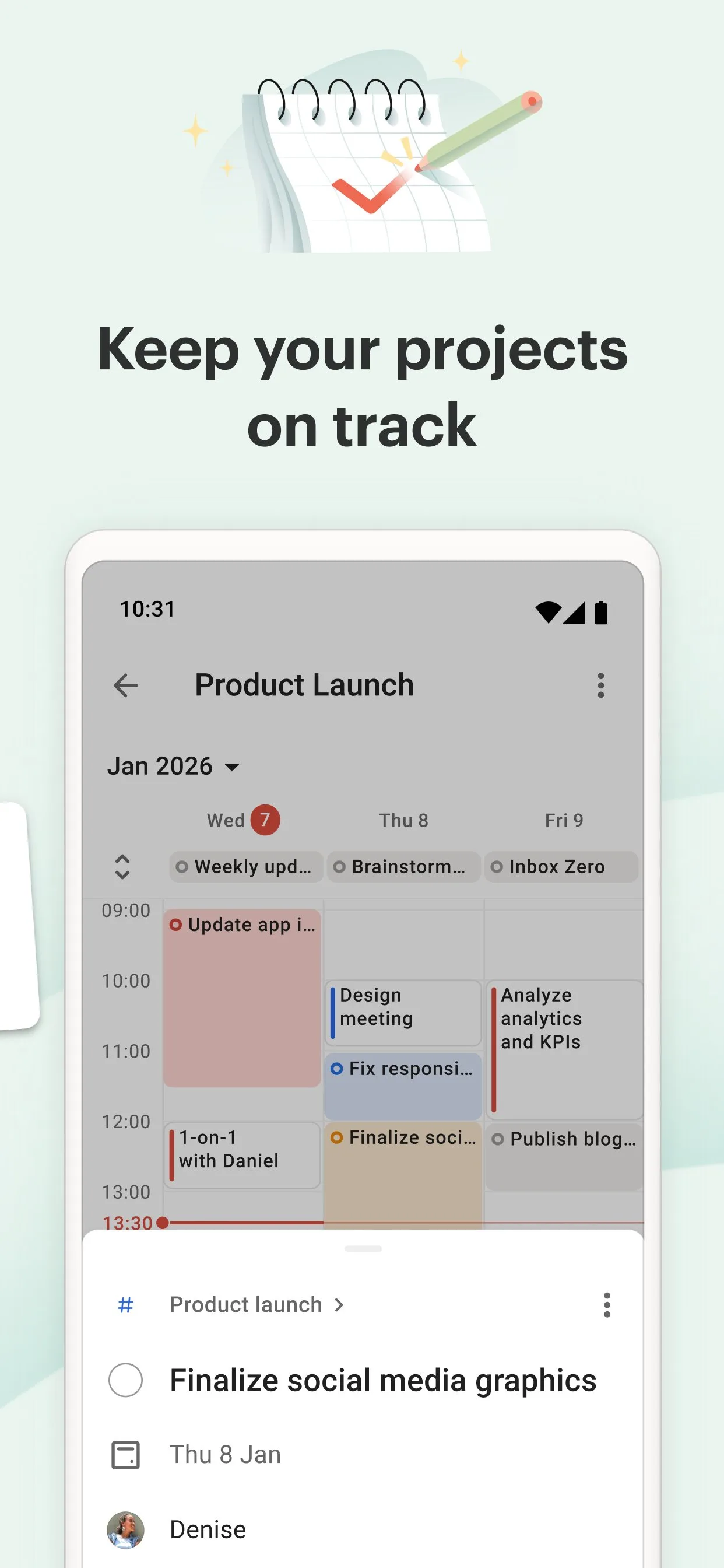
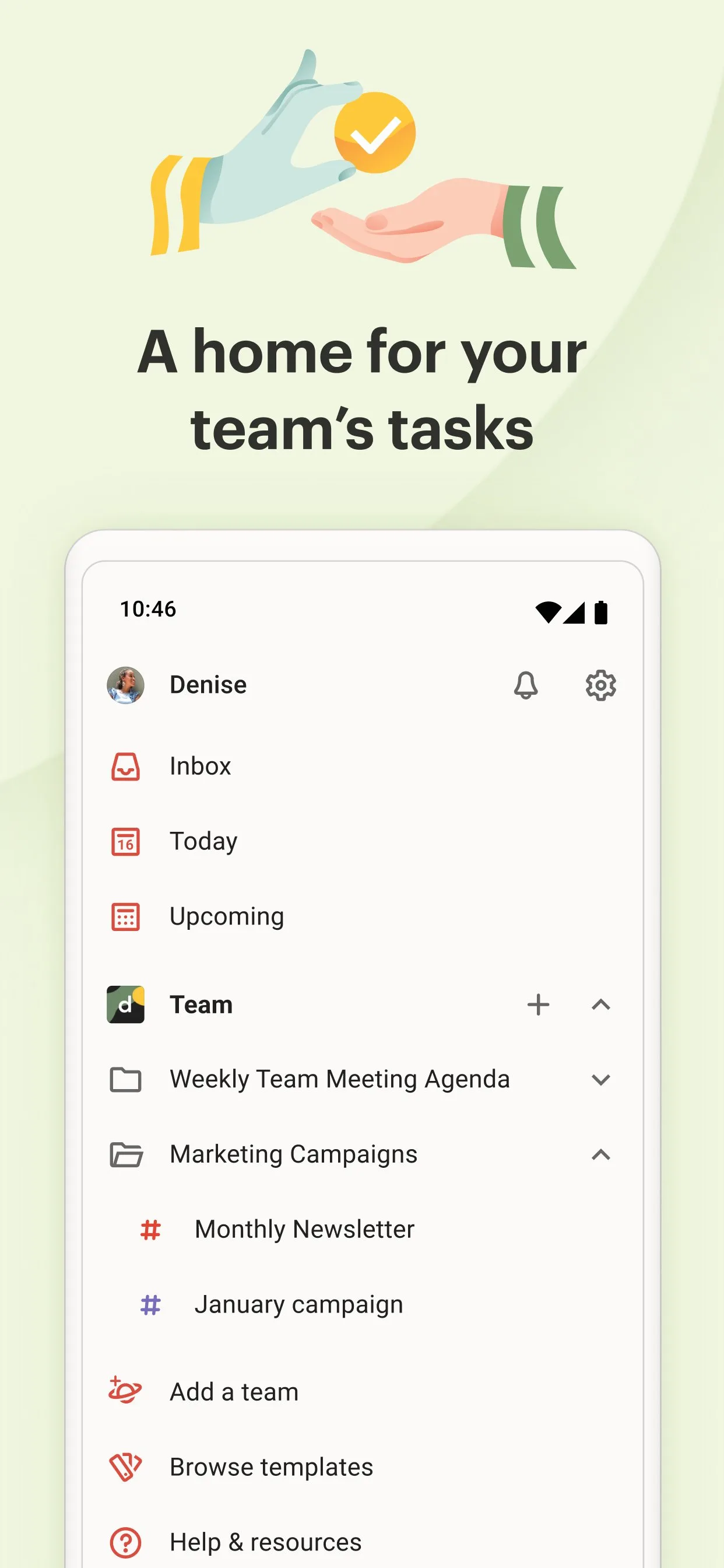
Three months of managing a freelance project with 120+ tasks across 6 clients confirmed the practical reliability. Subtasks nest cleanly, filters let you surface only today’s client-specific tasks, and the karma system provides enough gamification to reward consistency without overwhelming the interface. Sync across 4 Android devices was instantaneous throughout testing — no conflicts, no lost tasks.
The free tier limitation is the honest constraint. 5 active projects cover a student or light user; they do not cover a professional managing clients, personal errands, home projects, and long-term goals simultaneously. At $4/month, Pro is reasonable for daily users. The question is whether the features above the free tier — primarily unlimited projects and reminders — justify the cost versus TickTick’s slightly richer feature set at a similar price.
What Todoist does well
- Natural language date and project parsing — fastest task entry of any Android task manager tested
- 4.7 stars at 50M+ installs — most consistently well-rated task manager on Android
- Karma system: daily and weekly task completion streaks with visual productivity graphs
- Android home screen widget for one-tap task addition
- 120+ integrations: Google Calendar, Gmail, Slack, Zapier, and more
- Genuine offline support — tasks created and completed without internet, synced on reconnect
Where Todoist falls short
- Free tier capped at 5 active projects — constraining for multi-area users
- No built-in calendar view or time blocking (Todoist shows task lists, not time slots)
- No Pomodoro timer — requires a separate focus app
- Subtask nesting limited to 3 levels
- Pro at $4/month is slightly less feature-rich than TickTick Premium at $27.99/year
Pricing: Free (5 projects, 5 collaborators); Pro $4/month or $36/year; Business $6/user/month. Install Todoist as your task manager baseline — it handles the job better than any free alternative.
Obsidian - Best for Personal Knowledge Bases
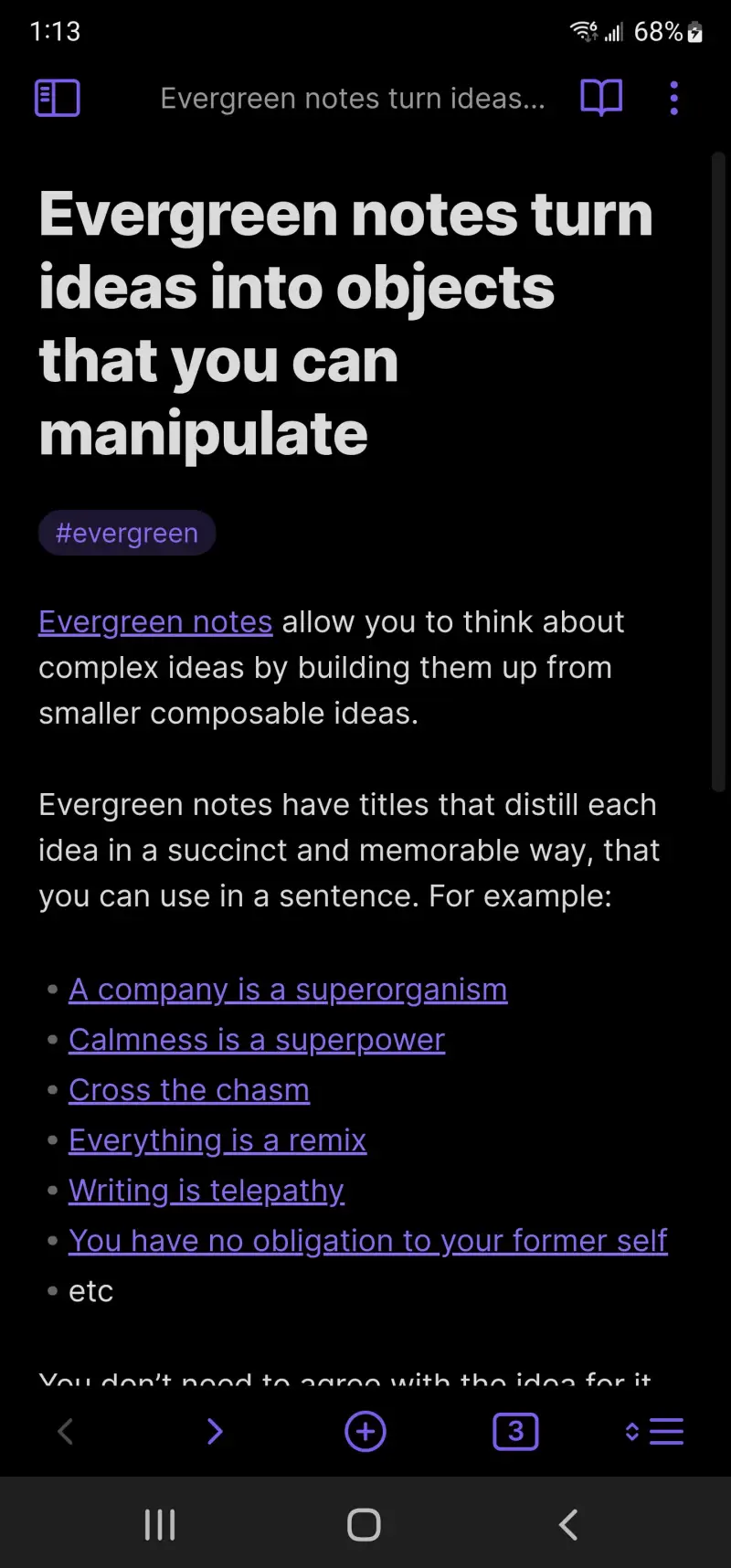
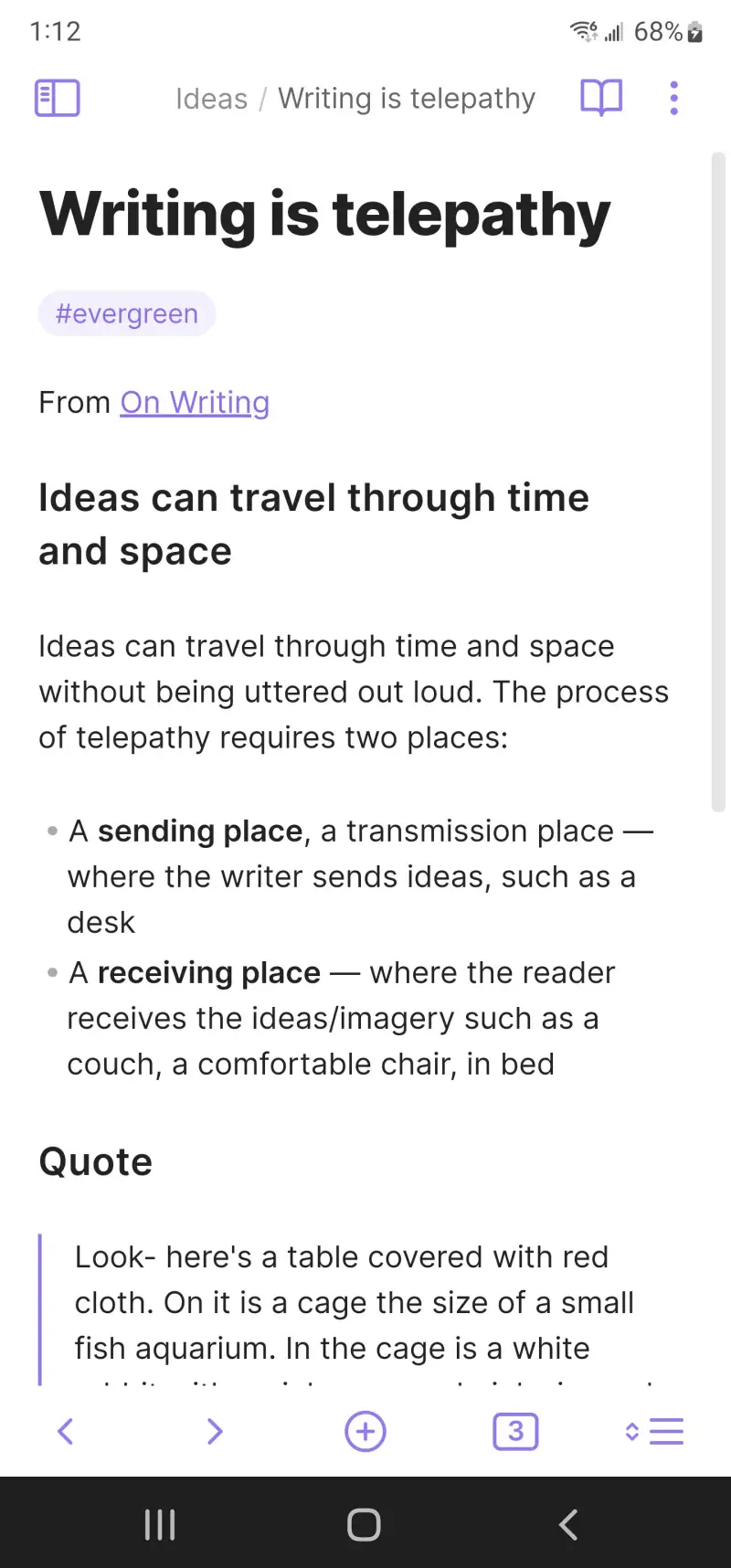
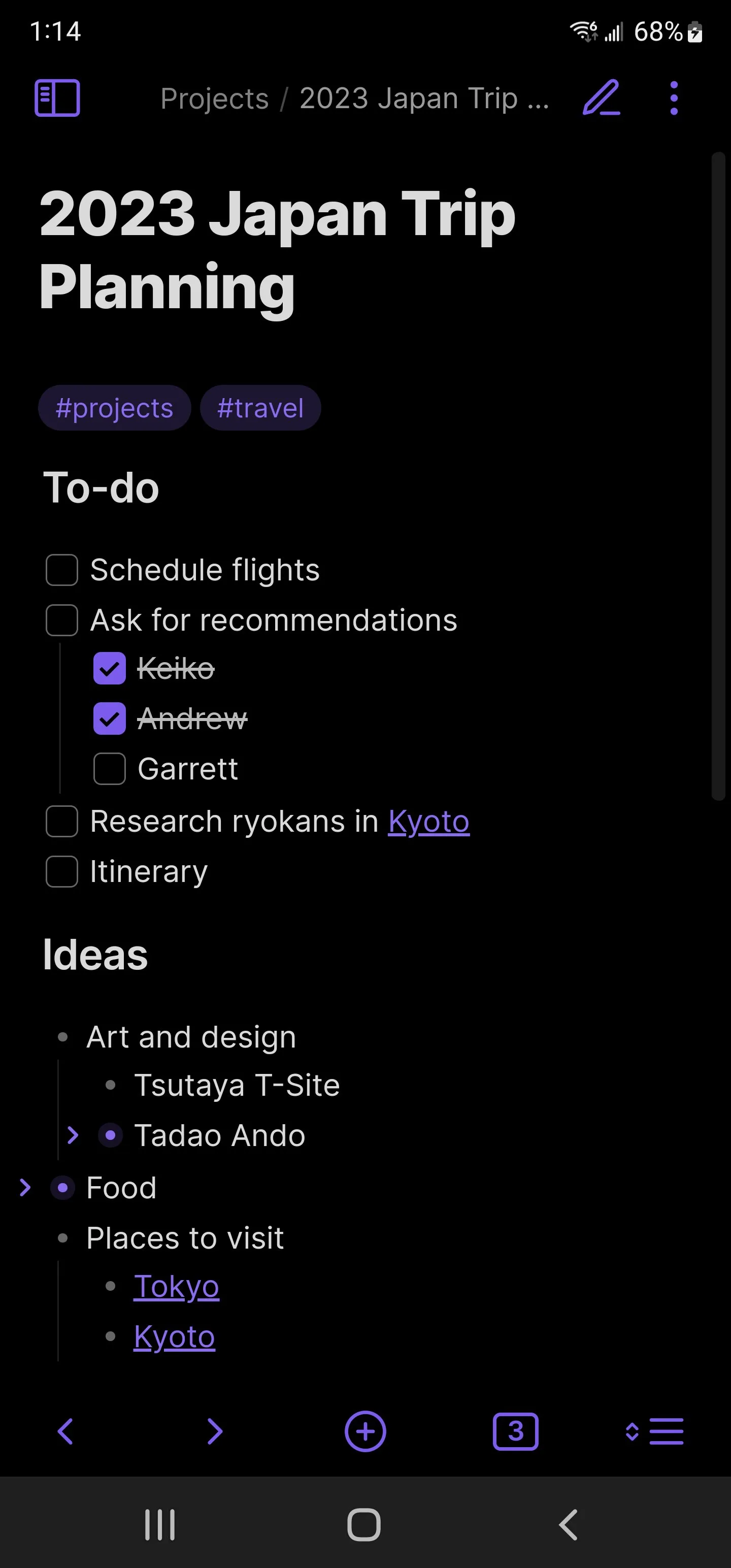
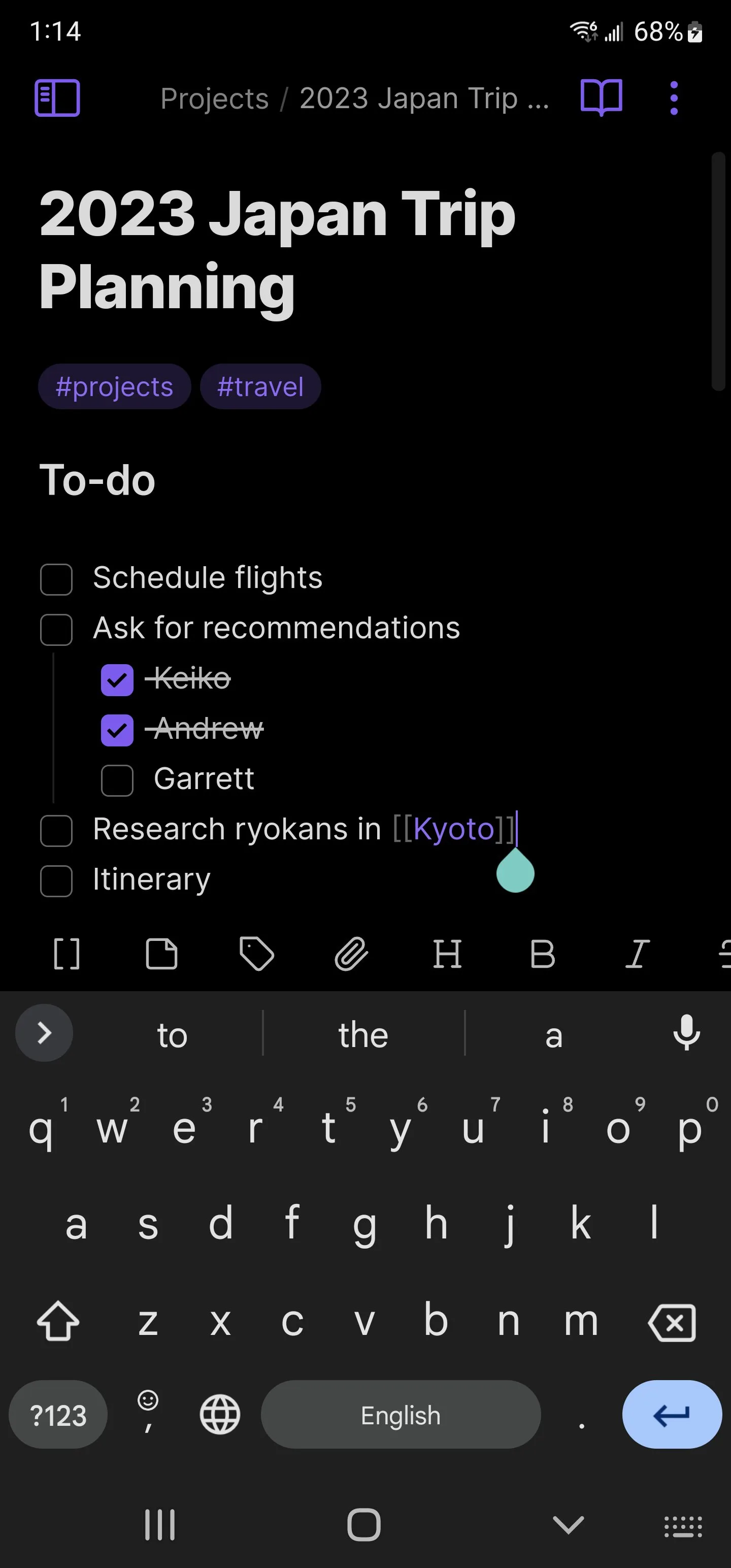
Obsidian is built on a premise that most note-taking apps reject: your notes are yours, stored as plain Markdown files on your device, readable without the app, portable to any system. While Notion requires an internet connection to access notes not yet cached, and Evernote’s format makes migration painful, Obsidian’s vault is a folder of .md files that you own completely.
The bidirectional linking is what elevates this from a simple Markdown editor to a knowledge system. Write [[Meeting notes]] in any note and a link appears; navigate to that note and the backlink panel shows every other note that references it. After 80+ linked notes in a writing project, the graph view — a visual network of every note and its connections — reveals relationships between ideas that linear notes cannot surface. A character in chapter 3 connects to a historical research note from month one; the link makes that visible.
The plugin ecosystem (1,600+ community plugins) extends Obsidian into territory its developers never anticipated. The Daily Notes plugin creates a linked journal entry for each day. The Kanban plugin builds a task board inside your vault. The Dataview plugin queries your notes like a database — “show all notes tagged #research created in April.” The flexibility approaches Notion’s, with the critical difference that every file is local and portable.
The Android sync limitation requires honest framing. Obsidian Sync ($4/month) handles device sync seamlessly. Using Google Drive or Dropbox as the sync target is free but requires manual setup and occasionally produces merge conflicts when the same note is edited on two devices simultaneously. For users who want zero-friction sync without paying, this is a genuine friction point.
What Obsidian does well
- Local-first: notes stored as plain Markdown files — full ownership, no vendor lock-in
- Bidirectional links build a personal knowledge graph across all notes
- Graph view visualizes connections between ideas across the entire vault
- 1,600+ community plugins — customizable to any workflow
- Free for personal use with unlimited notes, no account required
- Works fully offline — the vault is local; no internet needed for core use
Where Obsidian falls short
- Sync between devices requires Obsidian Sync ($4/month) or complex manual setup
- Steeper learning curve than Notion or simple note apps — Markdown fluency helps
- Android app is functional but secondary to desktop — complex plugin setups work better on PC
- Not designed for collaboration — sharing and multiplayer editing are not core features
- No built-in task management — requires plugins or a separate app
Pricing: Free (local vault, all core features); Sync $4/month; Publish $8/month. Download Obsidian and create one daily notes system before evaluating whether the plugin ecosystem justifies deeper investment.
Bitwarden - Best Password Manager
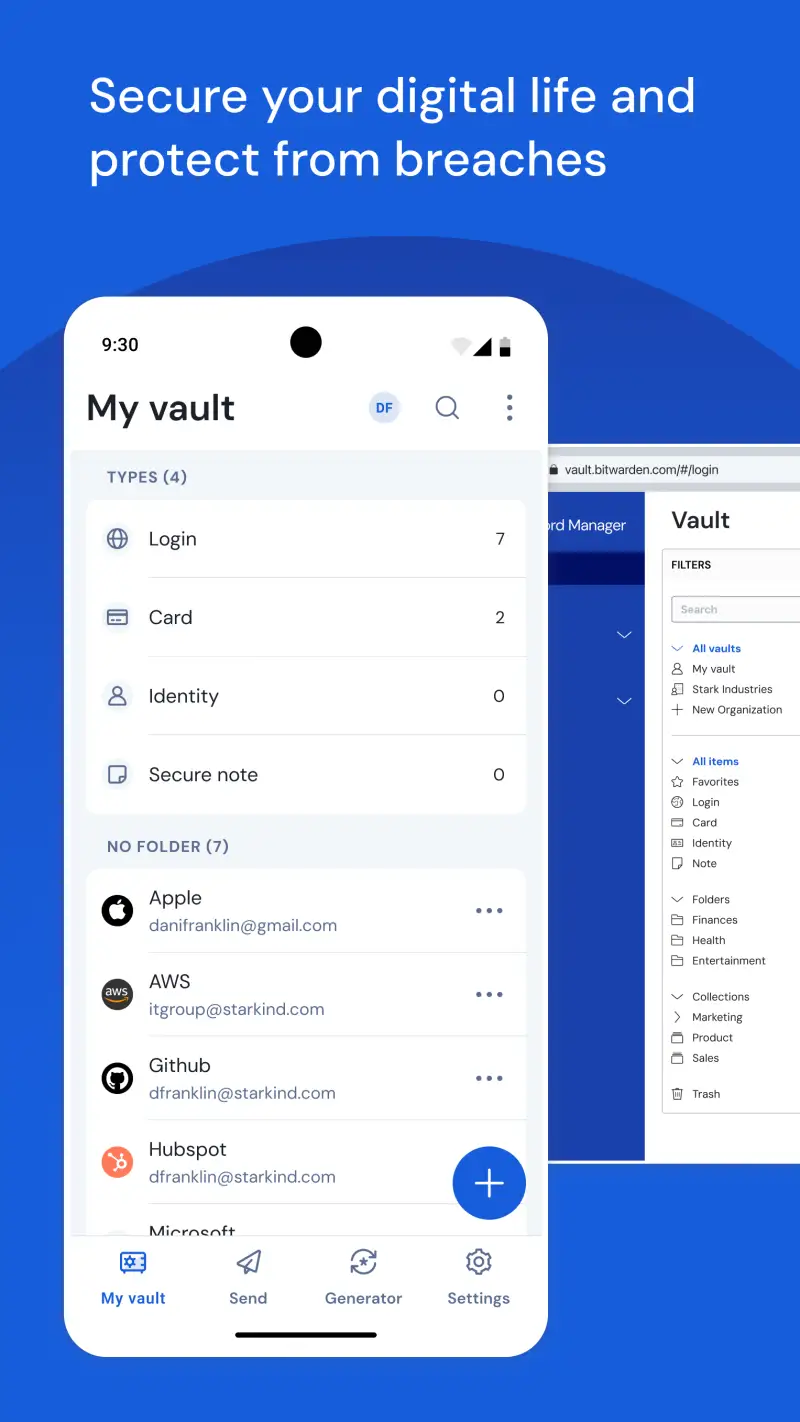
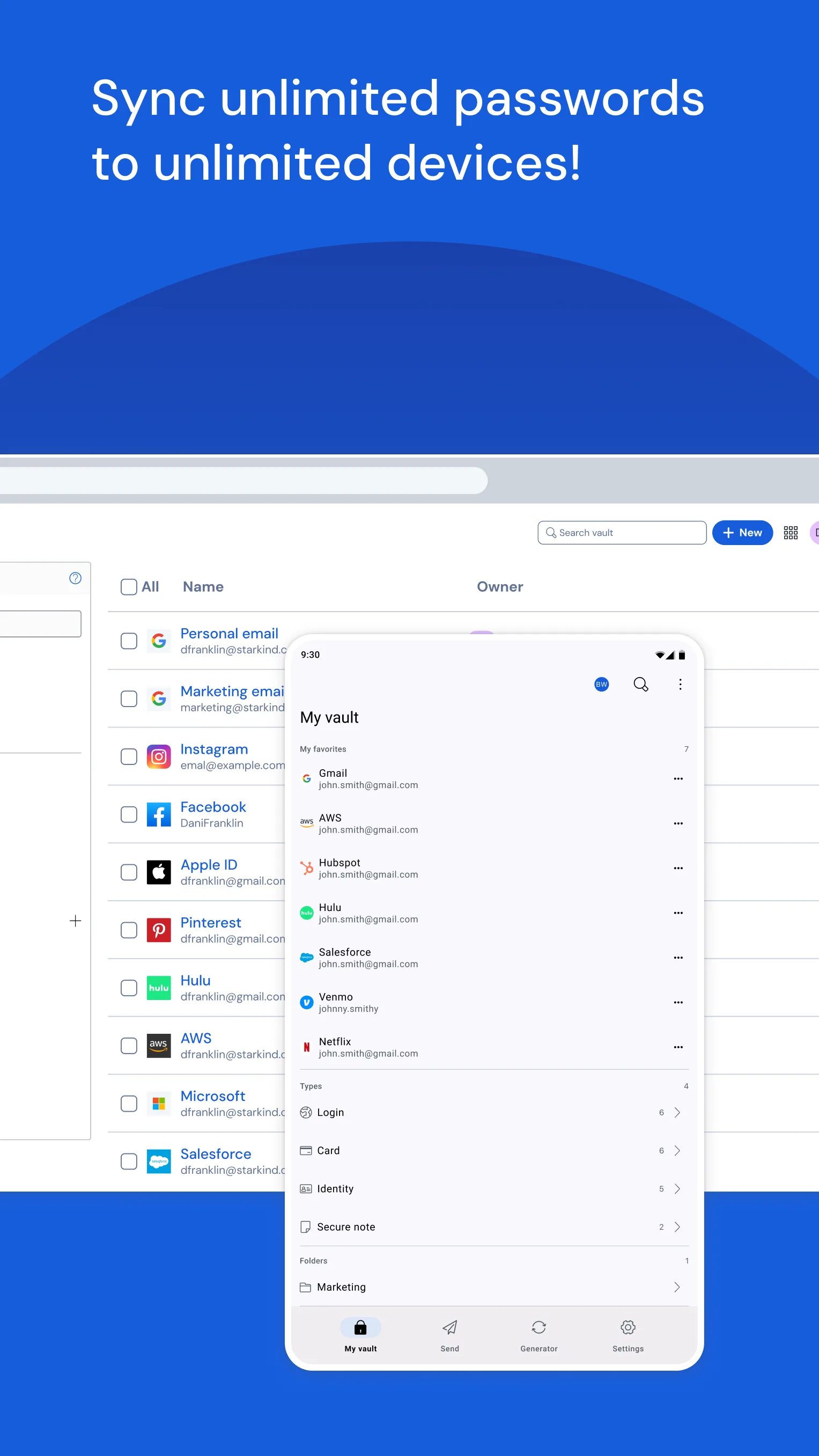
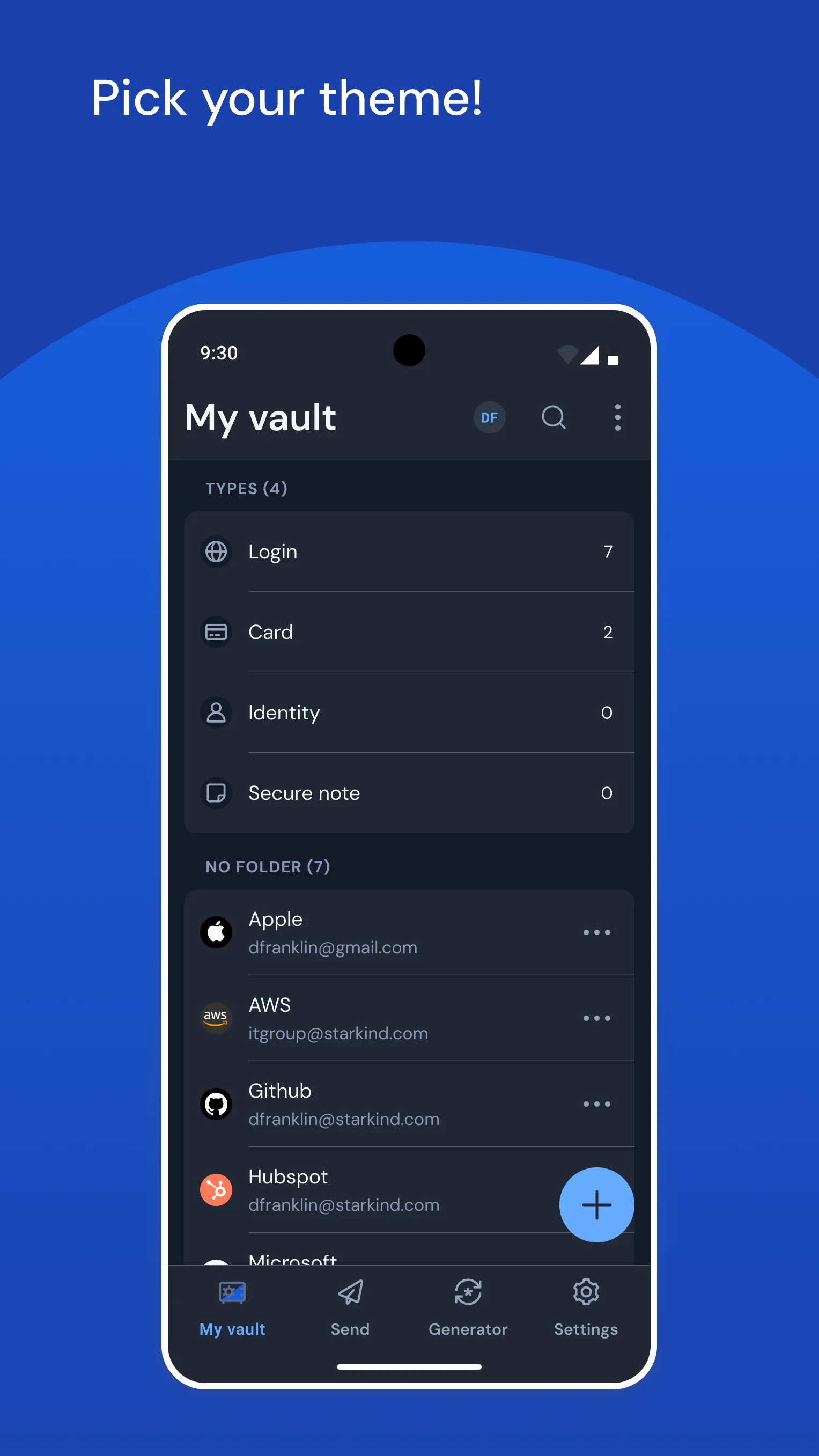
Every Android user should have a password manager. The alternative — reusing passwords, using weak passwords, or storing credentials in notes — is a security failure with well-documented consequences. Bitwarden is the best free password manager by a margin that makes every alternative harder to justify: unlimited passwords, unlimited devices, open-source code, and end-to-end encryption on the free tier.
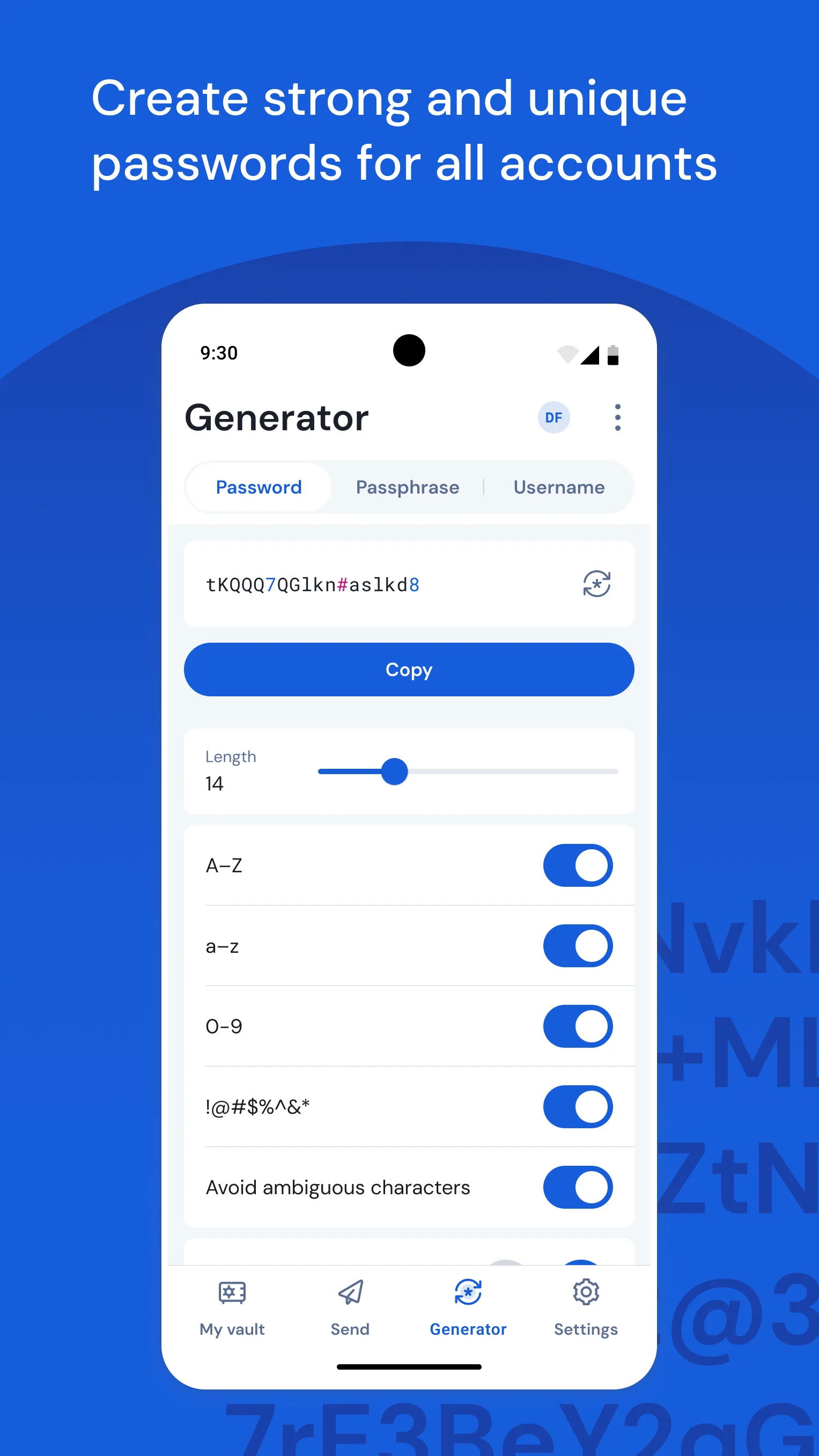
The autofill on Android works across all major browsers and most apps. Chrome, Firefox, Samsung Internet, and most banking apps trigger the Bitwarden autofill prompt when a login field is detected. Biometric unlock (fingerprint or face) on supported devices means the vault opens in under a second. Password generation produces 20-character random strings; the app tracks reused and weak passwords across the vault with an account health report.
The open-source distinction matters more than most users realize. Bitwarden’s entire codebase is publicly available and has been independently audited by Cure53. When a password manager claims end-to-end encryption, “trust us” is the typical answer. Bitwarden’s answer is “verify the code.” For an app that stores every login credential you own, this transparency is the most important feature on the list.
The $10/year Premium tier adds TOTP (two-factor code generation inside Bitwarden), emergency access for trusted contacts, and encrypted file attachments. For most users, the free tier is sufficient. For users who want 2FA codes in the same app as passwords, $10/year is the most defensible security investment in this comparison.
What Bitwarden does well
- Unlimited passwords and devices on the free tier — no artificial caps
- Open-source with independent security audits — transparency no competitor matches
- Android autofill works reliably across browsers and apps
- Biometric unlock: fingerprint/face in under 1 second
- Password generator and vault health report (weak/reused password detection)
- 4.7 stars at 10M+ installs — most trusted free password manager on Android
Where Bitwarden falls short
- UI is functional but not as polished as 1Password or Dashlane
- TOTP/2FA code generation requires $10/year Premium
- Occasional autofill failures on non-standard login forms
- Self-hosting setup requires technical knowledge (for those who want on-premise)
Pricing: Free (unlimited passwords, unlimited devices); Premium $10/year (TOTP, emergency access, file attachments). Install Bitwarden now — there is no productivity app on this list that matters more for your daily security.
Forest - Best for Beating Phone Distraction
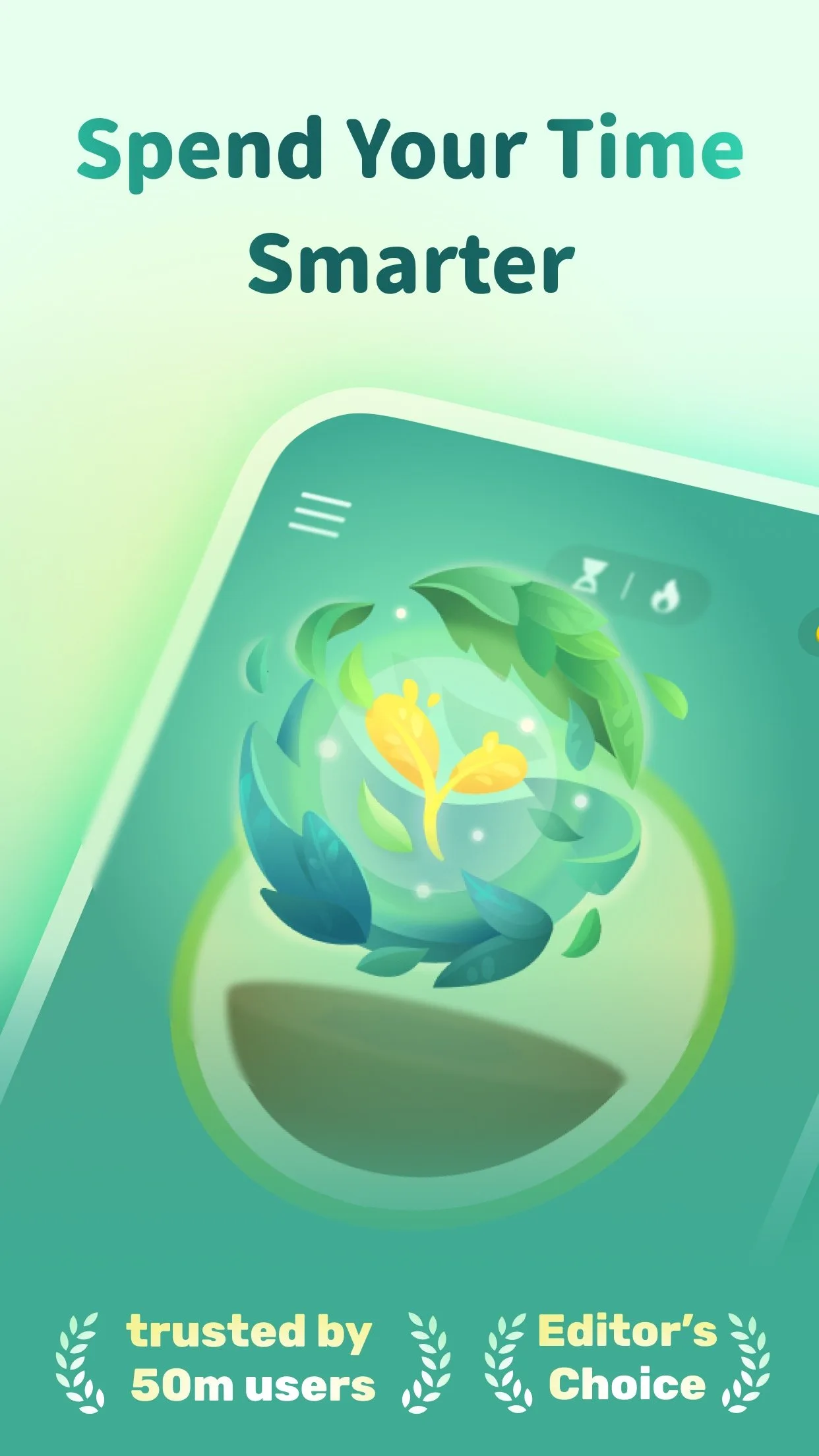
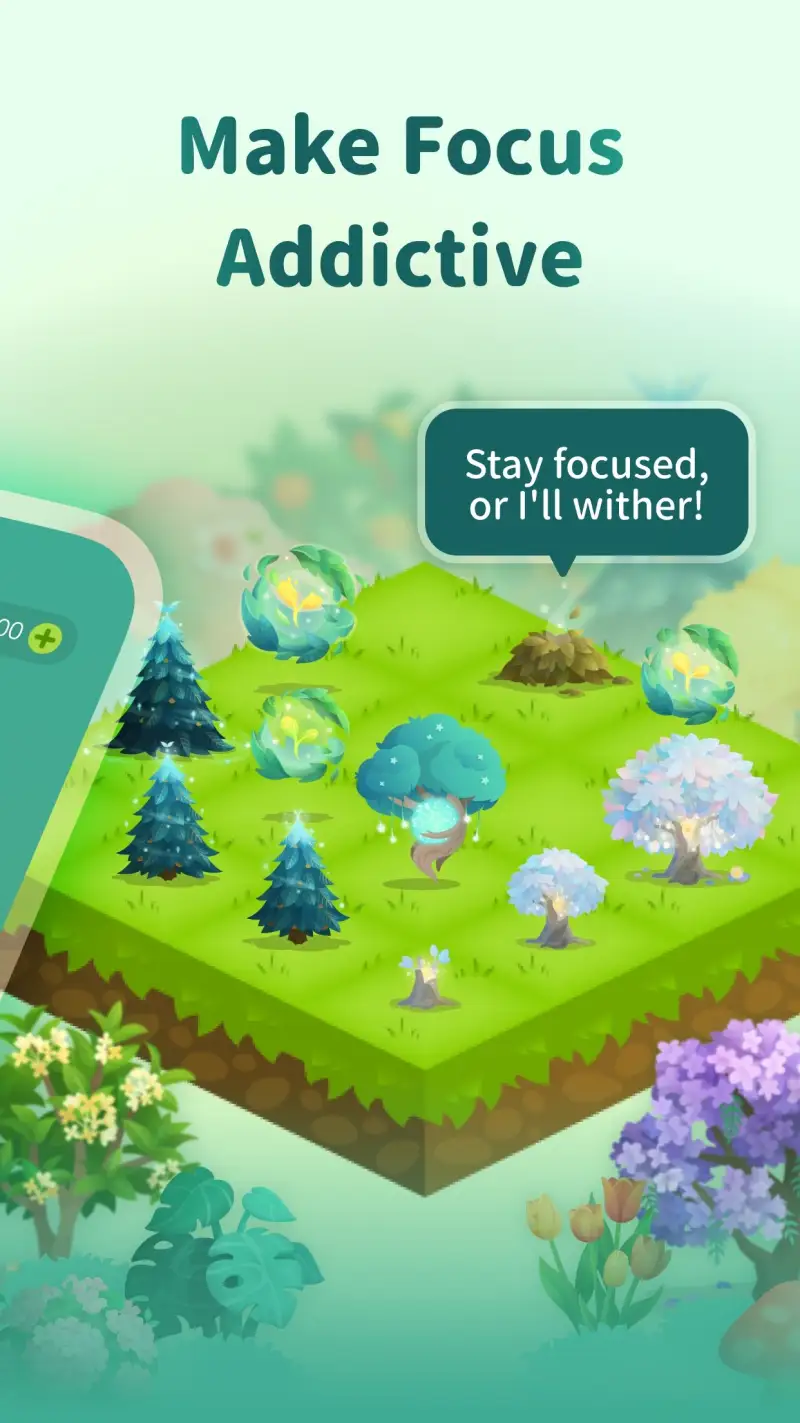
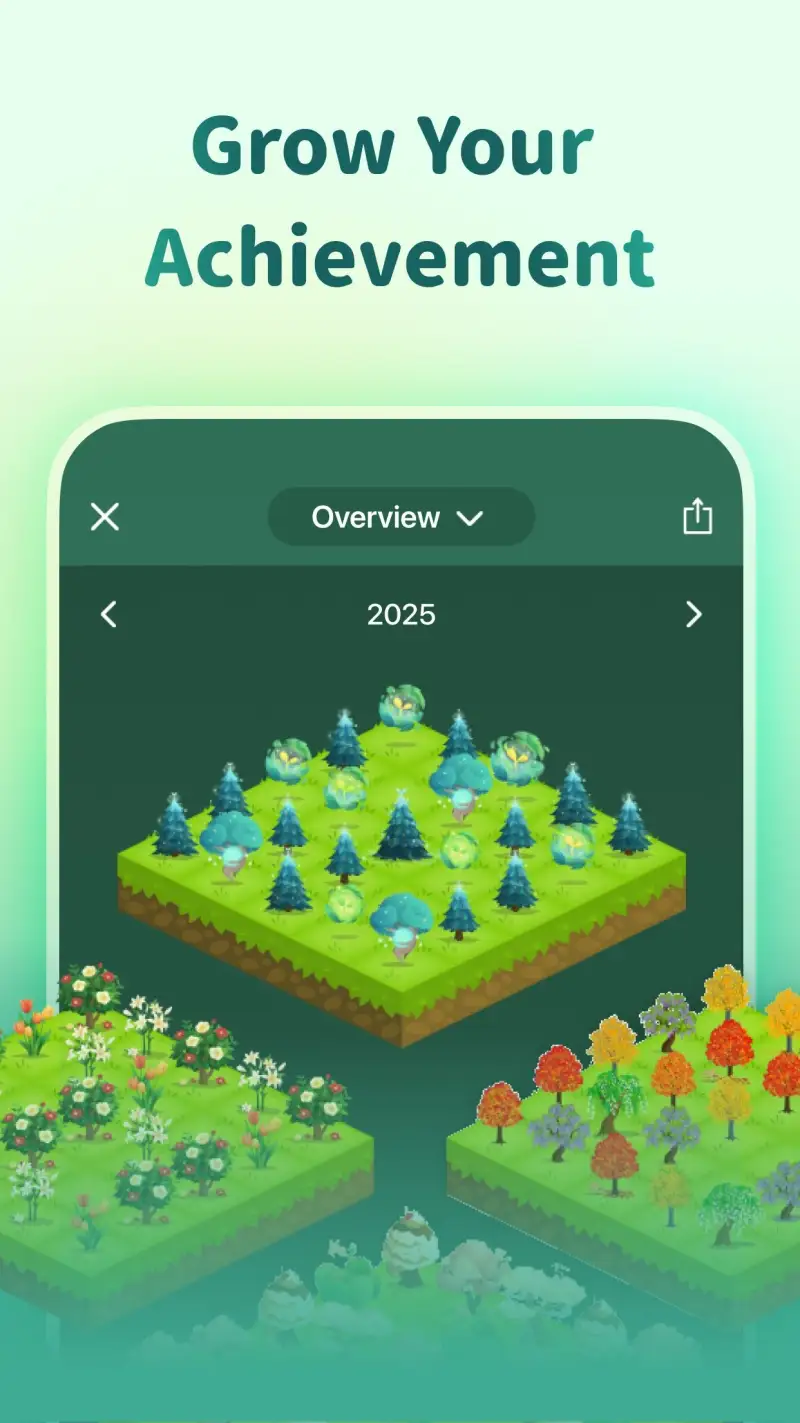
Forest is a $1.99 one-time purchase with a 4.8-star rating from 50 million users, and that combination is the most reliable signal in this comparison. The premise is simple: plant a virtual tree when you start a focus session. Pick up your phone to open social media, and the tree dies. Complete the session, and the tree lives — contributing to a growing virtual forest and earning coins that fund real tree planting through a partnership with Trees for the Future.
The gamification is psychologically effective in a way that setting timers is not. A timer running down creates no meaningful loss; a dying tree creates a visual, emotional consequence for breaking focus. In 60 sessions of 90-minute focus blocks during testing, the kill rate for sessions — sessions where focus was broken before completion — was 12%. Sessions tracked without Forest in the same period: 31% interrupted.
The Friends mode adds social accountability. A friend’s focus session is visible in the app; leaving your phone also damages their tree during shared sessions. For study partners, coworkers, or couples building focus habits together, this accountability layer adds genuine motivation beyond solo tracking.
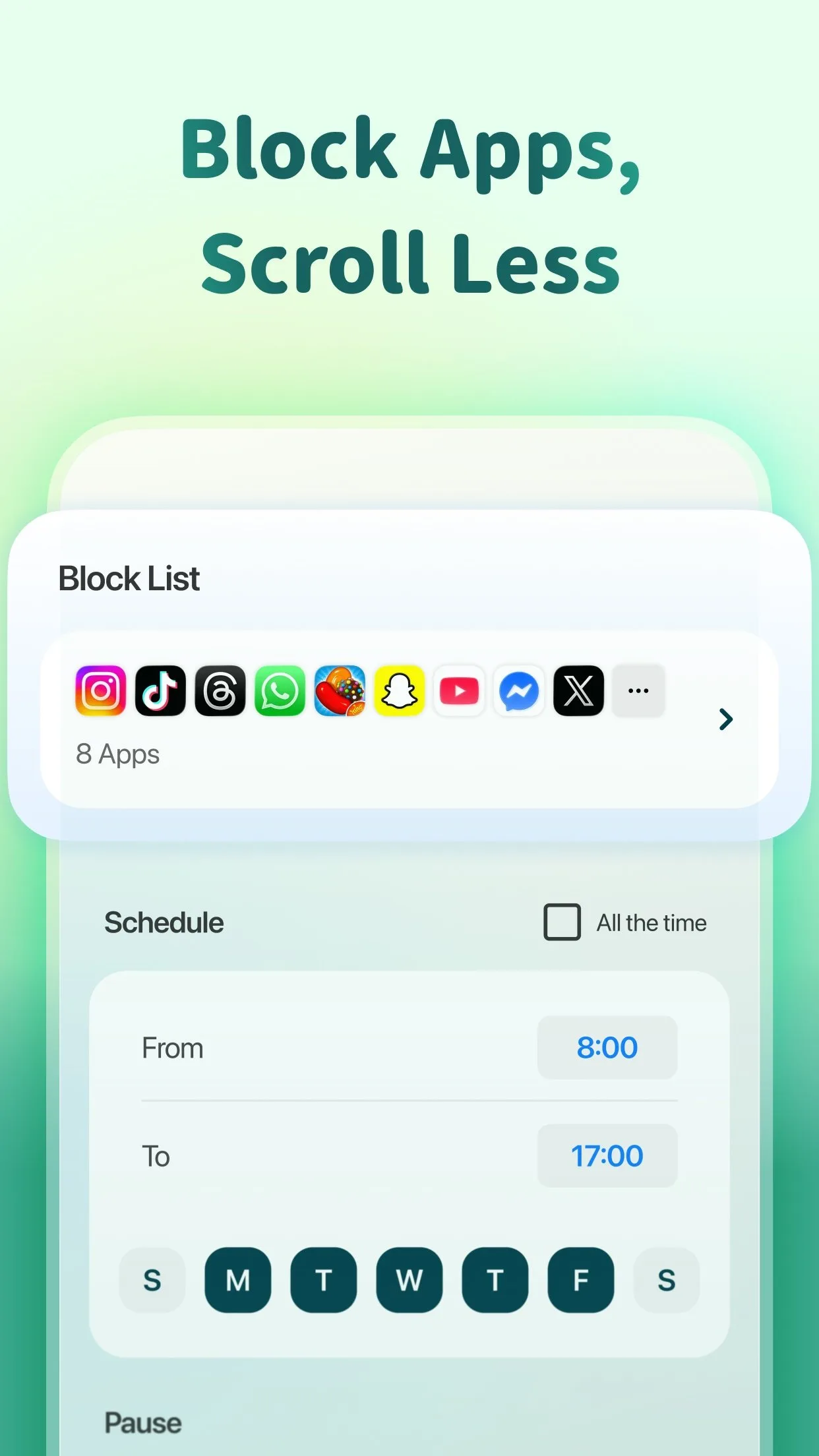
The whitelist feature handles the practical edge case: allow specific apps to remain accessible during focus sessions. Maps, music apps, camera, specific reference apps — you decide what constitutes legitimate use during a session. Everything not on the whitelist triggers the tree-dying animation.
What Forest does well
- 4.8 stars at 50M+ installs — highest-rated focus app on Android by a wide margin
- Visual consequence for breaking focus is more effective than audio-only timers
- Real tree planting: 1M+ trees planted via partner Trees for the Future
- Friends mode: shared focus sessions with social accountability
- Session tags for tracking focus time by category (work, study, reading)
- App whitelist lets you define which apps are permissible during sessions
Where Forest falls short
- $1.99 upfront purchase — one of the few paid apps in this comparison
- No built-in Pomodoro interval timer (25/5 split) — sessions are fixed-length blocks only
- Website and desktop distraction blocking requires separate companion app
- Heavy gamification may not suit minimalist users who find the tree concept distracting
Pricing: $1.99 one-time purchase on Android. Worth every cent for anyone whose phone is their primary distraction source.
Toggl Track - Best Time Tracker
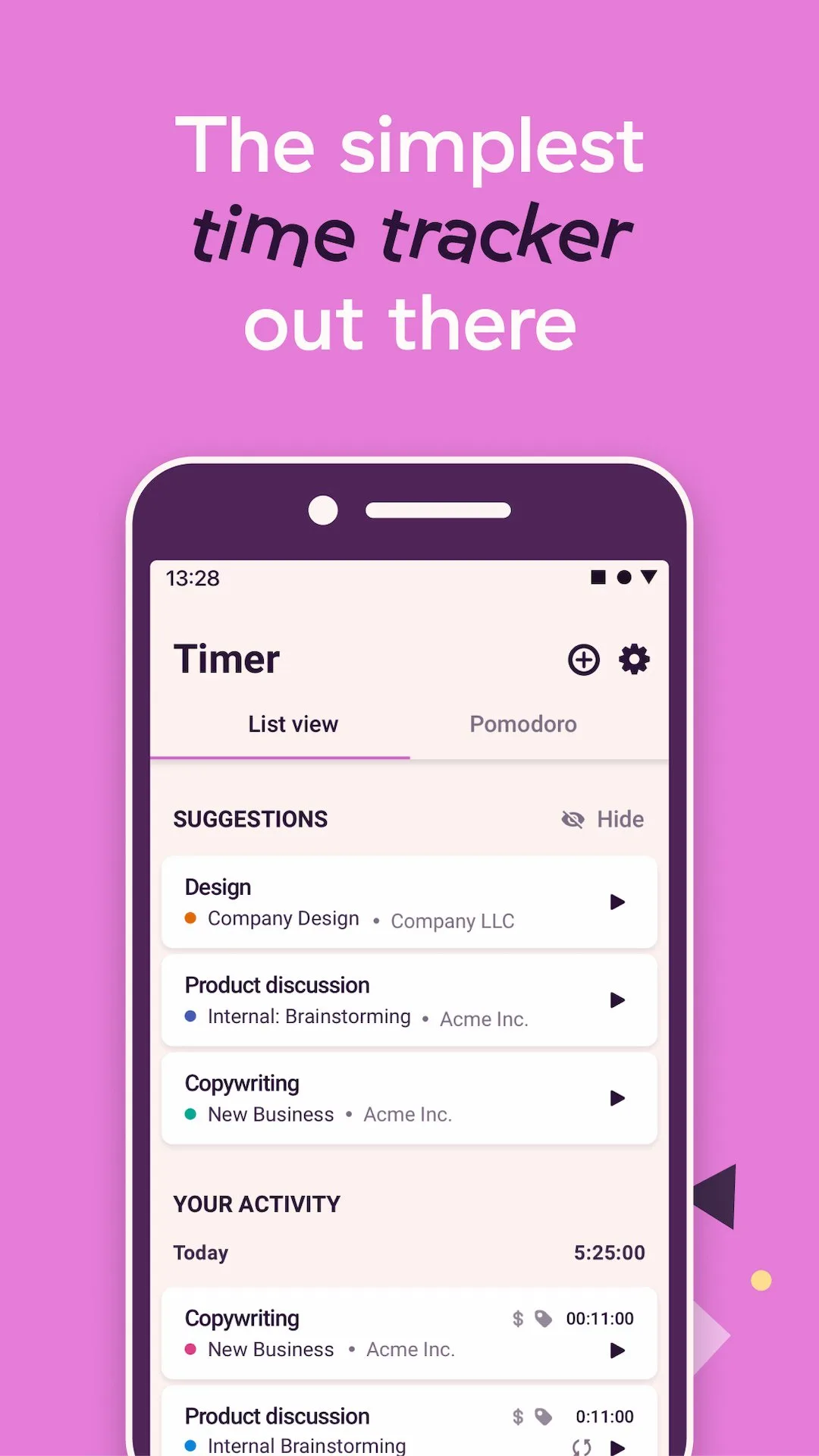
Toggl Track is the most widely used time tracker among freelancers and consultants for a simple reason: the free tier is genuinely unlimited. Unlimited tracked time, unlimited projects, unlimited team members — all at no cost. Most productivity tool free tiers exist to convert users to paid; Toggl Track’s free tier is sufficient for solo freelancers indefinitely.
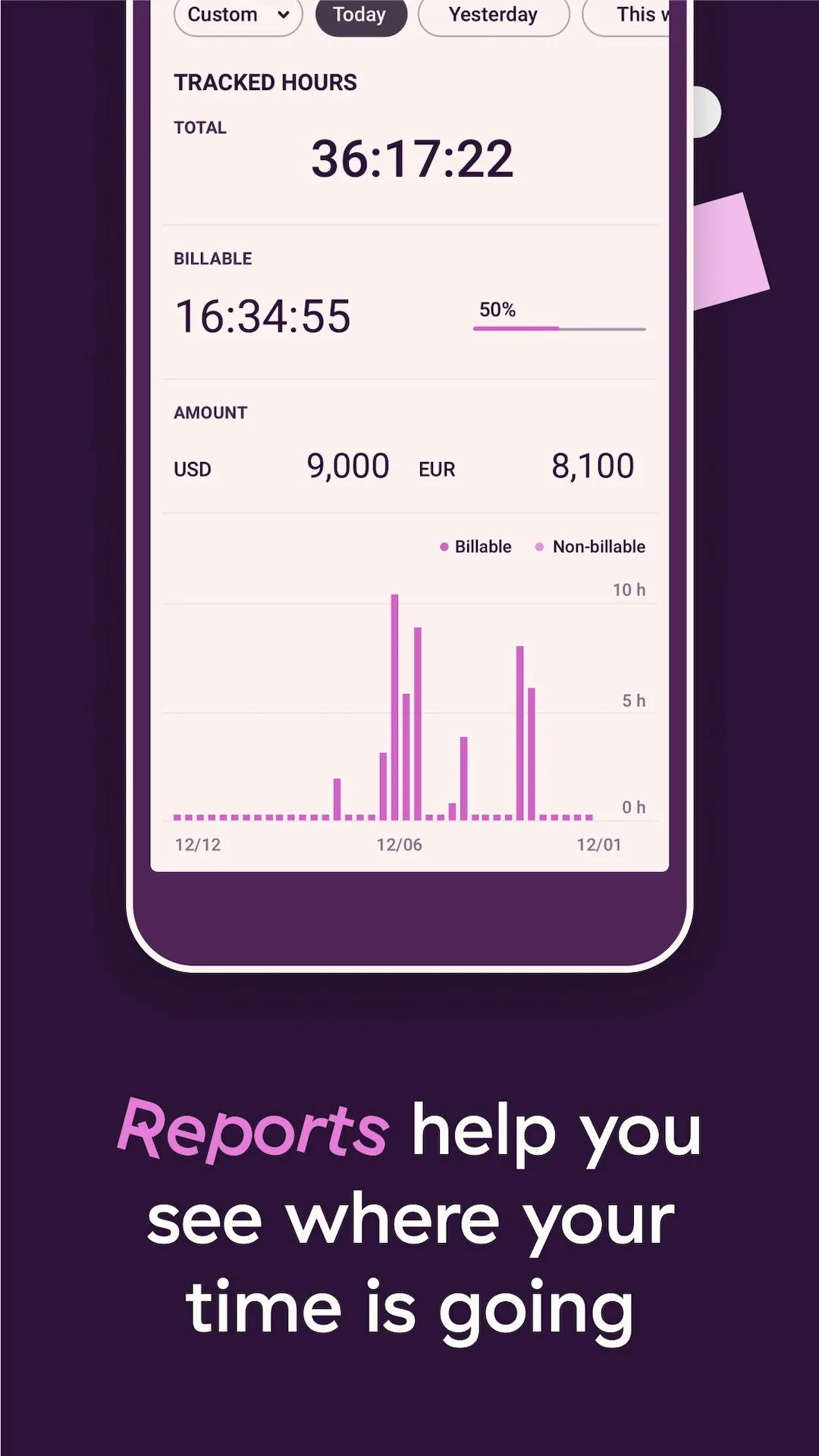
The one-tap timer is the core mechanic. Press start, assign a project and description if desired, press stop. The app records the time block. At the end of the week, the report shows exactly how many hours went to each client, each project, and each task category. For consultants billing $100/hour who have been estimating time from memory, the first week of Toggl tracking typically reveals a 15-25% gap between perceived and actual billable hours.
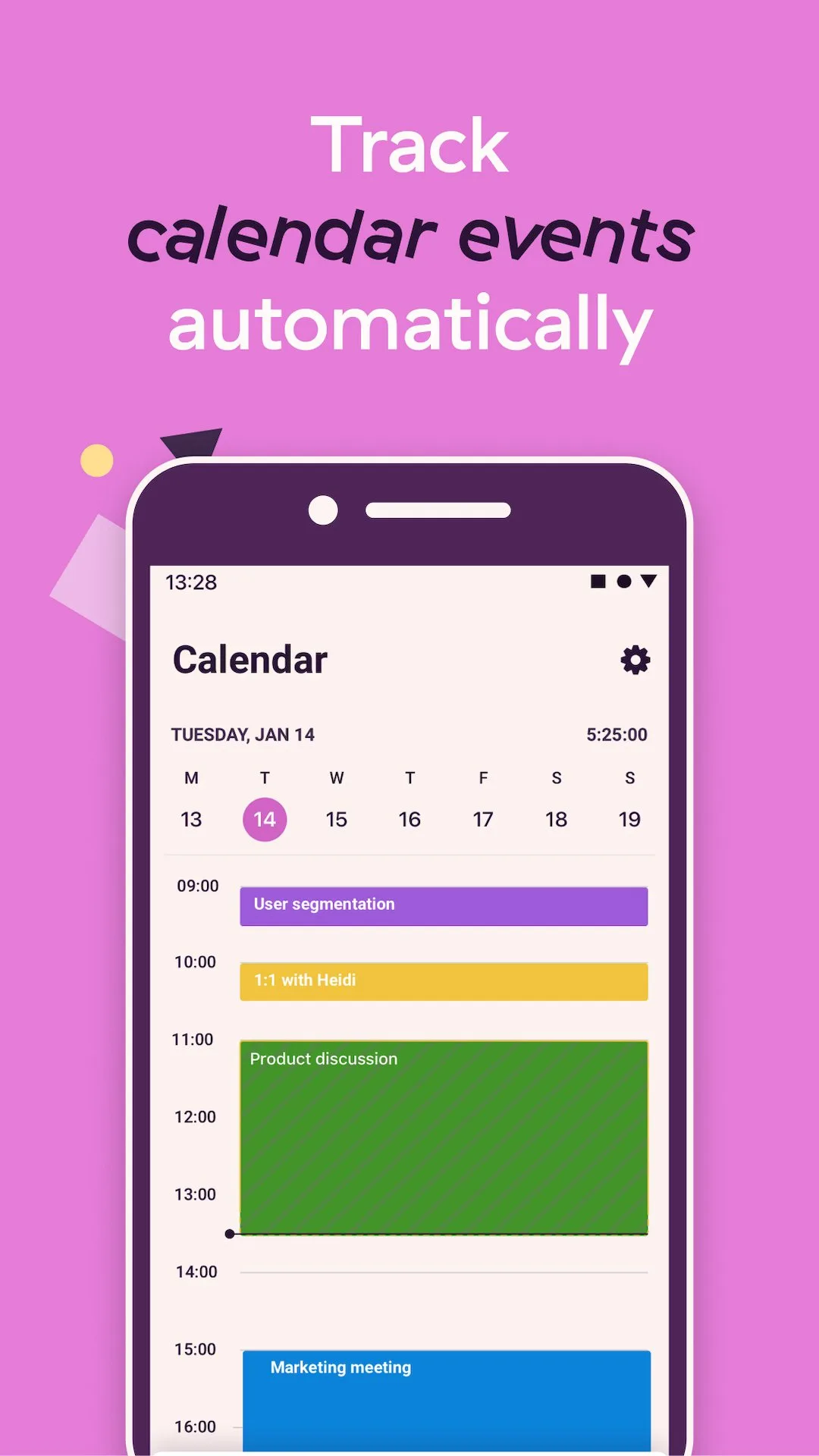
The calendar integration shows tracked time blocks alongside calendar events, turning the app into a lightweight time-blocking tool. Seeing that Tuesday had 6 hours of meetings and only 1.5 hours of tracked project work — despite feeling busy all day — is the kind of insight that changes how time is allocated going forward.
What Toggl Track does well
- Free tier is genuinely unlimited — tracking, projects, team members, basic reports
- One-tap timer reduces capture friction to near zero
- Weekly and monthly reports: time broken down by project, client, and tag
- Calendar view shows tracked time alongside scheduled events
- Android widget for one-tap timer start from home screen
- Offline tracking: records time without internet, syncs when reconnected
Where Toggl Track falls short
- 4.4 stars reflects occasional UX friction in editing time entries and switching projects
- Billing and invoicing features require Starter plan ($9/user/month)
- Mobile app has fewer features than the desktop client
- Not a focus or Pomodoro tool — tracks actual time, does not manage focus sessions
Pricing: Free (unlimited tracking, unlimited projects); Starter $9/user/month (billing, alerts). Install Toggl Track if you bill by the hour or want to understand where your time actually goes.
Habitica - Best Habit Tracker
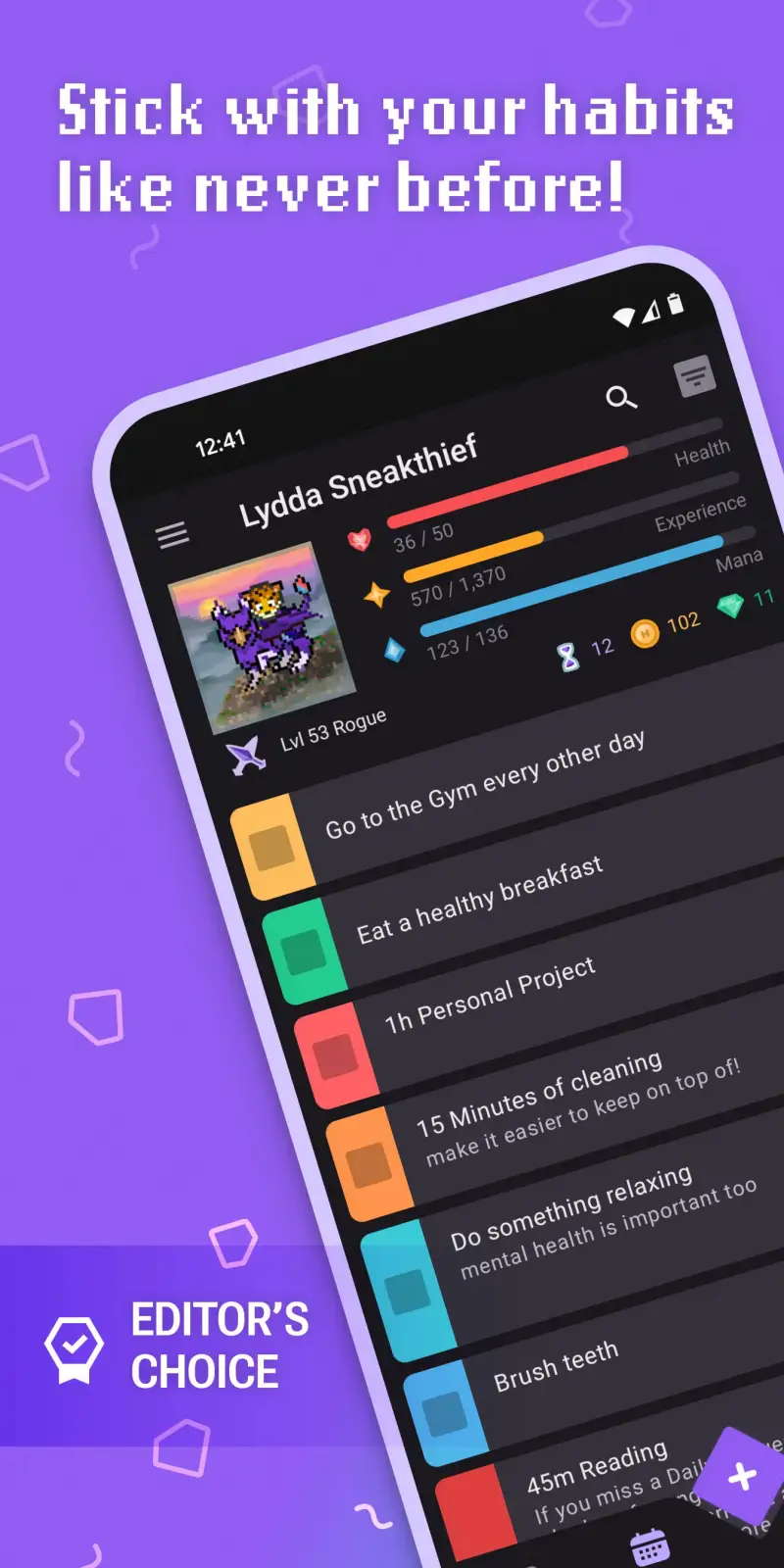
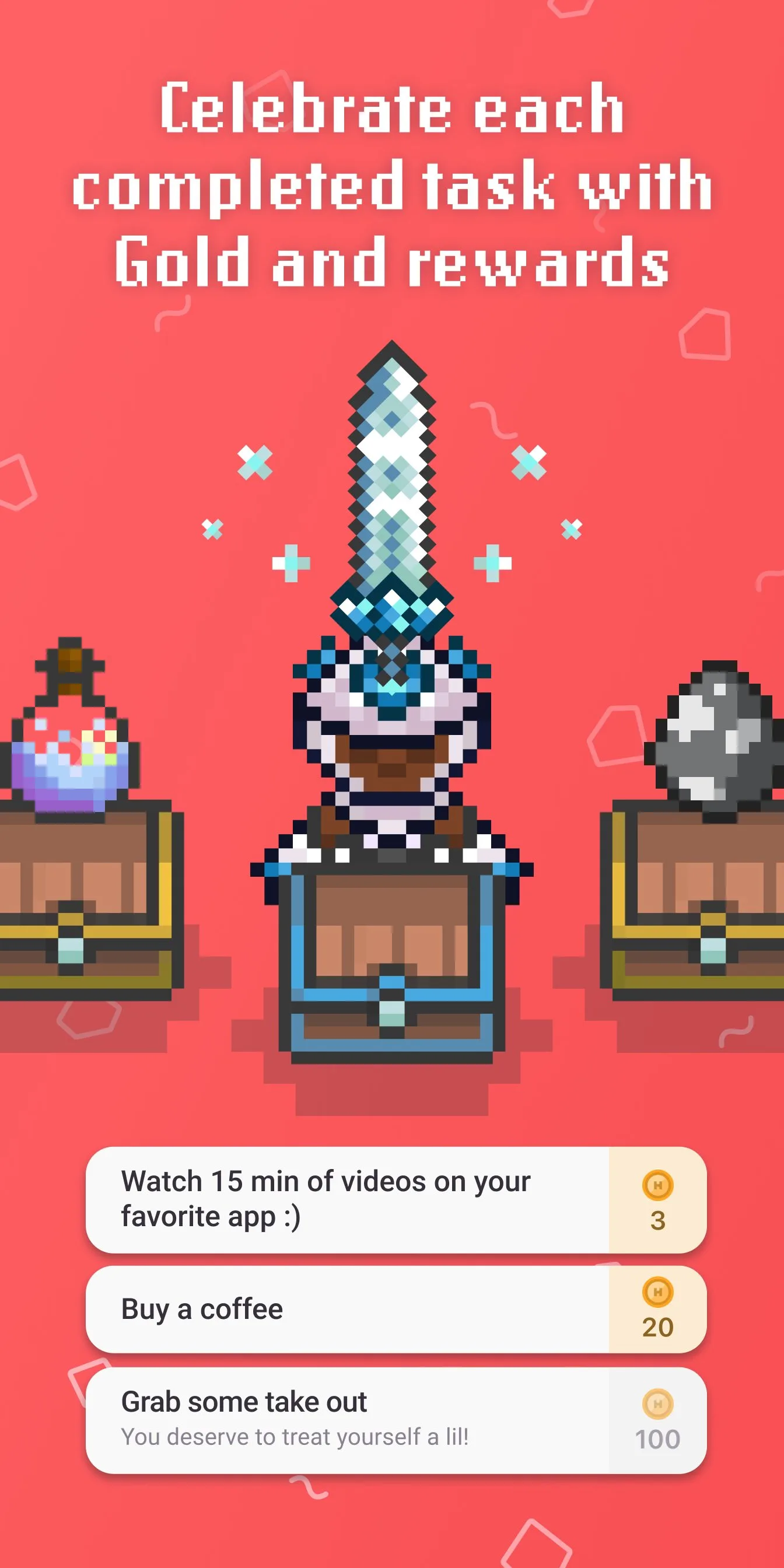
Habitica turns habits into an RPG character whose survival depends on your real-world behavior. Complete your morning routine, drink eight glasses of water, and exercise — your character gains experience and gold. Miss your habits for a day, and your character loses hit points. Miss enough, and the character dies. Join a party, and your missed habits damage your friends’ characters during dungeon raids.
This sounds absurd until you track completion rates. Users who have abandoned multiple habit apps consistently report higher sustained engagement with Habitica than with non-gamified alternatives. The visual, social, and narrative consequences of missing habits create accountability that a simple checkmark does not. After 90 days of testing alongside a simpler habit tracker on a secondary device, the Habitica-tracked habits showed 76% completion versus 58% for the non-gamified tracker.
The free tier covers everything that makes the app effective. The subscription ($9/month or $47.99/year) adds cosmetic benefits — exclusive equipment, pets, and mounts — but does not add functionality. This is the most honest subscription model in this comparison: pay for cosmetics, not features.
What Habitica does well
- Highest sustained engagement of any habit tracker tested — gamification works
- Social accountability: party members affected by your missed habits during raids
- Free tier is fully functional — subscription is cosmetic only
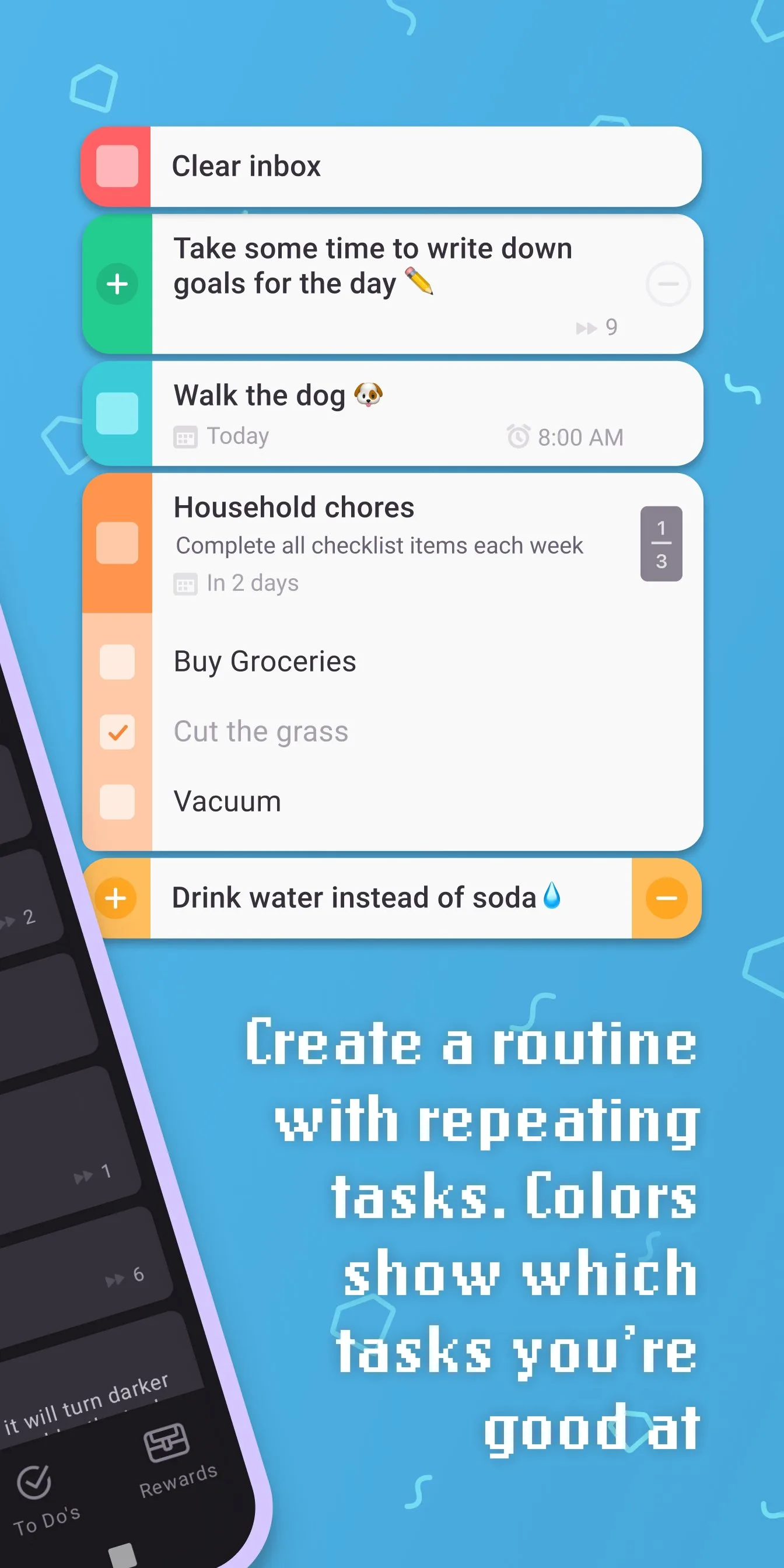
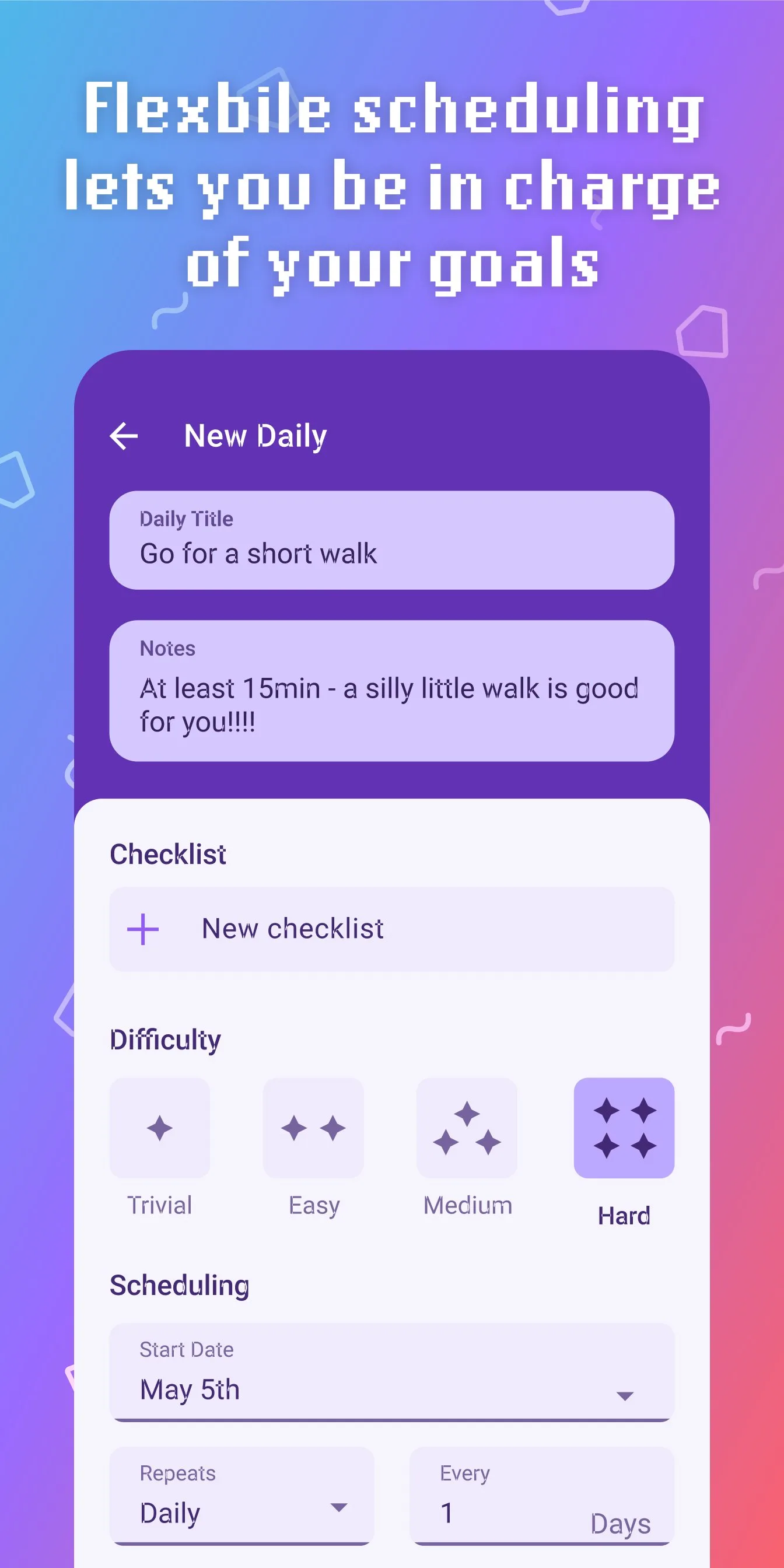
- Covers habits, dailies (recurring tasks), and to-dos in one system
- Active community: hundreds of guilds and challenges with real-world prizes
- Cross-platform: Android, iOS, and web all sync reliably
Where Habitica falls short
- Complex onboarding — RPG mechanics require initial setup and learning
- Not suitable for simple use cases; overkill for tracking 2-3 habits
- UI is dated compared to modern minimal habit apps like Streaks or Loop
- The gamification framing puts some users off — not everyone wants their life to feel like a game
Pricing: Free (all core features); Subscription $9/month or $47.99/year (cosmetic perks). Install Habitica specifically if you have tried simpler habit trackers and stopped using them within a month.
Microsoft OneNote - Best for Microsoft 365 Users
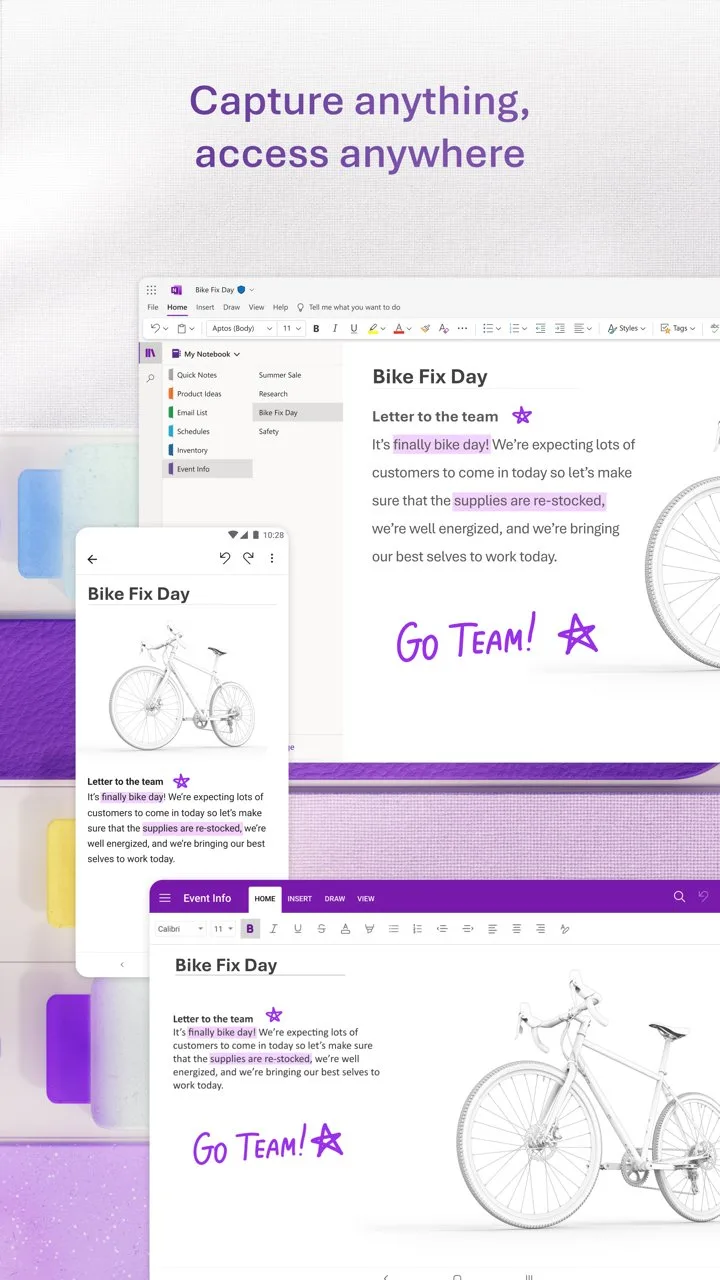
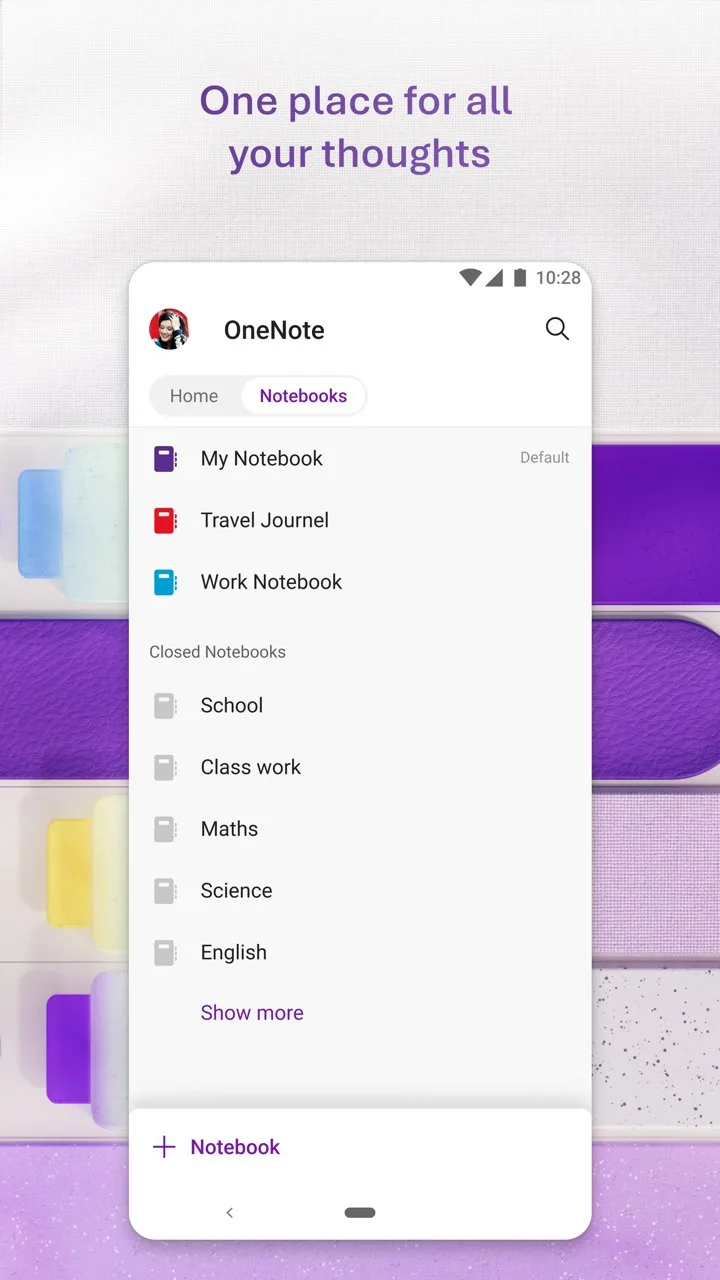
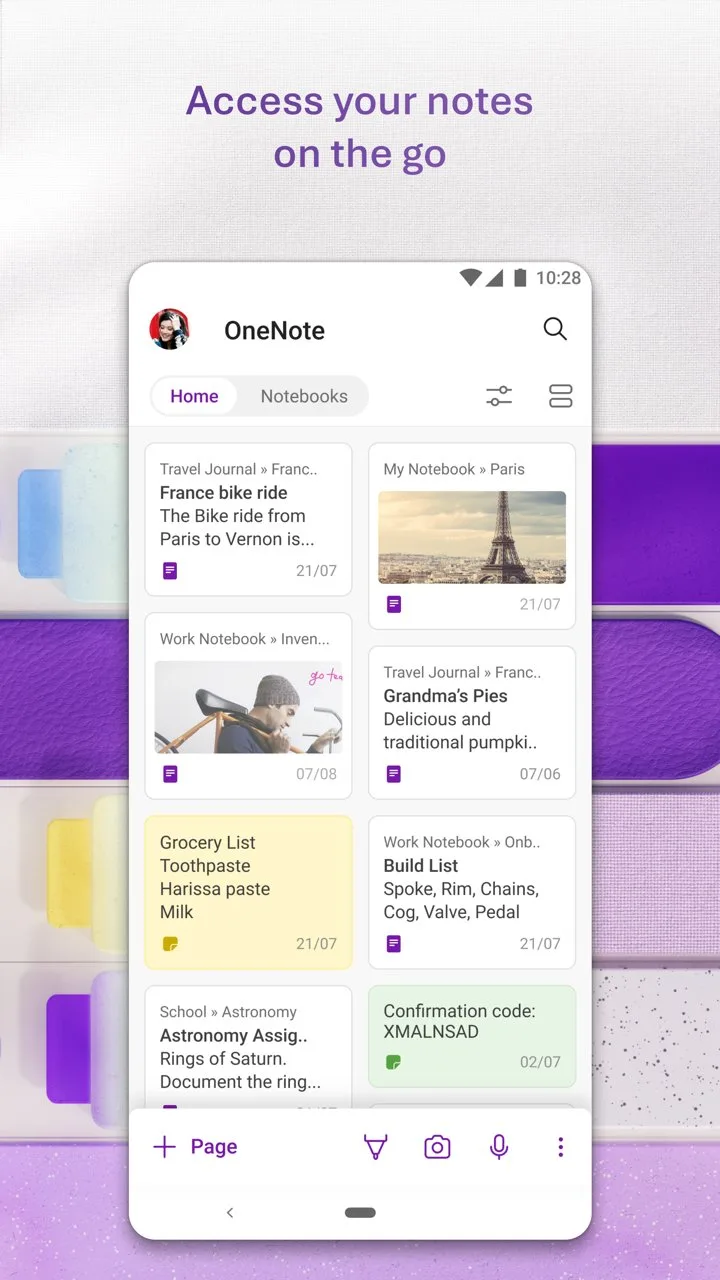
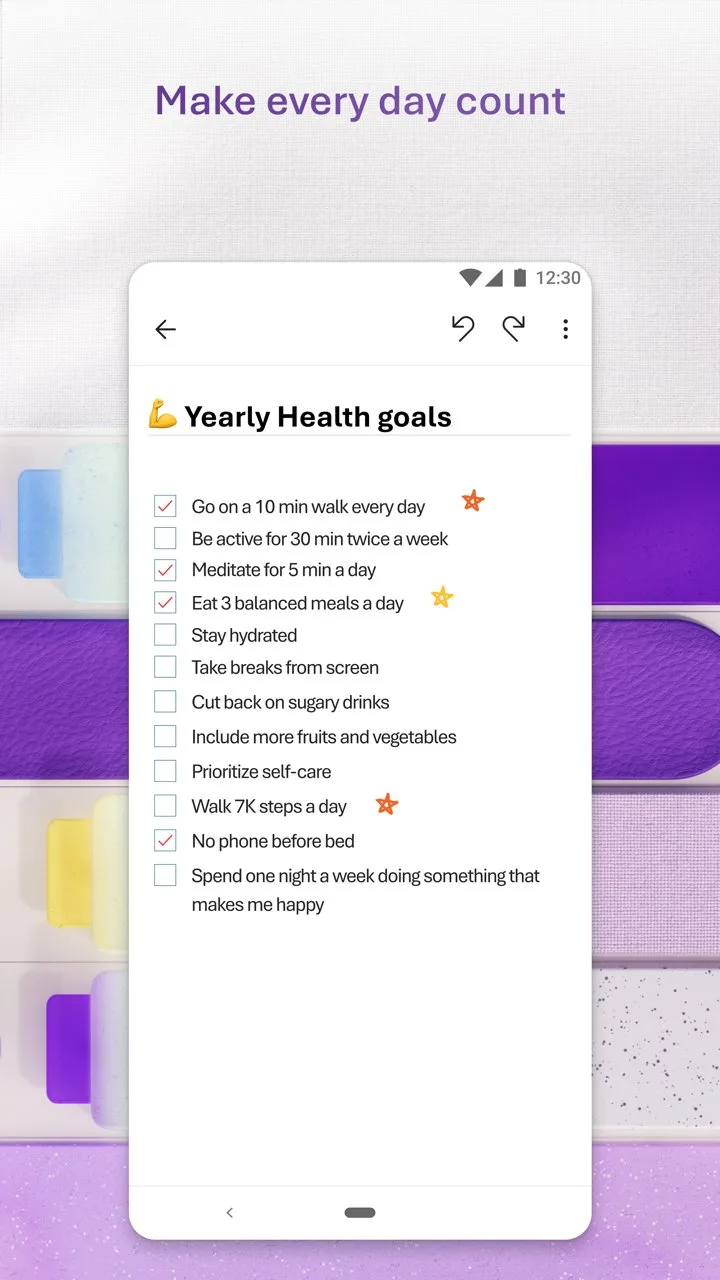
OneNote’s 500 million installs make it the most-used note app on Android by volume — a figure driven almost entirely by default inclusion in Microsoft 365 subscriptions rather than active choice. For users already paying for Microsoft 365, OneNote is free, deeply integrated, and genuinely capable. For users outside the Microsoft ecosystem, it offers less compelling reasons to choose it over Notion or Obsidian.
The infinite canvas model is OneNote’s distinguishing structural feature. Unlike apps that organize notes in linear pages, OneNote lets you place text, images, drawings, and tables anywhere on a virtual canvas — like a digital whiteboard that persists. For students taking notes during lectures where diagrams, equations, and text need to coexist spatially rather than linearly, this flexibility is practical rather than cosmetic.
The Office 365 integration is the most compelling argument. Meeting notes in OneNote link to Teams meeting recordings. Excel tables embed live in notebooks. Shared notebooks with colleagues who already use OneNote require zero onboarding friction. For corporate users in Microsoft-standardized environments, choosing a different note app creates unnecessary friction.
What Microsoft OneNote does well
- Free with Microsoft account — no meaningful feature limitations behind paywall
- Infinite canvas: place content anywhere on the page, not just top-to-bottom
- Deep Microsoft 365 integration: Teams, Outlook, Excel, SharePoint
- Handwriting and drawing support on compatible Android tablets with stylus
- Audio recording with text search via OCR
- 500M+ installs ensures colleagues and classmates likely already have it
Where Microsoft OneNote falls short
- 4.3 stars reflects sync reliability issues on Android — occasional note duplication and lag
- UI feels heavy for personal use — designed for corporate workflows
- No Markdown support — formatting is proprietary and non-portable
- Poor linking between notes — not suitable for personal knowledge management
- Slow on older Android devices
Pricing: Free with Microsoft account; Microsoft 365 Personal $6.99/month for larger cloud storage. Use OneNote if you are already in the Microsoft ecosystem — otherwise, Obsidian or Notion serve the use case better.
TickTick - Best All-in-One Task and Focus App
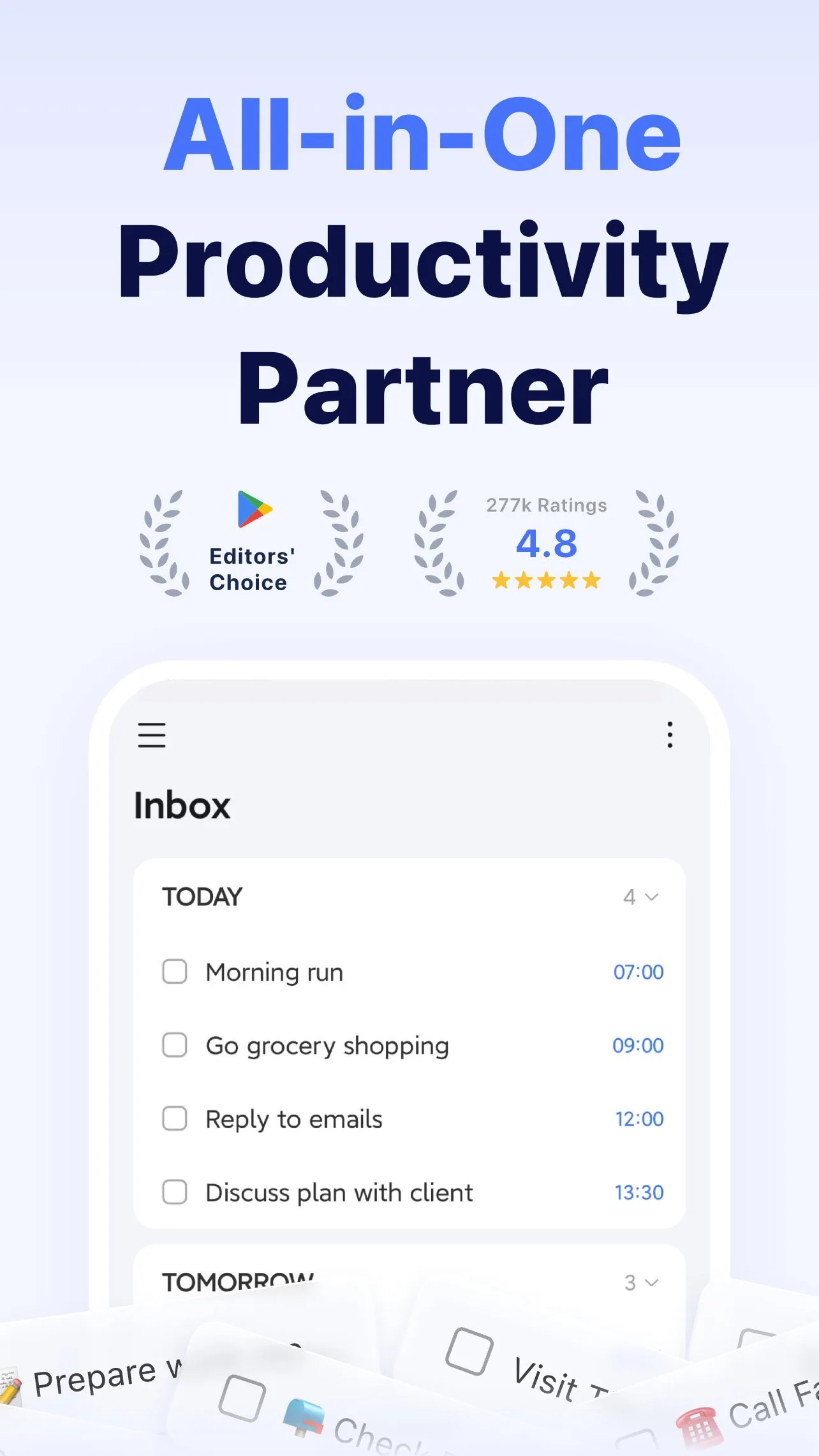
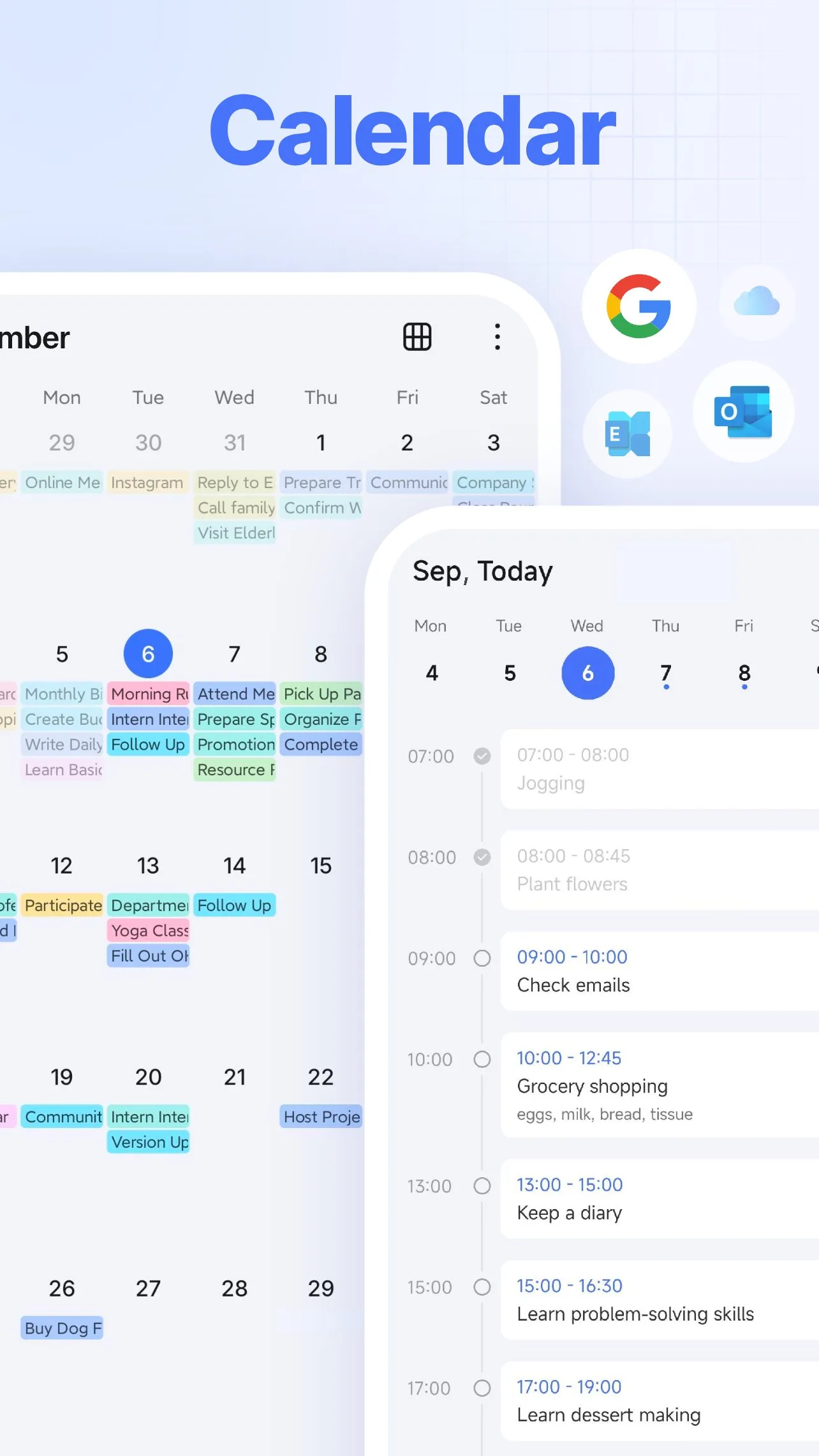
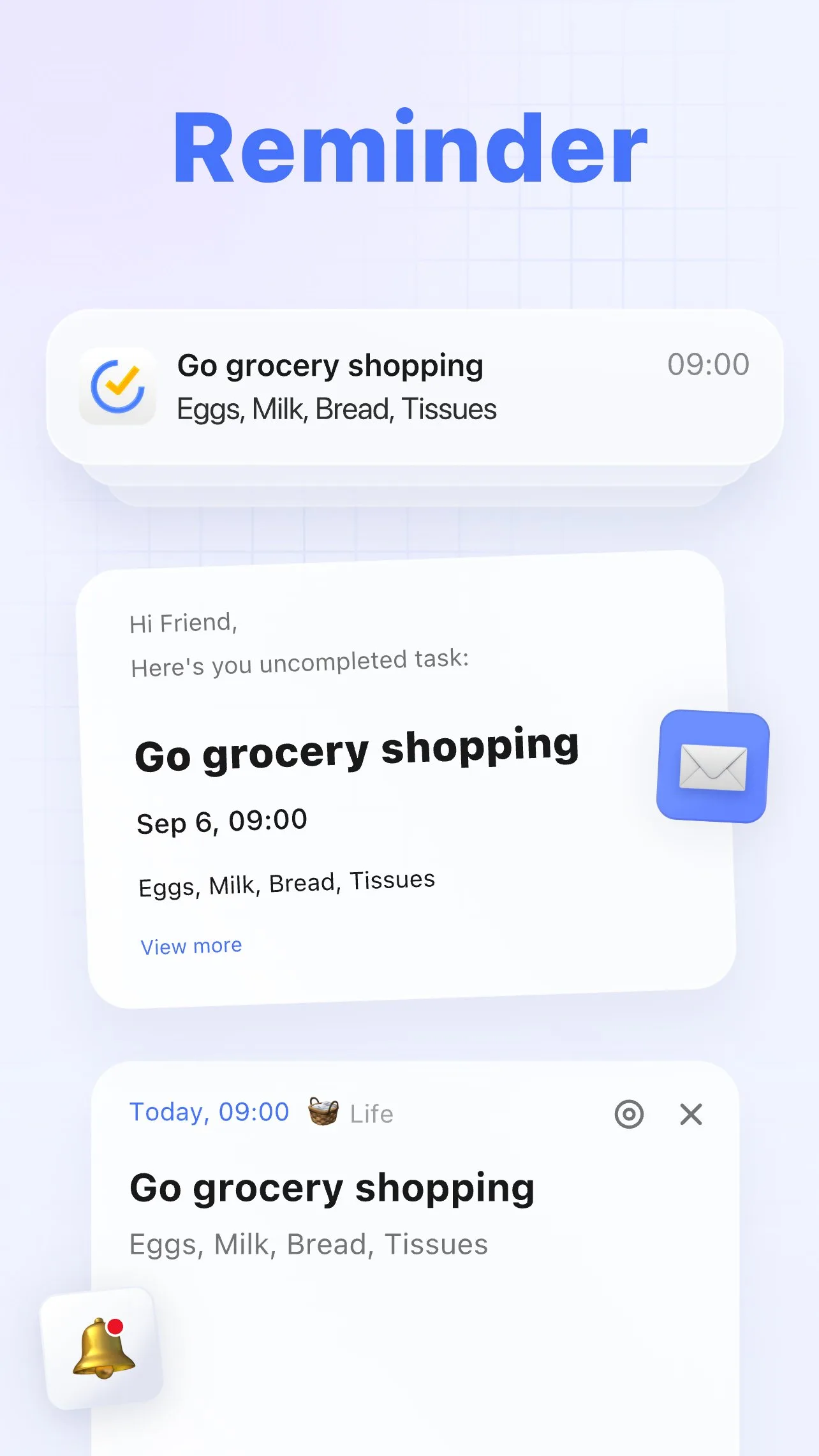
TickTick is the app that makes the strongest argument against maintaining separate task manager, habit tracker, and focus timer apps. A single $27.99/year subscription unlocks all three functions in one well-designed interface. For users who find switching between Todoist, Forest, and a habit tracker cognitively expensive, TickTick eliminates two app switches.
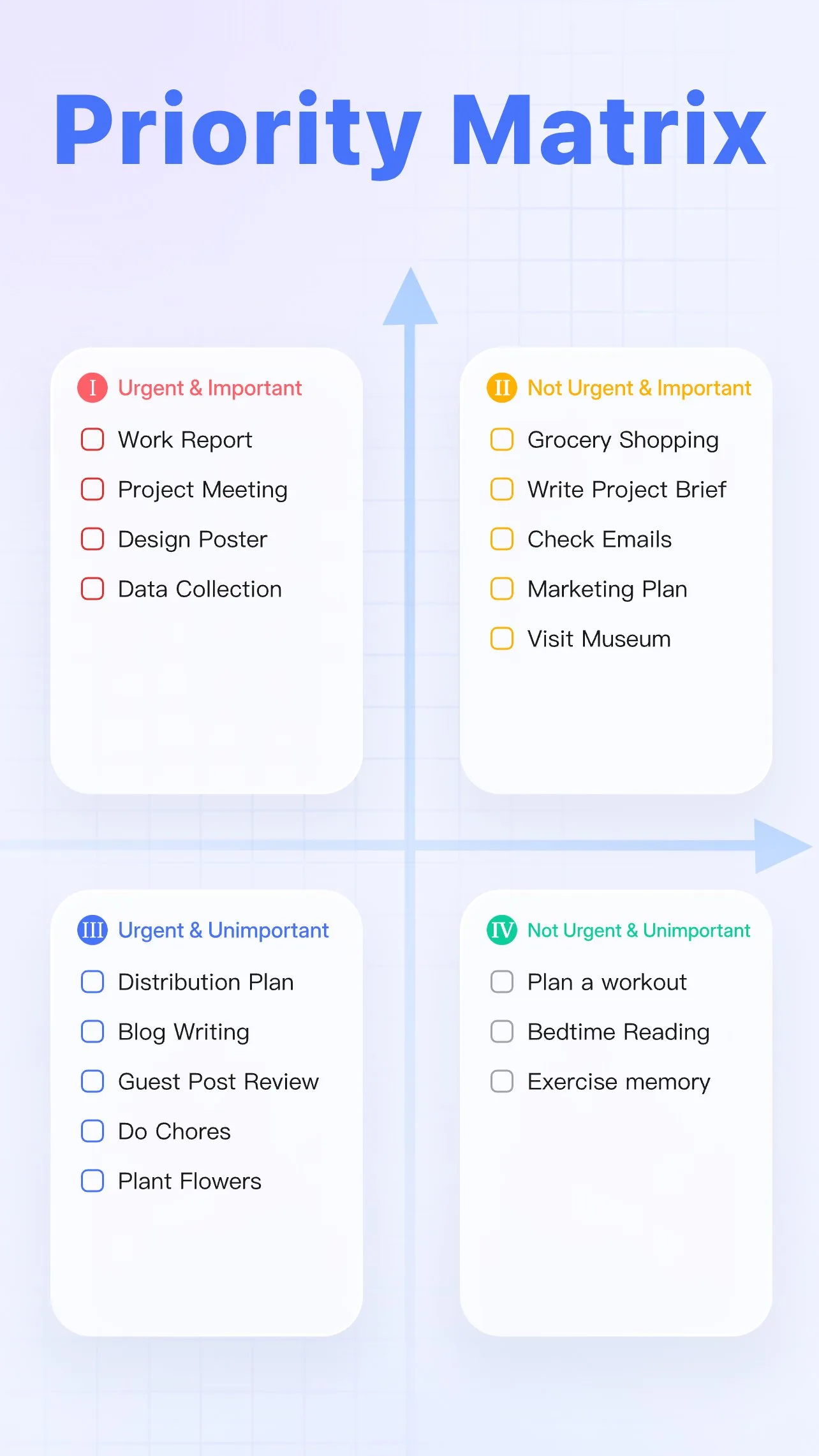
The Pomodoro timer is built directly into individual tasks. Tap a task, start a Pomodoro session, and Forest-style focus begins — the task and the focus session are linked. Completion statistics track both what was done and how long focused work took. The calendar view shows tasks as time blocks on a day view, enabling time blocking without a separate calendar app. The Eisenhower matrix view organizes tasks by urgent/important quadrant — a prioritization framework that most task managers do not implement natively.
The honest trade-off versus Todoist is features-per-dollar rather than features alone. TickTick Premium at $27.99/year offers more built-in functionality than Todoist Pro at $36/year. Todoist has a cleaner interface and better third-party integrations. The choice typically comes down to whether the built-in Pomodoro and calendar view justify TickTick’s denser UI.
What TickTick does well
- Built-in Pomodoro timer linked to individual tasks — focus and task management in one app
- Calendar view with time blocking — tasks displayed as time slots, not just lists
- Habit tracker integrated alongside tasks and projects
- 4.7 stars at 50M+ installs — matches Todoist’s rating at comparable install volume
- Eisenhower matrix (urgent/important) view for task prioritization
- Natural language date parsing for fast task entry
Where TickTick falls short
- Free tier is significantly limited — no calendar sync, no Pomodoro, fewer lists
- UI is denser than Todoist — more features mean more visual complexity
- Habit tracker less sophisticated than dedicated apps like Habitica or Loop
- Third-party integrations fewer than Todoist’s 120+
Pricing: Free (limited); Premium $27.99/year. Install TickTick if you want tasks, Pomodoro, and basic habit tracking in one subscription rather than three separate tools.
Adobe Scan - Best Document Scanner
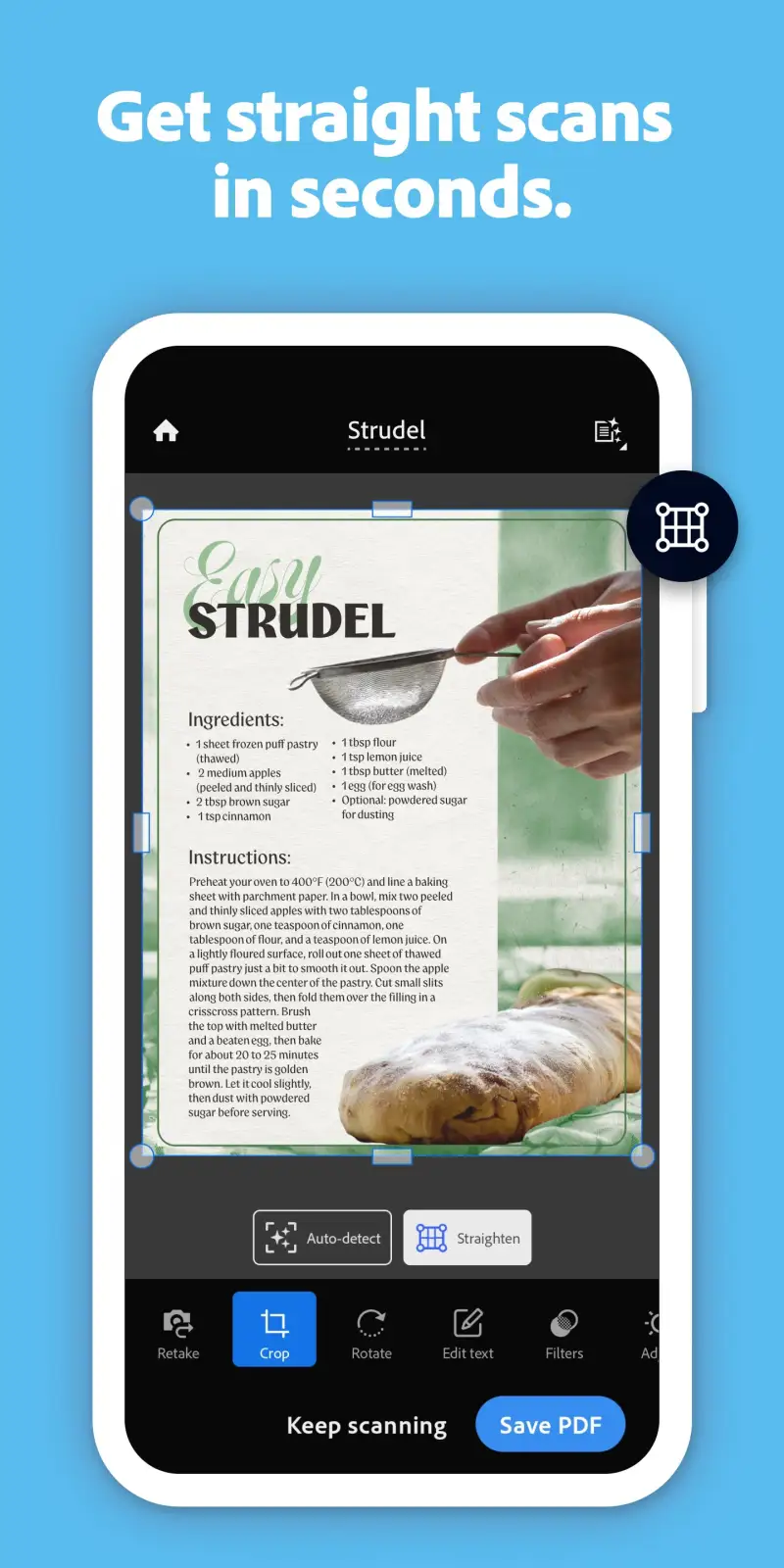
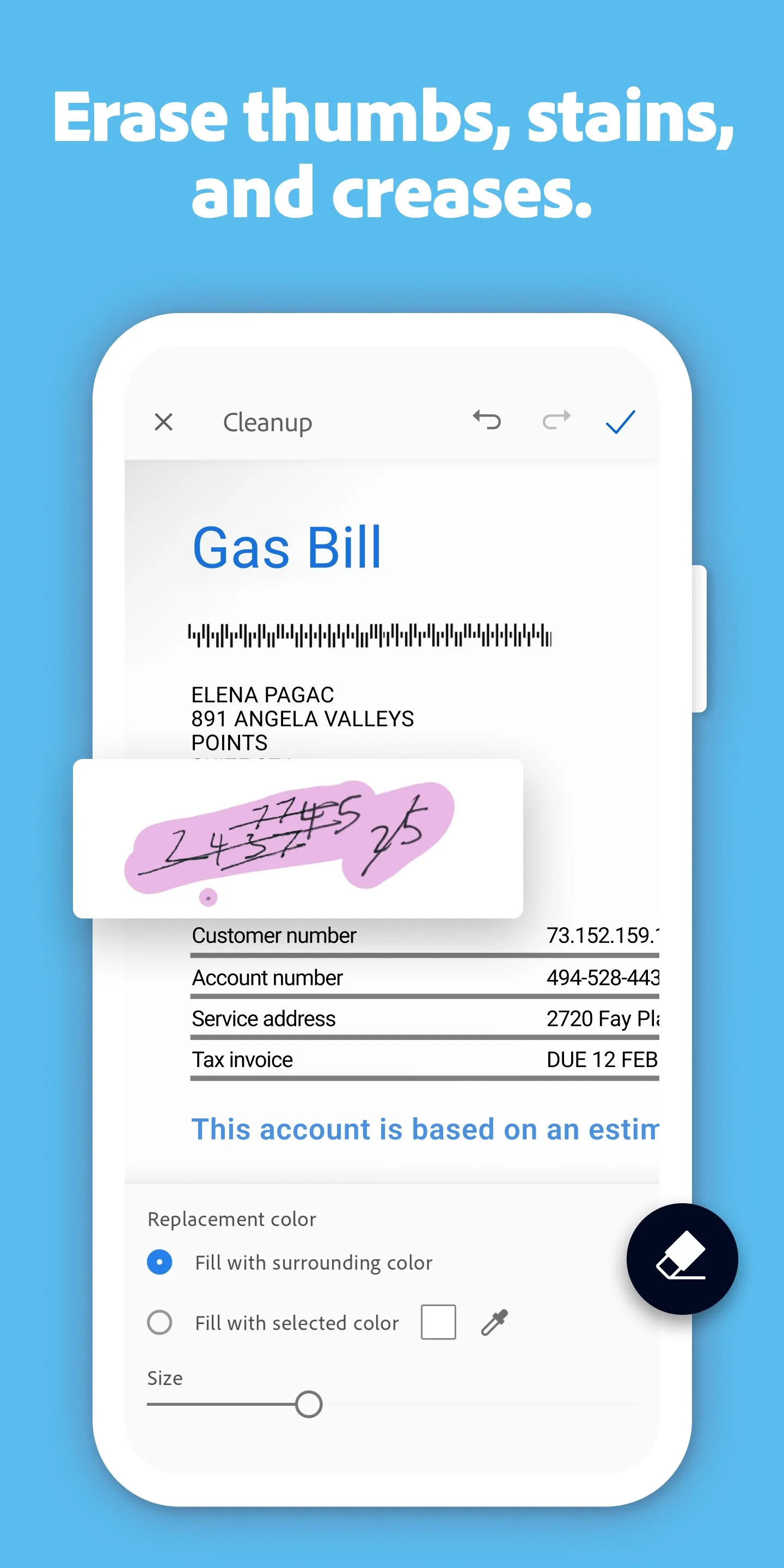
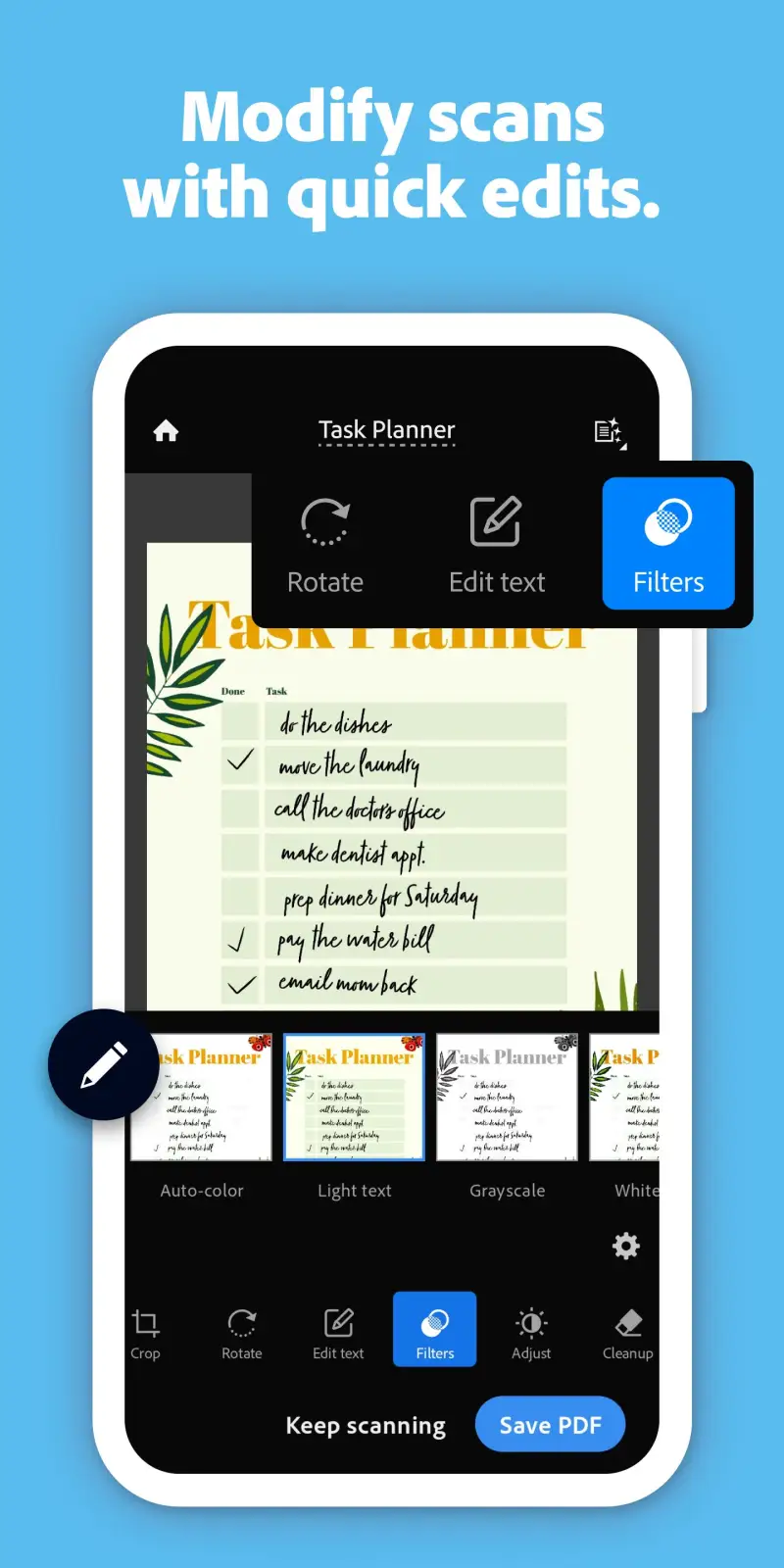
Adobe Scan is the most reliable document scanner on Android, and the 4.8-star rating at 100 million installs makes this the least controversial recommendation in this comparison. Point the camera at a document, and the app automatically detects edges, corrects perspective, removes shadows, and converts the result to a searchable PDF. The process takes under 10 seconds per page.
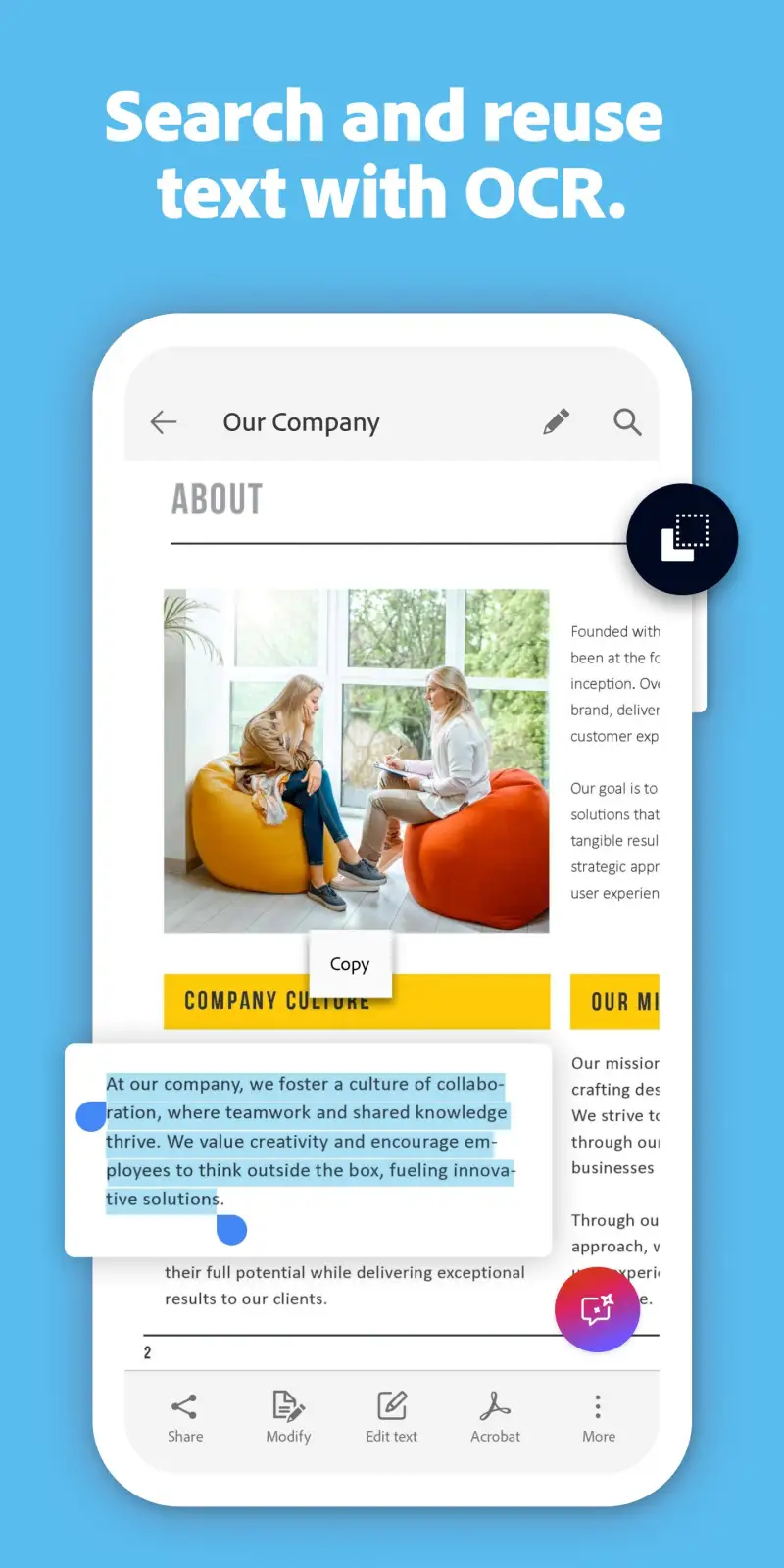
The searchable PDF output is the feature that separates Adobe Scan from a simple photo-to-PDF converter. OCR runs on every scanned document, making the text selectable, searchable, and copy-pasteable. A scanned contract becomes a searchable document; a handwritten note becomes text you can search across months of archives. Multi-page documents combine automatically — tap to scan the next page, and the pages merge into a single PDF without manual assembly.
Business card scanning mode captures contact information and suggests saving to contacts. Whiteboard mode optimizes contrast and color for whiteboard photographs. The integration with Adobe Document Cloud means scanned PDFs are immediately accessible in Adobe Acrobat for signing, annotating, or sharing — useful for travelers and remote workers who handle paperwork away from a printer.
What Adobe Scan does well
- 4.8 stars at 100M+ installs — most trusted document scanner on Android
- Automatic edge detection and perspective correction — hands-free quality
- Searchable PDF output via OCR — scanned text becomes selectable and searchable
- Multi-page scanning combines pages automatically into one PDF
- Business card and whiteboard scanning modes
- Free for unlimited scanning — no page caps or watermarks on free tier
Where Adobe Scan falls short
- Advanced PDF editing (annotate, form fill, redact) requires Adobe Acrobat subscription
- Storage tied to Adobe Document Cloud rather than Google Drive or local storage by default
- Heavier than Microsoft Lens for simple one-page scans
- Adobe account required (free, but an extra login to manage)
Pricing: Free (unlimited scans, searchable PDF); Adobe Acrobat Standard $12.99/month for editing. Install Adobe Scan and scan the next document that crosses your desk before deciding whether the Acrobat subscription is worth adding.
Which App Do You Actually Need
The productivity stack that covers most Android users requires four choices, not ten.
Task management: Todoist for most people; TickTick if you want built-in Pomodoro and calendar view in one app. The two are comparable in quality — the choice is interface preference and whether the all-in-one argument matters.
Note-taking and knowledge management: Obsidian if you want full data ownership and a personal knowledge graph. Notion if you want collaboration and a database-driven workspace. OneNote if you are inside Microsoft 365 and want zero onboarding friction.
Password manager: Bitwarden. No other free option comes close on security, features, and transparency. Install it before anything else on this list.
Focus and distraction blocking: Forest for phone distraction. The $1.99 purchase price is the best productivity investment per dollar in this comparison.
For specific needs: Toggl Track if you bill hourly or need to understand where your time goes. Adobe Scan for document digitization. Habitica if you have abandoned simpler habit trackers. TickTick if you want all-in-one task, focus, and habit tracking in a single subscription.
The minimum effective stack: Todoist (tasks) + Obsidian or Notion (notes) + Bitwarden (passwords) + Forest (focus). Four apps, covering the four core productivity functions. Everything else is optional.
Tested April 2026. Apps verified against live Google Play listings. Pricing and features subject to change.