You’re booking a flight to Lisbon in six weeks. Skyscanner shows €420. Google Flights on the browser shows €380. Kiwi.com shows €295 with a self-transfer. Three different prices, three different levels of risk. Now your flight is boarding in an hour — you need a completely different app to track whether it’s on time, which gate it’s at, and whether the inbound aircraft is even in the air yet.
This is the problem most flight app guides miss: booking apps and tracking apps are different tools for different jobs. Skyscanner’s “Everywhere” search doesn’t tell you your plane left the gate 20 minutes late. FlightRadar24 doesn’t book anything. The six apps below split cleanly into two categories — four for finding and booking flights, two for tracking them live — and each wins its specific job.






What Makes a Great Flight App
The booking versus tracking split defines which criteria matter.
For booking apps, three factors determine real value. Coverage — which carriers the app indexes, specifically budget carriers — determines whether you see the actual cheapest options. Skyscanner covers Ryanair, Wizz Air, and most low-cost carriers; Google Flights misses many of them. Price alert reliability on Android determines whether you receive the notification when fares drop. KAYAK’s alerts are unlimited and reliably delivered; Hopper’s are fewer but include AI guidance on whether the current price is worth acting on. Booking fees added at checkout versus the displayed price determine true cost — Skyscanner adds none, Kiwi.com sometimes adds 20–30% in service fees and baggage markup.
For tracking apps, two things matter: data freshness and coverage. FlightRadar24’s ADS-B network updates aircraft positions in near-real-time with smooth map movement. FlightAware updates every 30 seconds with visible jumps. For global commercial flights, FlightRadar24 wins. For US general aviation and airport delay intelligence, FlightAware wins.
How We Tested
Booking apps were tested across 11 flight searches between October 2025 and April 2026, comparing the same route simultaneously across Skyscanner, KAYAK, Hopper, and Kiwi.com. Routes included: London to Tokyo, New York to Miami (domestic), Paris to Marrakech, Bangkok to Bali, and Lisbon to Berlin. Price alert functionality was tested by setting alerts on each app and timing notification delivery against actual fare changes. Tracking apps were tested during 8 live flights across 6 countries. Tested on Pixel 8 Pro and Samsung Galaxy S24+, both running Android 15.
Skyscanner - Best for Finding Flights to Anywhere

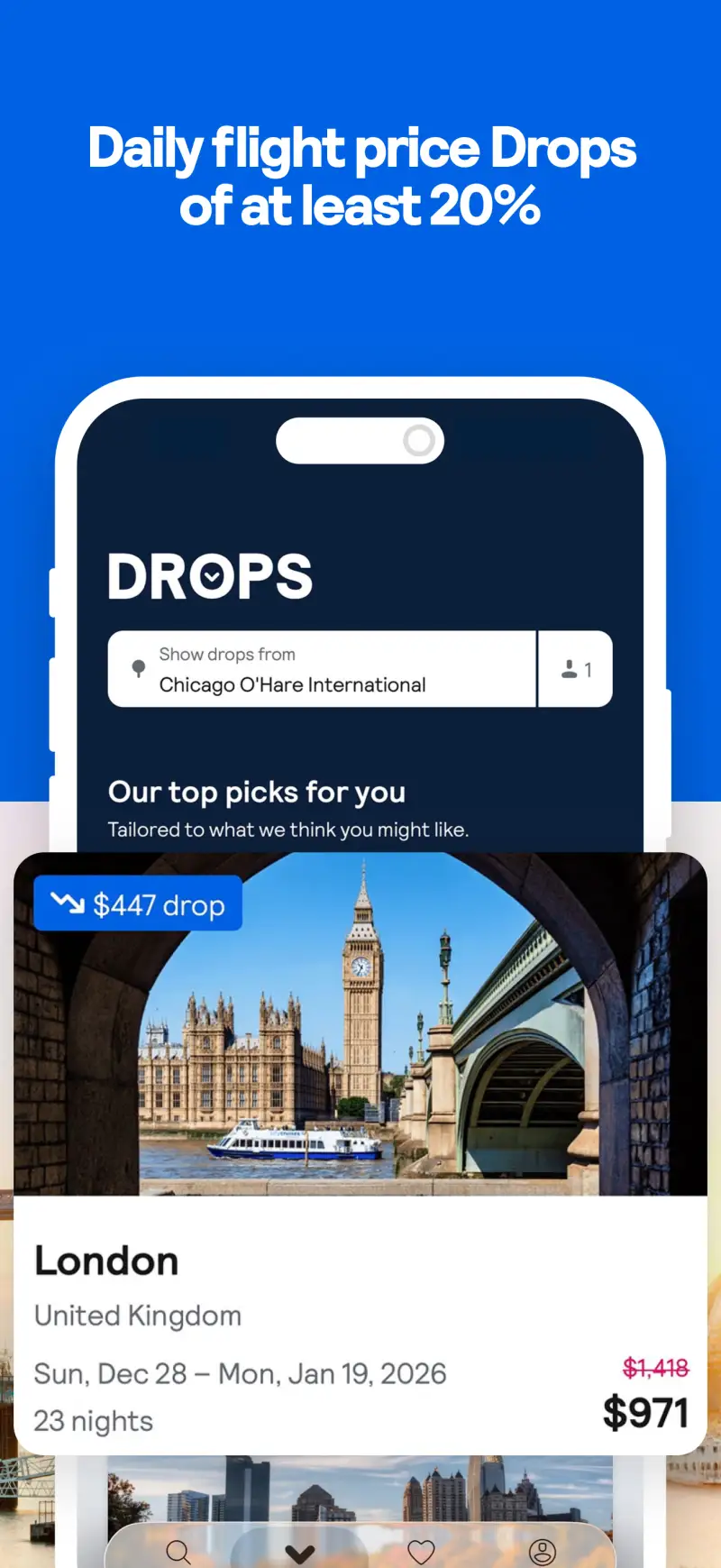
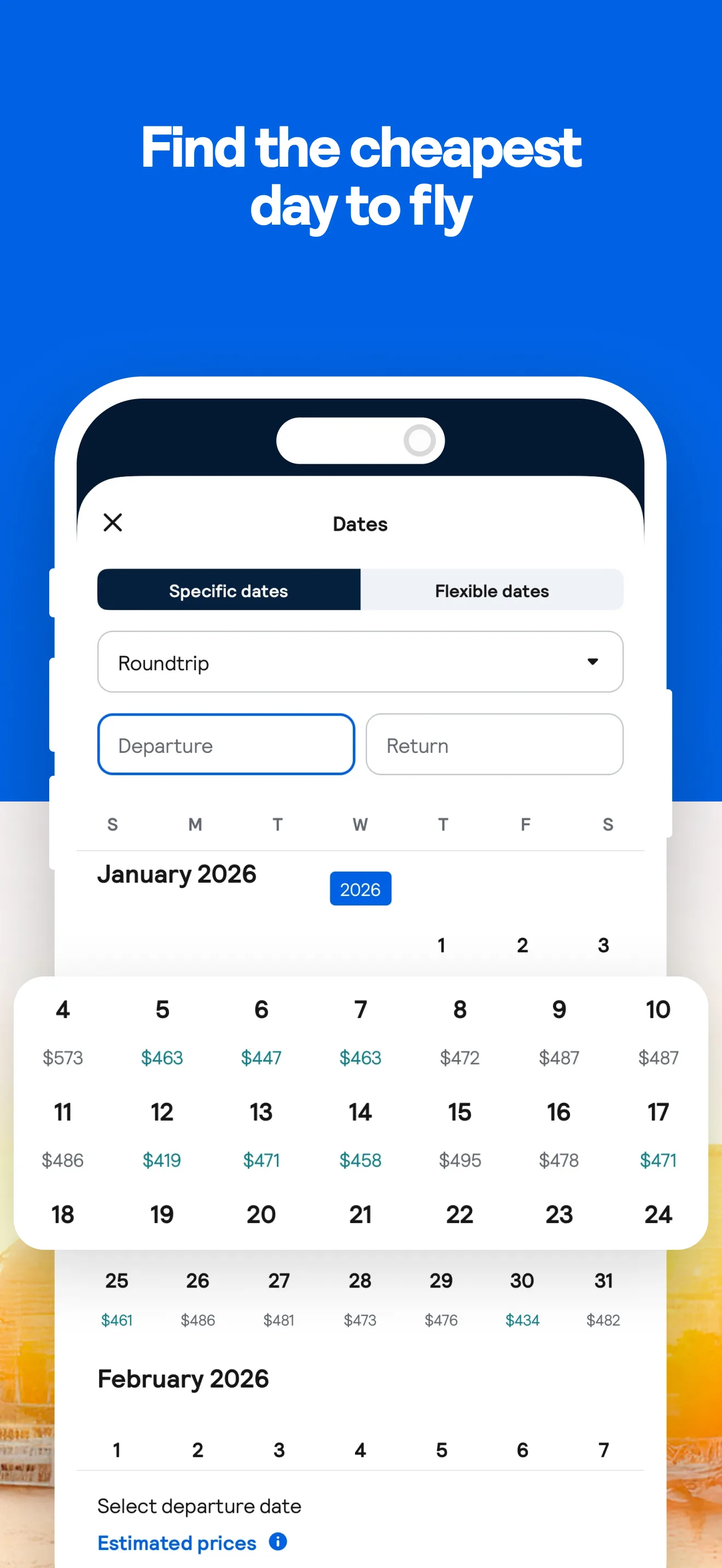
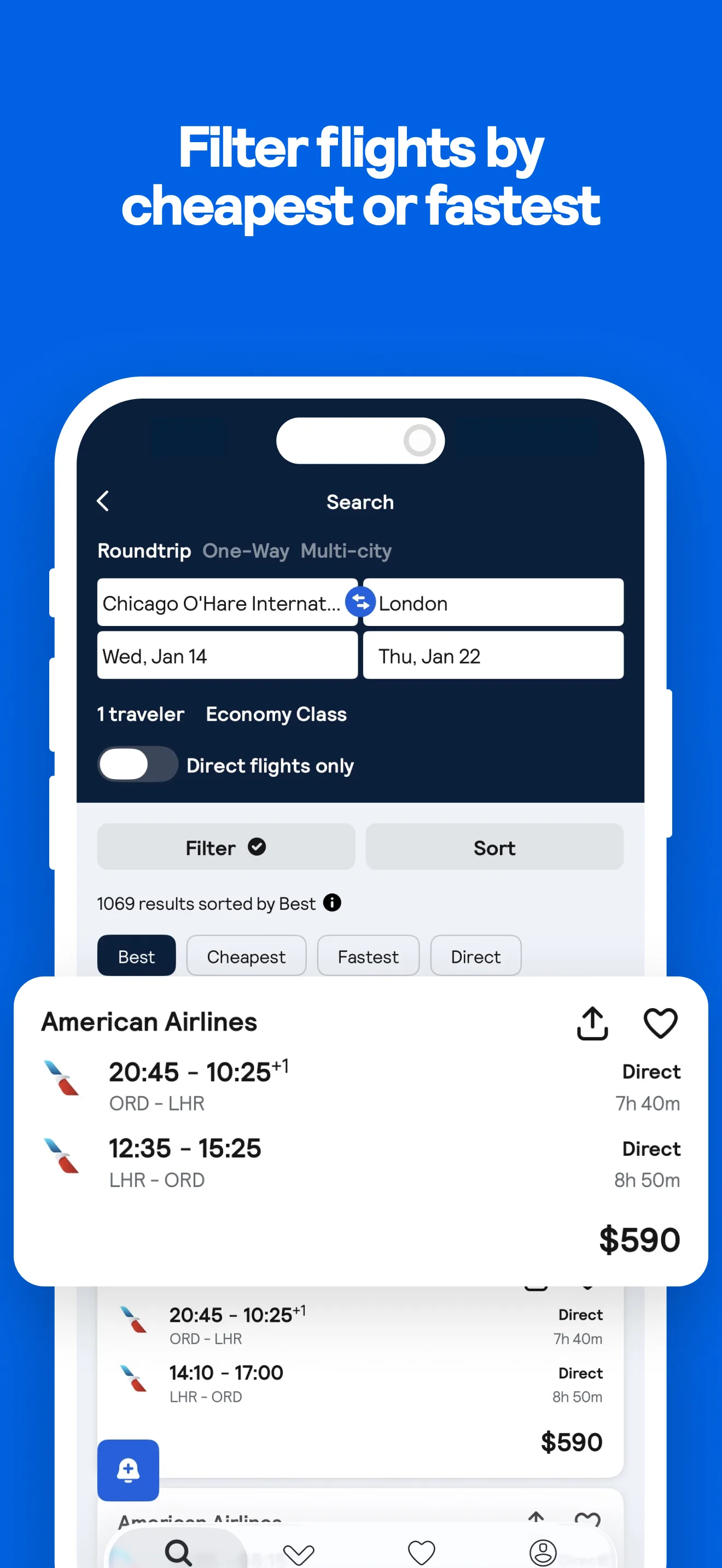
Skyscanner’s distinguishing capability is the “Everywhere” search — leave the destination blank, enter a departure city and dates, and the results map shows the cheapest flight to every accessible destination from that city. It is the only major flight app that supports genuinely open-destination searching. For travelers with schedule flexibility and no fixed next destination, this is a legitimate trip-planning tool rather than a comparison utility.
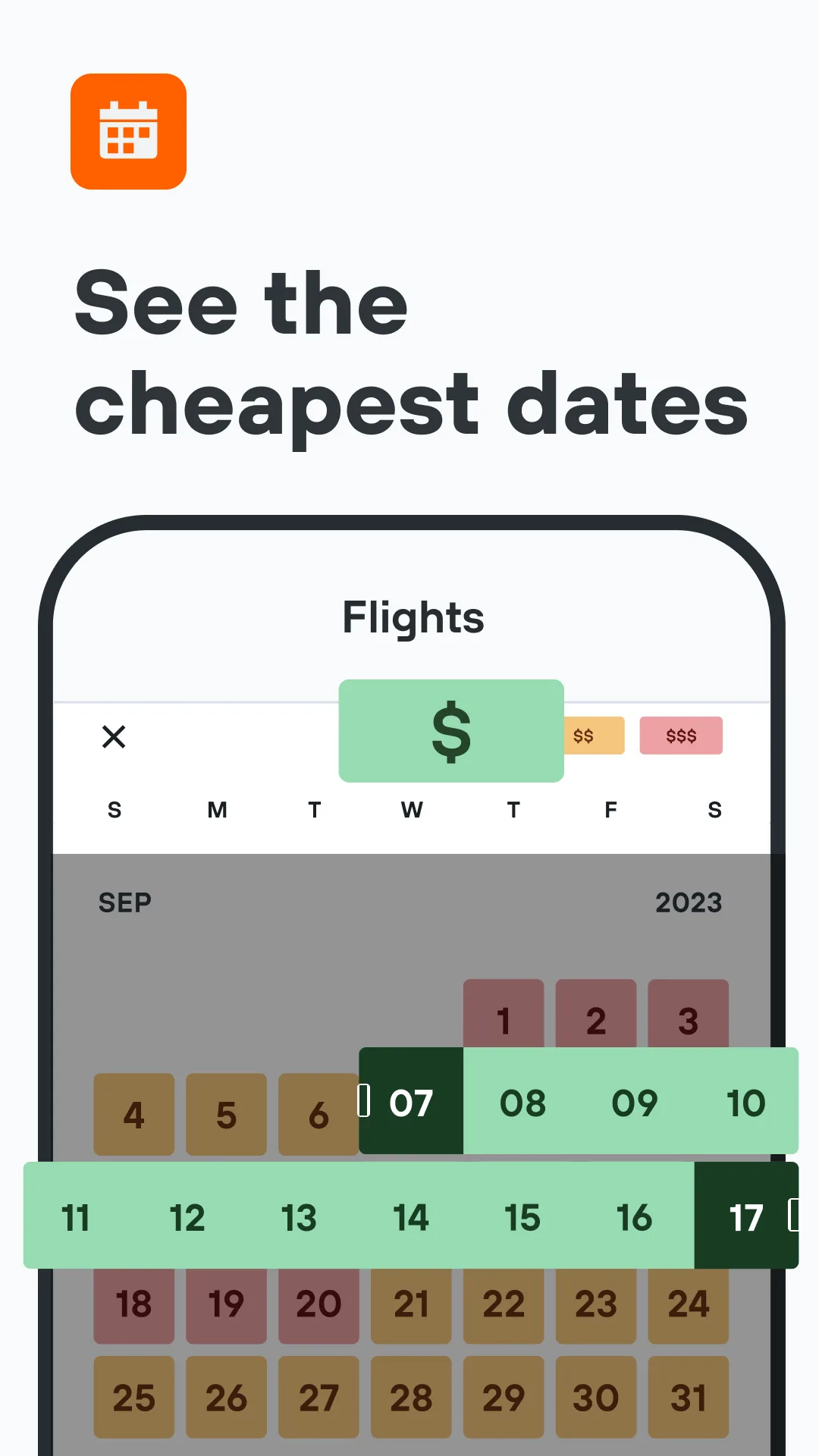
The “whole month” calendar view is the second major differentiator. Select any route and a month, and you see the cheapest available fare for every single day laid out in a grid. The price difference between the cheapest and most expensive day in a typical month runs $50–200 on European routes, $100–400 transatlantic. Picking the cheapest day takes 30 seconds of grid-scanning — no algorithmic interpretation required.
The 100 million+ install base at 4.78 stars reflects sustained quality across Android versions. The app covers more carriers than any competitor in this comparison, specifically including Ryanair, Wizz Air, Vueling, Spirit, Frontier, and most Asian budget carriers that Google Flights does not index. On complex international routes involving multiple budget carriers, Skyscanner consistently surfaces combinations that Google Flights misses entirely.
What Skyscanner does well
- “Everywhere” search: cheapest flights to any destination worldwide from your city on a price map
- “Whole month” calendar: see the cheapest day to fly at a glance, no date guessing
- Broadest carrier coverage: includes budget airlines missing from Google Flights
- Price alerts: push notification when any tracked fare changes, up to 100 days in advance
- No booking fees, no account required to search
- 100M+ installs, 4.78 stars — most trusted flight app on Android
Where Skyscanner falls short
- Redirects to airline or OTA for purchase — no native booking flow
- Price alerts are reactive (tracks real prices) not predictive — no buy-or-wait guidance
- Some search results include sponsored OTA placements
- Hotel and car search is secondary to dedicated tools
- User must independently vet the OTA they’re redirected to
Pricing: Free, no fees, no account required. Install Skyscanner and use the whole-month view before booking any flight.
Hopper - Best for Price Predictions on US Routes




Hopper’s price prediction engine is the only feature of its kind on Android. The app analyzes years of historical fare data, models current pricing trajectories, and makes a recommendation: “buy now” or “wait — prices are likely to drop by $47 in the next 12 days.” That recommendation is color-coded on a calendar (green = cheap days, red = expensive) and updated continuously as fares change.
The prediction accuracy runs approximately 85% on well-covered routes, dropping closer to 80% on international or obscure origin-destination pairs. For US domestic travel within the 2–12 week booking window, the guidance is reliable enough to act on. For obscure international routes, treat it as a signal rather than a certainty.
The Price Freeze feature is unique in this comparison. For $1–40 (depending on route volatility), you lock in the current displayed price for up to 7 days. If the fare rises, Hopper pays the difference. If it drops, you pay the lower price. For travelers who want a fare they’ve found but aren’t ready to commit immediately — waiting for a travel companion to confirm, waiting for a paycheck to clear — this is a genuinely valuable insurance product with verified savings.
The honest negative: Trustpilot reviews run at 1.5/5 across 6,000 reviews. The complaints are about customer service handling of refund disputes and charge issues, not about prediction accuracy. Use Hopper to find and time purchases; if you need robust post-booking support, verify the refund policy before committing.
What Hopper does well
- ML price prediction: “buy now” or “wait” recommendation with predicted price movement
- Color-coded calendar: visually instant cheapest-day identification
- Price Freeze: lock today’s fare for up to 7 days for $1–40
- Full booking flow within the app — no redirect to external OTA
- Push notifications when it’s the optimal moment to buy
- Cancel/Change for Any Reason add-ons available at booking
Where Hopper falls short
- Weaker coverage of small carriers and complex international routes vs Skyscanner
- Price prediction accuracy drops below 80% on long-horizon or obscure routes
- Trustpilot 1.5/5: customer service issues documented for refund disputes
- Best predictions are US domestic routes within 2–12 week window
- Price Freeze and insurance add-ons can feel like upsells in the booking flow
Pricing: Free; Price Freeze $1–40 per booking; optional cancellation/change insurance. Use Hopper for US domestic flights where AI timing guidance is worth having.
KAYAK - Best for Hacker Fares and Itinerary Management
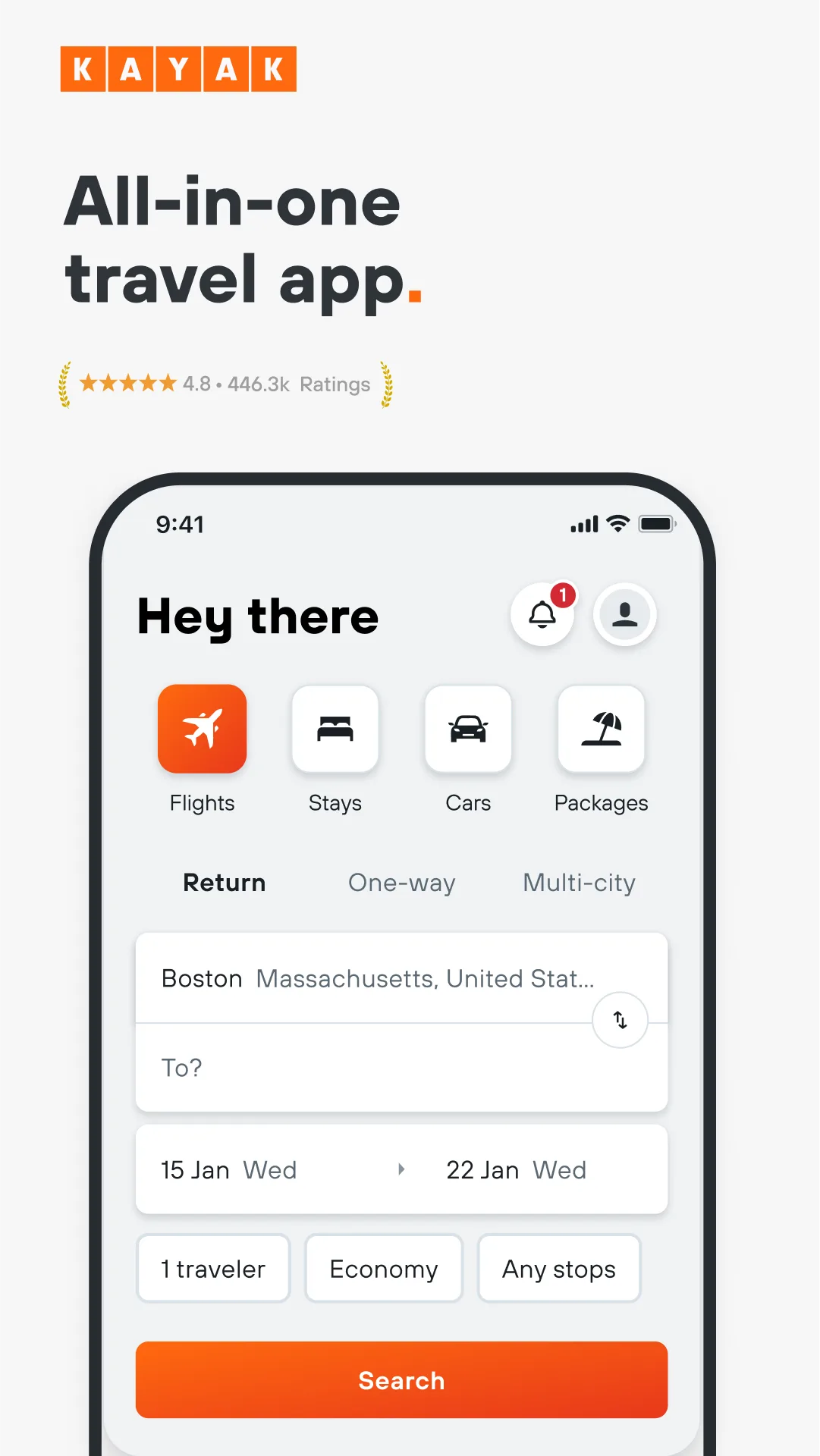
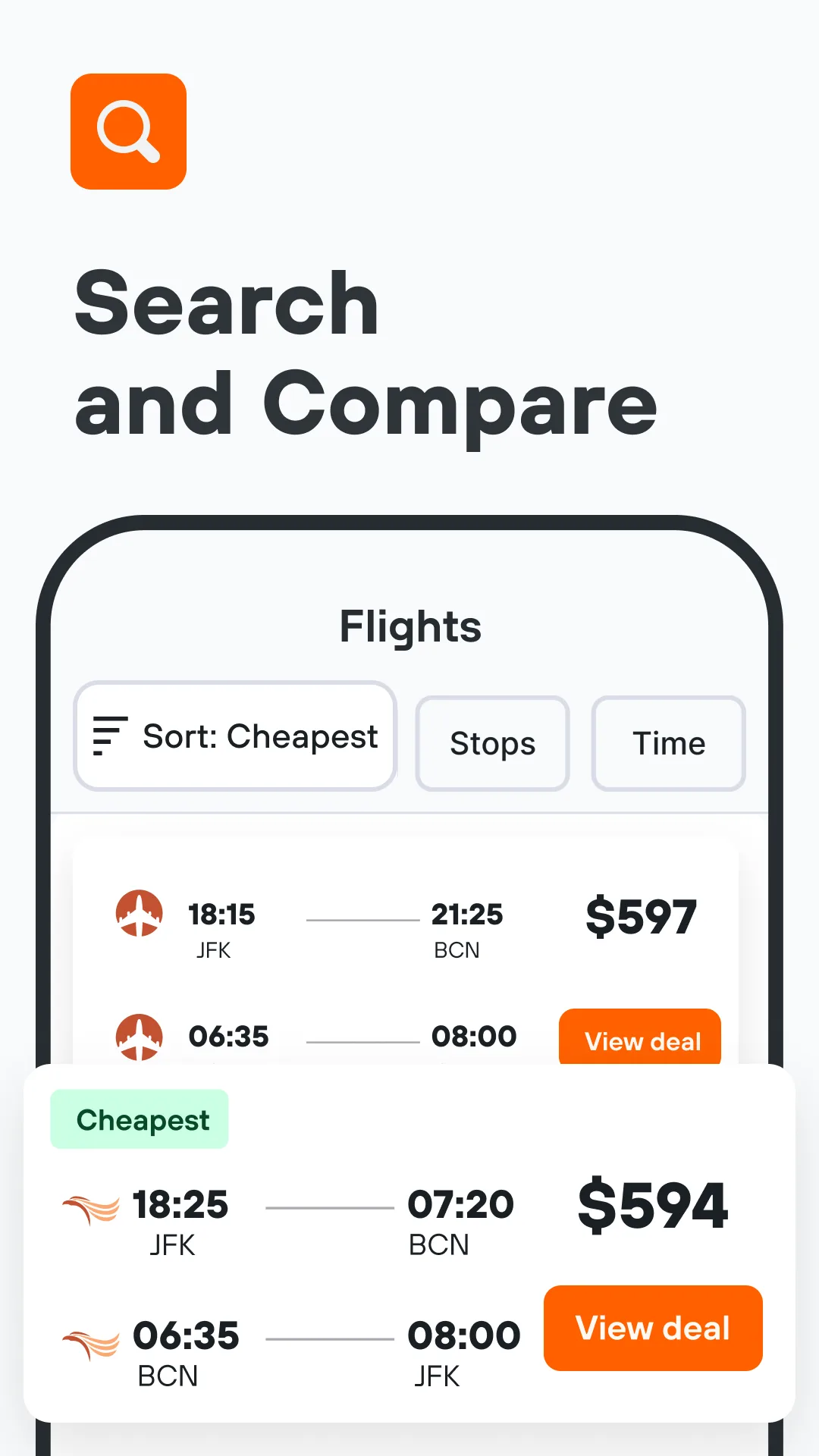

KAYAK’s highest rating in this comparison — 4.79 from 406,000+ reviews — reflects an app that has solved two problems simultaneously: meta-search breadth and post-booking management. No other flight app in this review matches KAYAK’s combination of search depth and Trips functionality.
Hacker Fares is KAYAK’s standout feature. It automatically identifies when booking two separate one-way tickets (on different airlines) is cheaper than a standard round-trip. London to New York on British Airways outbound, then New York to London on Norwegian inbound, combining for $340 versus a standard round-trip at $490. KAYAK finds this combination automatically — you don’t need to search both directions independently. Typical savings run 10–25% on eligible transatlantic and transpacific routes where one direction is significantly cheaper than the other.
The Trips manager is the itinerary organization feature embedded directly in a flight search app. Forward confirmation emails or connect Gmail, and KAYAK parses flights, hotels, and car rentals into a chronological itinerary. Gate change alerts and delay notifications arrive as push notifications — for your own booked flights, even if you didn’t book through KAYAK. That combination means KAYAK handles both the search phase and the post-booking tracking phase in one app.
What KAYAK does well
- Hacker Fares: automatically surfaces combined one-way combinations cheaper than round-trips
- Trips manager: parses confirmation emails into chronological itinerary with gate/delay alerts
- Unlimited price alerts with daily updates — most reliable alert system in this comparison
- KAYAK Explore: see all destinations you can reach under a specific budget
- Bag size checker: camera-based tool to verify carry-on dimensions against airline limits
- Price Forecast covers next 30 days — faster-than-Hopper short-term guidance
Where KAYAK falls short
- Price Forecast covers 30 days only — not useful for trips planned 3+ months out
- Hacker Fares requires you to check both resulting tickets’ cancellation terms independently
- UI density is high — first-time users find it overwhelming
- Ad-supported; sponsored results appear inline
- Owned by Booking Holdings (parent of Booking.com and Priceline), raising search neutrality questions
Pricing: Free, no booking fees. Install KAYAK if you want Hacker Fares and integrated post-booking tracking in one place.
Kiwi.com - Best for Budget-Obsessed Travelers Willing to Self-Transfer

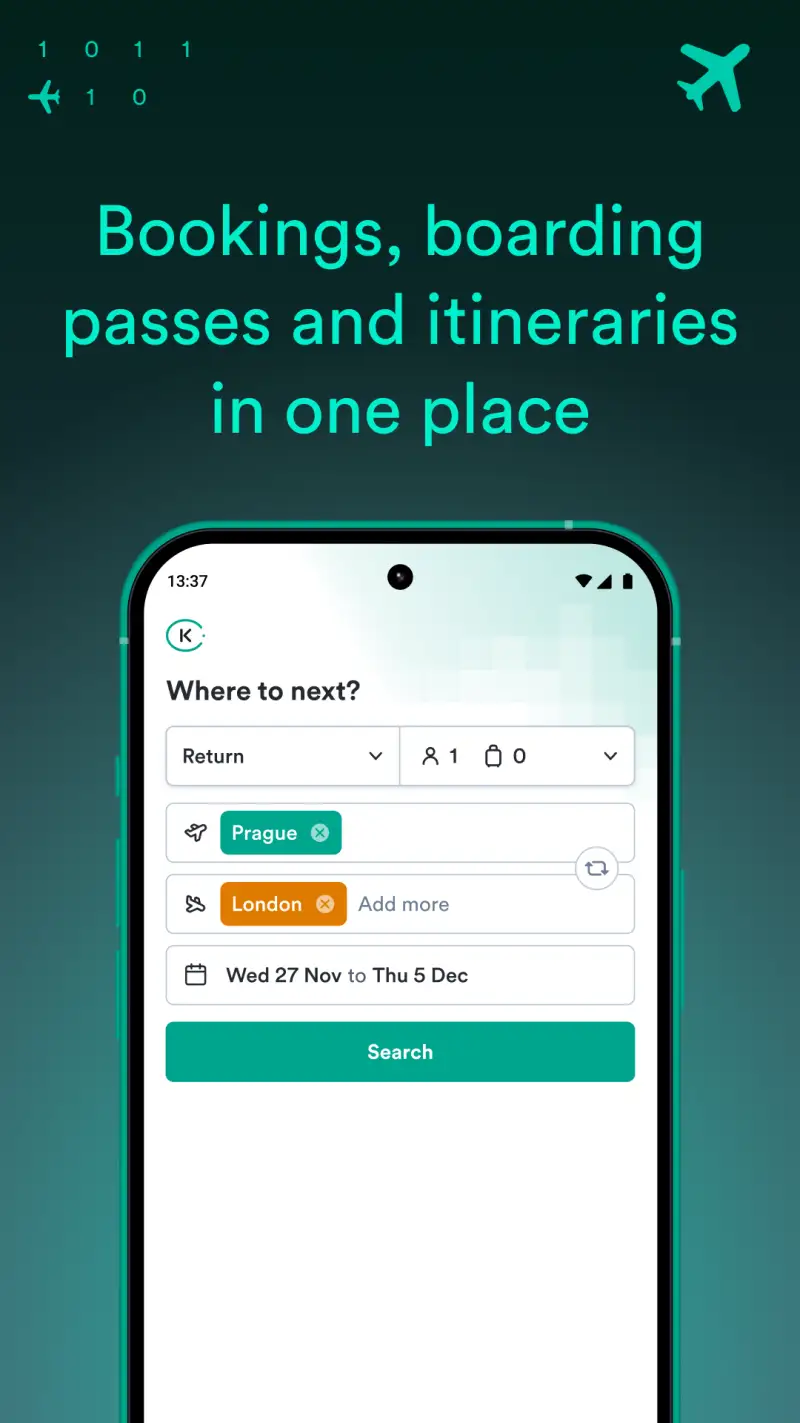
Kiwi.com finds flights by breaking rules that other booking engines follow. Virtual interlining combines tickets from airlines with no interline agreement — Ryanair plus Wizz Air plus Turkish, assembled into one itinerary that no traditional booking system would build. Self-transfer itineraries connect airlines through hubs where you collect your baggage, clear security, and re-check with the next carrier yourself. These combinations routinely produce fares 15–35% cheaper than any sanctioned routing.
The Nomad Mode is the feature that distinguishes Kiwi for open-itinerary travelers. Input three or more destinations with flexible stay durations, and Kiwi returns the cheapest sequence to visit all of them. For a nomad planning Bangkok → Hanoi → Bali → Colombo, it finds the optimal order and routing rather than requiring manual comparison of each leg independently.
The risk requires honest disclosure. The proportional 1-star rate — 12.6% of total ratings — is the highest in this comparison. If your first carrier delays you on a self-transfer itinerary, the second carrier has zero obligation. Kiwi Guarantee must be purchased at the time of booking to cover this scenario; it cannot be added retroactively. Customer service disputes about refunds and Guarantee coverage are the dominant complaint category. Never use Kiwi for tight connections on time-sensitive journeys.
What Kiwi.com does well
- Virtual interlining: combinations from non-cooperating carriers no other app finds
- Nomad Mode: cheapest sequence for multi-destination open itineraries
- Multi-modal booking: combines flights, trains, and buses in one itinerary
- No ads in app
- Price alerts for tracked routes
Where Kiwi.com falls short
- 12.6% 1-star review rate — highest in this comparison
- Customer service for disputes is weak — chatbot-first, slow resolution
- Self-transfer risk is real: missed connection costs fall on you, not the carriers
- Service fees add 20–30% at checkout versus displayed fares on some routes
- Kiwi Guarantee must be purchased at booking — no retroactive coverage
- Hidden city and throwaway ticketing violates most airlines’ terms of carriage
Pricing: Free search; service fees vary by route; Kiwi Guarantee additional cost at booking. Always buy Kiwi Guarantee on any self-transfer booking. Never use Kiwi for connections with less than 90 minutes buffer.
Flightradar24 - Best for Live Flight Tracking
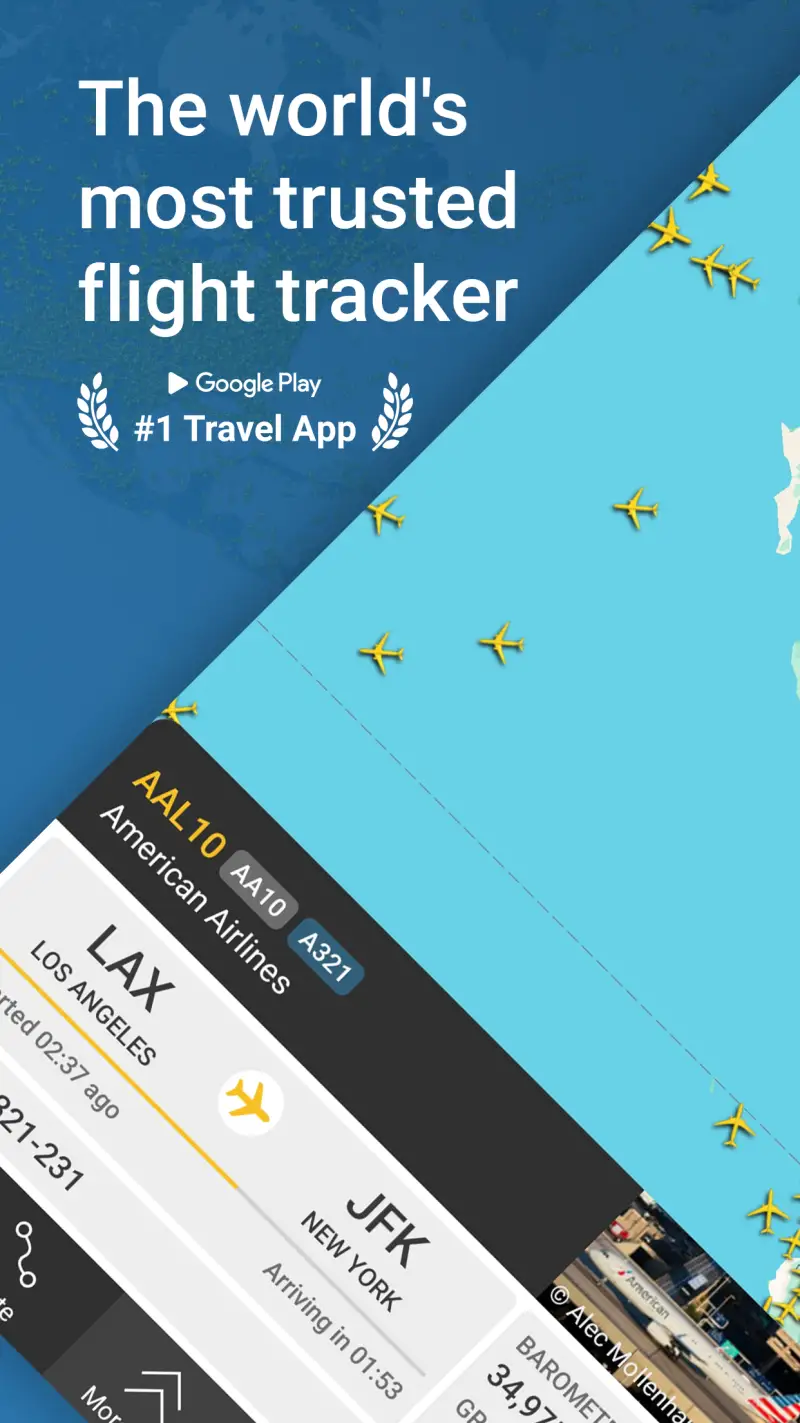
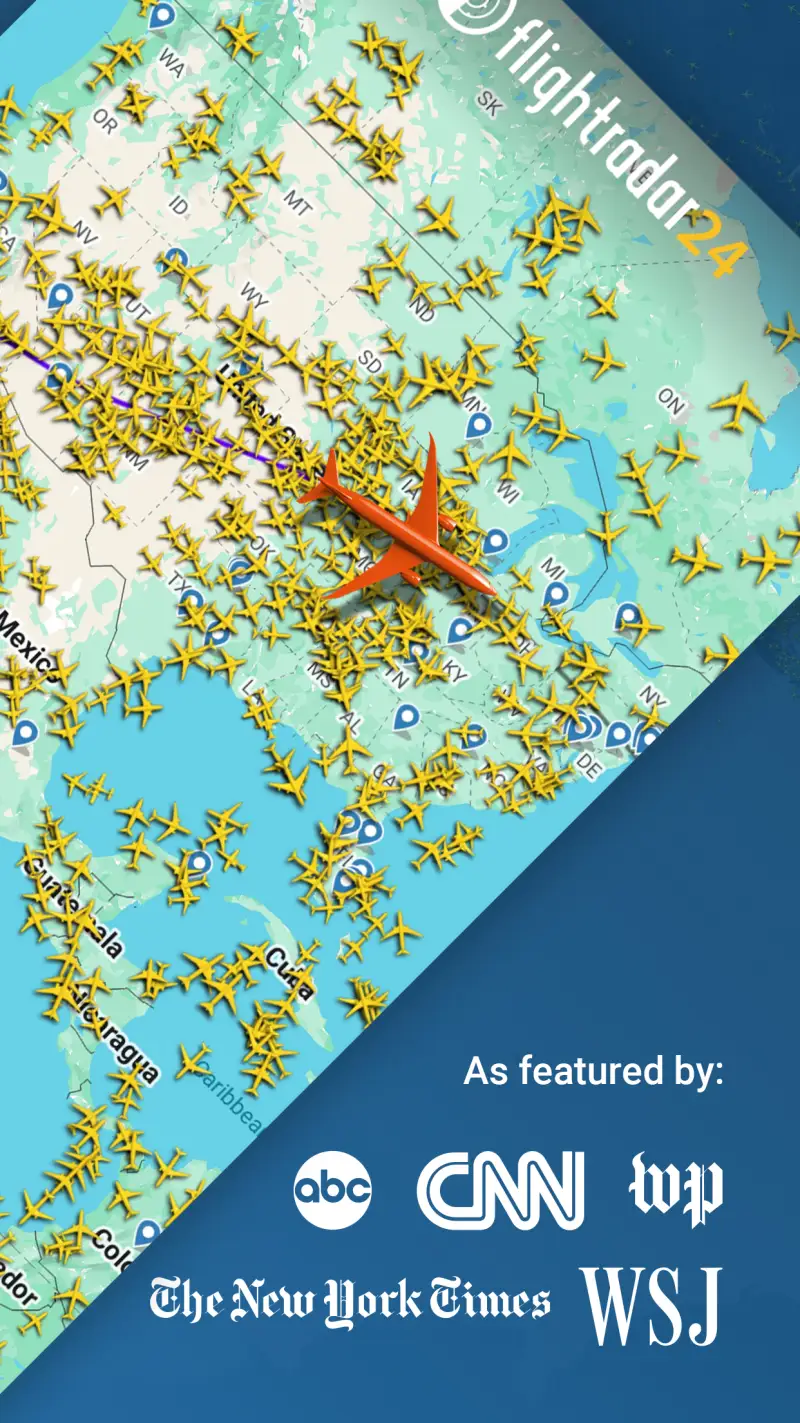
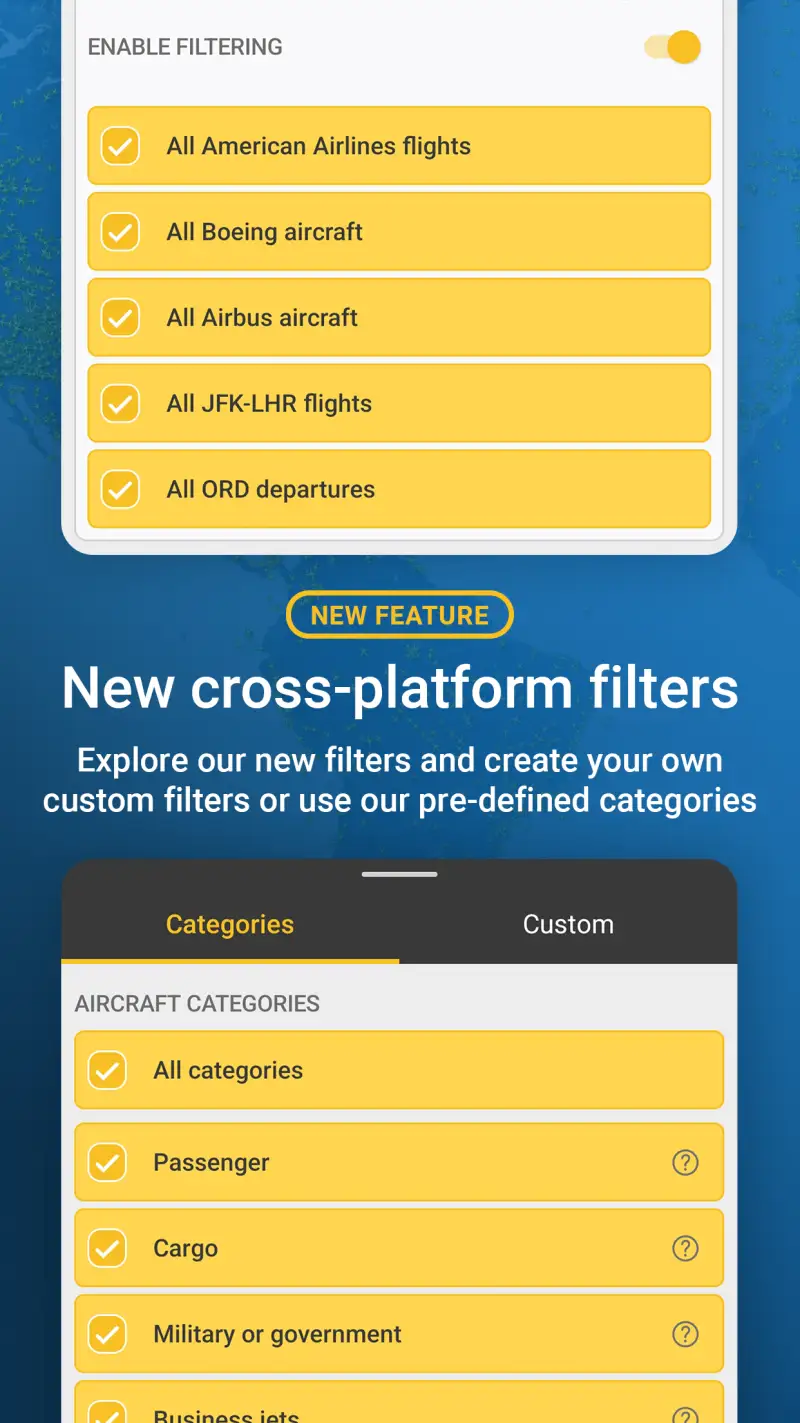
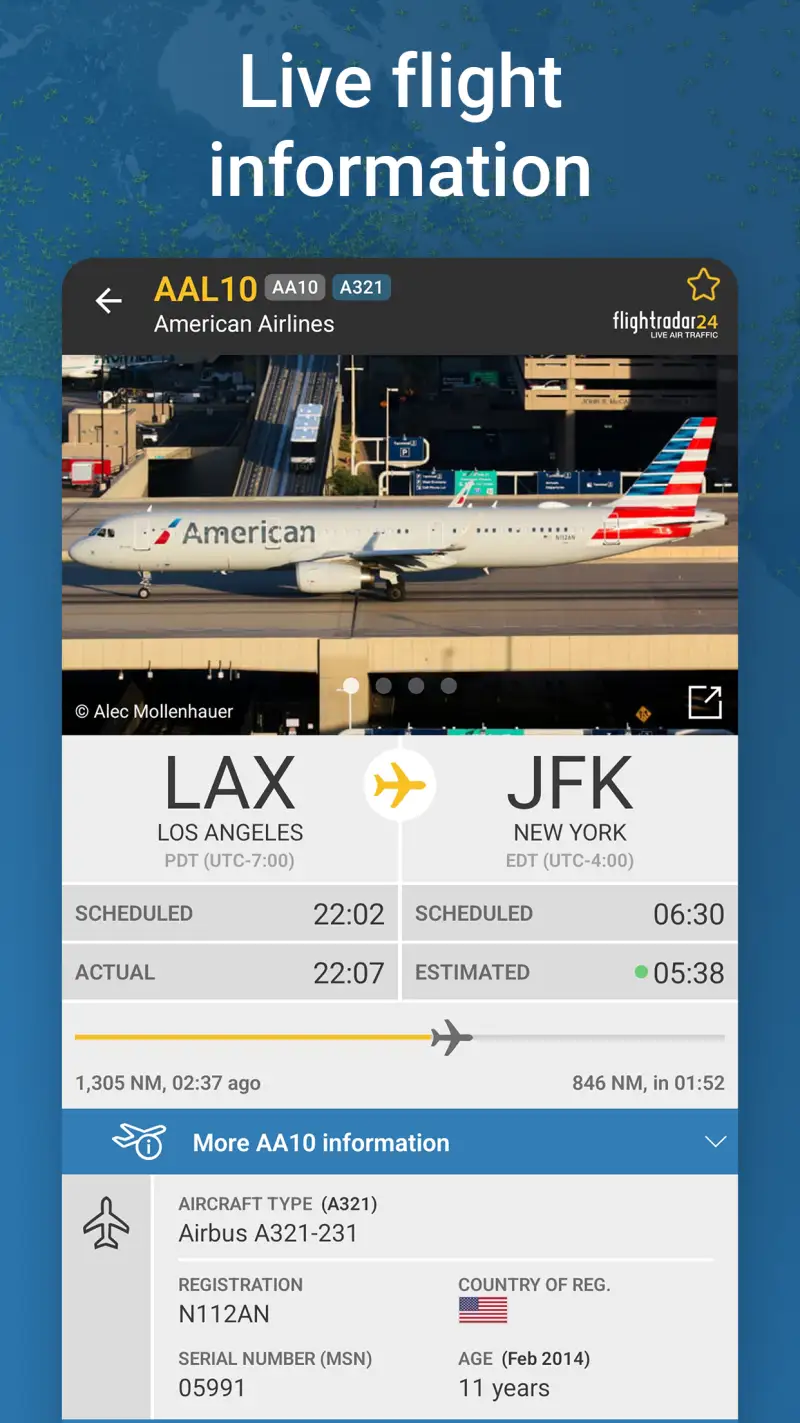
FlightRadar24 receives data from 50,000+ ground-based ADS-B receivers worldwide, updates aircraft positions in near-real-time with smooth continuous map movement, and covers every commercial flight on Earth plus most general aviation. The AR mode — point your phone at any aircraft in the sky and see its flight number, origin, destination, aircraft type, and altitude — is the feature that converts first-time users permanently.
The practical use cases go beyond aviation enthusiasm. Picking someone up from an airport: tap their flight, watch the aircraft on final approach, know exactly when to leave for arrivals. Checking an inbound connection: see if the aircraft you’ll be boarding is already at the gate or still airborne. Watching a delayed flight: the real-time map tells you whether “mechanical delay” means the aircraft is 20 minutes away or sitting at a maintenance hangar.
The free tier is genuinely useful for all of this. The paid Silver tier ($6.99/month, in-app) adds 90-day flight history, aircraft age data, and custom alerts for specific aircraft tails or flight numbers. The 7-day free trial for Silver and Gold makes the paid evaluation risk-free.
What Flightradar24 does well
- Real-time live tracking: smooth continuous aircraft position updates from 50,000+ ADS-B stations
- AR mode: point camera at any aircraft overhead for instant flight information
- Global coverage: strongest international commercial coverage of any tracking app
- Airport view: arrivals, departures, gate assignments, current delay data
- Wear OS support: nearby aircraft list on your watch
- Free tier handles all practical travel use cases without payment
Where Flightradar24 falls short
- Best features (flight history, custom alerts, weather overlay) require Silver/Gold subscription
- $1.49–$64.99 IAP range is confusing — unclear what individual purchases unlock
- Ads on free tier (banner ads; not fullscreen)
- Not a booking app — zero integration with fare search
- Subscription upgrade prompts appear frequently in free tier
Pricing: Free base; Silver subscription ~$6.99/month (7-day free trial available). Install Flightradar24 for any airport pickup, connecting flight check, or aviation curiosity.
FlightAware - Best for US Airport Delay Intelligence
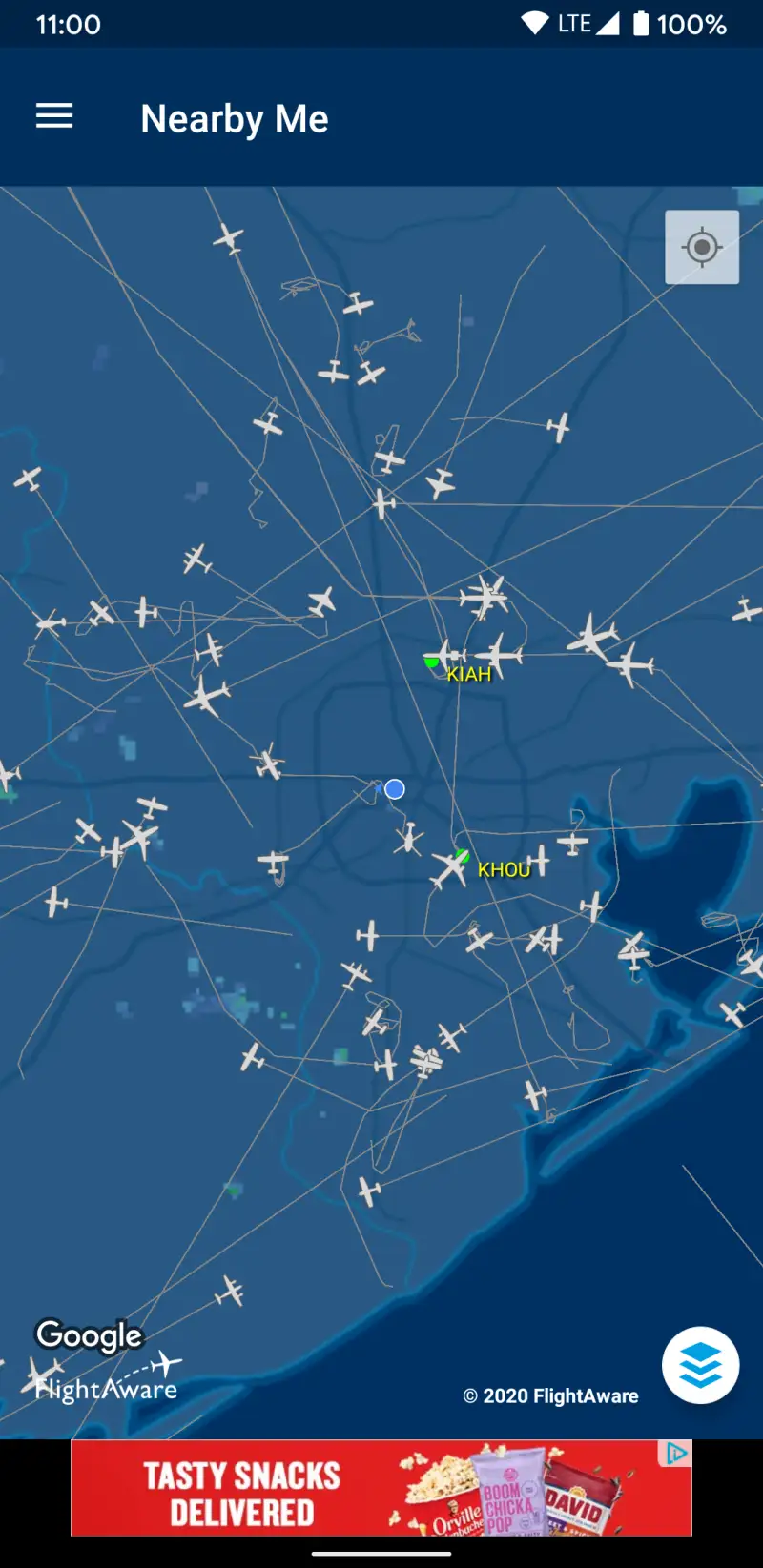
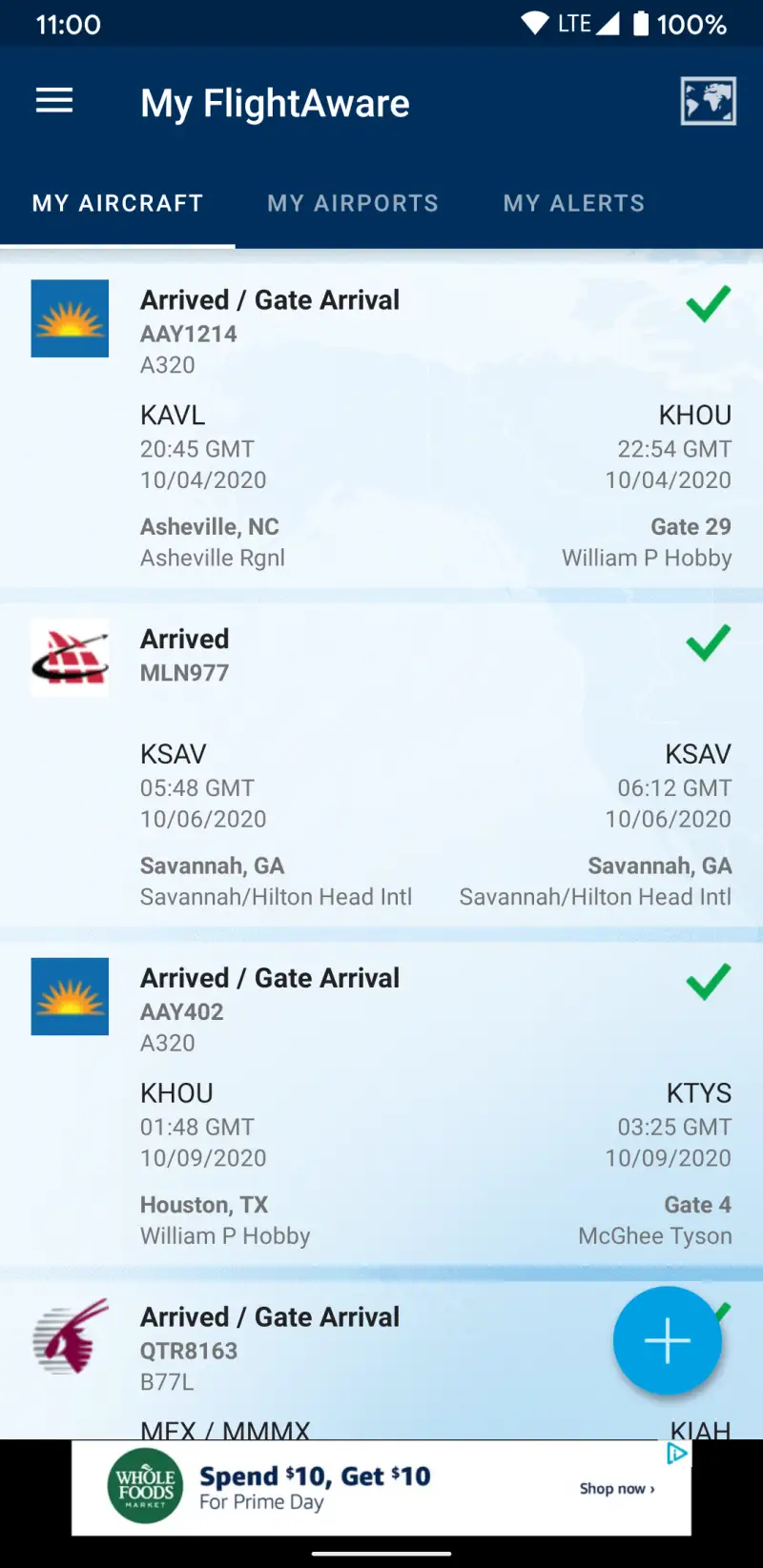
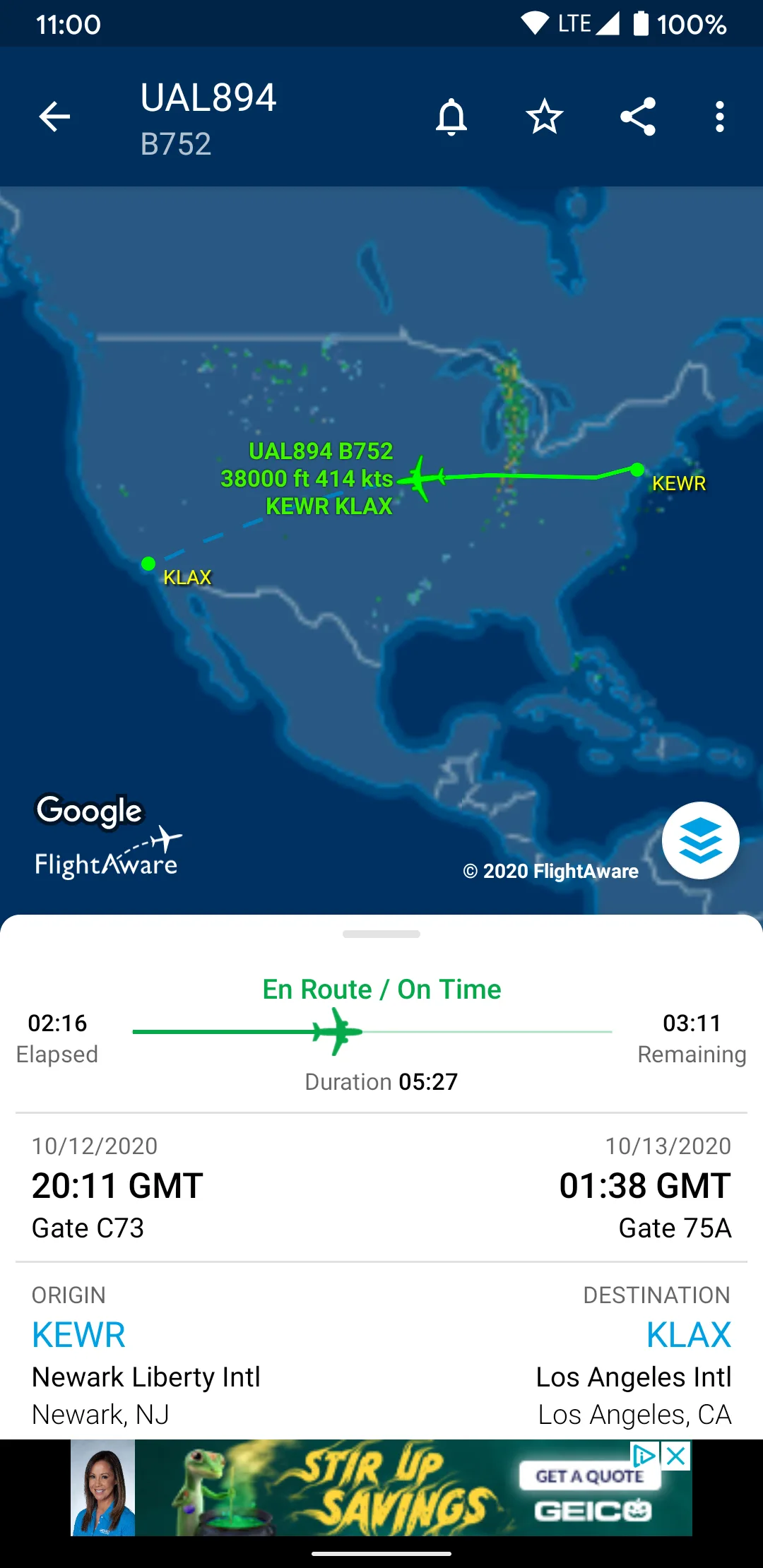
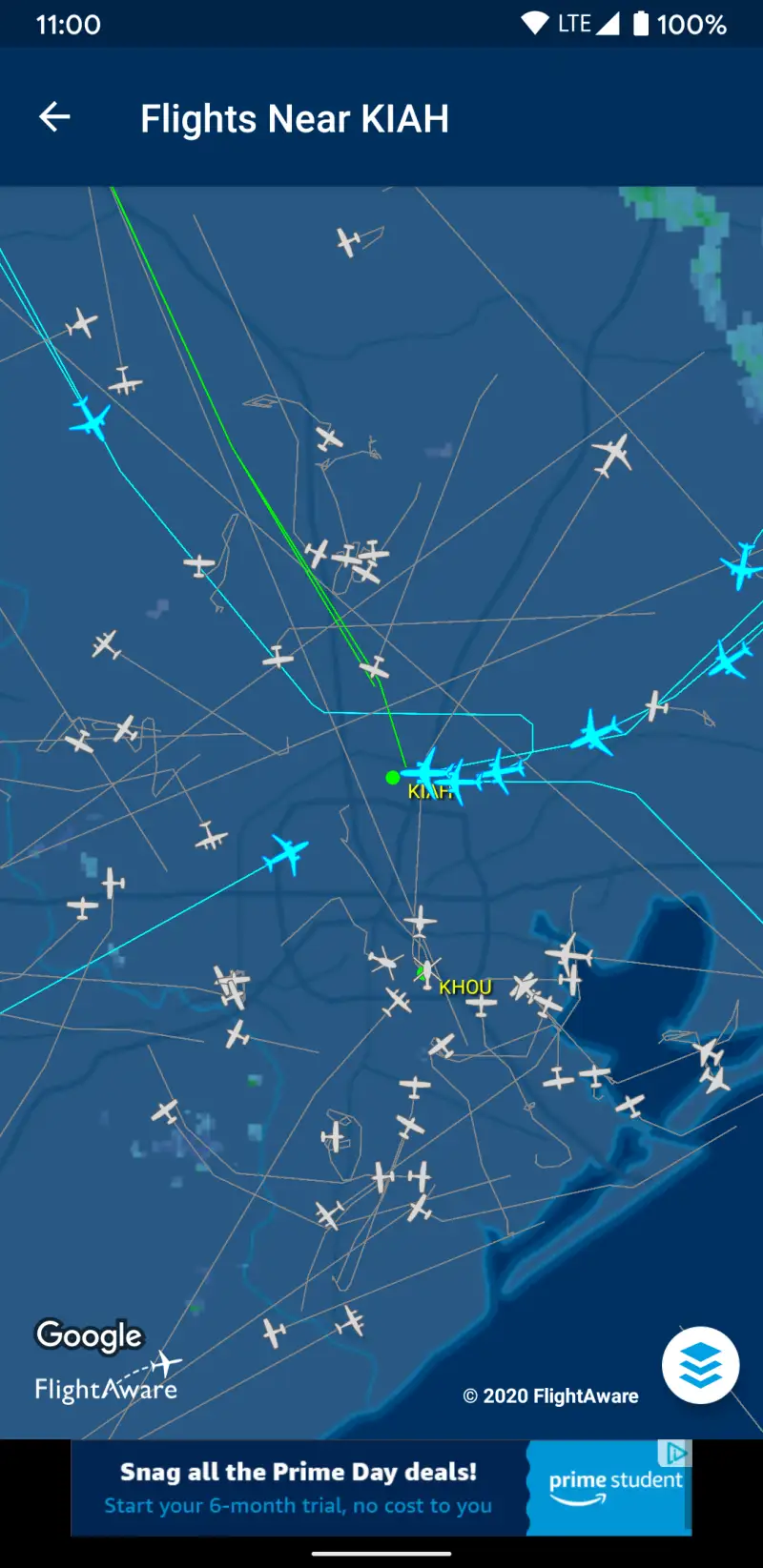
FlightAware is the right choice for one specific scenario: understanding the systemic state of US air travel. The Misery Map — a color-coded view of delay rates at every major US airport, with cause breakdown (weather versus ground stop versus volume) — is unique. No other app tells you that Charlotte Douglas is running 40-minute delays due to a ground stop while O’Hare is clear, before you choose which connection to take.
The historical flight performance data goes deeper than FlightRadar24 for US routes. FlightAware can tell you that a specific flight number has arrived late 67% of the time over the past 90 days — data that’s useful when deciding whether to trust that 45-minute connection.
The Android app has known issues that require acknowledgment. The rating is 3.71 from 45,000+ reviews — significantly lower than FlightRadar24’s 4.49. Login bugs (credentials that work on the website fail periodically in the app), notification delivery failures, and a UI redesign that received broadly negative user feedback are documented in recent reviews. The web interface at flightaware.com is more reliable for situations requiring accurate information under time pressure.
What FlightAware does well
- Misery Map: US airport delay status with cause breakdown — unique in this comparison
- General aviation tracking in the US: private and charter flights, not just commercial
- Historical delay analytics: see a specific flight’s on-time record over 90 days
- NEXRAD radar overlay on the tracking map
- Free base tier with direct flight status and push notifications
Where FlightAware falls short
- 3.71 Google Play rating — 24% lower than FlightRadar24
- Login bugs reported: valid credentials periodically rejected by Android app
- Push notification reliability lower than FlightRadar24 — ETA alerts sometimes fail
- Aircraft position updates every 30 seconds — visible jumps versus FR24’s smooth movement
- UI redesign received negative user feedback; interface feels dated
Pricing: Free base; IAPs $0.99–$5.99 for additional features. Use FlightAware for US travel when airport delay context matters; use the website if Android app login fails.
Which App Do You Actually Need
The honest answer for most travelers: two apps total, and they don’t overlap.
For finding and booking flights: Skyscanner for flexibility searches and budget carrier coverage. Add KAYAK if you want Hacker Fare combinations and post-booking gate alerts in one place. Add Hopper if you’re booking US domestic flights within a 2–12 week window and want AI timing guidance. Add Kiwi only if you’re comfortable with self-transfer risk and always purchase Kiwi Guarantee.
For tracking flights live: FlightRadar24. Nothing else competes on real-time coverage and map quality. Install it before any airport pickup or connecting flight.
The minimum stack: Skyscanner + FlightRadar24. Everything else adds specificity.
For travelers who want a single app that does both booking search and live tracking in one place, nothing currently delivers both functions at the highest quality — the booking apps don’t track flights live, and the tracking apps don’t book tickets. The two-app stack is the honest recommendation until that gap closes.
Tested April 2026. Apps verified against live Google Play listings. Pricing and features subject to change.