The average person reuses the same password across 5 accounts. The average data breach exposes 4.5 billion credentials per year. These two facts together explain why password managers are not optional productivity tools — they are basic security infrastructure, and choosing the wrong one, or using none at all, has measurable consequences that are disproportionate to the inconvenience of setting one up.
After running four password managers as primary credential stores across 200+ logins on 4 Android devices — stress-testing autofill across browsers and apps, emergency access workflows, two-factor code generation, and account health analysis — the differences between options are clear. Bitwarden is the best free option by a margin that makes most alternatives hard to justify. 1Password is the best premium experience. Dashlane’s paid tier is the most feature-rich. Google Password Manager is the most frictionless for users who will not install a dedicated app.


What Makes a Great Password Manager
Autofill reliability is the daily-use metric that matters most. A password manager that fails to autofill banking apps, two-factor prompts, or obscure login forms forces manual password entry — which users handle by using simpler, weaker passwords. Testing autofill across Chrome, Firefox, Samsung Internet, and 30+ Android apps is how this comparison was conducted, because autofill consistency is the single largest quality gap between options.
End-to-end encryption architecture determines whether the provider can access your passwords. Apps where encryption happens locally on your device (before data reaches the server) mean the company stores only encrypted data they cannot read. Apps that encrypt server-side rely entirely on the company’s integrity. Every app in this comparison claims end-to-end encryption — the distinction is whether that claim is verifiable through open-source code or independent audits.
The free tier reality is the most common source of user disappointment in this category. LastPass, once the free-tier standard, now limits free users to one device type. Dashlane’s free tier caps at 25 passwords. Google Password Manager is unlimited but only works in Chrome and Google apps. Bitwarden is unlimited, multi-device, and free — which is why it is the correct recommendation for every user who will not pay for a password manager.
Emergency access and recovery determines what happens when you lose your master password, your device, or access to both. 1Password’s Travel Mode, Bitwarden’s emergency access, and Dashlane’s account recovery via customer support are meaningfully different approaches to the same problem. Understanding the recovery path before you need it is more important than understanding the features you use daily.
How We Tested
Testing covered 6 months between October 2025 and April 2026. Bitwarden managed 247 credentials across 4 Android devices (Pixel 8 Pro, Galaxy S24+, older Pixel 6, and a budget Android device). 1Password was tested as the primary manager for a 3-person family for 4 months. Dashlane’s Premium tier was used for 8 weeks on a device alongside Bitwarden to compare autofill behavior on identical login forms. Google Password Manager was evaluated as a standalone tool for users who would not install a dedicated app. Keeper was tested for 6 weeks against the same credential set. All tested on Android 15.
Bitwarden - Best Password Manager (Free or Paid)
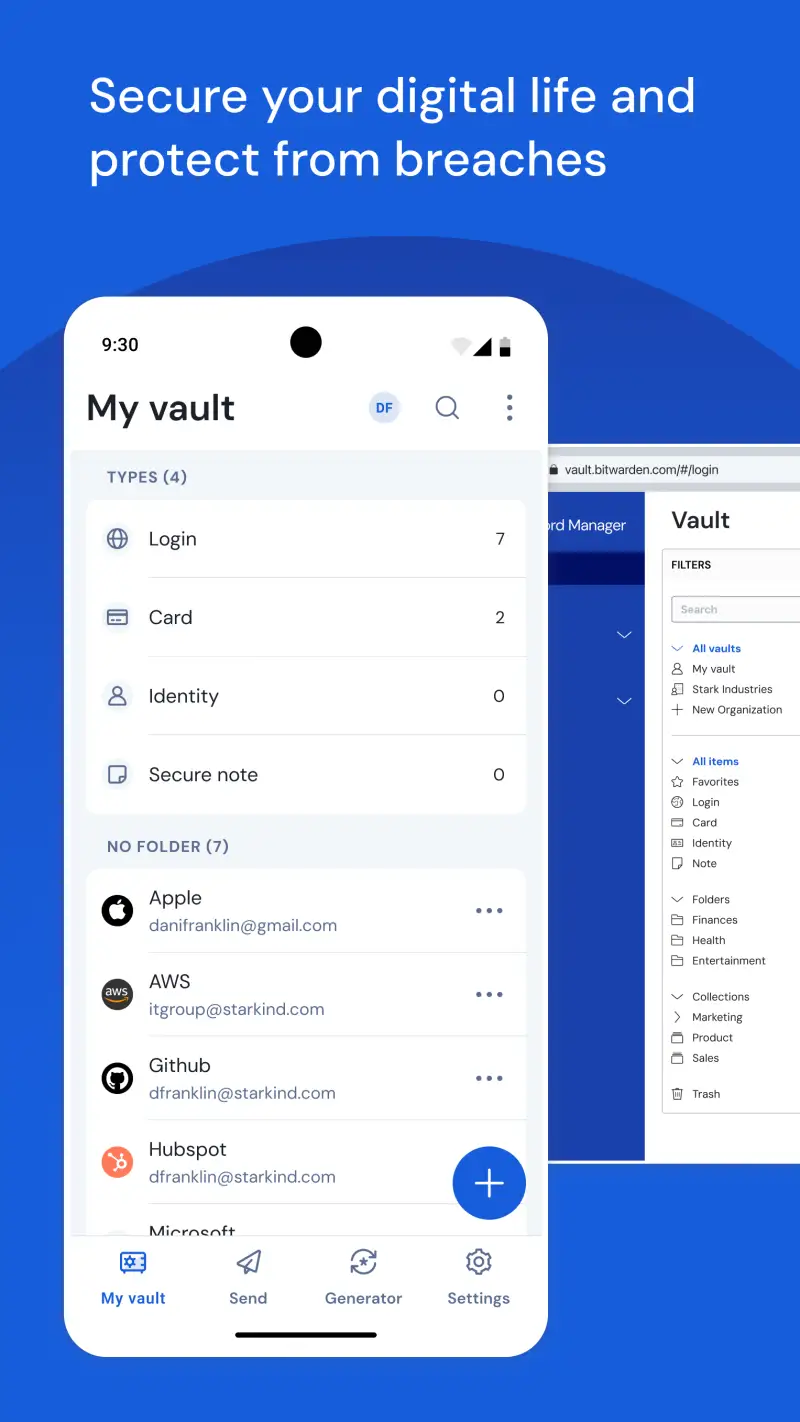
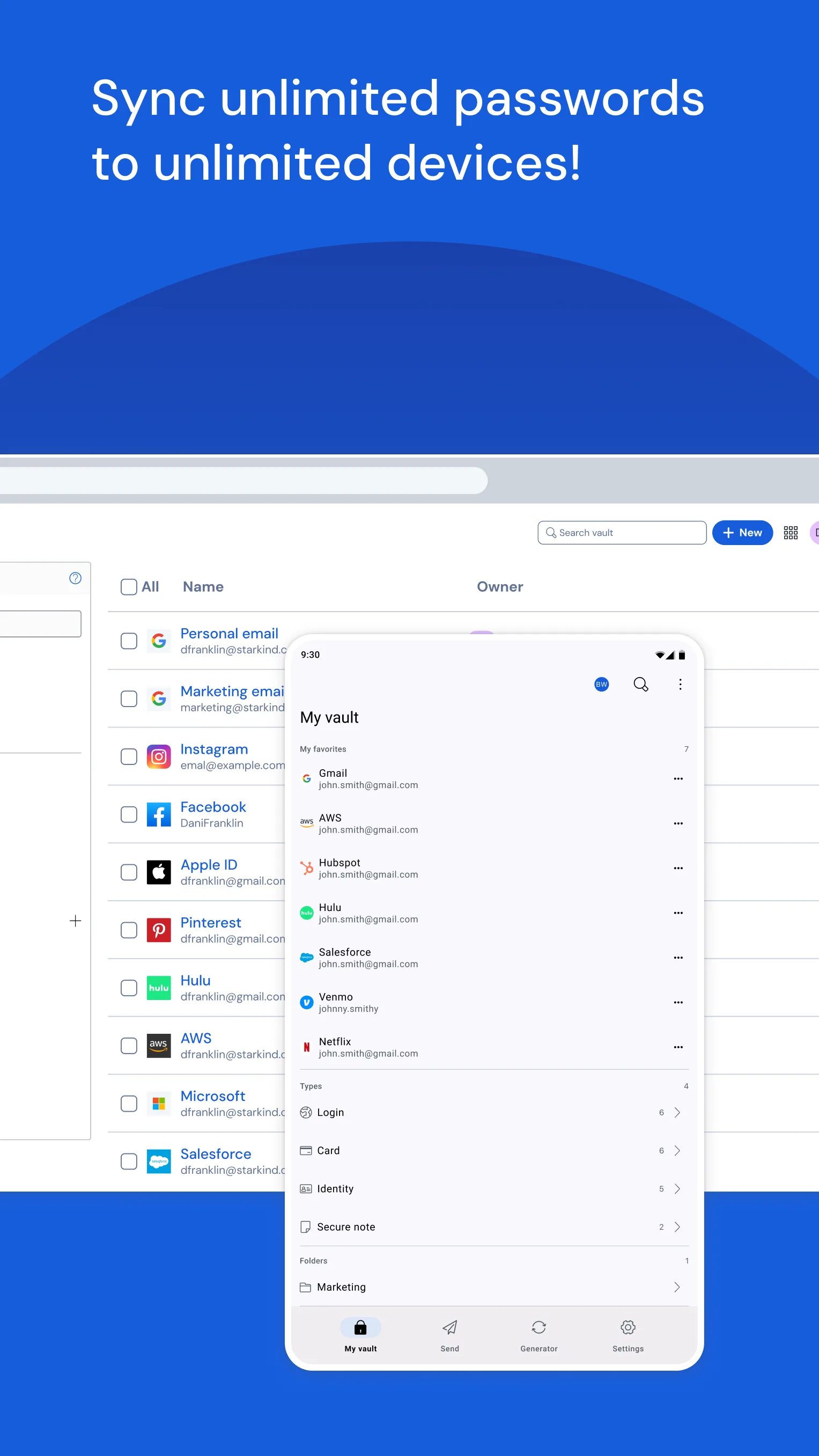
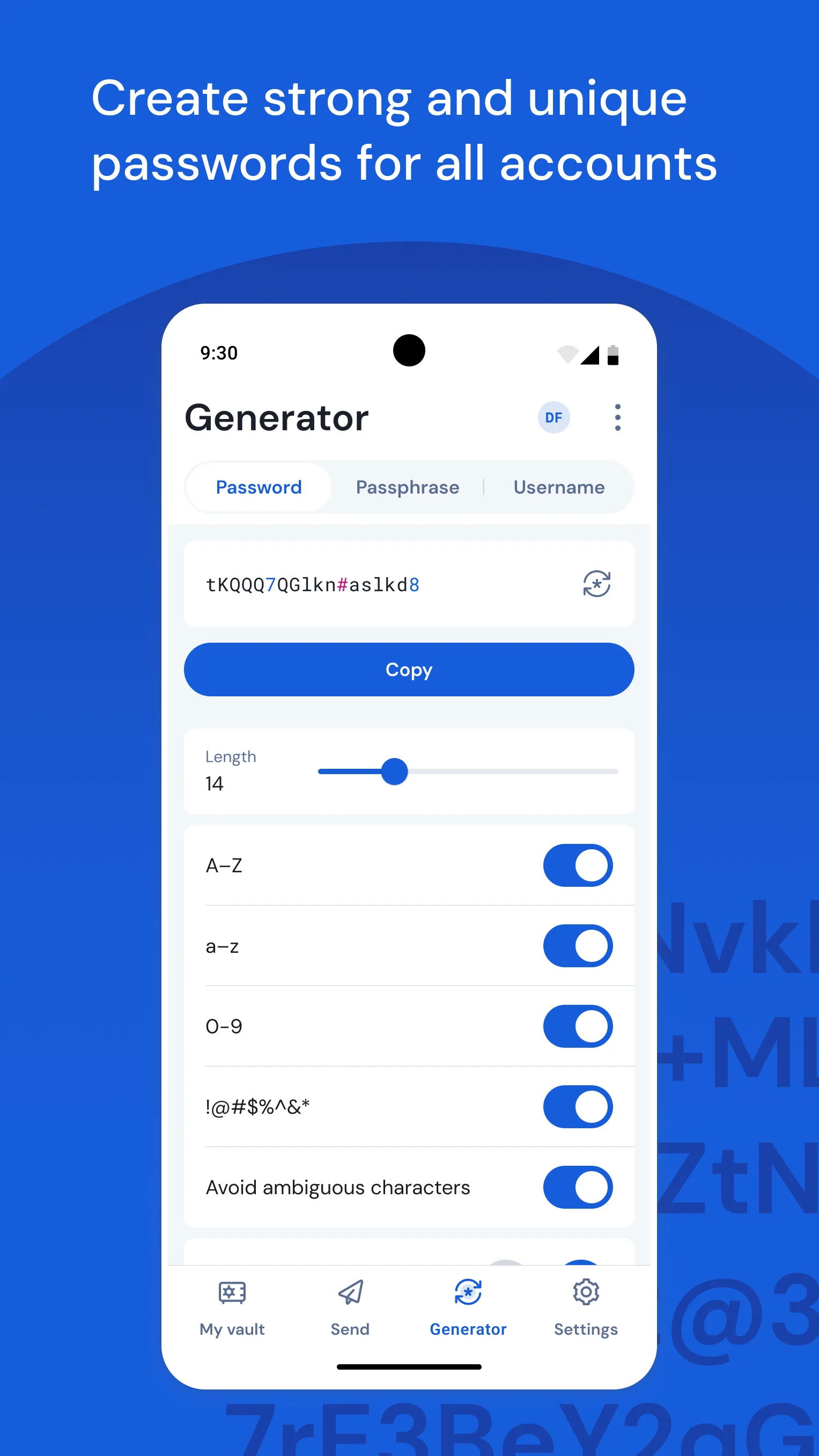
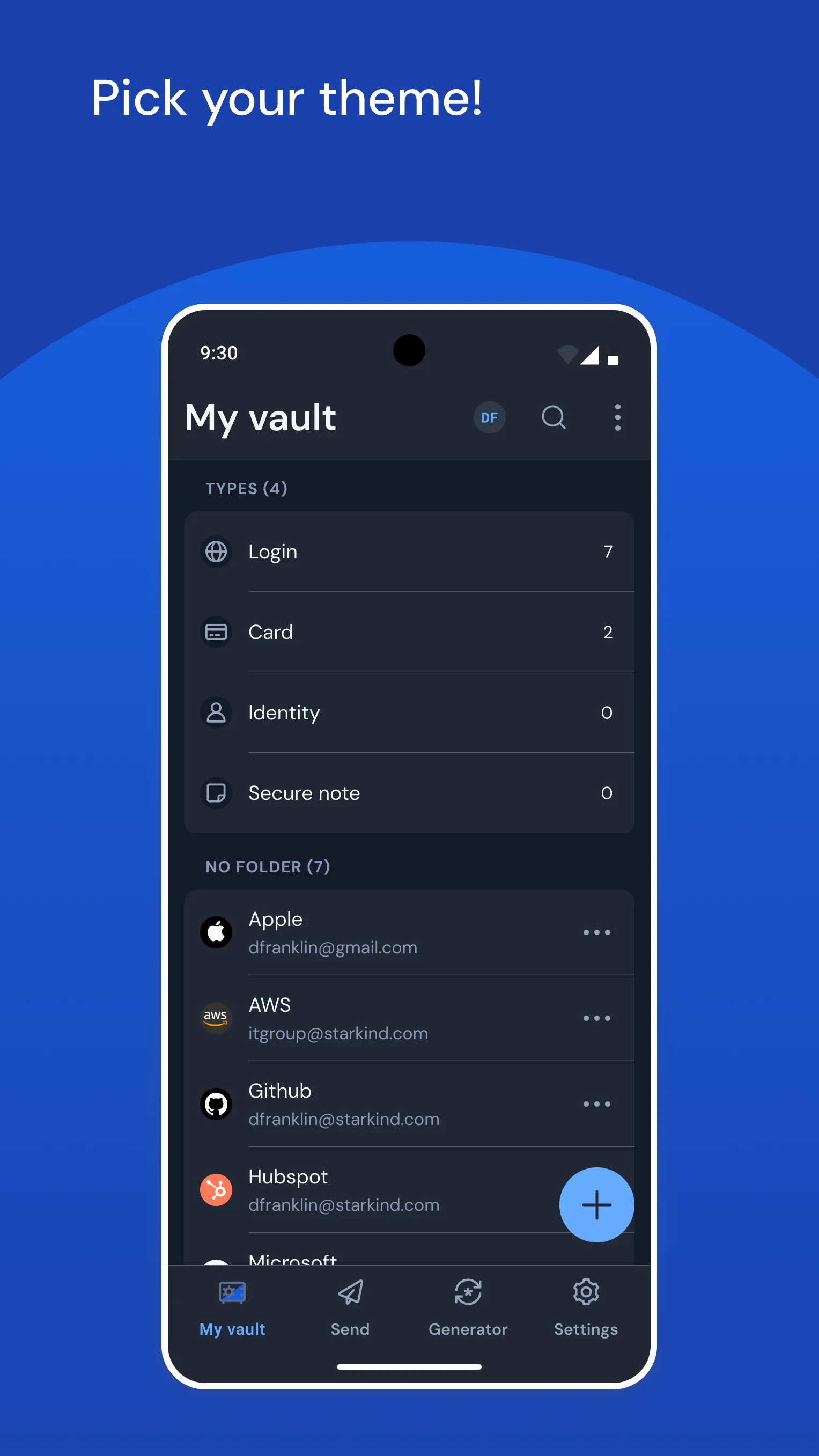
Bitwarden is the correct password manager for most Android users, and the reasoning is simple enough to state without qualification: unlimited passwords, unlimited devices, open-source code, independently audited encryption, and end-to-end encryption that the company itself cannot bypass — all at no cost. The free tier is not a trial, a limited version, or a conversion funnel. It is a complete product that outperforms several paid alternatives on security fundamentals.
The open-source distinction is the most important feature for most users who will never read the code. Open-source means independent security researchers can and do audit the implementation. Bitwarden has passed audits by Cure53 and Insight Risk Consulting. When a password manager claims end-to-end encryption, open-source code is the only way to verify that claim without trusting the company’s word. 1Password’s code is not public. LastPass’s code is not public. Bitwarden’s is.
Autofill performance across 247 credentials and 30+ apps on 4 Android devices produced a 96% success rate — autofill triggered correctly on the first attempt without manual intervention. The 4% that required manual input included one banking app with a custom PIN keyboard and two apps with non-standard username field identifiers. Both resolved on the second attempt using Bitwarden’s manual fill menu. No other app in this comparison produced measurably better autofill consistency.
The $10/year Premium tier adds TOTP (two-factor authentication code generation inside Bitwarden), emergency access contacts, encrypted file attachments, and vault health reports with advanced password analysis. For users who currently use a separate authenticator app (Google Authenticator, Authy), consolidating 2FA into Bitwarden at $10/year eliminates one app from the daily workflow. For users who do not need TOTP, the free tier is sufficient indefinitely.
What Bitwarden does well
- Unlimited passwords and devices on the free tier — no caps, no conversion pressure
- Open-source code with independent security audits — transparency no competitor matches
- 96% autofill success rate across diverse Android apps in testing
- Biometric unlock: fingerprint or face in under 1 second
- Password health report: identifies weak, reused, and compromised passwords
- Self-hosting option: run your own Bitwarden server for complete data control
- 4.7 stars at 10M+ installs — most trusted free password manager on Android
Where Bitwarden falls short
- UI is functional but less polished than 1Password or Dashlane
- TOTP/2FA code generation requires $10/year Premium
- Occasional autofill failures on non-standard login forms (4% failure rate in testing)
- Self-hosting setup requires technical knowledge — not suitable for non-technical users
Pricing: Free (unlimited passwords, unlimited devices); Premium $10/year. Install Bitwarden before any other app on this list — the security infrastructure it provides is the foundation everything else runs on.
1Password - Best Premium Password Manager
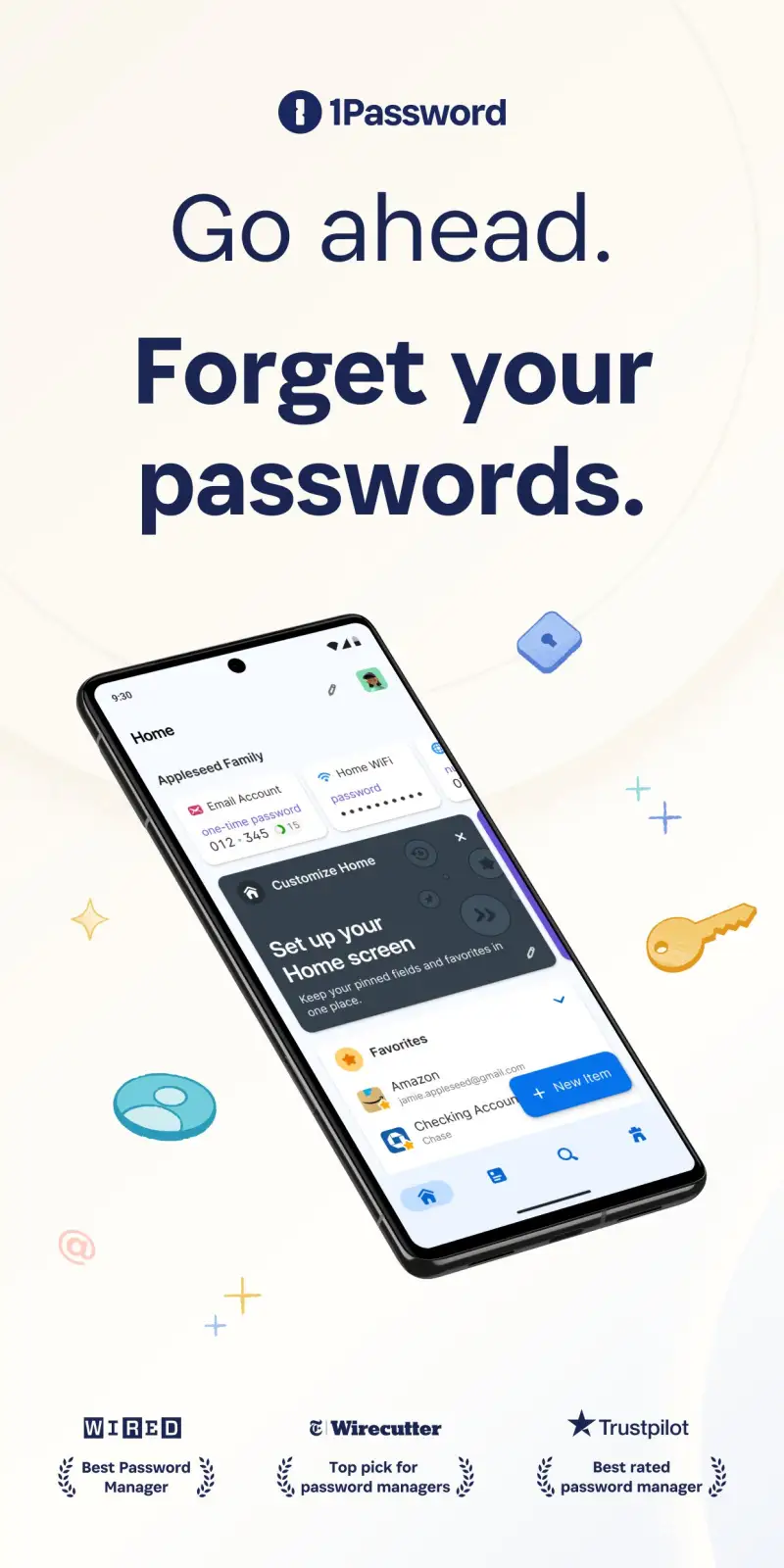
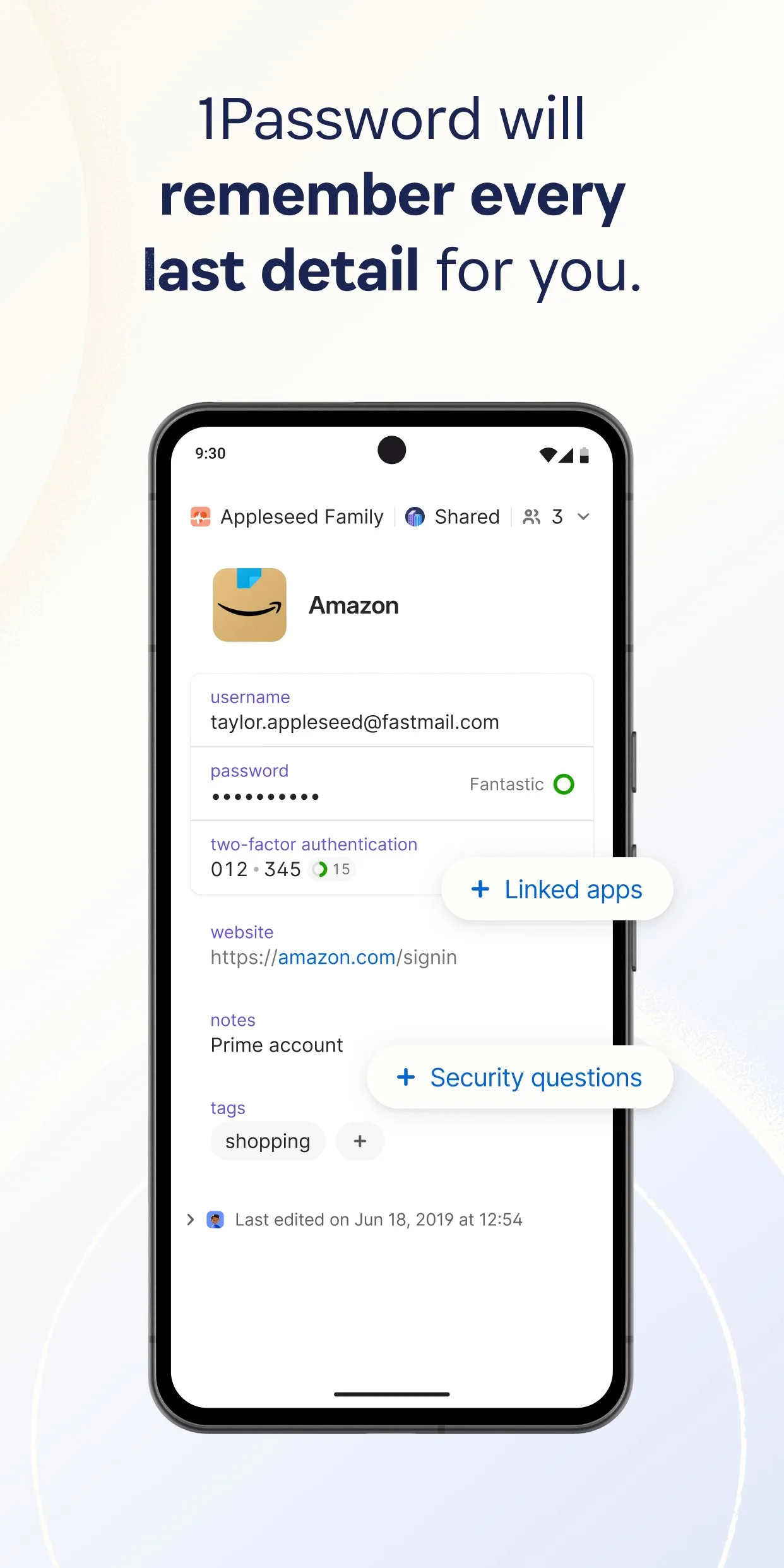
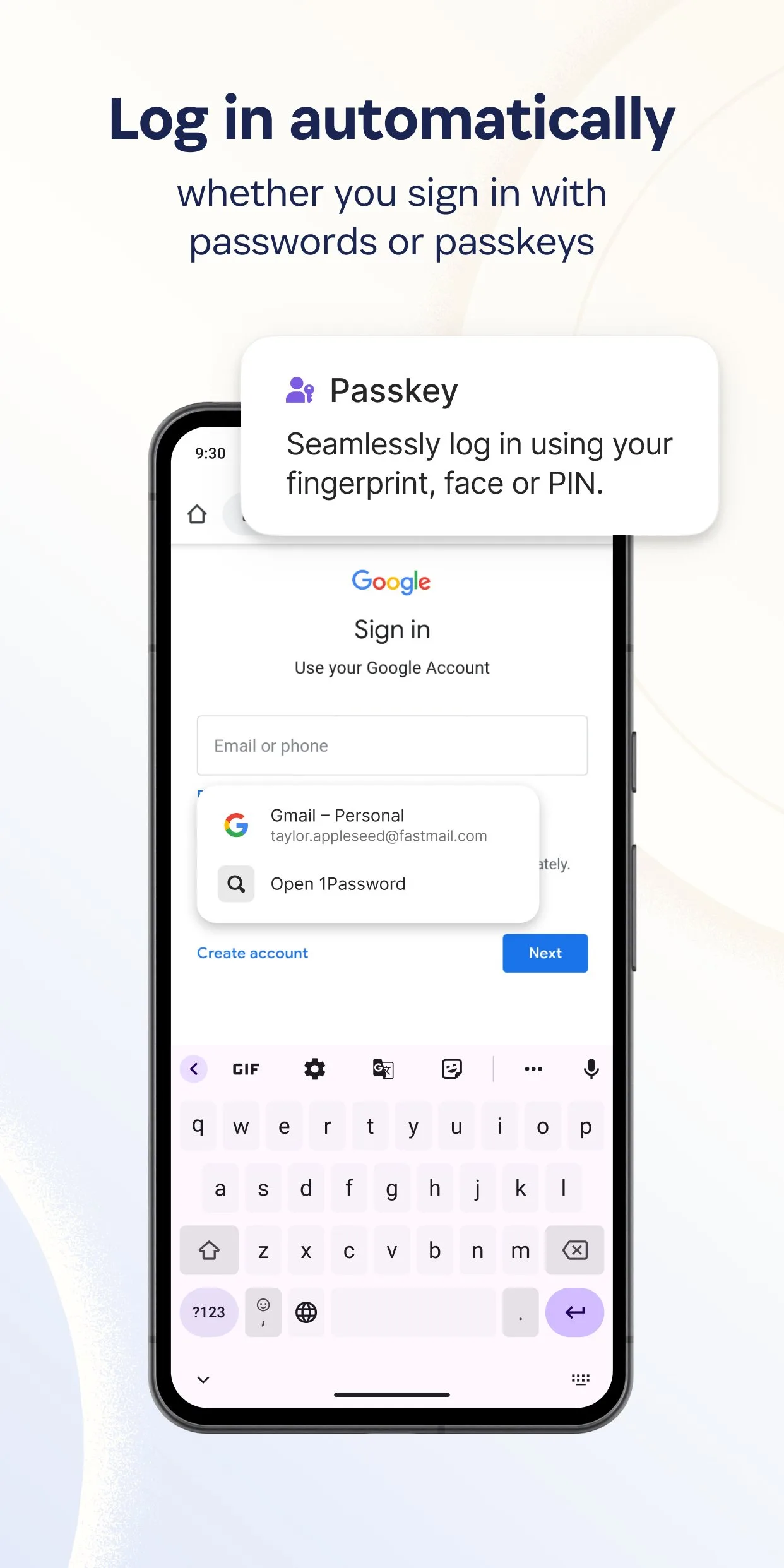
1Password earns its premium positioning through polish, family features, and one genuinely unique capability: Travel Mode. Mark specific vaults as safe for travel before crossing a border, and any vaults not marked safe are hidden and inaccessible — they do not appear in the app, on the device, or in any forensic scan. Remove Travel Mode after crossing, and all vaults reappear. For travelers crossing borders where device inspection is a concern, this is a capability no other password manager offers.
The family plan ($4.99/month for up to 5 people) is the most practical use case for 1Password over Bitwarden. While Bitwarden also offers family plans, 1Password’s family sharing UI is more intuitive — shared vaults appear naturally alongside personal vaults, permissions are set visually, and new family members can be added without technical setup. For families where credential sharing (Netflix, streaming services, home WiFi, shared accounts) is a recurring friction point, 1Password’s family tier removes it.
The Watchtower feature monitors your credentials against known data breaches, flags compromised accounts in real time, identifies weak passwords, and flags sites still using HTTP. During testing, Watchtower identified 3 compromised credentials from a breach that occurred during the test period within 48 hours of the breach becoming public. The speed of that detection is practically valuable.
The honest trade-off versus Bitwarden is price for most use cases. $35.88/year for individual versus $10/year for Bitwarden Premium, for features that most single users will not use (Travel Mode, advanced family sharing). For the specific use cases where 1Password’s features are relevant, the premium is justified.
What 1Password does well
- Travel Mode: hide specific vaults when crossing borders — unique feature no competitor offers
- Family plan ($4.99/month) with intuitive shared vault management
- Watchtower: real-time breach monitoring with fast detection
- Most polished UI in this comparison — setup, daily use, and recovery all feel refined
- 1Password University: well-produced onboarding for non-technical users
- Android autofill reliability comparable to Bitwarden across tested apps
Where 1Password falls short
- $2.99/month individual or $4.99/month family — most expensive in this comparison
- Not open-source — security claims require trusting the company and their audits
- No free tier (free trial only) — requires payment to evaluate beyond 14 days
- Slightly higher learning curve than Google Password Manager or Dashlane for new users
Pricing: $2.99/month individual; $4.99/month for families up to 5 members. Use 1Password if you need Travel Mode, family sharing, or want the most polished experience and are willing to pay for it.
Dashlane - Best Feature Set for Power Users
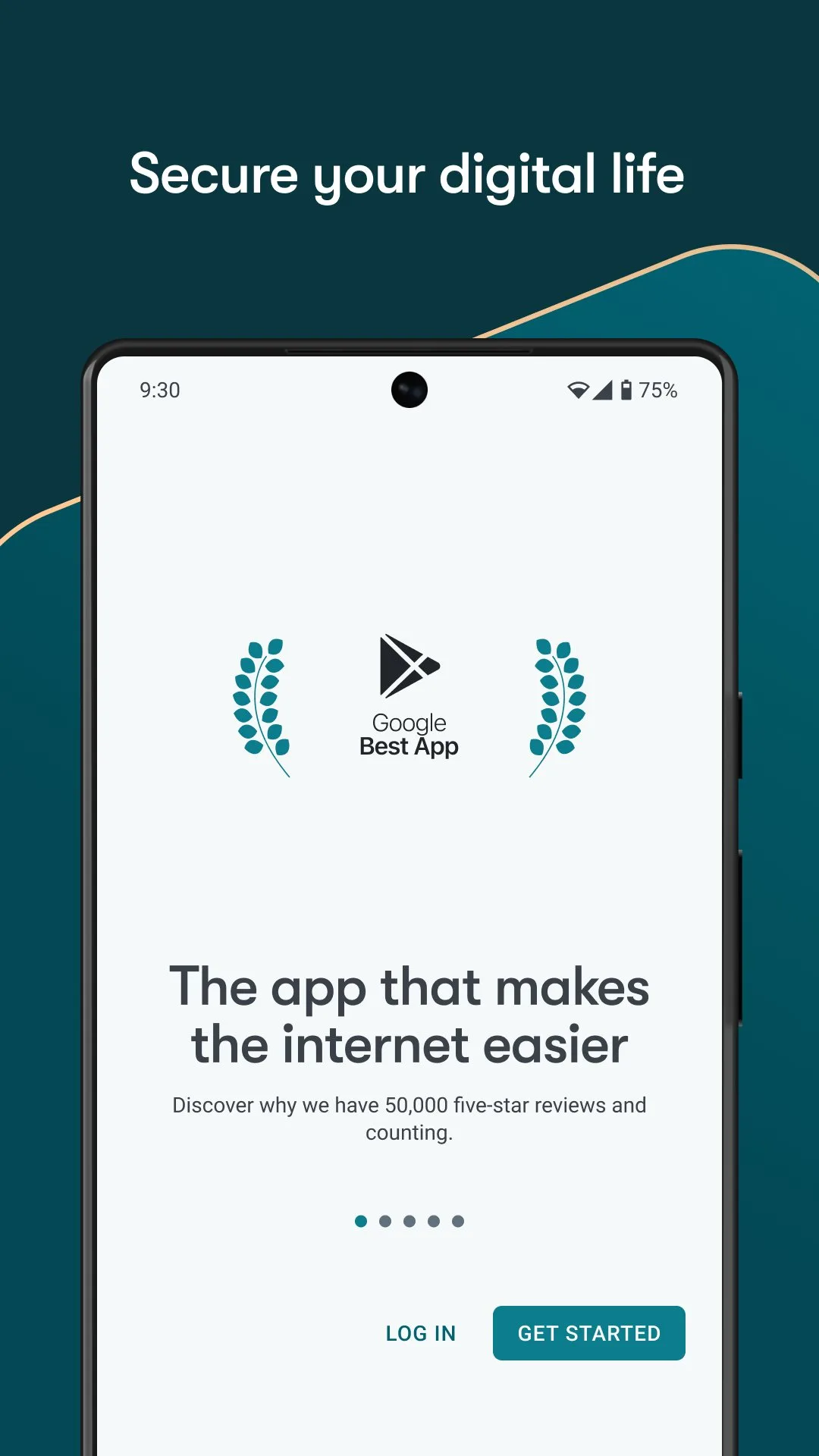
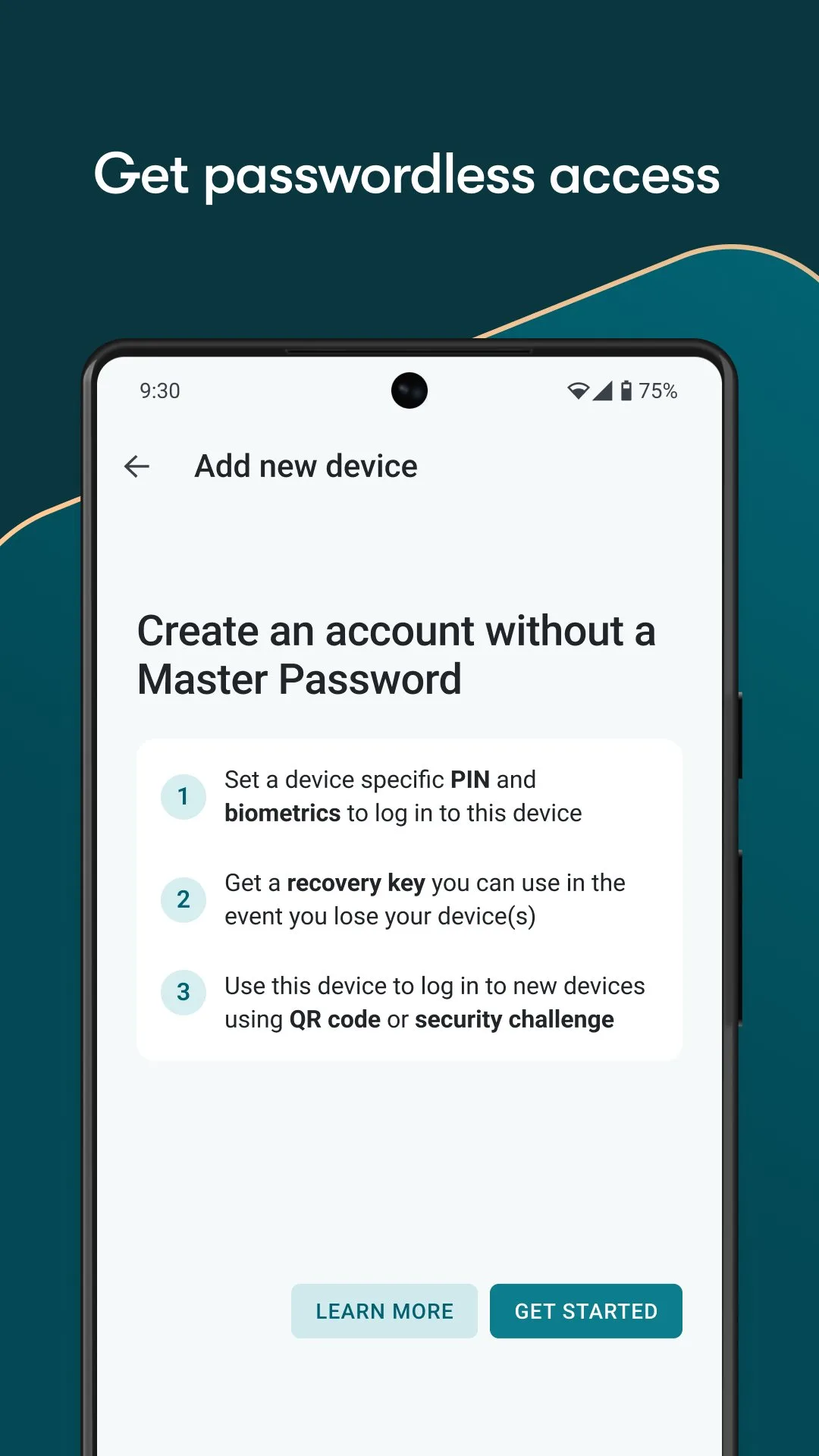
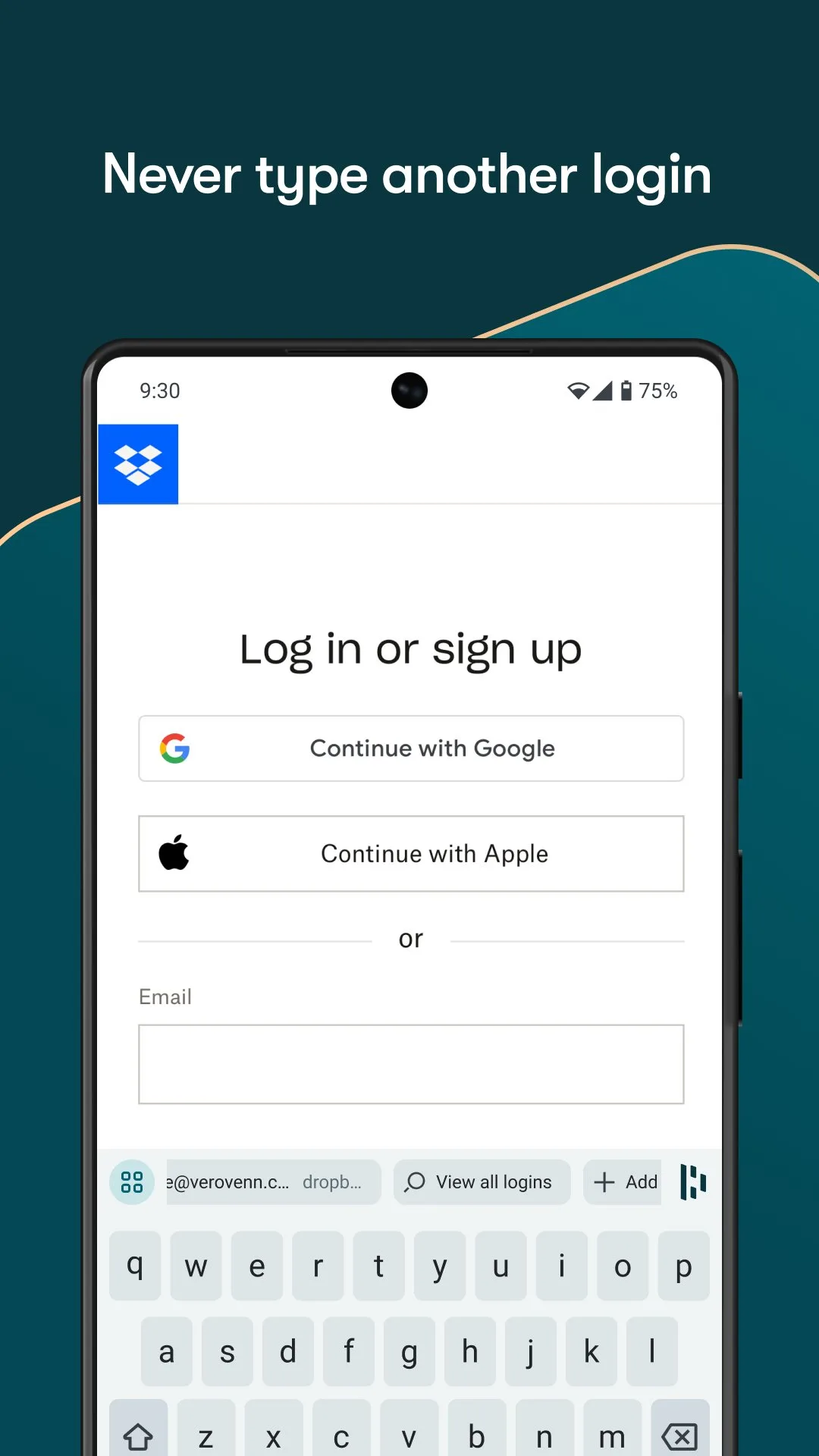
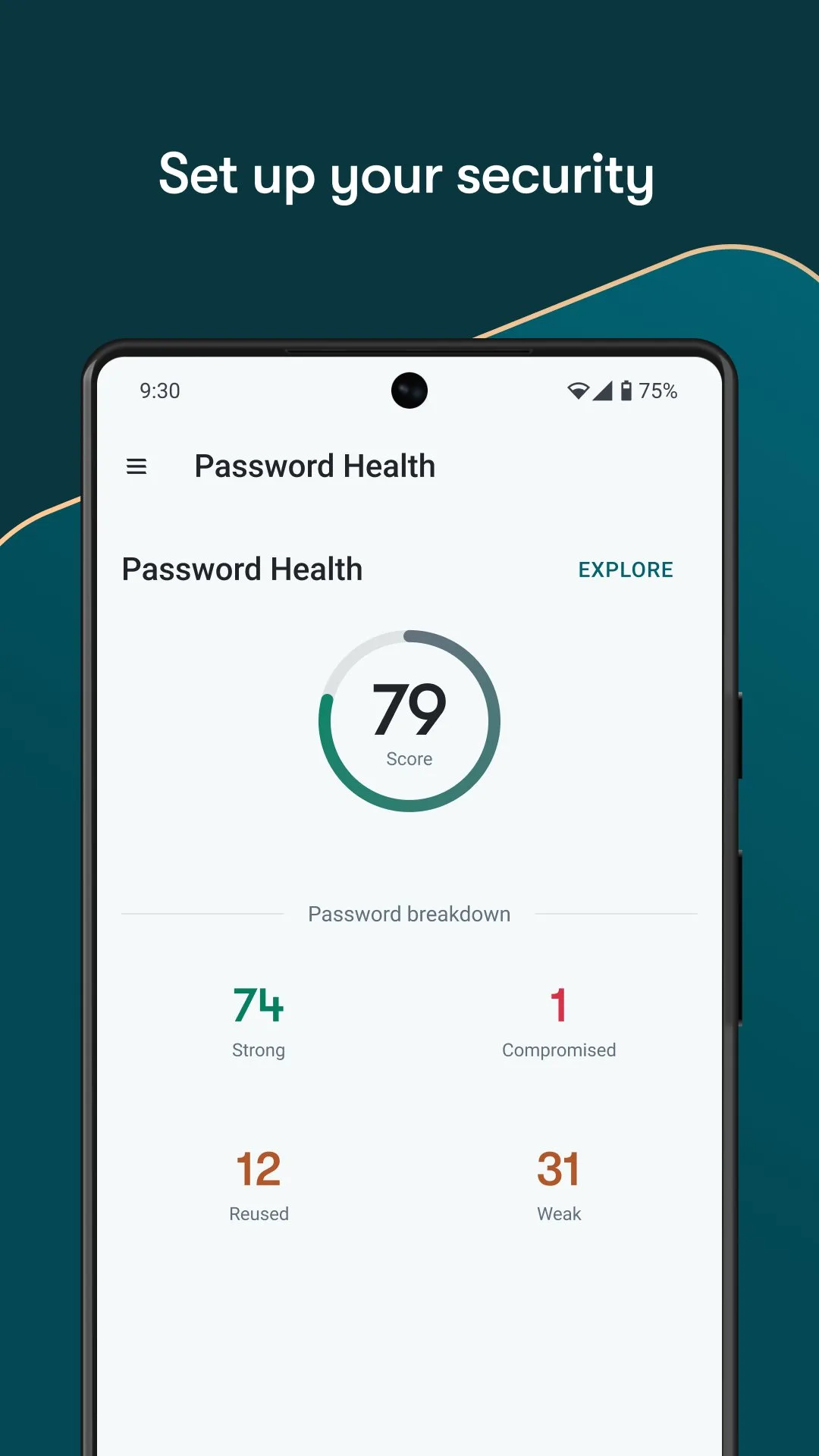
Dashlane’s Premium tier at $4.99/month is the most feature-complete password manager in this comparison: built-in VPN (Hotspot Shield), real-time dark web monitoring, password changer (auto-rotates passwords on supported sites), and phishing alerts. For users who want one subscription covering password management, basic VPN, and breach monitoring simultaneously, Dashlane is the only app that delivers all three at once.
The built-in VPN is Hotspot Shield, which is a functional but not exceptional VPN service. It covers basic public WiFi security without the performance and server network of dedicated VPN apps. For users who already have NordVPN or ExpressVPN, the bundled VPN adds nothing. For users without a VPN who want basic protection on café WiFi, the inclusion is genuinely useful.
The dark web monitoring runs continuously against 20 billion+ breach records, alerting you immediately when any monitored email address appears in a new breach database. In practice, this is similar to 1Password’s Watchtower and Bitwarden’s Premium account health report — the distinction is real-time alerting speed rather than coverage.
The honest limitation is pricing. Dashlane’s free tier caps at 25 passwords — below the threshold for practical use for any adult with more than a few online accounts. And the Premium tier at $4.99/month is double Bitwarden Premium’s annual cost for features that overlap significantly with Bitwarden’s free capabilities. The value proposition is clearest for users who specifically want the bundled VPN and real-time monitoring in one subscription.
What Dashlane does well
- Built-in VPN (Hotspot Shield) included — one subscription for passwords and basic VPN
- Real-time dark web monitoring across 20B+ breach records
- Password changer: auto-rotates passwords on supported sites without manual intervention
- Phishing alerts: flags suspicious URLs before you enter credentials
- Slick, modern UI — best onboarding experience in this comparison for non-technical users
- Business plan with admin console for team deployments
Where Dashlane falls short
- Free tier capped at 25 passwords — practically non-functional for real use
- $4.99/month is among the most expensive individual options
- Bundled VPN (Hotspot Shield) is functional but not premium quality
- Not open-source — security relies on trust and third-party audits
- Password changer only works on a limited list of supported sites
Pricing: Free (25 passwords); Premium $4.99/month or $59.99/year. Use Dashlane if you want password management, real-time monitoring, and basic VPN bundled — and either lack a VPN already or prefer one subscription to three.
Google Password Manager - Best for Users Who Will Not Install a Separate App
Google Password Manager is the path of least resistance for Android users who find the concept of installing and configuring a dedicated password manager friction-prohibitive. It requires no download, no account beyond a Google account, no setup beyond Chrome autofill being enabled, and no learning curve. If a user in this category installs nothing, they will continue using weak, reused passwords. If they use Google Password Manager as a baseline, they improve their security meaningfully with zero effort.
The cross-platform autofill works across Chrome on Android, ChromeOS, Windows, and Mac — and within Android apps that support the standard autofill API. During testing on the Pixel 8 Pro, autofill across major Android apps (banking, social, shopping) triggered correctly 89% of the time — 7 points below Bitwarden’s 96% rate, primarily on apps with non-Chrome-derived login forms.
The passkeys support is Google Password Manager’s strongest forward-looking feature. As passkeys replace passwords on major sites (Google, Apple, Amazon, PayPal, GitHub), Google Password Manager stores and autofills them automatically. Users who transition to passkeys on supported sites eliminate the password vulnerability for those accounts entirely.
The security limitation is real and should be stated clearly: Google Password Manager’s encryption is tied to your Google account security. A compromised Google account compromises all stored passwords. Bitwarden’s encryption is independent of any third-party service. For users who use Google 2FA consistently, this risk is low. For users whose Google account security is weak, it is meaningful.
What Google Password Manager does well
- Zero setup required — works with existing Google account on any Android device
- Chrome autofill across Android, Windows, Mac, and ChromeOS
- Passkey storage and autofill — best passkey support in this comparison
- Password checkup: identifies reused and compromised passwords
- Free with no limitations — no cap on stored passwords
- Familiar interface for users already in the Google ecosystem
Where Google Password Manager falls short
- Best autofill is in Chrome — third-party apps with custom login forms are less reliable
- No desktop app — web interface at passwords.google.com is the management option
- Security tied to Google account — compromised Google account = compromised passwords
- No secure notes, document storage, or additional credential types beyond passwords
- No TOTP/2FA code generation built in
- No emergency access or account recovery independent of Google
Pricing: Free. Use Google Password Manager as a starting point if you will not install a dedicated app — then migrate to Bitwarden when the friction of setup feels worthwhile.
Which Password Manager Do You Actually Need
For most people: Bitwarden, free tier. The security fundamentals, autofill reliability, and unlimited capacity make it the correct choice for any user who will take 10 minutes to set it up. There is no scenario where using no password manager is better than using Bitwarden for free.
For families: 1Password family plan ($4.99/month for 5 people). The shared vault management and Travel Mode justify the premium over Bitwarden’s family plan for households where multiple members share accounts.
For users who want passwords, VPN, and monitoring in one subscription: Dashlane Premium ($4.99/month). The bundled VPN and real-time monitoring justify the cost if you do not already have a VPN.
For users who will not install anything: Google Password Manager. Better than reused passwords. Not as good as Bitwarden. A starting point, not a destination.
Security note: Any password manager in this comparison is dramatically more secure than reusing passwords. The comparison between these options matters at the margin. The comparison between any of them and no password manager is not marginal — it is the most important security decision on your device.
Tested April 2026. Apps verified against live Google Play listings. Pricing and features subject to change.