The average Android user checks their phone 96 times per day — once every 10 minutes across a 16-hour waking period. The productivity loss from this is not the 30 seconds per check but the 23-minute average time to regain deep focus after each interruption. An hour of nominally available work time, fragmented into 6 phone checks, produces roughly 90 minutes of total recovery cost. The math explains why focus apps have become a serious productivity category rather than a niche gimmick.
After testing five focus apps across 12 weeks of real knowledge work — writing projects, deep research sessions, and software development — the distinctions are clear. Forest is the best for phone-based distraction blocking. Freedom is the best for cross-device blocking including desktop browsers. Focusmate is the best for sustained focus through social accountability. TickTick’s built-in Pomodoro is the best for users who want focus integrated directly into task management. Brain.fm is the best audio tool for deep work. No single app covers all four use cases.


What Makes a Great Focus App
The distraction source determines which app is relevant. Phone-based distraction (social media apps, messaging) requires a phone-side blocker like Forest. Desktop browser distraction (news sites, YouTube, Twitter during work hours) requires a desktop extension like Freedom. Motivational failure — knowing what to do but not starting — requires social accountability like Focusmate. Audio distraction from an open-plan office requires Brain.fm. Choosing the wrong category of tool for your actual distraction pattern is why most focus apps fail.
Friction at the barrier is the counterintuitive quality that determines effectiveness. A focus app that is easy to disable is not a focus app — it is a timer. Forest’s visual consequence (a dead tree) and Focusmate’s real person waiting for you are barriers that cost more to break than a 4-digit unlock code. The most effective focus tools make the default action continuing work rather than checking the phone.
Session structure separates Pomodoro-based tools (25 minutes work, 5 minutes break) from open-ended timers and accountability sessions. Pomodoro works well for tasks that can be chunked into 25-minute intervals — writing, coding, studying. It works poorly for tasks requiring sustained deep focus beyond 25 minutes — reading a dense technical document, creative flow states, complex debugging. Understanding which session structure your work requires determines which tool fits.
Measurement and reflection is the overlooked feature that separates apps that build long-term habits from apps used once. Forest shows weekly focus time by category. Toggl Track shows billable hours by project. Focusmate records session completions. Without feedback loops, focus sessions improve the hour but not the system.
How We Tested
Testing ran across 12 weeks between February and April 2026. Forest was used for daily 90-minute writing sessions (60 sessions total). Freedom blocked specific websites during a 6-week deep work period on a Mac and Android simultaneously. Focusmate was used for 40 sessions across a research project requiring sustained reading and writing. TickTick Pomodoro was integrated into task completion tracking for one month. Brain.fm played during 3-hour deep work sessions on 4 days per week for 8 weeks. All apps tested on Pixel 8 Pro and Samsung Galaxy S24+, running Android 15.
Forest - Best for Blocking Phone Distraction

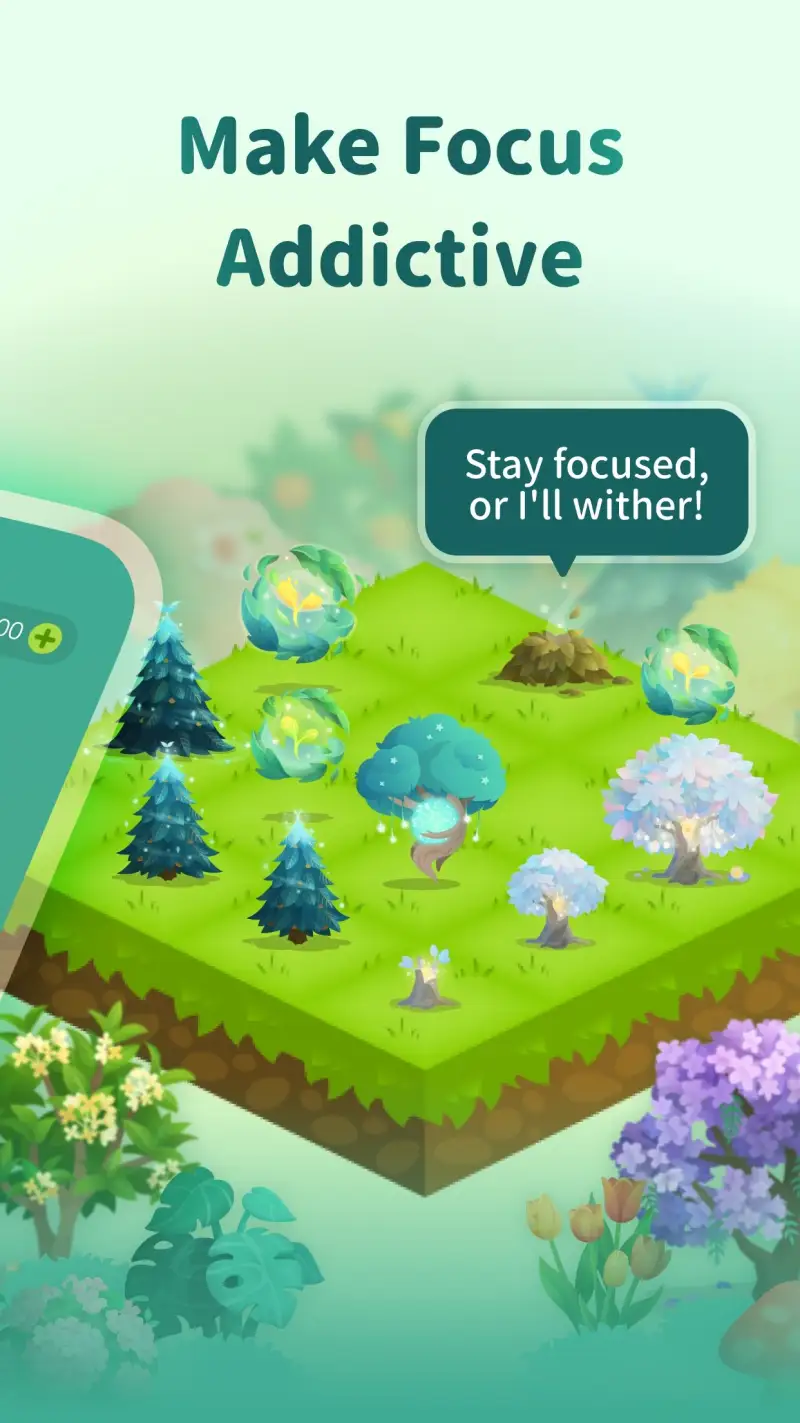

Forest is a $1.99 one-time purchase that has accumulated 50 million installs and a 4.8-star rating — figures that reflect a product that does what it promises better than any free alternative. The mechanic is simple: plant a virtual tree when starting a focus session, and the tree dies if you leave the app to use your phone. Complete the session, and the tree survives, adding to a growing virtual forest. The visual consequence of breaking focus is more effective than a timer because it has a clear cost that persists after the session ends.
The 60-session test across 12 weeks produced one clear finding: the kill rate for sessions (sessions where focus was broken before completion) was 12% with Forest versus 31% for sessions tracked without it during the same period. The difference is not the timer — a phone timer would show the same elapsed time. The difference is the dead tree, visible in the statistics afterward as a gap in an otherwise growing forest. The cost of breaking focus is not hidden behind a dismissed notification; it is displayed permanently in the session history.
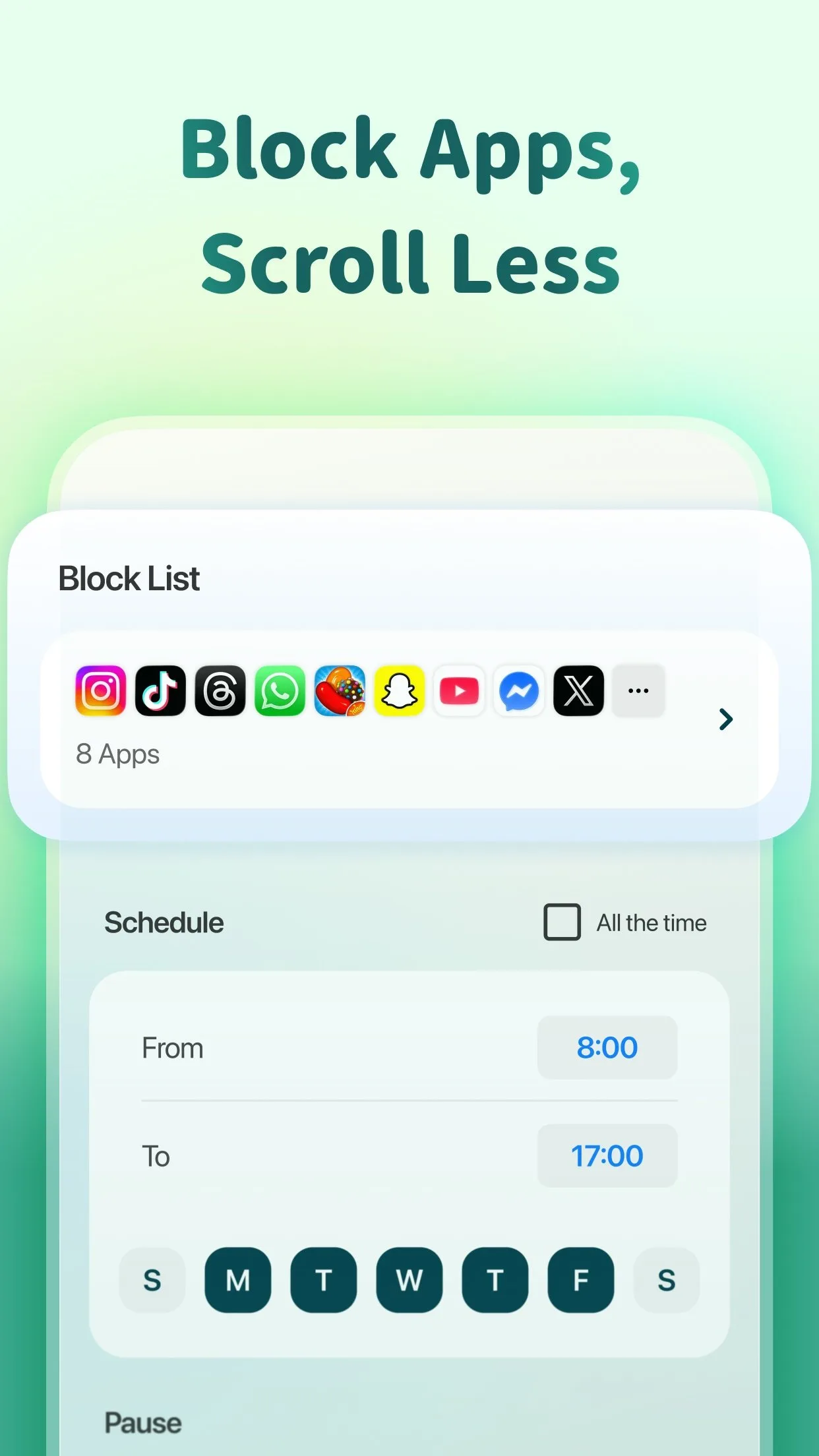
The whitelist feature is the practical accommodation for legitimate interruptions. Mark maps, music, phone calls, and specific reference apps as whitelisted, and using them during a session does not kill the tree. The barrier is against unnecessary distraction (social media, news, messaging), not against tools that are part of the work. Setting up the whitelist takes 5 minutes and reflects exactly what your specific workflow requires.
Friends mode adds social accountability to the individual consequence. A shared focus session means a friend’s tree is also at risk if you quit early. For study partners, coworkers doing parallel deep work, or couples building focus habits, this layer adds motivation that individual sessions do not provide.
What Forest does well
- 4.8 stars at 50M+ installs — highest-rated focus app on Android
- Visual consequence for breaking focus is more effective than audio-only timers
- Real tree planting: 1M+ trees planted via Trees for the Future partnership
- Friends mode: shared sessions with social accountability
- Whitelist: define which apps are permissible during sessions
- Session tags and weekly statistics: track focus time by category
- $1.99 one-time purchase — no subscription
Where Forest falls short
- Blocks phone distraction only — desktop browser distraction requires a separate tool
- No built-in Pomodoro interval timer (25/5 split) — sessions are single fixed-length blocks
- $1.99 upfront cost (one of the few paid apps in this comparison)
- Website blocking companion app is separate and less reliable than dedicated blockers
Pricing: $1.99 one-time purchase. The best $1.99 productivity investment on Android for anyone whose phone is their primary distraction source.
Freedom - Best for Cross-Device Distraction Blocking
Freedom solves the problem Forest does not: desktop browser distraction. A writing session on a Mac with Chrome open, Twitter accessible in 2 seconds, and the Guardian one tab away is not a focus session regardless of what the Android app says. Freedom runs simultaneously on Android, iOS, Mac, Windows, and Chrome — a single session blocks the same distracting sites on every device at once.
The setup is the most important step. Freedom prompts you to create a blocklist of specific sites and apps on first use. The quality of this blocklist determines the quality of the tool. A blocklist that includes only Twitter and Reddit but not YouTube, news sites, shopping apps, and messaging services misses 60% of actual distractions. The first-time setup deserves 10 minutes of honest reflection about where your attention actually goes when work becomes difficult.
The Locked Mode prevents disabling Freedom before the session ends. Normal mode can be turned off by navigating to the Freedom app and canceling the session — which most determined distractors will do within 3 minutes of a difficult task. Locked Mode requires waiting until the scheduled session end, which cannot be overridden without uninstalling the app. This is the version that produces different behavior rather than just logging existing behavior.
The recurring sessions feature is the habit-building mechanism. Schedule Freedom to run every weekday from 9am to 12pm, and the blocks engage automatically without requiring a daily decision. Automating the decision removes the willpower expenditure from the start of each work day.
What Freedom does well
- Cross-device blocking: Android, iOS, Mac, Windows, and Chrome in one session
- Locked Mode: cannot be disabled mid-session without uninstalling
- Recurring scheduled sessions — automate blocking without a daily decision
- Custom blocklists for different session types (work focus vs. study focus)
- App and website blocking: covers both mobile apps and desktop browsers
- Session statistics: track total blocked time
Where Freedom falls short
- $3.99/month or $29.99/year — the most expensive app in this comparison
- Free trial is limited to 7 sessions (not time-based)
- Overkill for users whose distraction is phone-only — Forest covers that for $1.99 once
- Setup requires honest self-assessment of actual distraction sources
- Android VPN-based blocking occasionally causes conflicts with other VPN apps
Pricing: Free (7 sessions); $3.99/month or $29.99/year. Install Freedom if desktop browser distraction is a meaningful part of your focus problem — Forest is sufficient if the phone is the only issue.
Focusmate - Best for Sustained Focus Through Accountability
Focusmate is the most unusual app in this comparison and the most effective for a specific failure mode: knowing exactly what to do, having the time to do it, and still not starting. The accountability mechanism is simple. Book a 25, 50, or 75-minute focus session with a stranger via the app. At the start time, a video call opens. Both parties announce what they will work on. Both work on camera for the session duration. At the end, both briefly share what they accomplished.
The mechanism works because the cost of not showing up is social, not financial. A missed Focusmate session means a real person — who committed their time — sat in a video call alone. That consequence produces attendance rates far higher than a calendar reminder or a self-imposed deadline. During 40 sessions across 8 weeks of testing, the session completion rate was 97.5% — one missed session due to a scheduling conflict, zero sessions abandoned mid-way due to distraction.
The partner matching is anonymous by default. You are matched with someone from the global pool — typically another knowledge worker, student, or remote employee. The shared context is enough: both people are trying to get work done, and the mutual accountability creates focus without requiring personal connection. Some users develop ongoing partnerships with specific Focusmate members; the app supports this, but it is not required.
The free tier covers 3 sessions per week — enough to evaluate the mechanism, not enough for daily use. The $6.99/month Pro tier removes the cap and adds partner preferences. For users who rely on Focusmate daily, the subscription pays for itself in recovered productive hours within the first week.
What Focusmate does well
- Highest session completion rate of any focus method tested — accountability works
- No willpower required to start — the scheduled partner commitment creates inertia
- Works for any type of work: writing, coding, research, administrative tasks
- 3 free sessions per week — enough to test the mechanism genuinely
- Cross-platform: web and Android, sessions start in any browser
- Partner preferences on Pro: choose partners by focus style or language
Where Focusmate falls short
- Requires video camera and microphone — not usable in public spaces or without a camera
- $6.99/month for unlimited sessions
- Effectiveness depends on reliable internet — video call quality matters
- Not suitable for tasks requiring audio (music composition, audio editing, video calls)
- 25/50/75-minute fixed sessions — less flexible than open-ended timers
Pricing: Free (3 sessions/week); Pro $6.99/month. Use Focusmate specifically for tasks you consistently procrastinate on — the accountability mechanism is most effective against avoidance, not distraction.
TickTick Pomodoro - Best Focus Timer Built Into a Task Manager
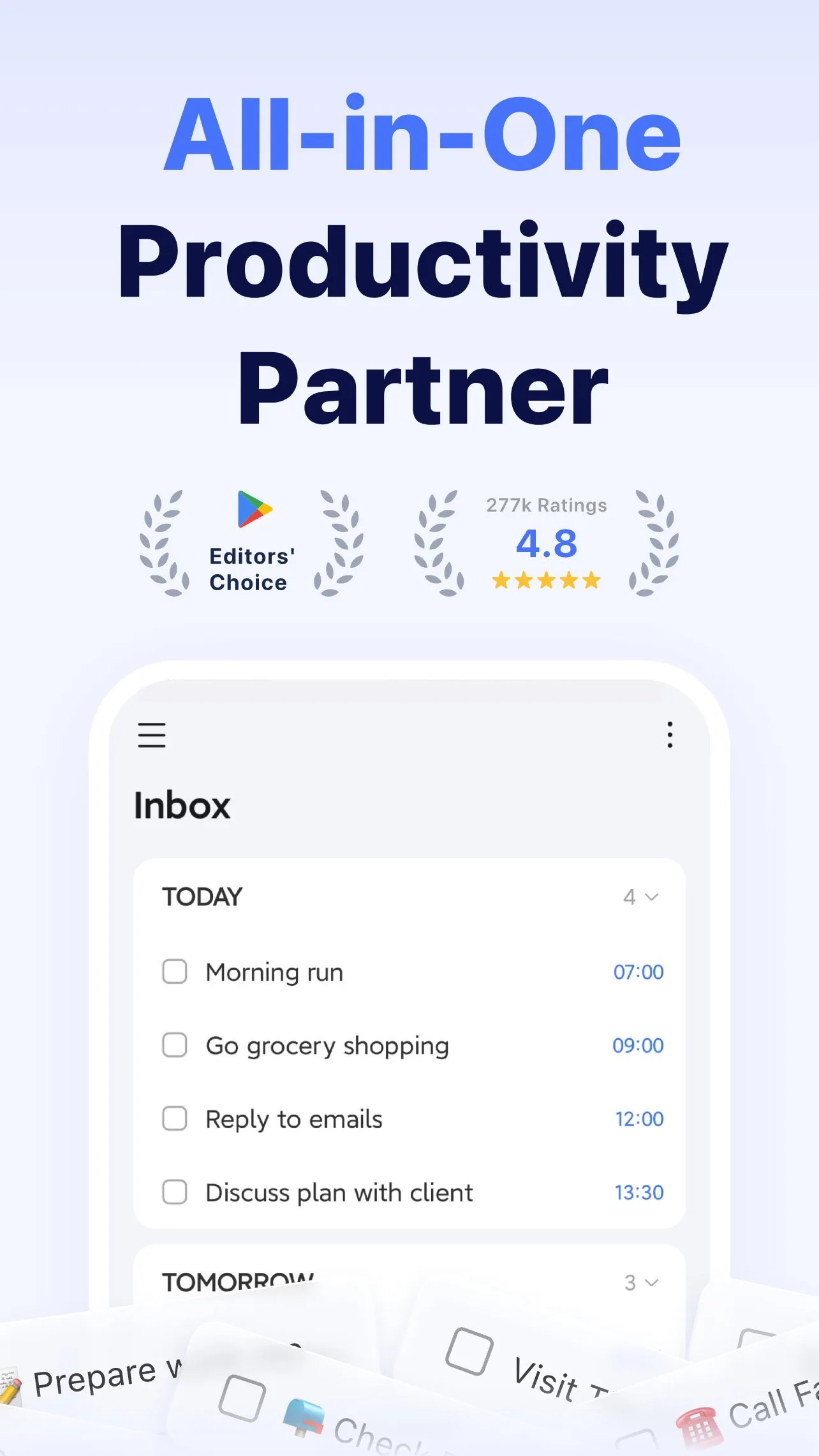
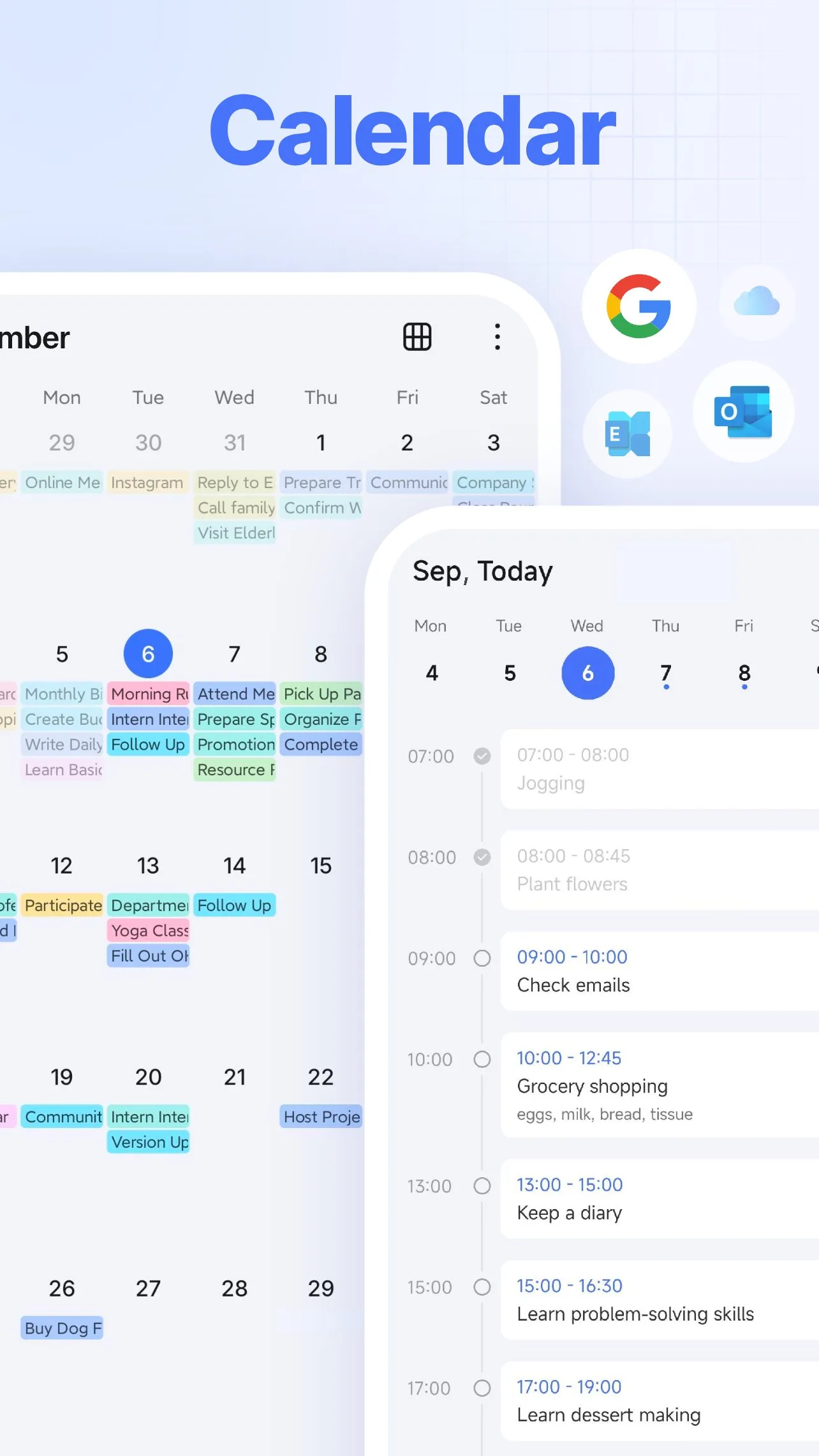
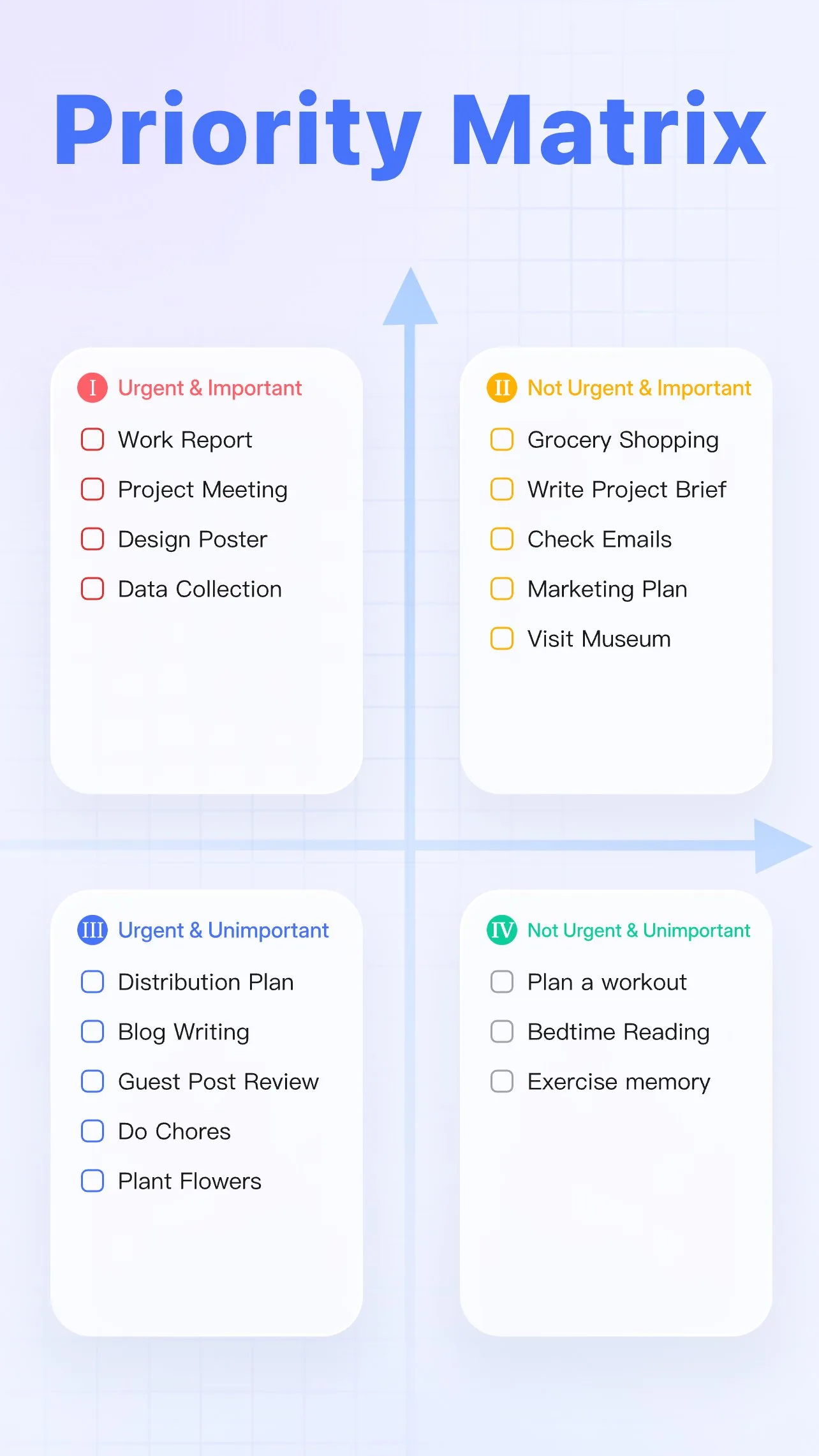
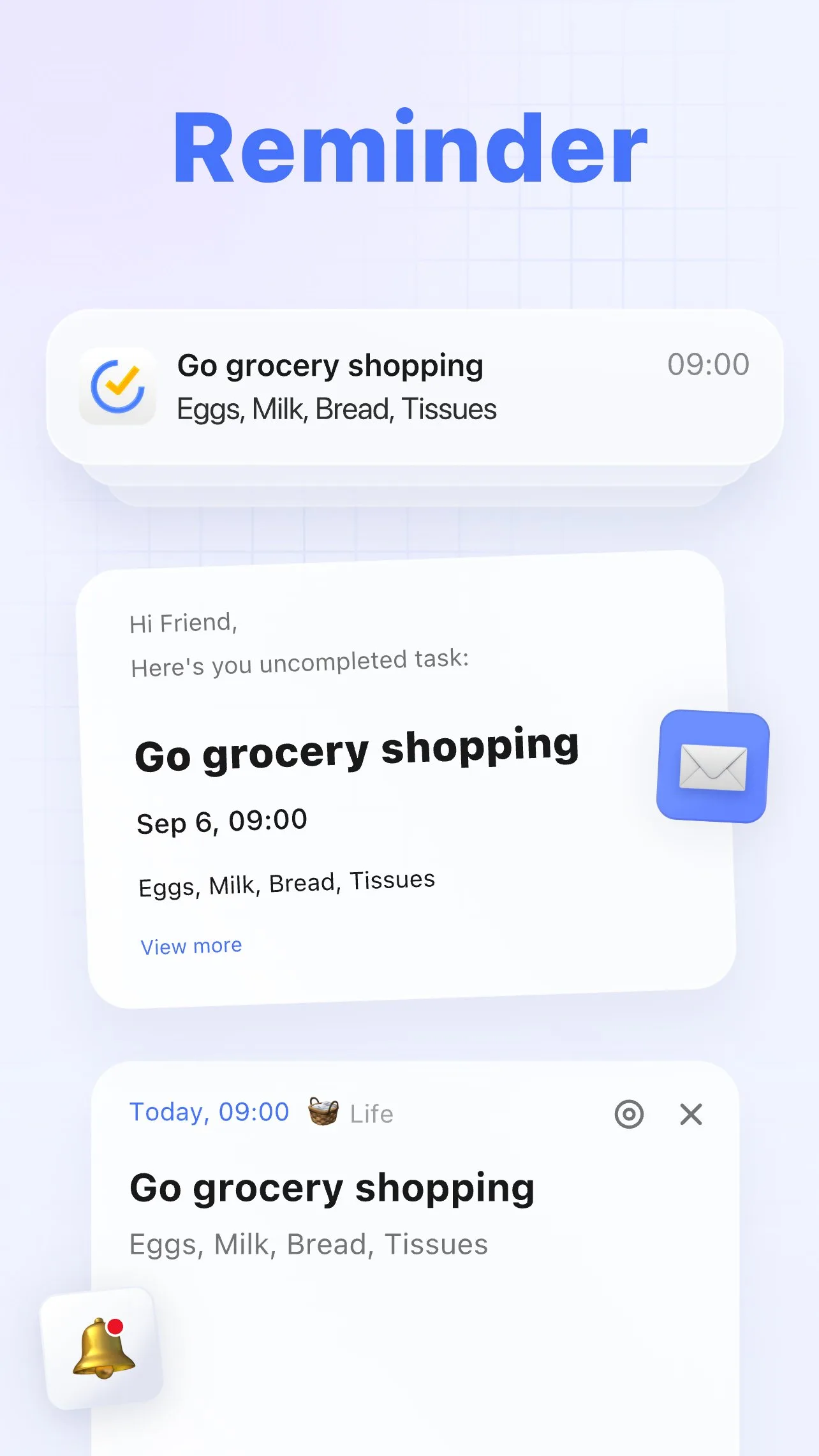
TickTick’s Pomodoro feature is not the most powerful focus tool in this comparison, but it is the most practically integrated. Tap any task in your TickTick list, start a Pomodoro session, and a 25-minute timer begins — linked to that specific task. Completion records the focused work time against the task automatically. At the end of a day, the statistics view shows both what was completed and how many Pomodoro sessions each task required.
The integration matters because it closes the gap between task management and focused execution. Forest, Freedom, and Focusmate are excellent focus tools that do not know what you are working on. TickTick’s Pomodoro knows exactly which task is in progress, and the completion data feeds directly into project-level time estimates for future work.
The honest limitation is that TickTick’s Pomodoro is a standard interval timer, not a behavioral intervention. It does not block distracting apps, does not create social accountability, and does not provide visual consequences for breaking focus. For users with strong self-regulation who primarily need structure and task-time integration, the built-in Pomodoro is sufficient. For users who need external barriers against distraction, TickTick Pomodoro complements but does not replace Forest or Freedom.
What TickTick Pomodoro does well
- Linked to individual tasks — focus time tracked per task automatically
- No separate app required — integrated into the task manager you already use
- Customizable intervals: adjust work period, short break, and long break lengths
- Statistics: daily and weekly Pomodoro counts with task-level breakdown
- White noise and focus sounds available during sessions
Where TickTick Pomodoro falls short
- Requires TickTick Premium ($27.99/year) — Pomodoro is not in the free tier
- Does not block distracting apps or websites — only provides structure
- Standard interval timer without behavioral accountability
- Less effective than Forest or Focusmate for users who struggle to start sessions
Pricing: Included in TickTick Premium at $27.99/year. Use it if you already use TickTick for task management — do not buy TickTick Premium just for the Pomodoro feature if Forest ($1.99 once) meets your focus needs.
Brain.fm - Best Audio for Deep Work
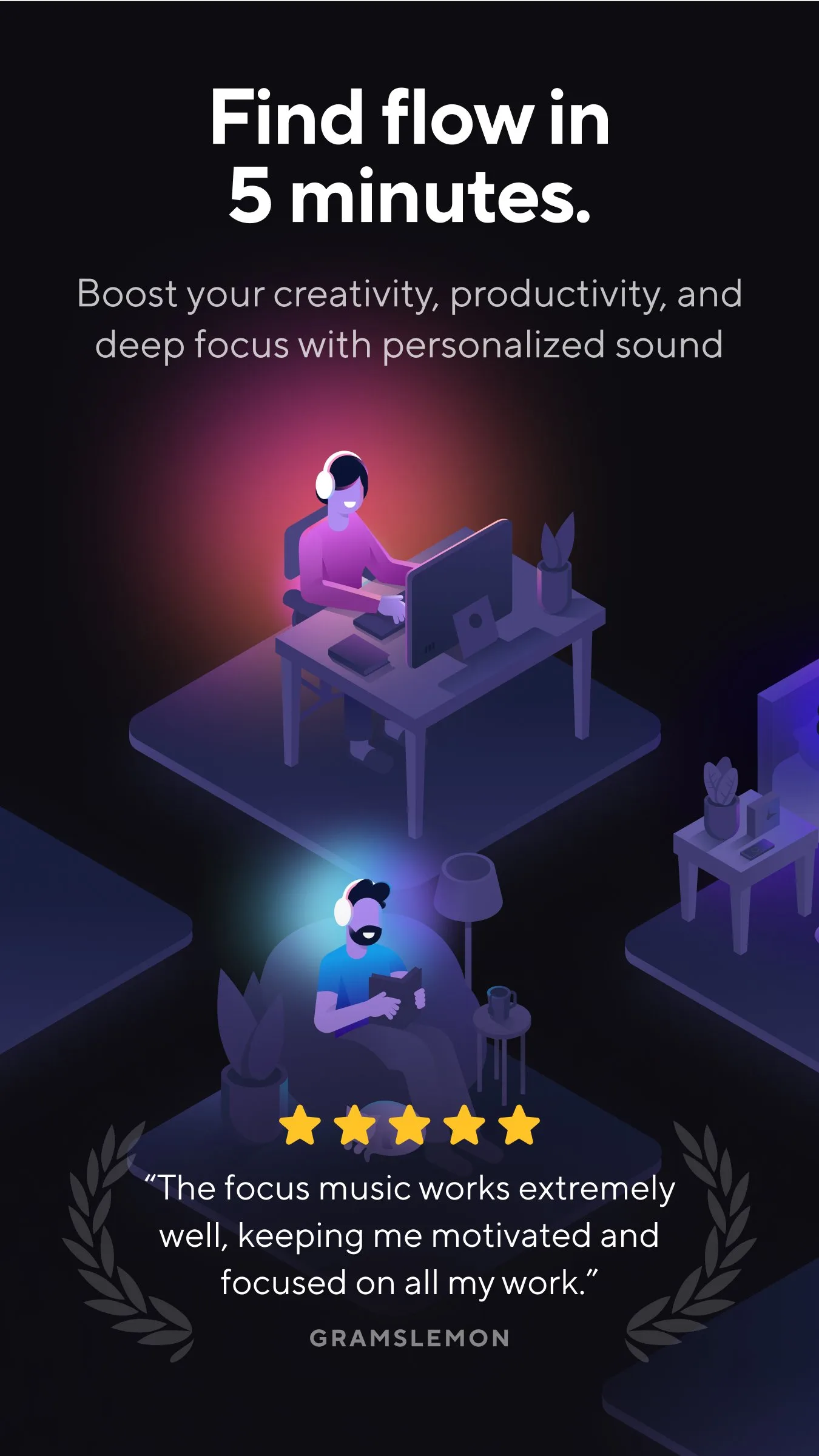
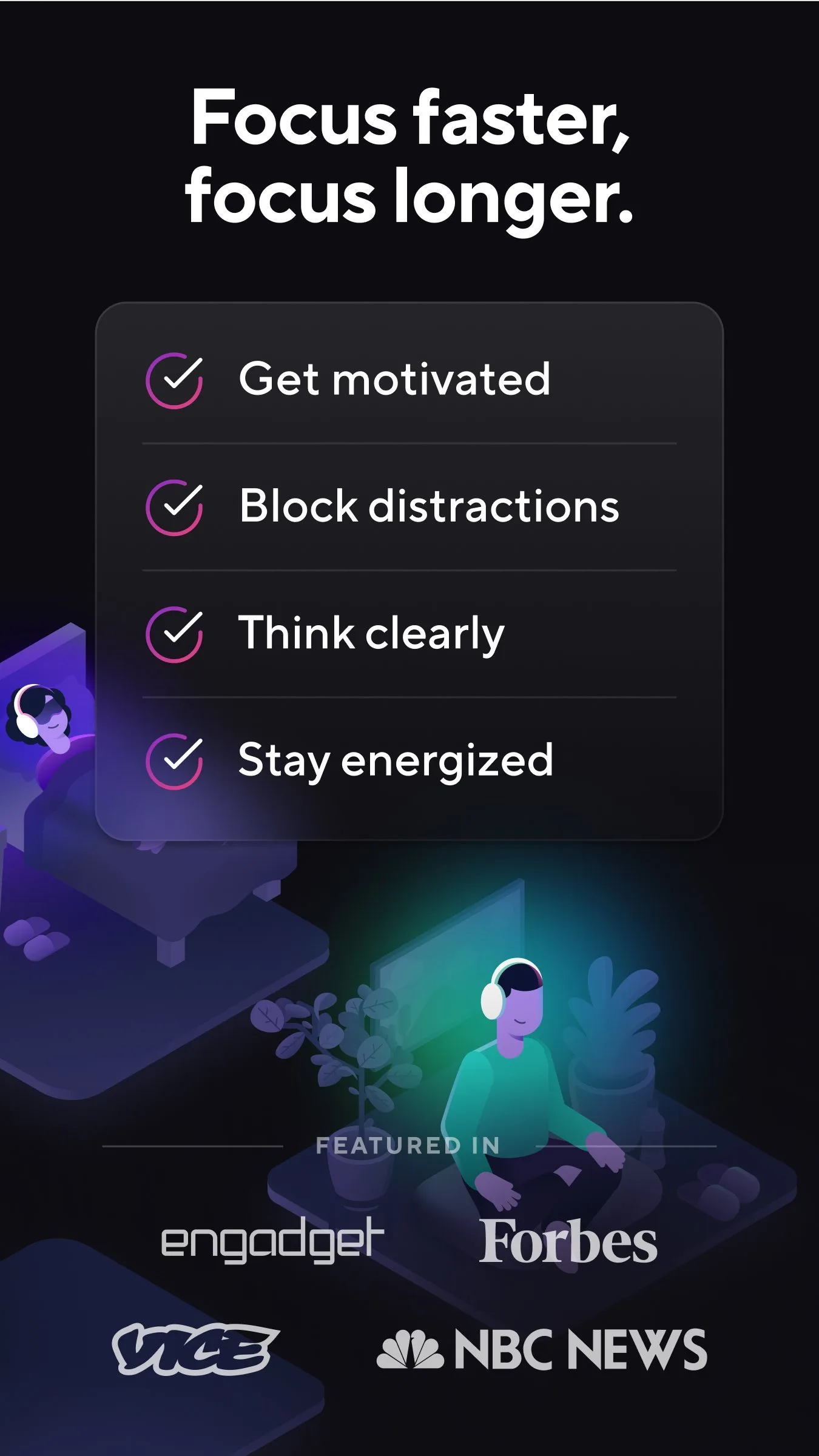
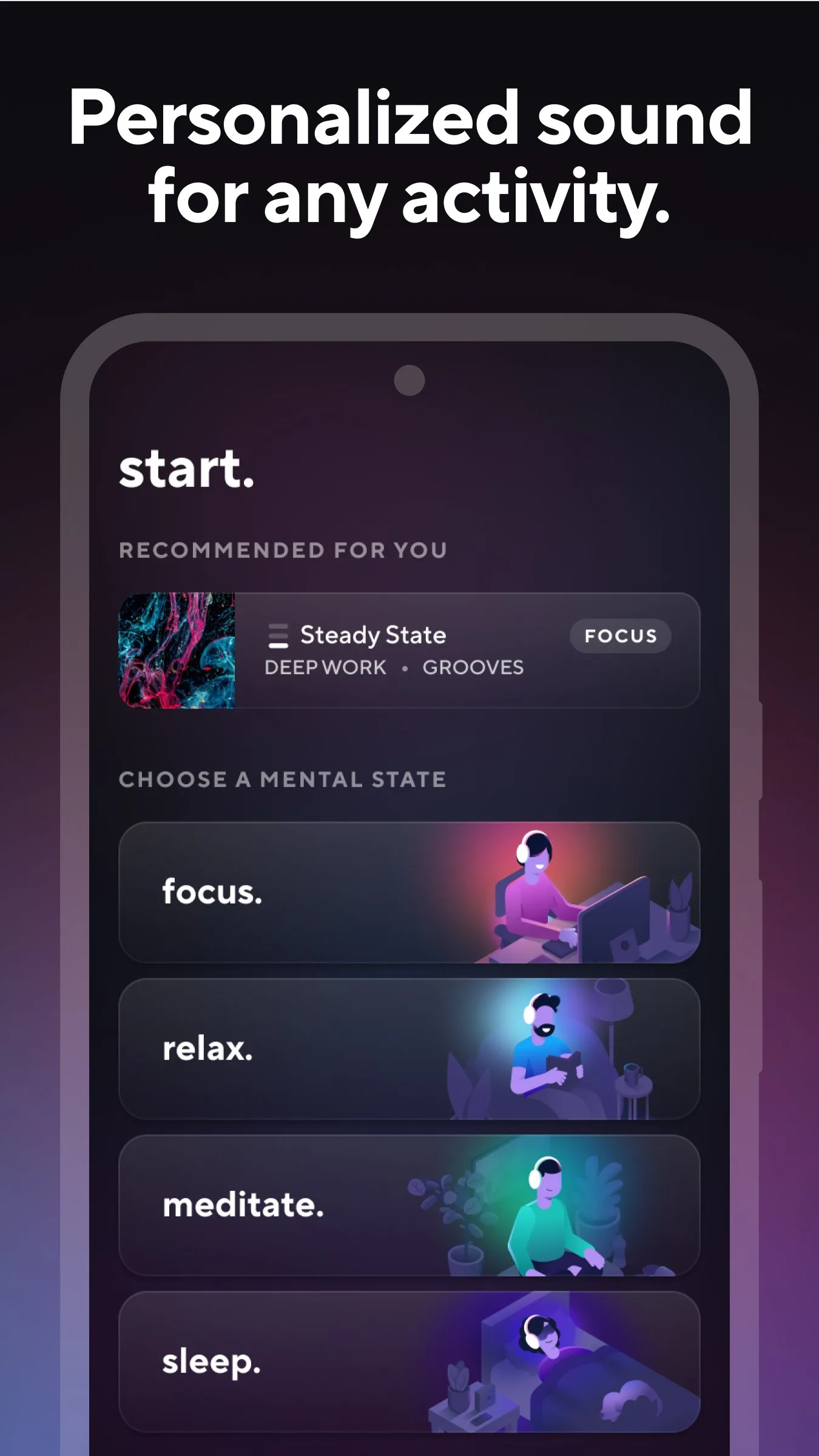
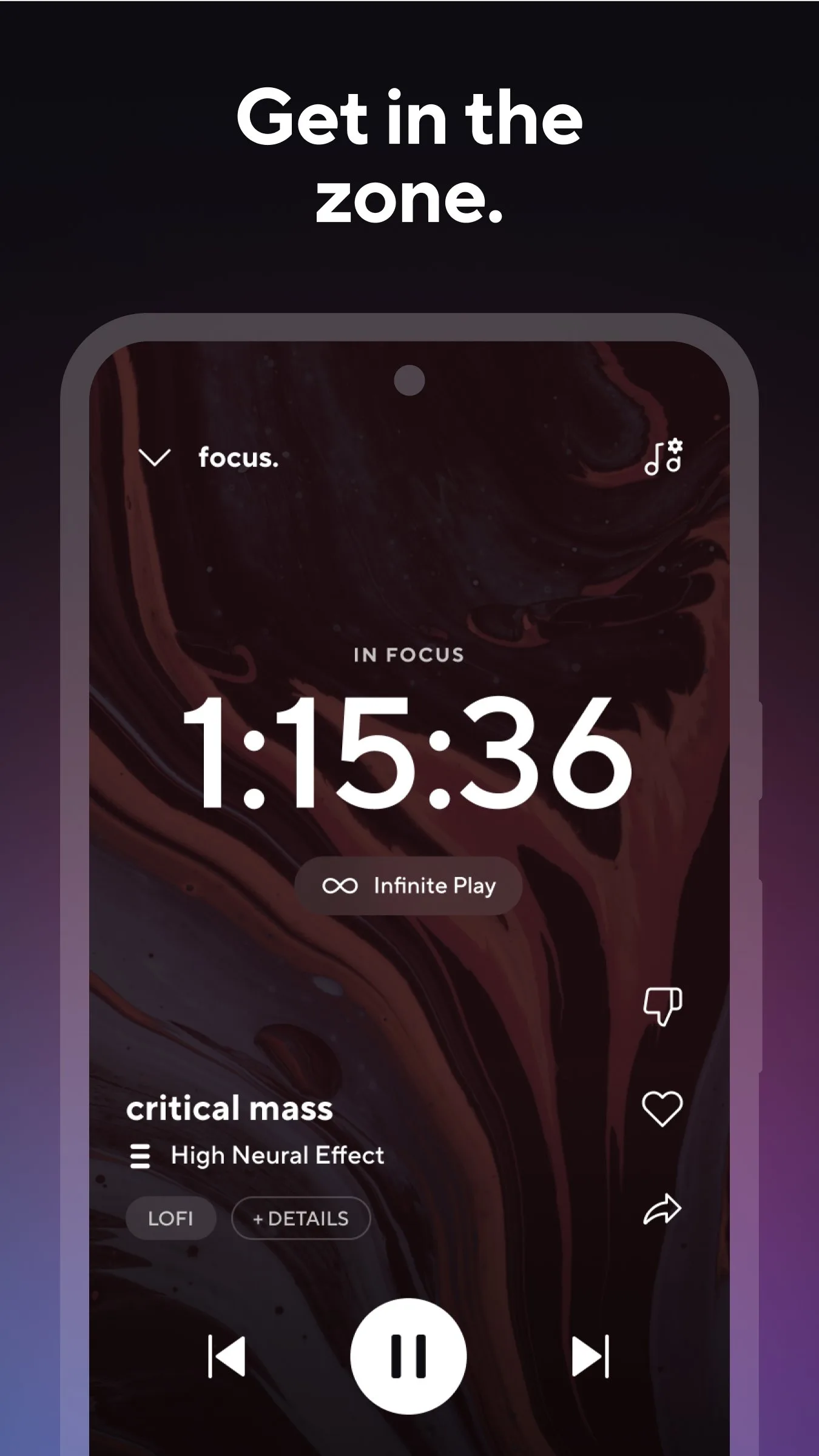
Brain.fm sits in a different category from the other apps in this comparison — it does not block distractions or provide accountability. It addresses a different problem: cognitive performance during focus sessions. The service generates music functionally designed to reduce mind-wandering during sustained deep work, using AI-generated audio specifically engineered to avoid the melodic hooks that cause attention to shift to the music rather than the work.
The distinction from regular music or ambient sound is real and measurable in subjective testing. Background music with lyrics causes documented interference with reading and writing. Instrumental music with strong melodic variation (classical, jazz, complex post-rock) still pulls partial attention. Brain.fm’s audio is specifically designed to avoid both failure modes — the music is present and engaging enough to mask environmental distraction while remaining background enough not to compete with cognition.
Eight weeks of 3-hour deep work sessions with Brain.fm playing produced a consistently different subjective experience compared to Spotify instrumental playlists in the same sessions. The Brain.fm sessions started faster, sustained longer, and required fewer breaks. Whether this is the audio engineering or a placebo effect from the structured ritual of starting Brain.fm before work is impossible to isolate without a controlled trial — but the practical outcome is the same.
What Brain.fm does well
- AI-generated audio specifically engineered for cognitive performance during deep work
- Modes: Focus, Relax, Sleep — each generating different audio profiles
- Timer integration: sessions end with a customizable fade-out
- Offline mode: download sessions for use without internet
- 30-minute free trial per day on the free tier
Where Brain.fm falls short
- $6.99/month or $49.99/year — premium pricing for an audio service
- Not a focus tool in the distraction-blocking sense — does not prevent phone checking
- Subjective effectiveness varies: some users report no effect over Spotify instrumental playlists
- Limited free tier (30 min/day) makes long-term evaluation slow without subscribing
Pricing: Free (30 min/day); $6.99/month or $49.99/year. Use Brain.fm during sustained deep work sessions if environmental audio is a distraction factor — pair it with Forest or Freedom for phone and browser blocking simultaneously.
Which Focus App Do You Actually Need
Phone distraction is your main problem: Forest ($1.99 once). The visual consequence and friends mode beat every free alternative by a wide margin.
Desktop browser distraction is part of the problem: Freedom ($29.99/year). Cross-device blocking on Mac, Windows, and Android simultaneously. Use with Forest for full coverage.
You know what to do but consistently delay starting: Focusmate ($6.99/month or free for 3 sessions/week). The social accountability mechanism addresses avoidance in a way that timers and blockers do not.
You use TickTick for tasks: Use the built-in Pomodoro. It is integrated, sufficient for most users, and does not require an additional subscription.
You work in open-plan offices or need audio help during deep work: Brain.fm. Not a replacement for distraction blocking, but an effective complement.
The minimum effective focus stack for most people: Forest ($1.99 once) on your phone + Freedom ($29.99/year) on your desktop. Together they cover both devices at a combined annual cost of under $32 — less than one hour of lost productivity per year from distraction.
Tested April 2026. Apps verified against live Google Play listings. Pricing and features subject to change.