Google Trips shut down in August 2019. Google never replaced it. Seven years later, millions of travelers are still stitching together browser tabs, Gmail threads, saved Maps places, and WhatsApp messages and calling it trip planning. The apps that filled this gap have diverged sharply: some solve the pre-booking phase (deciding where to go, building an itinerary), others solve the post-booking phase (organizing confirmations, tracking gate changes). No single free app does both phases equally well.
Understanding which phase you’re in determines which app you need. After testing five trip planning apps across 12 trips — solo and group, business and backpacking, from 3-day weekenders to 3-week multi-country trips — the division is clear.





What Makes a Great Trip Planning App
The pre/post-booking split is the core distinction, but four other criteria separate useful apps from ones that look good in screenshots and fail in use.
Itinerary building depth separates apps that let you visualize a route from apps that actively help optimize it. Wanderlog’s route optimizer reorders stops to minimize driving time — a feature that turns a chaotic itinerary into a logical day-by-day sequence in seconds. Most competitors show pins on a map and call it planning.
Booking import accuracy determines whether the organizer tools actually work. TripIt’s email parser handles every airline confirmation format I’ve thrown at it across 6+ years of testing — Ryanair’s non-standard layout, hotel chains without reservation numbers in subject lines, rental car confirmations missing key pickup details. Most competitors’ email parsers handle major carriers and fail on everything else.
Offline access divides apps sharply. TripIt stores itinerary data offline for free. Wanderlog requires Pro for offline map access. Tripomatic is the only app in this comparison that lets you download full city and country maps — without paying anything — before you leave home.
Collaboration quality matters for groups. “Sharing” in some apps means read-only access for everyone except the creator. Real collaboration means trip mates can add, edit, and comment in real time — which is what Wanderlog and Lambus both offer on the free tier.
How We Tested
Testing ran across 12 trips between October 2025 and April 2026: solo city travel in Berlin, Tokyo, and Mexico City; a 4-person group trip in Southeast Asia tracking shared costs; a backpacking segment through Portugal; and business travel to London and Amsterdam with TripIt Pro tracking six flights. Each app was used as the primary planning tool for at least two full trips, with collaboration features tested by adding at least one other person.
Tested on Pixel 8 Pro and Samsung Galaxy S24+, both running Android 15.
Wanderlog - Best Overall Trip Planner
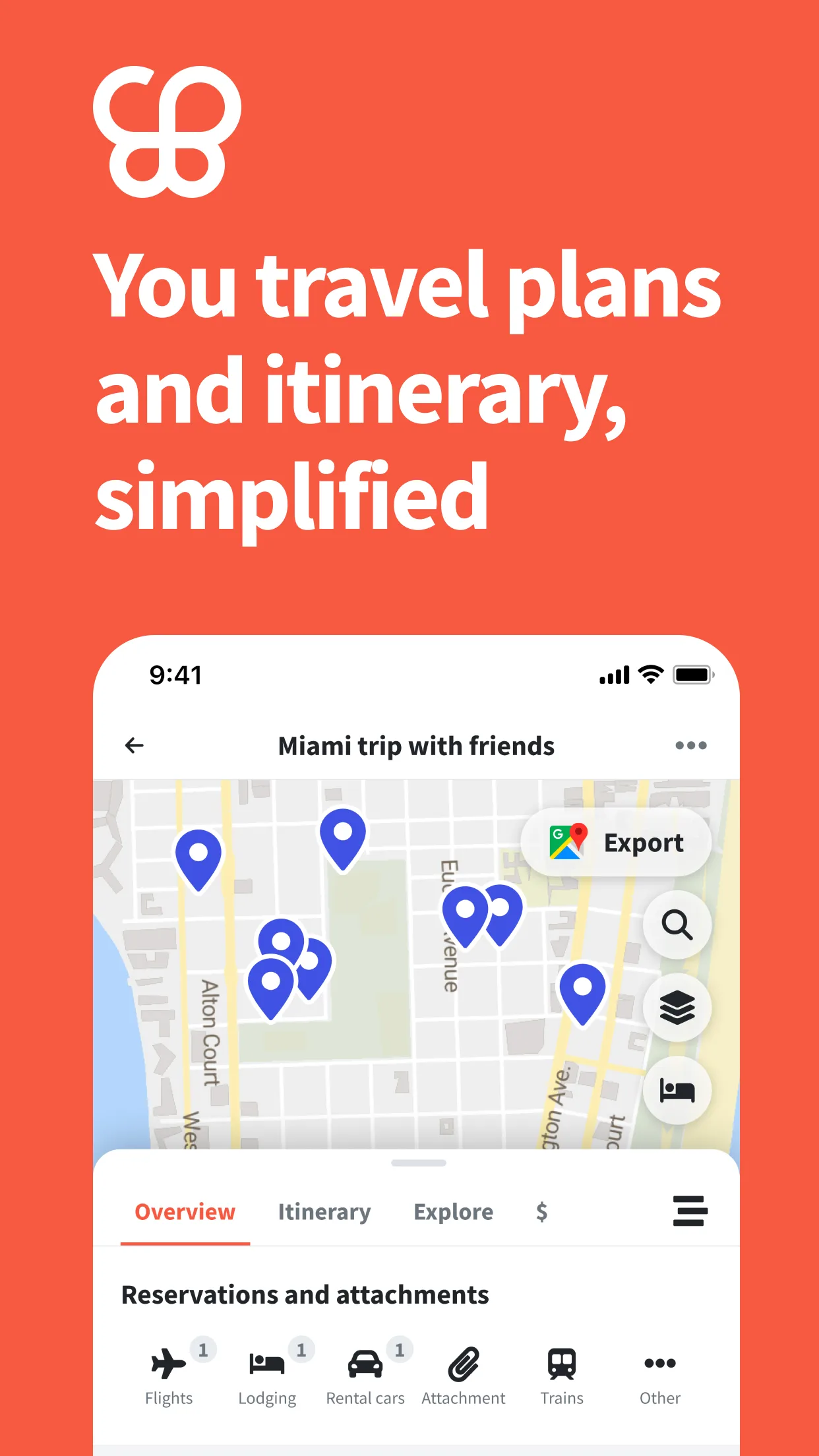
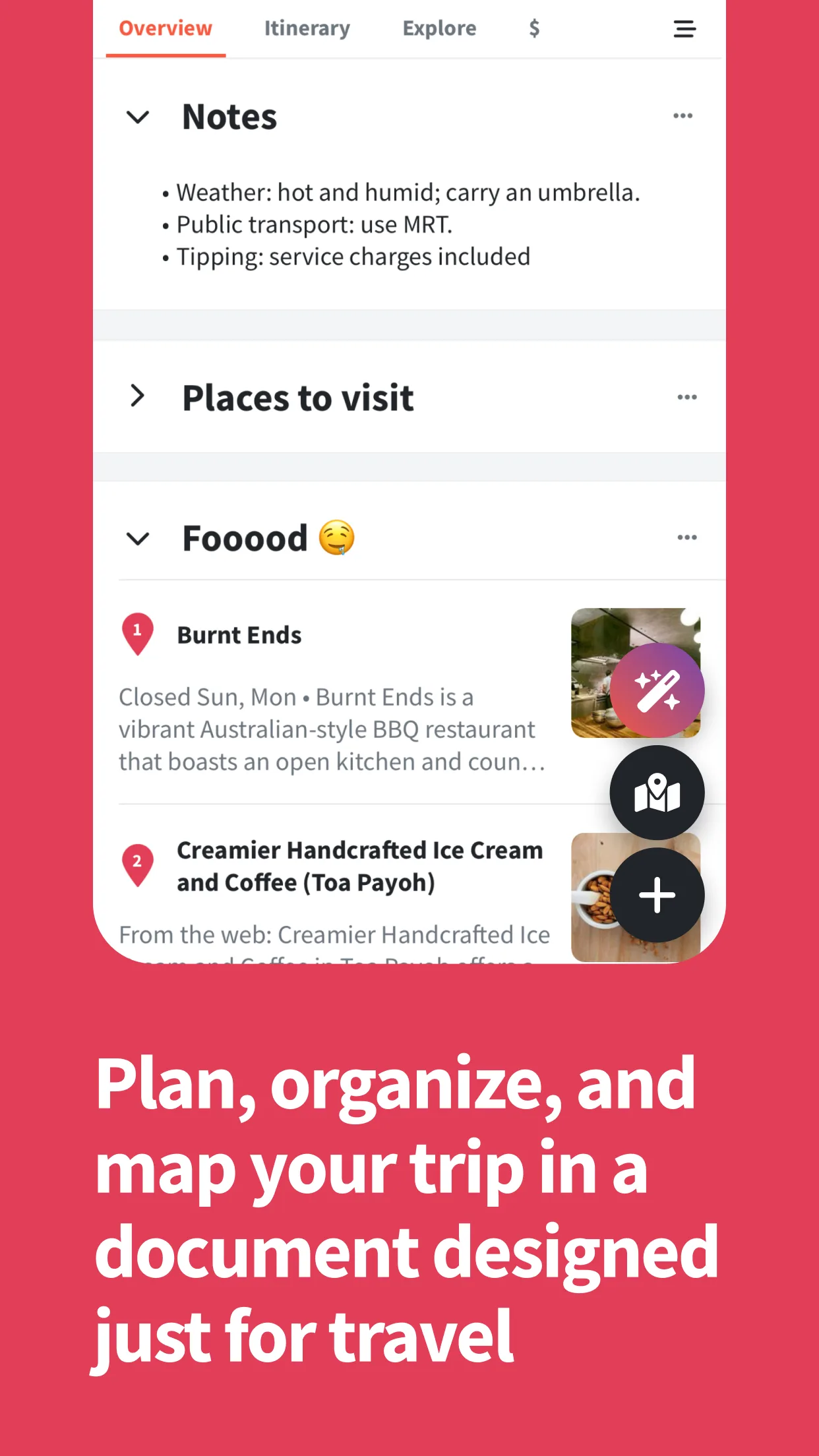
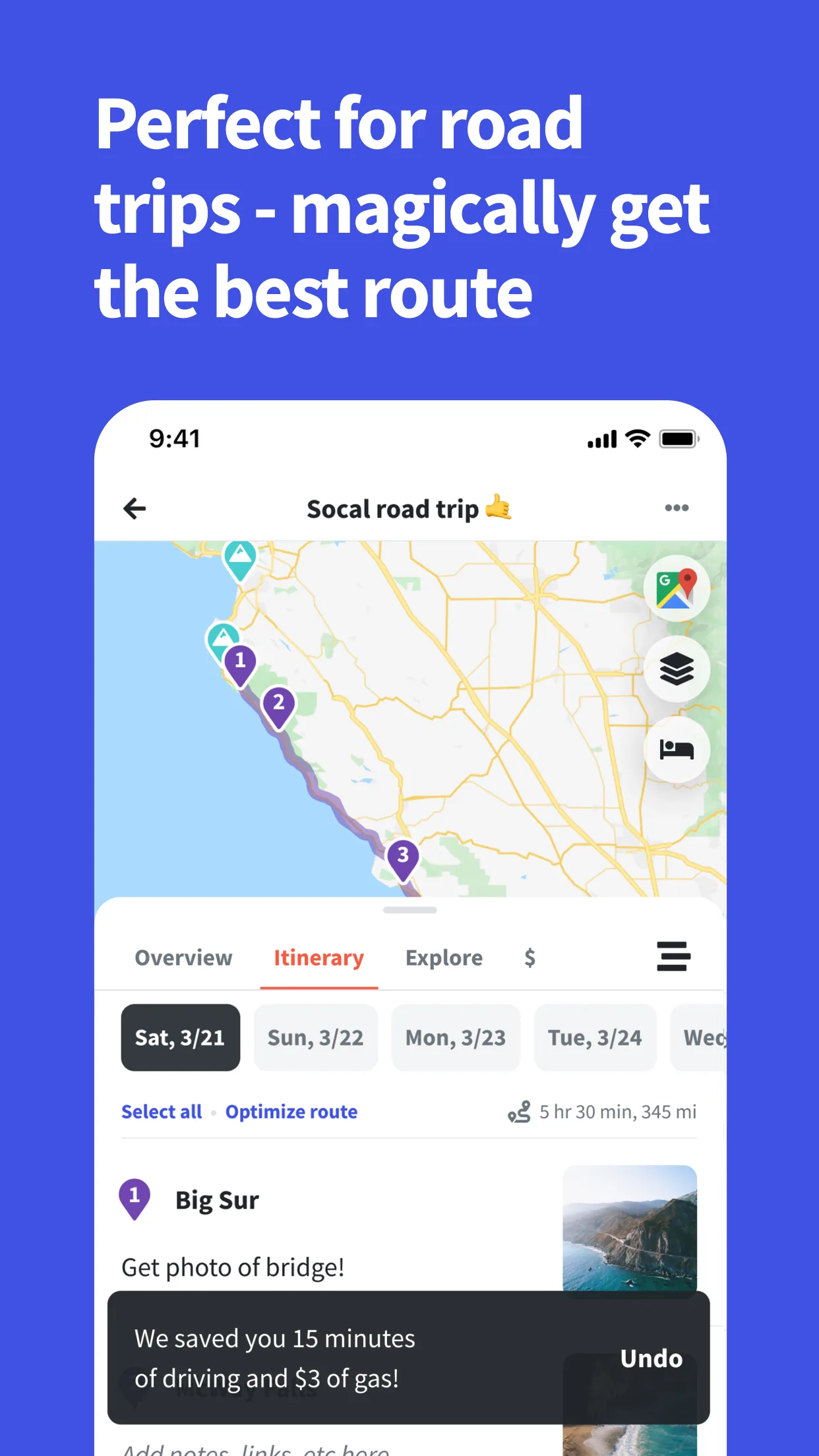
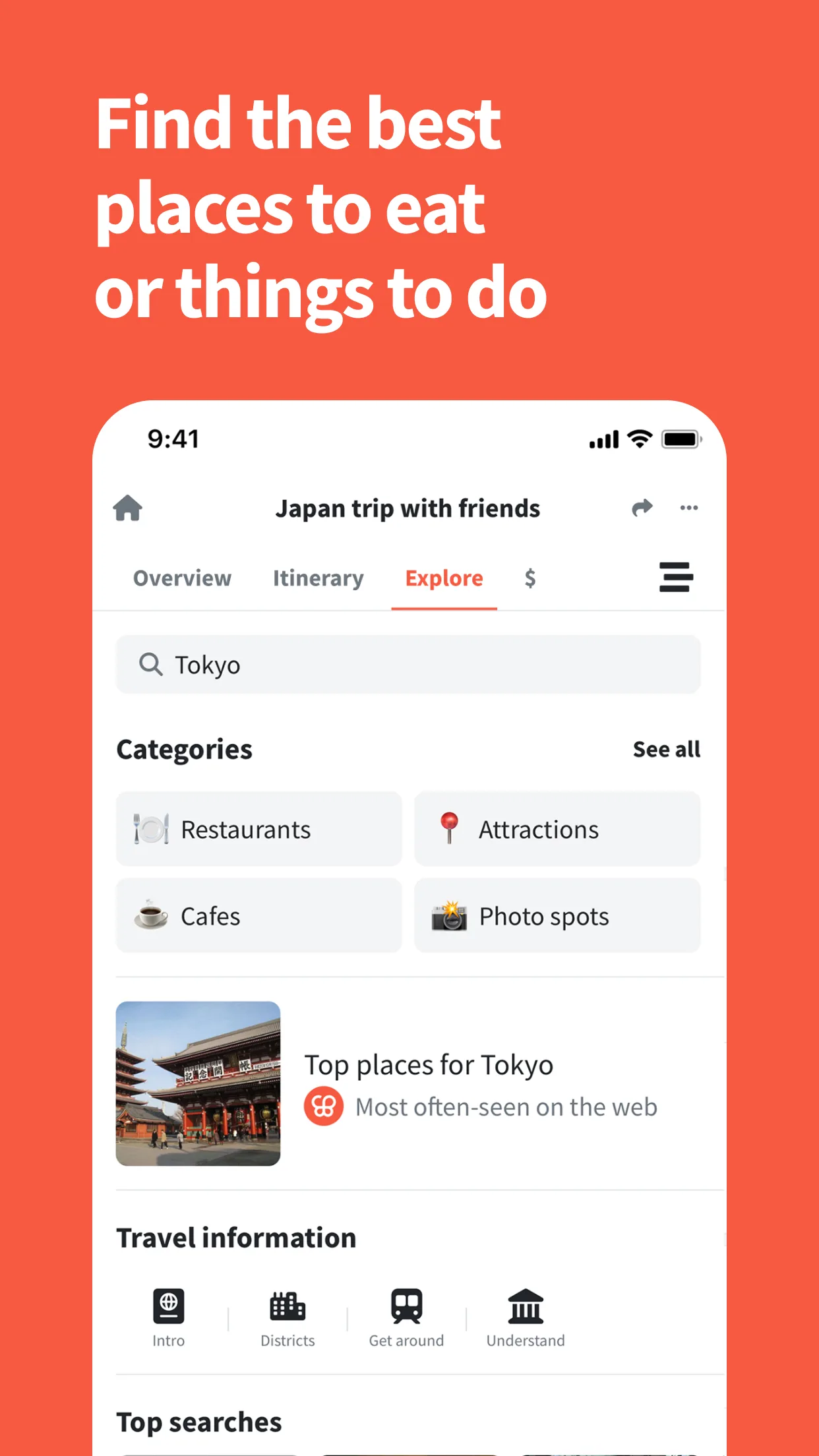
Wanderlog solves the planning phase problem better than any other app tested. The map-plus-itinerary view is the core feature: every stop pinned on a live map, organized into days, with driving times between stops calculated automatically. Add a restaurant, a hotel, a museum, and a train station to the same day — the map shows you whether that sequence makes geographic sense before you leave home. The route optimizer reorders stops to minimize backtracking, which is genuinely valuable for multi-stop city days.
The collaboration works as advertised. Invite trip companions by link — no account required on their end — and they edit in real time. For a 4-person Southeast Asia trip where everyone had opinions about day order, this prevented the “let me manage the spreadsheet” dynamic that kills group planning morale. The free tier includes collaboration; that’s not typical.
Email import works on free and Pro tiers. Connect Gmail and confirmation emails parse automatically — no forwarding required, no manual entry. Pro adds offline access and PDF export; the free tier covers most planning needs for travelers who don’t need offline maps built into this specific app.
The AI suggestions are the weakest feature. They generate plausible but generic recommendations — “popular things to do in Tokyo” rather than constraint-sensitive itineraries. Useful as a starting point, not a finished plan.
What Wanderlog does well
- Day-by-day itinerary with map view and automatic route optimization
- Real-time collaboration: trip mates edit live without creating an account
- Gmail auto-import: confirmation emails become itinerary items automatically
- Route optimizer reorders stops to cut driving/transit time
- Community itineraries: browse and clone pre-built trips as starting points
- Trip journal with photos, publishable as shareable travel reports
- Expense tracker with group bill splitting built into free tier
Where Wanderlog falls short
- Offline maps require Pro ($39.99/year) — a meaningful gap for data-conscious travelers
- No real-time flight alerts or seat upgrade notifications (TripIt Pro handles this decisively)
- Pro is annual-only; no monthly billing option makes trial evaluation expensive
- AI suggestions are shallow — useful for inspiration, not detailed planning
- Sync occasionally lags during rapid edits in larger groups
Pricing: Free (unlimited trips, collaboration, import); Pro $39.99/year (offline maps, PDF export, unlimited AI). Install Wanderlog and start building your next trip.
TripIt - Best for Organizing Confirmed Bookings
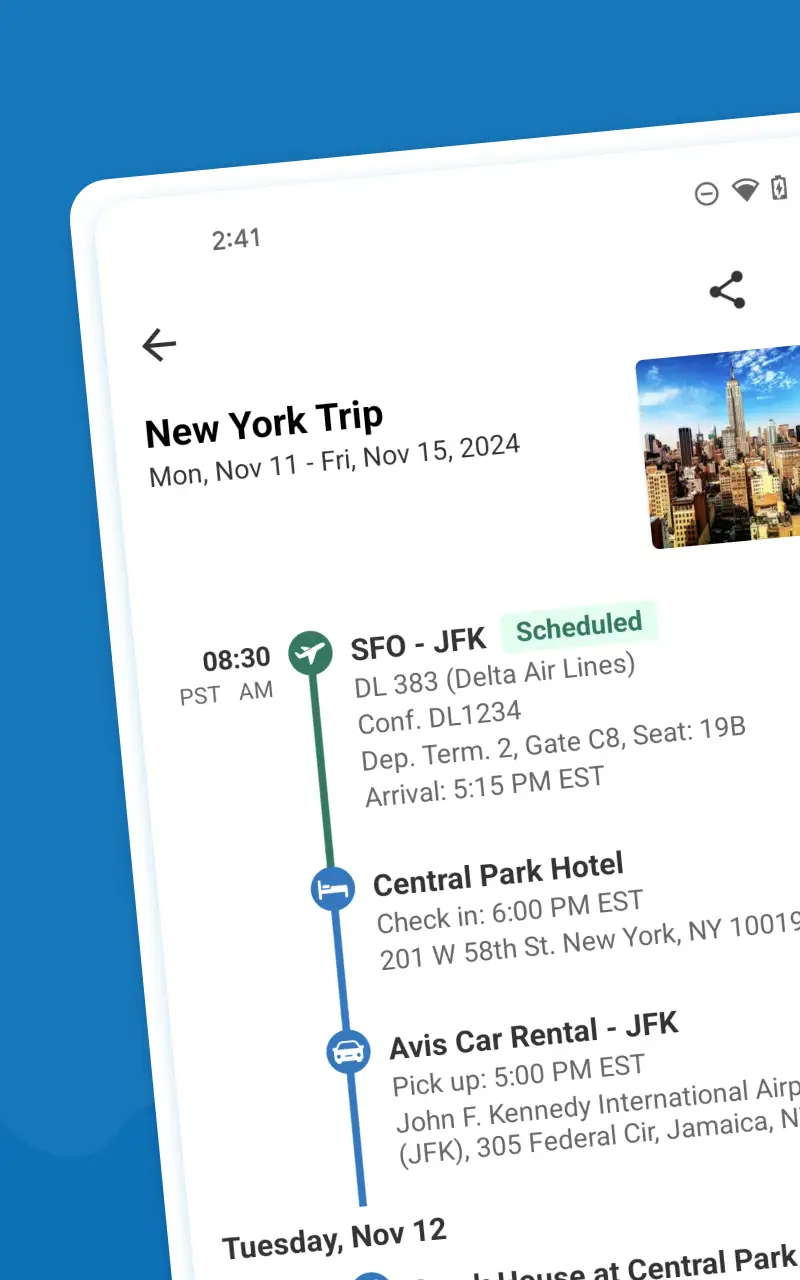

TripIt solves a different problem. Not “what am I going to do?” — that’s Wanderlog’s territory — but “where is that confirmation email, and what’s my gate?” Forward any booking confirmation to TripIt’s booking address, and TripIt parses it into a chronological itinerary. Connect Gmail or Outlook and it does this automatically, without forwarding anything. Flights, hotels, car rentals, restaurant reservations, tours — the parser handles virtually every format across every major carrier and hotel chain.
The 93,630 ratings at 4.68 reflect how well the core function works. Seven million travelers have verified that forwarding a Booking.com confirmation and getting a clean itinerary back is not a gimmick. The Google Calendar sync means trips appear in the calendar without manual entry — which compounds into significant time savings across frequent flyers.
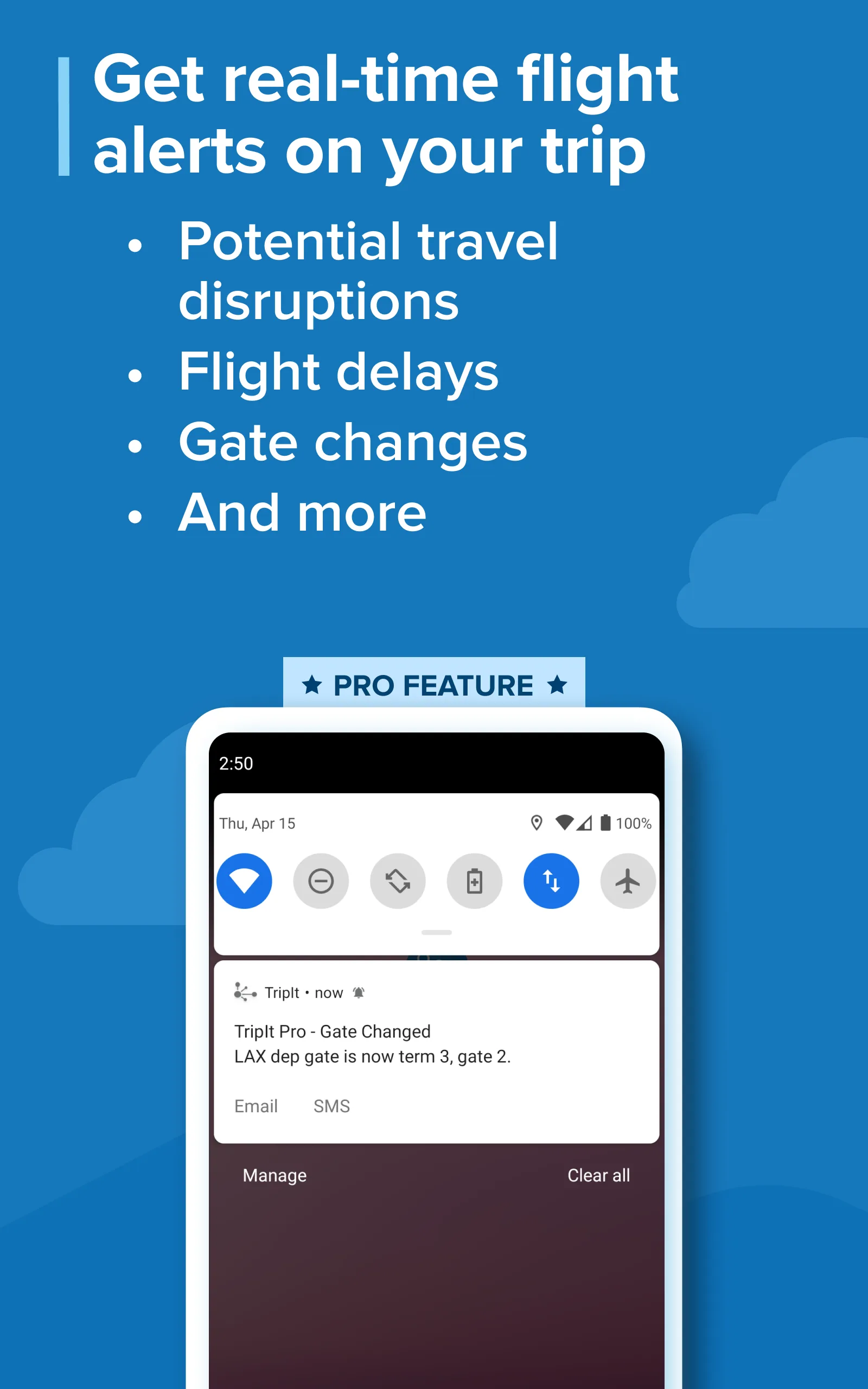
TripIt Pro ($48.99/year) unlocks the features that matter for frequent flyers: real-time gate changes, seat upgrade alerts when a better seat opens, and fare tracking if a booked flight price drops. For anyone flying 10+ times per year, the seat tracker alone typically pays for the subscription once. For travelers who fly 2-3 times annually, the free tier is sufficient.
What TripIt does well
- Email parsing covers every airline, hotel chain, and OTA — no confirmation format fails
- Gmail/Outlook auto-sync: zero-effort import, no forwarding required
- Google Calendar sync: trips in your calendar without manual entry
- Offline itinerary access: full trip details available with no data — useful at international airports
- Pro seat tracker: monitors flights for better seats and alerts when one opens
- Pro real-time alerts: gate changes, delays, cancellations, and alternate flight suggestions
- Corporate integration with SAP Concur — auto-itinerary for business travelers
Where TripIt falls short
- No itinerary building — TripIt organizes what you’ve booked, not what you’re considering
- Zero pre-booking planning tools: no map-based route building, no route optimizer
- Free tier lacks real-time flight alerts, which is arguably the highest-value feature
- UI design is the oldest-feeling interface in this comparison; functional but dated
- AI parsing occasionally misreads non-standard confirmation formats
Pricing: Free (itinerary organization, offline access); Pro $48.99/year (flight alerts, seat tracker, fare refunds). Install TripIt and forward your next booking to see how fast it works.
Tripomatic - Best for Offline Maps and International POI
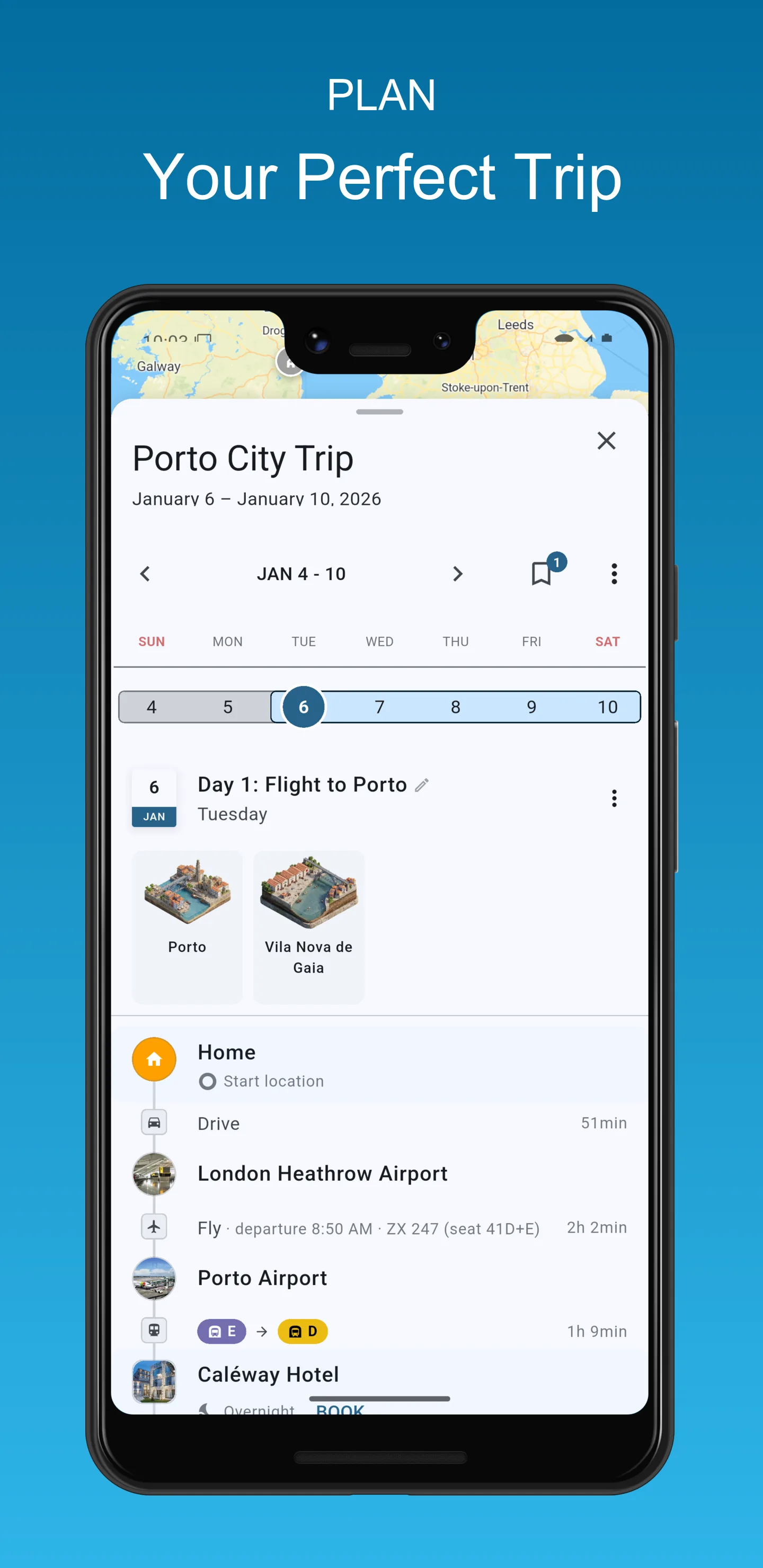
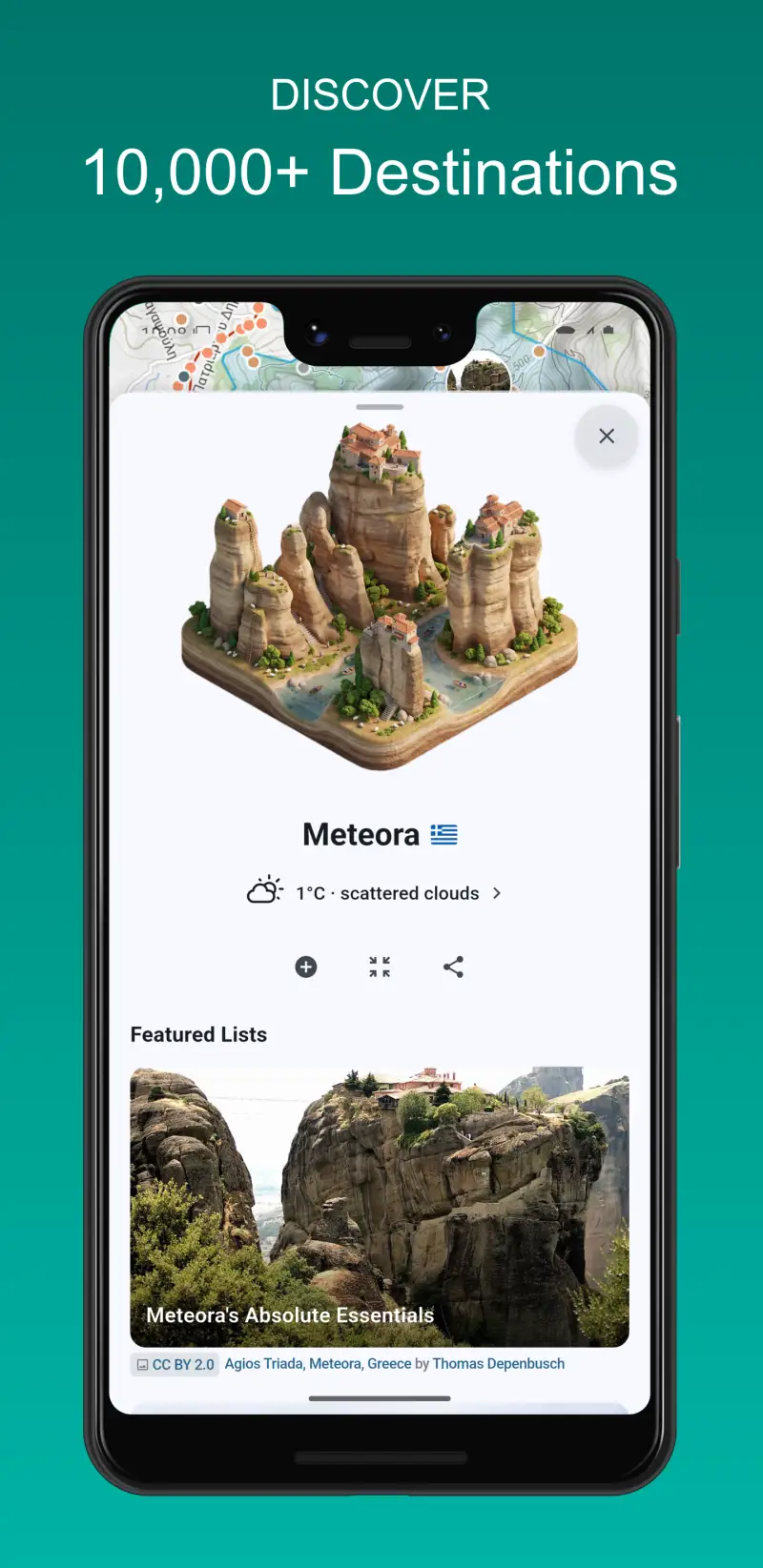
Tripomatic launched as Sygic Travel in 2012 and rebranded in November 2024. The rebranding created confusion — some users searching “Sygic Travel” still find old app references — but the underlying product is genuinely strong, particularly for travelers who need offline maps without paying for Wanderlog Pro.
The 50 million POI database covers destinations that most apps miss. In Tokyo, it surfaced specific shrines, hidden ramen shops, and museum entrance details that Wanderlog’s Google-powered search returned generically. In Morocco, it outperformed every other app tested for medina navigation and local POI accuracy. For international travel where English-language coverage is thin, Tripomatic consistently produced more useful results.
Offline maps are available on the free tier at the city level — download a city before departure, and walking navigation works without signal. Premium unlocks full country downloads and expands offline storage. This is the most accessible offline story in this comparison: Wanderlog requires $40/year, TripIt has no maps at all, and Tripomatic’s city-level offline is free.
The key absence is email/booking import. Tripomatic is a pure planner — it helps you decide where to go and builds the day-by-day structure, but won’t ingest your confirmation emails. For travelers who need both functions, Tripomatic plus TripIt is the combination.
What Tripomatic does well
- 50 million POI database — deepest international coverage of any app tested
- City-level offline maps free on base tier, country-level on Premium
- Offline walking navigation (Premium) — strongest offline capability in this comparison
- AI trip generator: input destination and trip length, get a draft itinerary in seconds
- Map-first interface with travel time estimates between stops
- Web planner at maps.tripomatic.com syncs with mobile
- Real-time collaboration: co-edit trips with travel companions
Where Tripomatic falls short
- No email/booking import — purely a planner, not an organizer
- No expense tracking or bill splitting
- AI suggestions improve on Premium but still generic
- Google Play rating of 4.30 is lower than Wanderlog/TripIt, reflecting ongoing UX issues
- Rebranding from Sygic Travel has created some product identity confusion
- Weaker for road trips than Wanderlog’s route optimizer
Pricing: Free (itinerary building, city offline maps, 50M POI); Premium ~$3.99–$29.99 in-app (country offline maps, unlimited AI). Install Tripomatic for international trips where offline maps and deep POI matter.
Lambus - Best for Group Trips and Adventure Travel
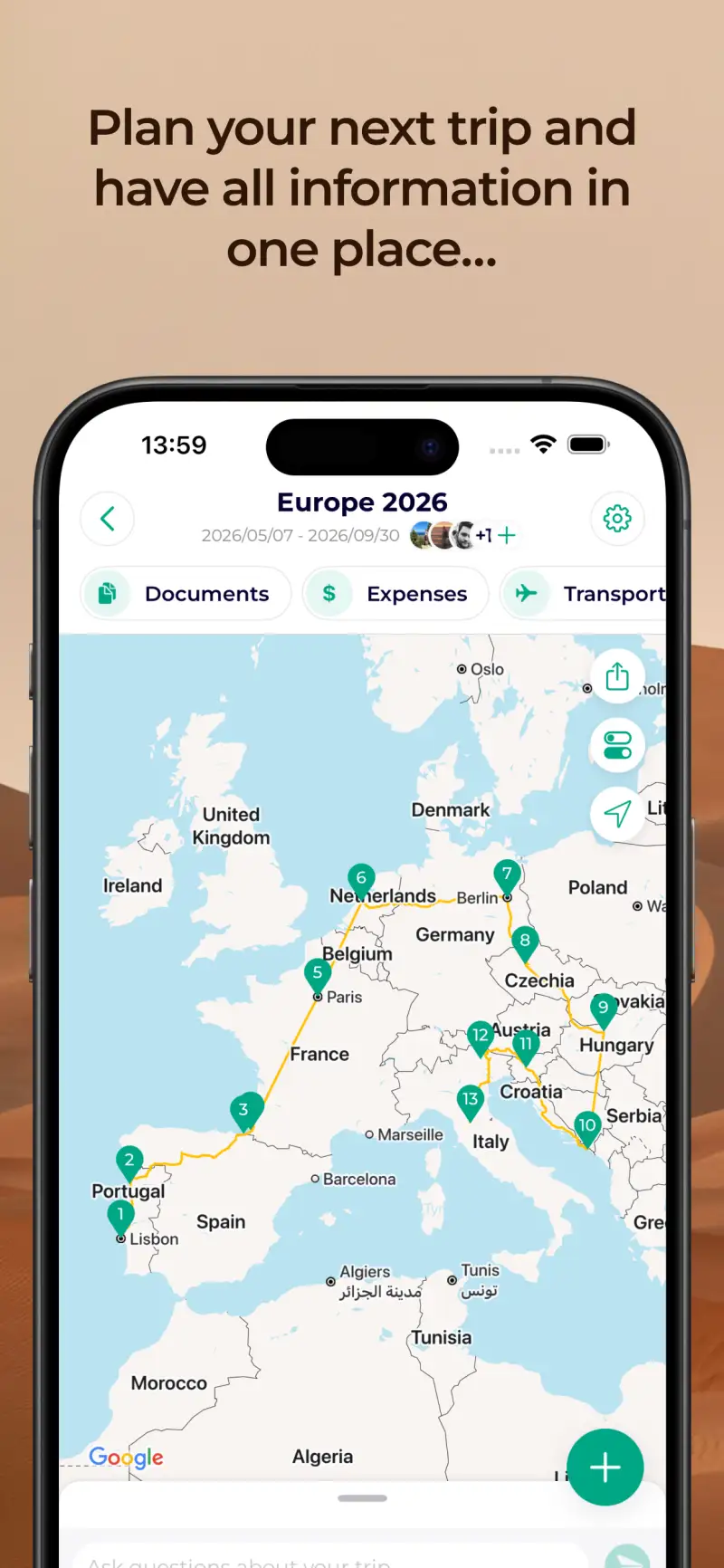
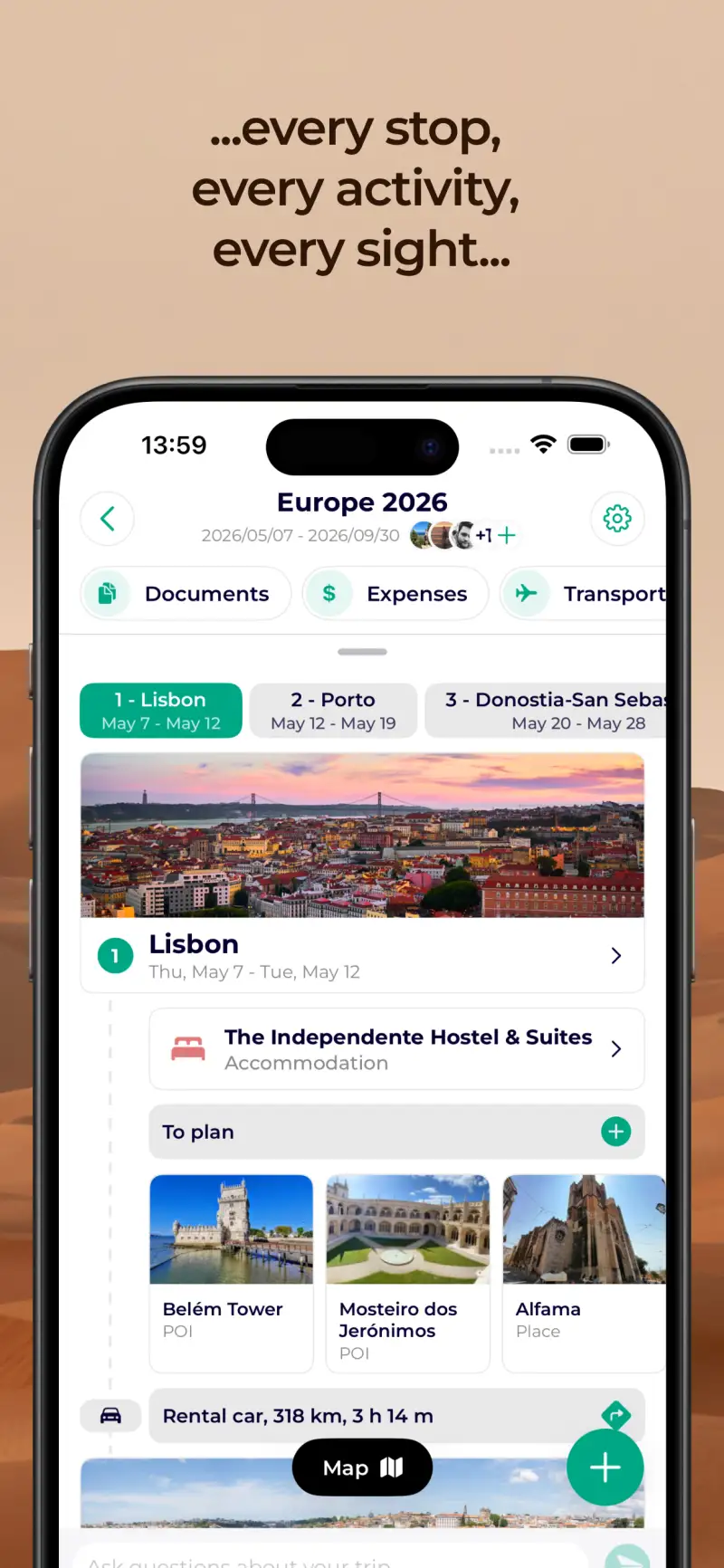
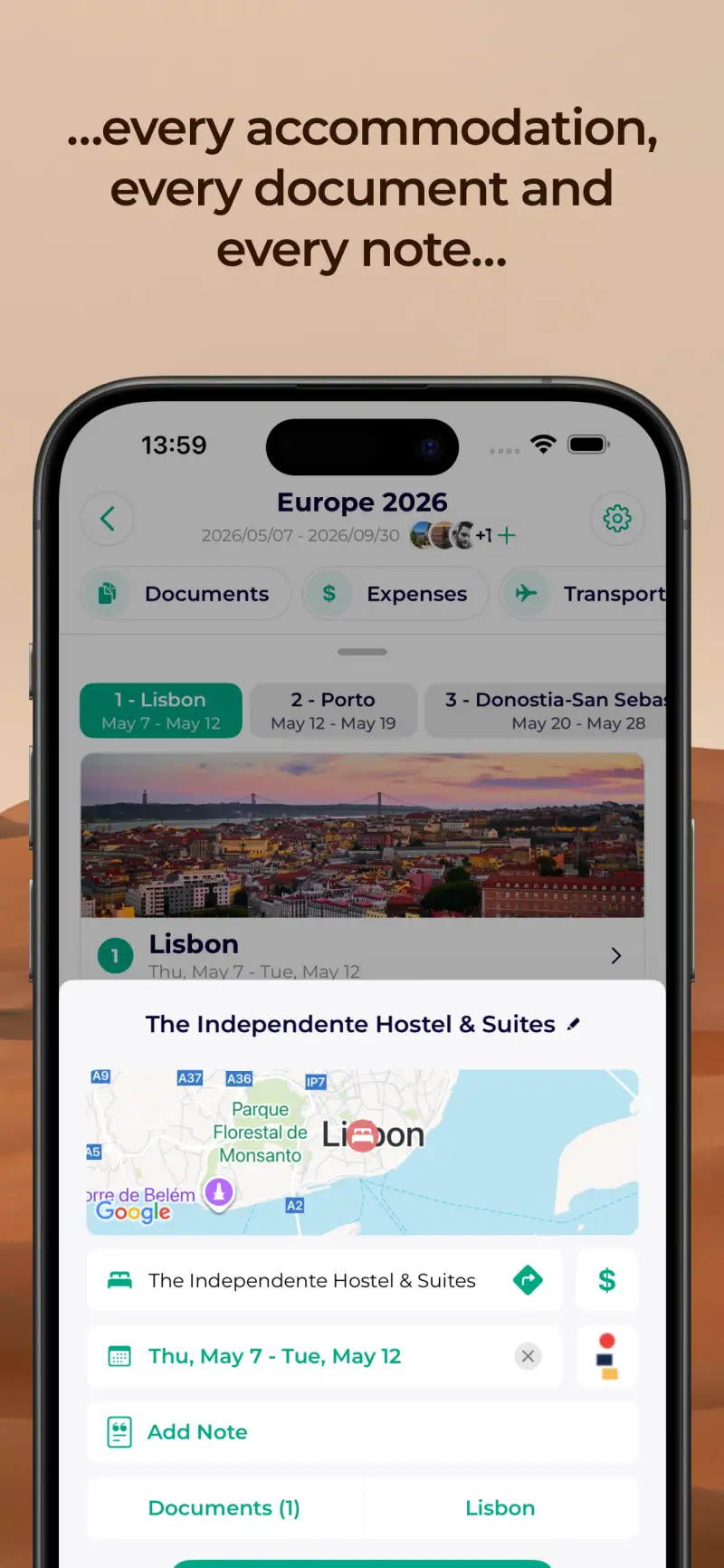
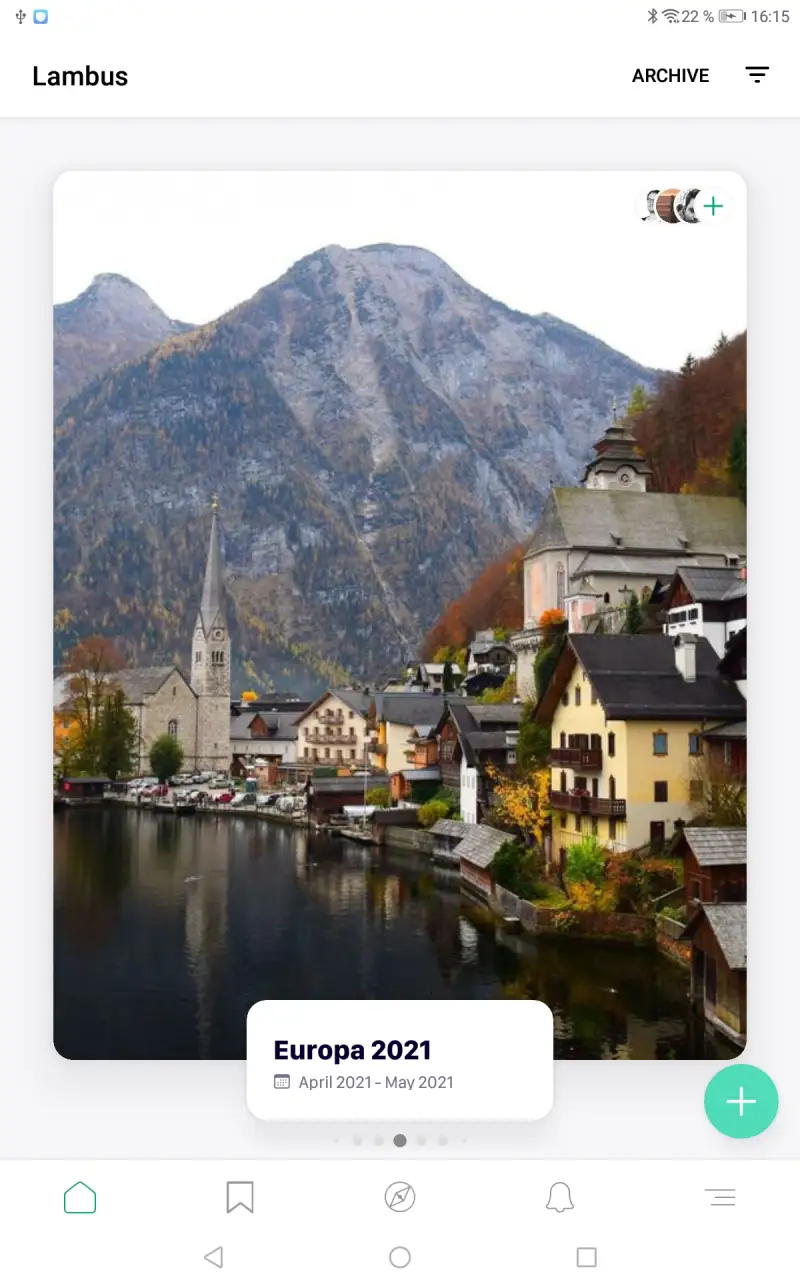
Lambus is the least-known app in this comparison — 421,000 installs versus Wanderlog’s 3.3 million — but it solves two problems nobody else solves as well: group expense management and GPX route integration.
The expense system goes beyond Wanderlog’s basic bill splitter. Lambus tracks individual amounts, calculates who owes whom with minimum transfer logic, and handles multi-currency groups natively. For a 4-person trip where one person paid for flights, another covered accommodation, and two split activities differently each day, Lambus produces a clear settlement view that everyone trusts. The document storage feature stores all travel documents — visas, insurance PDFs, Airbnb PINs, passport copies — in one place with offline access. That matters at 2am in an airport without internet.
The GPX import is unique in this comparison. Import a Garmin route, a Wikiloc hiking track, or a RideWithGPS cycling tour directly into Lambus as an itinerary element. For adventure travelers who plan activities before flights, this connects the planning layer to the activity layer in a way no other app offers.
What Lambus does well
- Group expense tracking with multi-currency support and minimum-transfer settlement
- Document storage with offline access — passports, visas, insurance, accommodation PINs
- GPX file import: hiking routes, cycling tours, Garmin routes become itinerary elements
- Real-time group collaboration — all members see changes instantly
- AI integration via external models (ChatGPT, Claude, or Gemini) for conversational planning
- Clean, precise German-engineered UI with minimal friction
Where Lambus falls short
- Smallest install base in this comparison (421K) — less battle-tested at scale
- No email/booking import
- Map and POI features underdeveloped compared to Wanderlog or Tripomatic
- Premium pricing structure not clearly published — variable in-app purchase pricing
- Less known outside Europe; fewer community resources and guides
Pricing: Free (itinerary, expenses, docs, GPX); Premium in-app $3.99–$99.99. Install Lambus for group trips where expense splitting and document sharing matter.
Roadtrippers - Best for USA Road Trips (With a Warning)
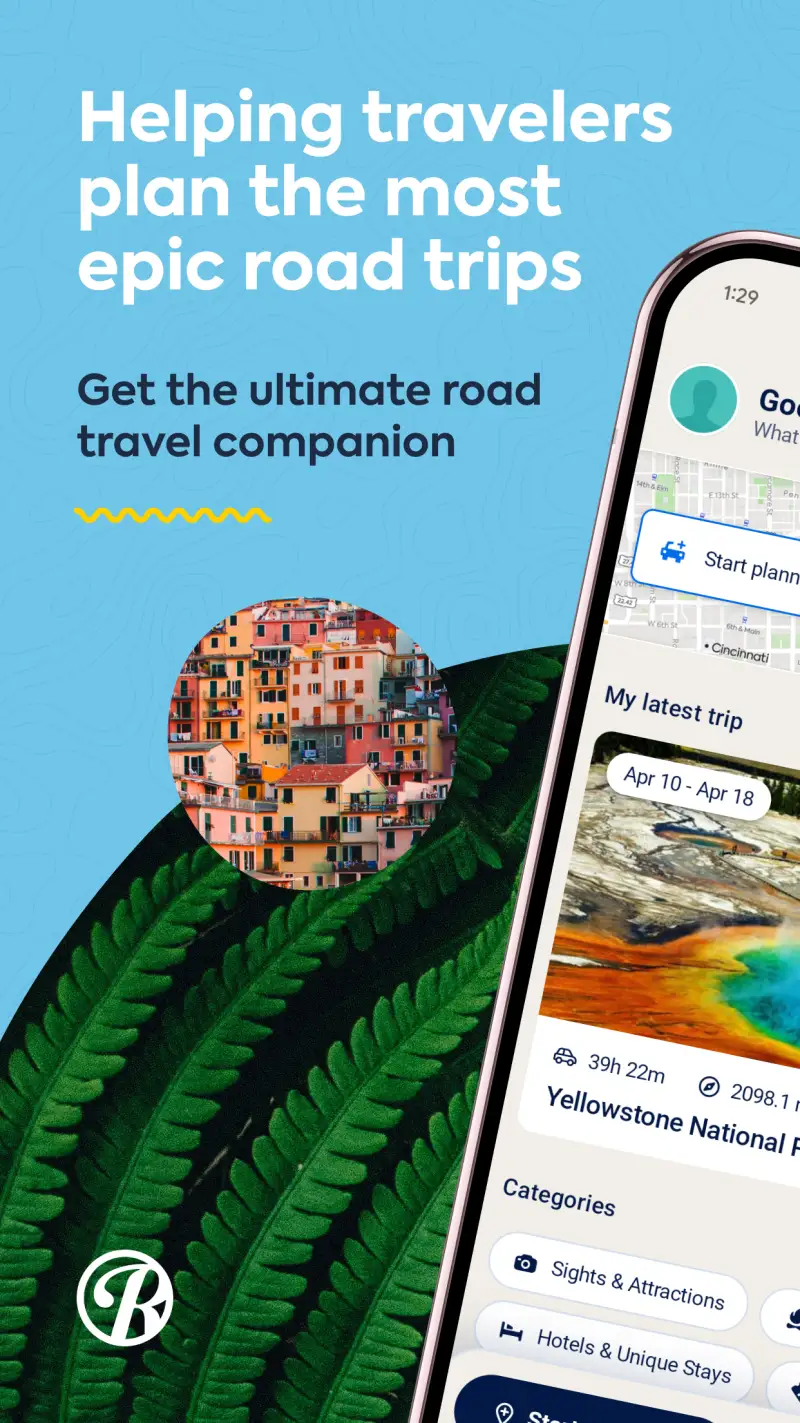
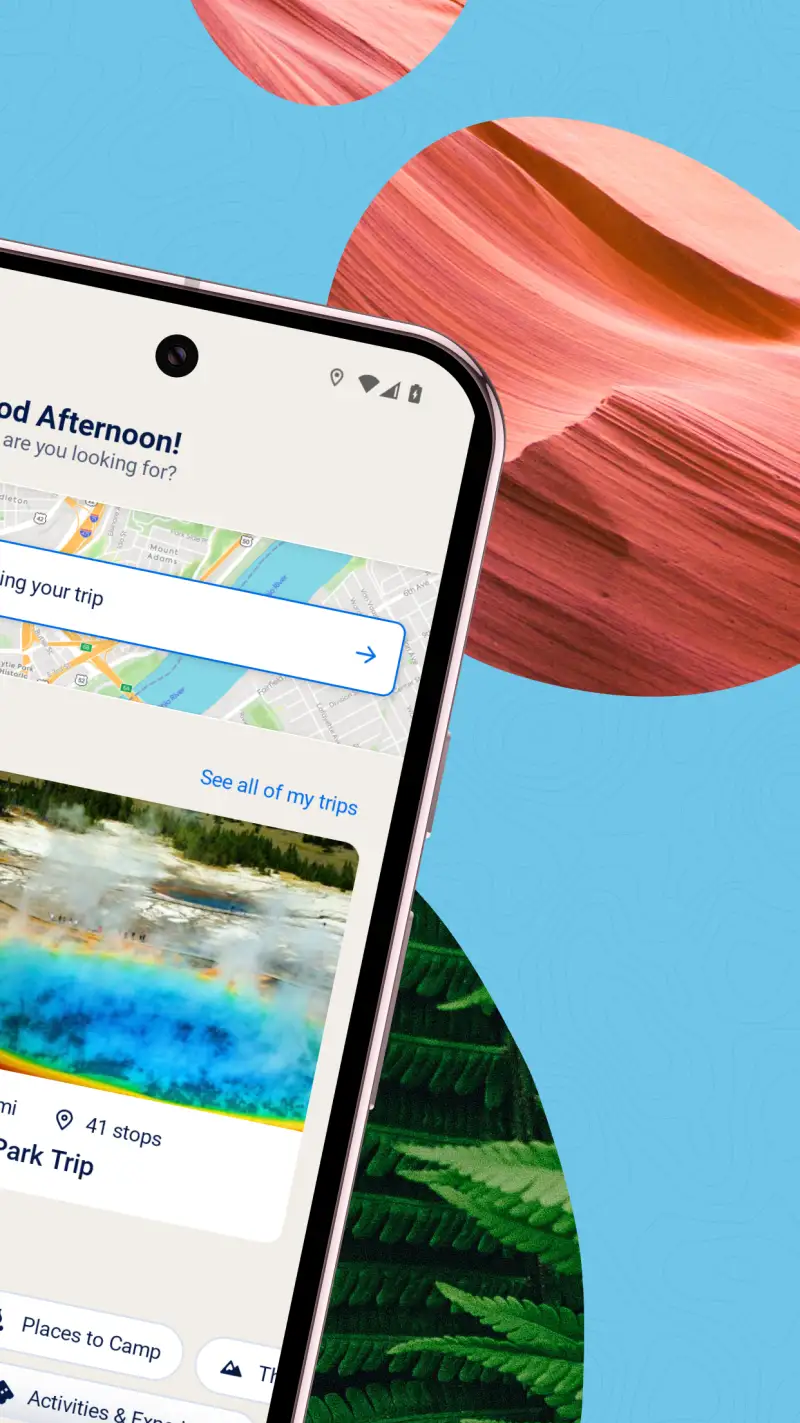
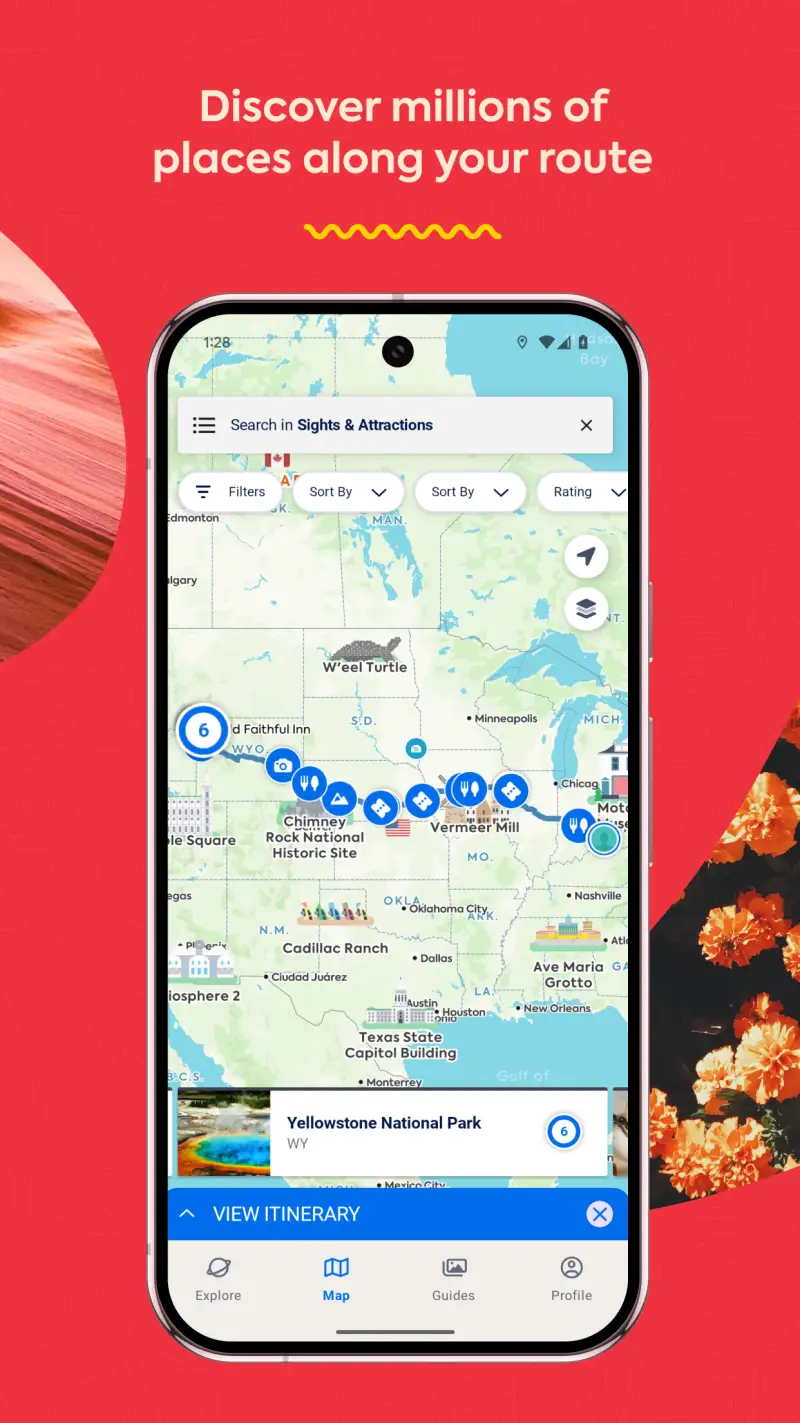
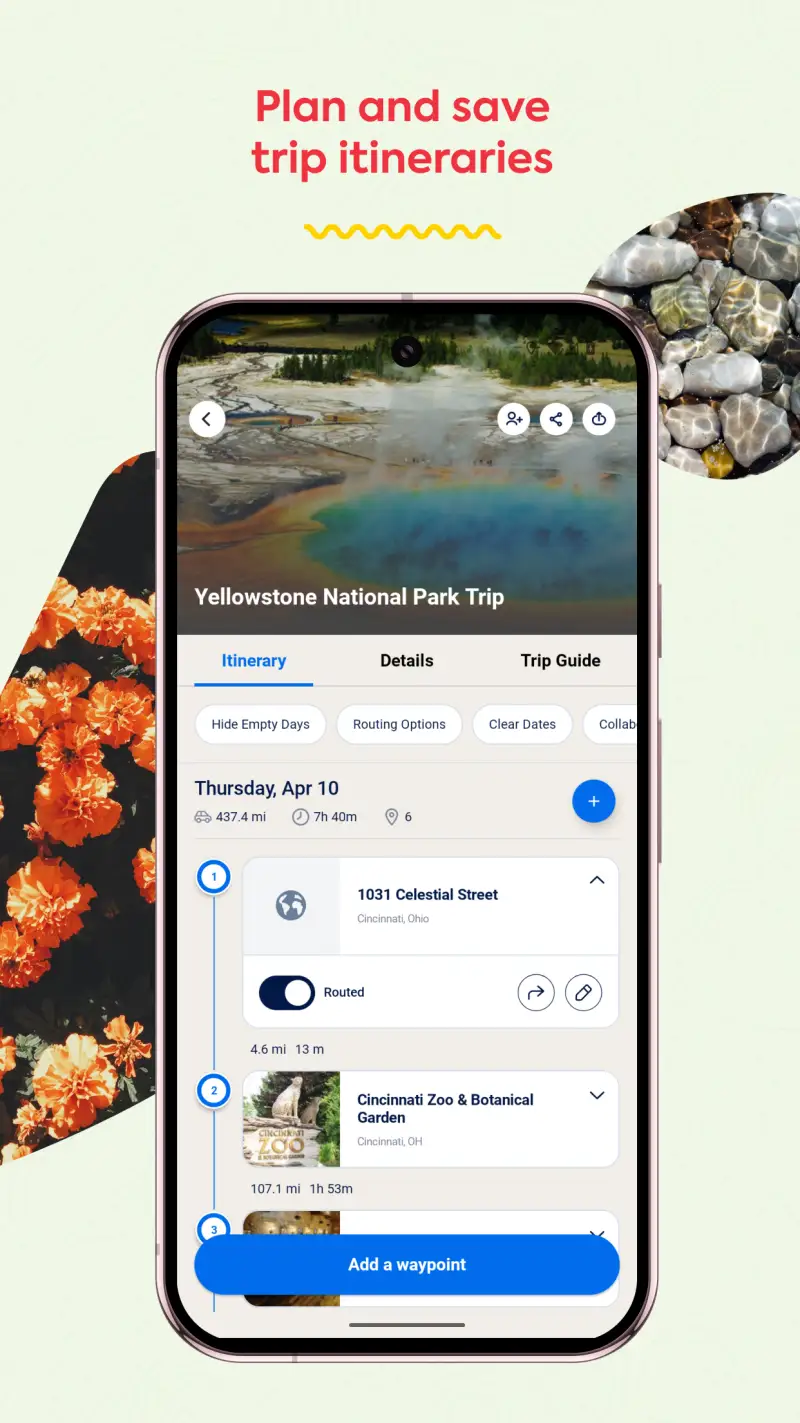
Roadtrippers claims 38 million trips planned, primarily in the USA and Canada. The Campendium integration covers 150,000+ campground reviews — a genuine niche resource for RV and camping travelers that no competitor comes close to matching. The AI-powered Autopilot trip wizard draws on that historical data to suggest routes with a specificity that generic AI assistants miss: it knows that Palo Duro Canyon in Texas is often paired with Amarillo, that US-89 through Arizona takes 3 days to do properly, and that specific campgrounds require reservations in July.
The honest assessment requires stating the problem directly: the Google Play rating is 2.32 from 8,723 reviews, with a majority of those reviews being 1-star. The iOS rating is 4.6 — suggesting a platform-specific quality gap. Recent Android reviews (2025–2026) consistently report subscription billing failures, features locked despite active payment, app crashes during trip planning, and outdated POI data. The version 3.0 update appears to have introduced significant Android instability.
This is a tool that works well on iOS and is unreliable on Android in its current state. Include it with that context.
What Roadtrippers does well
- Campendium integration: 150,000+ verified campground reviews for RV travelers
- 38 million historical trips inform AI route suggestions for USA/Canada
- Offline maps on Premium — functional when the app works correctly
- Route planning with RV-specific vehicle profiles and navigation
- Cell coverage overlay: see signal strength along a route before driving it
Where Roadtrippers falls short
- Google Play rating of 2.32 — the lowest in this comparison by a wide margin
- iOS rating is 4.6; the quality gap is Android-specific and apparently ongoing
- Subscription billing issues: charges reported without notice, refunds difficult
- Crashed during route planning tasks in testing on Android 15
- USA and Canada only — not designed for international travel
- Free tier is limited to 3 stops per trip
Pricing: Free (3 stops); Plus $6.99–$59.99/year (full routing, offline maps). Use Roadtrippers on Android with caution — or use Wanderlog for USA road trip itinerary building until the Android stability issues are resolved.
Which Trip Planning App Do You Actually Need
The clearest distinction in this comparison is planning versus organizing. Most travelers need both.
Building an itinerary before booking: Wanderlog (best overall) or Tripomatic (better offline maps).
Organizing confirmed bookings: TripIt, and nothing else is close.
Group trips: Wanderlog for itinerary collaboration; Lambus if expense splitting is the primary concern.
Frequent flyers: TripIt Pro. The seat tracker and real-time gate alerts justify the $48.99/year if you fly more than 6 times annually.
Offline maps built into planning app: Tripomatic Premium or Wanderlog Pro. If you want offline without paying, Tripomatic’s free city downloads are the right choice.
Adventure travel with GPX routes: Lambus, which accepts Garmin and GPX files as itinerary elements.
The practical combination: Wanderlog for the planning phase (before booking) + TripIt for the organizing phase (after booking). Between them, they cover what Google Trips used to do — and more. Both have strong free tiers that cover most use cases without a subscription.
Tested April 2026. Apps verified against live Google Play listings. Pricing and features subject to change.