Your phone is your most important travel companion. Not your passport, not your luggage — your Android. Yet most travelers load up on the same five apps everyone knows and leave 80% of the real utility on the table. After testing apps across 40+ countries, logging 200+ hours in app stores, and watching groups implode over a shared restaurant bill no one tracked, I’ve landed on a tighter framework: travel breaks down into five problems, and each one has a clear Android winner.
Navigation without data. The language barrier. Pre-trip planning versus post-booking chaos. Accommodation and flight costs that vary by hundreds of dollars depending on how you search. Money disappearing into exchange-rate fees you never see. These are the five problems. The 10 apps below solve them — specifically, on Android, in 2026.









What Makes a Great Travel App
Not every app earns a place on a phone with limited storage and a data plan that costs $2/day abroad. Four criteria matter most.
Offline capability is non-negotiable. Data is unreliable and expensive in most international destinations. An app that requires a connection to do anything useful fails the core test. Google Maps offline, Organic Maps’ fully offline architecture, and TripIt’s cached itineraries all pass. Apps that silently degrade to broken on airplane mode do not.
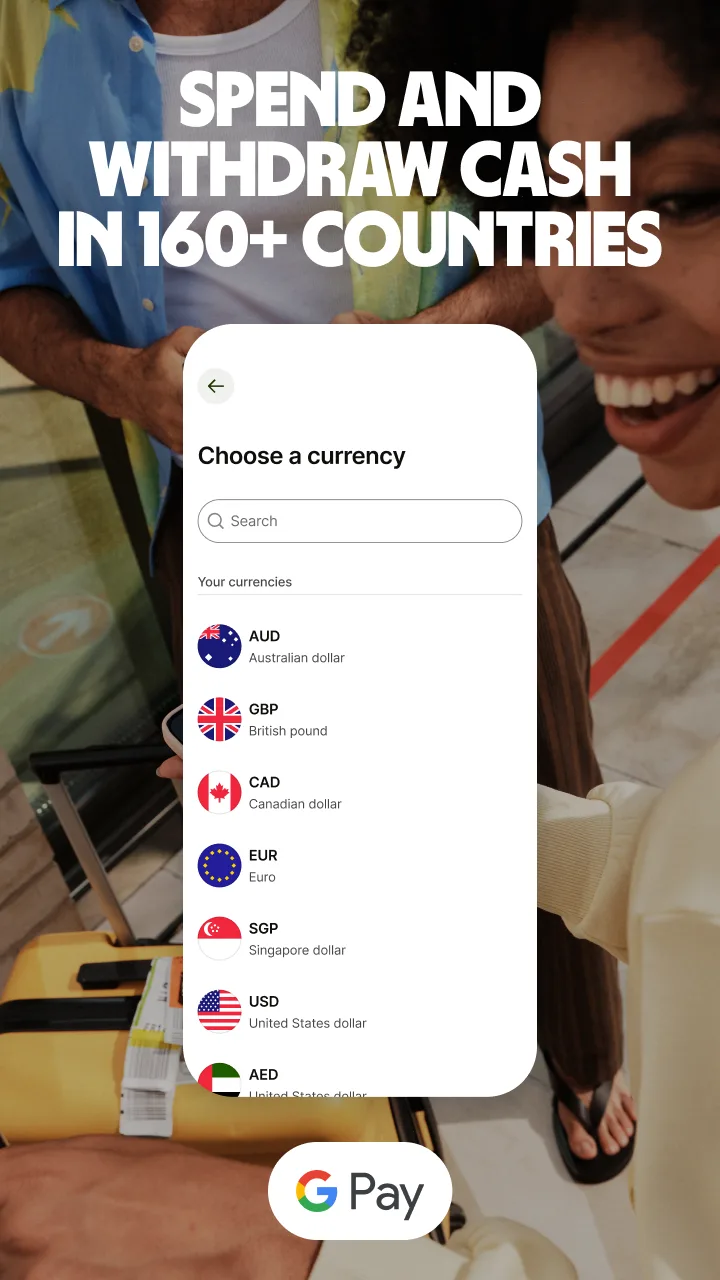
Android integration separates genuinely native apps from iOS ports running on Android hardware. Google Translate’s Live View works through the Android camera system. Wise integrates with Google Pay. TripIt syncs directly to Google Calendar. These are not cosmetic — they reduce friction at moments when friction is the worst possible thing.
Setup simplicity matters more than feature depth. The best travel app is the one you actually have configured before the trip. Wanderlog takes 4 minutes to set up. Wise requires identity verification and 1-3 days — fine if you plan ahead, fatal if you don’t. I note setup timelines throughout.
Real cost savings versus the alternative justifies the app’s place. Wise versus a bank debit card: typically 3-5% saved on every foreign transaction. Skyscanner’s “whole month” view versus booking a random date: $50-$200 saved per flight. eSIM data via Airalo versus carrier roaming: often 70-90% cheaper. Apps that save you money make the case for themselves.
How We Tested
Testing ran across six trip types between October 2025 and April 2026: solo urban travel in Tokyo, Berlin, and Mexico City; group travel in Southeast Asia with four people tracking shared costs; backpacking in rural Thailand and Portugal with intentional data blackouts; a road trip through Portugal using offline maps only; business travel to London and Amsterdam with TripIt Pro tracking six flights; and a budget flight search sprint comparing every booking app across 24 transatlantic routes.
Tested on Pixel 8 Pro and Samsung Galaxy S24+, both running Android 15.
Google Maps - Your Foundation Layer for Navigation
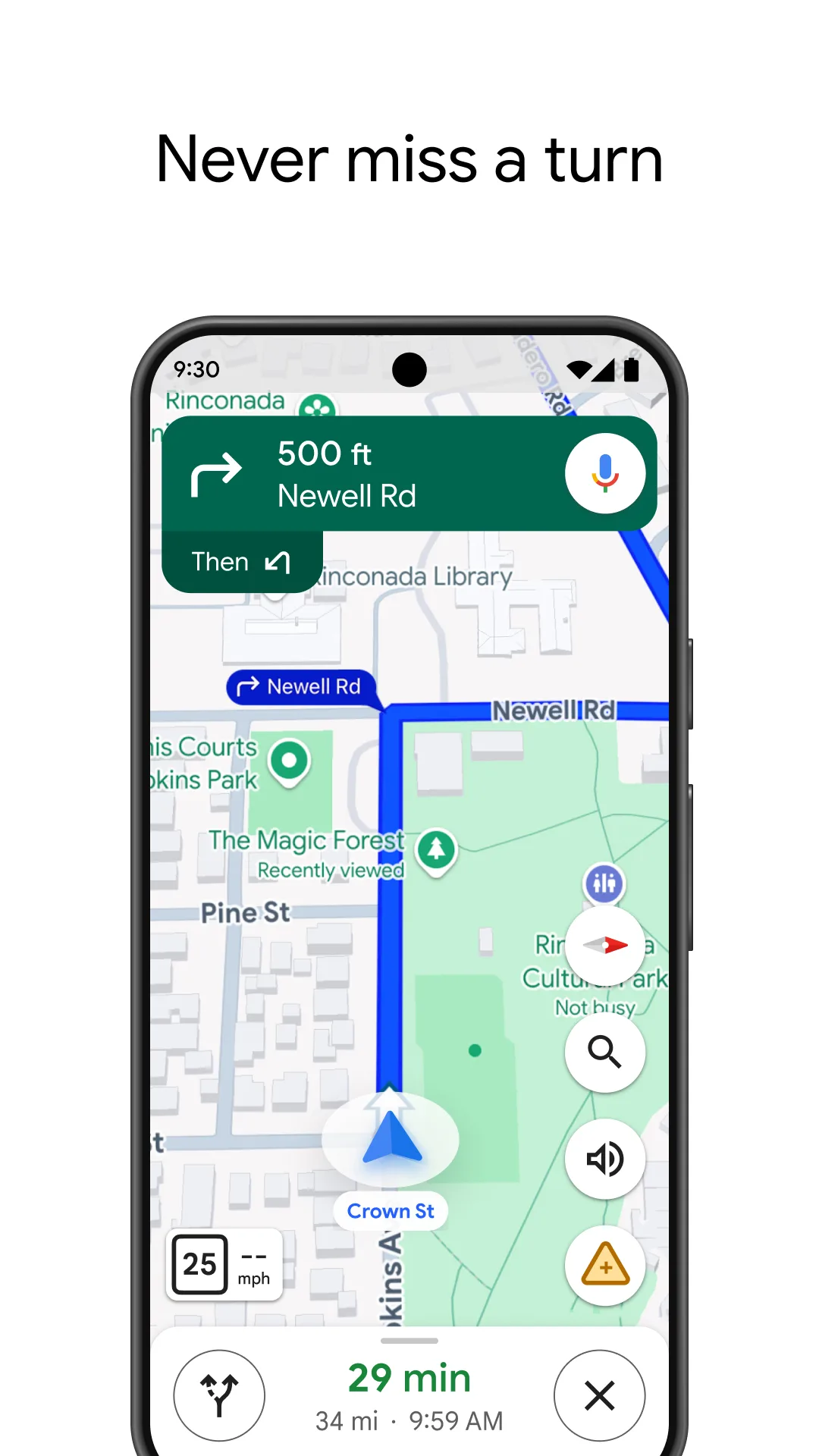
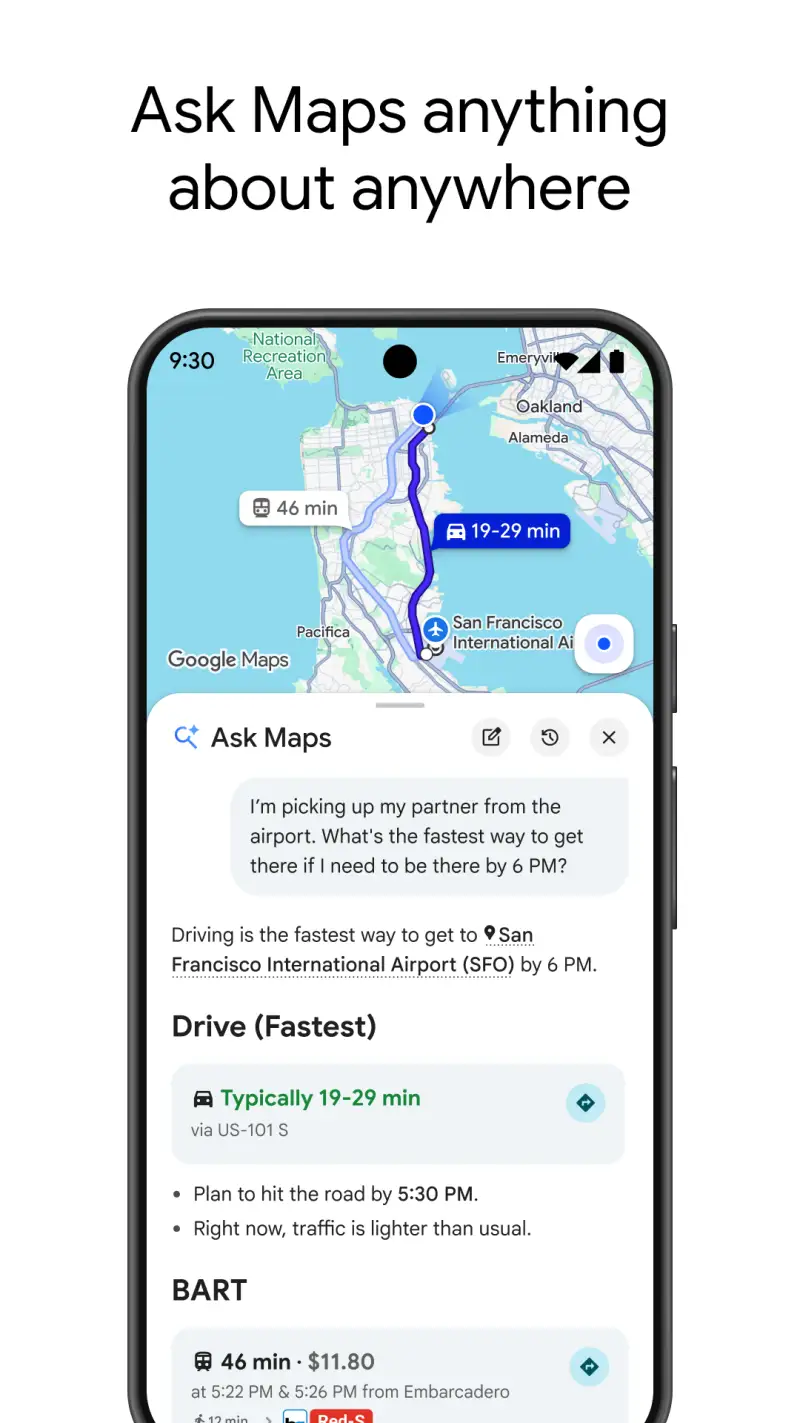
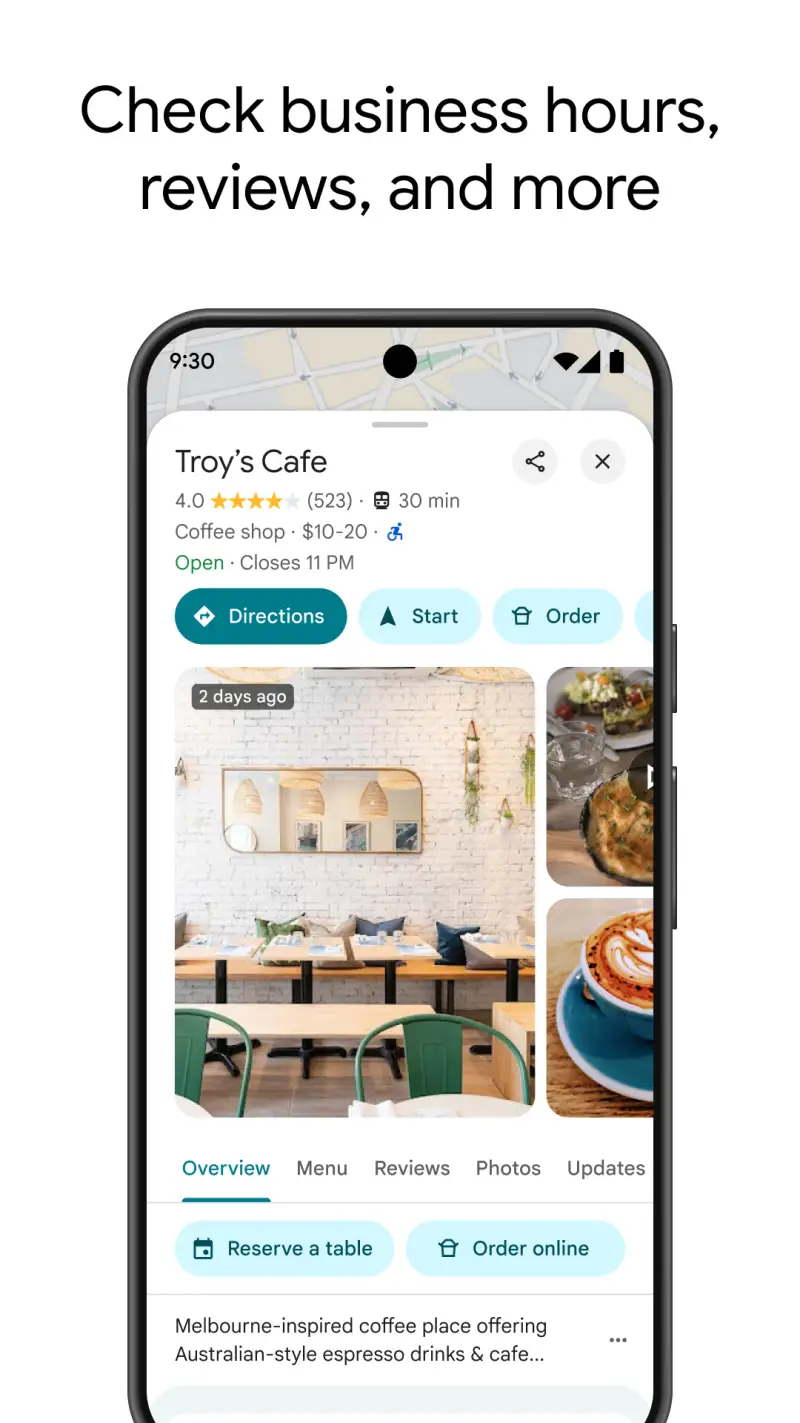
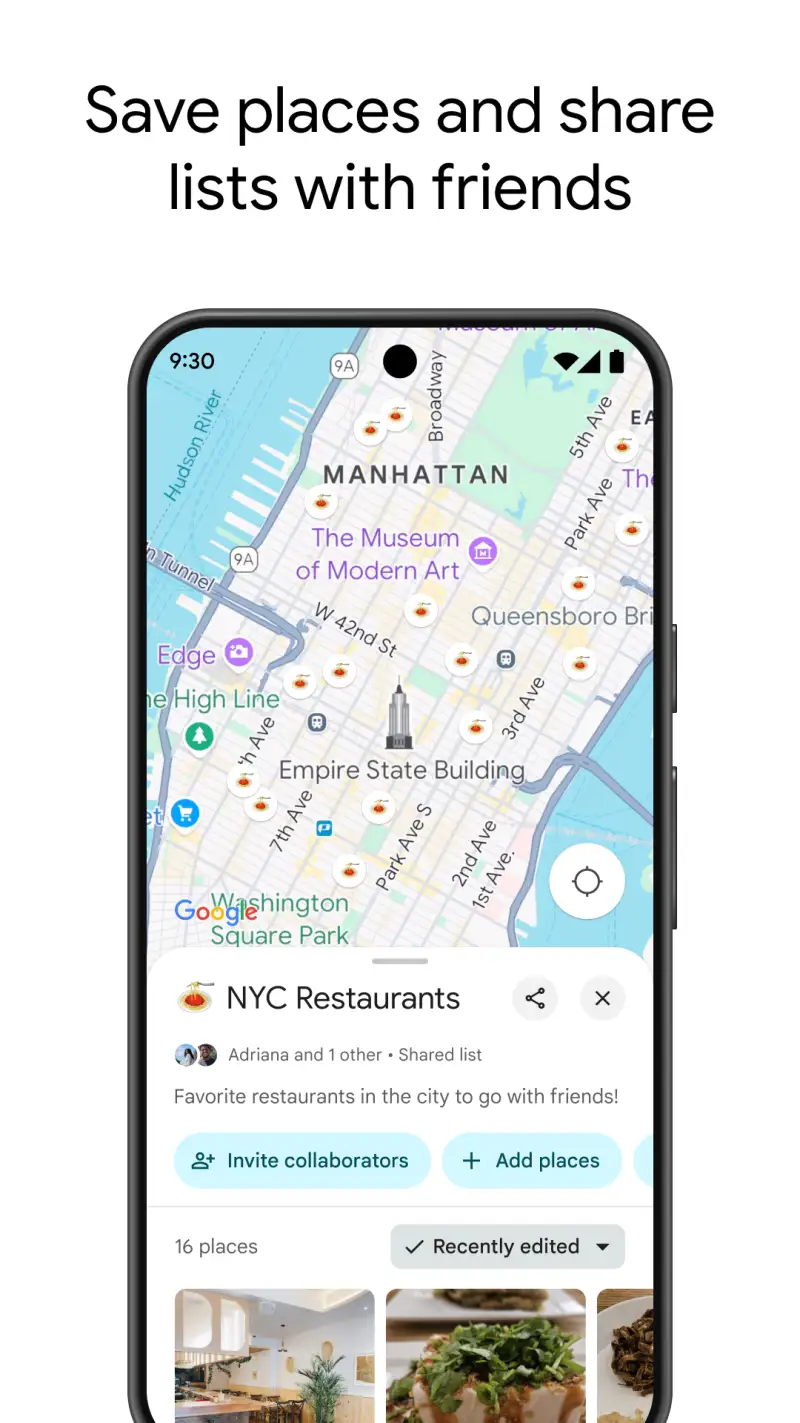
Google Maps installs on 10 billion Android devices for a reason. No other app has the breadth — POI database, Street View, real-time traffic, transit routing across 50+ countries, and cycling directions all in one interface. The March 2026 redesign added two genuinely useful features: “Ask Maps,” a Gemini-powered natural-language query layer that finds “quiet coffee shop near me open late with power outlets,” and Immersive Navigation, a 3D lane-level view for unfamiliar city driving.
Offline mode covers the basics — driving navigation for downloaded areas, up to 15 days before expiry (auto-renews on Wi-Fi). That said, offline Google Maps is driving-only. Walking, cycling, and transit go dark without data. For travel in rural areas or anywhere data is expensive, pair it with Organic Maps.
What Google Maps does well
- Street View reconnaissance before arriving at an address
- Real-time transit across cities worldwide, including real-time bus arrival data
- Business info depth: hours, busy periods, photos, reviews, menus in many cities
- Android Auto integration with zero configuration on compatible car systems
- Offline area downloads to SD card on supported devices
Where Google Maps falls short
- Offline mode is driving-only, 15-day expiry per area
- Extensive location data collection — not appropriate for privacy-focused travelers
- Cannot download entire large countries as a single tile
- Camera translation requires switching to Google Lens; not seamless for menus
Pricing: Free, no subscription, no upsell. Download now before your next trip.
Organic Maps - Best Offline Maps for Data-Free Travel
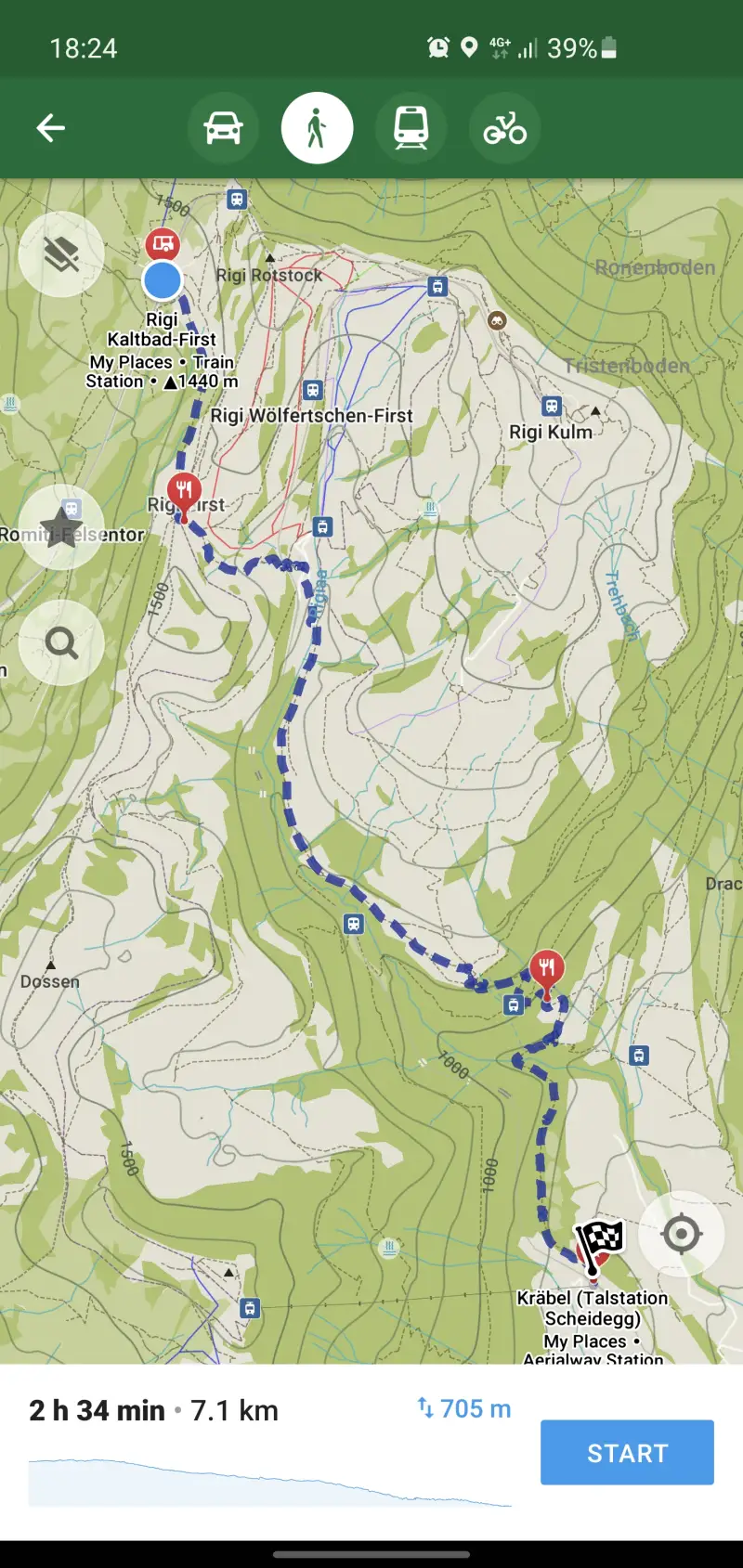
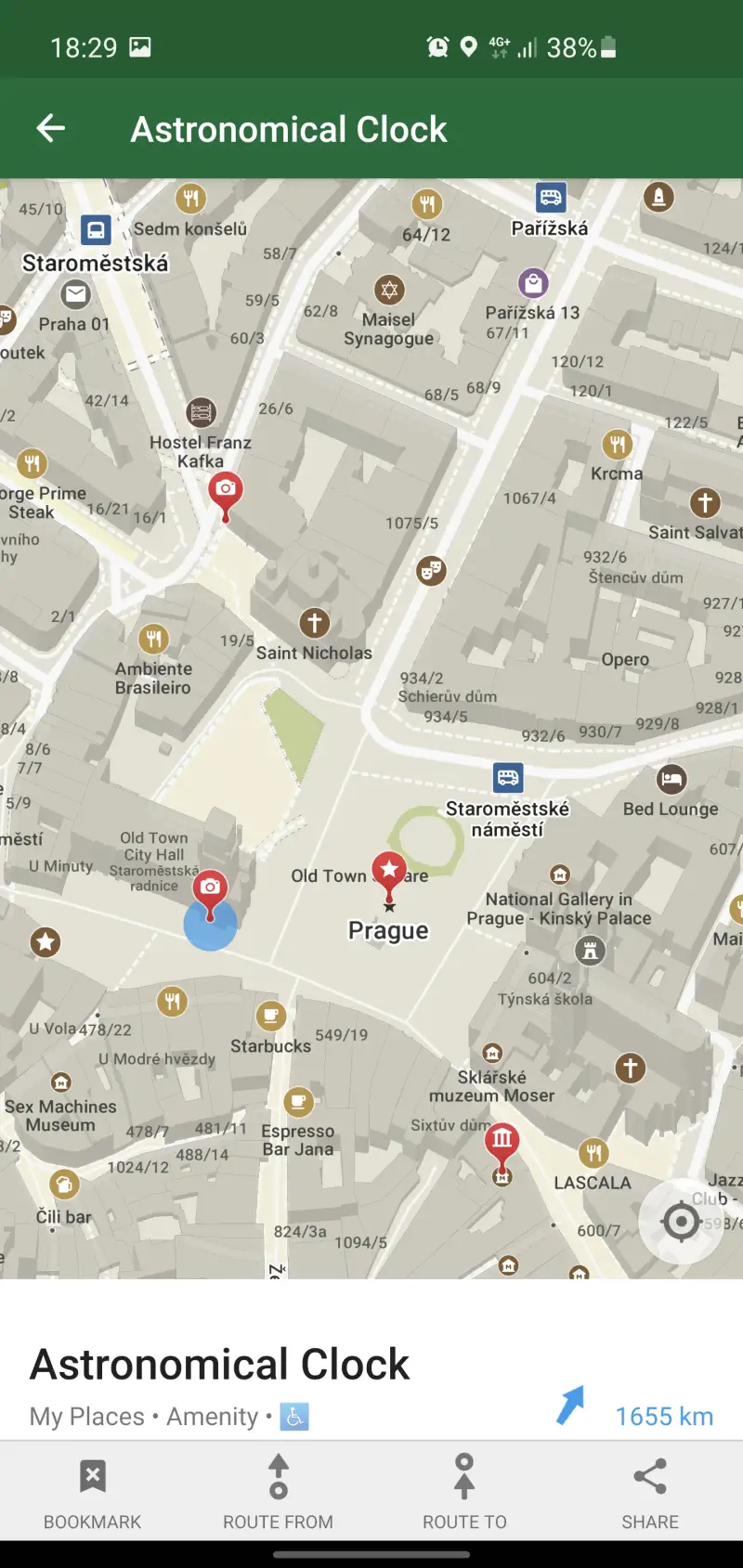
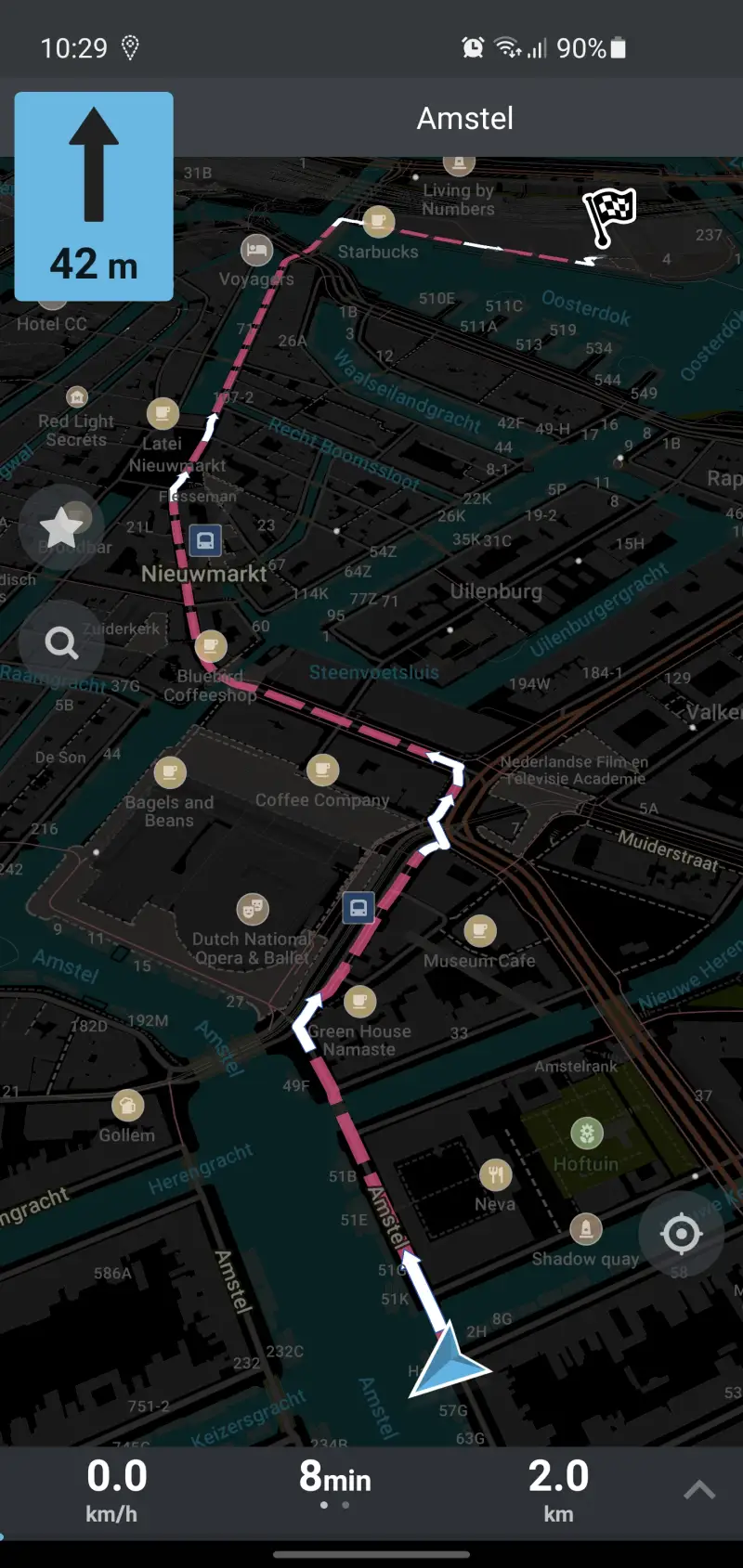
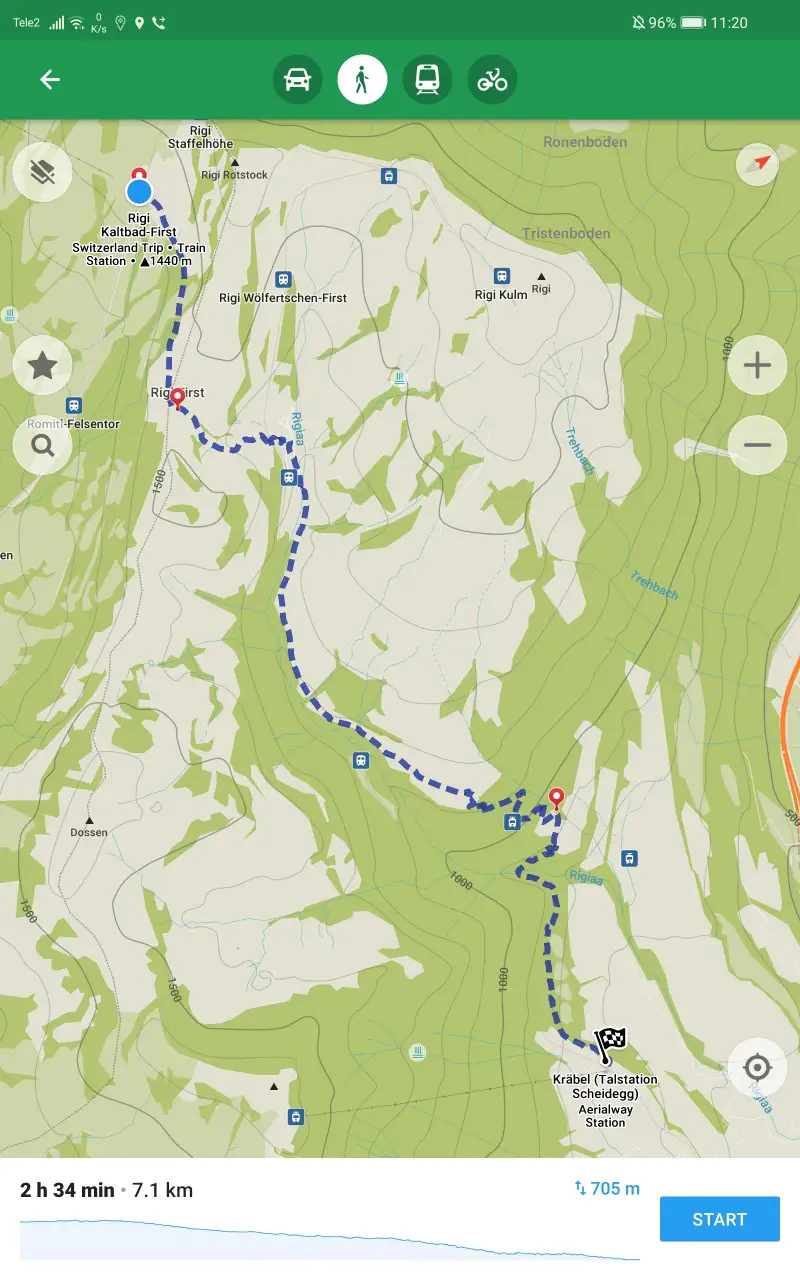
Organic Maps is what Maps.me used to be before its 2020 acquisition, crypto drama, and paywalled downloads. Built on OpenStreetMap, maintained by a community of contributors, released under Apache 2.0 — no ads, no tracking, no subscription. In 2025 alone, users downloaded 10 petabytes of map data. That number tells you it works.
The offline coverage is unlimited, no expiry. Download Japan, Southeast Asia, all of Europe — the only limit is your phone’s storage. Maps update every two weeks from OpenStreetMap, which means rural Southeast Asia and East Africa are often more accurate here than in commercial apps, because local contributors maintain the data with ground-truth knowledge.
What Organic Maps does well
- Fully offline turn-by-turn: walking, cycling, hiking, driving — no exceptions
- GPX and KML route import: pre-planned hiking routes load directly
- Wikipedia integration for offline landmark lookup
- No account required, no login, no data collection
- Hiking trails, contour lines available (limited versus OsmAnd but improving)
- Battery-efficient: no background data transfers draining your battery at 2% on a remote trail
Where Organic Maps falls short
- No public transit routing
- No real-time traffic, no speed cameras
- POI database thinner than Google Maps in commercial Western areas
- Note: a community fork called CoMaps appeared in 2025 — development continues on both, but the situation is worth monitoring
Pricing: Free, donation-supported. Install Organic Maps before any trip with planned offline stretches.
Google Translate - Solve the Language Barrier Instantly
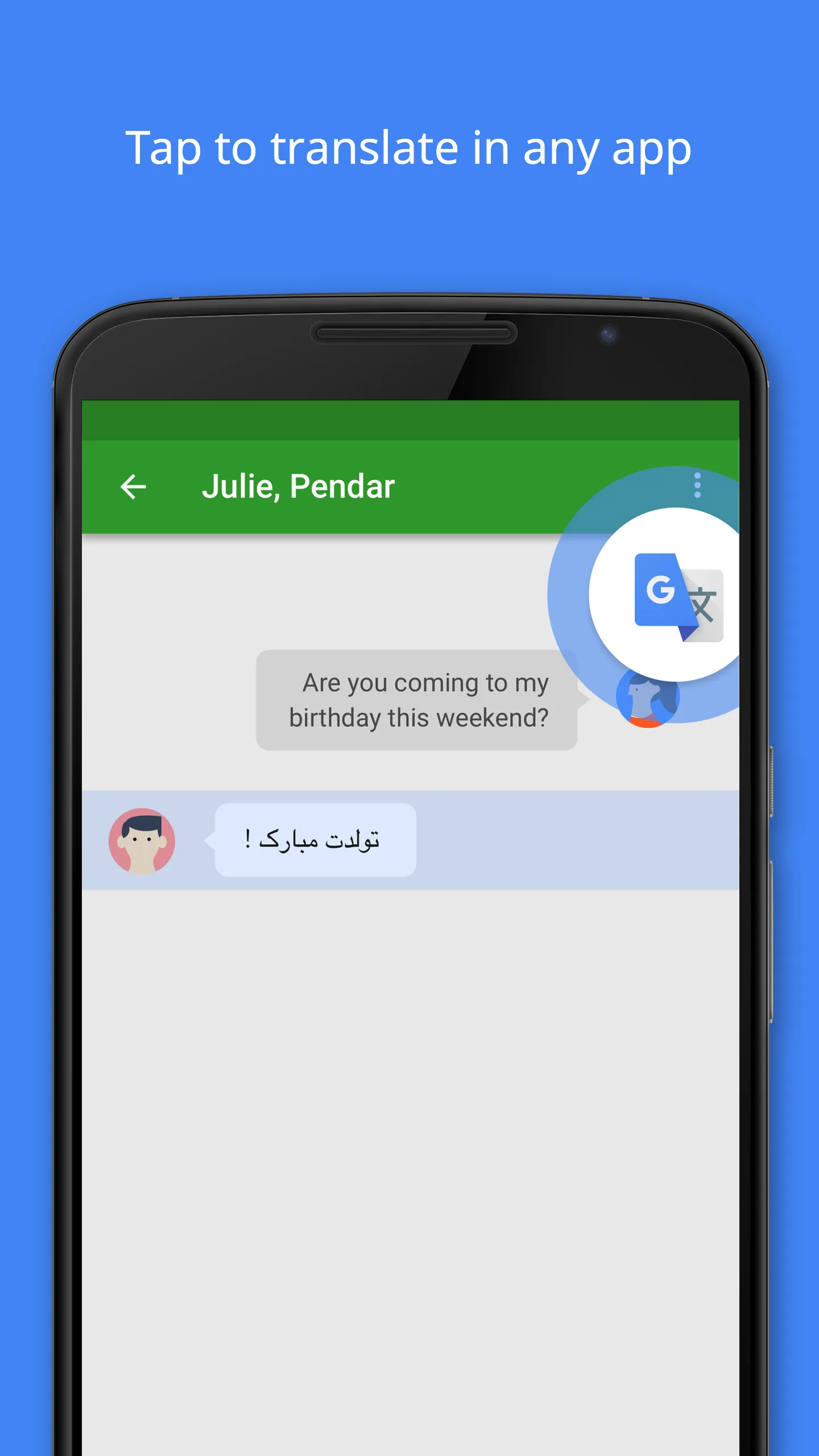

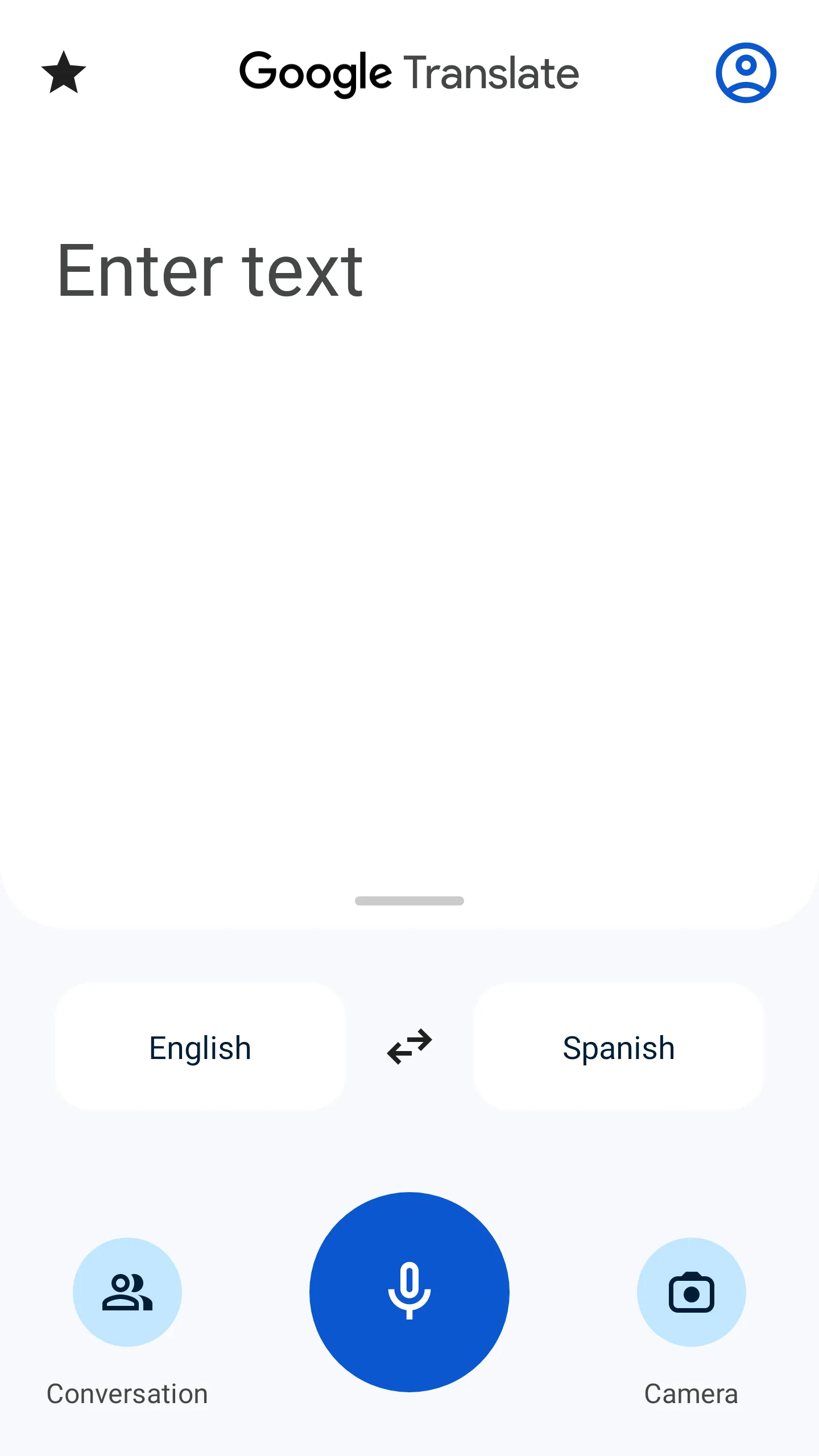

One billion installs. The number understates how transformative camera translation has become for travel. Point your phone at a Japanese menu — characters resolve into English in real time, overlaid on the original image. Do this in a Thai night market in poor lighting, and it still works. Download the offline language pack beforehand, and it works with no data at all.
The 2026 Gemini enhancements improved phrasing naturalness, particularly for Asian language pairs, and added smarter dialect detection. Conversation mode now handles 70+ language pairs — two people speak their own language, the app translates in real time. In noisy environments like restaurants, it struggles; in quieter settings, it’s the most useful feature in the app.
What Google Translate does well
- Camera translation in real time: 94 languages online, 59 offline (offline pack required)
- Offline packs cover the languages most travelers need: Spanish, French, Japanese, Mandarin, Thai, Vietnamese, Arabic, Korean, German, Italian
- Handwriting input for Chinese, Japanese, and Korean characters: draw the character, get the translation
- Conversation mode: real-time bidirectional translation, 70+ languages
- System-level integration on Android: Google Lens in Camera, Chrome, Gmail all tap the same translation layer
Where Google Translate falls short
- Offline translation quality noticeably lower than online for less common languages
- Conversation mode in loud environments misinterprets frequently
- Handwritten text and decorative fonts reduce camera accuracy
- Not appropriate for medical, legal, or high-stakes communication
Pricing: Free, no limitations. Download offline language packs immediately after installing.
Wanderlog - Build Your Itinerary Before You Book
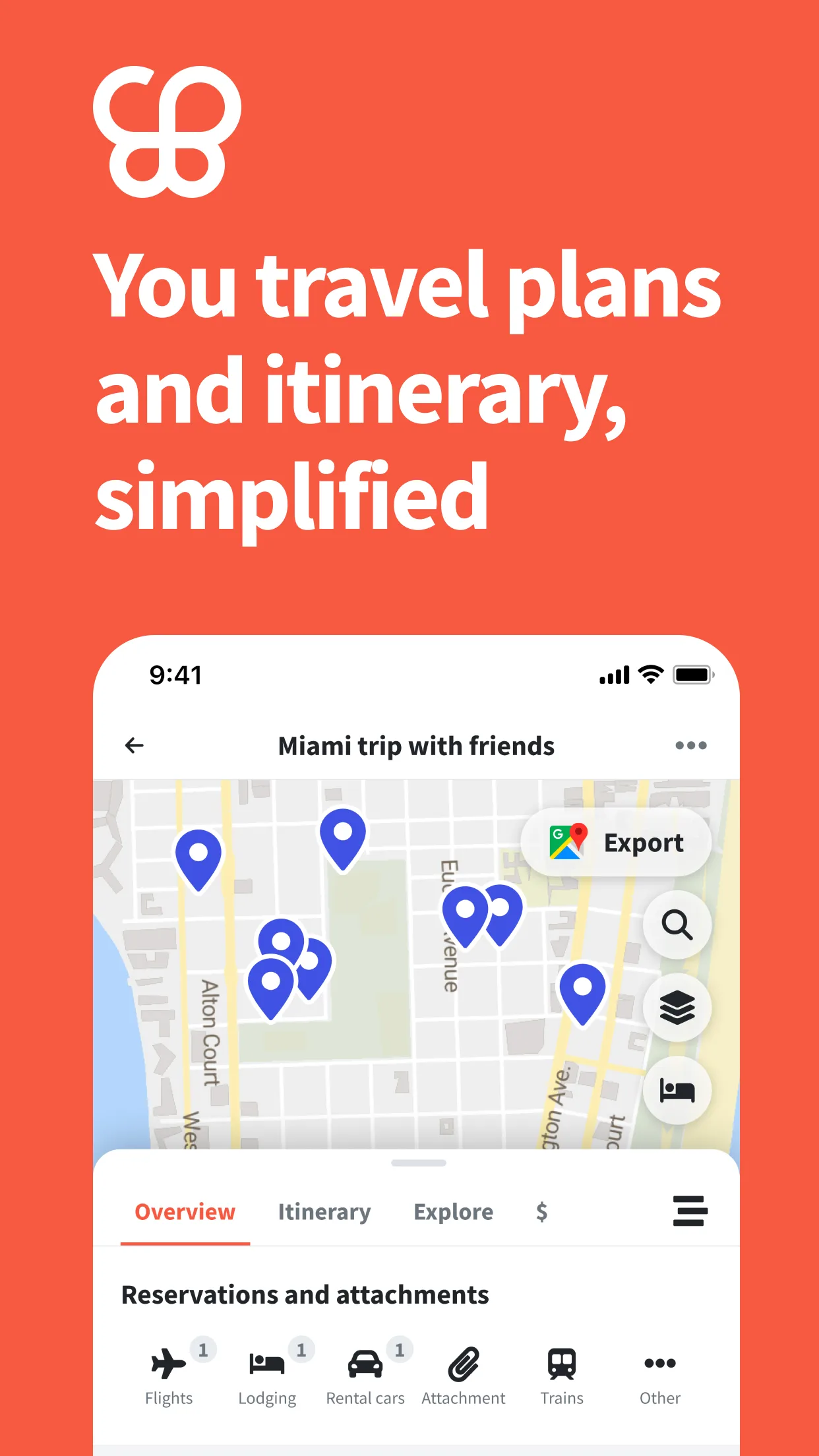
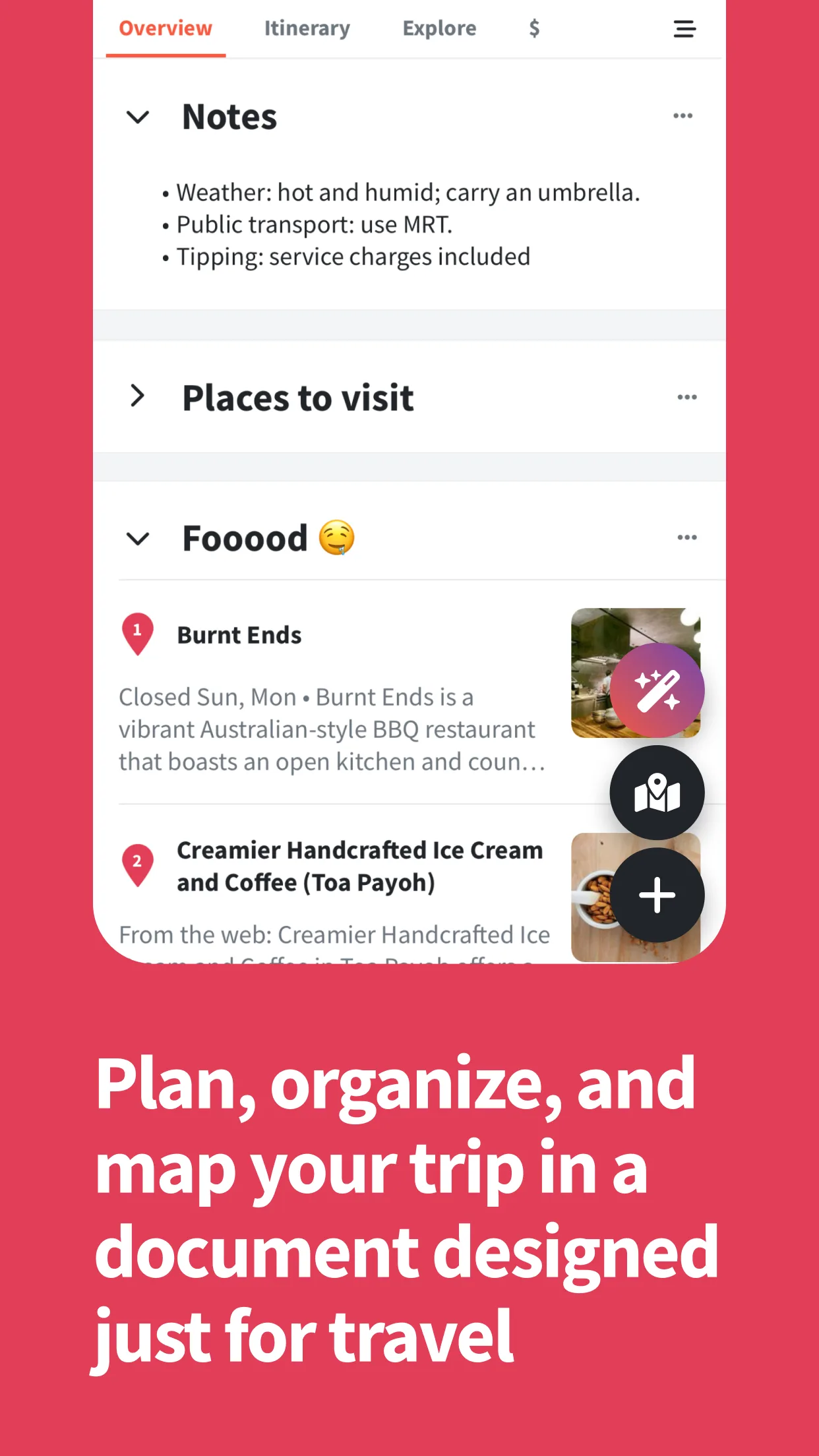
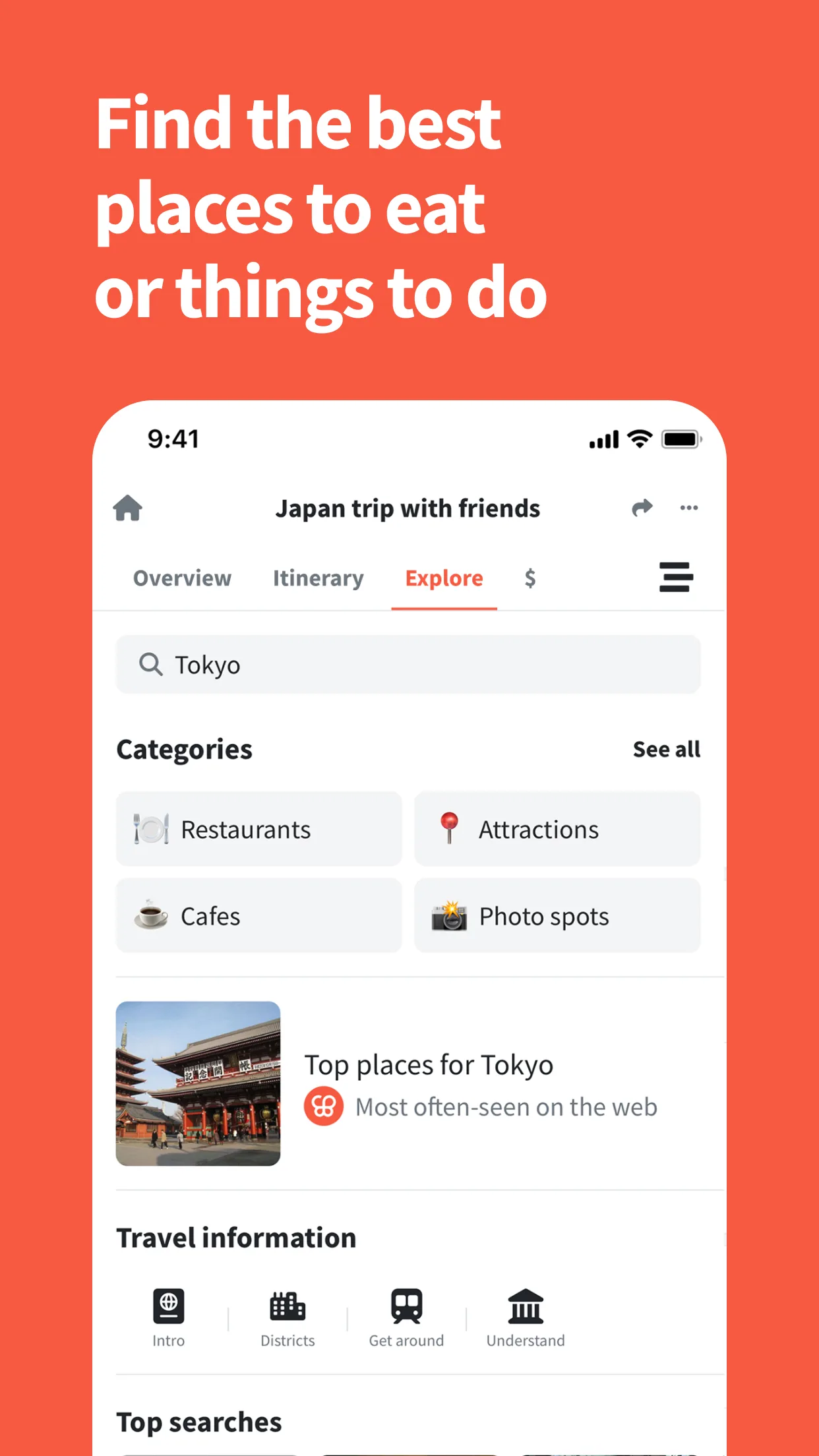
Wanderlog solves the pre-trip planning chaos — the mess of browser tabs, Google Maps saved places, WhatsApp threads, and scattered notes that most people call “planning.” 4.7 stars from 32,200 reviews, approximately 11,000 downloads per day as of April 2026. The growth reflects how badly this gap needed filling.
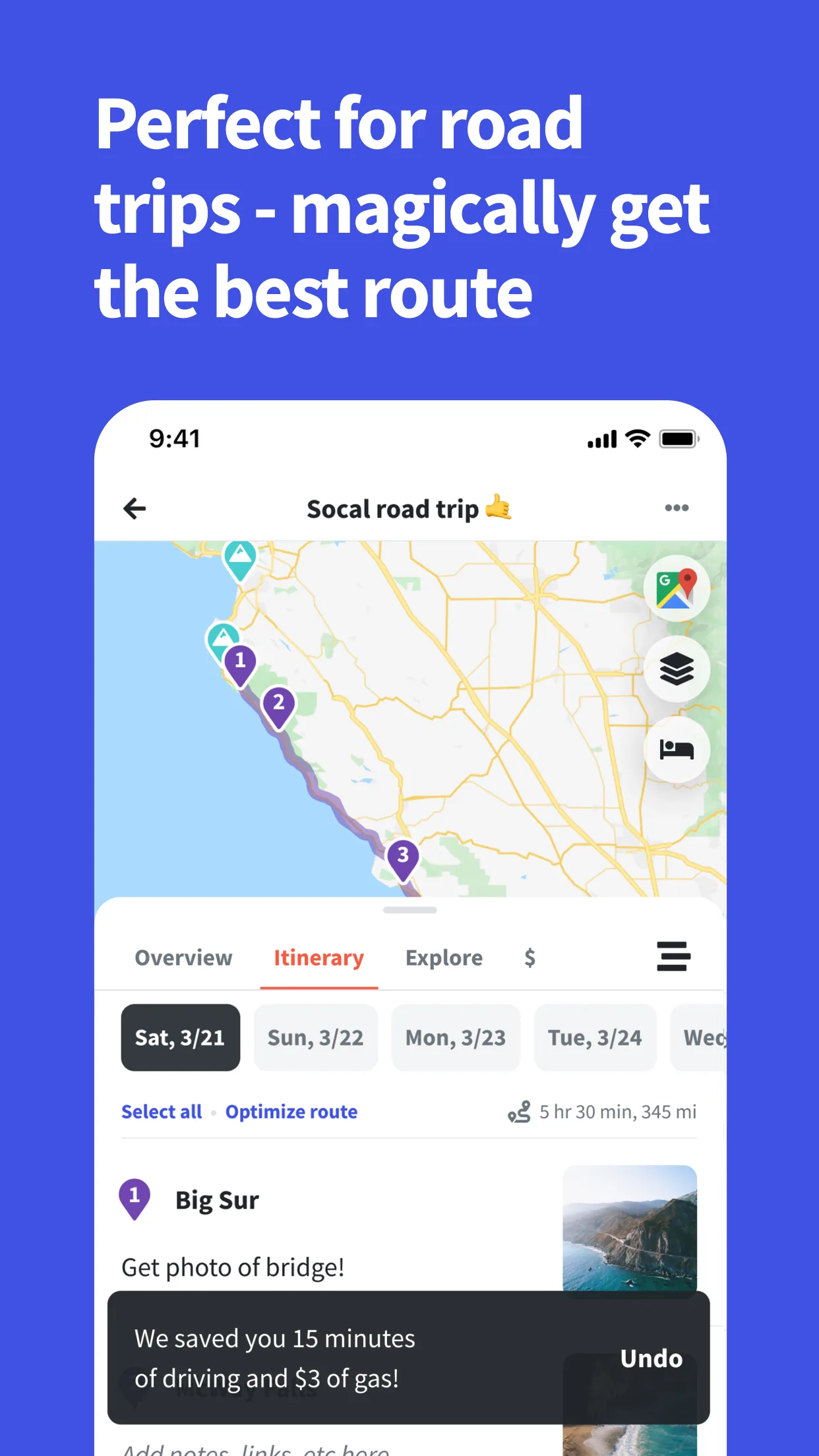
The core feature is the map-plus-itinerary view: every stop pinned on the map, organized into days, with travel time between stops calculated automatically. The route optimizer reorders your day to minimize backtracking. For road trips and multi-city itineraries, seeing all stops simultaneously resolves questions like “should we go to Kyoto before or after Osaka?” in seconds.
Collaboration is real-time and genuinely works. Invite travel companions by link — they can add, edit, and comment without creating an account. For group trips where five people have opinions about the schedule, this prevents the “I’ll manage the spreadsheet” nightmare.
What Wanderlog does well
- Day-by-day itinerary with automatic route optimization
- Real-time collaboration: all travel companions editing simultaneously
- Community itineraries: browse and clone pre-built trips as starting points
- Gmail auto-import on Pro: confirmation emails parse into the itinerary automatically
- Trip Journal: retrospective logging with photos, published as shareable trip reports
Where Wanderlog falls short
- No real-time flight alerts (TripIt Pro wins here decisively)
- Pro is annual-only: $39.99/year with no monthly option limits trial evaluation
- Sync occasionally lags with larger groups
- No loyalty program tracking, no seat alerts
Pricing: Free tier covers most planning needs. Pro at $39.99/year worthwhile for heavy Gmail users. Start planning your next trip free.
TripIt - Organize Everything You've Already Booked
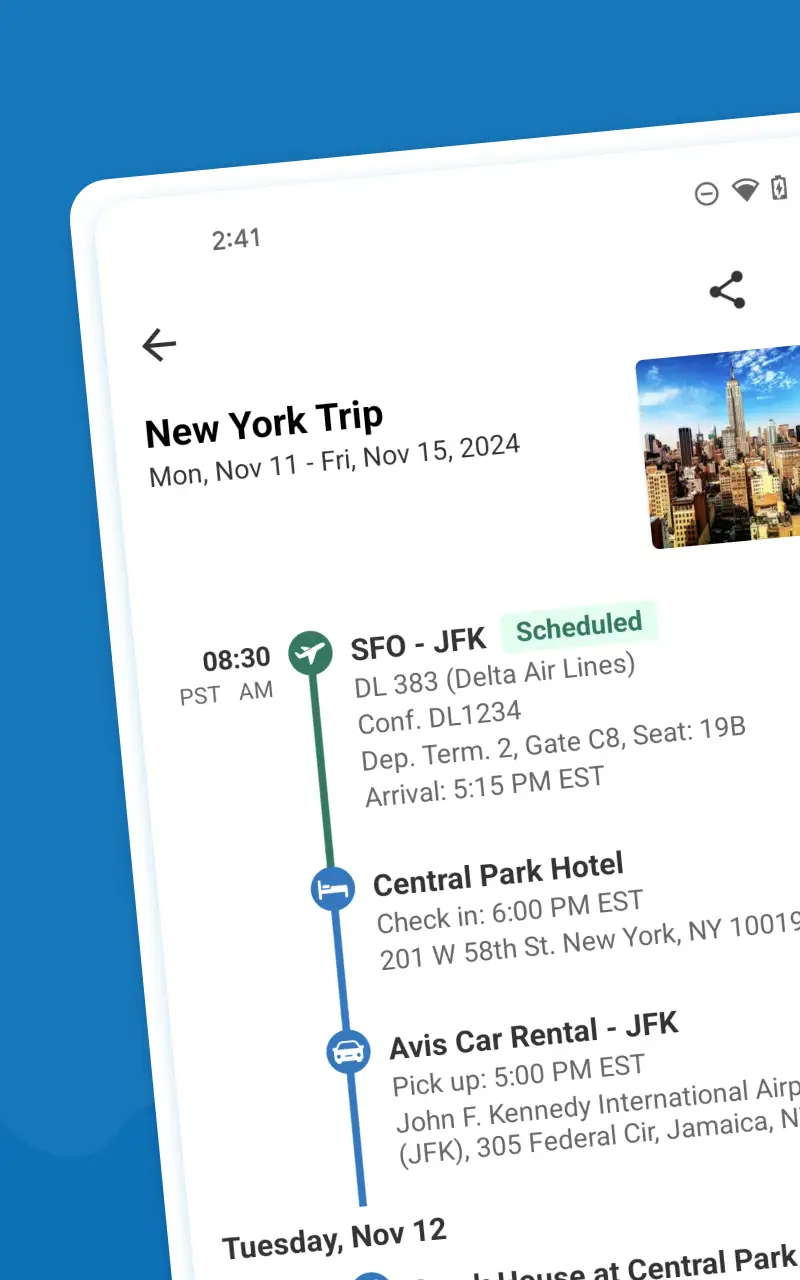

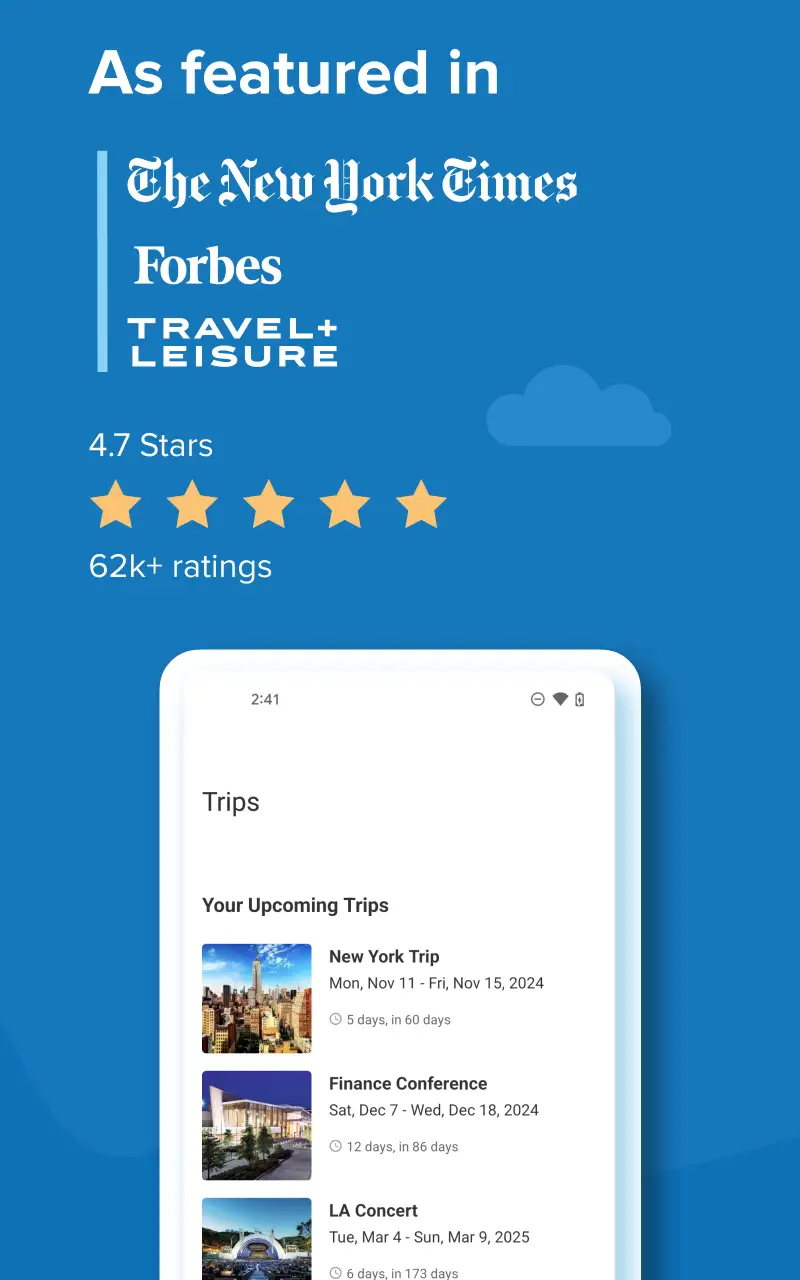
TripIt solves a different problem than Wanderlog. Not “what am I going to do?” but “where is that confirmation email?” Forward any booking confirmation to TripIt’s booking address — flight, hotel, car rental, restaurant reservation — and TripIt parses it into a chronological itinerary. Connect Gmail or Outlook and it does this automatically, no forwarding required.
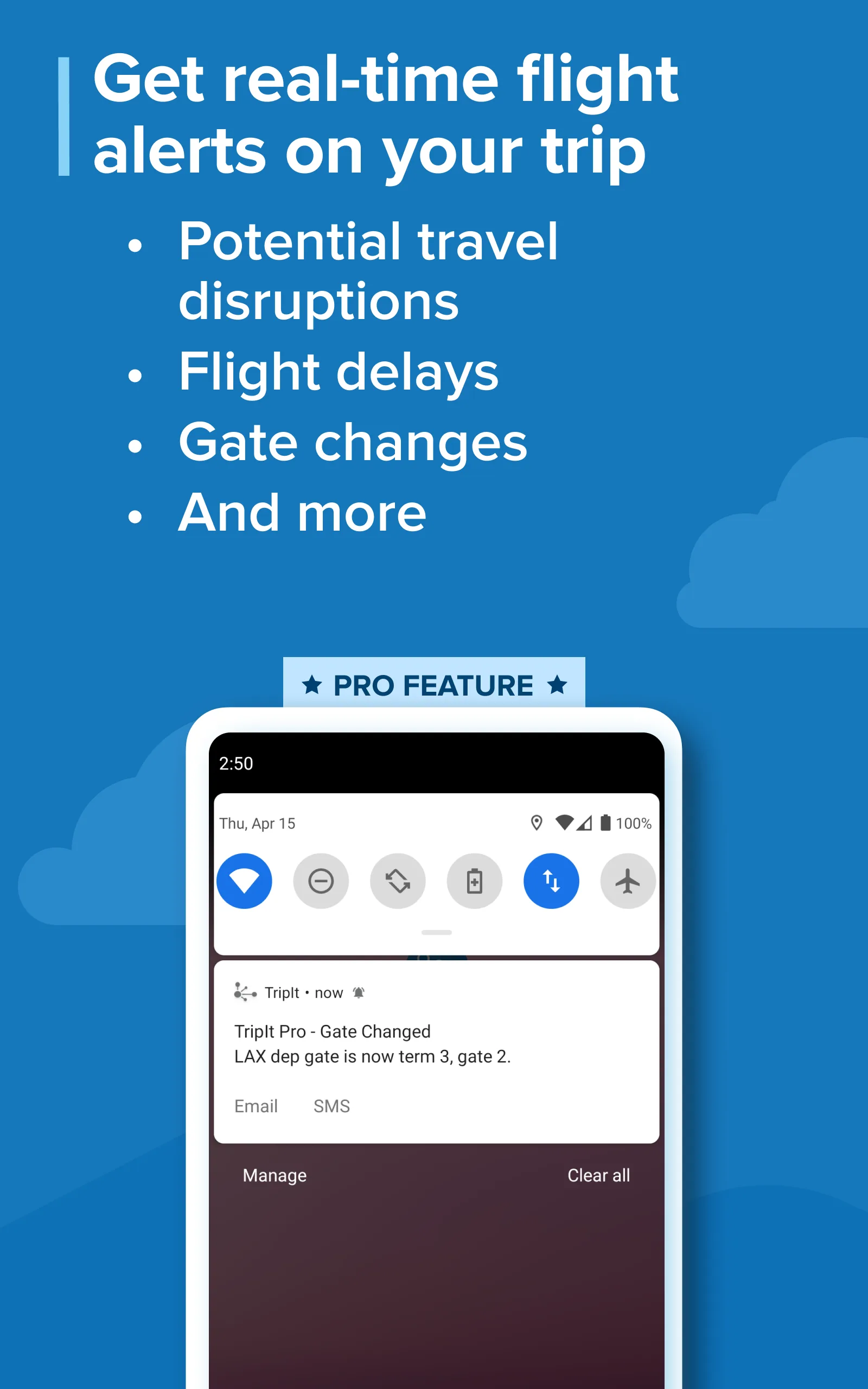
4.6 stars from 93,600 reviews. Used by frequent flyers and business travelers who book from multiple sources — direct airline websites, Booking.com, rental car companies, restaurant systems — and need everything in one timeline. The free tier covers itinerary consolidation and offline access. Pro adds the features that make it worth $49/year for frequent flyers: real-time gate changes, seat upgrade alerts when a better seat opens, and fare tracking if a booked flight price drops.
What TripIt does well
- Email parsing covers virtually every airline, hotel chain, and OTA
- Google Calendar sync: trips appear in Calendar without manual entry
- Offline itinerary access: full trip details available with no data
- Pro seat tracker: monitors your flight for better seats, alerts when one opens
- Real-time delay and cancellation alerts with alternate flight suggestions on Pro
Where TripIt falls short
- No itinerary building — TripIt organizes what you’ve booked, not what you’re considering
- Free tier lacks real-time flight alerts, which is the most valuable feature
- UI design hasn’t had a significant refresh; functional but dated
- AI parsing occasionally misreads non-standard confirmation formats
Pricing: Free tier adequate for basic use. Pro at $49/year justified for anyone who flies frequently. Install TripIt and forward your next booking to see it work immediately.
Booking.com - The Largest Accommodation Inventory on Android

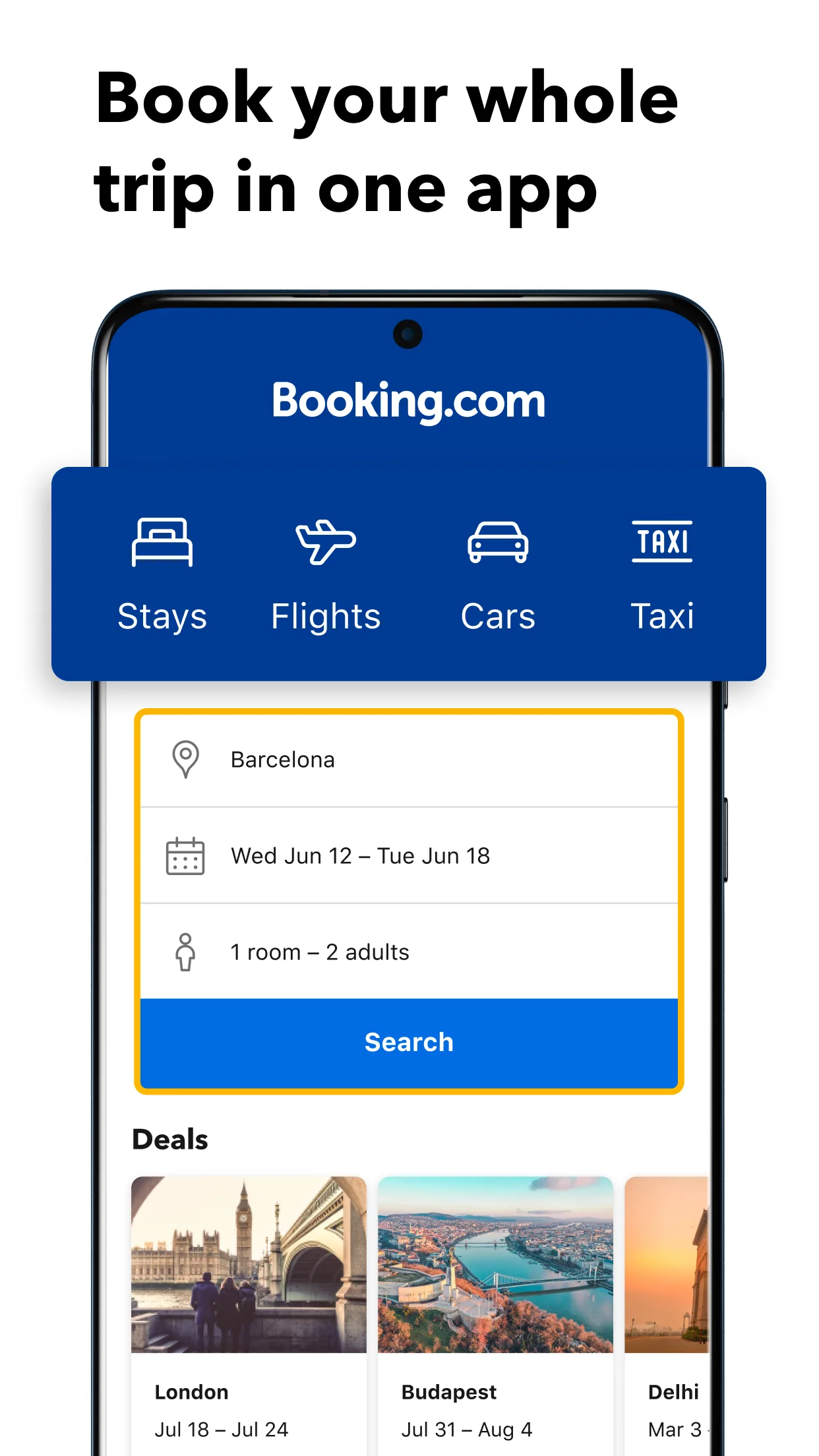
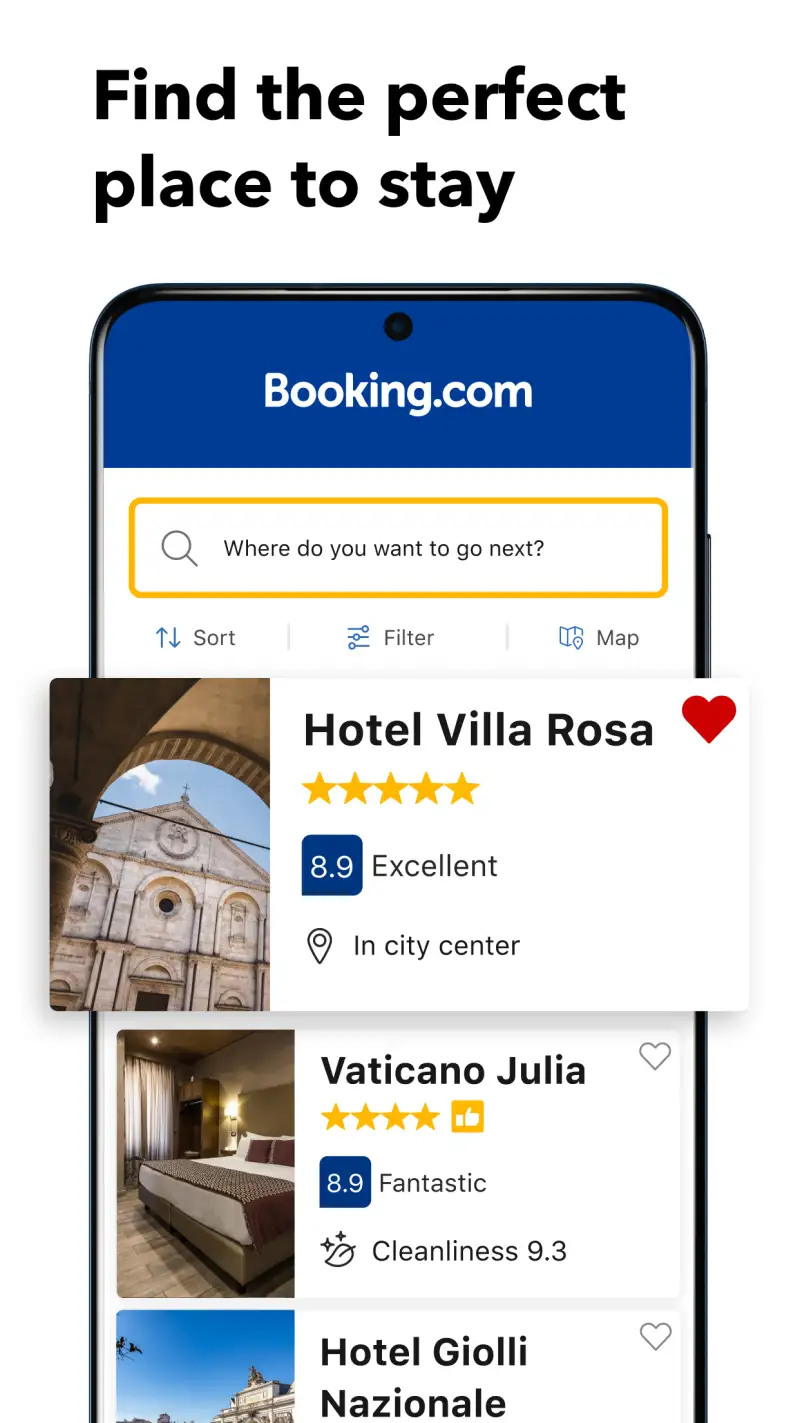
27 million properties. Hotels, apartments, hostels, vacation rentals, B&Bs, camping. 4.8 stars from 5.9 million ratings. No travel app stack is complete without it, specifically because the Android app unlocks mobile-exclusive discounts of 10% or more on select properties that don’t appear on the desktop version or third-party sites.
The Genius loyalty program accumulates silently — book three or four trips through the app and you’ve crossed into Genius Level 2, which unlocks free room upgrades, free breakfast, and free airport taxis at select properties. These aren’t promotional offers; they’re systematic perks that compound quickly for anyone who travels more than once a year.
What Booking.com does well
- Mobile-exclusive discounts not visible on desktop or competitor sites
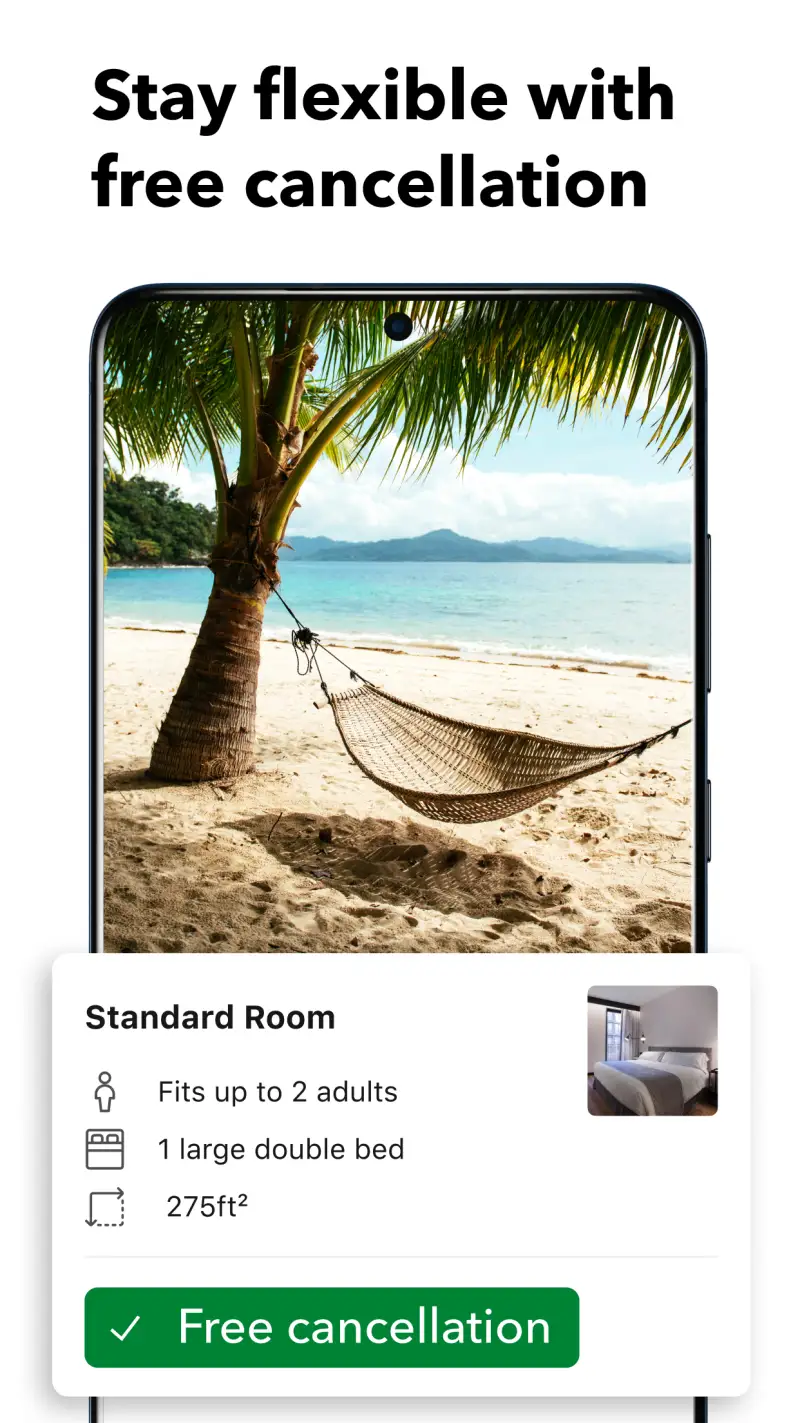
- Free cancellation filter: dramatically reduces booking risk on uncertain itineraries
- Last-minute booking speed: search near me, fill details, confirm in under two minutes
- 24/7 customer service in 40+ languages
- Offline confirmation storage: booking details available without data
Where Booking.com falls short
- Reviews are self-reported; cross-reference with Google Maps reviews for accuracy
- Displayed prices sometimes exclude mandatory taxes and fees until checkout
- Not always cheapest: always worth checking the property’s direct website for price matching
- Customer service quality varies when disputes arise
Pricing: Free app, no booking fees. Download Booking.com and join Genius before your next trip — Level 1 starts immediately.
Skyscanner - Find the Cheapest Flight Date

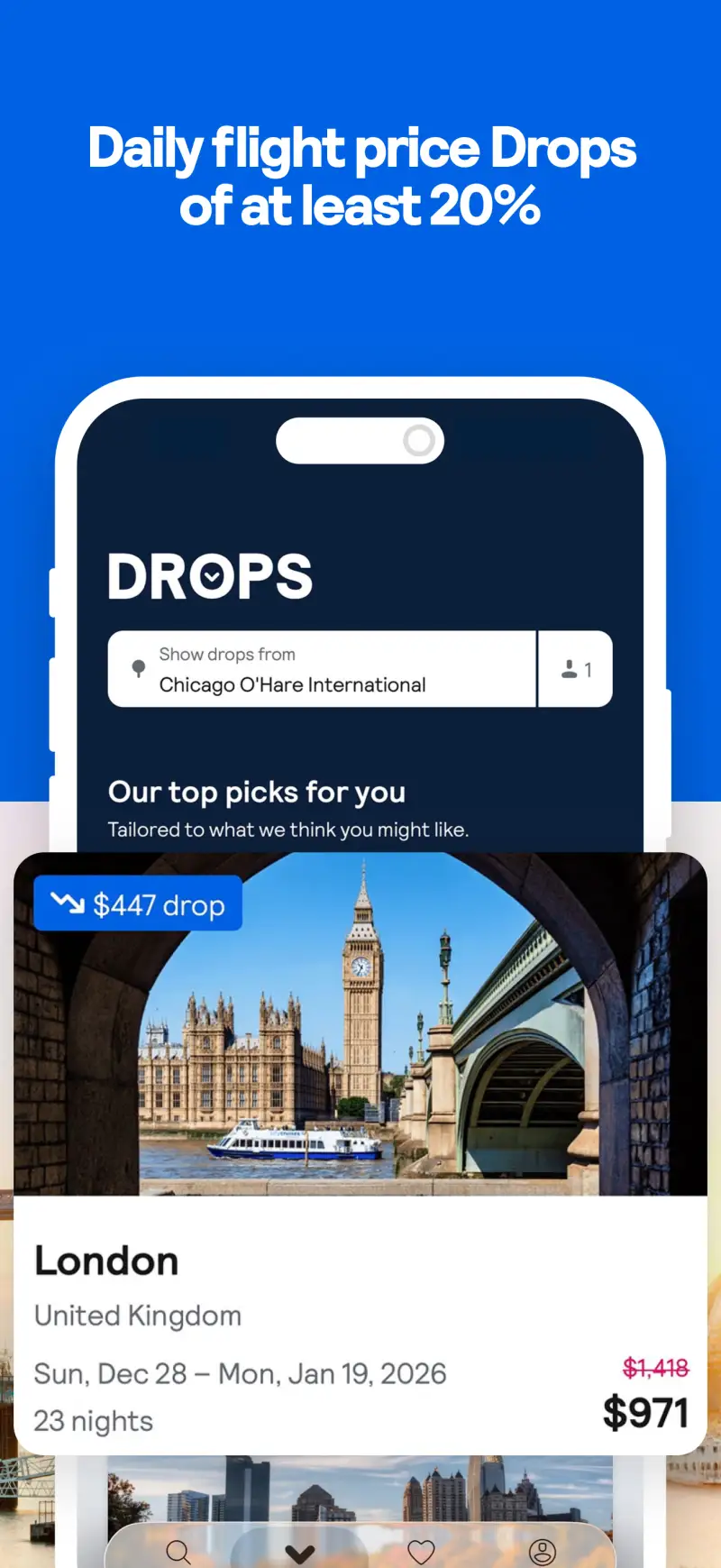
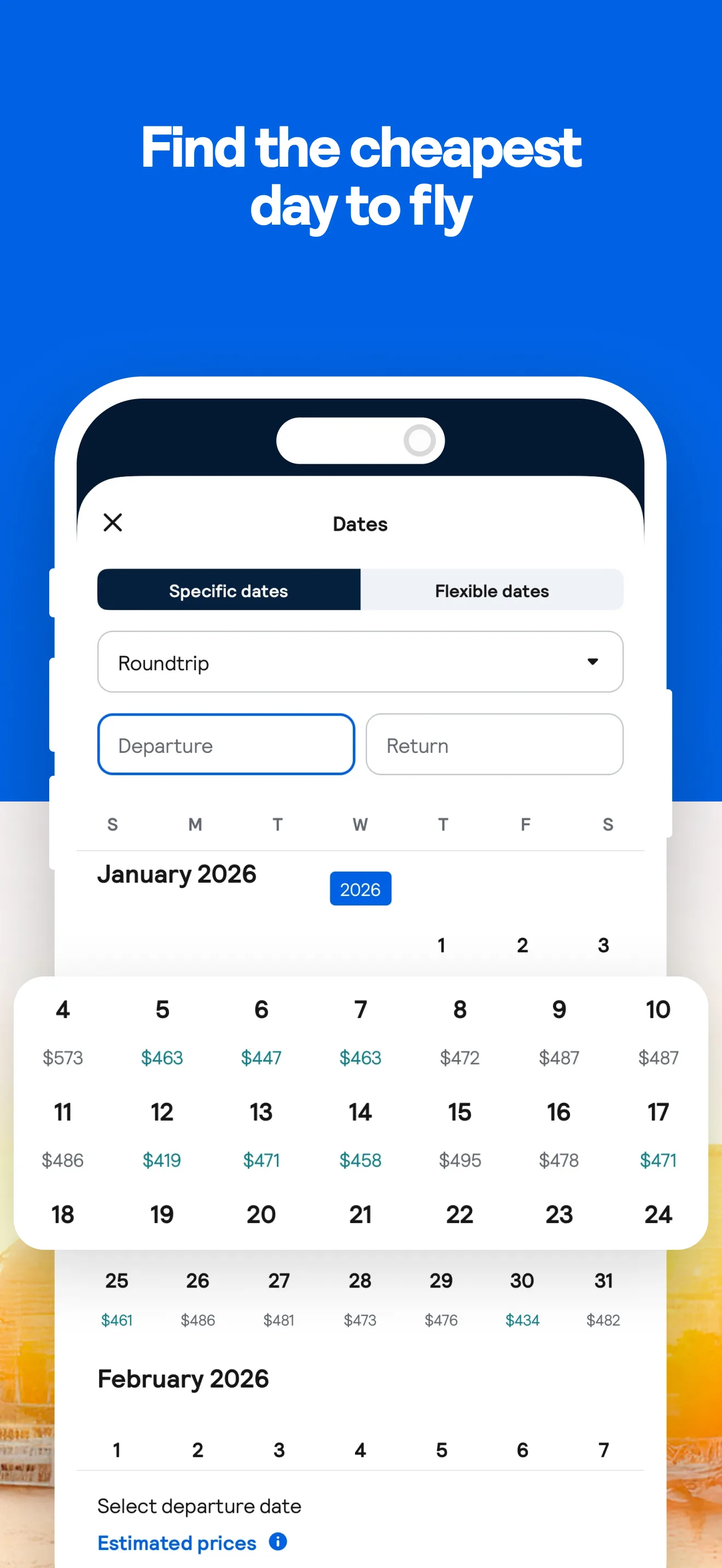
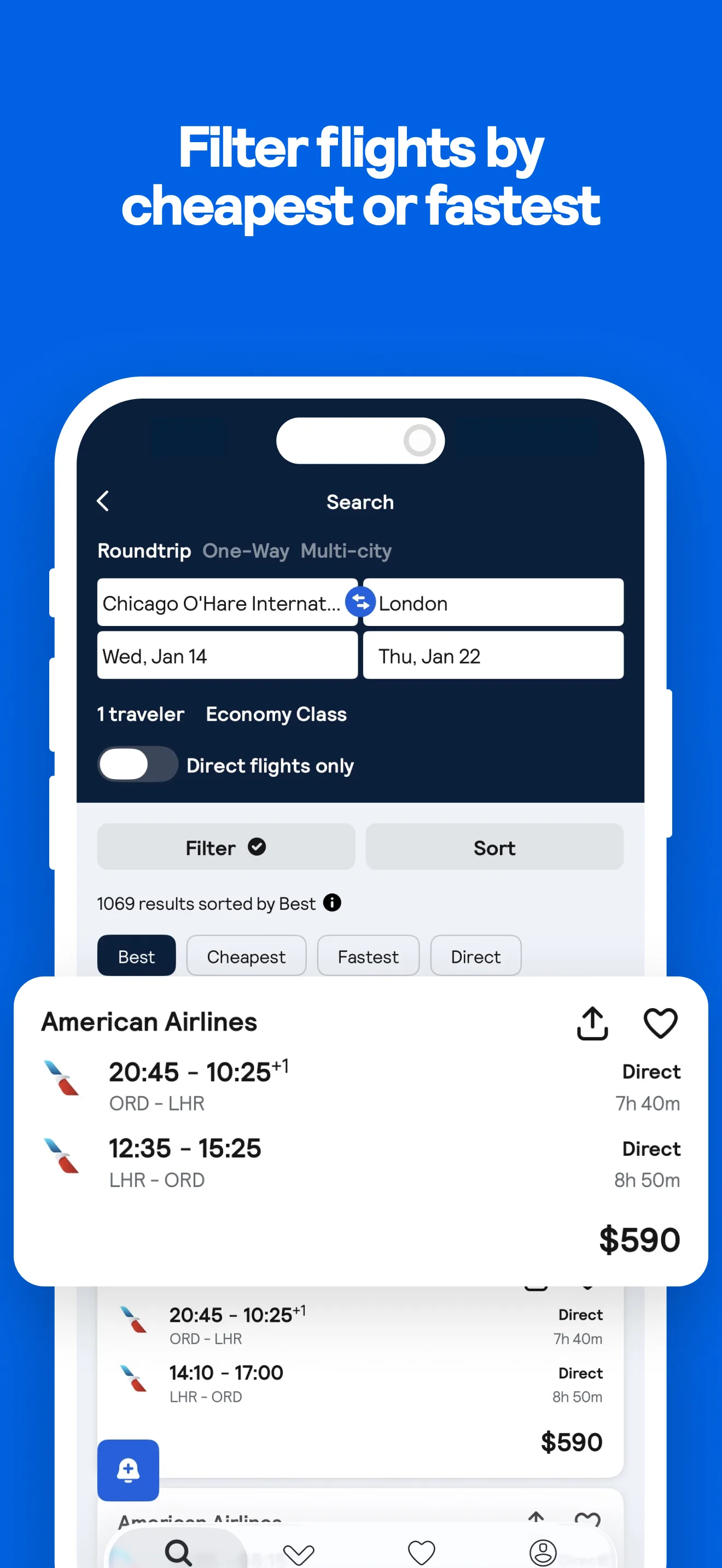
Skyscanner’s “whole month” calendar view is the most underused feature in travel. Select a departure city, a destination, and a month — the grid shows the cheapest available fare for every day. The difference between the cheapest and most expensive day in a typical month runs $50-$200 on European routes, $100-$400 on transatlantic. Booking the cheapest day takes 30 seconds of scrolling.
The “Everywhere” feature goes further: leave destination blank, enter a departure city, and see the cheapest destinations reachable from your city for your dates. For travelers with schedule flexibility and no fixed destination, this is a legitimate trip-planning tool, not just a price-comparison utility.
What Skyscanner does well
- “Whole month” calendar: see cheapest day to fly at a glance
- “Everywhere” search: discover cheapest destinations from any departure city
- Price alerts: set a target fare, get push notification when it’s reached
- No booking fees within Skyscanner itself
- Multi-city routing for complex itineraries
Where Skyscanner falls short
- Prices shown are base fares: seat selection, baggage, and airport fees add cost, particularly on budget airlines
- Hotel inventory smaller than Booking.com: use Skyscanner for flights, Booking.com for accommodation
- Redirects to airline or OTA site to complete booking, creating inconsistent checkout experience
Pricing: Free. Install Skyscanner and check your next flight date against the whole-month calendar before booking.
Wise - Stop Losing Money to Bad Exchange Rates
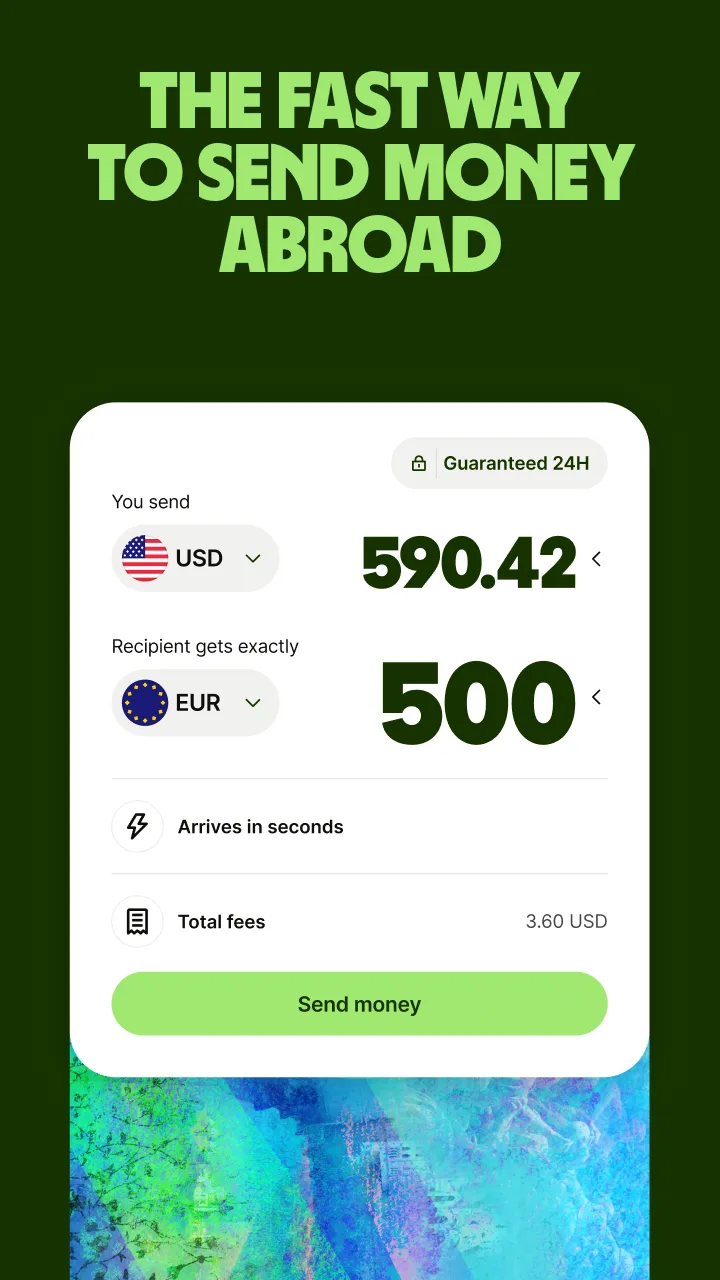
Every time you use a bank debit card abroad, a foreign transaction fee of 1.5-3.5% disappears quietly. On a $3,000 trip, that’s $45-$105 in invisible fees. Wise charges the mid-market exchange rate plus a small transparent fee shown before every transaction. The difference on a two-week trip to Southeast Asia typically runs $80-$150 in savings versus a standard bank card.
The setup takes 1-3 days for identity verification — not something to arrange the night before a flight. Do it two weeks before travel. The physical Wise card ($10 one-time delivery fee) works in 170+ countries. ATM withdrawals are free up to a monthly limit. Freeze the card instantly in-app if it goes missing.
What Wise does well
- Mid-market exchange rate with transparent fees shown before every transaction
- Multi-currency account: hold and convert 40+ currencies in-app
- International transfers: 65%+ arrive in under 20 seconds
- Virtual card: instant use for online purchases before physical card arrives
- Freeze/unfreeze in seconds without calling customer service
Where Wise falls short
- Identity verification takes 1-3 days: setup before the trip, not day-of
- ATM fees apply above monthly free withdrawal limit
- Not a full bank account: no overdraft, no credit, not FDIC-insured
Pricing: Free app, mid-market rates plus transparent fees, $10 one-time card delivery. Apply for Wise today — setup takes a few minutes, verification takes a few days.
Splitwise - Settle Group Trip Costs Without Awkwardness
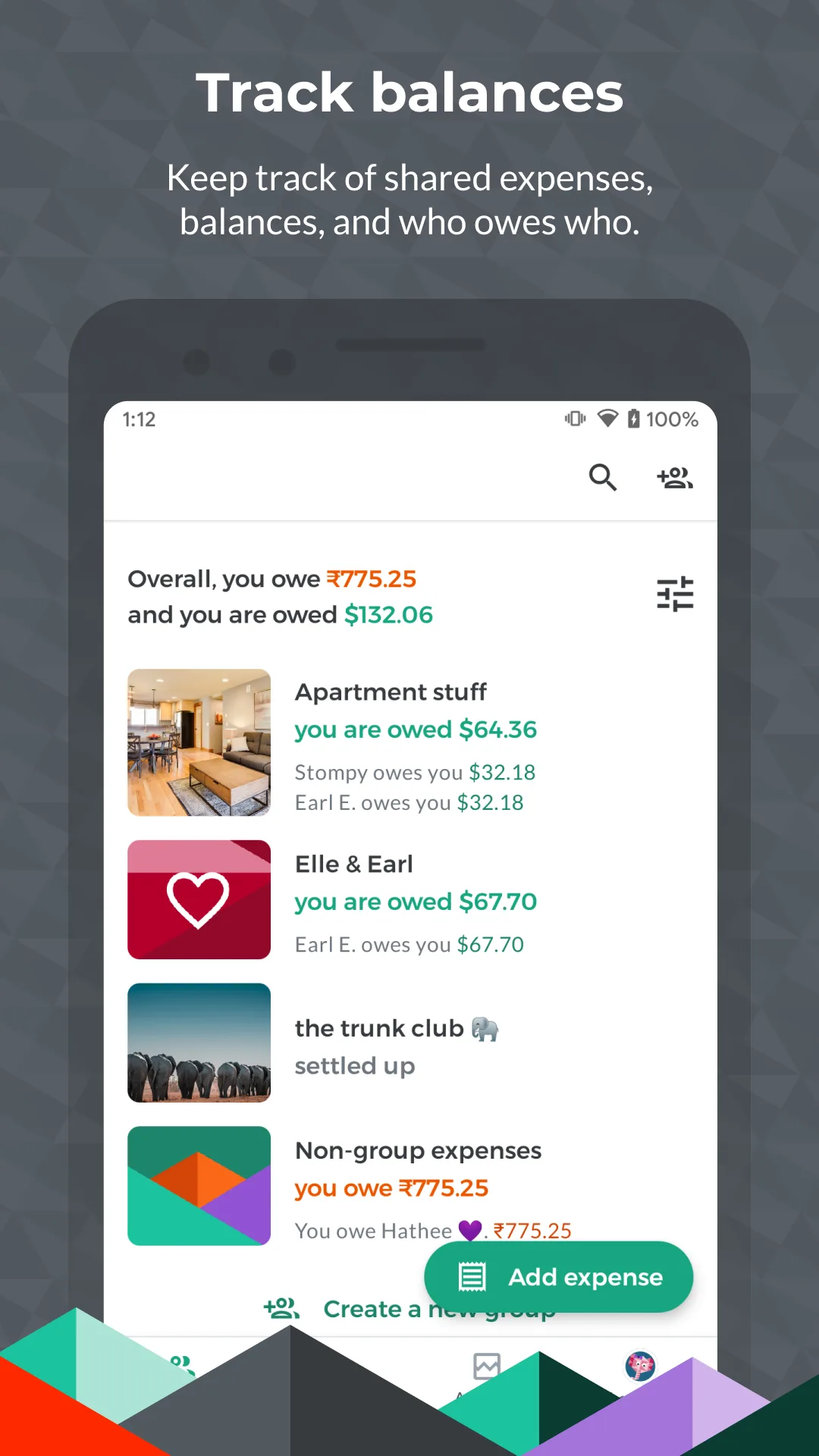
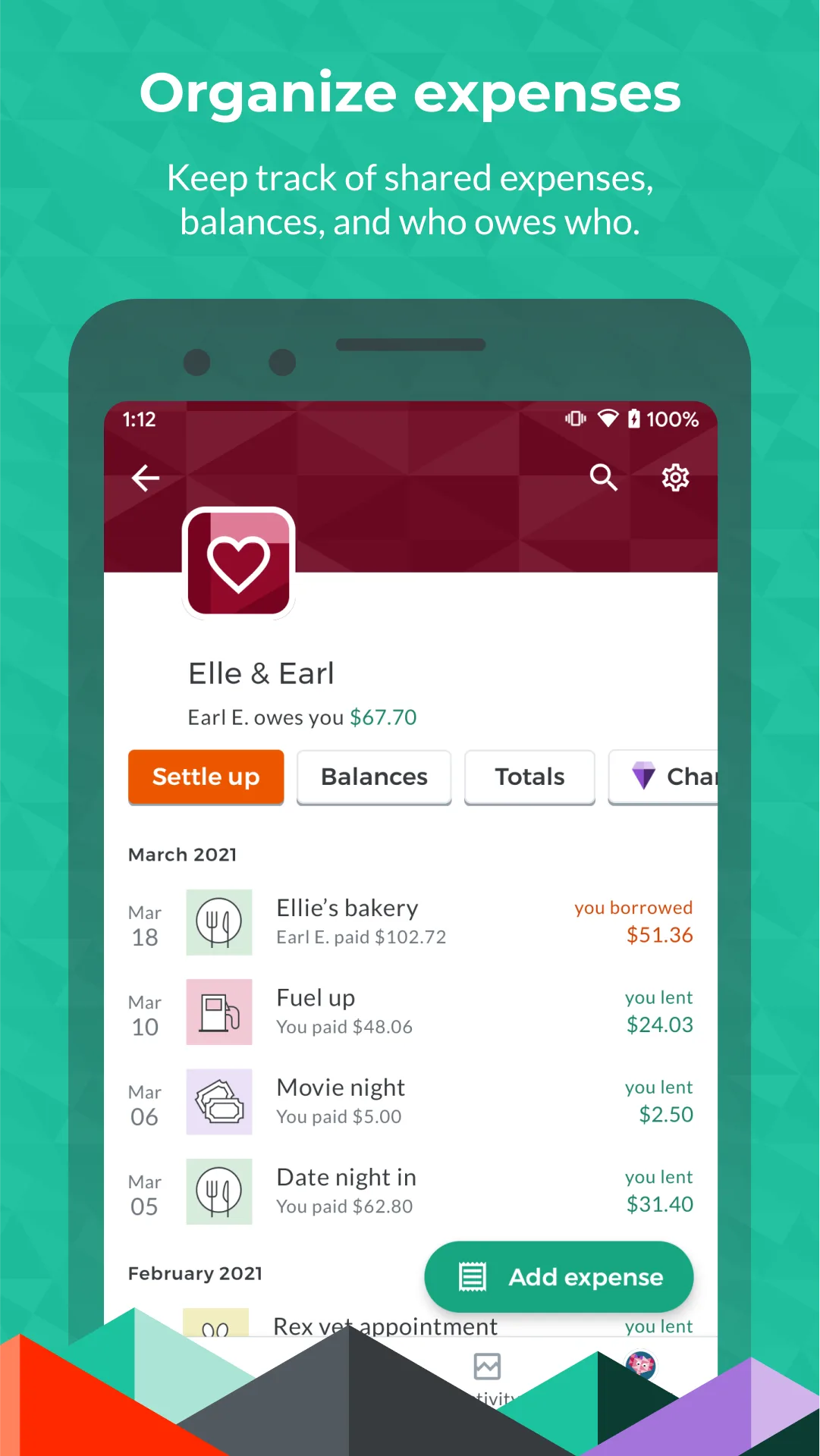
Group trips produce one of two outcomes: everyone splits everything evenly and feels vaguely cheated, or someone “keeps track” in their head and produces a number at the end that nobody believes. Splitwise eliminates both problems. Log expenses as they happen — the app calculates the minimum number of transfers needed to settle all balances at the end.
4.4 stars, 10 million installs. The free tier limits to 3 expenses per day, which covers group dinners and shared taxis but struggles on a full-day itinerary. Pro at $39.99/year removes limits and adds multi-currency auto-conversion and receipt scanning. For 2-3 group trips a year, the free tier often suffices; for travel couples tracking all shared spending year-round, Pro pays for itself.
What Splitwise does well
- Settle-up calculator: minimum transfers to clear all balances in one round
- Flexible splits: equal, exact amounts, percentages, or shares per person
- Web access: balances visible on any device, not just the one logging expenses
- Android widget: current balances visible on home screen without opening the app
Where Splitwise falls short
- Free tier: 3 expenses/day cap with banner ads, inadequate for a busy travel day
- Pro at $49.99/year is steep for occasional group travelers
- Currency conversion is Pro-only on the free tier
- UI hasn’t had a major design refresh in several years
Pricing: Free with limits; Pro $39.99/year. Install Splitwise before any group trip — even the free tier prevents post-trip financial awkwardness.
Airalo - Buy Local Data Before You Land
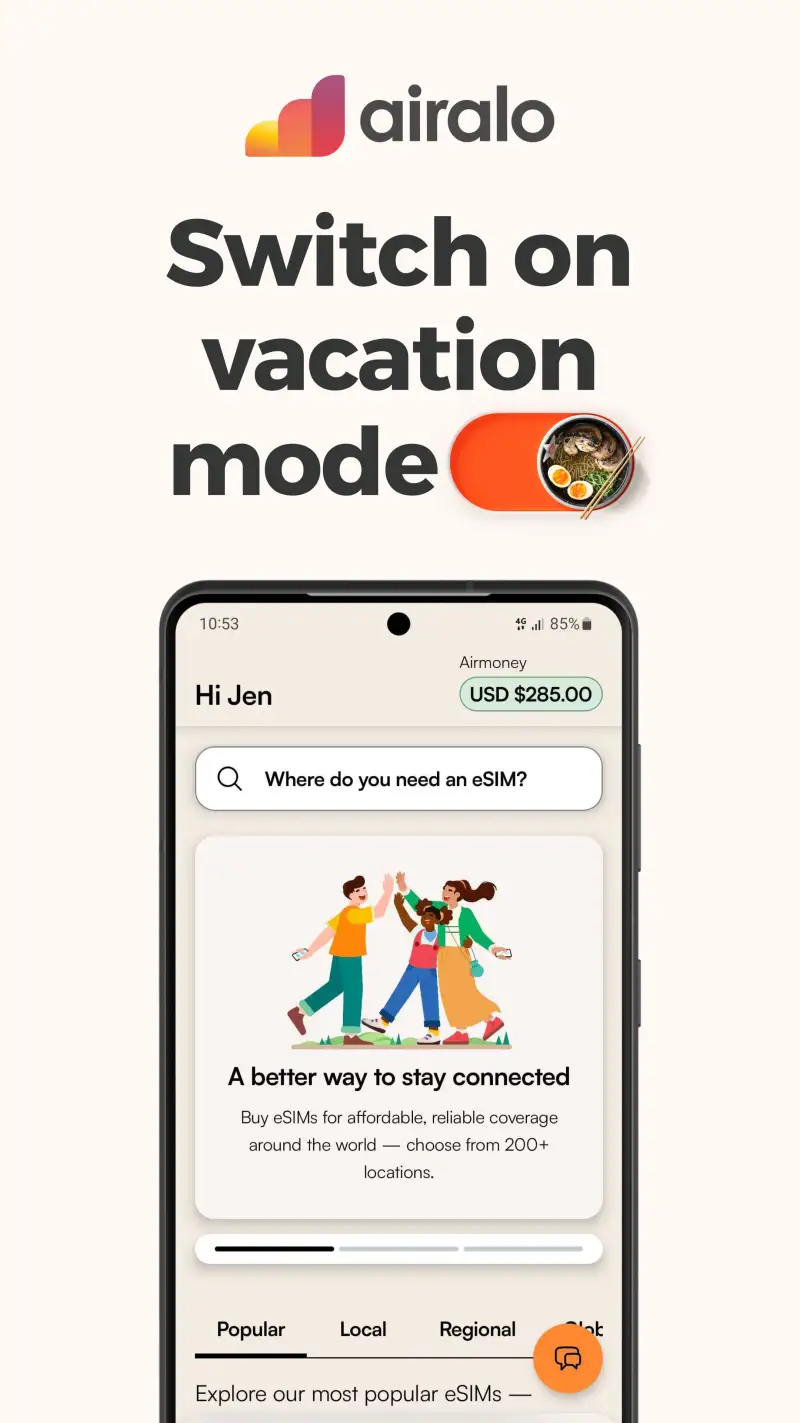
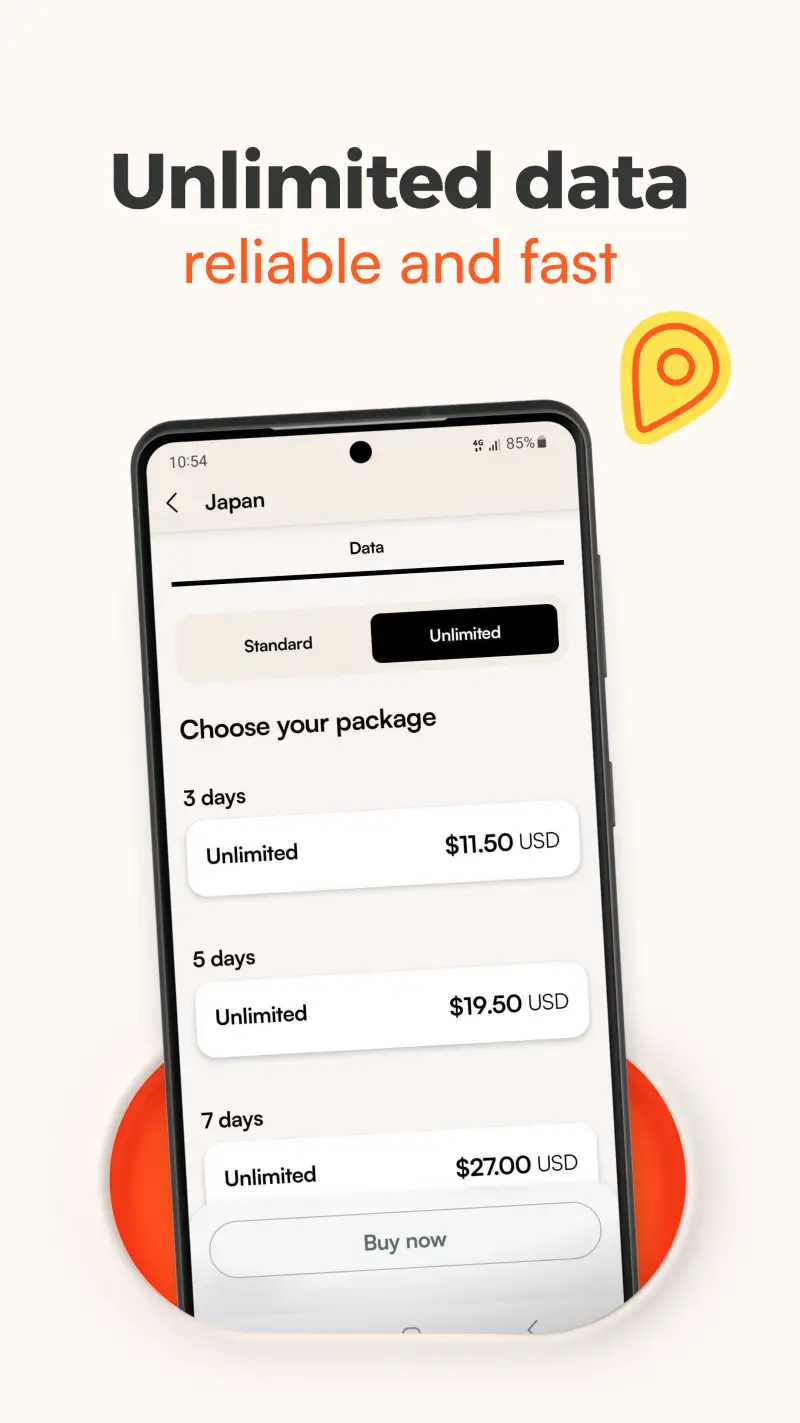
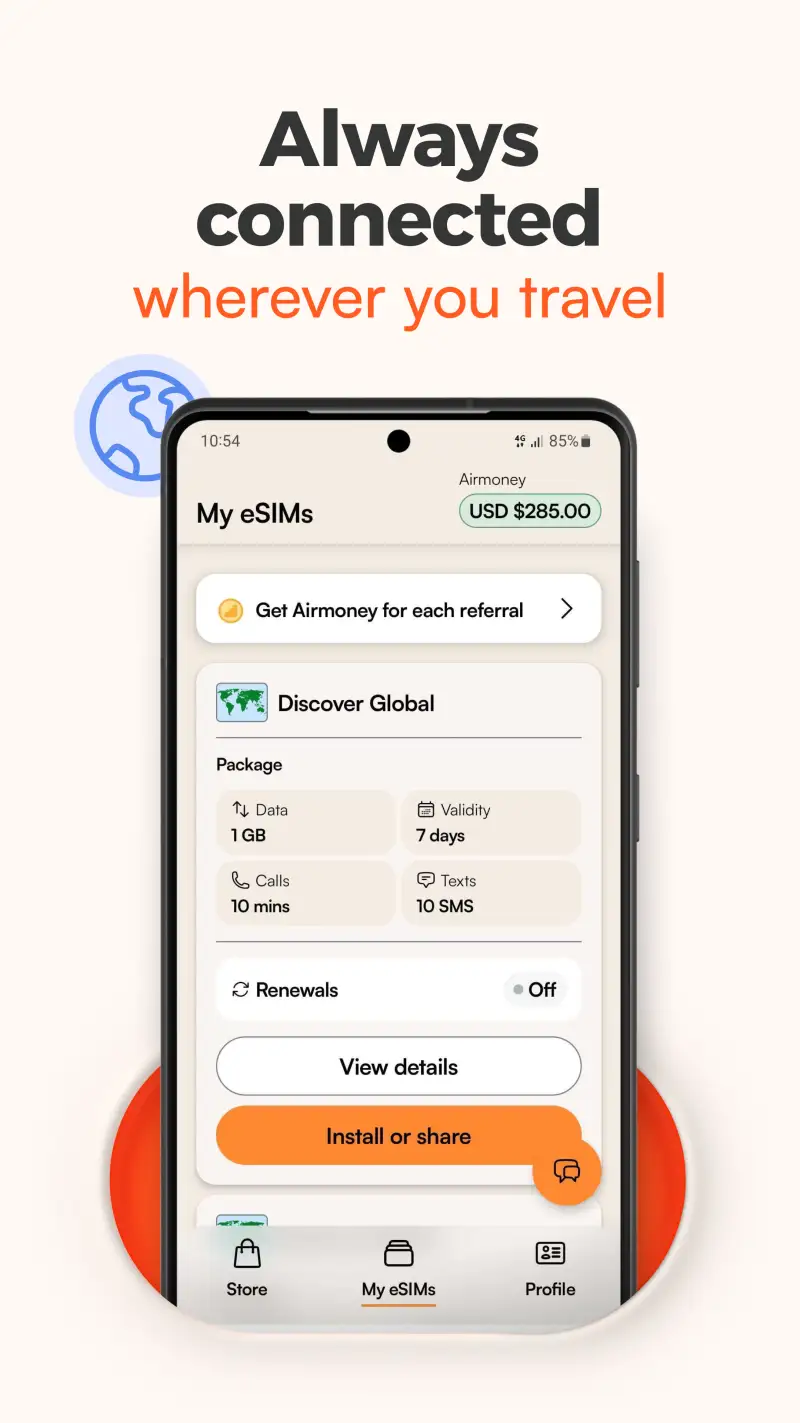
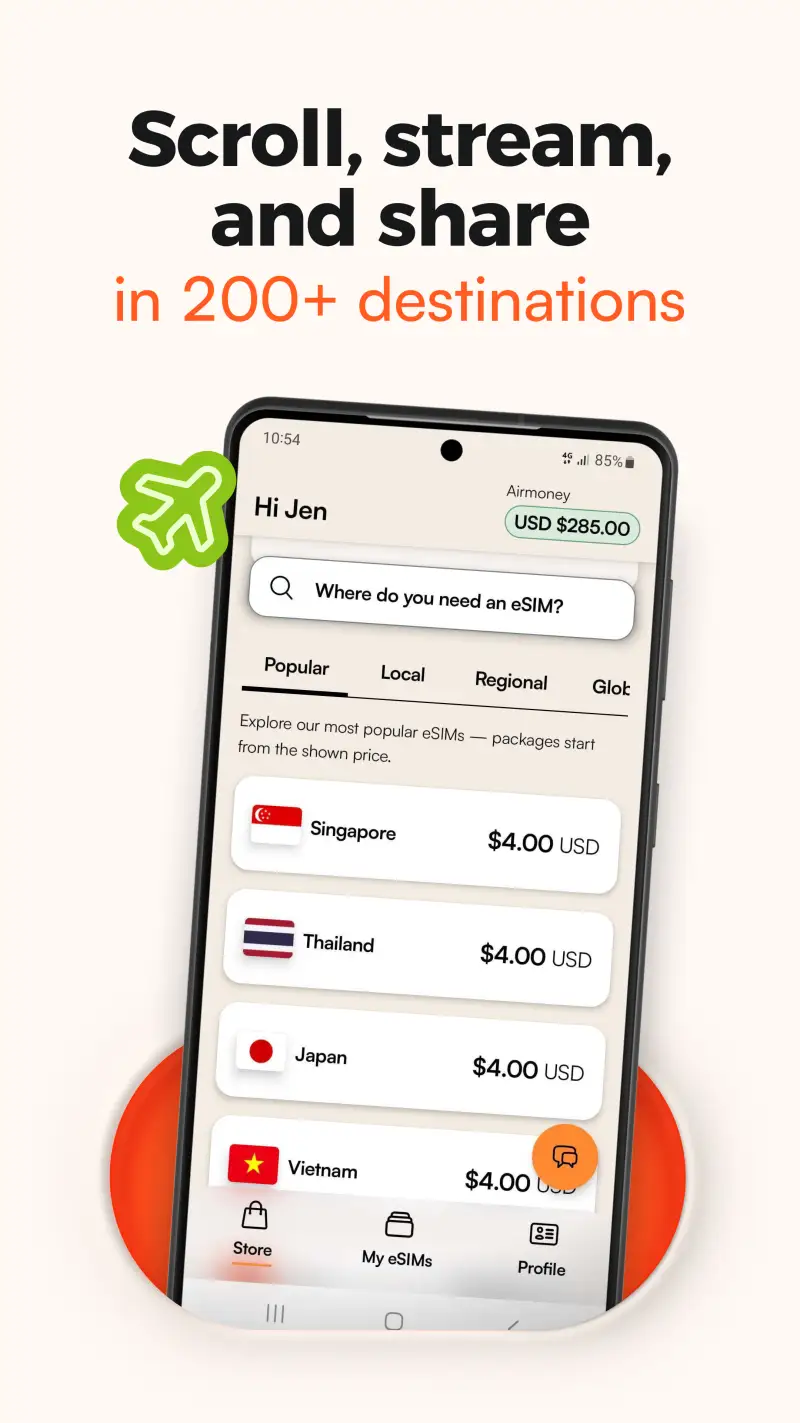
eSIM replaces the ritual of landing, finding a SIM kiosk, paying inflated airport prices, and spending 20 minutes configuring an unknown carrier. Buy a local data plan through Airalo before departure, install it digitally, and it activates when you land. 200+ destinations covered, plans starting at $3.50 for 1GB/week in many markets.
The comparison against carrier roaming is not close. A typical carrier day pass for international data runs $10-$15/day. Airalo’s Thailand plan: $4.50 for 1GB valid for a week. Europe regional plan covering 42 countries: $4.50 for 1GB, $13 for 3GB. The math favors eSIM by 70-90% on most routes.
Compatibility requires: eSIM hardware support (Pixel 3a and later, Samsung Galaxy S20 and later, most Android flagships from 2020), carrier-unlocked device, and non-rooted device. Check Settings > Network > SIM > “Add eSIM” before assuming compatibility.
What Airalo does well
- 200+ country coverage with local, regional, and global plans
- Regional plans cover entire continents on a single purchase (Europe 42 countries)
- In-app installation and data usage monitoring
- Data-only plans work alongside home SIM for calls and texts
- No physical SIM swap, no carrier store, no airport kiosk
Where Airalo falls short
- eSIM hardware required: many mid-range and budget Android devices lack eSIM support
- Carrier-unlocked device required: locked devices must be unlocked before use
- Data-only on most plans: calls and texts still use home SIM roaming rates
- Trustpilot rating 3.9/5: some Android users report installation friction
Pricing: Pay-per-plan, from $3.50. No subscription. Check your device compatibility and install Airalo before your next international trip.
Which App Do You Actually Need
Every traveler needs Google Maps and Google Translate. Beyond that, it depends on how you travel.
Solo city traveler: Google Maps + Google Translate + Wanderlog + Booking.com + Wise + Airalo. Six apps, five problems solved.
Group trip: Add Splitwise. Non-negotiable once you’re splitting costs across three or more people.
Budget traveler: Add Skyscanner for flexible date searches and Organic Maps for offline navigation when you’re avoiding data costs.
Frequent flyer or business traveler: Add TripIt Pro. The seat tracker and real-time flight alerts are worth the $49/year if you take more than six flights annually.
Road tripper: Organic Maps offline for the stretches between cities + Wanderlog for the full route + TripIt for booking consolidation.
First-time international traveler: Set up Wise before departure. The exchange rate savings on a first international trip typically cover a meal or two. That’s not marketing — it’s arithmetic.
The minimum viable stack: Google Maps, Google Translate, Booking.com, Wise. Everything else adds specificity based on how you travel. Start with these four and add apps as the need becomes concrete.
Tested April 2026. Apps verified against live Google Play listings. Pricing and features subject to change.