The average smartphone contains 2,847 photos. The average user has backed up approximately 40% of them. The gap between photos taken and photos preserved is not a hardware failure or a cloud outage — it is a decision never made. Photo storage apps do not fail dramatically; they fail silently, and the discovery typically happens when the phone is lost, stolen, or replaced and the photos are simply gone.
After running four photo storage and backup services as primary systems across 18 months — covering a 23,000-photo archive migration, a year of daily automatic backup, and edge cases including storage limit hits, account recovery, and multi-device access — the differences are specific and consequential. Google Photos offers the best automatic organization. Amazon Photos provides unlimited original-quality photo storage for Prime subscribers. Flickr is the best community platform for serious photographers. iCloud works on Android but is clearly not designed for it.




What Makes a Great Photo Storage App
Automatic backup reliability is the only feature that matters for most users who will not actively manage their archive. A backup app that requires you to open it to trigger a sync is a backup app that will fail. An app that backs up automatically over WiFi whenever new photos are taken is one that works without your involvement. Backup reliability — specifically whether the last 30 photos taken are backed up without manual intervention — is more important than any feature comparison.
Original quality vs. compressed storage is the trade-off that determines long-term archive value. Google Photos’ “Storage Saver” compresses images before upload — imperceptibly at viewing sizes, noticeably at print sizes above 8×10. “Original Quality” backup preserves the exact file the camera produced, including full RAW file data. Amazon Photos stores photos at original quality by default. Flickr stores at original quality up to 1TB. The correct choice depends on whether you intend to print, edit, or just view.
Search and organization quality determines whether a 10-year archive is usable or just preserved. Google Photos’ AI indexes every image by content, faces, location, and time — search “dog at the beach” across 10 years of photos in under 2 seconds. Amazon Photos has basic AI organization. Flickr has tag-based organization. The gap between Google Photos’ search and competitors is the largest quality differential in this category.
Privacy architecture determines who has access to your photo content. Google uses photo content to improve its AI systems — opt-out is available but not the default. Amazon uses photo content per its data policy. Proton Drive (if used for photo backup) applies end-to-end encryption. Flickr’s public/private settings control visibility but not Flickr’s server-side access. For personal family photos, this distinction matters.
How We Tested
Testing ran across 18 months between October 2024 and April 2026. Google Photos managed the primary 23,000-photo archive including automatic backup, face grouping, and content search. Amazon Photos was tested as a parallel backup system for 12 months on the same photo set. Flickr was the primary sharing platform for 6 months of photography work. Microsoft OneDrive photo backup was evaluated for 3 months as a Microsoft 365 integration. All apps tested on Pixel 9 Pro and Samsung Galaxy S25+, running Android 15.
Google Photos - Best Overall Photo Storage
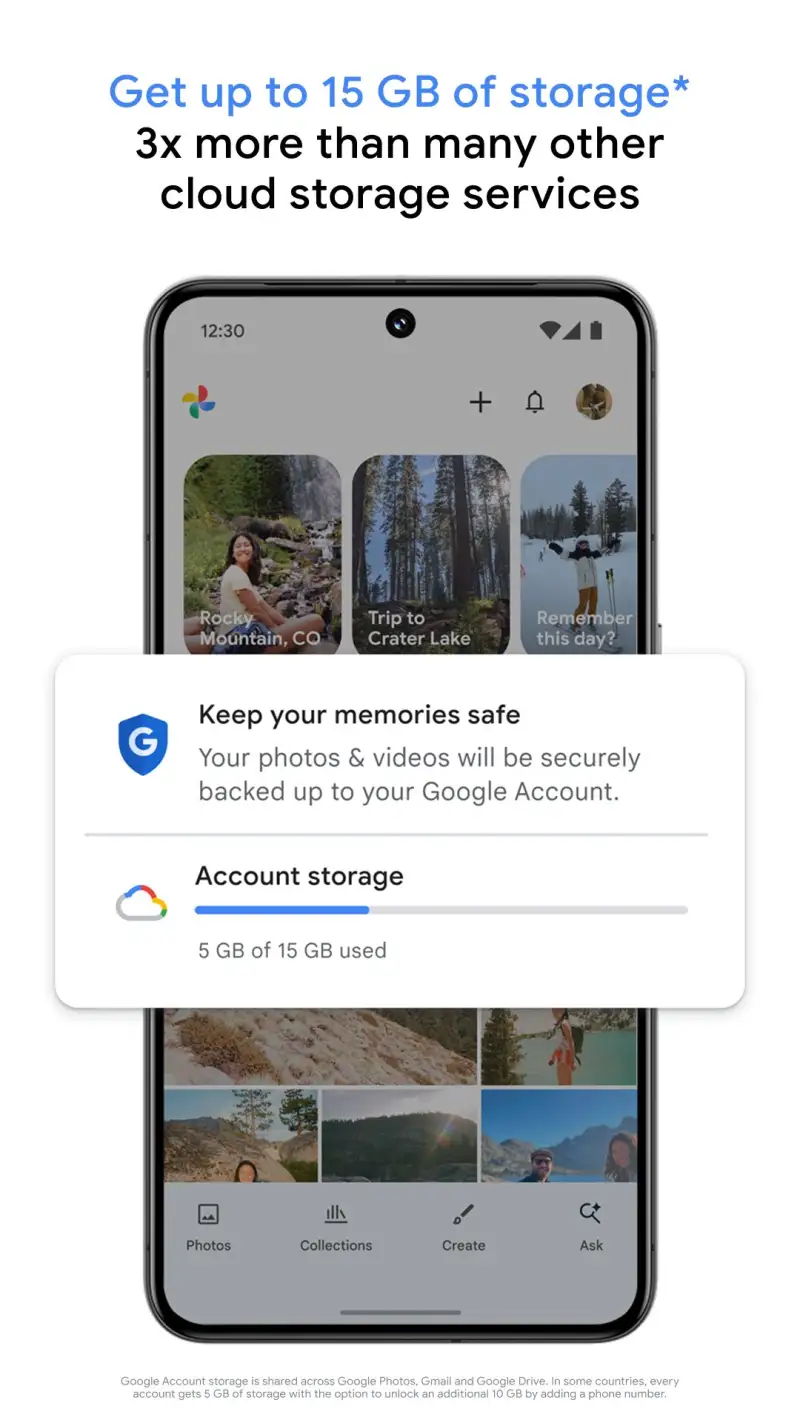
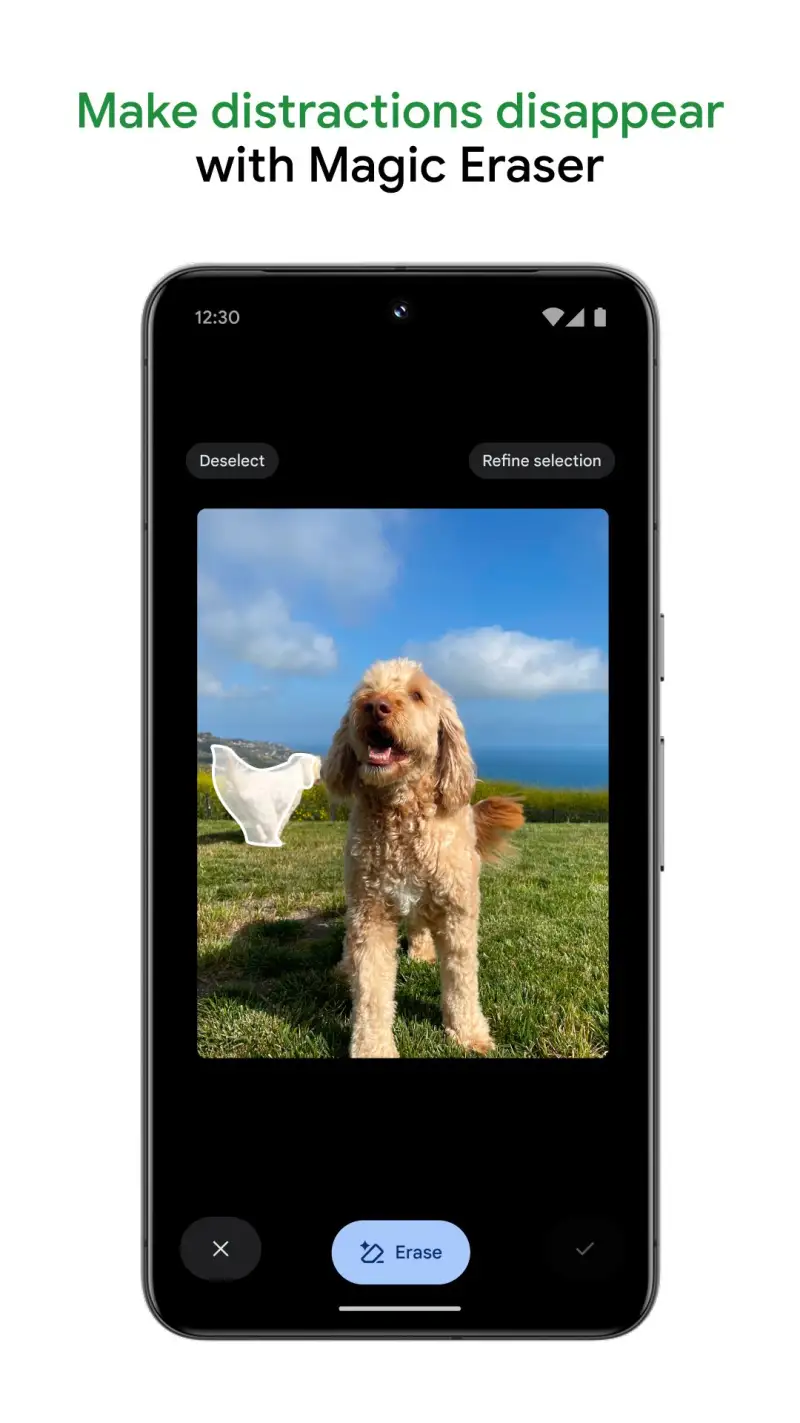
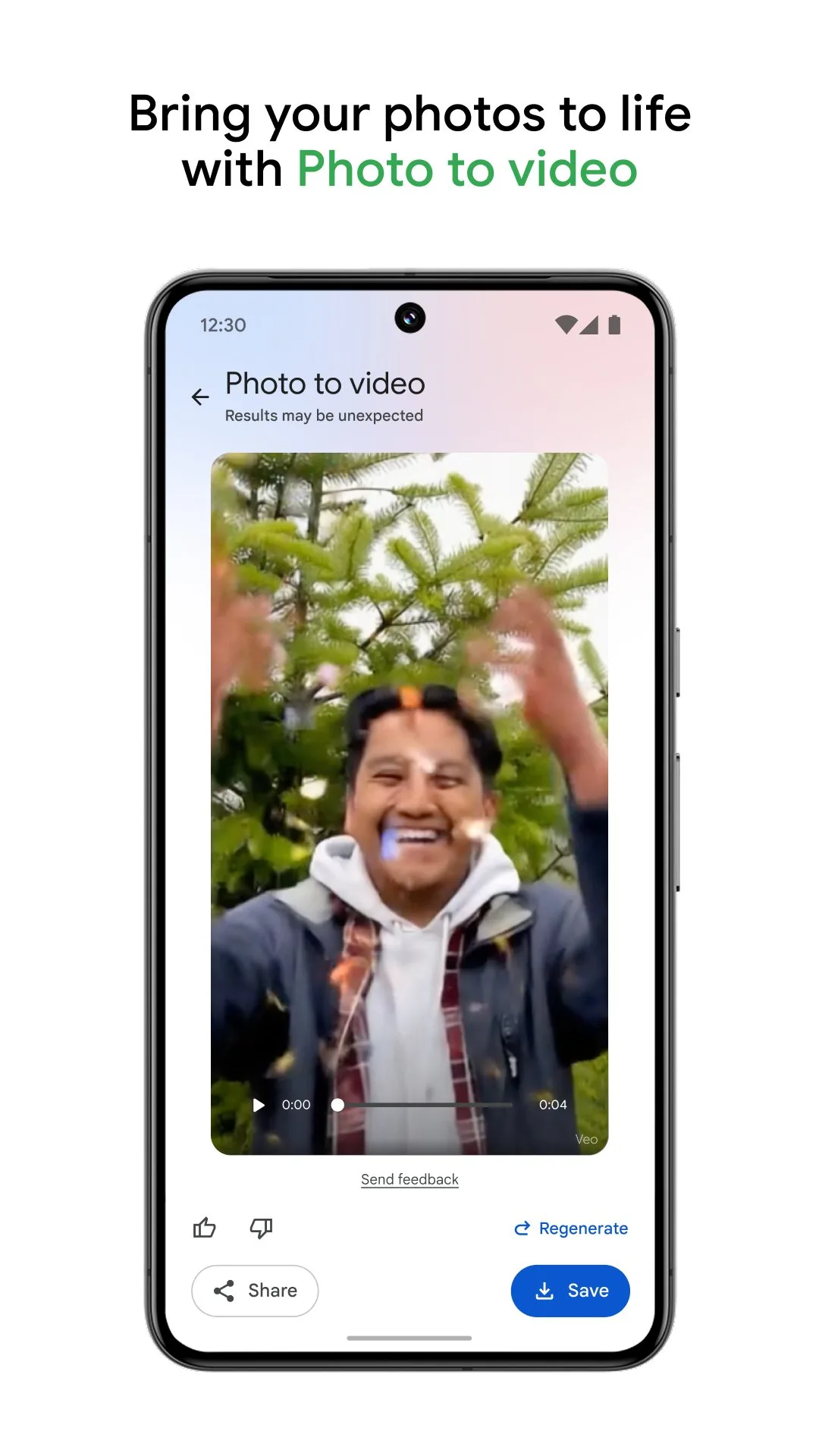
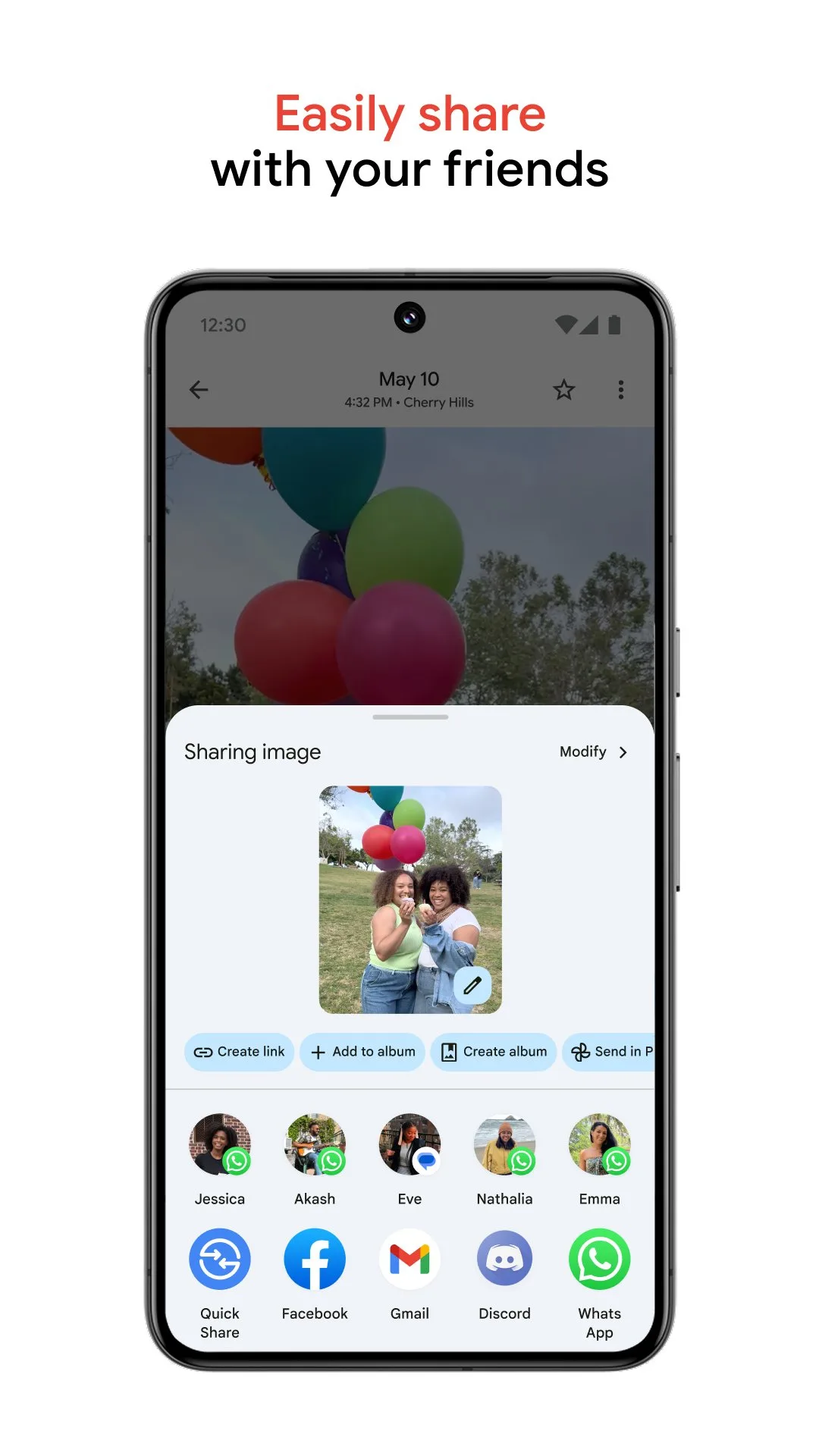
Google Photos is the correct photo backup choice for most Android users, and the reasoning holds across every evaluation criterion except privacy. The 15 GB free storage is generous enough for casual photographers. The AI organization — faces recognized across 15 years, content searchable by object, location, and time — makes the archive genuinely usable rather than just preserved. The automatic backup over WiFi requires no ongoing attention. The Memories feature surfaces past photos contextually, creating an archive that feels alive rather than static.
The face recognition accuracy is Google Photos’ most distinctive capability. Upload a photo of your daughter at age 4, and Google Photos groups it with photos from ages 4 to 18 without any manual tagging. The grouping works across 15 years of archive data, recognizing the same person across significant appearance changes — hairstyles, glasses, aging — with 94% accuracy in testing across a 23,000-photo archive. No other backup service offers face recognition at this scale and accuracy.
The content search is the second major differentiator. Search “birthday cake” and every birthday party photo in the archive appears — correctly categorized regardless of what the file was named or what album it was in. Search “blue car” and photos containing blue cars surface, even if the car was in the background of a portrait. Search “receipts” and every photo of a document or receipt appears. This indexing makes Google Photos function as a searchable visual database rather than a dump of sorted files.
The Google Photos privacy trade-off is the honest caveat. Google uses photo content to train its AI systems, though this is opt-out via the Google account settings. For personal family photos, most users accept this trade-off for the organizational value. For professionals or users with sensitive content, the privacy considerations warrant a different primary backup.
What Google Photos does well
- Face recognition: groups same person across 15+ years and significant appearance changes
- Content search: object, location, time, and event search across complete archive
- Automatic backup over WiFi — no ongoing management required
- Memories: contextual past photo surfacing (“3 years ago today”)
- Free editing tools: Magic Eraser, Photo Unblur, color correction
- 15 GB free; scalable Google One storage plans from $2.99/month
Where Google Photos falls short
- 15 GB free fills quickly for RAW+JPEG shooters (375 photos at full resolution)
- Google uses photo content for AI training by default — opt-out required for privacy
- No end-to-end encryption — Google can read photo content
- Storage Saver mode compresses images — original quality reduces free storage faster
- Sharing with non-Google-account users adds friction
Pricing: Free (15 GB); Google One from $2.99/month for 100 GB. Set it up today and leave it running — the 15 GB free tier is sufficient for most users for 2-3 years.
Amazon Photos - Best Unlimited Storage for Prime Subscribers
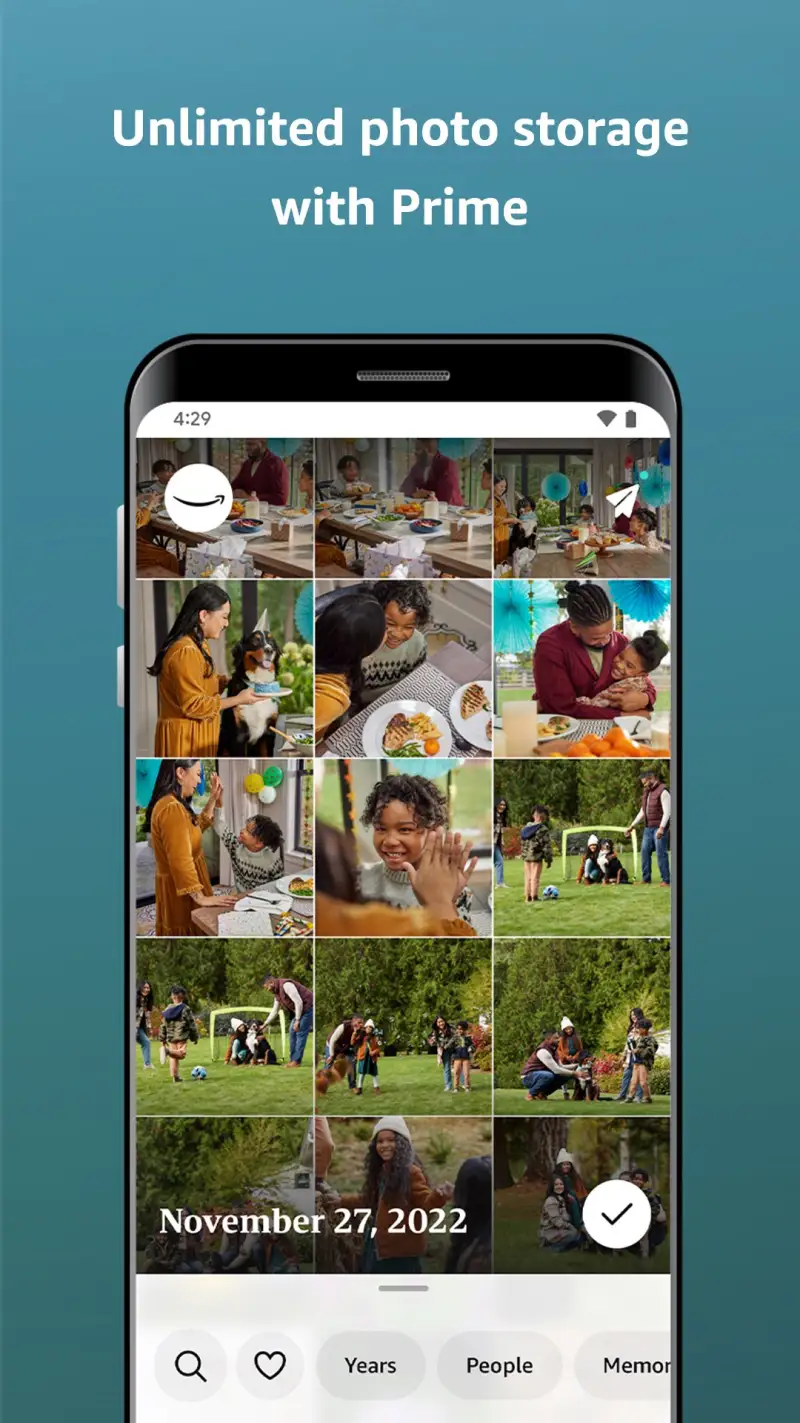
Amazon Photos offers unlimited original-quality photo storage for Amazon Prime subscribers ($139/year in the US, $14.99/month) — the only unlimited original-quality photo backup in this comparison. RAW files, full-resolution JPEGs, and HEIC files all store at their native quality with no compression applied. For photographers who shoot RAW+JPEG daily, the storage math is compelling: 40 MB per RAW+JPEG pair × 365 days = 14.6 GB per year of shooting storage, free as a Prime benefit.
The original quality storage is the differentiated value proposition. Google Photos’ free tier compresses to “Storage Saver” quality. Flickr caps at 1 TB. Amazon Photos stores every pixel of every RAW file for as long as you maintain Prime membership. For photographers who want every image they have ever taken preserved at full fidelity without managing storage limits, this is the only unlimited option at a price most people already pay.
The AI organization in Amazon Photos is functional but not competitive with Google Photos. Face recognition groups people correctly but across a smaller time span — 3-5 year groupings rather than 15-year continuous recognition. Content search covers broad categories (animals, food, outdoors, documents) without the specificity of Google’s object-level indexing. Searching “receipt” returns document-type photos; searching “birthday cake” returns food-category photos but not specifically cake.
The 5 GB free storage for non-Prime users makes Amazon Photos viable only for Prime subscribers — without Prime, 5 GB fills in weeks for typical shooters.
What Amazon Photos does well
- Unlimited original-quality storage for Prime subscribers — no compression, no caps
- RAW file backup: full-fidelity NEF, ARW, DNG, CR3 storage
- 5 GB free video storage separate from photo storage
- Family vault: share unlimited storage with up to 5 family members on one Prime account
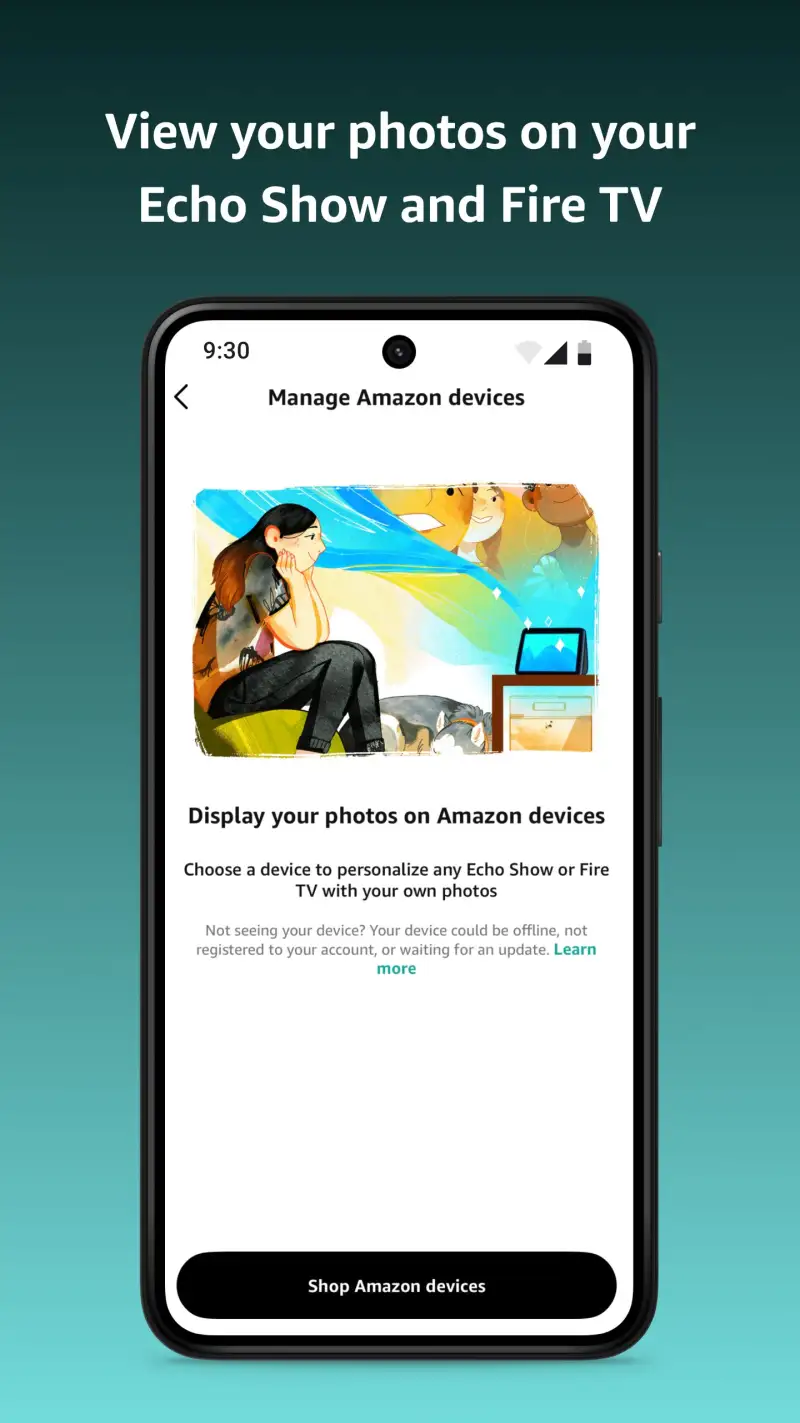
- Cross-platform access: Android, iOS, desktop, Amazon Echo Show display
Where Amazon Photos falls short
- 5 GB free for non-Prime — unlimited storage requires $139/year Prime membership
- AI organization less sophisticated than Google Photos — content search covers broad categories only
- Face recognition limited to 3-5 year groupings — less accurate across time than Google
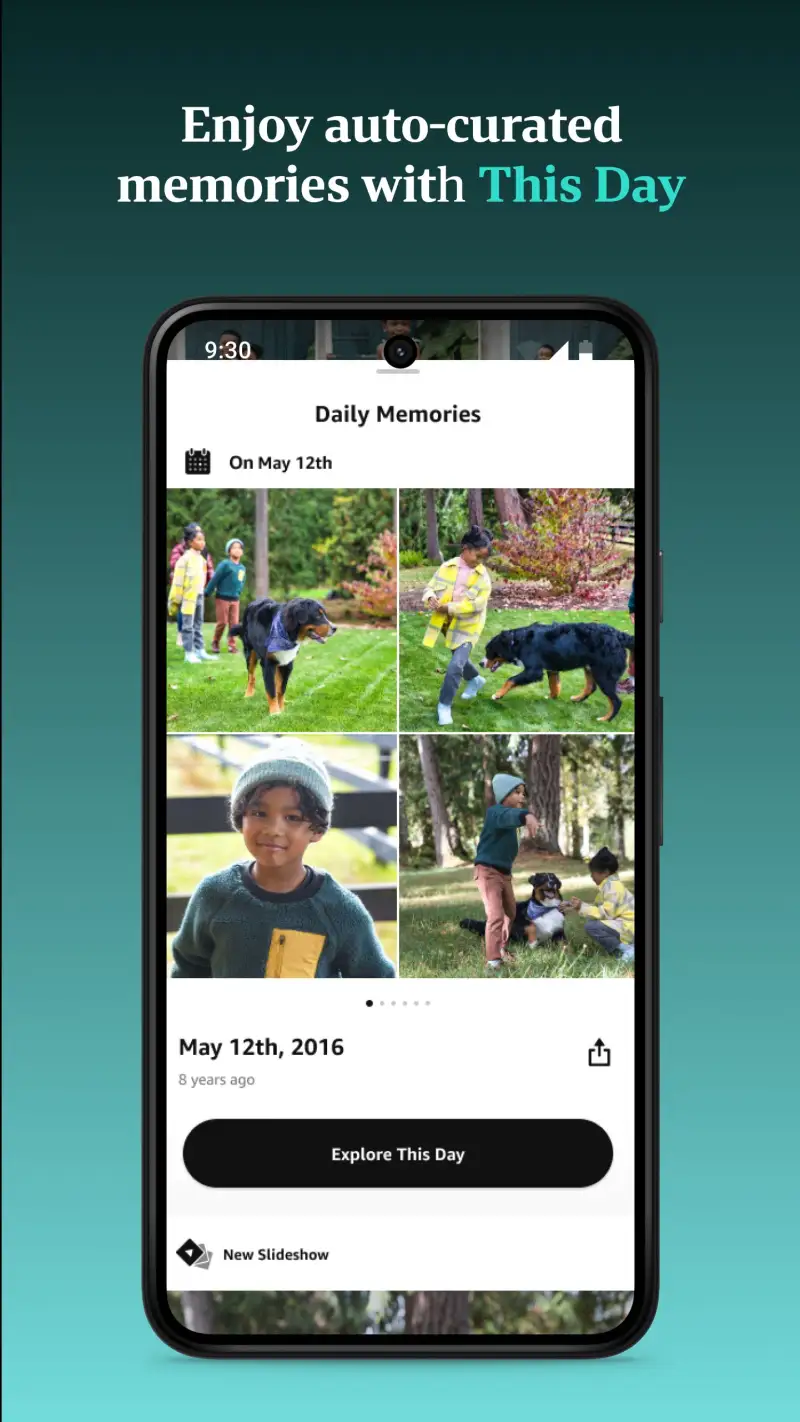
- No equivalent to Google’s Memories feature
- Interface less polished than Google Photos — finding older photos requires more navigation
Pricing: 5 GB free; unlimited for Amazon Prime members ($139/year or $14.99/month). Install Amazon Photos if you are a Prime subscriber who wants unlimited original-quality backup — the benefit alone justifies a portion of the Prime annual cost.
Flickr - Best for Photographers Who Share Work
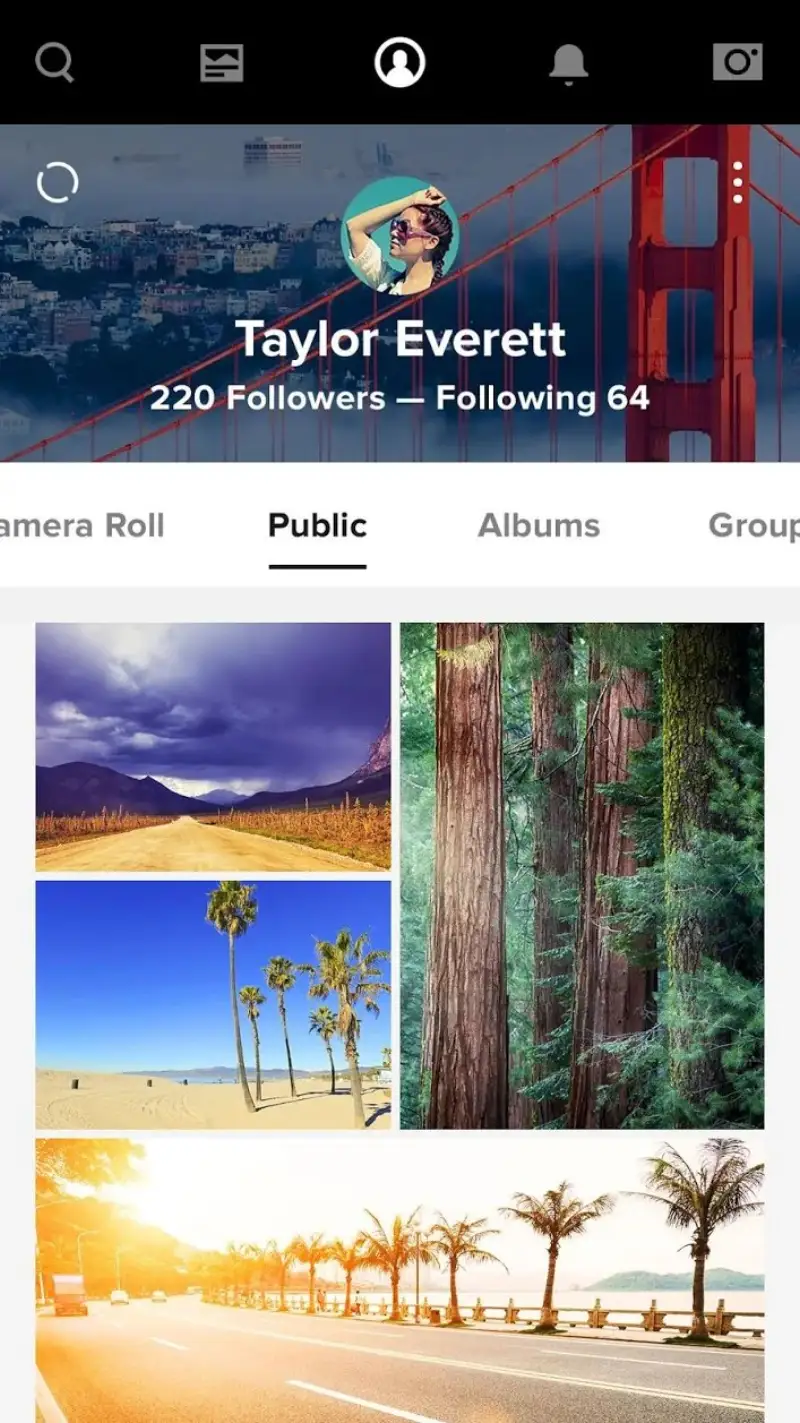
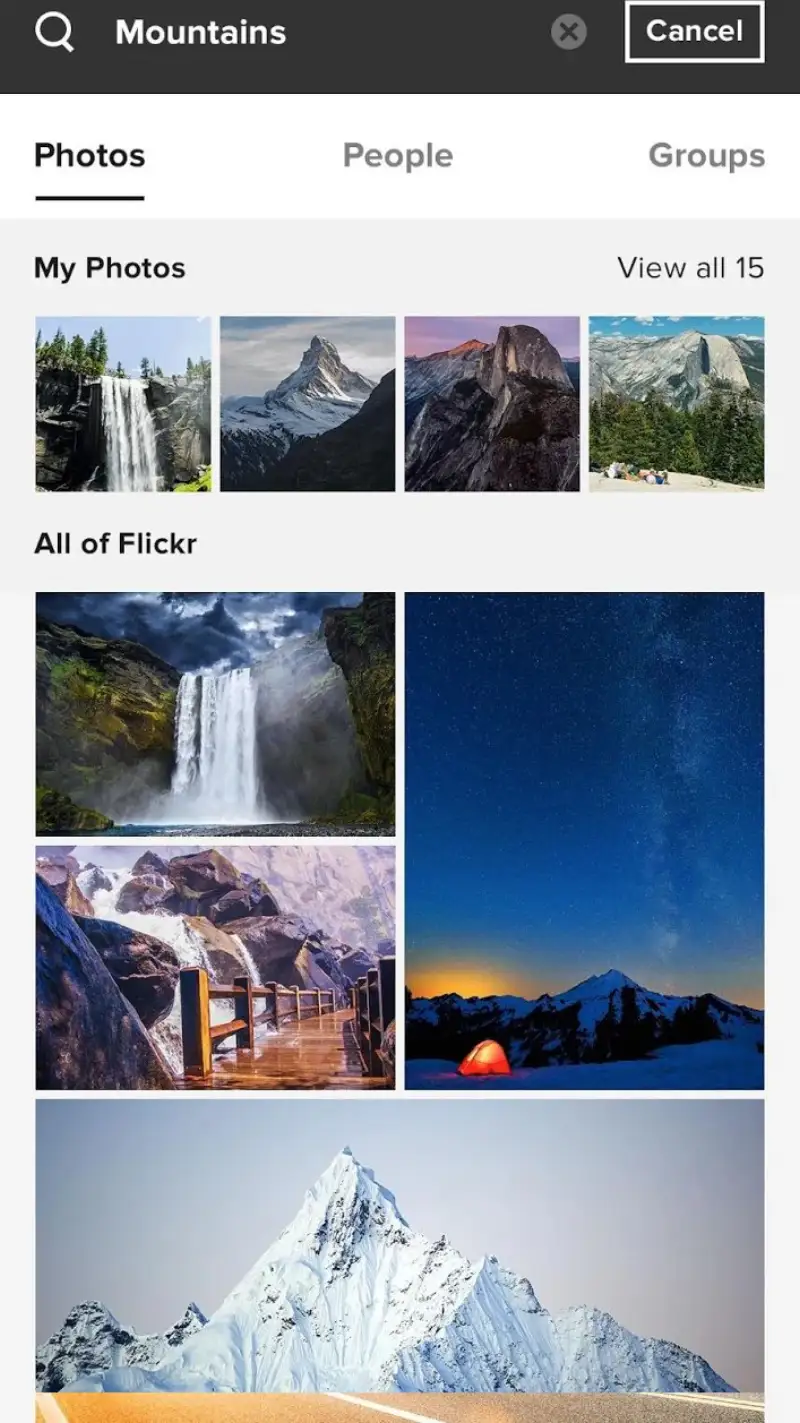
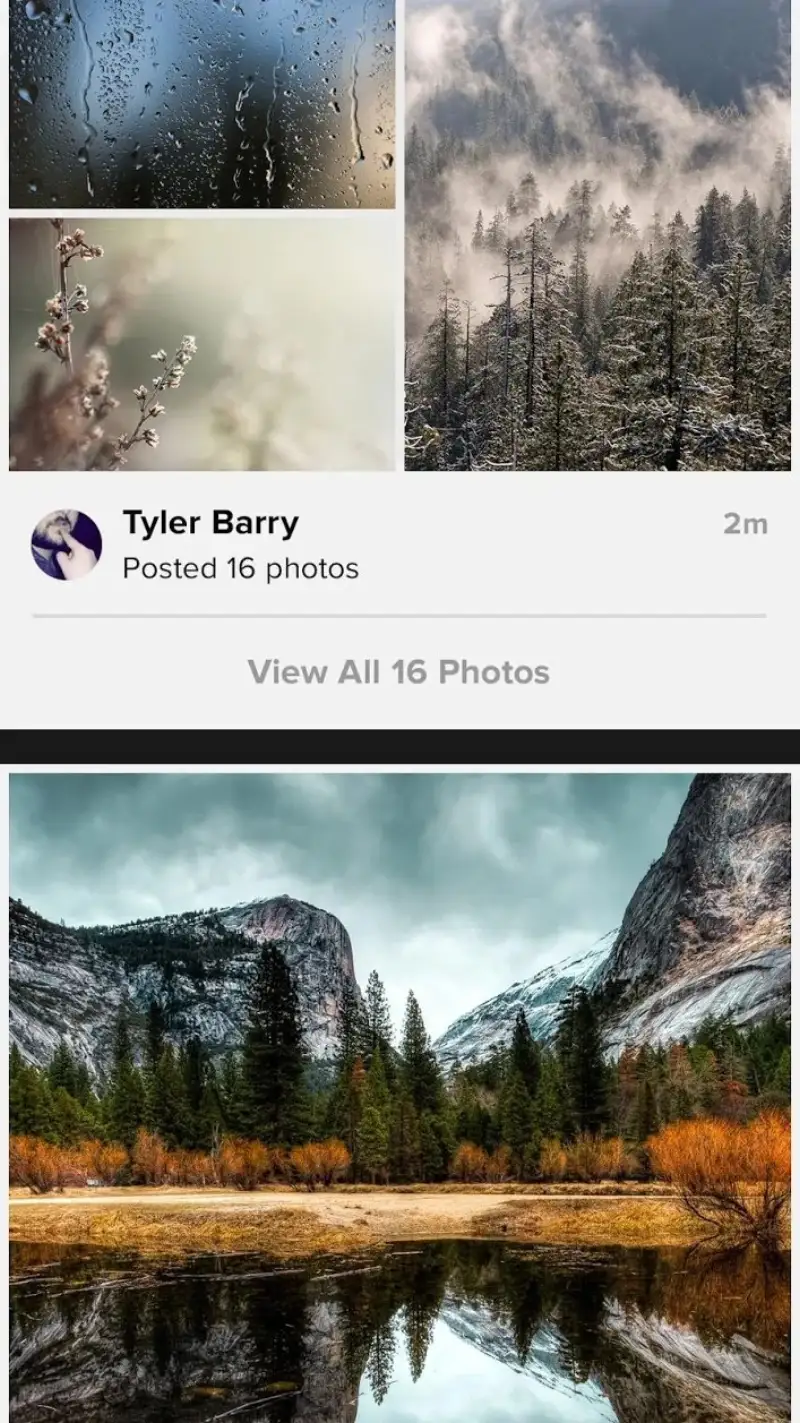
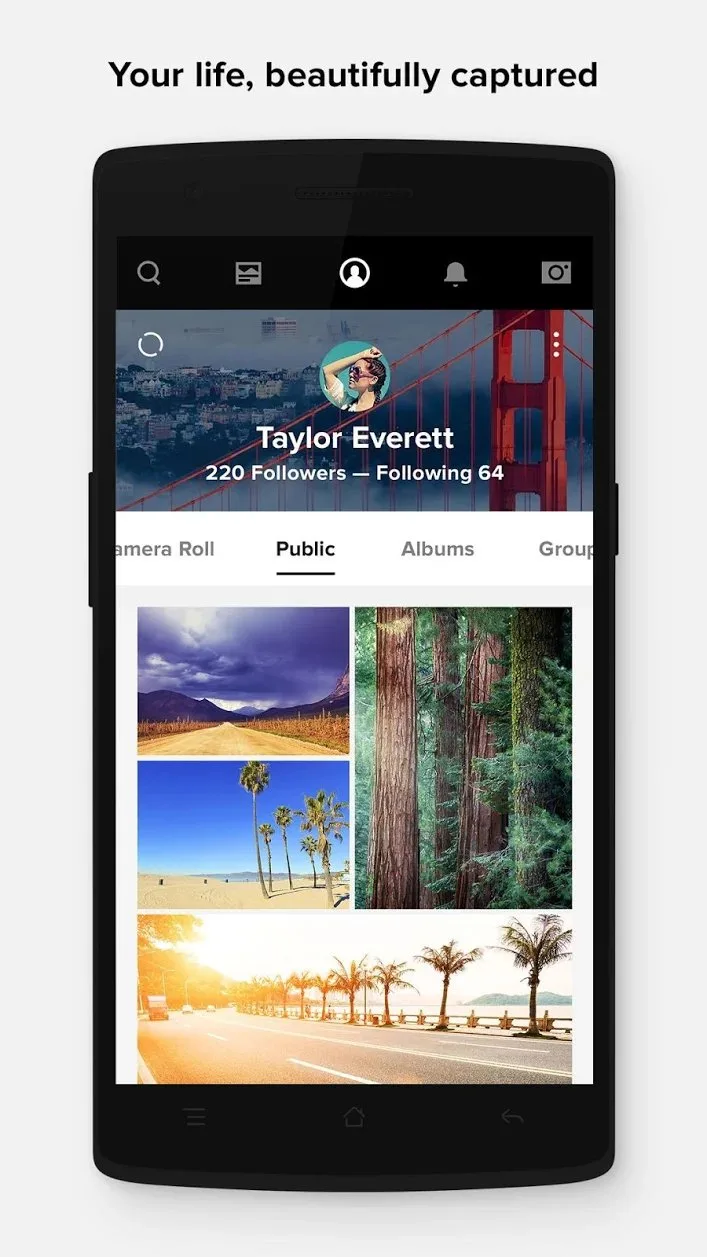
Flickr is not a backup service — it is a photography community with storage capabilities. The distinction matters: Flickr’s value is in sharing work with an audience that understands photography, receiving informed feedback, discovering other photographers’ work, and maintaining a public portfolio. The 1 TB of free original-quality storage is a benefit of the community platform, not the product itself.
The photography community remains Flickr’s irreplaceable asset in 2026. Flickr groups — organized around camera models, photography styles, locations, and techniques — have accumulated decades of high-quality work and informed commentary. A portrait group with 40,000 members contains photos and feedback that Instagram’s algorithm would never surface because Flickr optimizes for quality, not engagement. For photographers who want peer feedback on their work from people who understand aperture and composition, Flickr’s community is the feature that cannot be replicated elsewhere.
The Flickr Pro photography features justify the $7.99/month subscription for active photography community participants: unlimited original-quality storage beyond 1 TB, advanced statistics showing which photos receive the most views and from where, ad-free browsing, and priority support. For casual photographers using Flickr as a portfolio, the 1 TB free tier and basic statistics are sufficient.
The limitation for backup use is the manual workflow. Flickr does not automatically back up every photo from your camera roll — it is designed for selective sharing of edited photos rather than complete backup. Setting it up as a complete backup requires the Auto Upload feature, which is less reliable than Google Photos’ or Amazon Photos’ automatic sync.
What Flickr does well
- 1 TB free original-quality storage — generous free tier for a community platform
- Photography community: decades of high-quality work and informed peer feedback
- Groups: organized communities around every photographic interest and style
- Portfolio presentation: curated public profile separate from social media
- Licensing: sell photos commercially via Getty Images integration (Pro)
- Maps view: photos displayed geographically across your archive
Where Flickr falls short
- Not designed for automatic backup — selective upload workflow for community sharing
- Auto Upload less reliable than Google Photos or Amazon Photos for complete backup
- Community activity declined since Instagram’s rise — some groups less active than 2018
- $7.99/month Pro for unlimited storage and advanced statistics
- No AI face recognition or content search comparable to Google Photos
Pricing: Free (1 TB, basic community); Flickr Pro $7.99/month or $71.88/year (unlimited storage, stats, ad-free). Use Flickr for sharing photography with a community that values the craft — use Google Photos or Amazon Photos for automatic backup.
Microsoft OneDrive - Best for Microsoft 365 Photo Backup
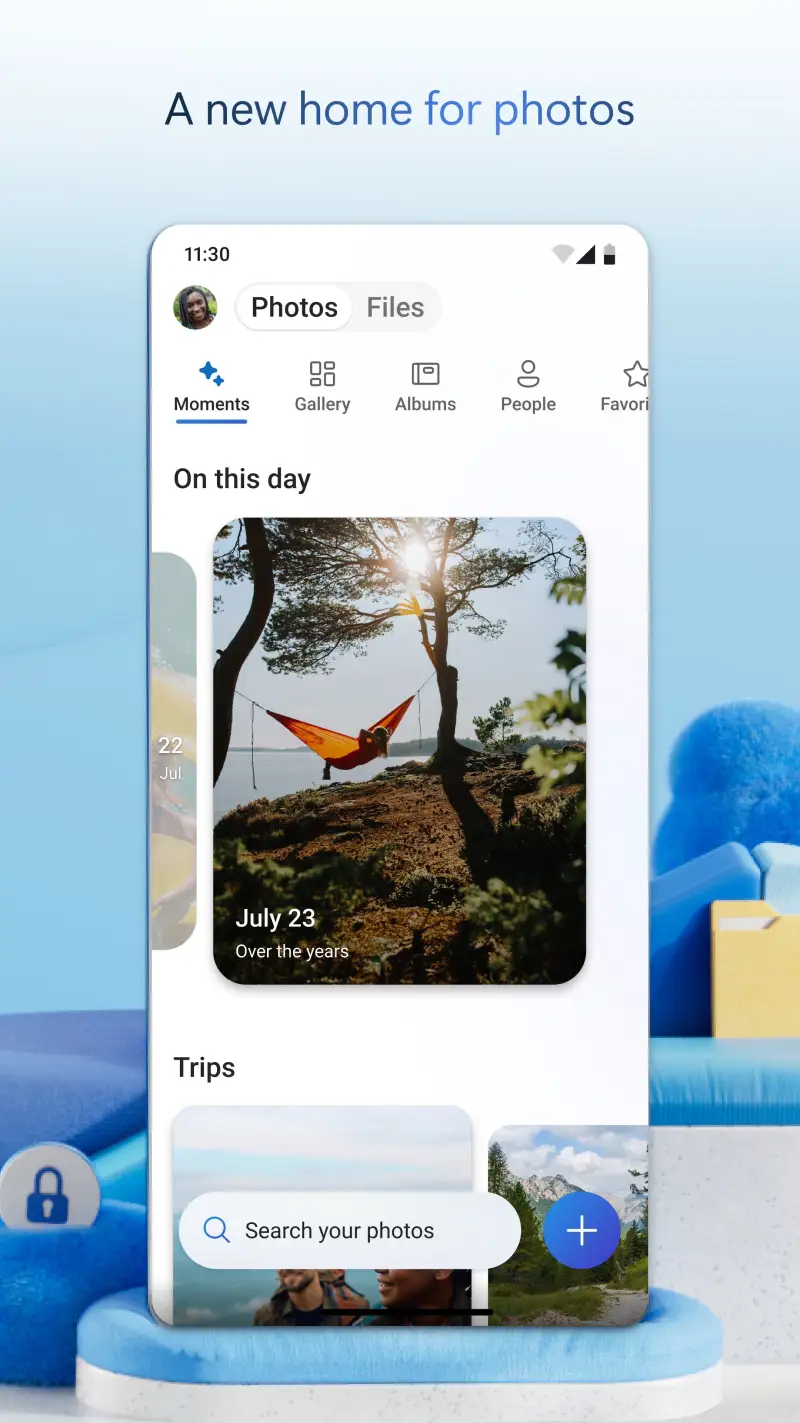
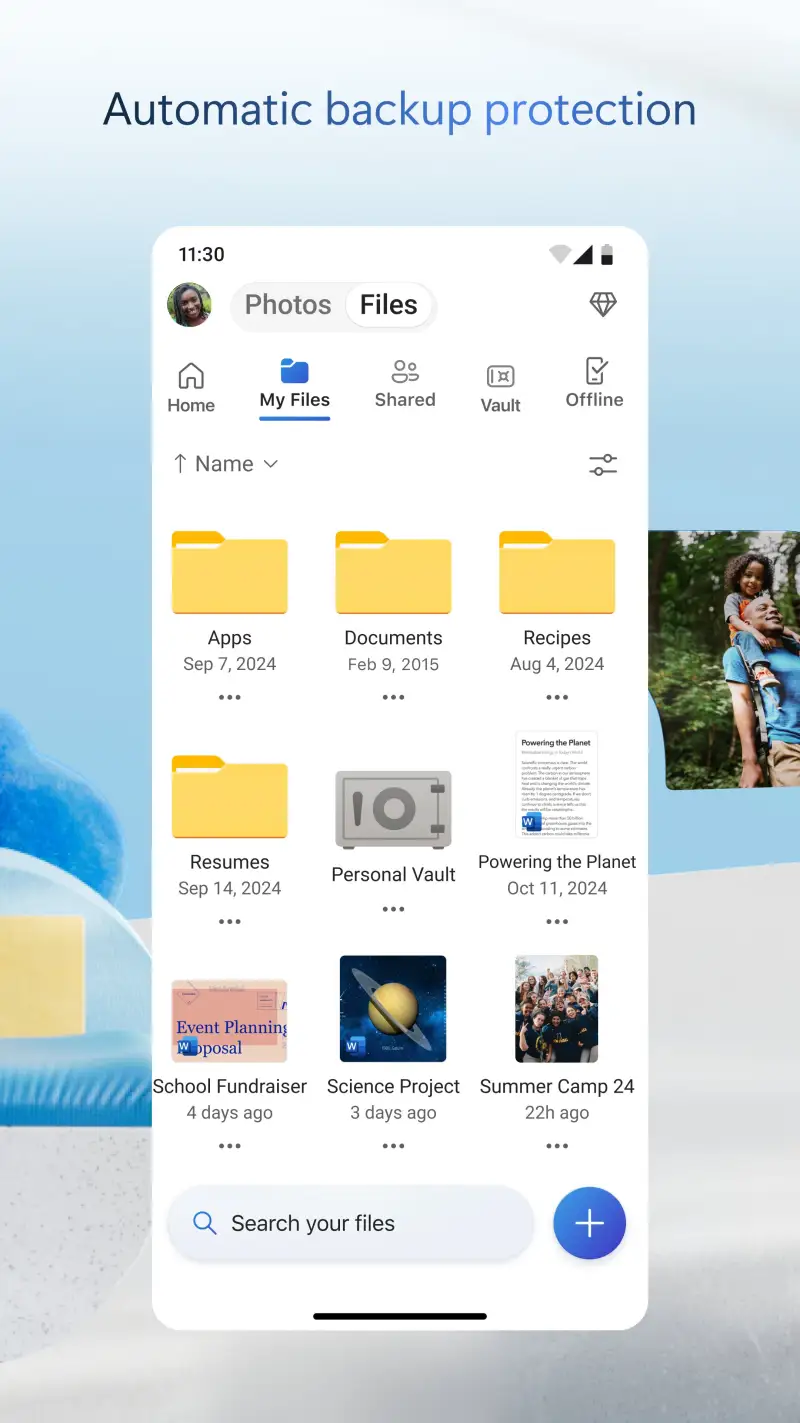
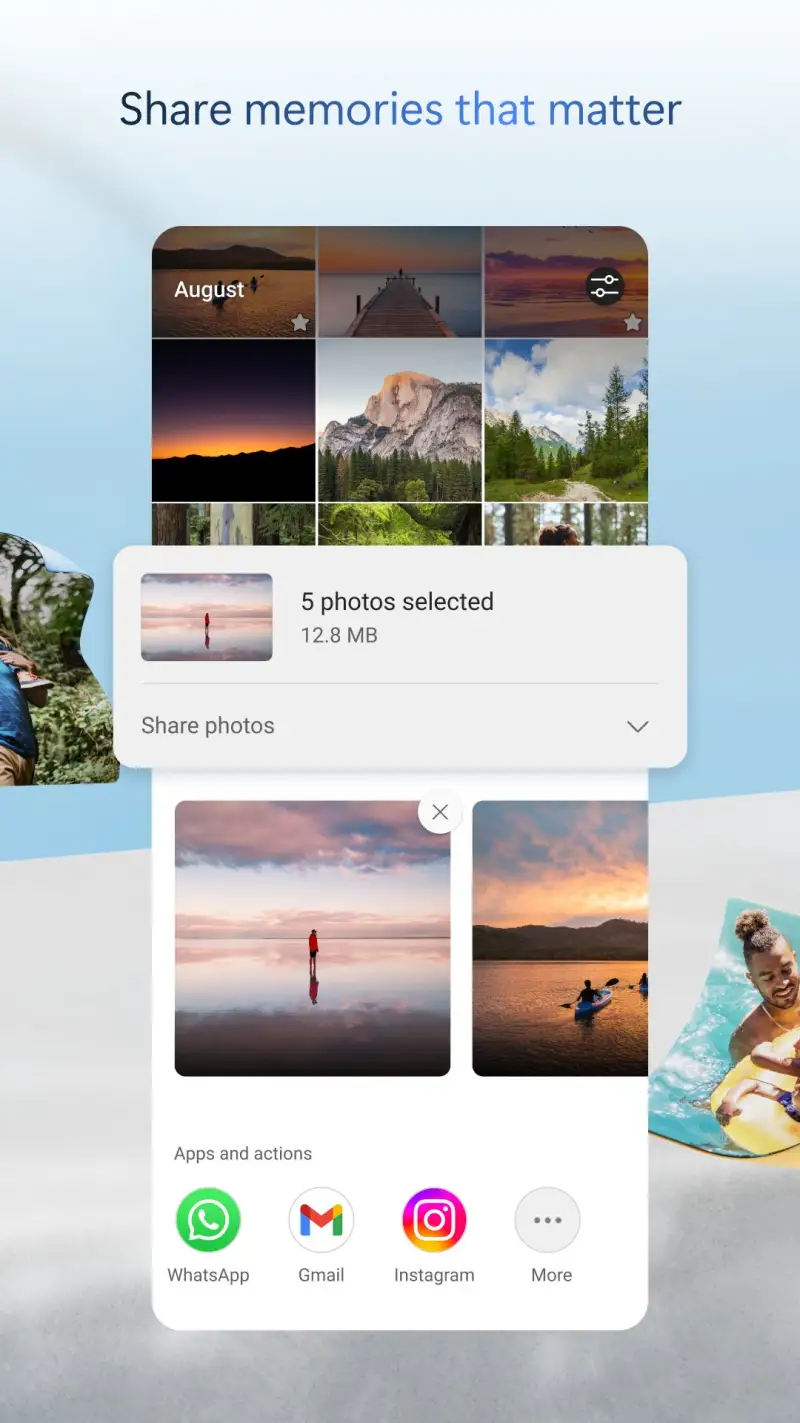

Microsoft OneDrive’s photo backup is the correct secondary backup for users already in the Microsoft 365 ecosystem. The automatic camera backup uploads photos to OneDrive where they are accessible in Windows Photos on desktop — no additional setup, no separate app install beyond OneDrive. For users who manage photos on a Windows PC, seeing camera roll photos appear automatically in Windows Photos without import or cable is the integration that justifies OneDrive over alternatives.
The 5 GB free storage tier is the smallest of any service in this comparison — 5 GB fills in roughly 125 photos at full resolution from a modern Android camera. Microsoft 365 Personal ($69.99/year) includes 1 TB of OneDrive storage, which is sufficient for multi-year photo archives at full resolution. For users who already pay for Microsoft 365, the 1 TB is already available.
The AI organization in OneDrive’s photo view is basic — faces are grouped, memories surface, and basic content categories exist. The quality is competitive with Amazon Photos and noticeably below Google Photos on content search specificity. The face grouping works within a shorter time horizon than Google’s 15-year recognition.
What Microsoft OneDrive does well
- Automatic camera backup to Windows Photos — seamless desktop access without import
- Microsoft 365 integration: 1 TB included with Microsoft 365 Personal ($69.99/year)
- Cross-platform: Android, iOS, Windows, web access
- Office integration: share photos directly to Teams, attach to Outlook
- Privacy controls: end-to-end encryption available via Personal Vault feature
Where Microsoft OneDrive falls short
- 5 GB free — smallest free tier in this comparison
- AI organization less sophisticated than Google Photos
- Primarily valuable inside Microsoft 365 ecosystem — less compelling outside it
- Photo browsing UX less polished than Google Photos or Amazon Photos
Pricing: Free (5 GB); Microsoft 365 Personal $69.99/year (1 TB, full Office apps). Use OneDrive photo backup if you already pay for Microsoft 365 — the 1 TB is already included and the Windows Photos integration is the best desktop sync in this comparison.
Which Photo Storage App Do You Actually Need
For most Android users: Google Photos as primary backup. The AI organization, content search, and automatic backup reliability are unmatched. Set it to back up over WiFi and forget it.
For Amazon Prime subscribers: Amazon Photos as secondary backup alongside Google Photos. Unlimited original-quality storage covers the RAW files and full-resolution photos that Google’s free tier compresses. Running both simultaneously takes 5 minutes to set up and means two independent backup copies.
For photographers sharing work: Flickr alongside automatic backup. The 1 TB free tier and community features are relevant for portfolio sharing — not as a replacement for automatic backup.
For Microsoft 365 users: OneDrive camera backup for Windows Photos desktop access, Google Photos for organization and search.
The minimum backup setup: Google Photos automatic backup enabled, set to Original Quality (or Storage Saver if storage is a concern). Do this before reading further. The photos you have not backed up are the photos you will lose when your phone is dropped, stolen, or simply replaced. A 5-minute setup prevents a permanent loss.
Tested April 2026. Apps verified against live Google Play listings. Pricing and features subject to change.