Evernote invented the note-taking app category in 2008 and spent 15 years building the most feature-complete product in it. In 2023, the company was acquired by Bending Spoons, which cut the free tier to 50 notes on 1 device and raised Personal pricing to $14.99/month — more than Notion and Obsidian combined. The exodus of Evernote’s 250 million registered users reshaped the category, and the apps that absorbed them reveal what note-taking actually requires: fast capture, reliable sync, and some form of organization that does not decay into chaos within six months.
After running six apps as primary note-taking systems across different workflows — a 3-month writing project in Obsidian, a team knowledge base in Notion, daily lists in Google Keep, and a full Evernote migration through Joplin — the distinctions are clear. No single app is best for everyone. The question is which use case you are actually solving.


What Makes a Great Note-Taking App
Capture speed is the most underrated quality in note-taking apps. The value of a note is highest at the moment of the thought. An app that takes 8 seconds to open loses thoughts. An app that requires choosing a notebook, a title, and a tag before typing loses more. Google Keep opens to a blank note in under 2 seconds. Notion opens to a database. Both are valid — but they solve different problems.
Organization model determines long-term usability. Folders and notebooks scale well for people who file consistently; they become graveyards for everyone else. Tags scale better for inconsistent filers who search instead of browse. Bidirectional links (Obsidian, Notion) solve a different problem entirely — connecting thoughts across time rather than filing them by category. Choosing an app without understanding which organization model suits your actual behavior is the most common mistake in this category.
Data portability is the question every user ignores until they want to leave. Obsidian stores notes as plain Markdown files — move them to any app, any folder, any device. Evernote’s ENEX export format requires conversion tools for most destinations. Notion exports to Markdown and CSV but loses relational database structure. Understanding where your data lives and how to leave with it shapes which app is appropriate for long-term use.
Offline access for note-taking apps means something different than for task managers. A task manager that goes offline is mildly inconvenient. A note app that goes offline during a flight when you need to reference your research, your outline, or your meeting prep is a crisis. Apps that store locally (Obsidian, Joplin) are immune to this. Apps that cache aggressively (OneNote, Keep) handle it well. Cloud-first apps with thin caching (Evernote, some Notion states) fail at the worst moment.
How We Tested
Testing ran across 14 weeks between January and April 2026. Obsidian served as the sole note system for an 80-note writing project with heavy linking. Notion hosted a 6-person team knowledge base with 40+ pages and linked databases. Google Keep managed daily capture across two Android devices. OneNote handled structured meeting notes for a 3-month consulting engagement. Joplin received a full Evernote migration of 600+ notes and was used for 6 weeks post-migration. Evernote was used on its Personal plan for 4 weeks to evaluate current state. All apps tested on Pixel 8 Pro and Samsung Galaxy S24+, running Android 15.
Google Keep - Best for Quick Capture
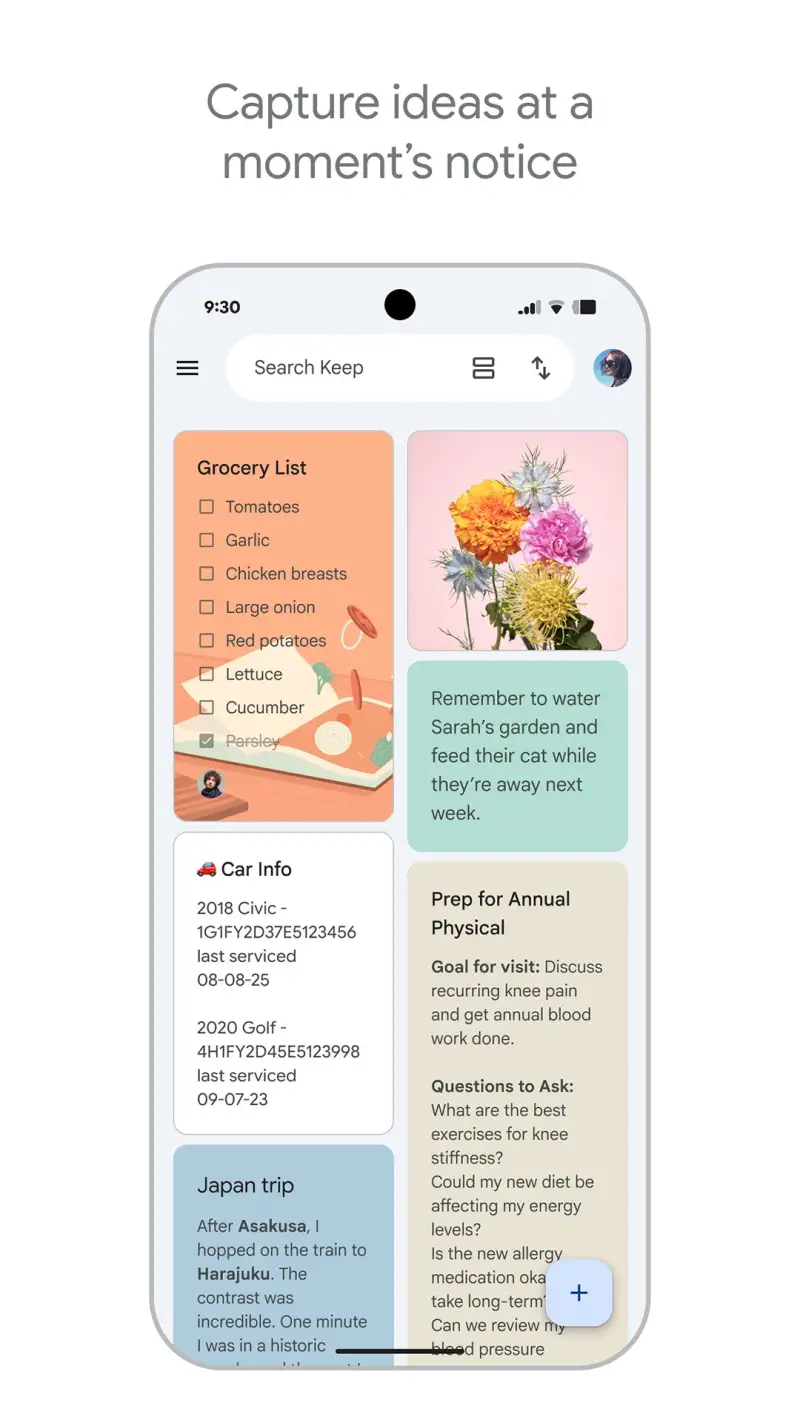
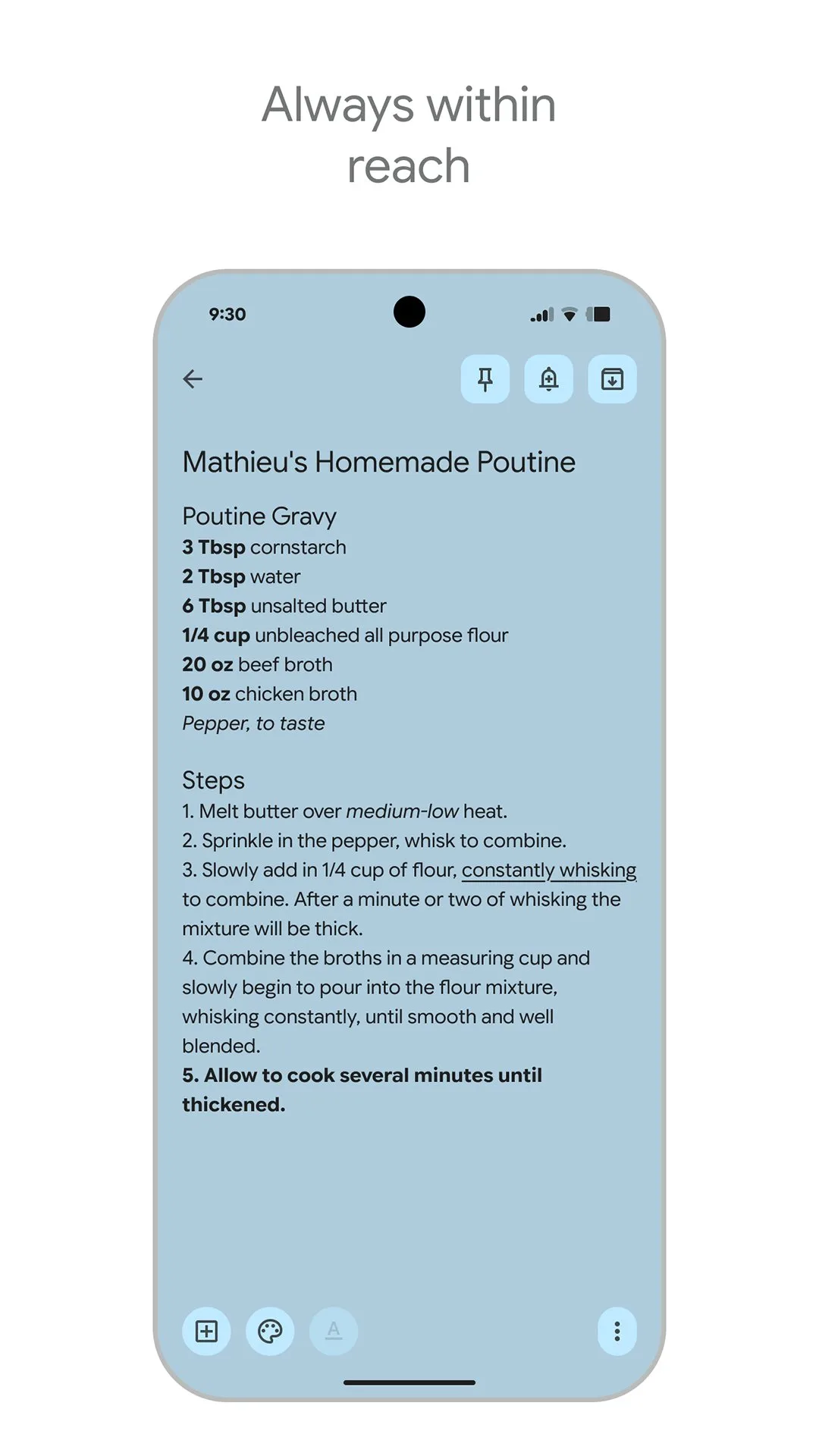
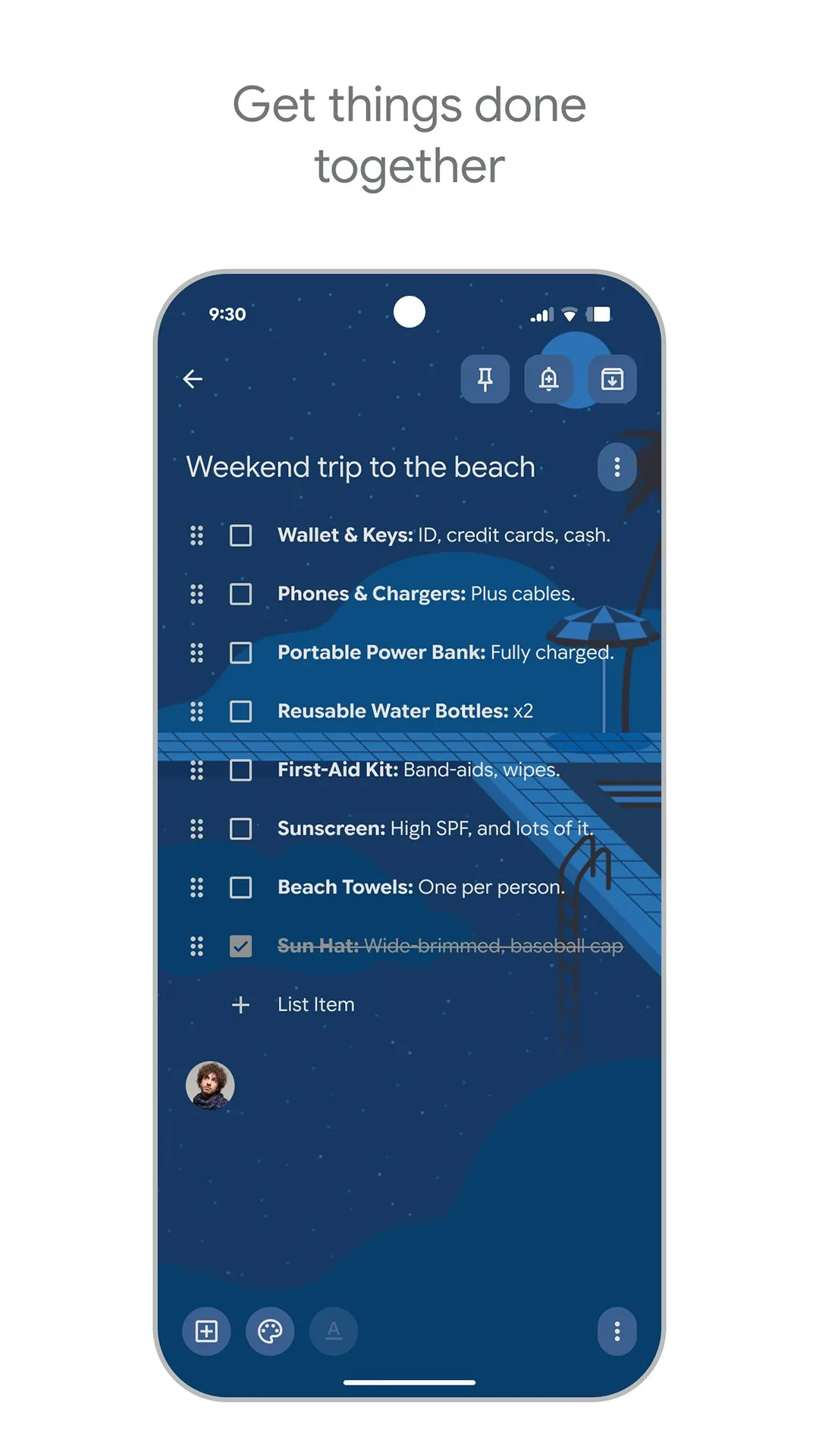
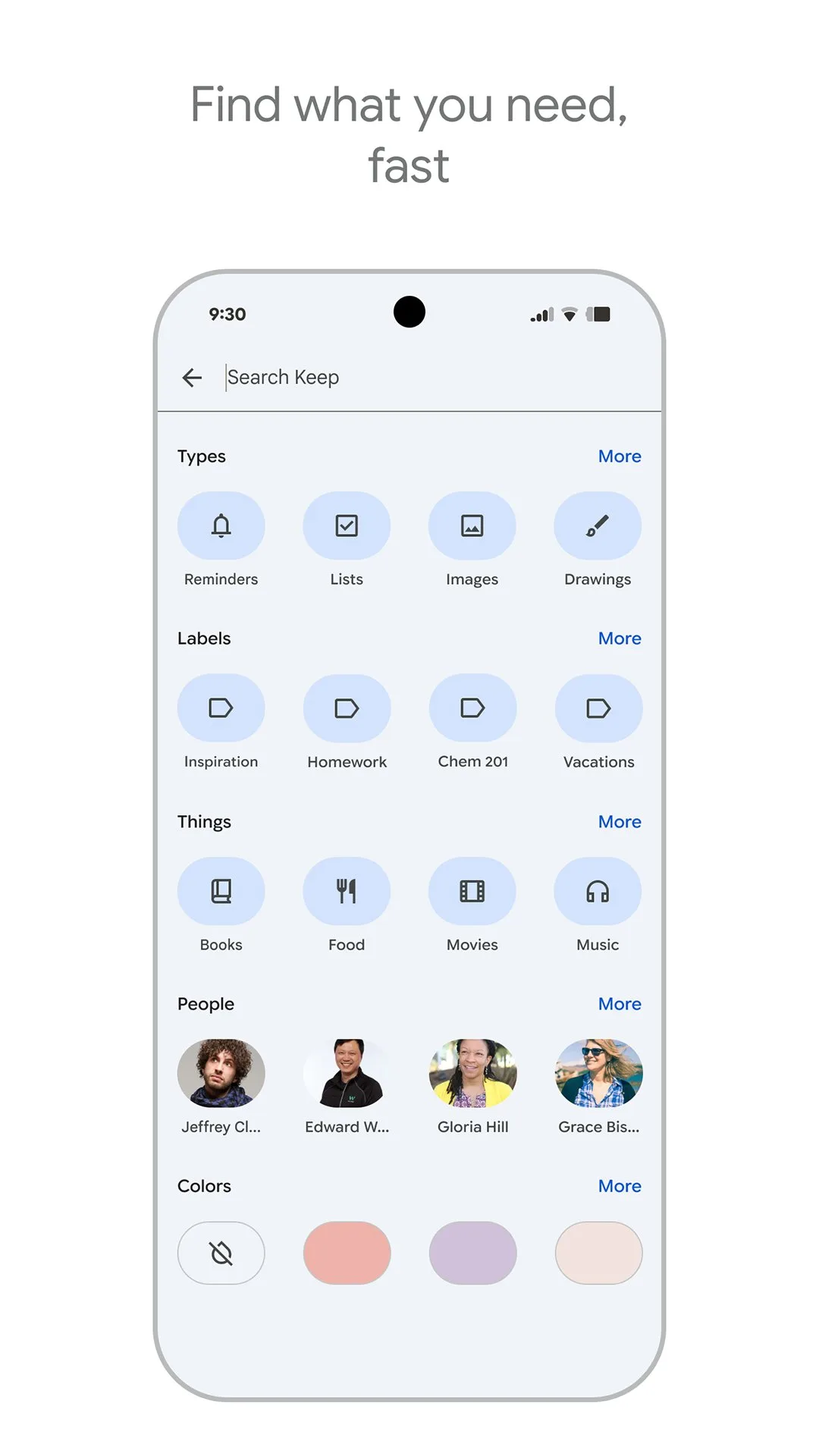
Google Keep is the fastest note-taking app on Android, and that speed is the only metric that matters for its intended use case. Tap the widget — which lives on the home screen — and a blank note opens before the app animation finishes. Type the thought, close the app. The note is saved, synced, and searchable in under 5 seconds. No notebook selection, no title field, no formatting decisions. For capturing ideas, grocery lists, phone numbers, and fleeting thoughts, nothing in this comparison approaches Keep’s capture speed.
The integration with Google’s ecosystem is the second practical advantage. “Hey Google, remind me to call the dentist when I get home” creates a location-triggered Keep reminder linked to the note. Google Docs integration lets you push any Keep note into a document — useful for moving captured fragments into a longer piece of writing. Keep notes appear in Google search results. For Android users already inside Google’s ecosystem, this integration is genuinely frictionless.
The organizational limitation is real and predictable. Keep uses labels (tags) rather than folders. After 3 months of active use, a typical Keep account contains 200+ notes with inconsistent labeling and no reliable way to find something unless you search for it. That is fine for ephemeral capture. It is not fine for reference material, project notes, or anything you expect to find again in six months without knowing the exact keywords.
Keep is best understood as the front end of a two-app system: capture in Keep, process into Obsidian or Notion. Used as the sole note system for complex knowledge work, it fails within months.
What Google Keep does well
- Fastest capture of any note app tested — widget to typed note in under 5 seconds
- Location and time-based reminders linked to notes
- Google Docs integration: push notes into documents with one tap
- Google Assistant integration: voice-to-note without unlocking the phone
- Collaborative notes: share any note for real-time editing
- 1B+ installs at 4.4 stars — most-used note app by volume
- Completely free with no subscription, no limits, and no paywalls
Where Google Keep falls short
- Labels only — no folders, no nested organization structure
- No Markdown support; formatting is basic (bold, italic, lists only)
- No linking between notes — cannot reference one note from another
- Not suitable for long notes or complex knowledge management
- No desktop app — web interface at keep.google.com is the only non-mobile option
- Notes can be truncated at extreme lengths
Pricing: Free with a Google account. Set up the Keep widget on your home screen before using any other feature.
Notion - Best for All-in-One Workspaces
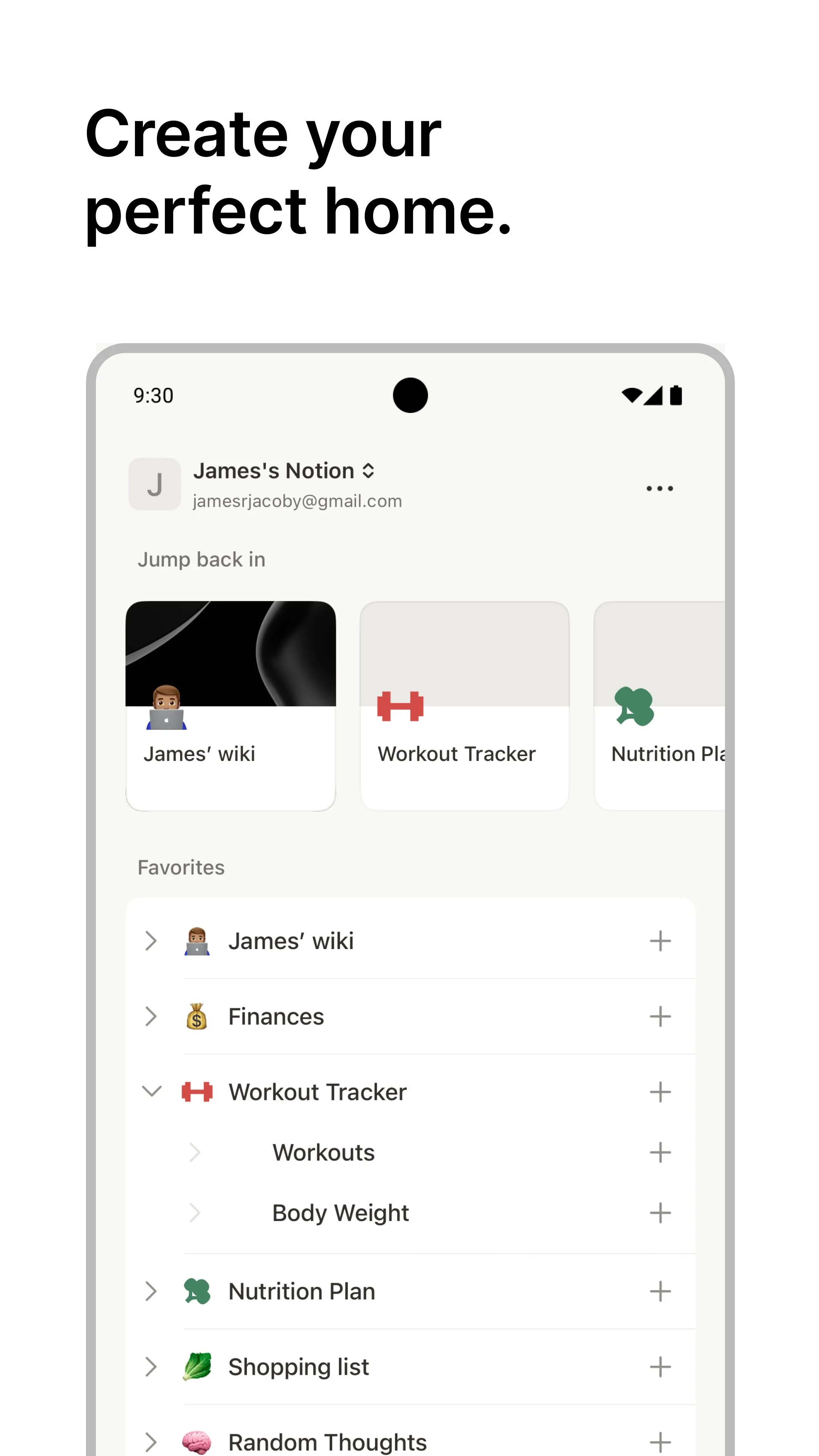
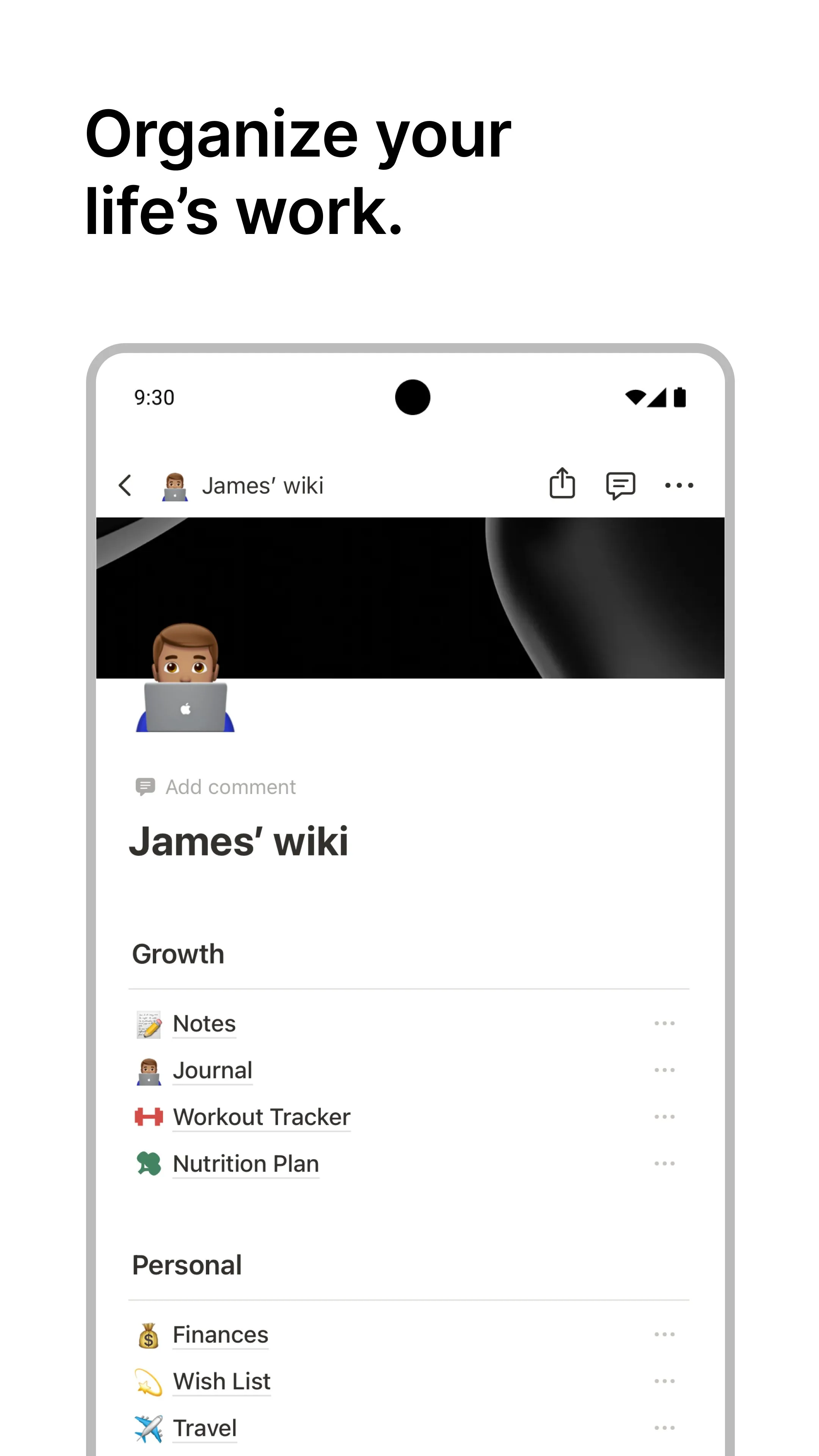
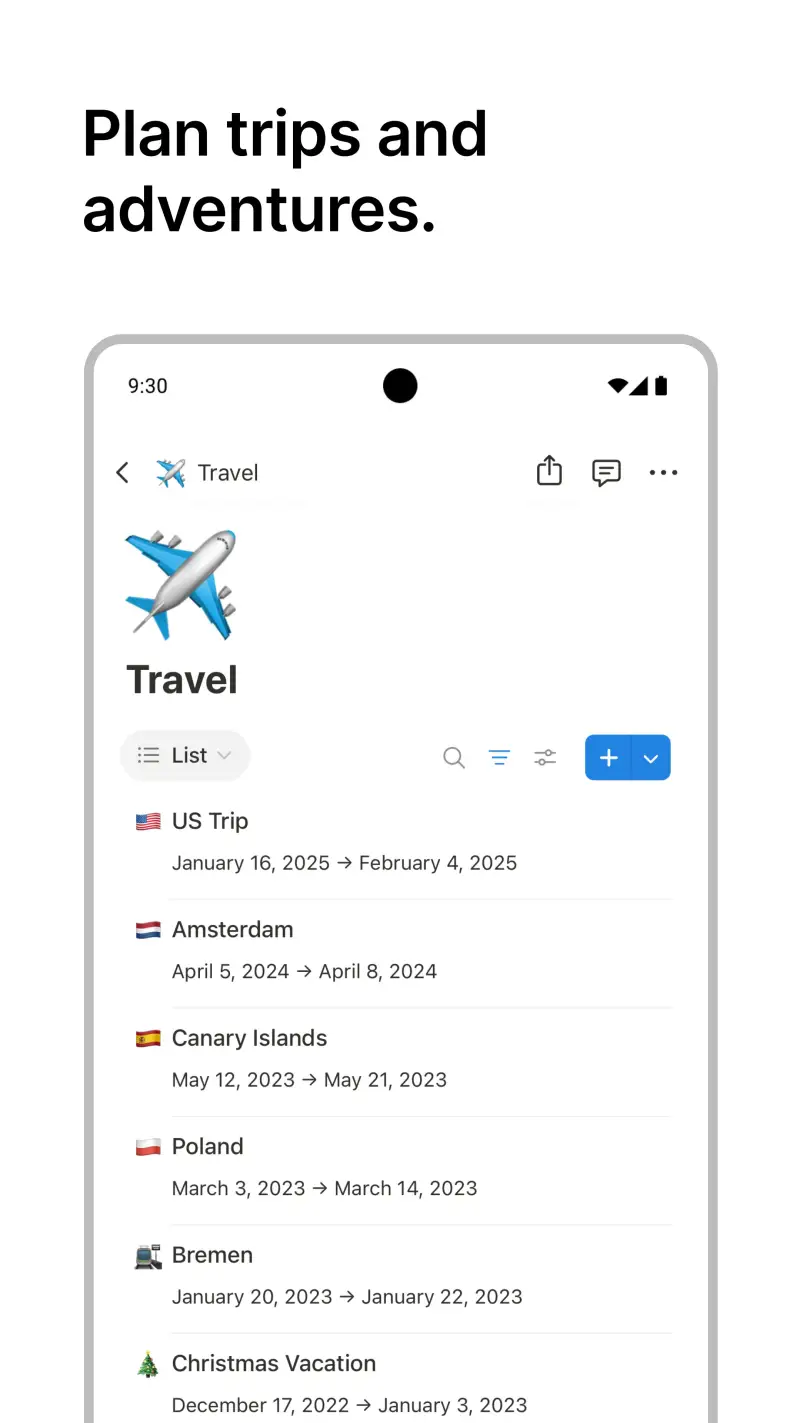
Notion’s core argument is that maintaining separate apps for notes, tasks, project management, and wikis creates cognitive overhead that a single flexible workspace eliminates. After 3 months of a 6-person team knowledge base with linked databases, the argument holds — with qualifications. Notion does replace four apps for teams willing to invest the setup time. It does not do any of the four as well as a dedicated tool built for that single purpose.
The database functionality is what makes Notion genuinely different from other note apps. A page about a project contains not just notes but a linked database of tasks, a gallery of reference images, a table of contacts, and a timeline view of milestones. Switching between views — table, board, calendar, gallery, timeline — takes one click. For knowledge workers who think in relational terms — “show me all notes tagged #research that I wrote in March and haven’t linked to a project yet” — Notion’s database model surfaces this in ways that folder-based apps cannot.
The Android performance gap is the honest limitation. The app carries a 4.1 Google Play rating because large databases load slowly, complex views occasionally render incompletely, and the offline experience is inconsistent. During testing on a Galaxy S24+, simple text notes loaded instantly; a database with 200+ entries and multiple linked properties took 4-8 seconds to render fully. For users whose primary Notion interaction is on Android rather than desktop, this friction is significant.
Notion AI, included in paid plans, earned genuine daily use during testing for one specific task: summarizing long pages. Meeting notes, research dumps, and brainstormed outlines compressed to 5-bullet summaries in under 10 seconds. The writing assistance features are less differentiated.
What Notion does well
- Database model: notes, tables, kanban boards, galleries, and timelines in one flexible system
- Real-time collaboration: share any page, comments per block, multiplayer editing
- 10,000+ community templates — import any workflow structure in minutes
- Notion AI: summarize, translate, and generate content inline (paid plans)
- Free tier is unlimited for personal use — no page cap, no storage cap for files under 5MB
- Cross-platform with consistent feature parity across web, desktop, iOS, and Android
Where Notion falls short
- Android performance degrades on complex databases — load times of 4-8 seconds on large views
- Steep learning curve — the flexibility that serves power users intimidates new ones
- Offline mode caches content but write sync requires connectivity
- Platform lock-in: exporting years of structured Notion data to another tool is painful
- Not a fast-capture tool — the structured model adds friction to quick note entry
Pricing: Free (unlimited personal pages); Plus $10/month (unlimited uploads, 30-day history); Business $15/user/month. Start with Notion’s free tier and build one simple system before evaluating whether the complexity pays off.
Obsidian - Best for Knowledge Management and Linked Notes
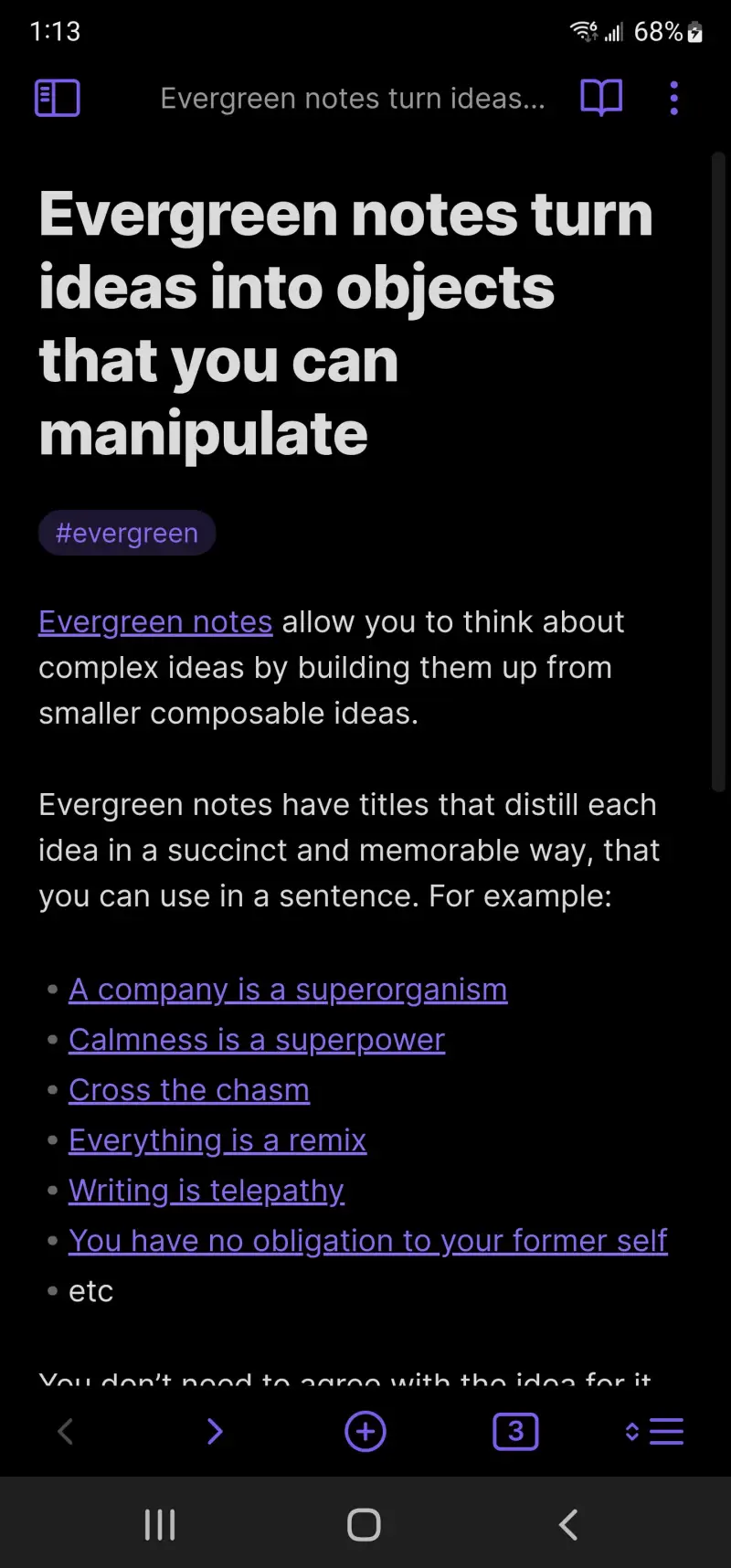
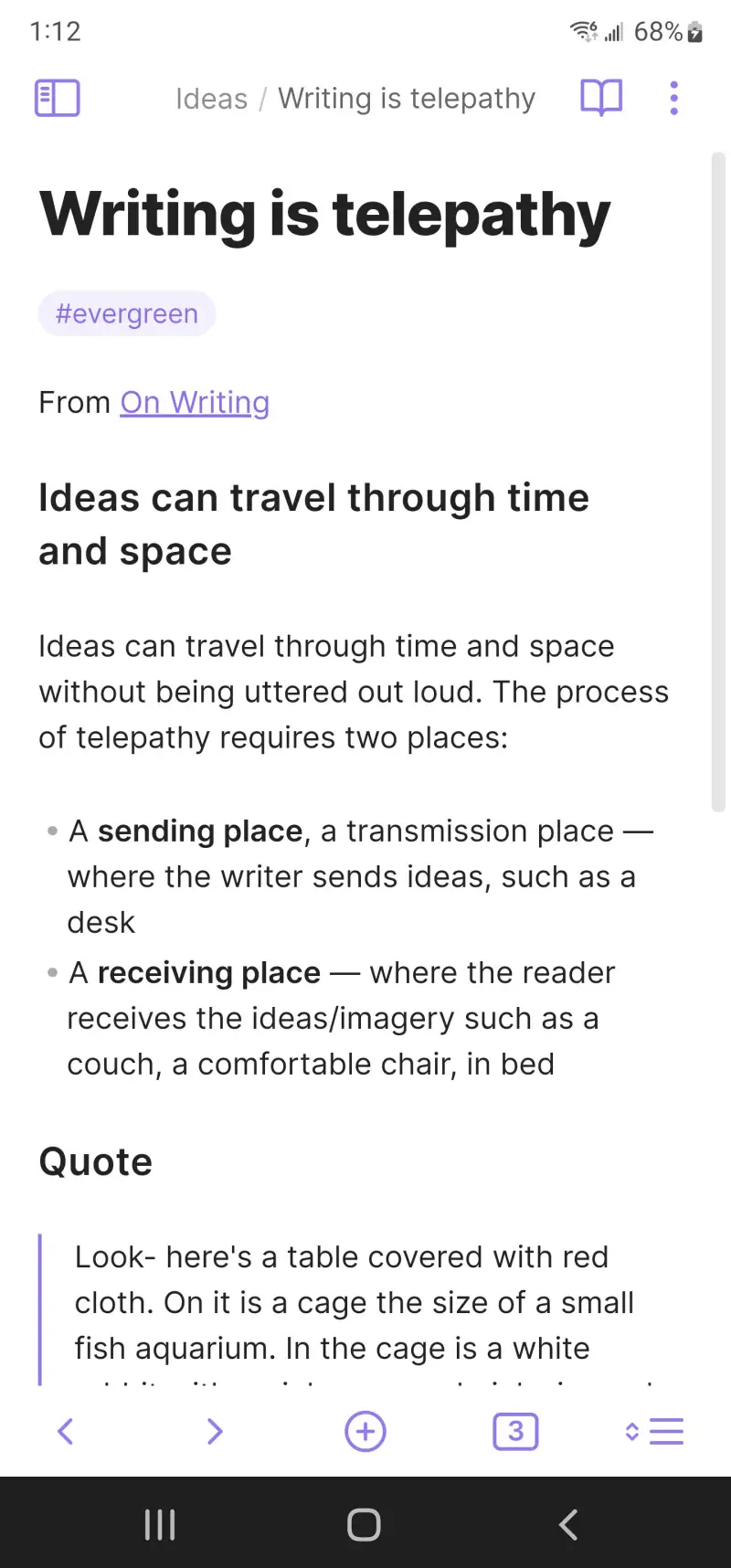
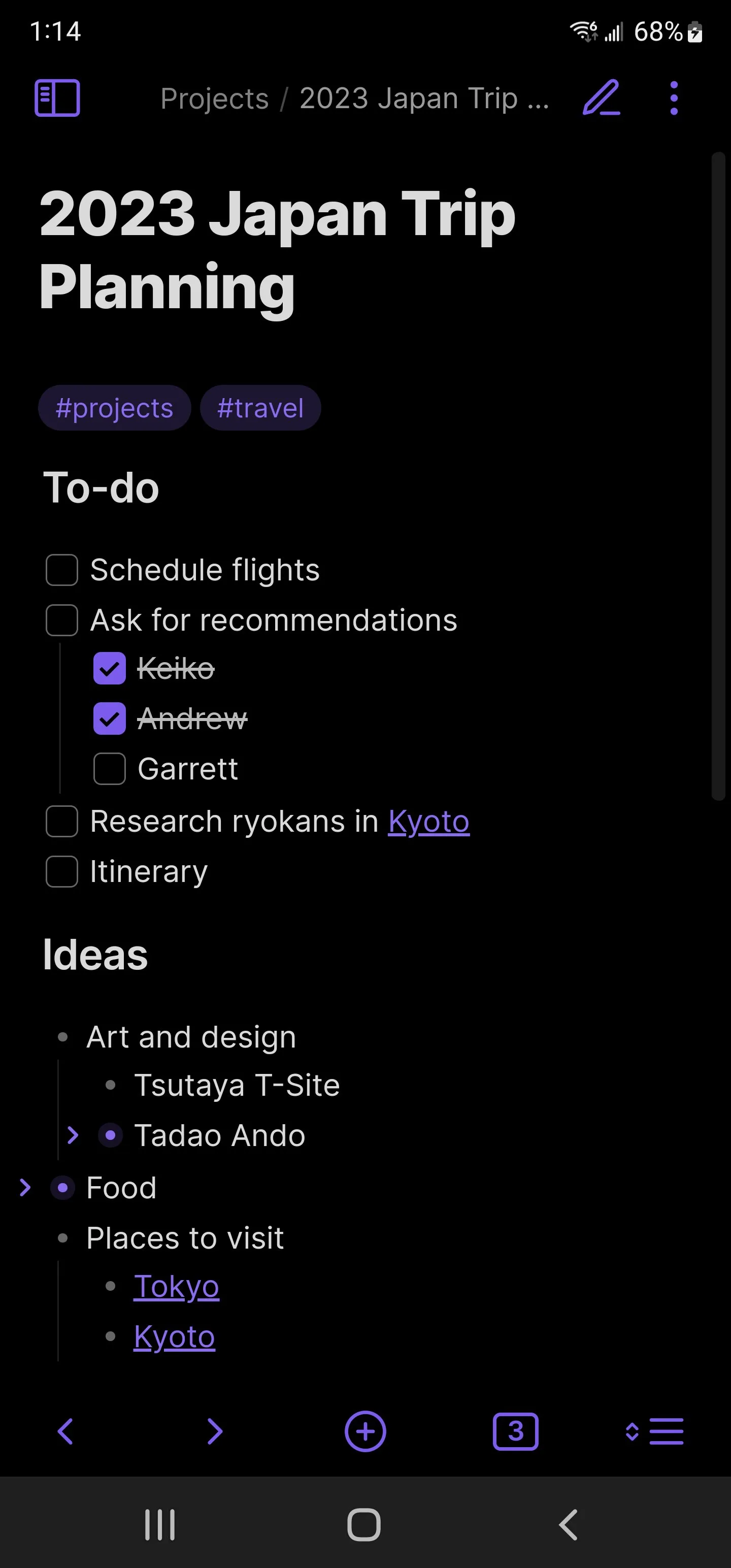
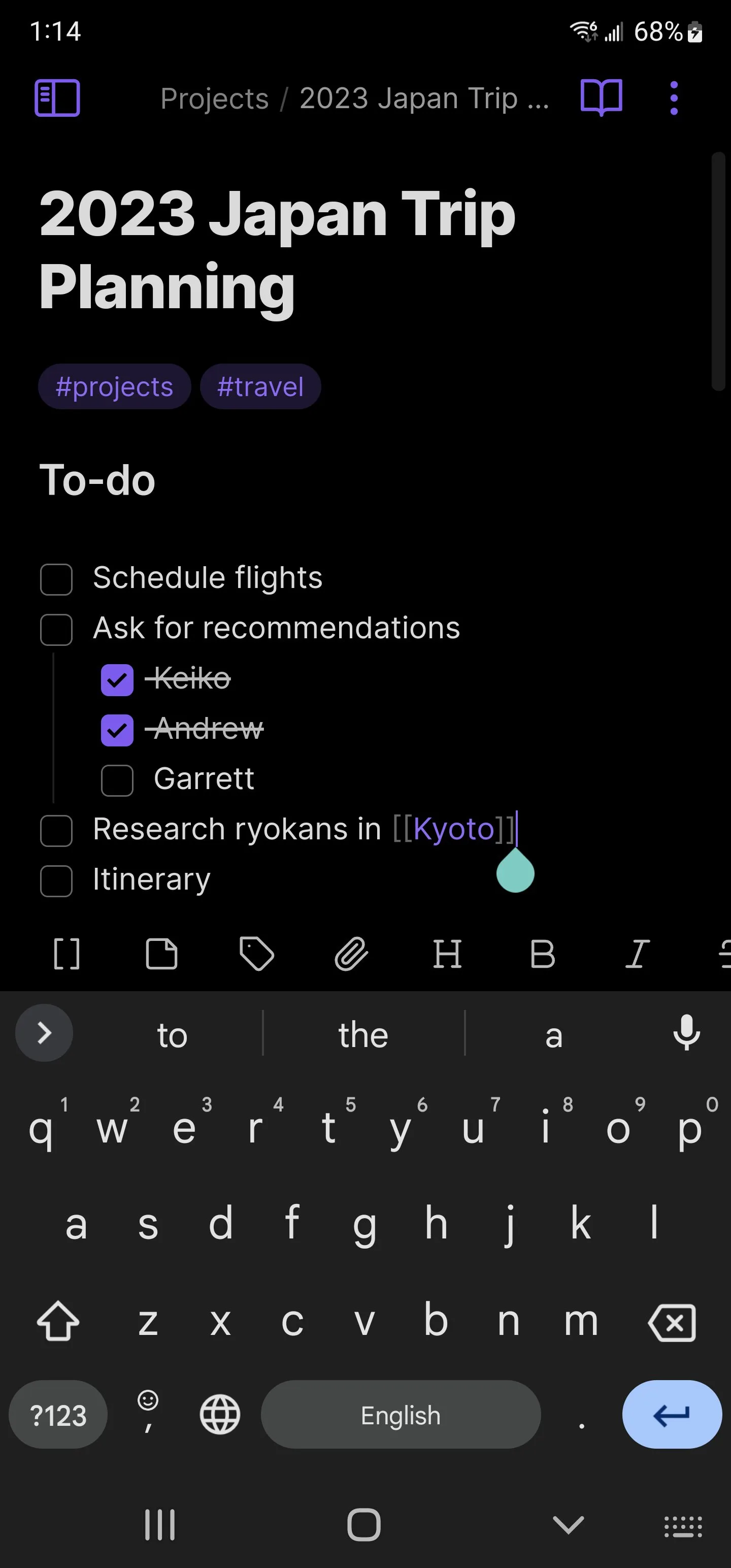
Obsidian is built on a premise that the note-taking industry finds inconvenient: your notes are more valuable than any particular app, and the app you use should reflect that. Every Obsidian note is a plain Markdown file in a local folder. No account required. No cloud dependency. No export process when you want to leave. The vault is a directory on your device — open it in any text editor, sync it with any tool, back it up like any folder.
The bidirectional linking is the feature that changes how you think about notes. Write [[research notes]] anywhere in a note and a link appears. Navigate to “research notes” and the backlink panel shows every note that references it — connections you made without explicitly planning them. After 80 linked notes in a writing project, the graph view revealed thematic clusters that emerged from the writing rather than being imposed on it. A character mentioned in an interview note from month one appeared linked to a scene from month three, visible in the graph before I consciously connected them.
The 1,600+ community plugins extend Obsidian into territory that looks more like a personal operating system than a note app. The Daily Notes plugin creates a new linked page for each day. The Dataview plugin lets you query your vault like a database — “list all notes tagged #research modified this week.” The Kanban plugin builds task boards inside your vault. The Templates plugin fills new notes with predefined structures. For users willing to configure these, Obsidian becomes whatever they need it to be.
The Android sync experience requires honest framing. Obsidian Sync at $4/month works seamlessly — end-to-end encrypted, instant across devices. Using a third-party sync (Dropbox, Google Drive, Syncthing) is free but requires setup, and editing the same note on two devices without syncing between edits creates merge conflicts that must be resolved manually. For Android users who primarily read and review on mobile rather than write, this is minor. For mobile-first writers, Obsidian Sync is effectively required.
What Obsidian does well
- Local-first: plain Markdown files that you own, portable to any system
- Bidirectional links reveal connections across notes built over months and years
- Graph view visualizes your entire knowledge base as an interactive network
- 1,600+ community plugins for custom workflows: daily notes, kanban, queries, templates
- Free for local use with unlimited notes — no account, no subscription required
- Full offline functionality — the vault is local; connectivity only needed for sync
Where Obsidian falls short
- Sync requires Obsidian Sync ($4/month) or manual third-party setup with conflict risk
- No real-time collaboration — not designed for shared workspaces
- Steeper learning curve than any other app in this comparison — Markdown literacy helps
- Android app is secondary to the desktop experience; complex plugin configurations work better on PC
- Not a quick-capture tool — designed for deliberate note-making, not fleeting thoughts
Pricing: Free (local vault, all core features); Sync $4/month; Publish $8/month. Create a vault and try the daily notes plugin for 30 days before investing in plugins or Sync.
Microsoft OneNote - Best for Microsoft 365 Users
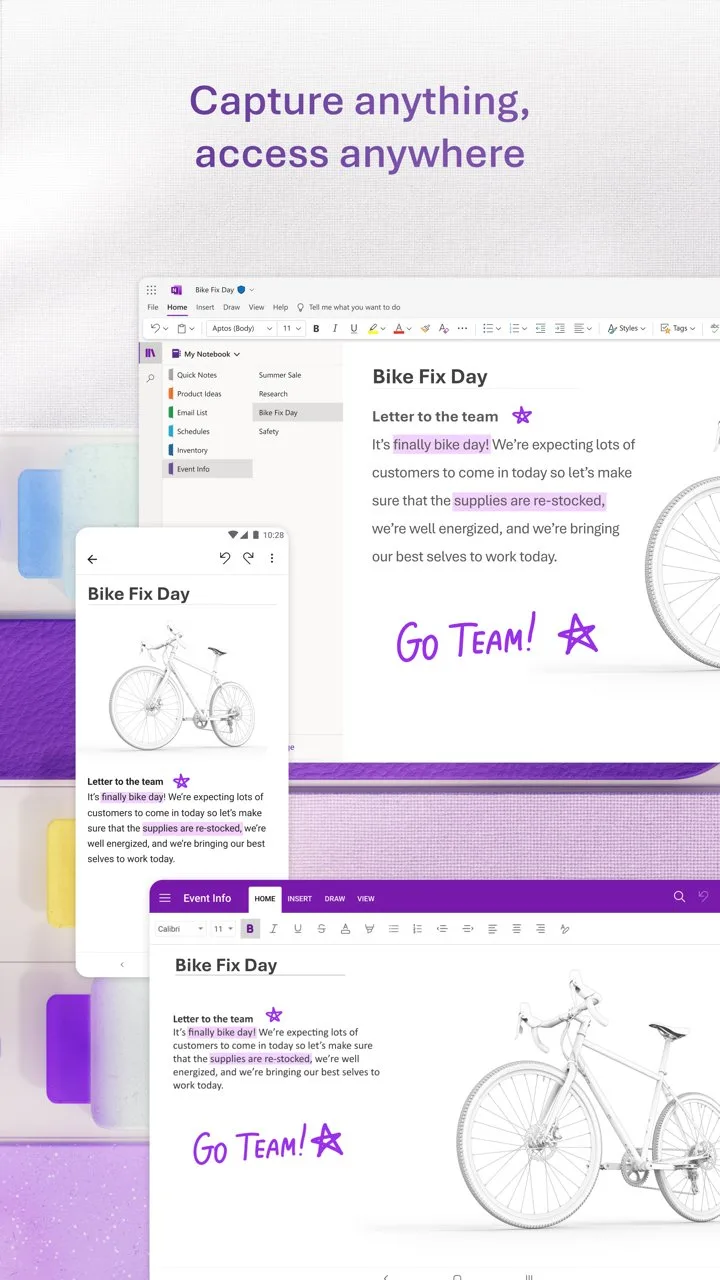
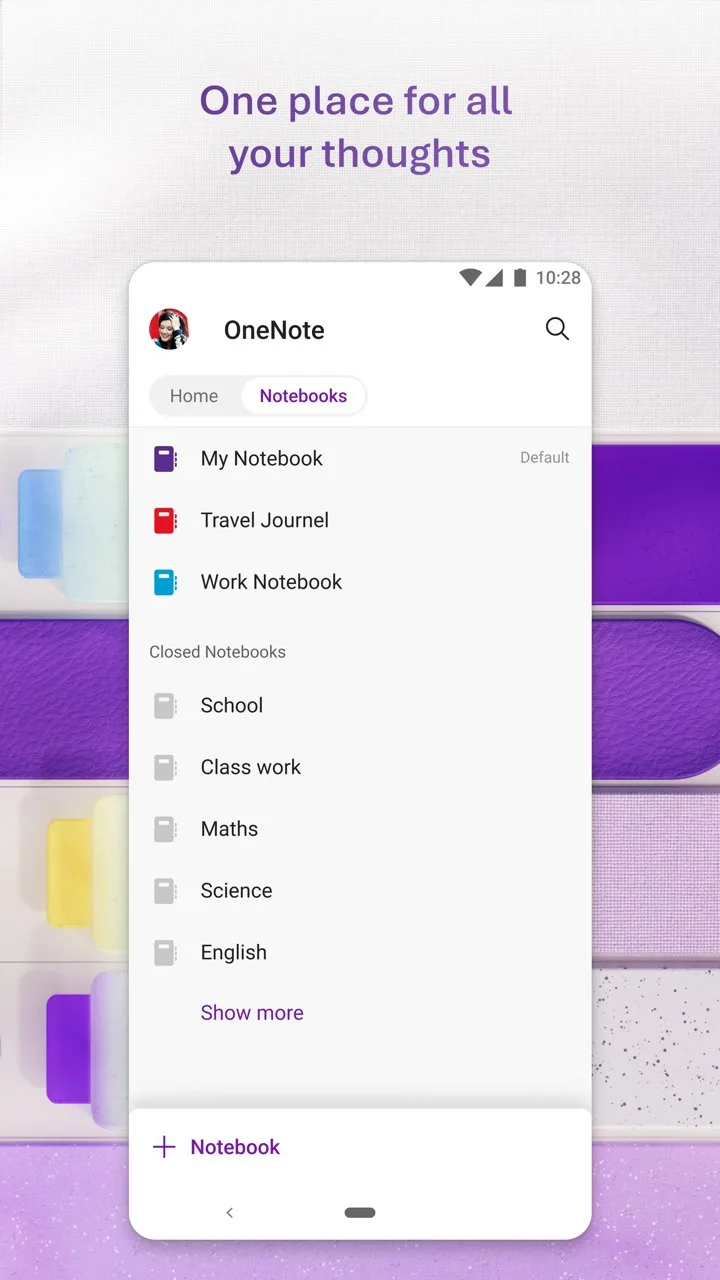
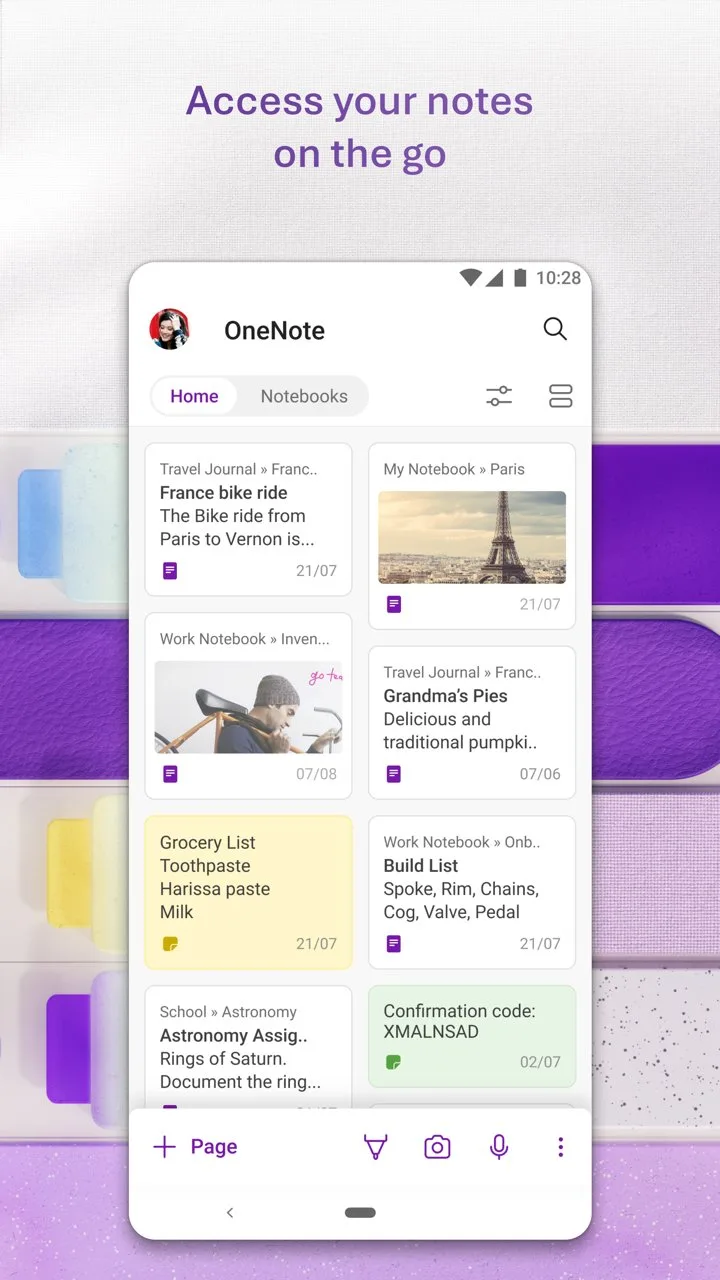
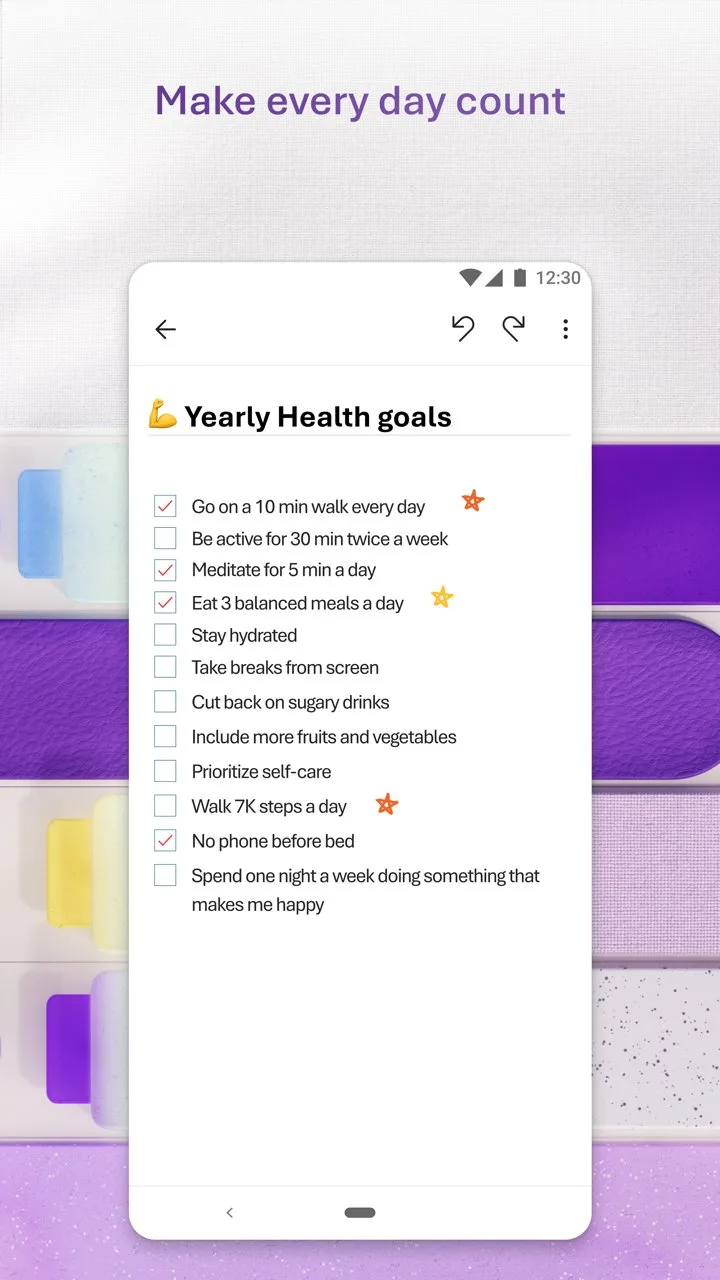
OneNote is the most-installed note app on Android — 500 million times — primarily because it comes with Microsoft 365 subscriptions that cover hundreds of millions of workplaces and schools. For users inside that ecosystem, OneNote is genuinely useful and genuinely free. For users outside it, the value proposition is weaker than Notion, Obsidian, or Joplin.
The infinite canvas model is the design decision that most distinguishes OneNote from every other app in this comparison. Every other note app imposes a top-to-bottom linear structure. OneNote lets you place text, images, drawings, equations, and audio recordings anywhere on a virtual canvas. A page of lecture notes can have the main text on the left, a diagram in the upper right, a voice memo at the bottom, and a photo of the whiteboard embedded in the corner — all spatially arranged rather than stacked vertically. For students taking structured notes across different media simultaneously, this spatial freedom is genuinely practical.
The Office 365 integration earned consistent use during a 3-month consulting engagement. Meeting notes linked to Teams meeting recordings. Action items from notes appeared in Outlook tasks. Excel tables embedded live in notebook pages updated automatically when the source file changed. For corporate users whose workflow is already Microsoft-standardized, this integration eliminates the friction of cross-app reference.
The Android reliability gap — 4.3 stars versus Notion and Obsidian’s higher ratings — reflects sync issues that recur across Android versions. During testing, the same note appeared with different content on desktop and Android twice in 3 months, requiring manual reconciliation. For notes that contain critical project information, this uncertainty is uncomfortable.
What Microsoft OneNote does well
- Free with a Microsoft account — no meaningful features locked behind paywall
- Infinite canvas: place content anywhere spatially rather than top-to-bottom
- Deep Microsoft 365 integration: Teams, Outlook, Excel, SharePoint
- Handwriting and drawing on Android tablets with stylus support
- Audio recording with searchable OCR transcription
- Shared notebooks for team collaboration without additional subscription
Where Microsoft OneNote falls short
- 4.3 stars reflects documented Android sync reliability issues
- Proprietary format — no Markdown, no easy migration path to other apps
- UI feels heavy and corporate for personal note-taking
- Slow cold start on older Android devices
- Poor note-linking — not suited for personal knowledge management
- Dependent on Microsoft account and cloud storage — no local-only option
Pricing: Free with Microsoft account; Microsoft 365 Personal $6.99/month for larger cloud storage. Use OneNote if you are already paying for Microsoft 365 — otherwise, the alternatives outperform it.
Joplin - Best Open-Source Alternative
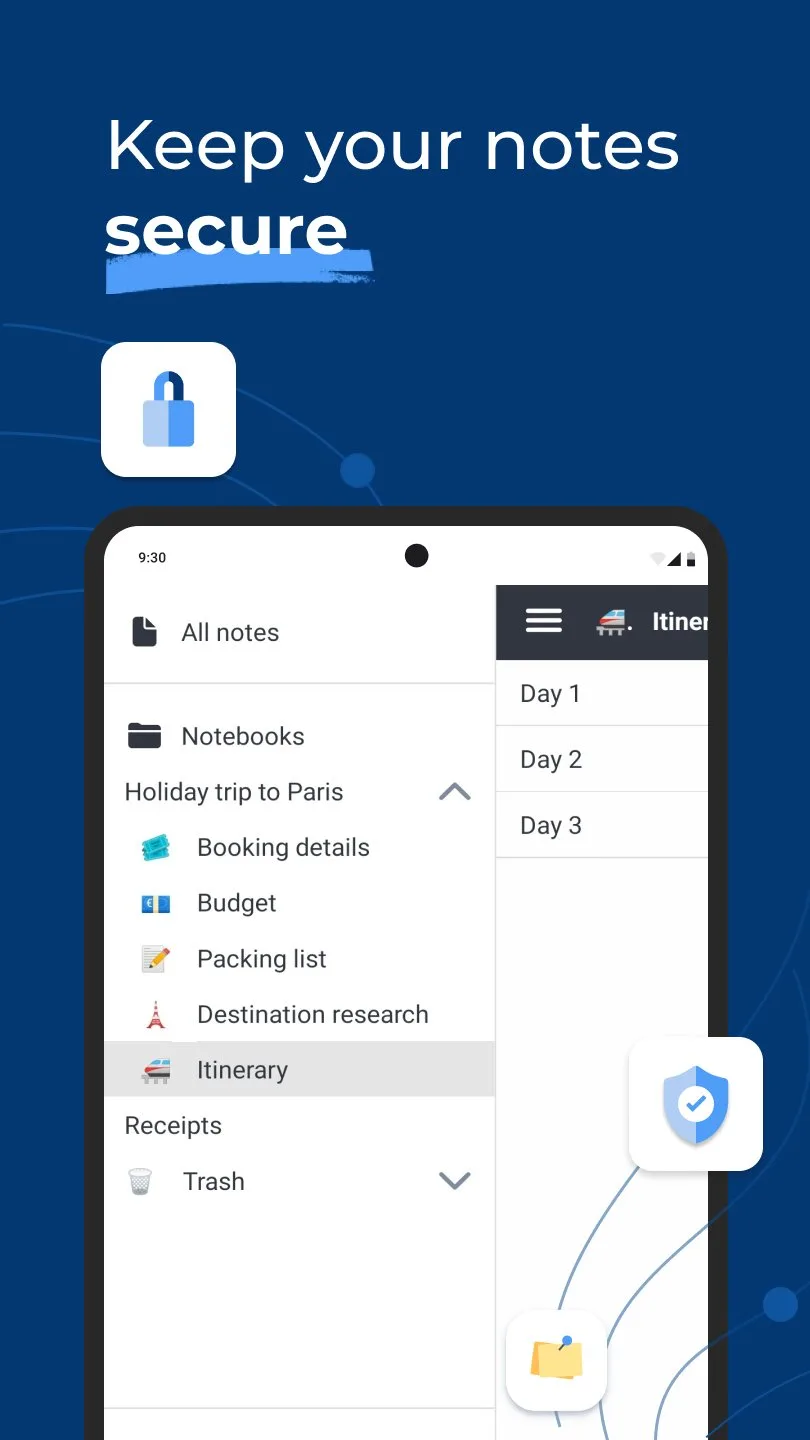
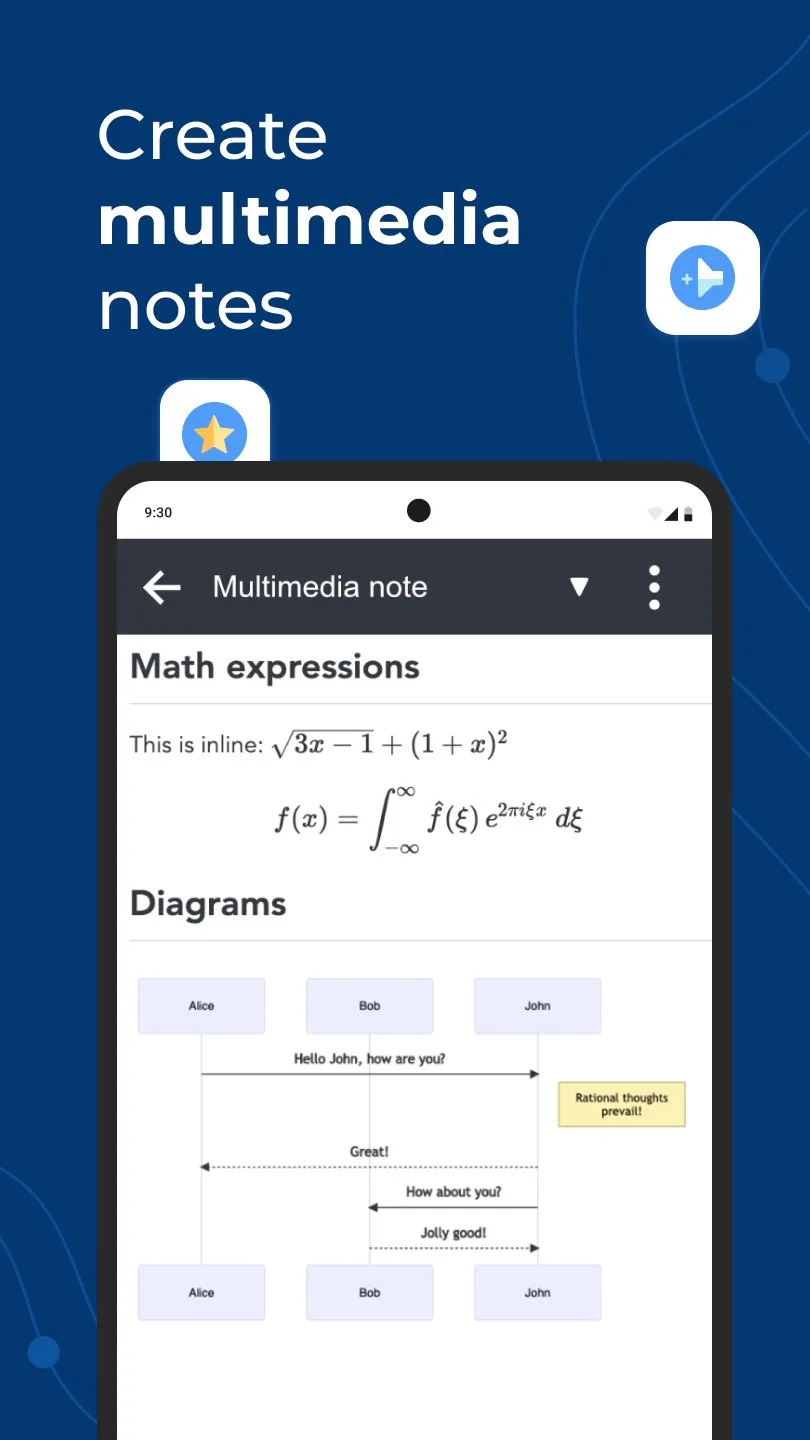
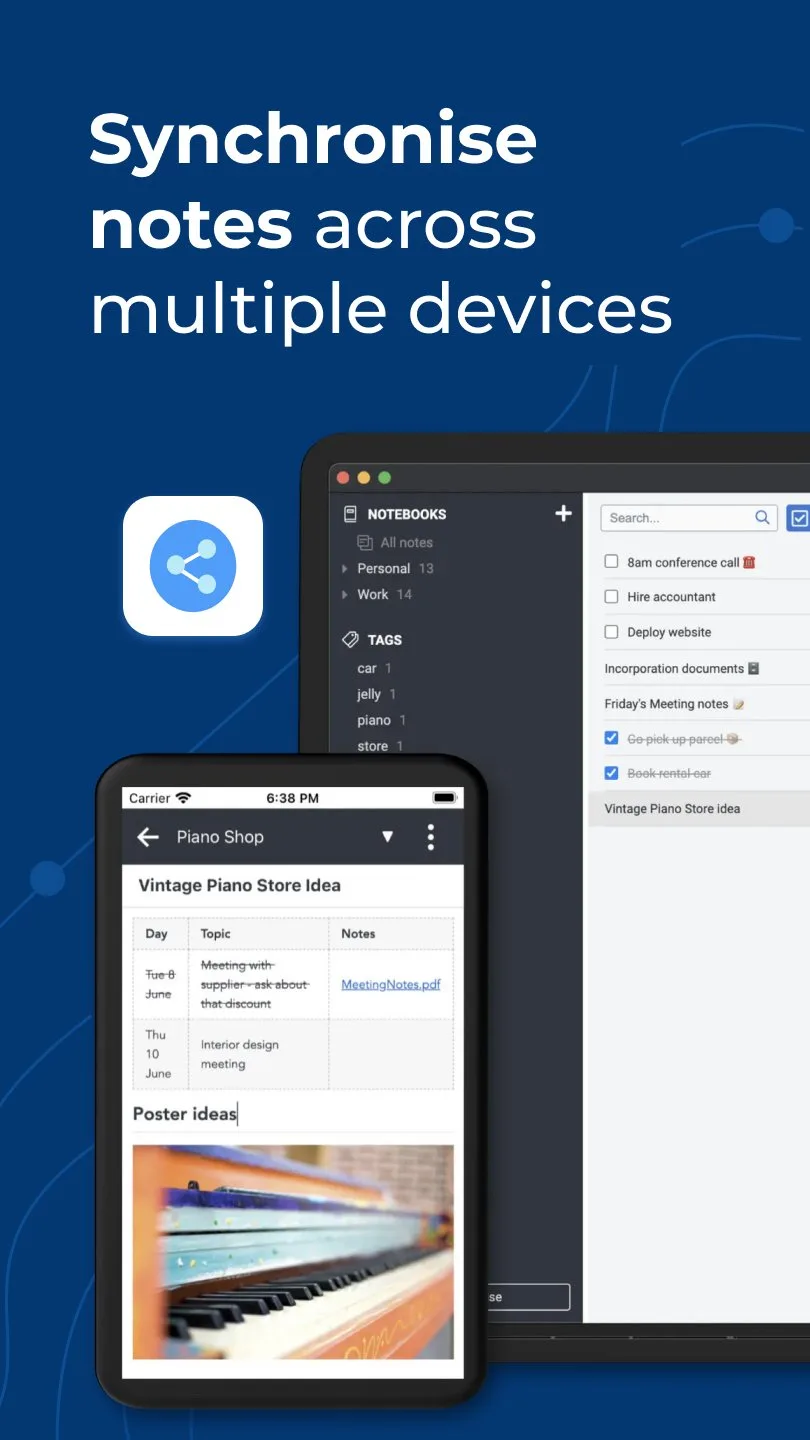
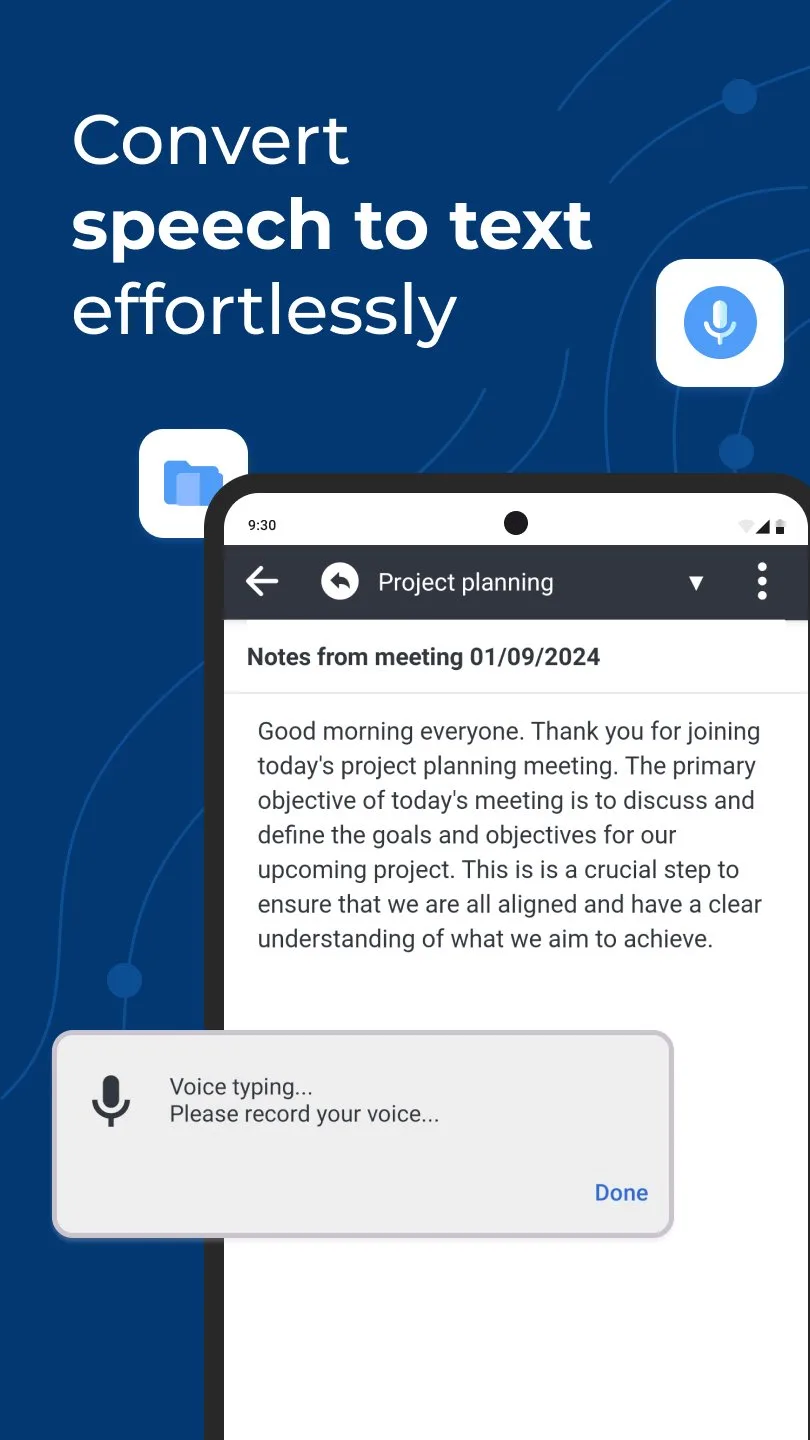
Joplin exists because the note-taking category has a recurring problem: apps that earn user trust over years monetize by restricting the free tier until the data you stored is held hostage behind a paywall. Joplin’s answer is open-source code, local Markdown storage, and sync with any cloud you choose — Dropbox, OneDrive, Nextcloud, WebDAV, or Joplin Cloud. No commercial incentive to restrict features exists because the base product has no revenue model.
The Evernote migration path is Joplin’s most practically useful feature for 2026. After Bending Spoons gutted Evernote’s free tier, millions of users needed a way out with their notes intact. Joplin imports ENEX files — Evernote’s export format — preserving notebooks, tags, attachments, and note content. A 600-note Evernote archive migrated in 12 minutes during testing, with 98% of notes transferring cleanly and 2% requiring minor formatting correction for HTML-heavy content.
The end-to-end encryption is available at the sync level — Joplin encrypts notes before sending them to Dropbox or Joplin Cloud, meaning the sync provider cannot read your notes. For journalists, lawyers, and privacy-conscious users, this architecture is meaningfully different from apps that rely on provider-side encryption.
The trade-off is polish. Joplin’s Android app is functional and stable, but the UI reflects its open-source origins — utilitarian rather than refined. Adding an attachment requires navigating more steps than Notion or Keep. The note list is dense. For users choosing between Joplin and Obsidian on privacy grounds, Obsidian offers a more polished Android experience with similar data ownership benefits.
What Joplin does well
- Open-source with no commercial monetization pressure on features
- End-to-end encryption on all sync targets
- Evernote import: migrate a full archive including notebooks, tags, and attachments
- Multiple sync targets: Dropbox, OneDrive, Nextcloud, WebDAV, or Joplin Cloud
- Markdown with preview, notebooks, tags, and note linking
- Web clipper browser extension
- Completely free with self-hosted sync (Dropbox/OneDrive accounts are free)
Where Joplin falls short
- Android UI is utilitarian — less polished than commercial alternatives
- Smaller install base (1M+) means less community troubleshooting for Android issues
- Plugin ecosystem (desktop) does not fully translate to Android app
- Sync setup requires technical comfort with configuring cloud services
- No real-time collaboration
Pricing: Free (open source, self-hosted sync); Joplin Cloud $2.99–$7.99/month. Install Joplin if you are migrating from Evernote or need end-to-end encrypted sync without paying for commercial plans.
Evernote - Once the Best, Now a Cautionary Tale
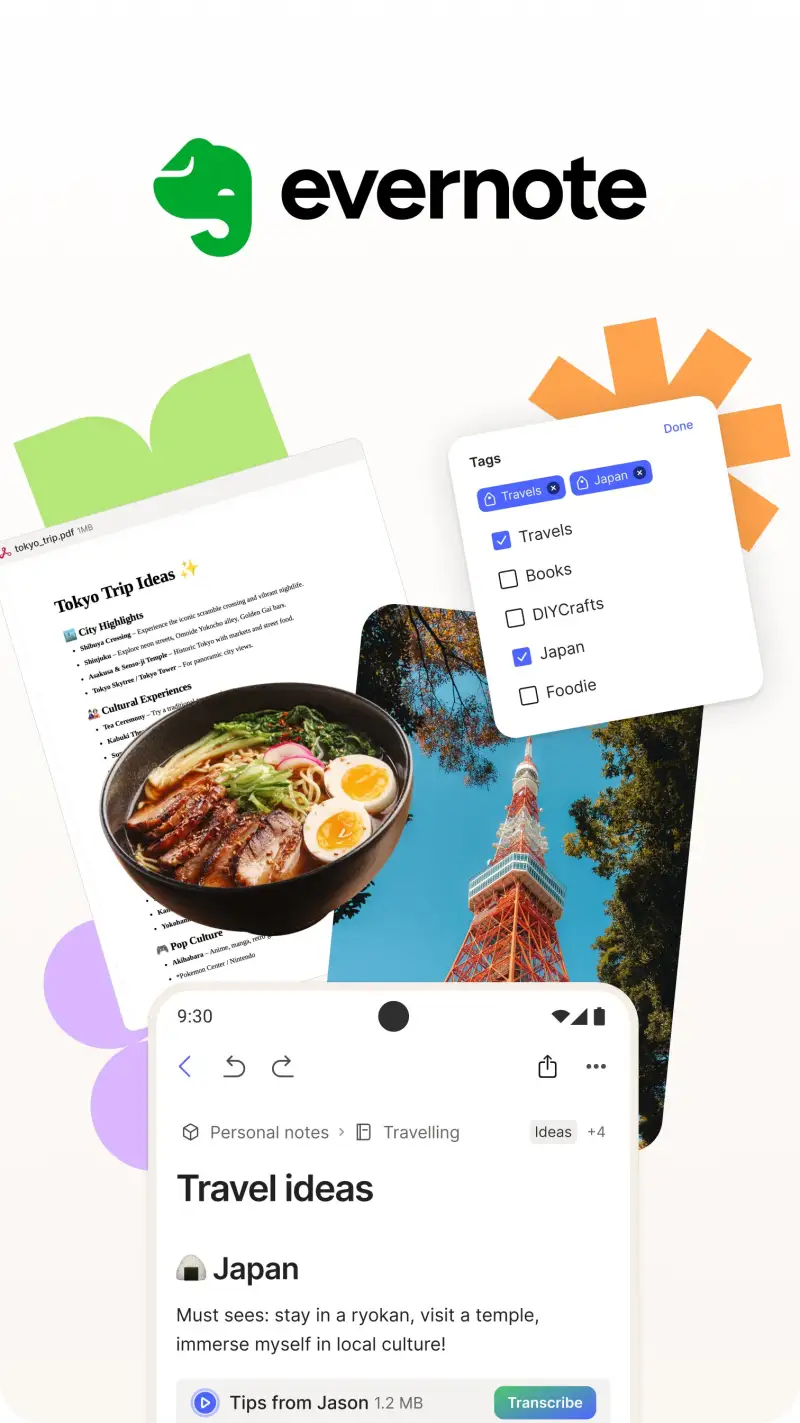
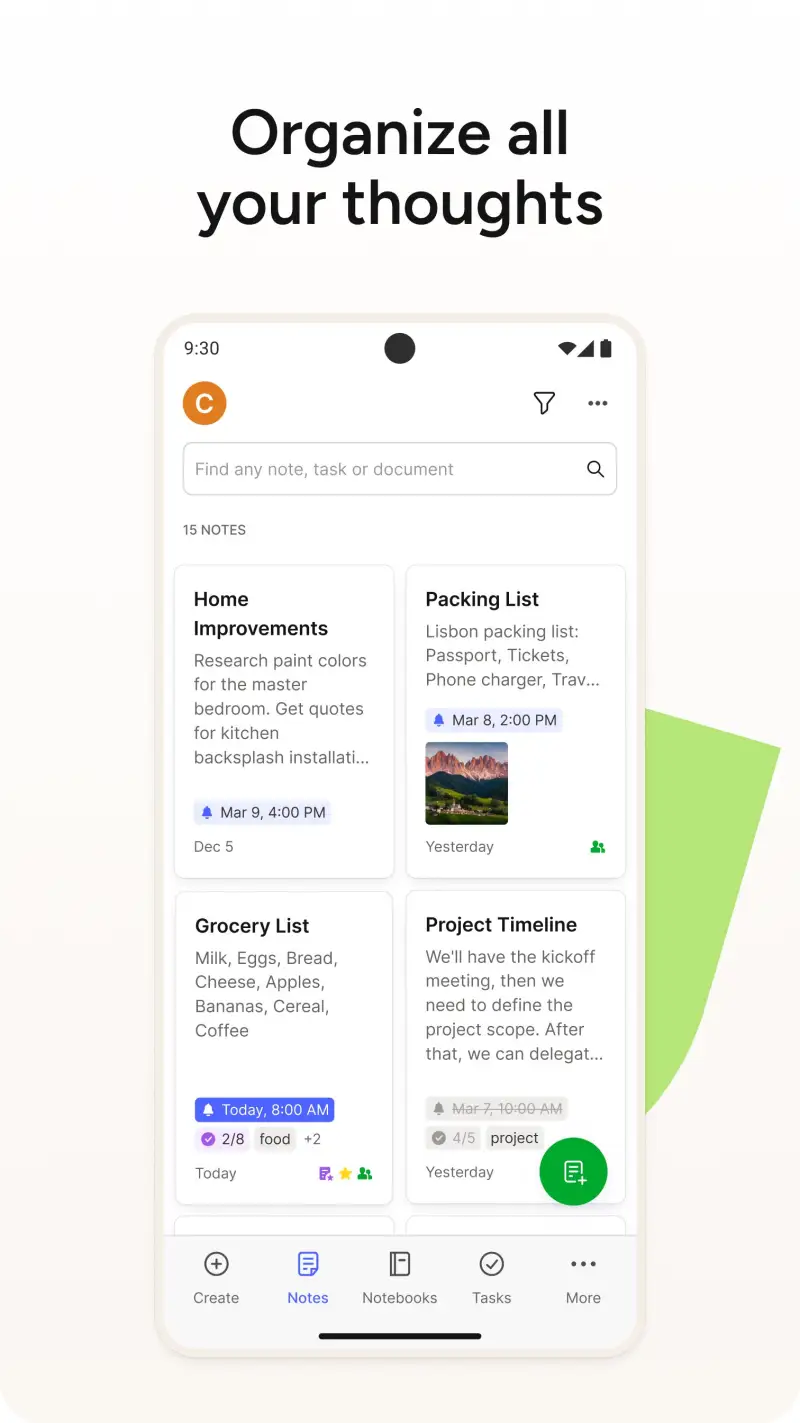
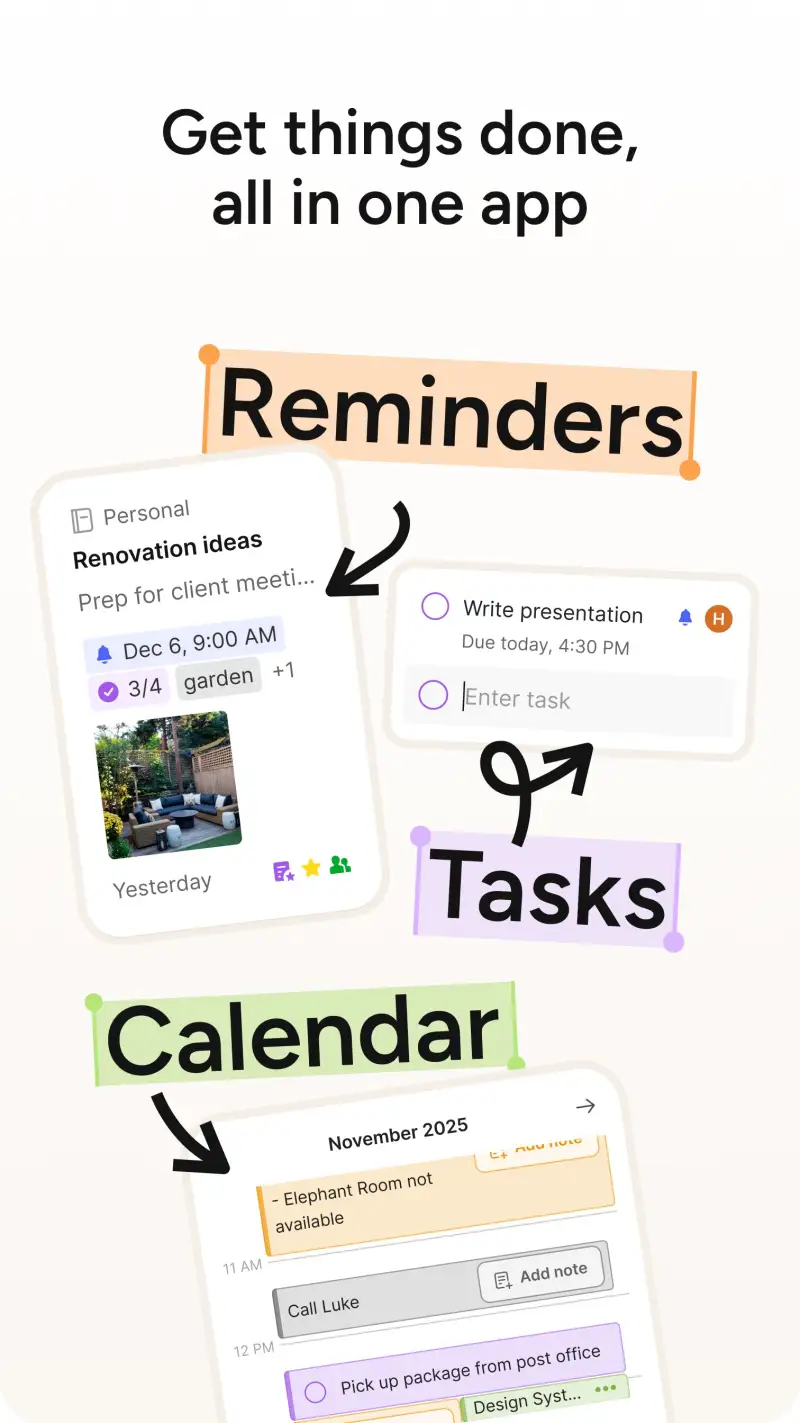
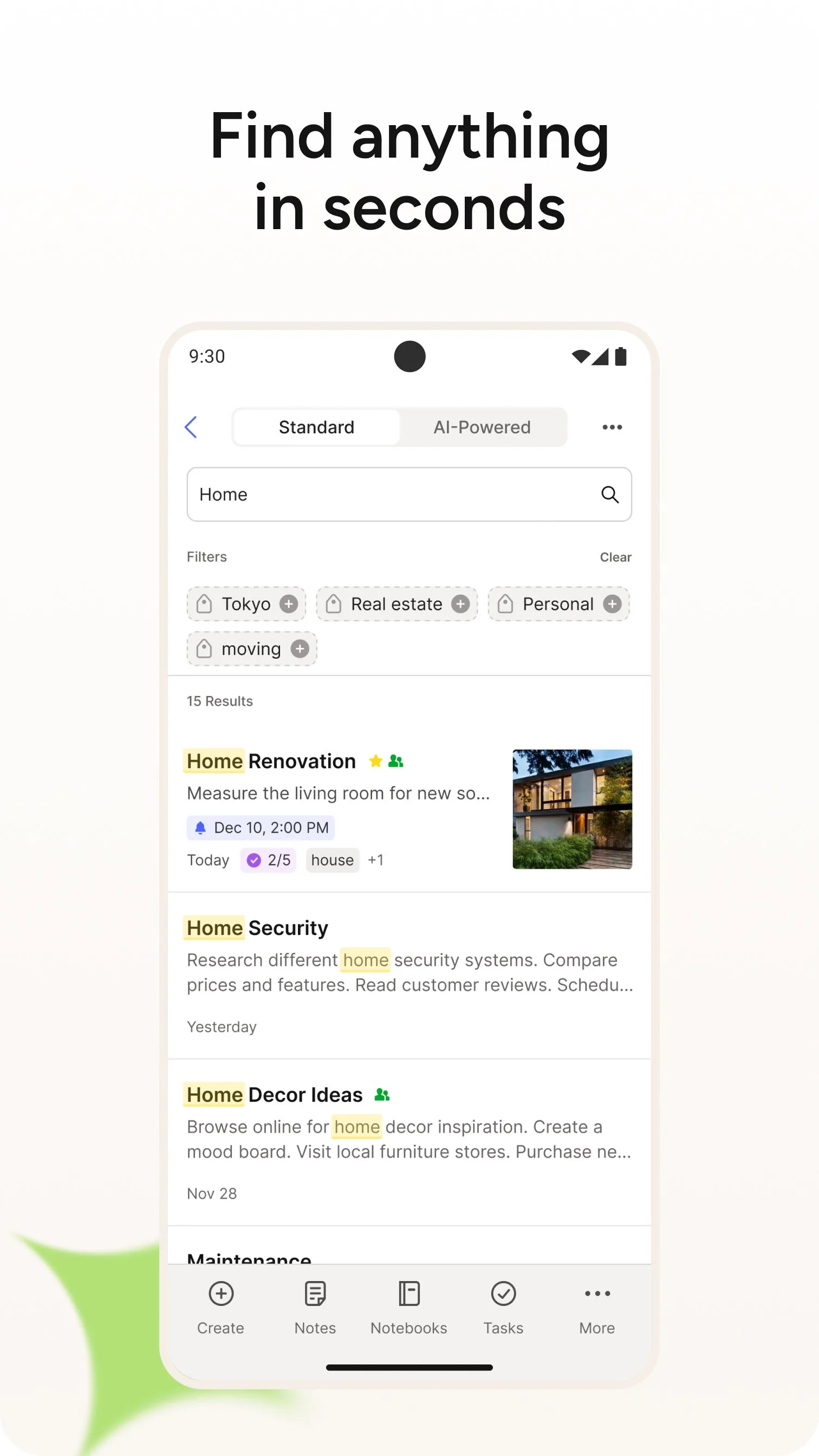
Evernote deserves a direct assessment: it is not a competitive recommendation for new users in 2026. The 2023 acquisition by Bending Spoons produced one of the most aggressive free-tier restrictions in the category — 50 notes, 1 device, 1 notebook. The Personal plan at $14.99/month costs more than Notion Plus and Obsidian Sync combined, for a product that has not led the category technically in 5 years.
The 4.0-star Google Play rating tells the story in user terms. Hundreds of 1-star reviews are explicitly about monetization — not bugs, not missing features, but the experience of returning to an app you trusted for years and finding your notes behind a paywall you did not choose. The trust damage from this pattern is significant and warranted.
The features Evernote pioneered — web clipping, OCR in images, cross-platform note sync — are now available in competitors at lower or zero cost. Joplin clips the web. Google Keep captures images with searchable OCR. Notion syncs everything cross-platform. The specific scenario where Evernote remains genuinely superior is the browser web clipper, which captures full pages with formatting intact better than any competitor’s extension.
If you have a large existing Evernote archive and are on grandfathered pricing, staying is defensible. If you are evaluating note apps fresh in 2026, Evernote is not a logical choice.
What Evernote does well
- Best web clipper of any note app — captures full pages with formatting intact
- OCR in images: search text within photographs (handwriting in Professional plan)
- Task integration: create tasks with due dates directly inside notes
- 15 years of feature refinement — mature, stable product
Where Evernote falls short
- Free tier: 50 notes, 1 device, 1 notebook — effectively non-functional
- $14.99/month is the most expensive option in this comparison
- 4.0 stars — lowest in this comparison; trust damaged by monetization changes
- Slower Android performance than competitors
- Bending Spoons acquisition has introduced uncertainty about future pricing
- No local storage option — entirely cloud-dependent
Pricing: Free (50 notes, 1 device); Personal $14.99/month; Professional $17.99/month. Only use Evernote if you have an existing archive on grandfathered pricing or a specific web-clipping workflow that justifies the cost.
Which Note App Do You Actually Need
The decision comes down to three questions: how fast do you need to capture, how complex is your organization, and who owns your data.
Fast capture, simple lists, daily use: Google Keep. The 1-billion-install standard for a reason — nothing is faster.
All-in-one workspace with collaboration: Notion. The investment in setup pays off for teams and for users who want one tool across notes, tasks, and databases.
Personal knowledge management, long-form writing, data ownership: Obsidian. Local Markdown files, bidirectional links, plugin ecosystem. The most powerful single-user note system available.
Already inside Microsoft 365: OneNote. Free, well-integrated, and functional. Not worth switching to from outside the ecosystem.
Migrating from Evernote or need encrypted sync: Joplin. Open-source, Evernote-compatible import, end-to-end encryption.
New user evaluating Evernote: Don’t. The alternatives are better and cheaper.
The two-app note stack most people actually need: Google Keep for fast capture + Obsidian or Notion for organized knowledge. These two cover the full range from “quick thought at 11pm” to “structured research archive” without overlap.
Tested April 2026. Apps verified against live Google Play listings. Pricing and features subject to change.