At 11pm at a Thai night market, your SIM card stops working. The menu is handwritten in Thai script. The vendor speaks no English. At that moment, the difference between a translation app that works offline and one that requires internet is the difference between eating dinner and going hungry. Most travelers do not know which apps in their phone will function without connectivity until they are standing in exactly that situation.
After testing all five apps across trips to Japan, Thailand, Morocco, Portugal, and Germany - including deliberate offline testing in airplane mode, field tests of camera translation on handwritten menus, laminated signs, and neon-lit market stalls, and group conversation mode with non-English speakers - the picture is unambiguous. Most translation apps that travelers rely on do not work offline. One does, comprehensively. Understanding which features each app provides without internet access is the most important question this guide answers.



What Makes a Great Travel Translation App
Offline capability is the first filter, and it eliminates more apps than travelers expect. DeepL - consistently rated the best for translation quality in European languages - has zero offline functionality. Nothing. Microsoft Translator removed its offline packs in June 2025, then partially restored them in a later update, leaving travelers uncertain whether to rely on it. Papago works offline for text in four languages only, with camera and voice requiring internet. Google Translate is the only app that provides text, camera, handwriting, and conversation translation offline across 59 languages.
Camera OCR translation is what travelers actually need most. Reading a menu, a street sign, a dosage instruction, or a transit schedule requires pointing a camera at text, not typing it. The quality difference between apps on camera translation is significant - particularly for handwritten text, complex scripts, poor lighting, and menus with distracting backgrounds. Field tests in Japan show Papago handling handwritten characters more accurately than Google Translate, while Google Translate handles more situations offline.
Language breadth determines whether an app is useful at your specific destination. DeepL covers 36 languages with no Asian scripts beyond Japanese and Chinese. Waygo handles only Chinese, Japanese, and Korean camera translation. Google Translate handles 249+ languages online and 59 offline. For most travelers moving across multiple regions, breadth matters.
Voice and conversation mode is the feature that matters most at customs queues, doctor’s offices, and guesthouse check-ins. Speaking naturally to your phone and having it relay your words in another language - then capturing the response - changes the practical utility of translation from “read this sign” to “actually communicate with this person.” Not all apps offer conversation mode, and offline conversation mode is rarer still.
How We Tested
Testing covered all five apps across 9 trips between November 2025 and April 2026. Each app was evaluated in airplane mode after downloading all available language packs, in real-world camera translation scenarios (printed restaurant menus, handwritten signs, market stalls, pharmacies), and in live conversation with non-English speakers. Specific tests included: Google Translate offline conversation at a Bangkok guesthouse without SIM data, Papago camera on handwritten Japanese menus in Kyoto, DeepL typed translation at German hotel check-in, and Microsoft Translator group mode with 4 participants in Lisbon. Tested on Pixel 8 Pro and Samsung Galaxy S24+, both running Android 15.
Google Translate - Best All-Around Offline Translator
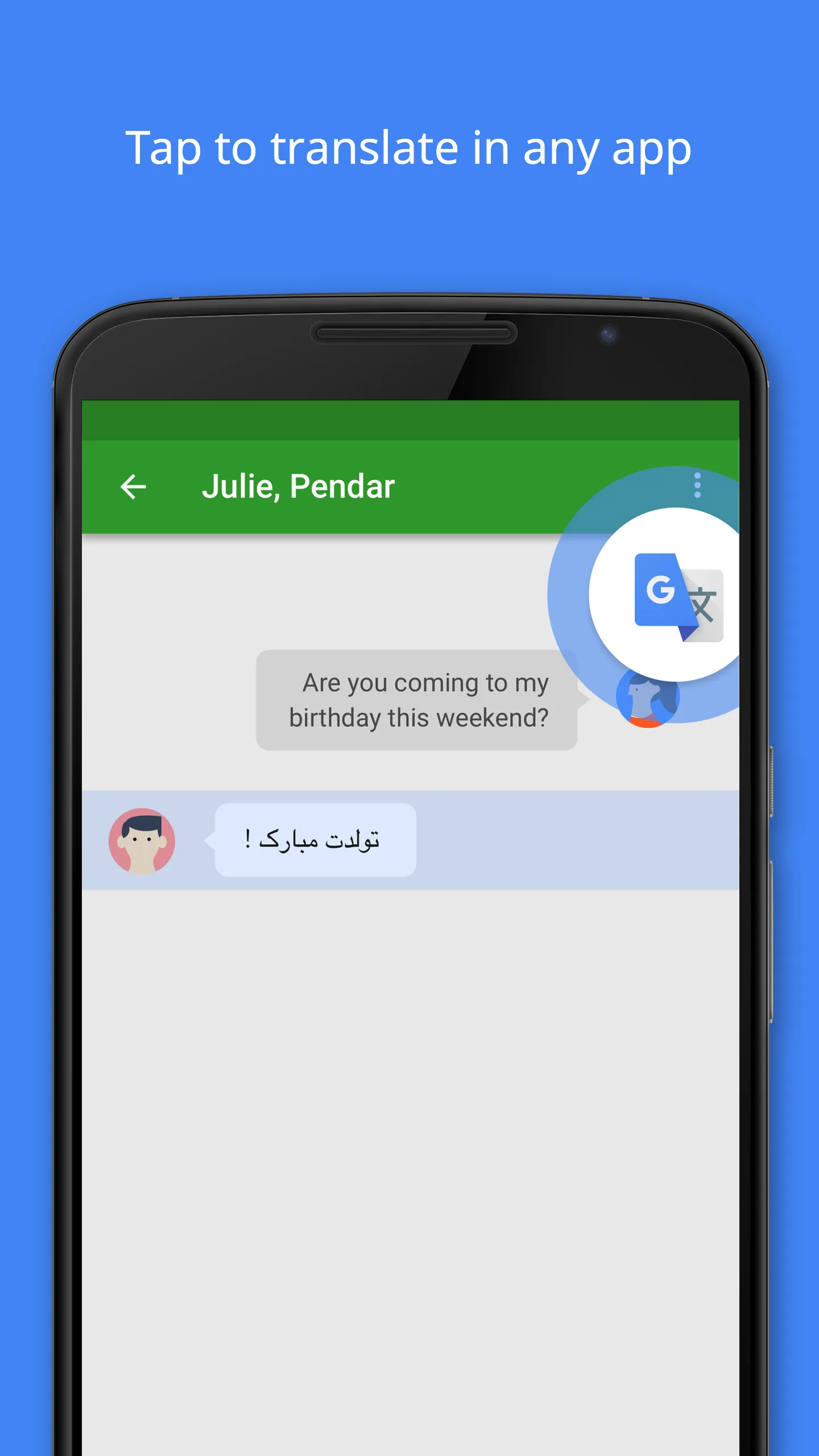
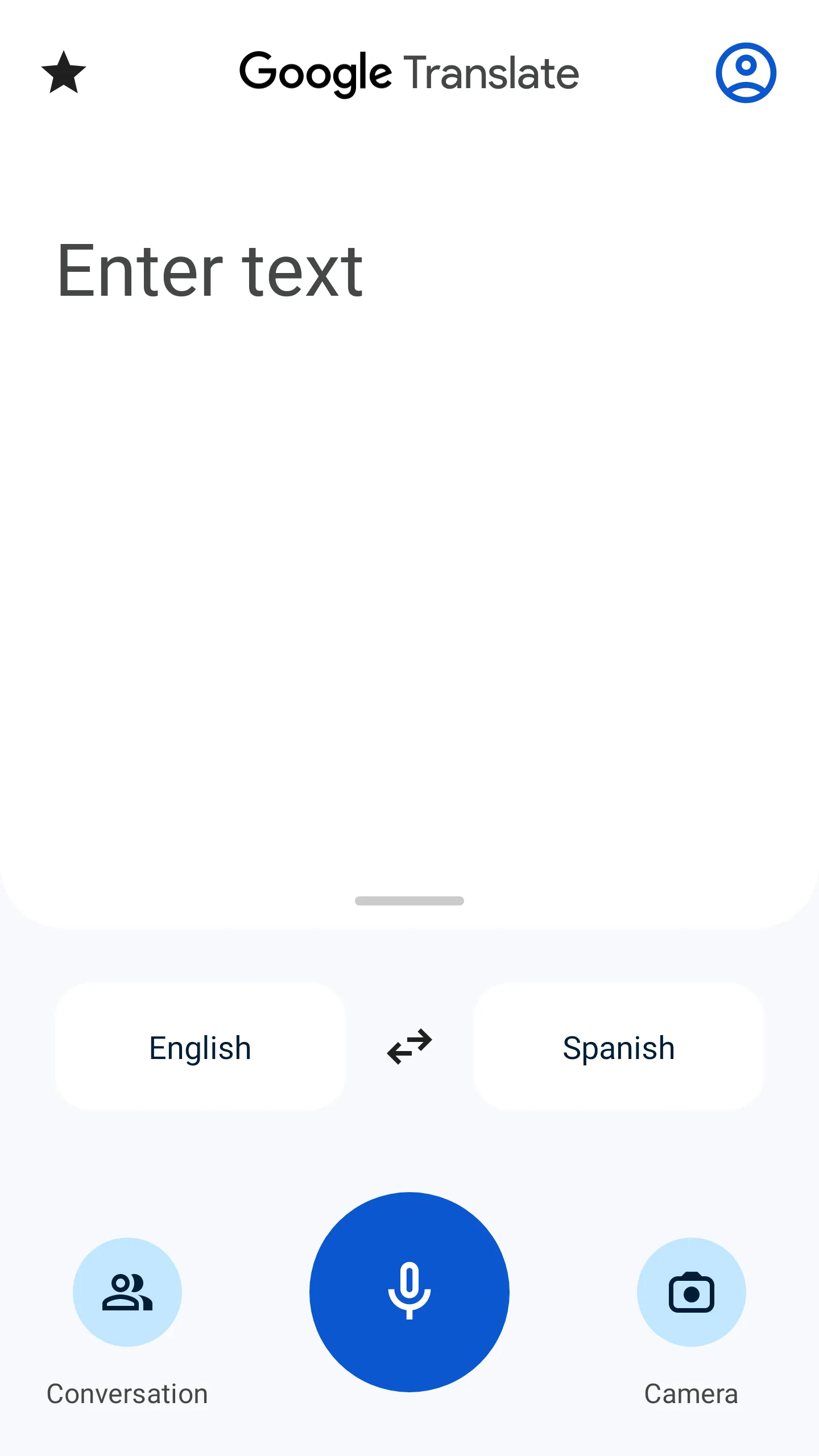
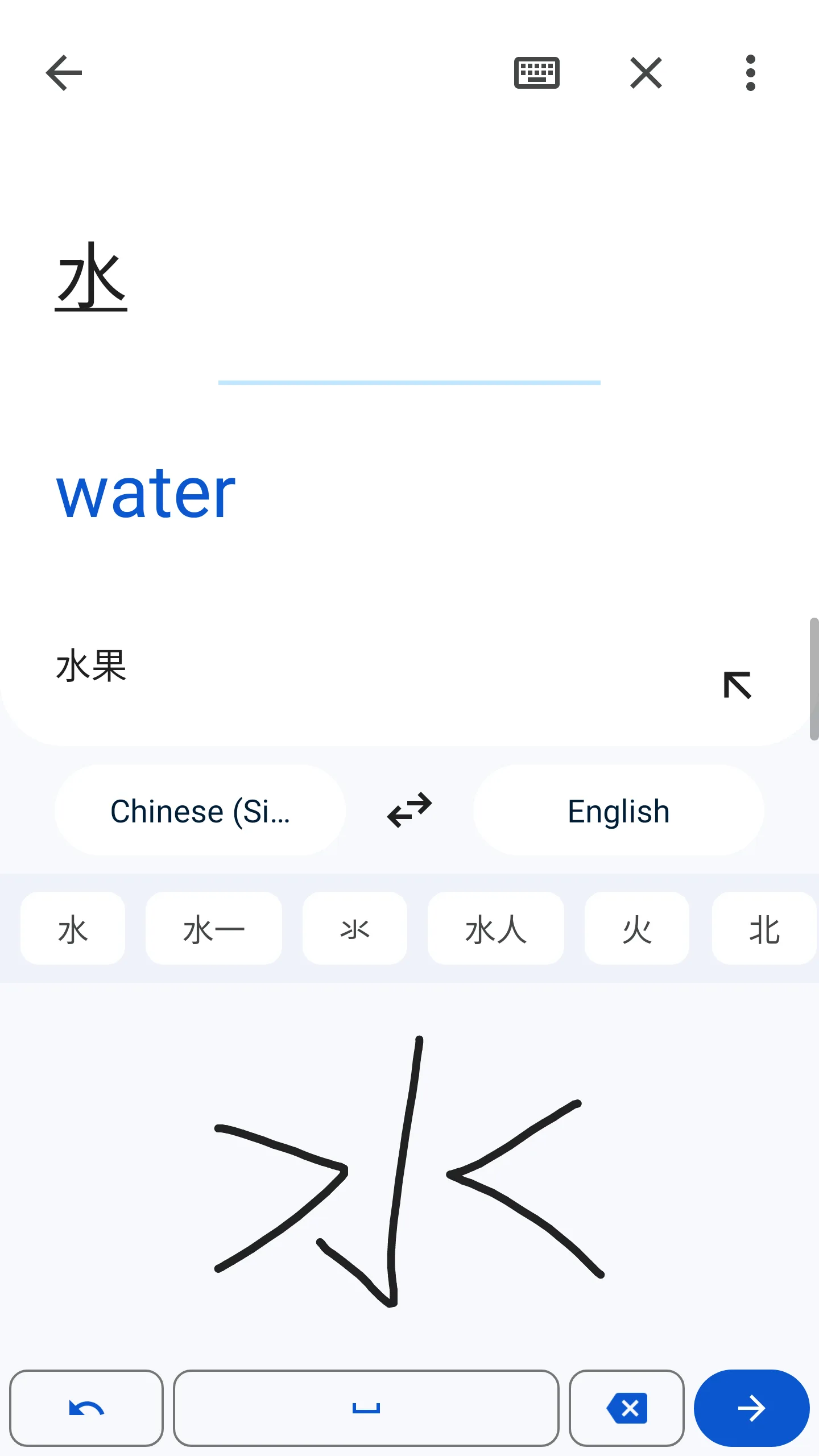
Google Translate is the most capable offline translation tool available on Android, and it is not close. Download a language pack - typically 30 to 150 MB depending on script complexity - and text translation, camera overlay, handwriting input, and conversation mode all function with no internet connection. For a traveler in airplane mode crossing through five countries in two weeks, this breadth is the only practical choice.
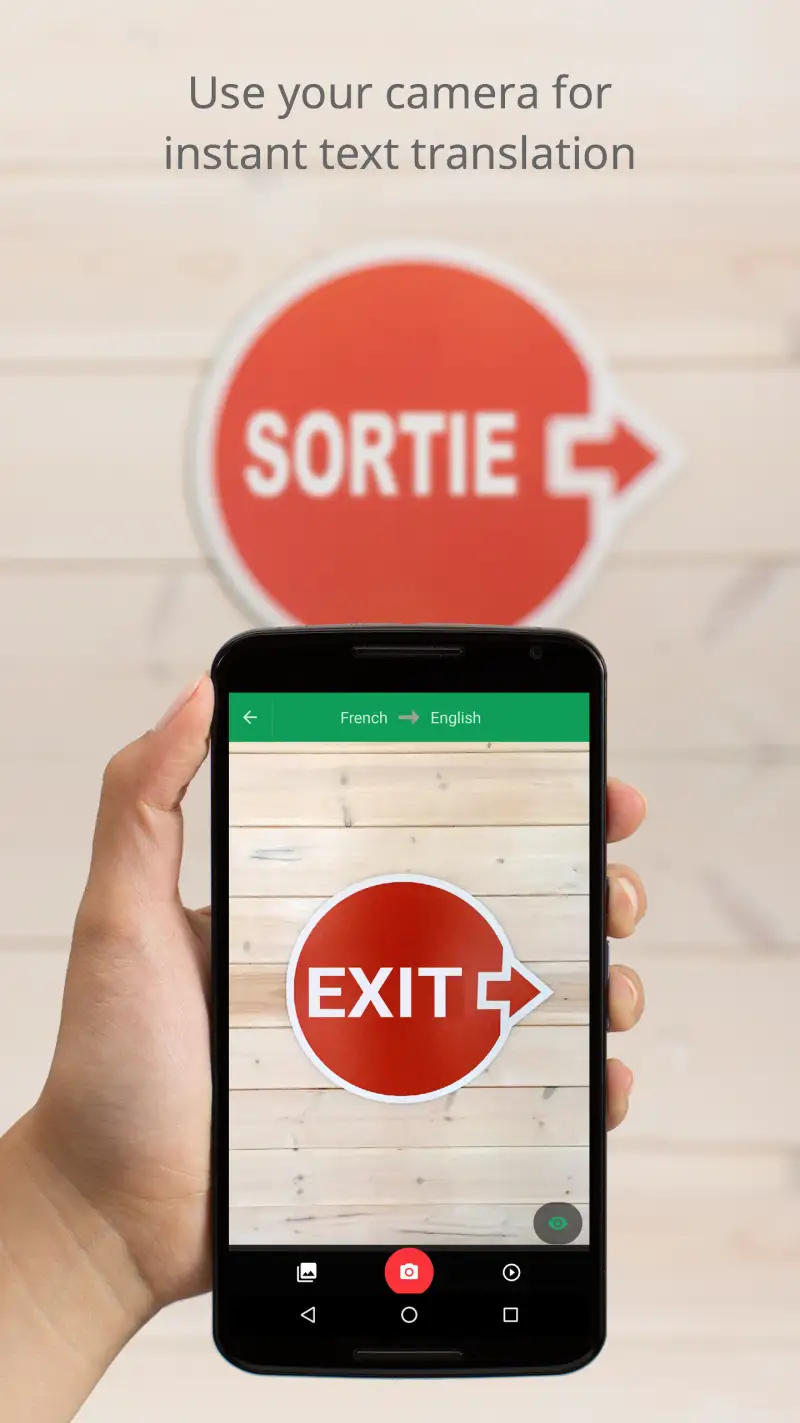
The Instant Camera overlay is what makes Google Translate genuinely useful in restaurants and on streets. Point the camera at any text in a downloaded language and the translated overlay appears in real time on top of the original text, replacing the foreign characters with your language while maintaining the visual layout. A Japanese menu shows English where the Japanese was. A Thai pharmacy label shows the active ingredients in your language. This works offline for all 59 supported languages, on clear printed text, at functional accuracy.
The honest limitation is performance on handwritten text and in poor lighting. Field tests of handwritten Japanese menus in Kyoto show Google Translate struggling where Papago (online) handles the same menus reliably. Neon-lit restaurant signs and laminated menus under bright overhead light produce more errors than matte paper in ambient light. For Asian script handwriting and difficult lighting, Papago’s online camera mode outperforms Google Translate’s offline one. But Google Translate’s offline mode is available when Papago’s is not.
The Android advantage is genuine. System-wide Google Lens integration means you can translate text in any app, photo, or browser without opening Google Translate directly. On Pixel devices, Pixel Buds enable real-time live earpiece translation - a feature exclusive to Android. Samsung Galaxy’s integration with Google Assistant extends similar utility.
What Google Translate does well
- 59 languages downloadable for offline use - text, camera, handwriting, conversation all work offline
- Instant Camera overlay replaces foreign text with translations in real time, including offline
- Conversation mode offline (both languages must be downloaded) - 92%+ accuracy on basic exchanges
- Completely free with no subscription, no limits, no ads
- 249+ languages online - broadest coverage of any app tested
- System-wide Google Lens on Android for in-app translation anywhere
- Offline language pack download takes 2-5 minutes per language; pack sizes 30-150 MB
Where Google Translate falls short
- Offline camera struggles with handwritten text - Papago (online) handles Japanese handwriting better
- Glare on laminated menus and neon-lit signs reduce OCR accuracy noticeably
- Translation quality for European languages is often overly literal compared to DeepL
- Thai and Arabic offline OCR less reliable than for European and East Asian scripts
- Offline TTS (text-to-speech) is less natural than online voice output
Pricing: Free, with no subscription or in-app purchases. Download language packs before departure. Download Google Translate, open Settings, tap the language you need, and download the offline pack now before you need it.
DeepL - Best Quality for European Languages (Online Only)
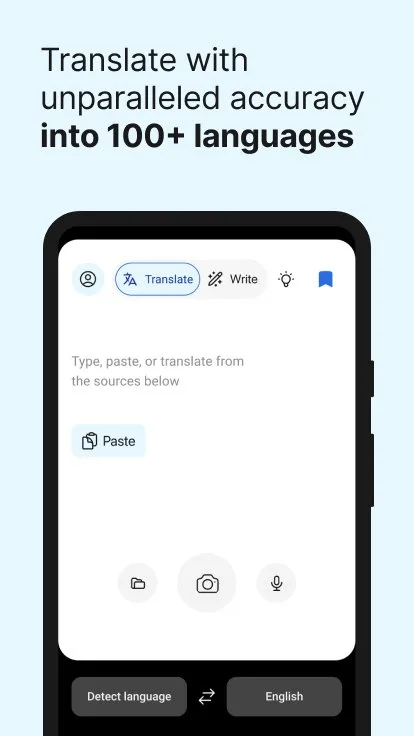
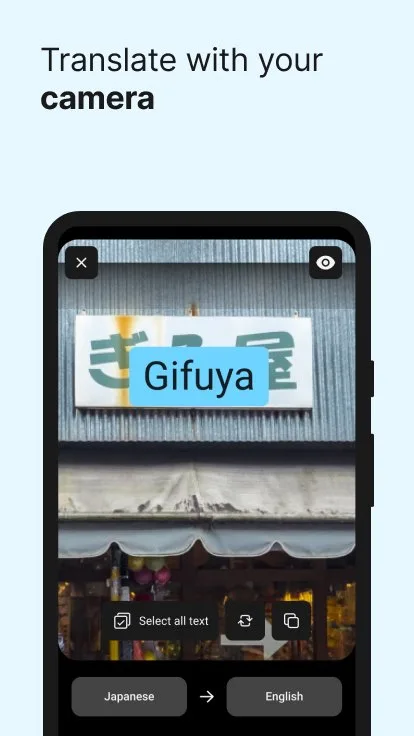
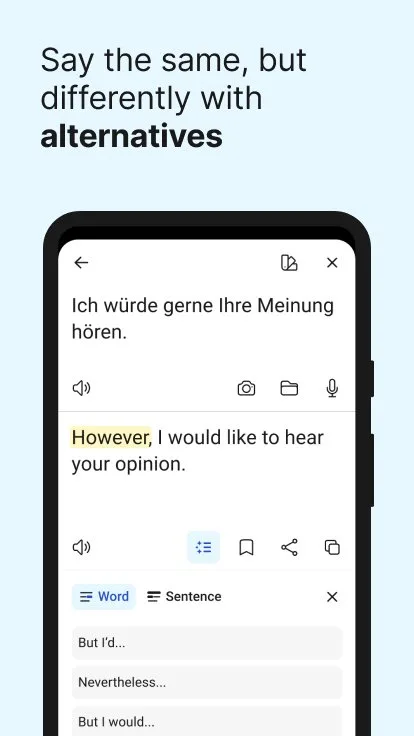
DeepL produces the most natural, idiomatic translations for European language pairs of any app tested. Where Google Translate often renders German literally - preserving the compound-noun structure in ways that feel foreign to native readers - DeepL produces output that reads like it was written by a fluent speaker. Studies from CSA Research comparing professional translation quality show DeepL outperforming Google in 65% of European language pairs. For French, German, Spanish, Italian, Dutch, and Polish, the difference is consistently audible.
The zero offline capability is not a minor limitation. It is a complete disqualifier for any scenario where internet access is unavailable or expensive. DeepL requires an active connection for every single translation. There are no downloadable packs, no cached results, no fallback mode. Airplane mode, remote areas, roaming-restricted SIM cards, hotel WiFi that requires a login page you cannot navigate in the target language - in all of these situations, DeepL shows an error.
The practical use case for DeepL in travel is preparation and context, not field translation. Translate the hotel confirmation before departure to verify the check-in time. Translate the museum’s exhibit descriptions you photograph when you have WiFi. Translate the longer travel document or visa requirement you need to understand accurately. For these use cases, DeepL’s quality advantage over Google Translate is meaningful and worth using. For pointing a phone at a Thai street sign at midnight, DeepL is the wrong tool.
The free tier is genuinely generous for text use. 500,000 characters per month covers extensive travel translation needs at no cost.
What DeepL does well
- Best translation quality for European language pairs - German, French, Spanish, Italian, Dutch, Polish
- More natural, idiomatic output than Google Translate for formal and complex text
- 500,000 characters per month free - sufficient for extensive travel use
- Clean, fast interface
- Good voice input for online translation of spoken phrases
- Document translation supports PDF, Word, and PowerPoint (free tier: 3 documents/month)
Where DeepL falls short
- Zero offline capability - does not function without internet under any circumstances
- No camera/OCR mode - cannot read menus, signs, or printed text in the field
- No conversation mode - not designed for real-time back-and-forth dialogue
- Only 36 languages - misses most of Southeast Asia, Middle East, and South Asia
- Not useful in remote areas, on trains, or when roaming data is expensive
Pricing: Free (500K characters/month); Pro Individual $10.49/month. Install DeepL for pre-trip document translation and European hotel/restaurant use where WiFi is available. Do not rely on it for offline travel.
Naver Papago - Best for East Asia: Japan, China, Korea
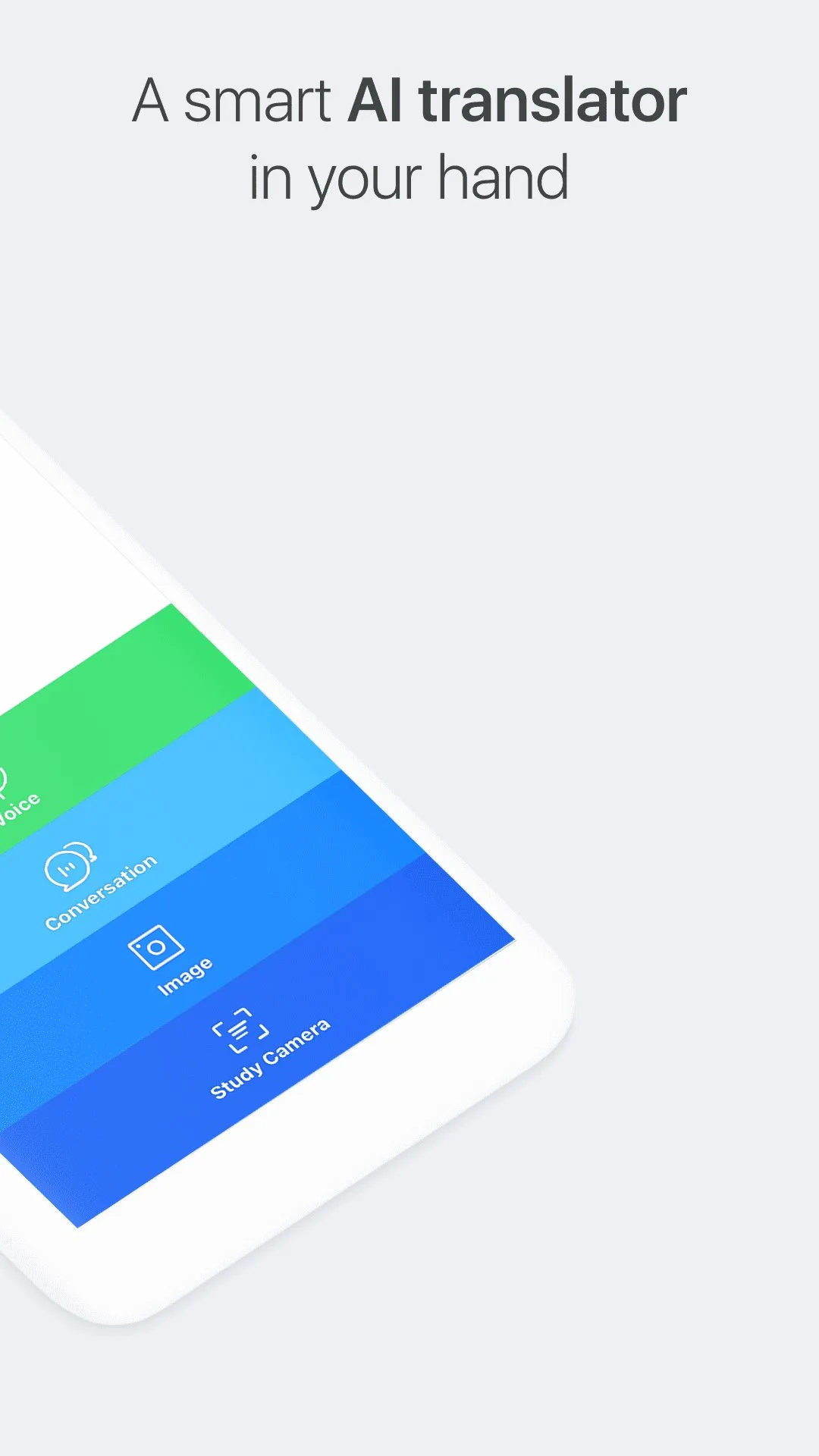
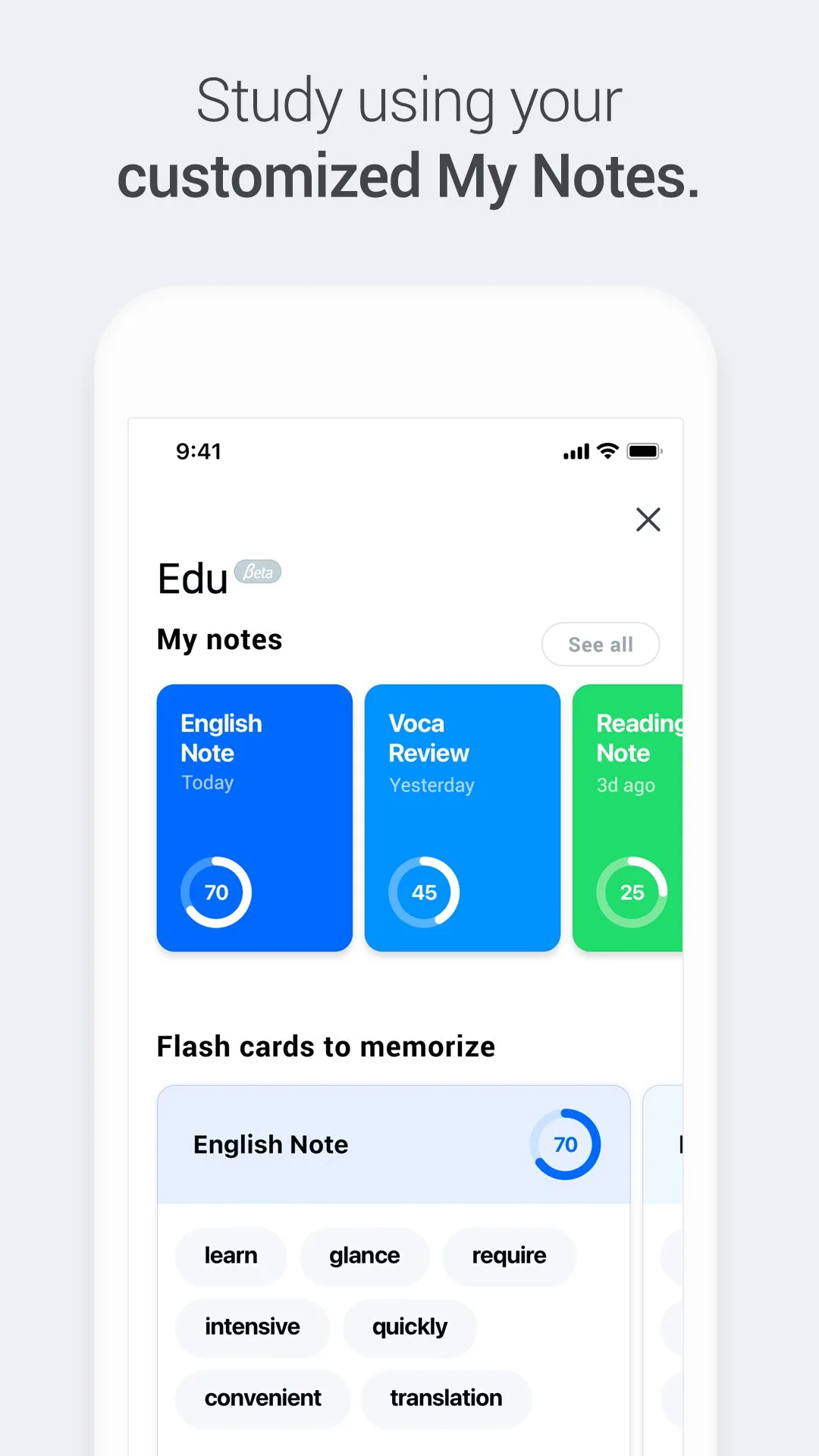
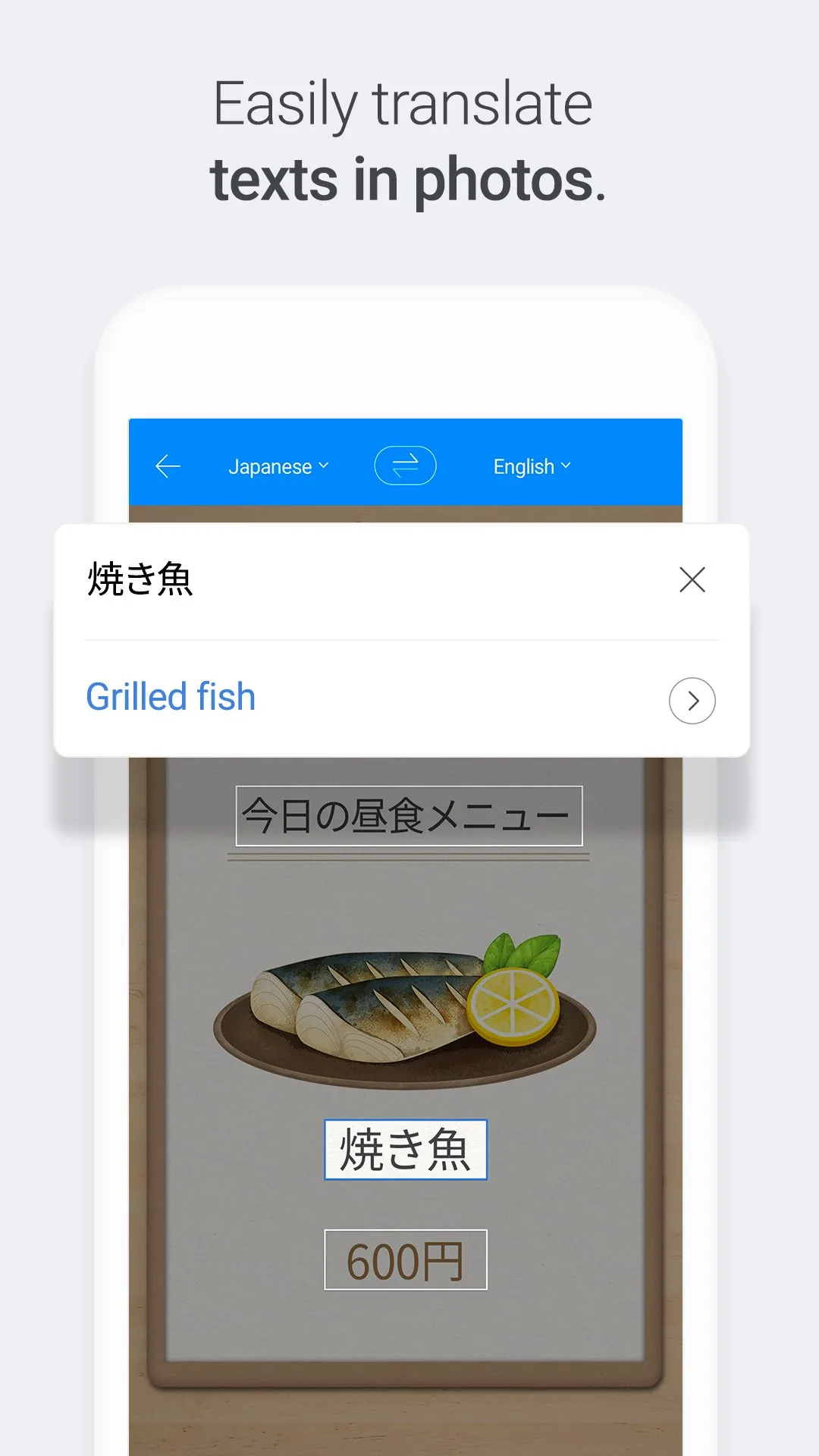
Papago is built by Naver, South Korea’s dominant internet company, and the difference in East Asian language quality reflects that context. For Korean, Japanese, and Chinese translation - particularly Japanese - Papago produces more natural, culturally accurate output than Google Translate. Field tests of handwritten Japanese menus in Kyoto show Papago handling complex handwriting and connected script that confuses Google Translate’s OCR. If your trip involves Japan, Korea, or China and you have internet access, Papago belongs on your phone.
The camera translation handles difficult real-world conditions better than any competitor. Naver’s OCR pipeline integrates directly with their neural translation model, producing results that field testers describe as handling “complex backgrounds, light reflections, and heavily distorted shadows on menus.” A neon-lit ramen counter at 9pm, a handwritten price board at a market stall, a faded sign on a mountain trail - these scenarios favor Papago’s camera quality over Google Translate’s, when you have a connection.
The offline limitation is real and must be planned around. Text translation works offline for Korean, English, Japanese, and Chinese only. Camera and voice translation require internet for all languages. For a Japan trip with reliable data (eSIM or local SIM), Papago handles most translation needs at higher quality than Google. For a trip with unpredictable connectivity, you need Google Translate as the offline backup.
The Android-exclusive Papago Mini is a practical feature that iOS travelers do not have. A floating overlay widget stays visible while you browse other apps, navigate, or read - enabling translation without switching apps. On a Pixel or Galaxy device, this is genuinely useful for reading travel apps, maps, and social media in the target language.
What Papago does well
- Best translation quality for Korean, Japanese, and Chinese - unambiguous market leader for these pairs
- Camera translation handles handwritten text and difficult lighting better than Google Translate (online)
- Papago Mini floating overlay on Android - translate text in any other app without switching
- Natural TTS voice output for Korean and Japanese - sounds genuinely fluent, not robotic
- Free with all core features including offline text for 4 languages
- 36 million installs at 4.6 stars reflects consistent real-world satisfaction
Where Papago falls short
- Camera and voice translation require internet - offline mode covers text only
- Offline limited to 4 languages: Korean, English, Japanese, Chinese
- Only 14 languages total - not useful outside East Asia and major European languages
- French, German, Spanish, Thai, Arabic: available online but at lower quality than competitors
- No group conversation mode
- Smaller international community means less troubleshooting help for Android edge cases
Pricing: Free for all core features. Install Papago if your trip includes Japan, Korea, or China - and use it alongside Google Translate for offline backup.
Microsoft Translator - Best for Group Conversations
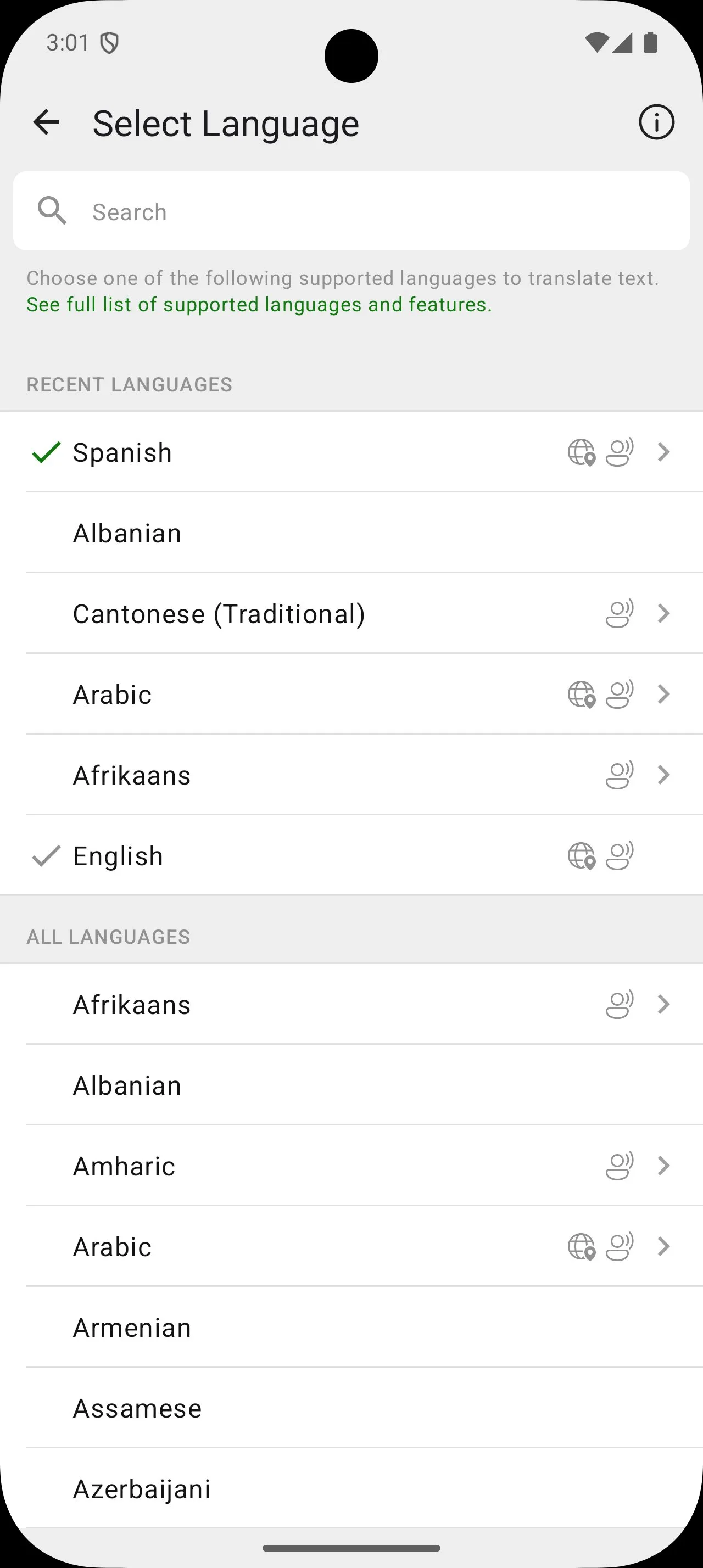
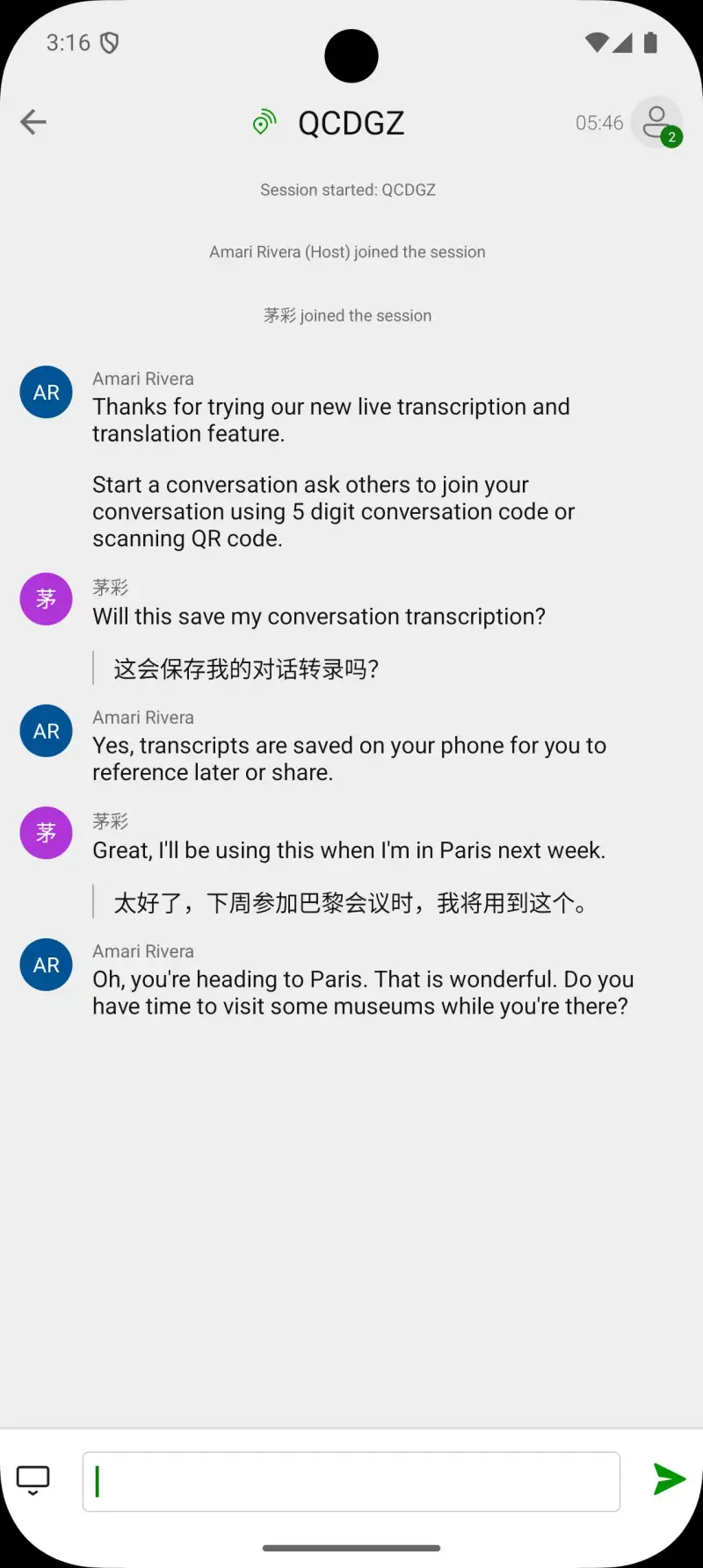
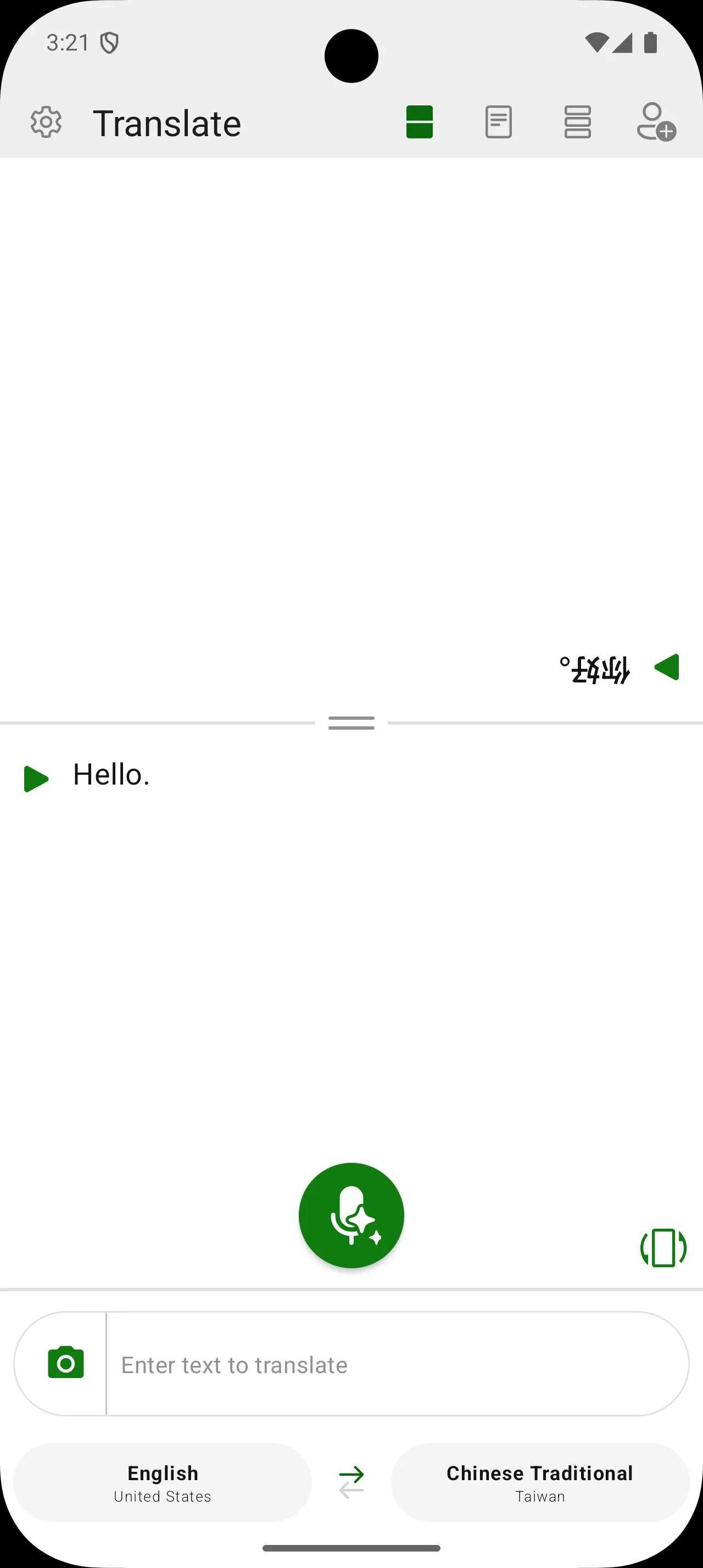
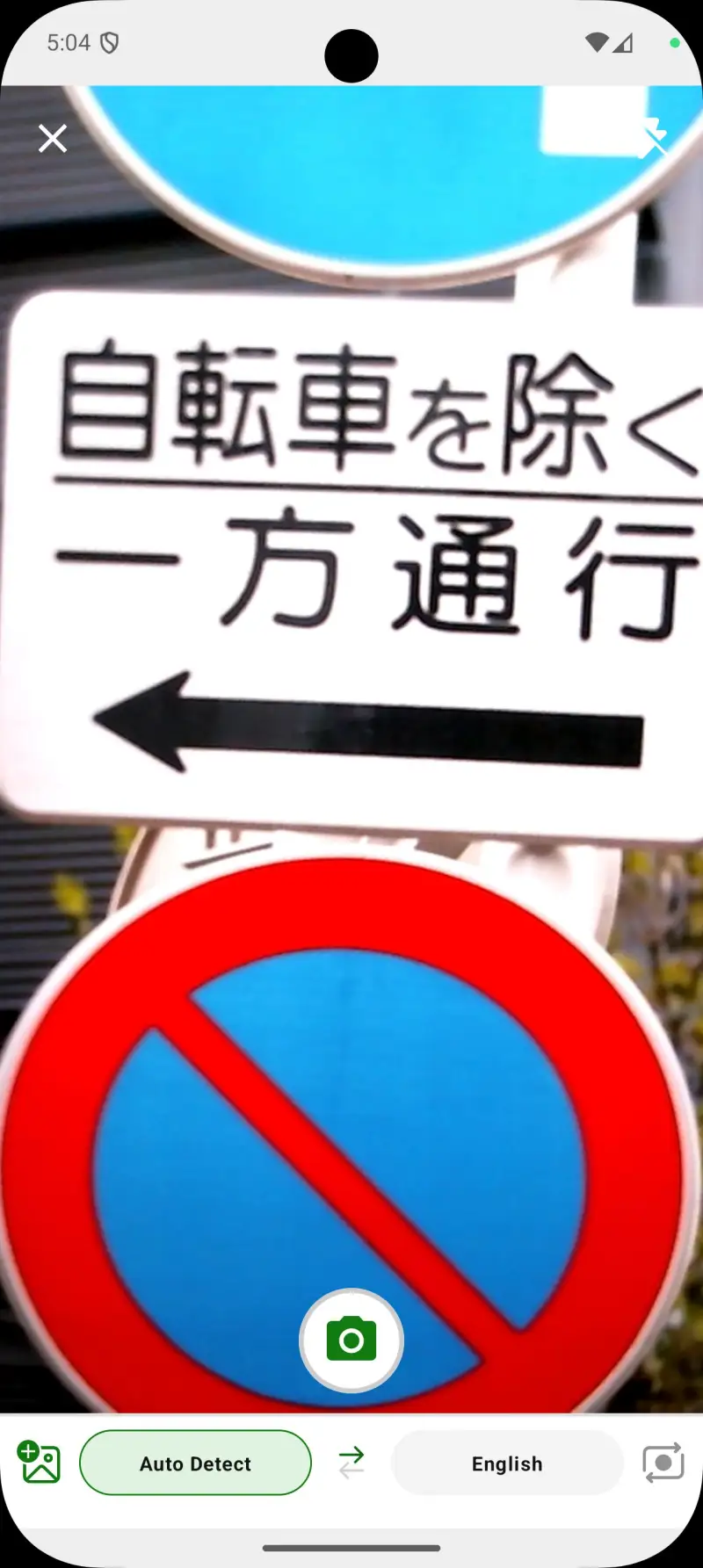
Microsoft Translator’s group conversation mode is the most distinctive feature in this comparison. Share a session code with up to 100 people, each using the app on their own device and their own language, and the conversation translates in real time across all of them simultaneously. Tour groups, customs and immigration scenarios, multilingual meetings, large family dinners where grandparents speak one language and grandchildren another - no other app in this comparison approaches this use case.
The honest context for this feature in travel: most travelers never need 100-person group translation. The genuinely useful scenario is smaller - a 4-person group at a restaurant where the server speaks no shared language, or a hostel common room conversation with travelers from five countries. At that scale, Microsoft Translator’s group mode delivers value that Google Translate’s conversation mode (two-person) does not.
The 2025 disruption requires direct disclosure. In June 2025, Microsoft’s v6.0 update removed all offline language packs and OCR camera translation from both Android and iOS, replacing them with Azure cloud-based processing. User backlash was significant. By late 2025, offline packs were reinstated in v6.25+ under Settings > Languages > Enhanced mode. However, the camera translation remains removed as of research in April 2026. Travelers who verify that their target language shows as downloaded in the current app version can use Microsoft Translator offline for text. Travelers who relied on it for camera translation need a replacement.
The phrasebook with pronunciation guides is a practical feature for travelers who want to attempt basic phrases rather than just showing translated text to someone. For Japanese greetings, Thai thank-yous, and Arabic numbers, having pronunciation alongside translation reduces the “tourist pointing at phone” dynamic that fluent locals occasionally find off-putting.
What Microsoft Translator does well
- Group conversation mode up to 100 participants, each in their own language
- Completely free with no subscription or paywalls
- 100+ languages - broader than DeepL or Papago
- Traveler phrasebook with pronunciation guides
- Office and Teams integration for business travelers
- Offline packs available again in v6.25+ for major languages
Where Microsoft Translator falls short
- Camera OCR translation removed in June 2025 and not yet restored - verify current version
- Offline pack availability inconsistent after 2025 overhaul - always verify in Settings before travel
- Translation quality weaker than Google for idiomatic phrases; more literal output
- v6.0 overhaul broke trust for travelers who relied on the offline feature without notice
- Group mode requires internet connection - the standout feature does not work offline
Pricing: Free. Use Microsoft Translator specifically for group conversation scenarios. Verify offline pack availability in-app before departure, and have Google Translate as backup.
Waygo - Best Offline Camera Translator for Asian Scripts (With Significant Caveats)
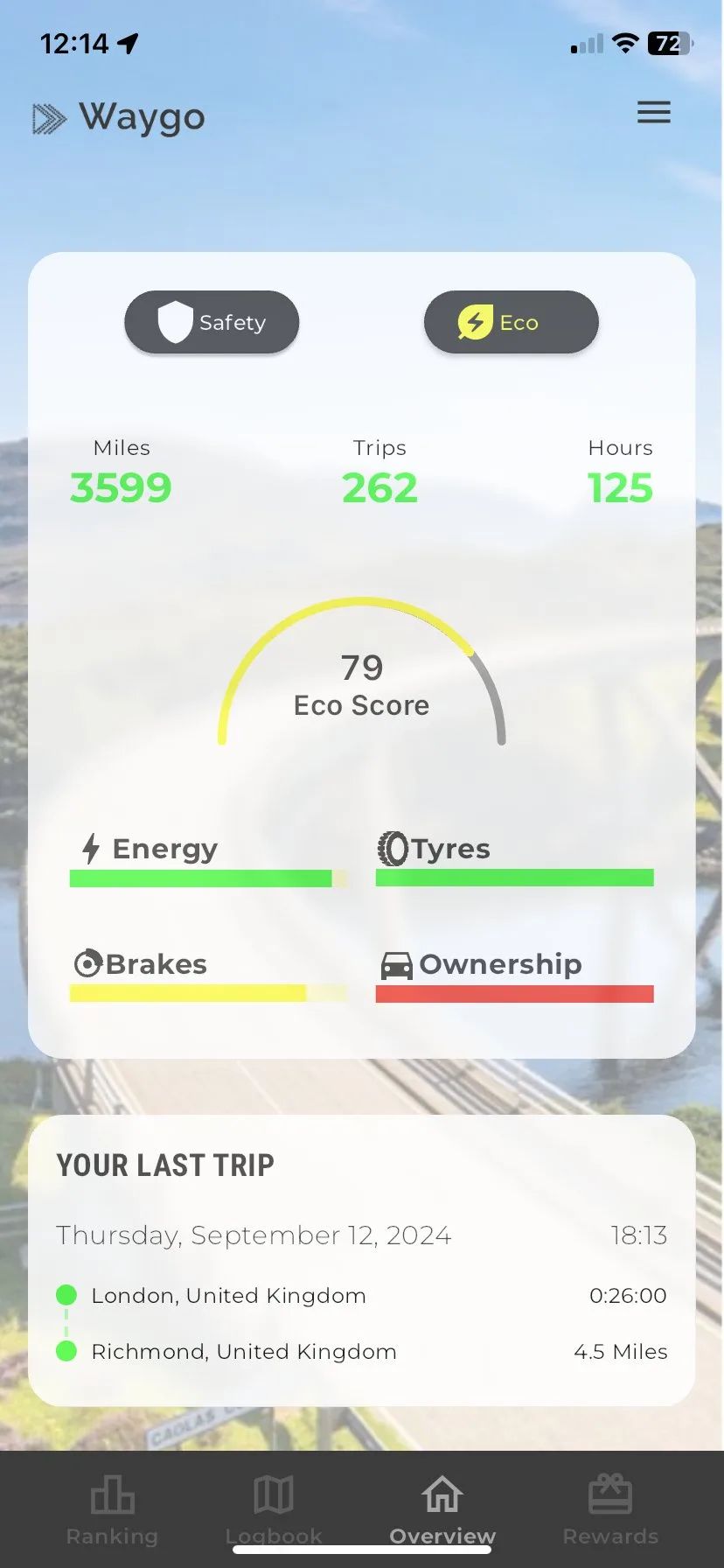
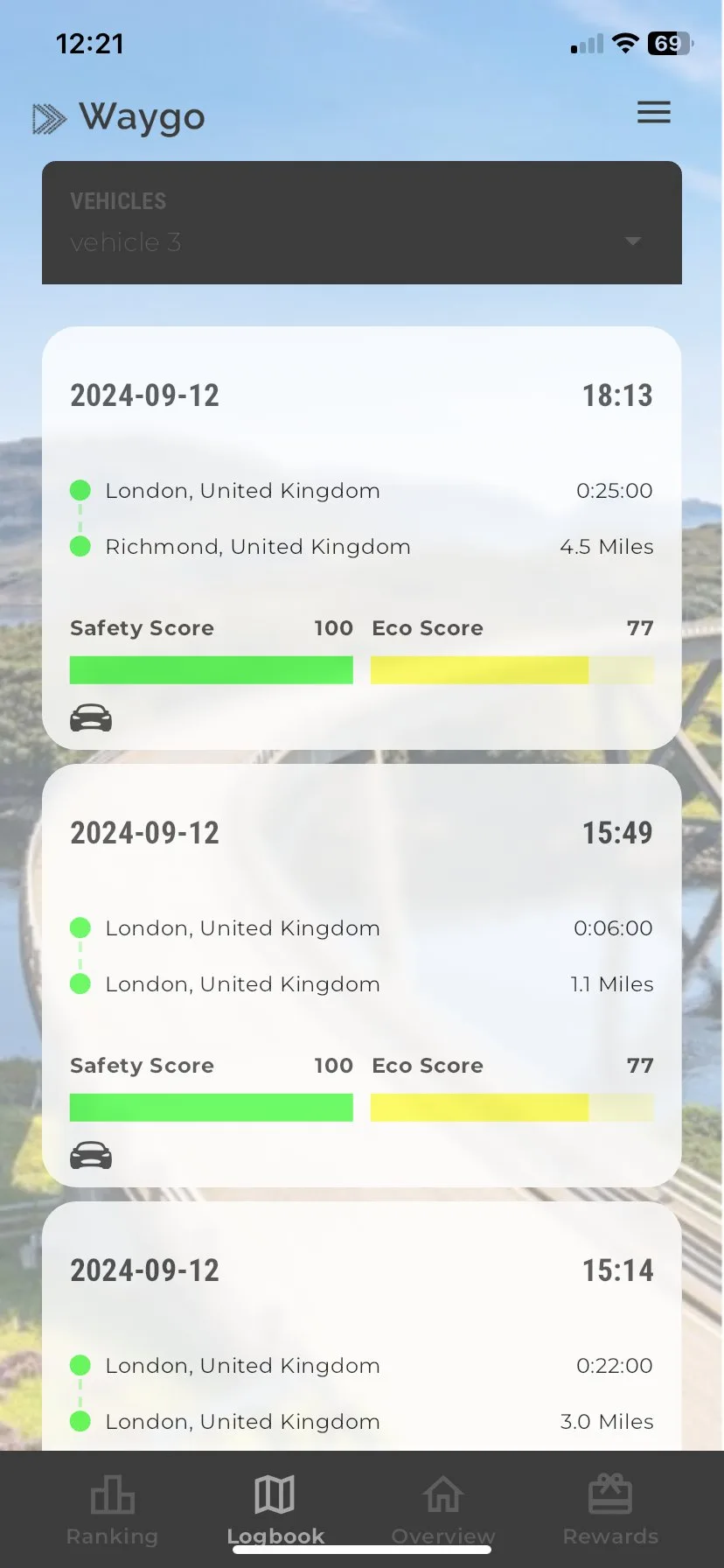
Waygo’s original value proposition was compelling: a fully offline camera translator for Chinese, Japanese, and Korean, working 100% without internet, for a one-time purchase with no subscription. In 2019, this was differentiated. In 2026, Google Translate’s Instant Camera offline mode largely replicates this functionality at higher accuracy and zero cost, while Waygo’s Android version has not received a major update since December 2023.
The app still functions as described. Point the camera at Chinese, Japanese, or Korean text, and Waygo overlays an English translation without requiring any internet connection. For travelers who specifically need offline East Asian camera translation and have already purchased Waygo’s language packs, it remains a usable tool. The pinyin and romanization display alongside the translated text is useful for learners who want to see pronunciation.
The real-world accuracy concern cannot be dismissed. Independent field tests at Kyoto restaurants in 2024 showed Waygo “unable to detect any text or find any translations” in multiple scenarios where Google Translate’s offline camera succeeded. The static capture approach - point, capture, receive - performs worse than Google Translate’s live video overlay in most real-world restaurant situations. For travelers choosing between Waygo and Google Translate for offline Japanese camera translation, Google Translate is the better choice.
The iOS-first development history means Android users are genuinely second-class. The iOS version has more reviews, more recent updates, and more active development attention. The 3.4-star Google Play rating versus higher iOS App Store ratings reflects real platform quality differences.
What Waygo does well
- 100% offline camera translation for Chinese, Japanese, Korean - no internet at any point
- One-time purchase per language (~$6.99) or all-languages bundle (~$11.99) - no subscription
- Pinyin/romanization display alongside translation - useful for language learners
- Tap individual words for definitions
- Lightweight app with small storage footprint
- Works on older Android devices (Android 4.0+)
Where Waygo falls short
- Last updated December 2023 - development has stalled significantly
- Real-world OCR accuracy disappointing versus Google Translate’s offline camera in field tests
- Only 3 languages, English output only - not a general-purpose translator
- 10 translations/day cap on free tier makes it impractical without purchase
- iOS is the primary platform; Android version receives less development attention
- Google Translate’s free offline camera has largely made Waygo’s paid offering redundant
Pricing: Free (10 translations/day); $6.99 per language or $11.99 for all three (Chinese, Japanese, Korean) as a one-time purchase. Only install Waygo if you specifically need offline East Asian camera translation and want pinyin display - otherwise Google Translate offline serves the same use case for free.
Which Translation App Do You Actually Need
The answer for most travelers requires two apps rather than one.
For all offline translation needs: Google Translate. Download the language packs for every country you plan to visit before departure. All 59 offline languages cover text, camera, handwriting, and conversation mode without internet. This is non-negotiable for any trip with uncertain connectivity.
For European travel with reliable internet: Add DeepL. Use Google Translate when you have no signal, DeepL when you need accurate natural translation for French, German, Spanish, or Italian. The quality difference for formal communication (emails to hotels, rental car issues, medical situations) is worth having both installed.
For Japan, China, or Korea trips: Add Papago. Its camera and voice translation quality for East Asian languages exceeds Google Translate when you have internet access. Use Papago online when signal is available, Google Translate offline as the fallback.
For group travel with multilingual companions: Add Microsoft Translator specifically for group conversation mode. It handles no use case better than the others - except the one use case where 4+ people need to communicate across language barriers simultaneously.
The minimum effective stack: Google Translate with downloaded language packs is sufficient for most travelers in most situations. Add one specialist app (DeepL for Europe, Papago for East Asia) based on your destination. Download everything before you leave home - your SIM card will fail exactly once, and it will be at the worst possible moment.
Tested April 2026. Apps verified against live Google Play listings. Pricing and features subject to change.