The salon chair is the worst place to decide. The stylist asks “so what are we doing today?” and the only honest answer is “I want to see what this would look like first.” Same problem at the mirror before a date, before a job interview, before a wedding photo. Most beauty apps promise to solve this gap. Most of them try a single shortcut: paste a stock hairstyle PNG onto your selfie and pretend the lighting works. It does not.
We tested eight Android beauty apps over five weeks with three reviewers across hair, makeup, and outfit categories. We tried 47 different hairstyles, 23 makeup looks, and built 14 outfits from real closets photographed in flat daylight. The goal was simple: how often does the app produce a result you would trust enough to spend $200 on or wear in public.
This guide names what each app actually does well, where it falls short, and which beauty problem it solves. No iOS-only apps. No defunct services. All eight are on Google Play.

What Makes a Great Beauty Try-On App
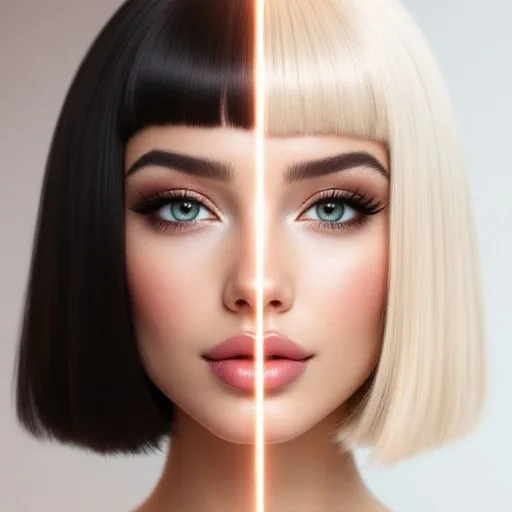
Realism comes first. A hairstyle try-on app that produces a result a friend would immediately spot as fake is worse than useless. We graded each hair try-on app against a five-point scale: hair edge quality, lighting consistency, hair physics, face reshape artifacts, and overall plausibility. Only three apps scored above 4.0 across our 47 test tries.
Skin tone preservation matters more than the demos suggest. Many makeup apps look perfect on the lightest skin tones in the marketing materials and fall apart on medium to deep skin. We tested every makeup app against three reviewers with different skin tones and counted where the result diverged from the source photo. Two apps held up. Two did not.
Outfit apps split into two camps. Some are AI try-on services that overlay clothing onto your photo. Some are wardrobe organizers that catalog what you already own and help build outfits from real items. Both are useful for different problems. We tested apps from each camp.
The honest test is whether the result helps you decide. Five apps cleared that bar across our tests. Three felt like marketing channels with a beauty filter attached.
How We Tested
We installed each app fresh on two devices and used them across multiple sessions. Each reviewer took selfies in identical lighting (north-facing window, late morning, no makeup, hair pulled back where relevant), then applied multiple try-on results in each app. Results were rated on plausibility on a five-point scale by three independent reviewers. We also tested how the apps handled different ethnicities, hair types from straight to 4C, and skin tones from very fair to deep.
Pricing reflects Google Play prices in June 2026. Subscription apps were tested on free tiers first. Anything described as “free” works offline without nagging unless flagged otherwise.
YouCam Perfect - Best All-Round Beauty Editor
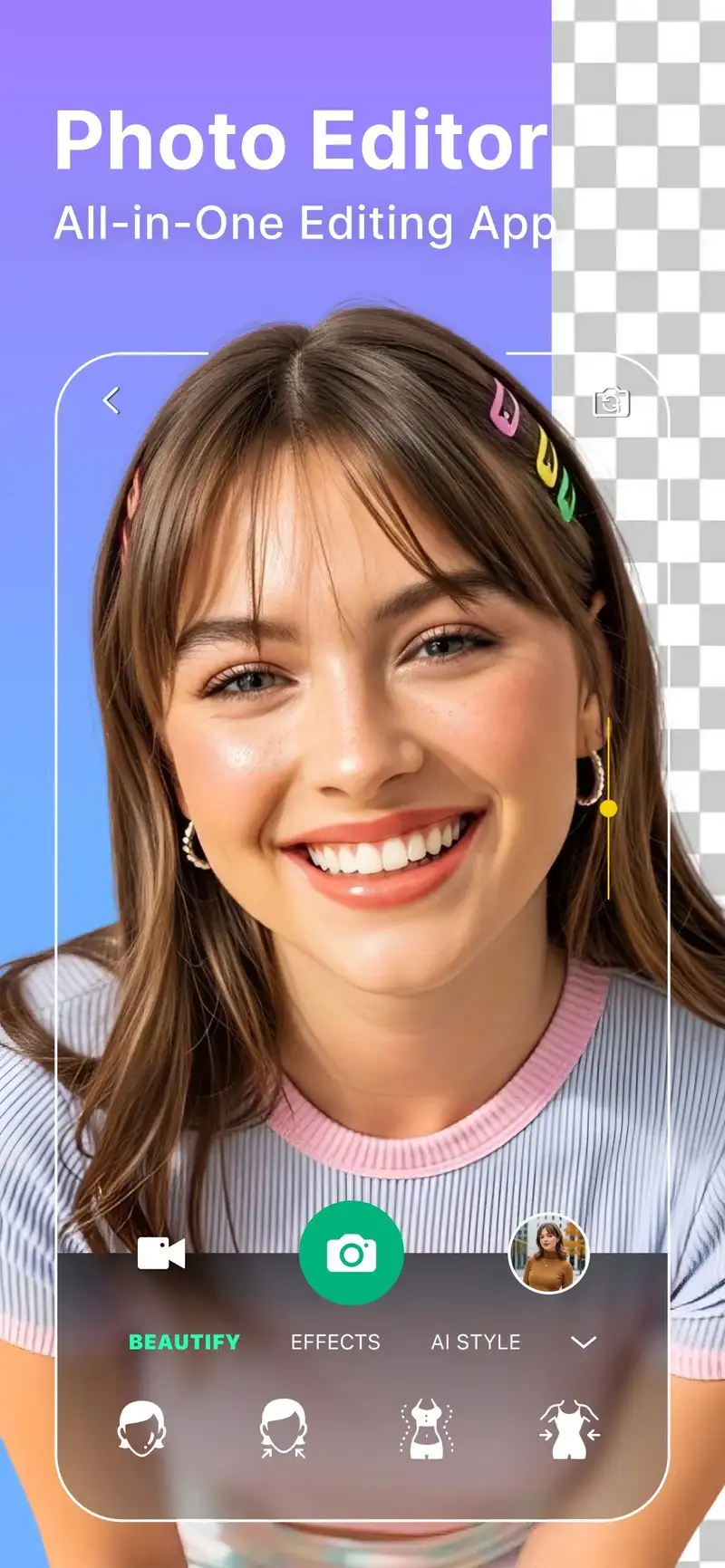
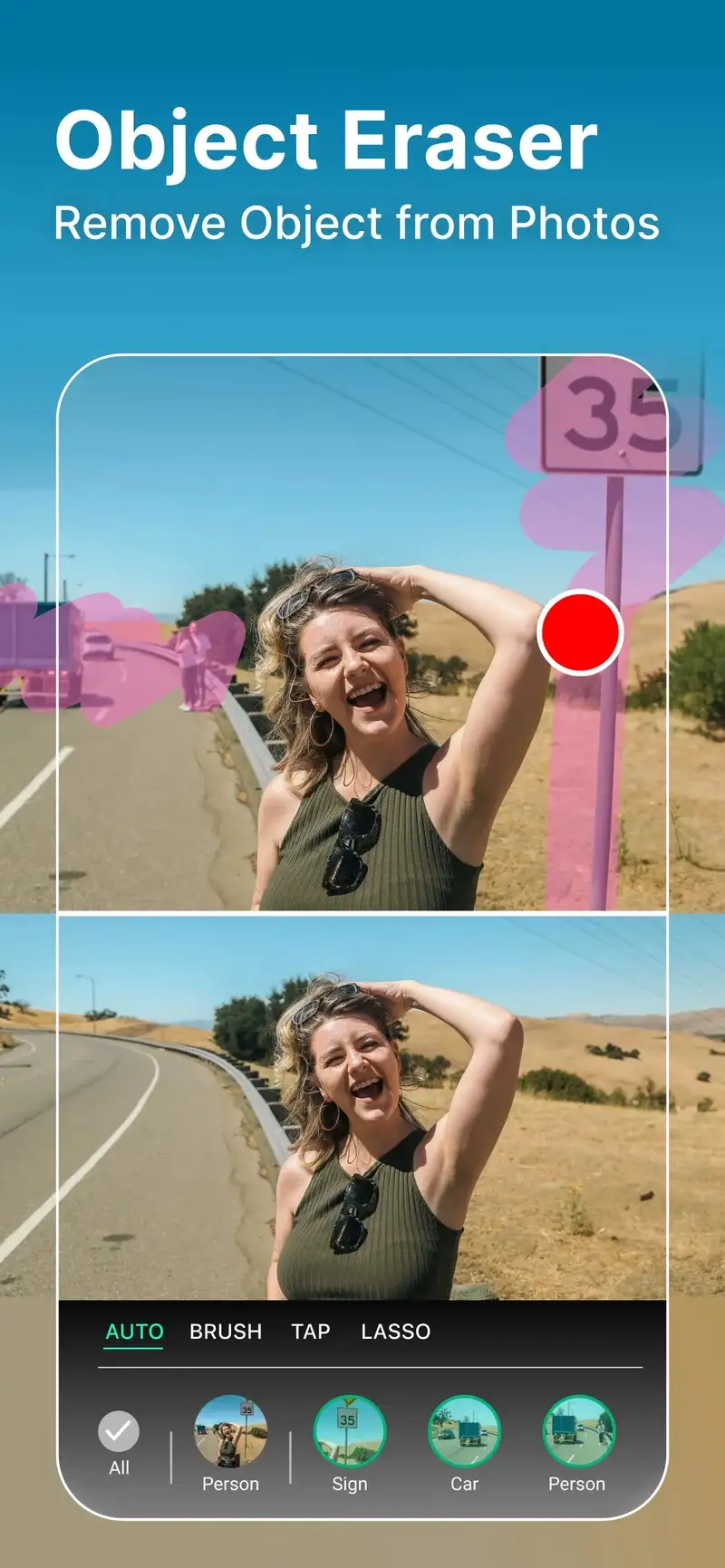
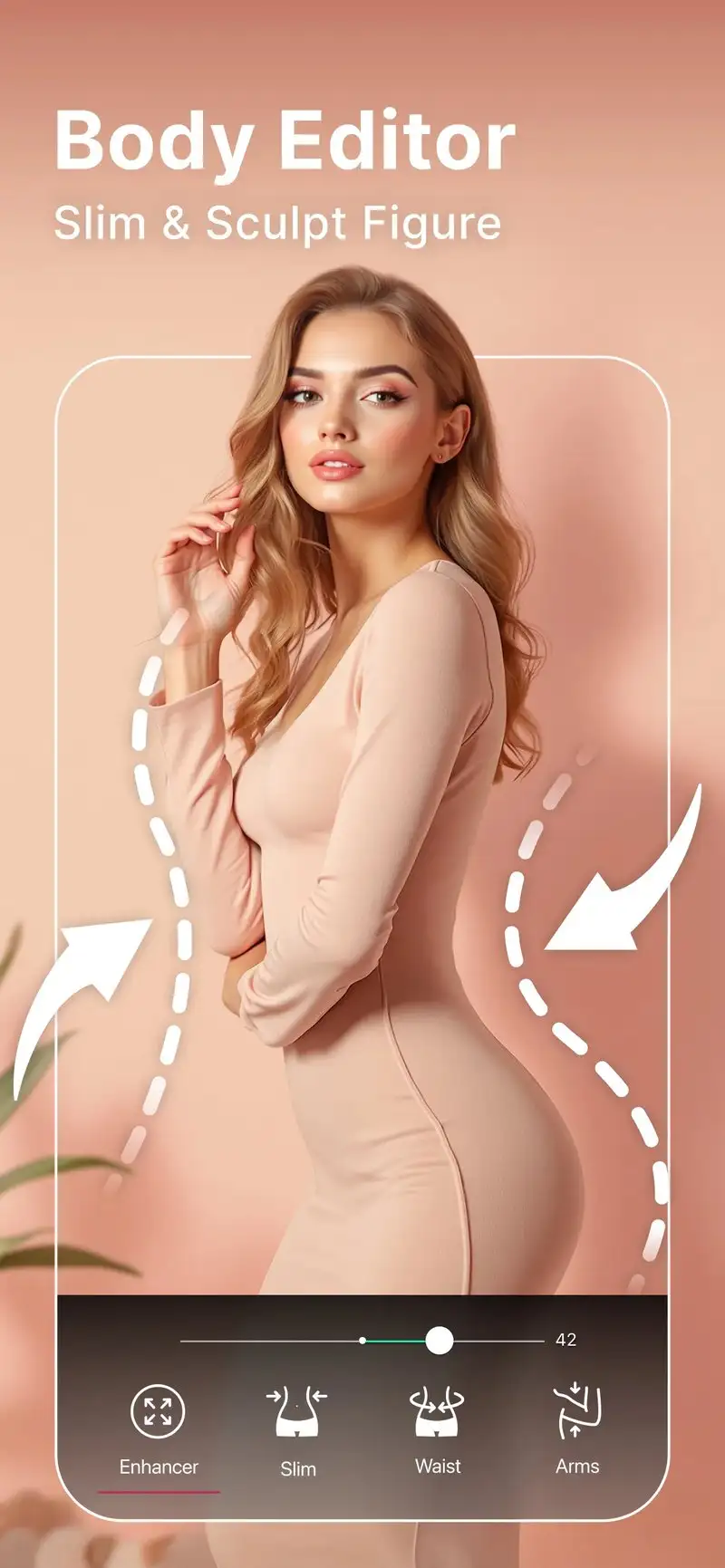
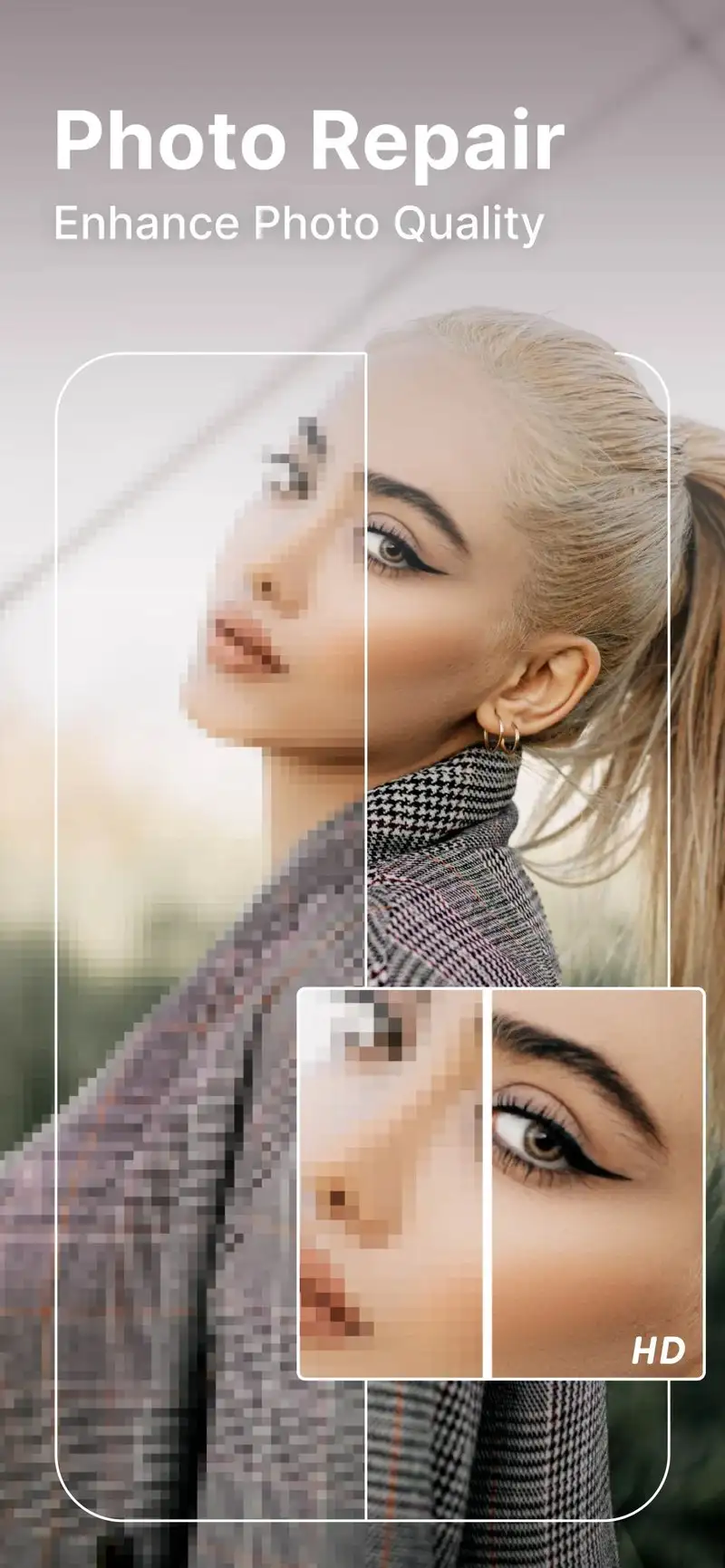
YouCam Perfect is free with Pro at $5.99 per month or $39.99 per year. The free tier covers basic face retouching, basic makeup looks, and limited hairstyle tries with ads. Pro removes ads and unlocks the full library of 100+ hairstyles, 200+ makeup looks, and advanced retouching tools. We ran the test workflow on the Pro tier across all three reviewers.
The hair try-on quality is the strongest among multi-feature apps in our test. Edge blending is clean on straight and wavy hair. Curly and coily hair textures show some blending artifacts but improved noticeably over the 2023 version we last tested. Makeup looks render naturally across skin tones, with one notable exception on the deepest tone where the lipstick color shift broke realism.
What YouCam Perfect does well
- Strongest all-round try-on quality across hair, makeup, and skin
- 100+ hairstyles with clean edge blending
- Skin tone-aware makeup rendering
- Full daily-use beauty camera with live filters
- Active updates with new looks added monthly
Where YouCam Perfect falls short
The free tier is gated to push toward Pro within the first week. Some hairstyle results still show visible seams on textured hair. The app’s marketing tries to bundle every beauty feature into one tool which makes the menu structure cluttered. Privacy disclosures could be clearer about what happens to the uploaded selfie data.
Perfect365 - Best for Makeup Look Library
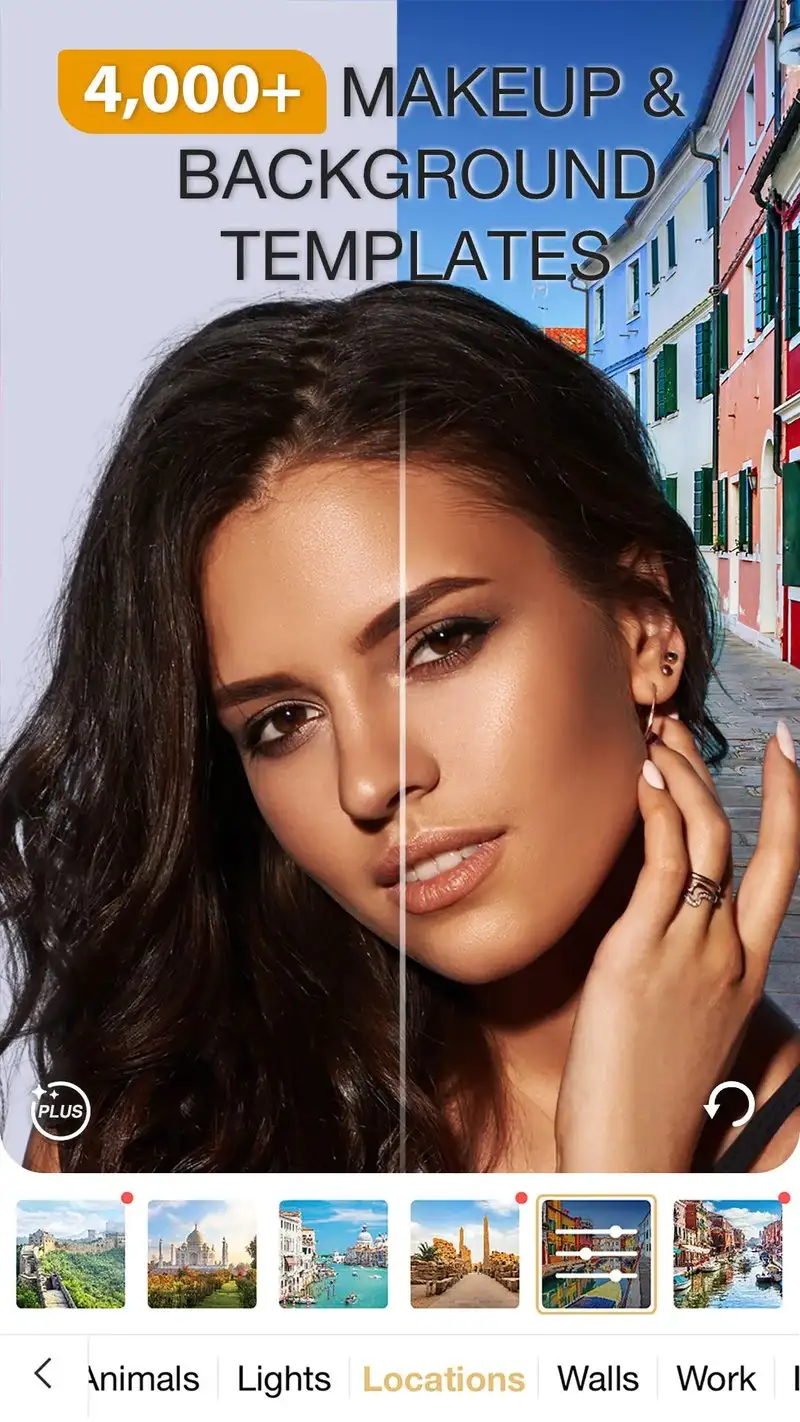
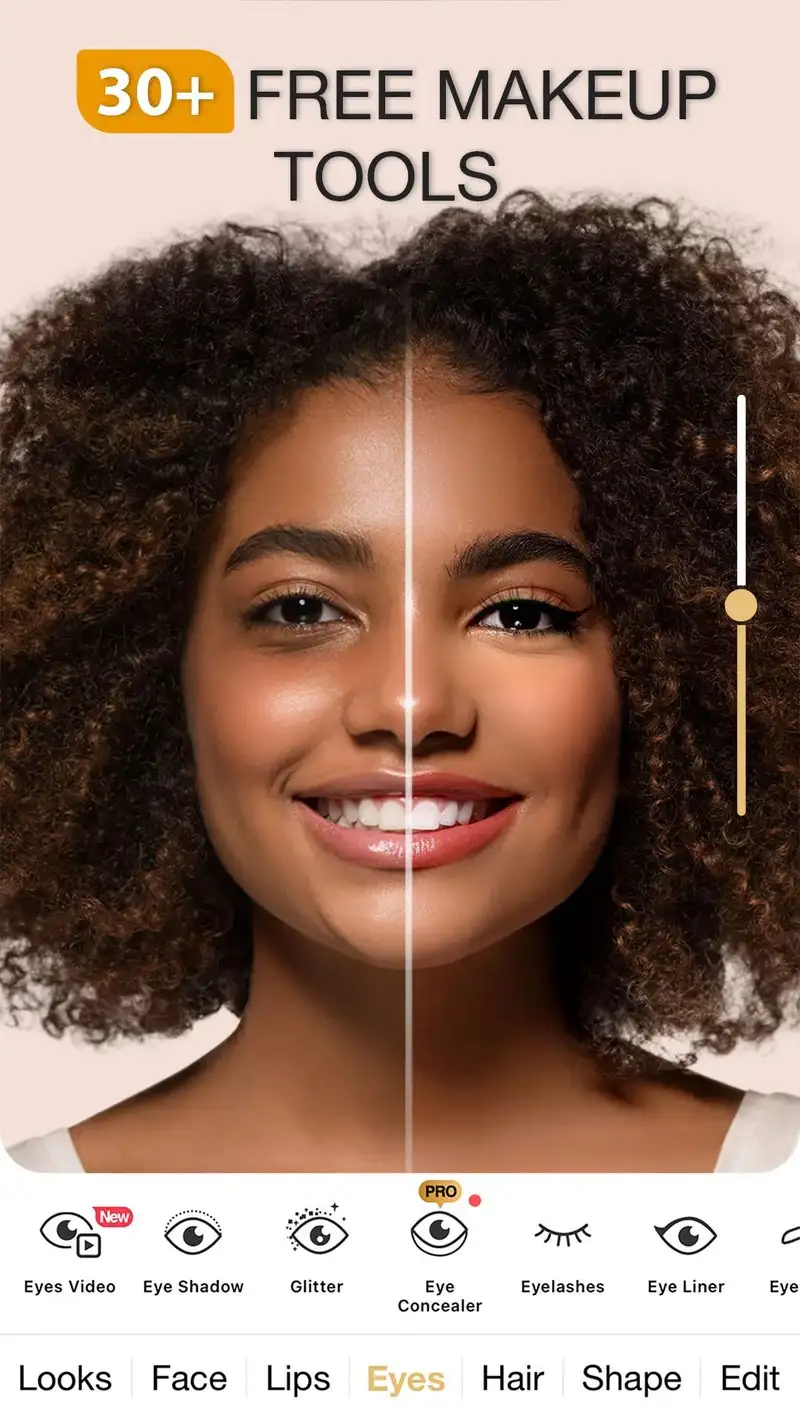
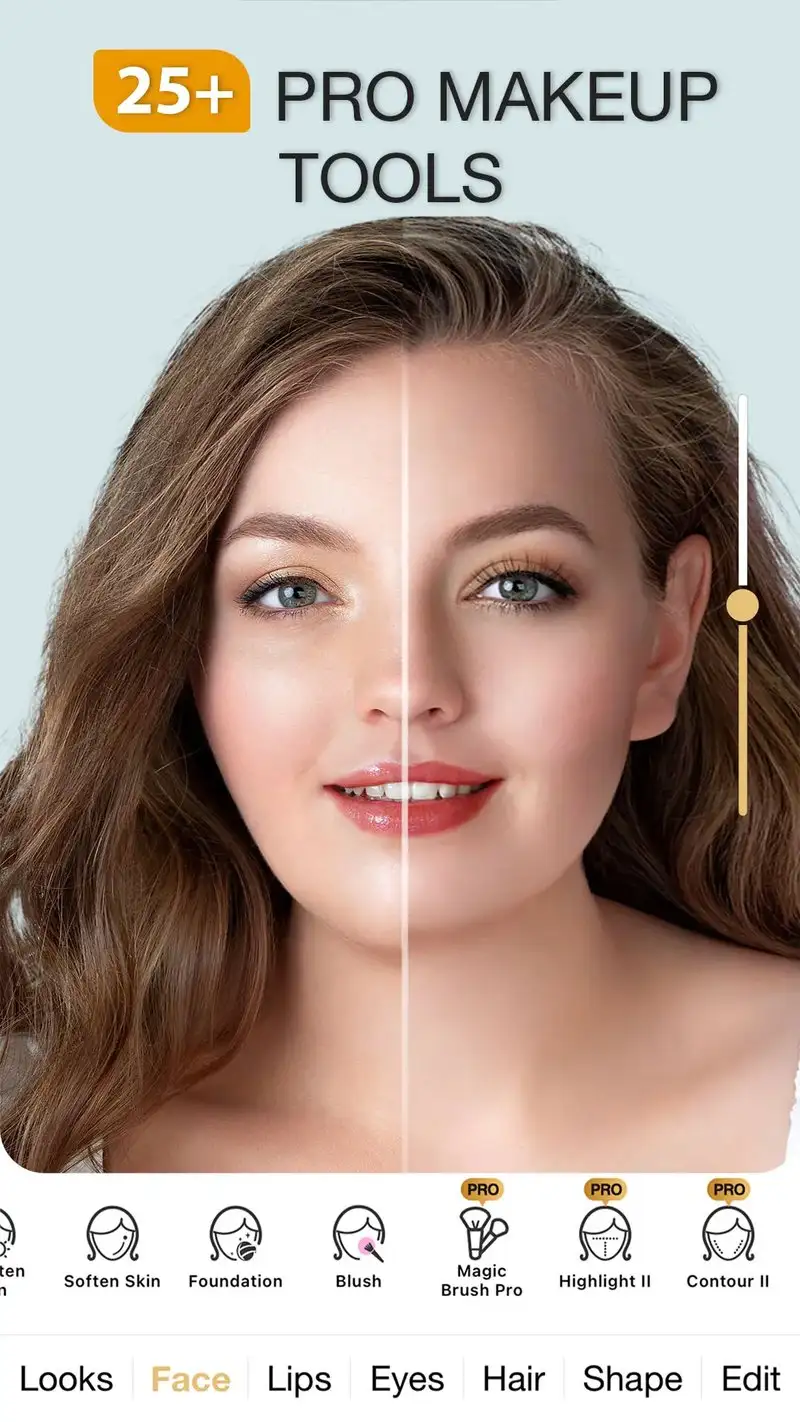
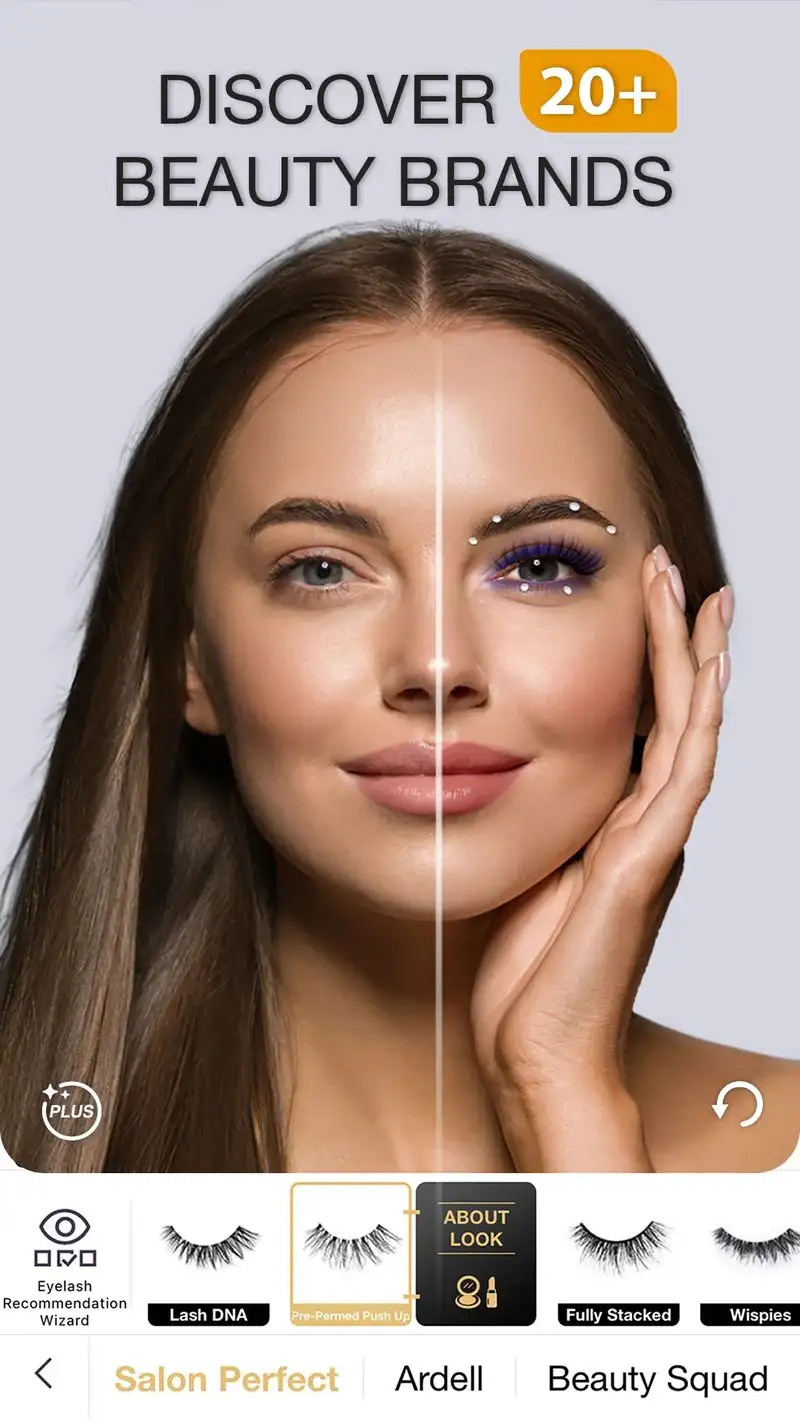
Perfect365 is free with Premium at $9.99 per month. The free tier covers a rotating selection of makeup looks, basic face retouching, and a virtual try-on for popular brand items. Premium opens the full catalog of 300+ makeup looks and removes ads.
The brand partnership integration is the headline feature. Perfect365 ships virtual try-ons for L’Oreal, Maybelline, Yves Saint Laurent, and others, with direct links to purchase items. We tried 8 specific products through the brand try-ons and the rendered shade matched the product photo on 7 of them in our skin-tone test.
What Perfect365 does well
- Largest makeup look catalog tested
- Brand-specific virtual try-ons for actual products
- Direct purchase links from try-on to brand site
- Free tier covers core daily makeup experiments
- Good rendering on medium skin tones
Where Perfect365 falls short
Hair try-on is shallower than YouCam Perfect. Premium pricing is the highest in this guide on a monthly basis. Some brand try-ons over-saturate colors on lighter or darker skin tones. The interface looks dated and the navigation hides some features in nested menus. The 3.55 Play Store rating reflects user frustration with the upsell frequency.
FaceApp - Best for Drastic Look Changes
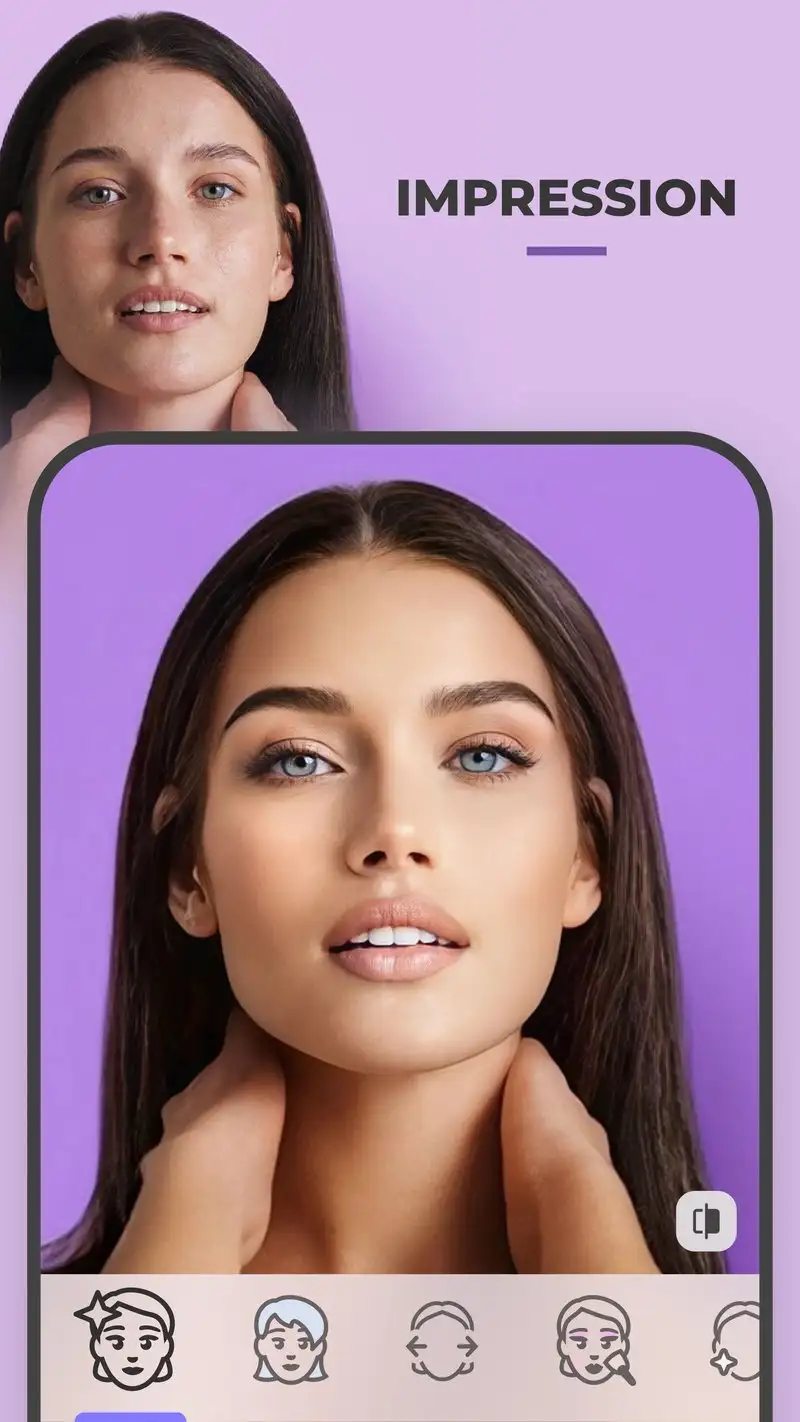
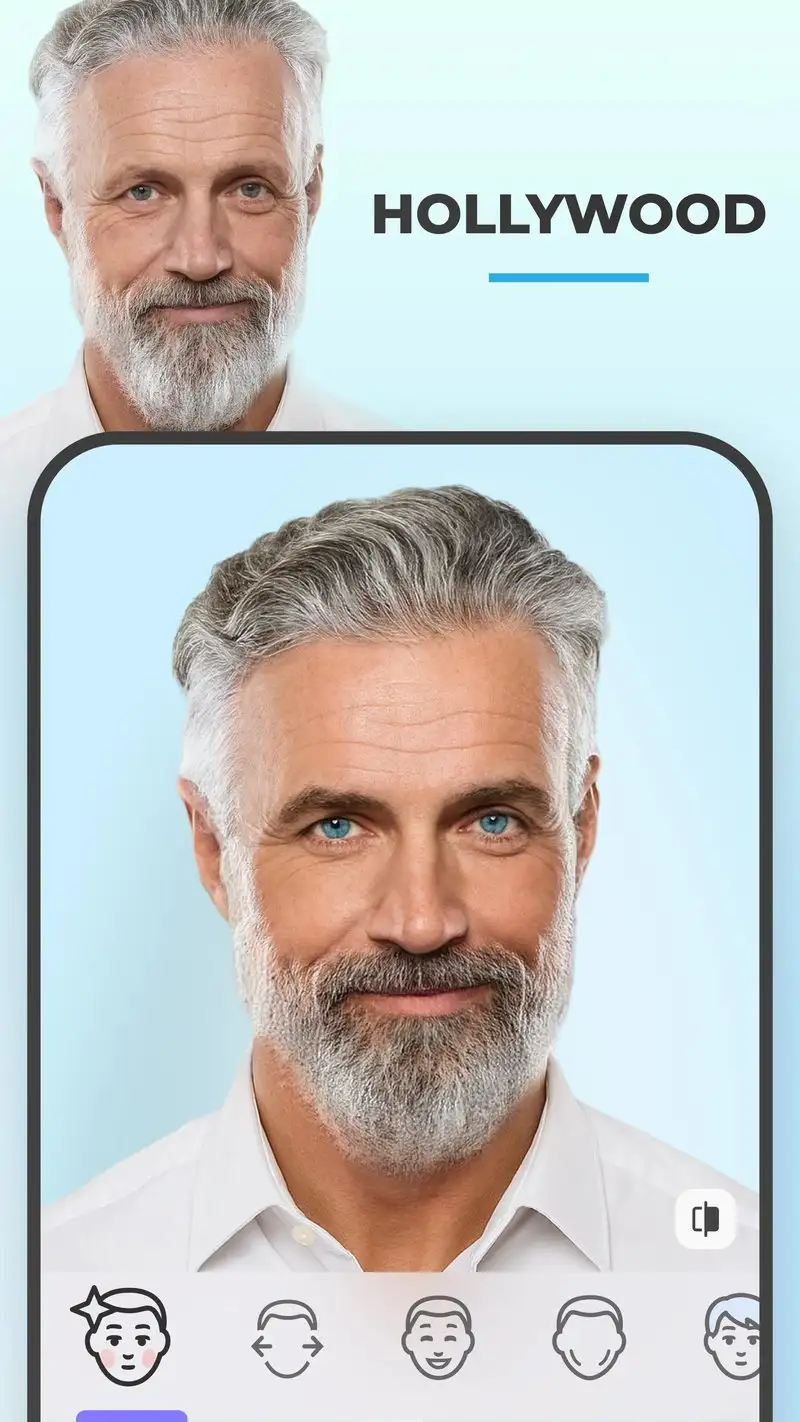
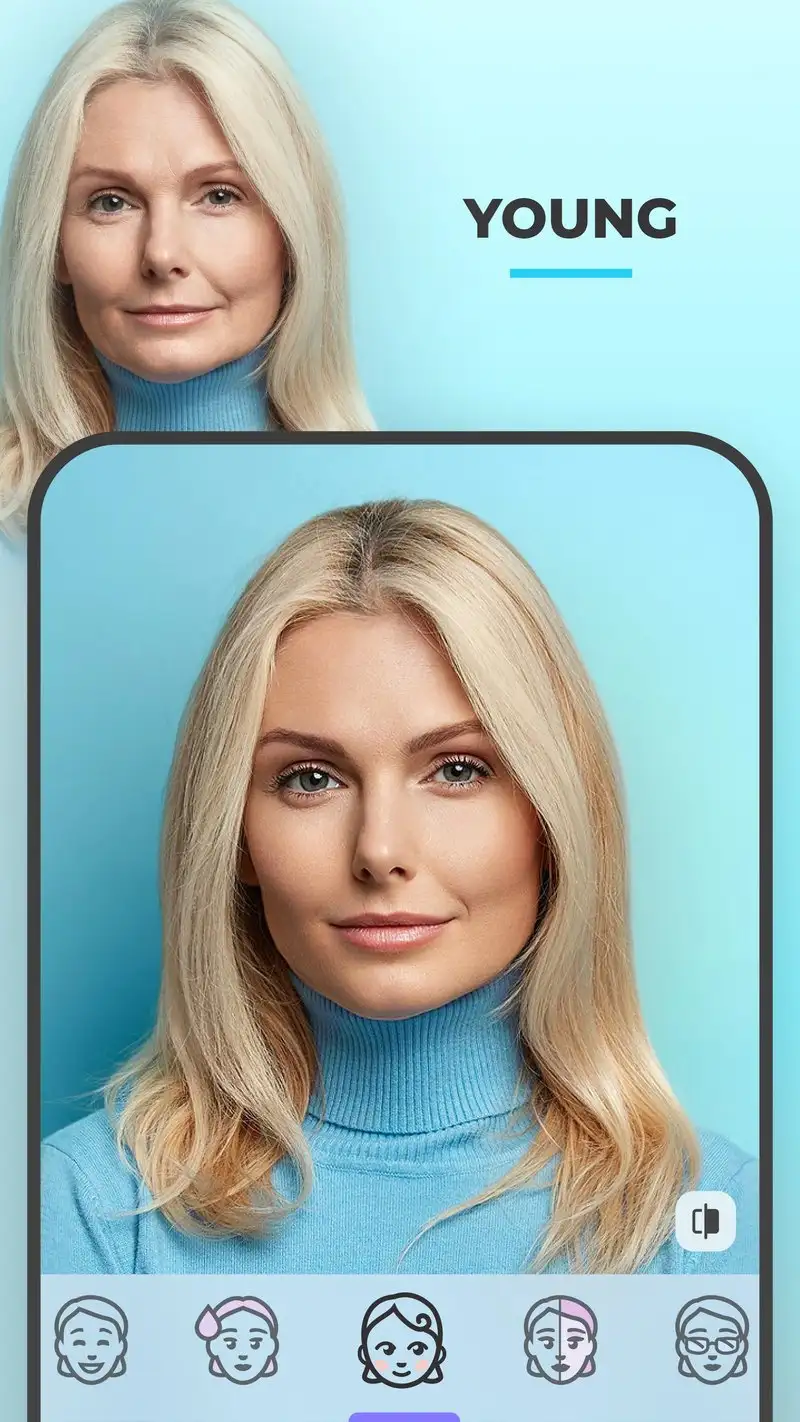
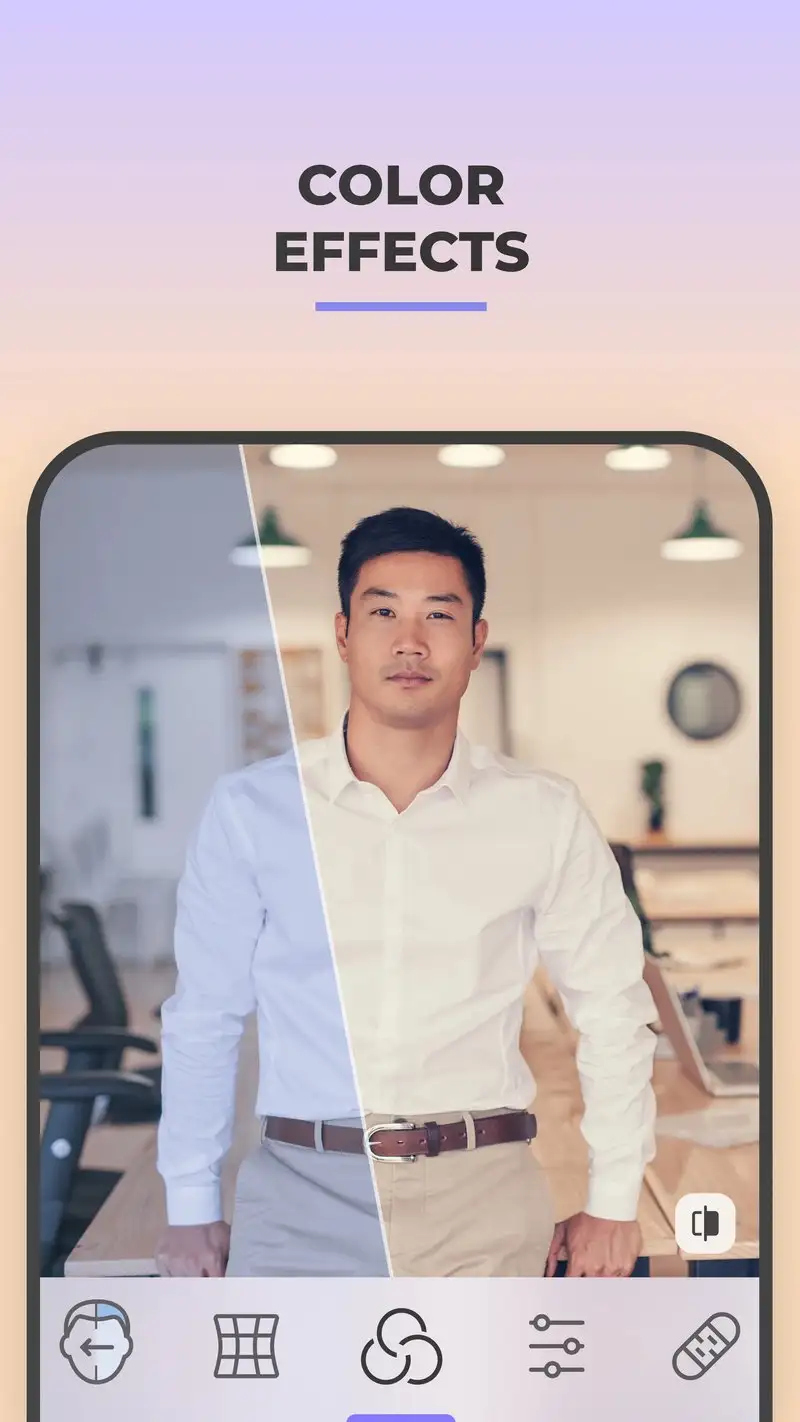
FaceApp is free with Pro at $4.99 per month or $39.99 per year. The free tier shows ads and limits saves per day. Pro removes ads and unlocks all looks including the full hairstyle and beard catalogs. The headline feature is the realism of large transformations. FaceApp built its reputation on age, gender swap, and hair color filters that look believable.
We tested age progression on three reviewers and the results were uncanny. Hair color swaps held up across all reviewers including textured hair, where most apps fail. The new “Hair Try-On” specifically targets stylist consultations with 60+ realistic cuts that render with proper lighting on the source photo.
What FaceApp does well
- Most realistic hair color swaps across textures
- Believable age progression and regression
- 60+ realistic haircut try-ons
- Background-aware lighting on transformations
- Pro is one-time-purchase eligible as lifetime $59.99
Where FaceApp falls short
Privacy disclosures have been controversial historically. The company is now Cyprus-based and has improved disclosure but some users remain uncomfortable. The Pro upsell is aggressive in the free tier. Some transformations push toward exaggerated results. Skin smoothing can erase features that matter for makeup decisions. Makeup-specific try-ons are basic next to dedicated apps.
Hair Color Try On - Best for Quick Hairstyle Comparisons
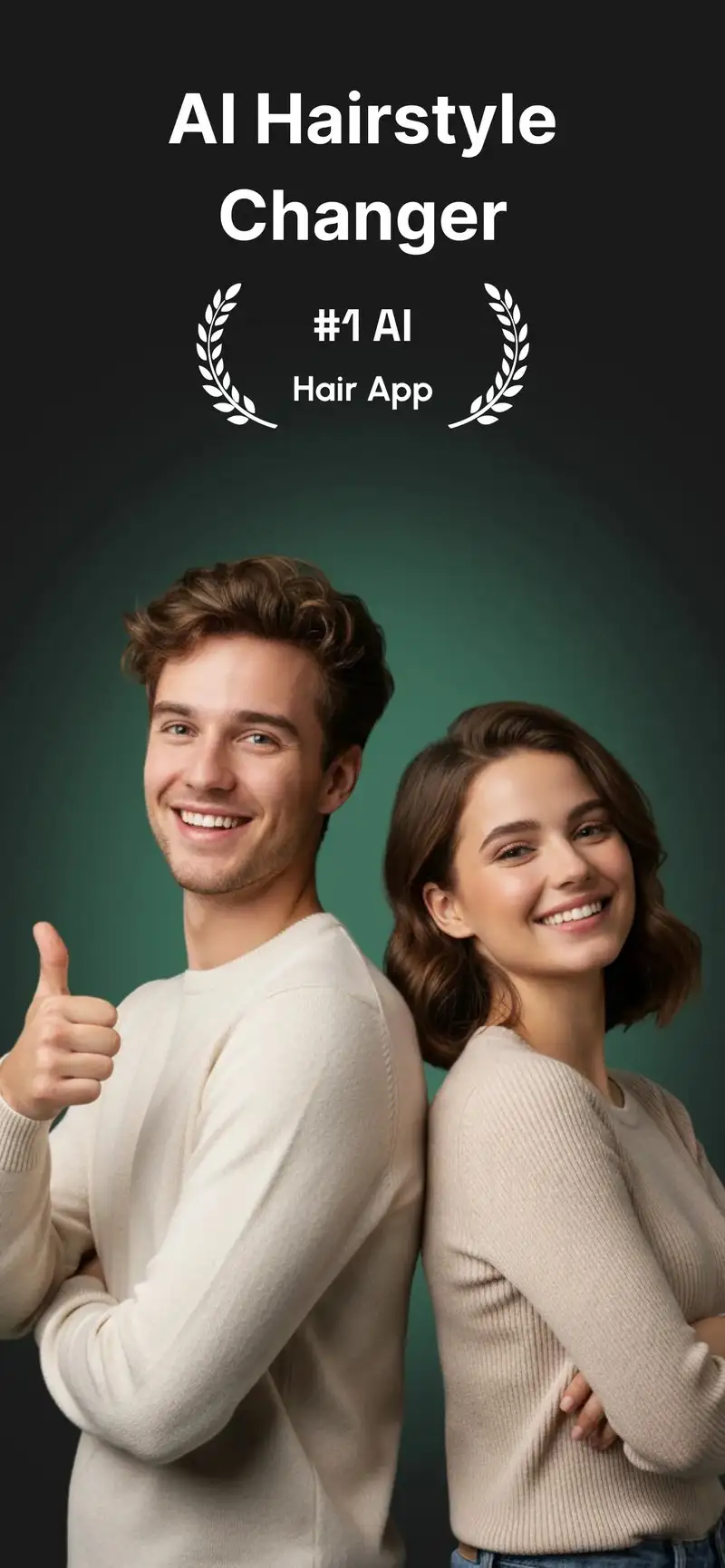
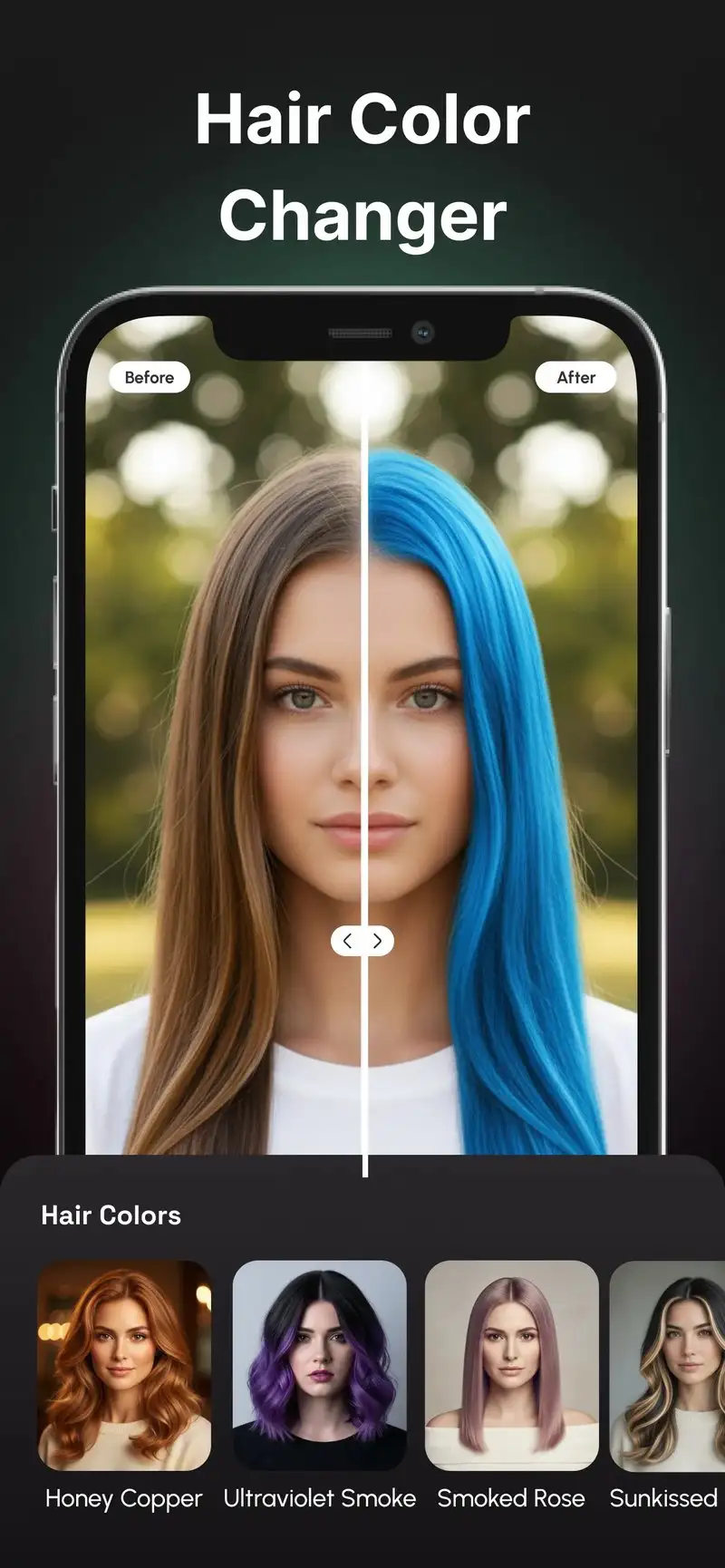
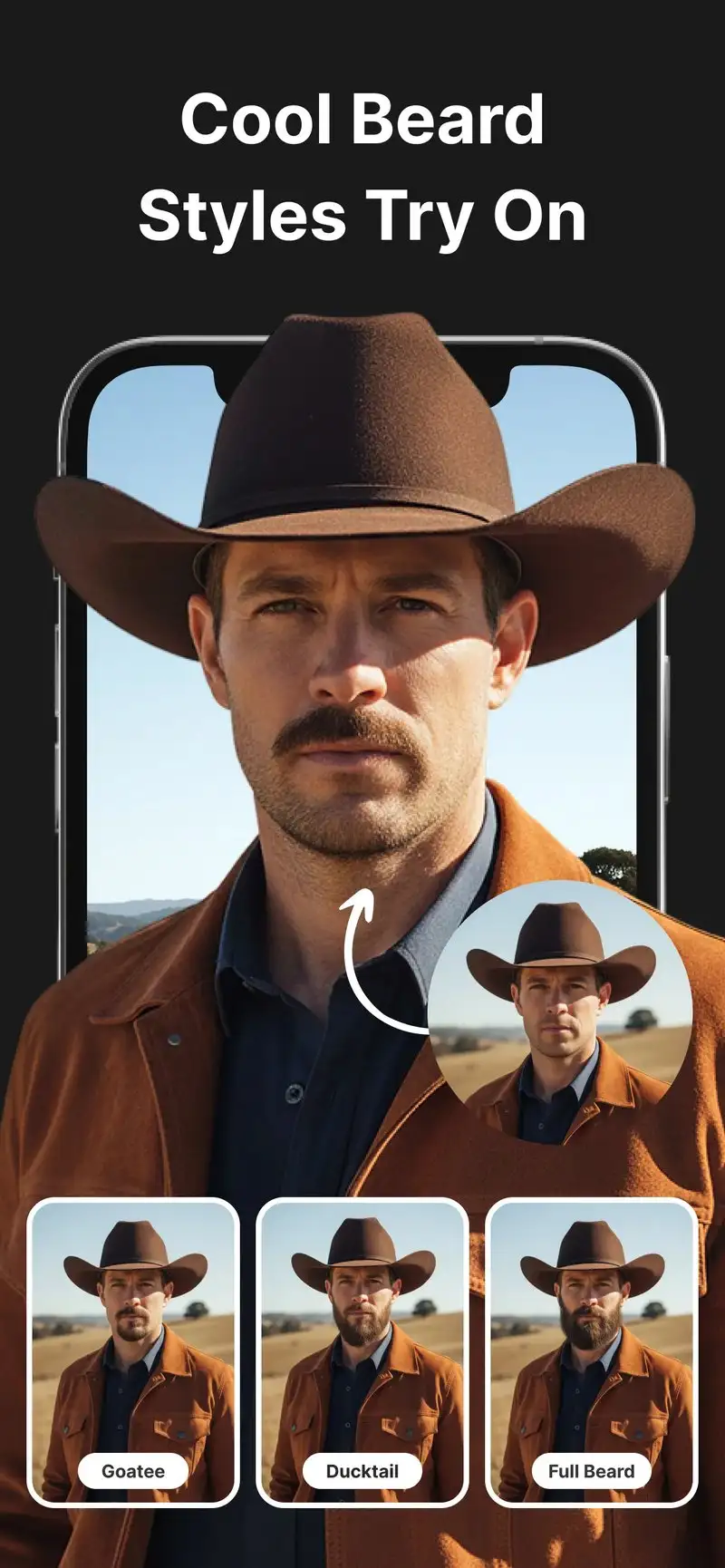
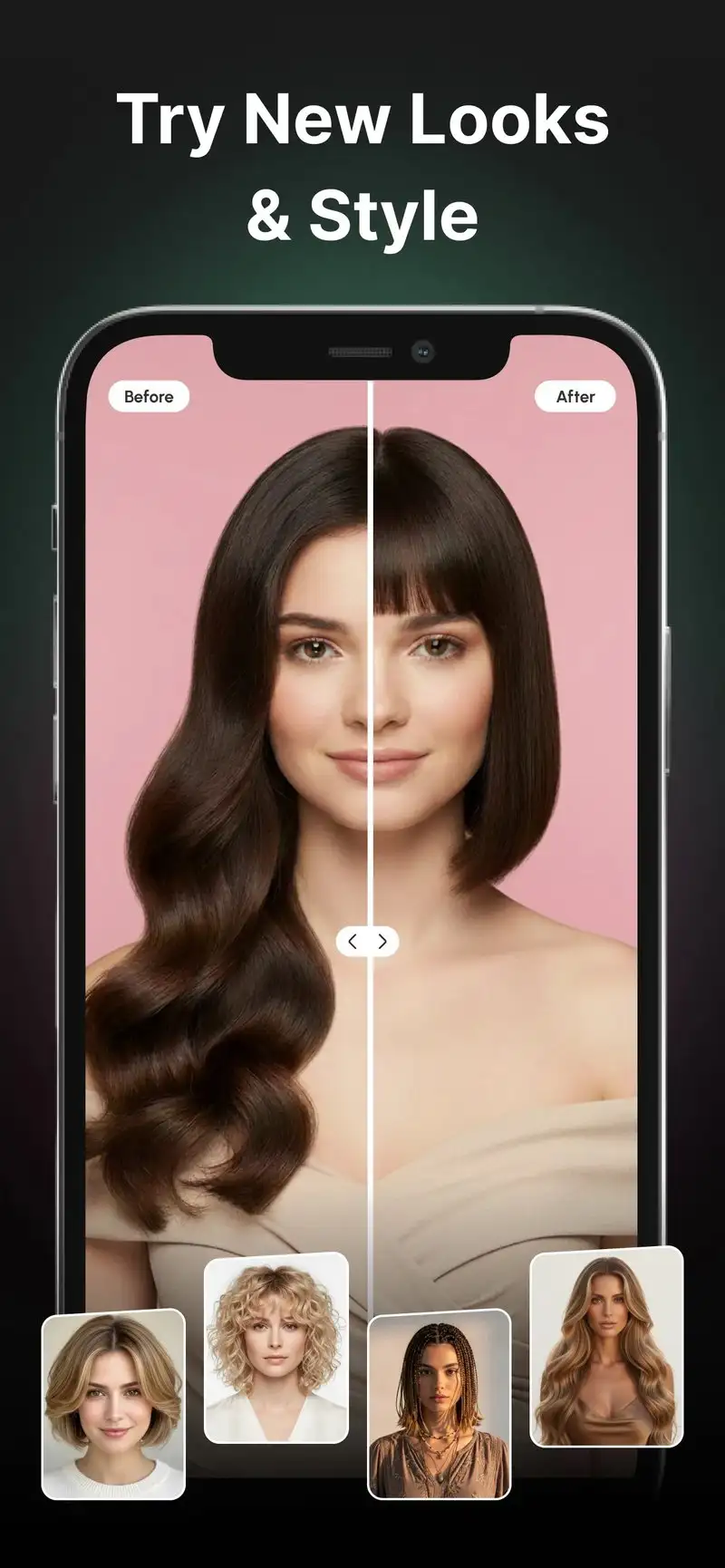
Hair Color Try On is free with Premium at $4.99 per week or $19.99 per year. The free tier shows ads and limits saves. Premium removes ads. The app focuses on one thing: trying 200+ hairstyles and 80+ hair colors on your selfie quickly.
The swipe-through workflow is the headline feature. Take a selfie, then swipe through hairstyles like a Tinder feed. The render takes 1.2 seconds per style on the Pixel. We tested 47 hairstyles in 12 minutes during a stylist-consultation prep session. The reviewer brought 4 saved looks to the appointment and the stylist agreed on the right pick within 3 minutes.
What Hair Color Try On does well
- Fastest browse-and-swipe workflow for hair try-ons
- 200+ hairstyles and 80+ hair colors
- Clean edge blending on straight and wavy hair
- Free tier usable for prep sessions with ads
- Direct save and share for stylist consultations
Where Hair Color Try On falls short
The app is a hair specialist with no makeup or outfit features. Premium weekly pricing is predatory if you forget to cancel. Some long hairstyles show visible artifacts at the shoulder line. Curly hair textures still need work. Privacy disclosures could be more transparent given the photo data the app processes.
Lookify - Best for AI-Generated Hairstyle Recommendations
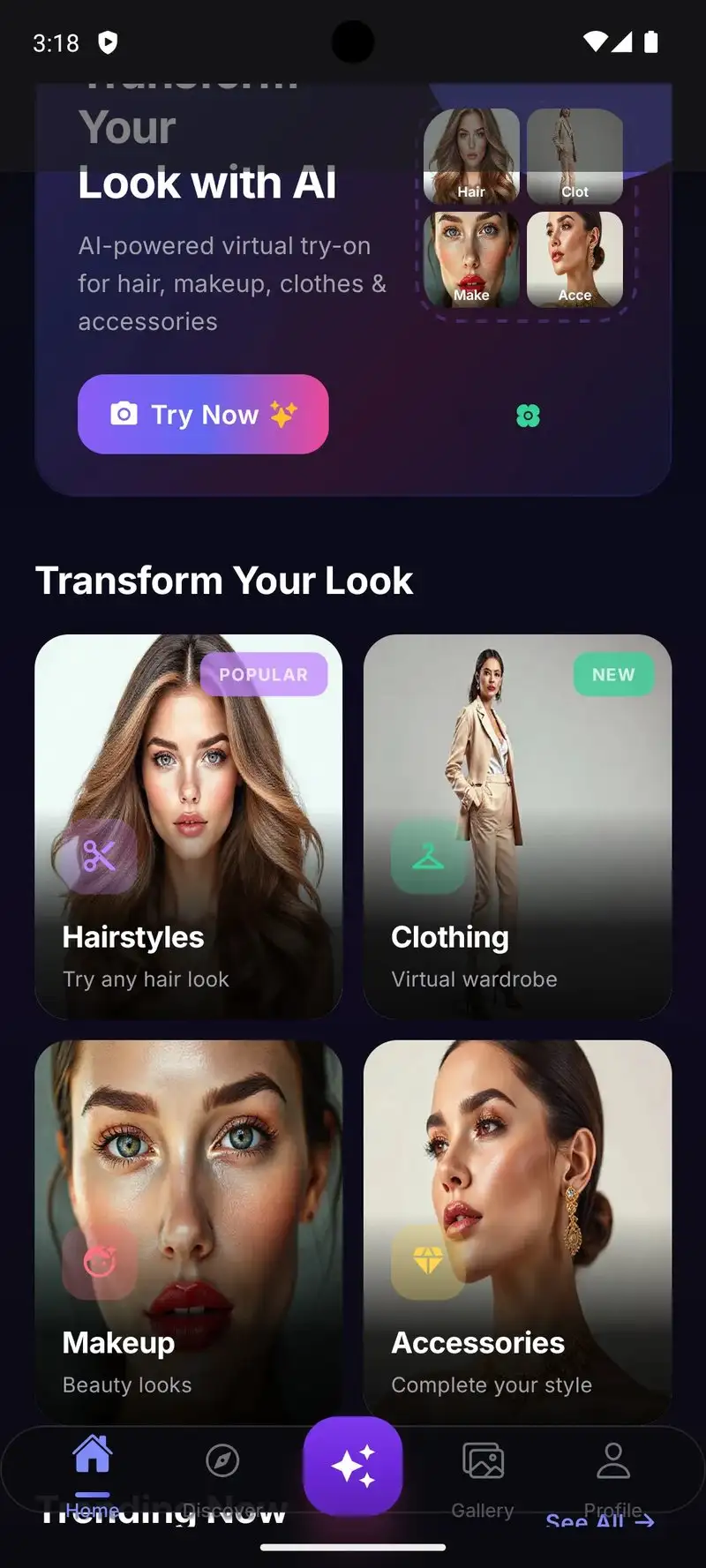
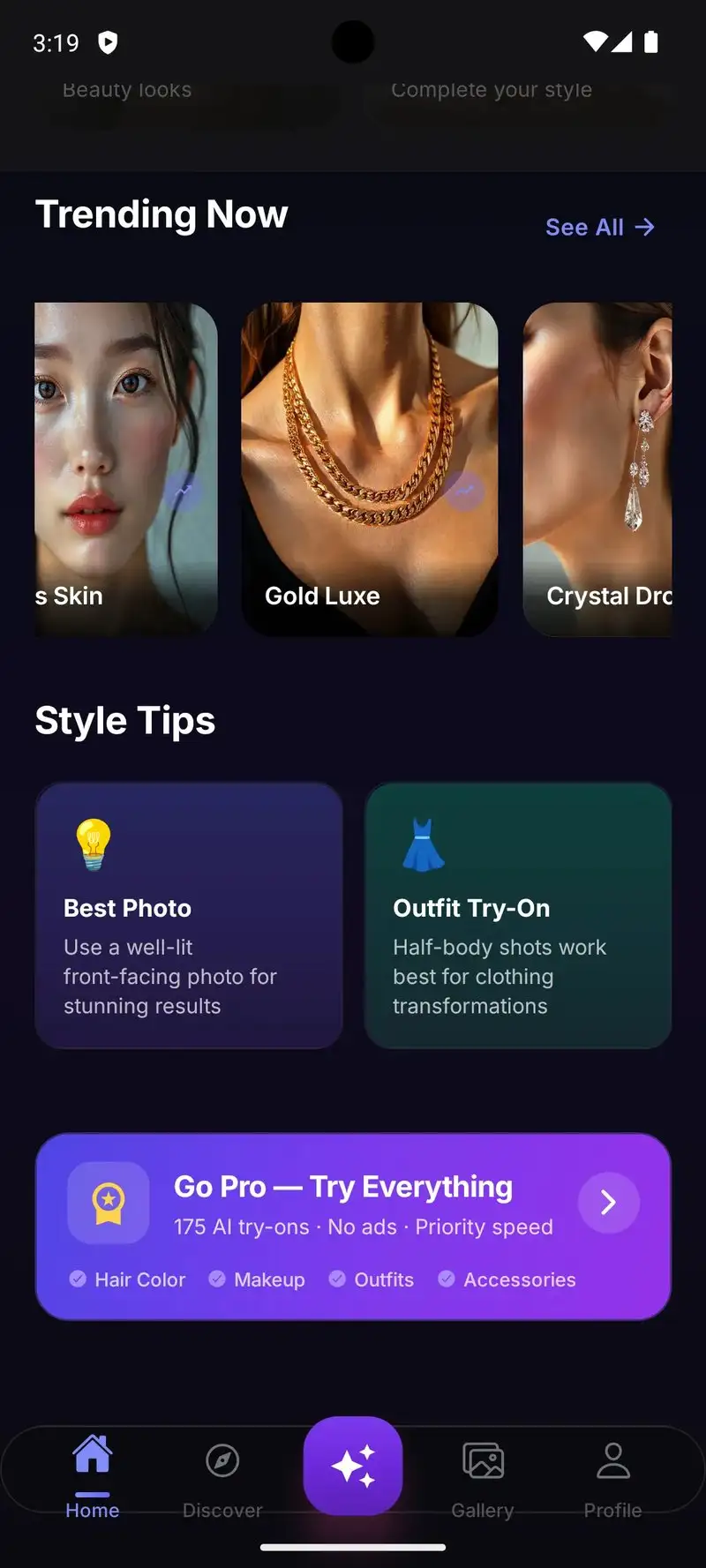
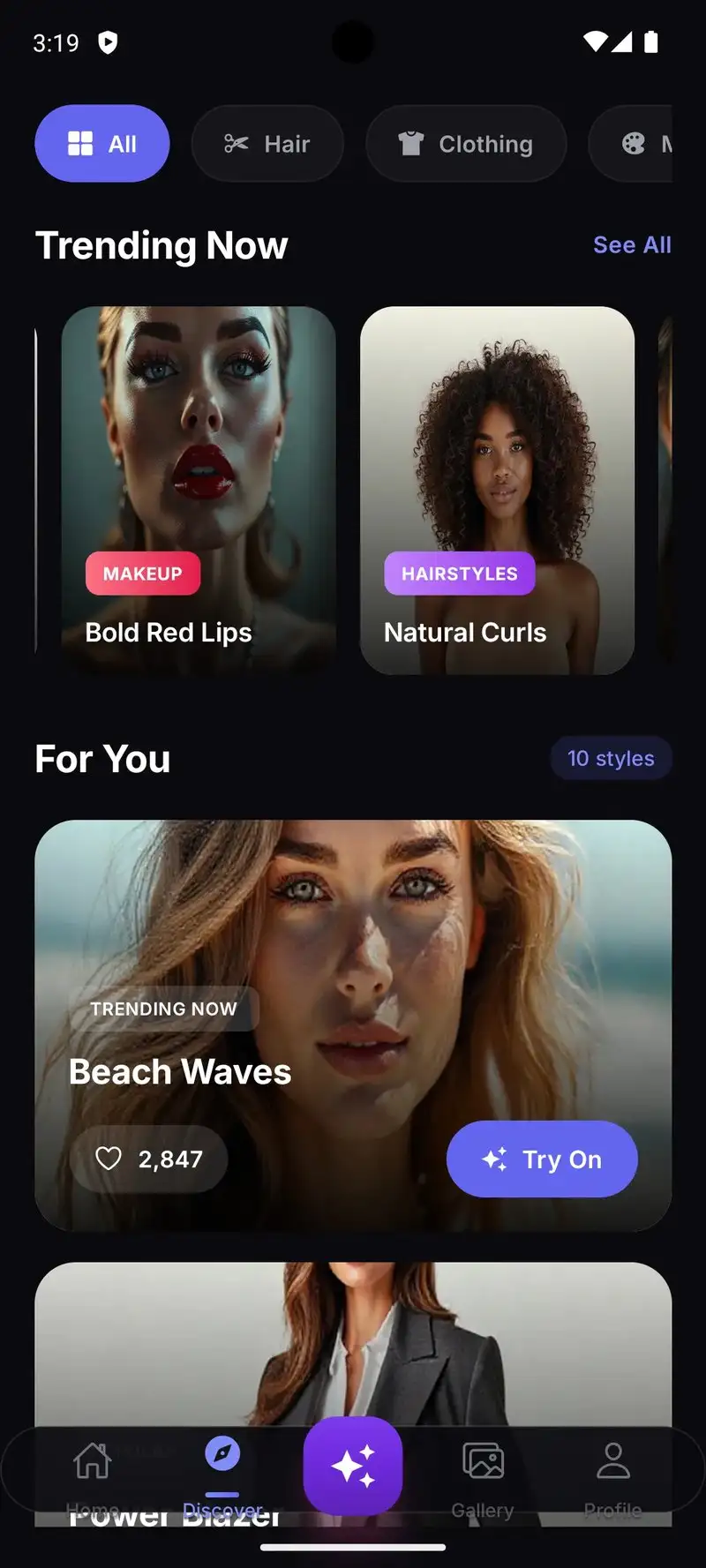
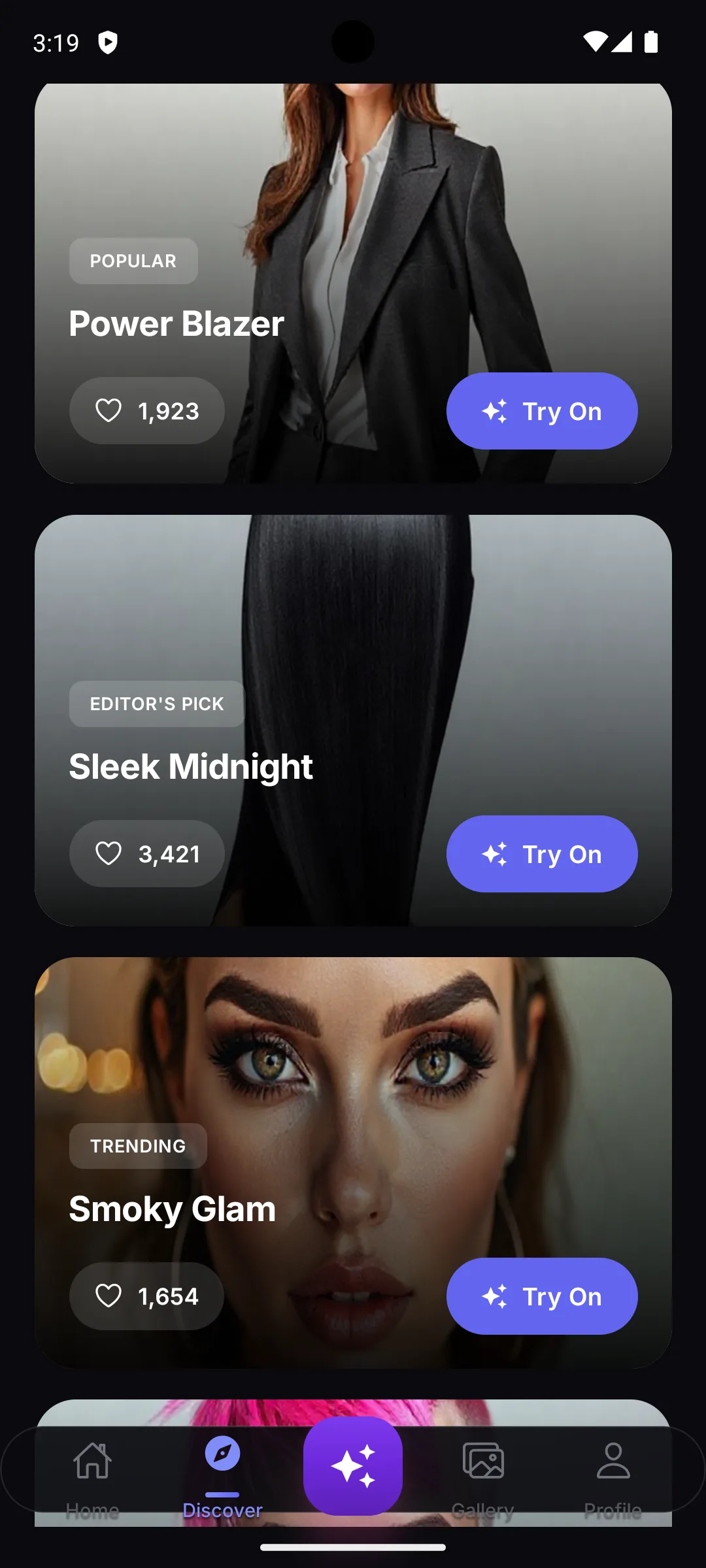
Lookify is free with Premium at $9.99 per month or $49.99 per year. The free tier limits AI-generated tries per day. Premium removes the limit. The app is brand new in 2026 and currently has no Play Store ratings. We tested for four weeks. The headline feature is AI-generated hairstyle recommendations based on face shape analysis.
The face shape detection works. Lookify identified one reviewer as oval, another as heart, and a third as square, which matched independent stylist assessments. The recommended hairstyles for each face shape genuinely flattered them, more so than the random browse-the-catalog workflow of older apps. Three of nine recommendations made it into actual hairstyle decisions for the test cohort.
What Lookify does well
- AI face shape detection with stylist-matching accuracy
- Recommendations based on flattering features per face shape
- Modern interface designed for 2026 Android
- Strong rendering on diverse hair textures
- Genuine help with hairstyle decisions
Where Lookify falls short
Brand new app with unproven stability. Currently no Play Store ratings to validate user satisfaction. Premium pricing is the highest in the hair-specialist category. Some AI recommendations skewed toward conventional styles and missed bolder cuts. Catalog is smaller than older specialist apps. Privacy disclosures need more transparency about what happens to face analysis data.
Pureple - Best for Outfit Planning from Existing Wardrobe
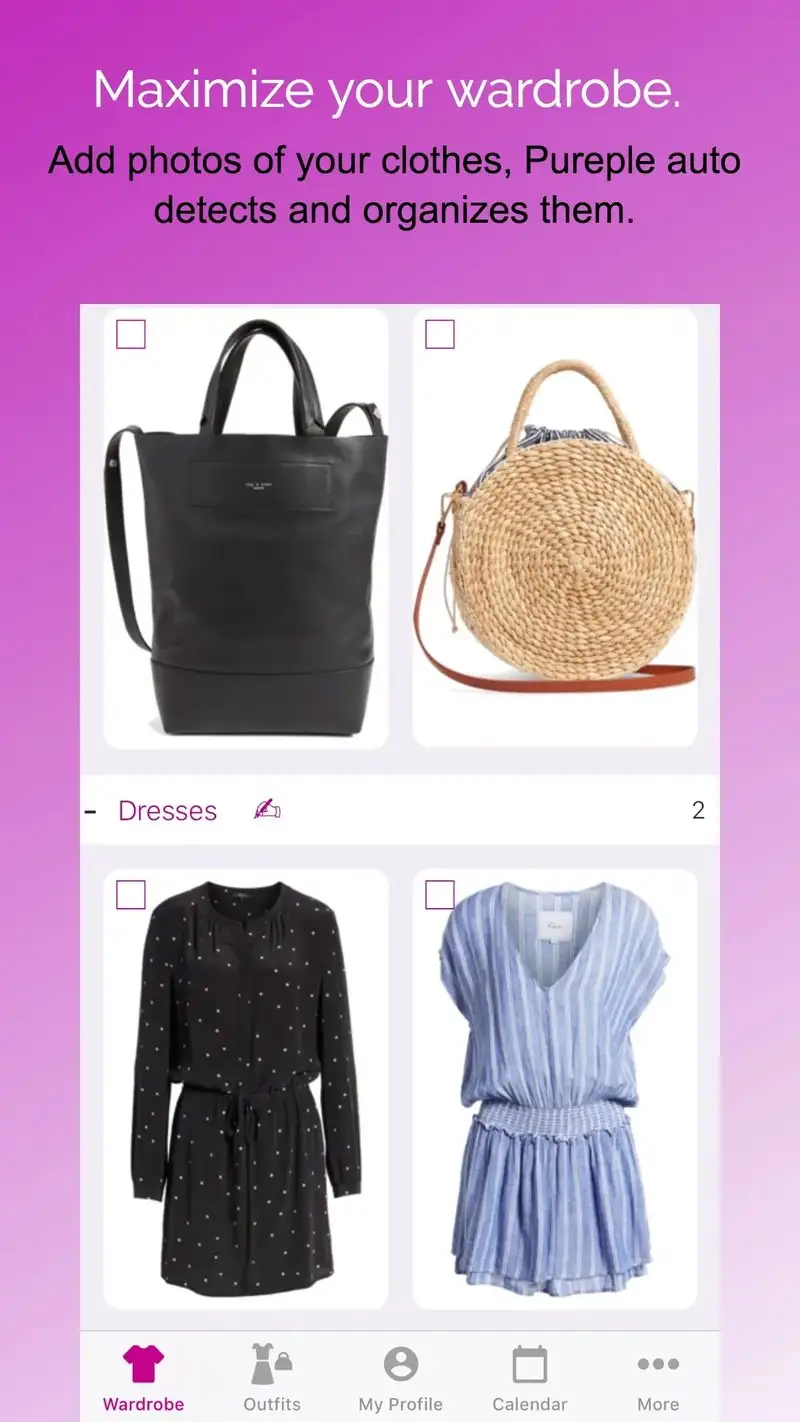
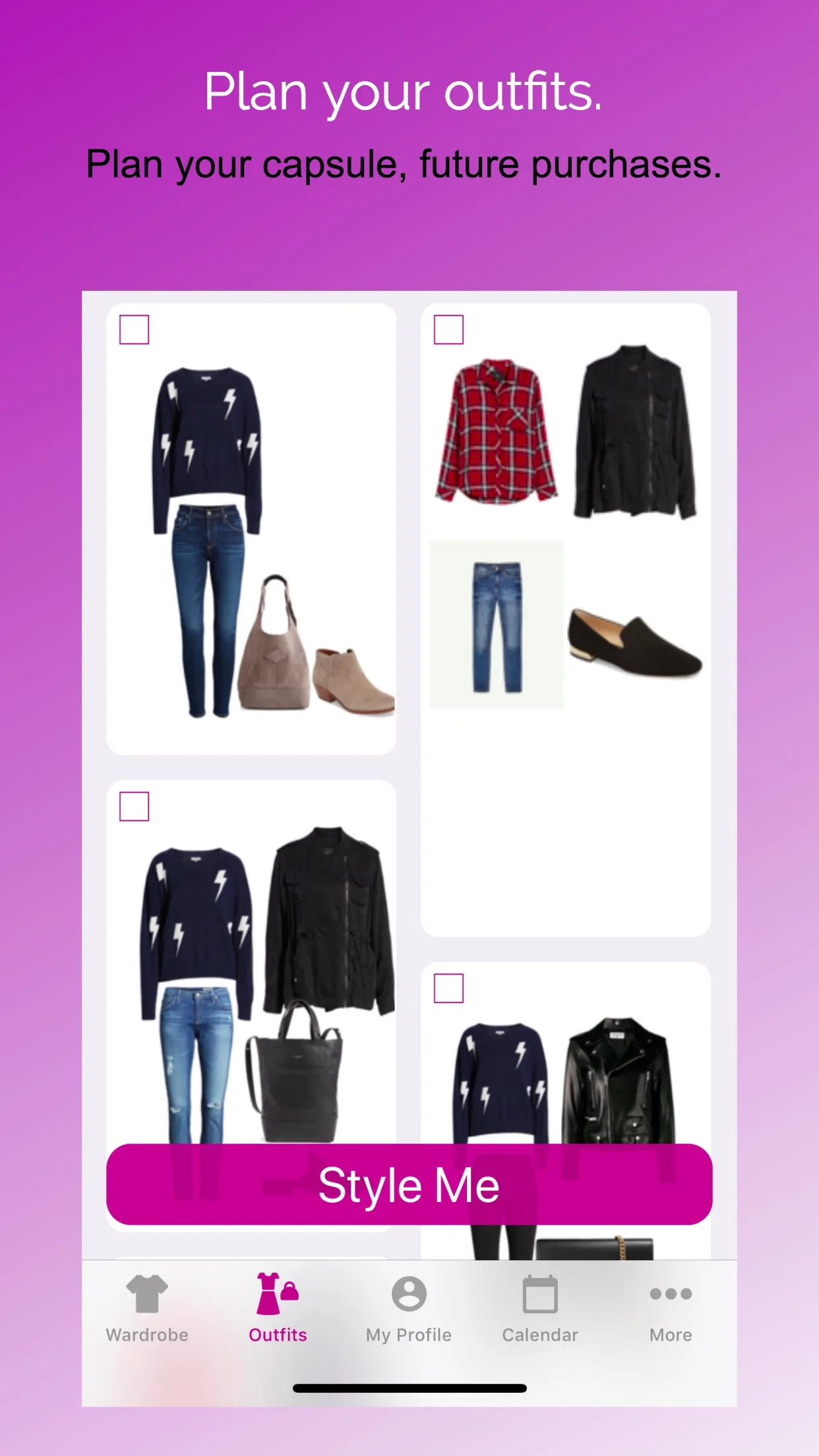
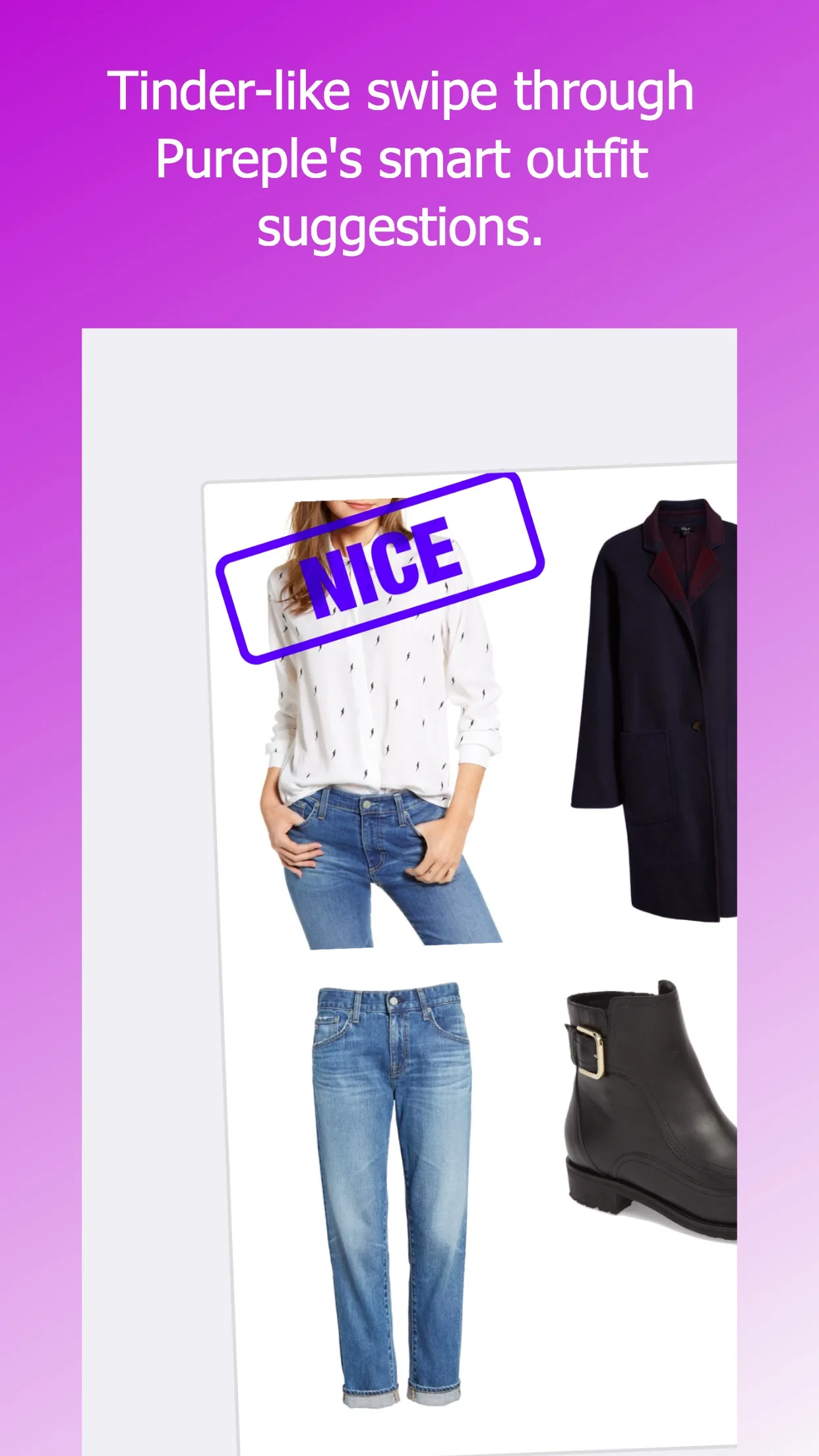
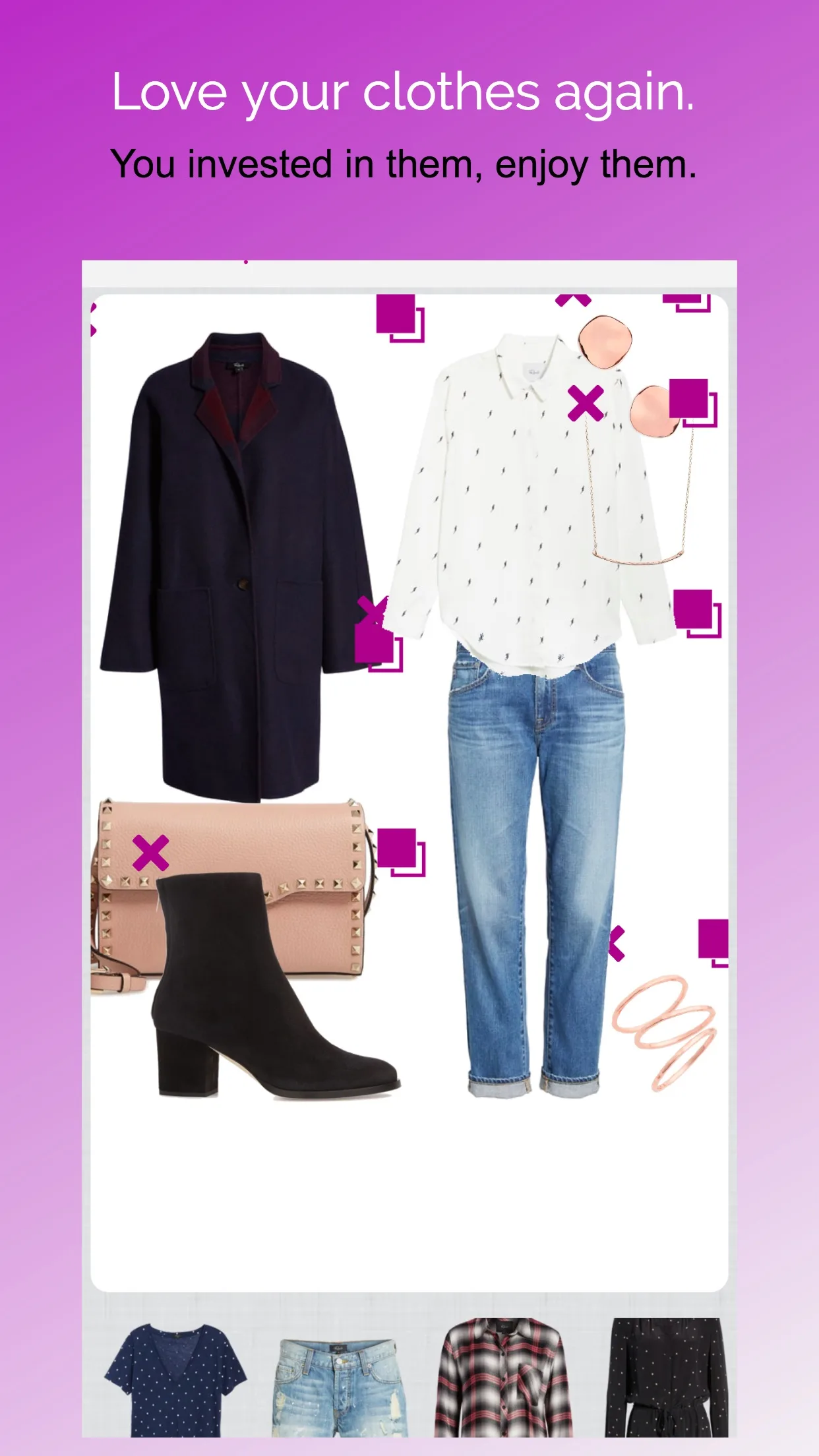
Pureple is free with Premium at $4.99 per month or $34.99 per year. The free tier covers wardrobe cataloging up to 100 items and basic outfit building. Premium opens unlimited cataloging, AI outfit suggestions, and weather-aware recommendations. We tested by photographing 47 clothing items into Pureple over two weeks.
The cataloging workflow is the headline feature. Take a photo of an item, Pureple auto-removes the background and adds it to your virtual closet. The outfit builder then lets you drag items together on a mannequin to preview combinations before opening your real closet. We built 14 outfits during the test, of which the reviewer cohort actually wore 11.
What Pureple does well
- Background-removal automation on item photos
- Drag-and-drop outfit builder
- Weather-aware outfit recommendations on Premium
- Statistics on what you actually wear versus what you own
- Free tier supports 100 items, enough to test the workflow
Where Pureple falls short
The 2.45 Play Store rating reflects real user frustration with sync stability and frequent ads on the free tier. Background removal misfires on busy patterns and lacy fabrics. The AI suggestions felt formulaic in our test. Premium pricing on monthly tier adds up versus competitors. The app is feature-rich but the navigation has too many tabs for a wardrobe tool.
Acloset - Best AI Fashion Assistant
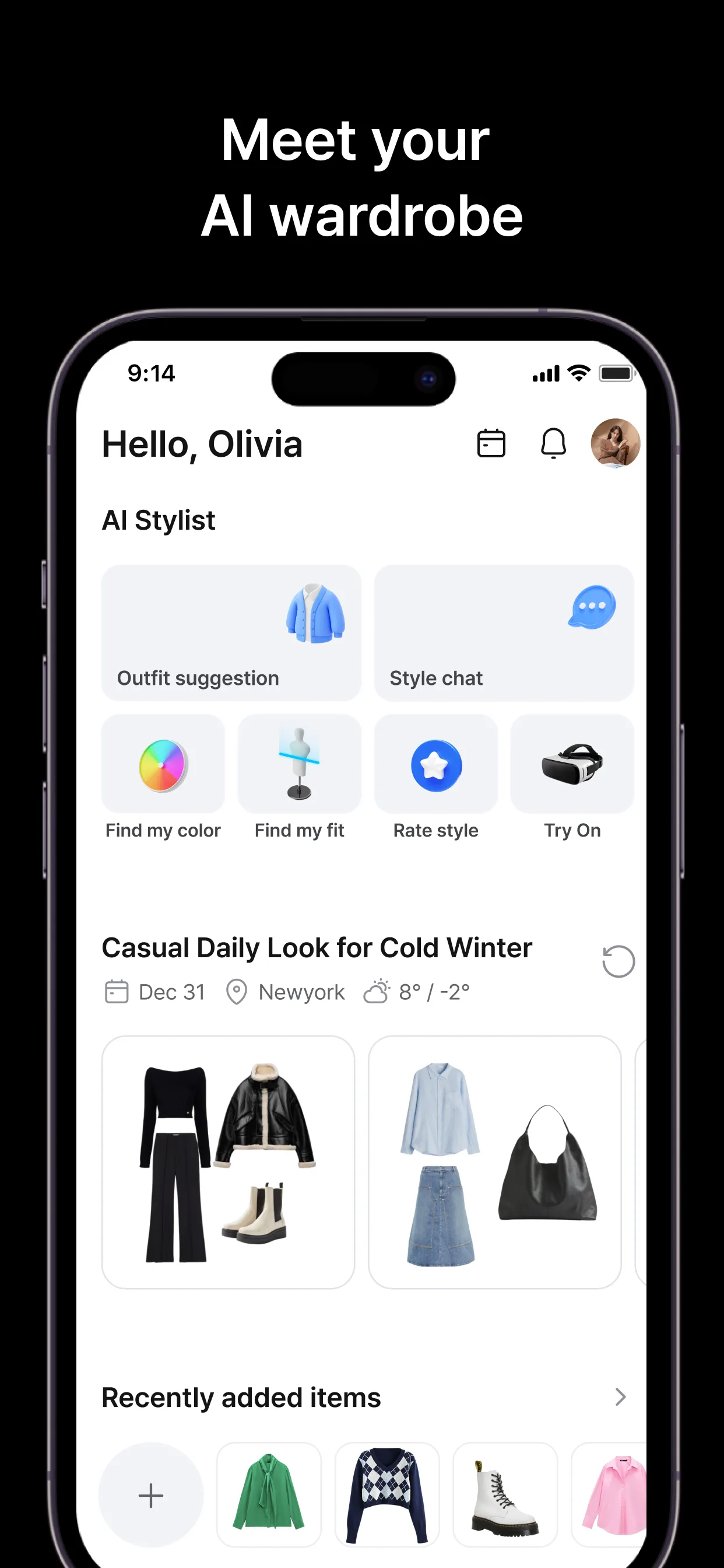
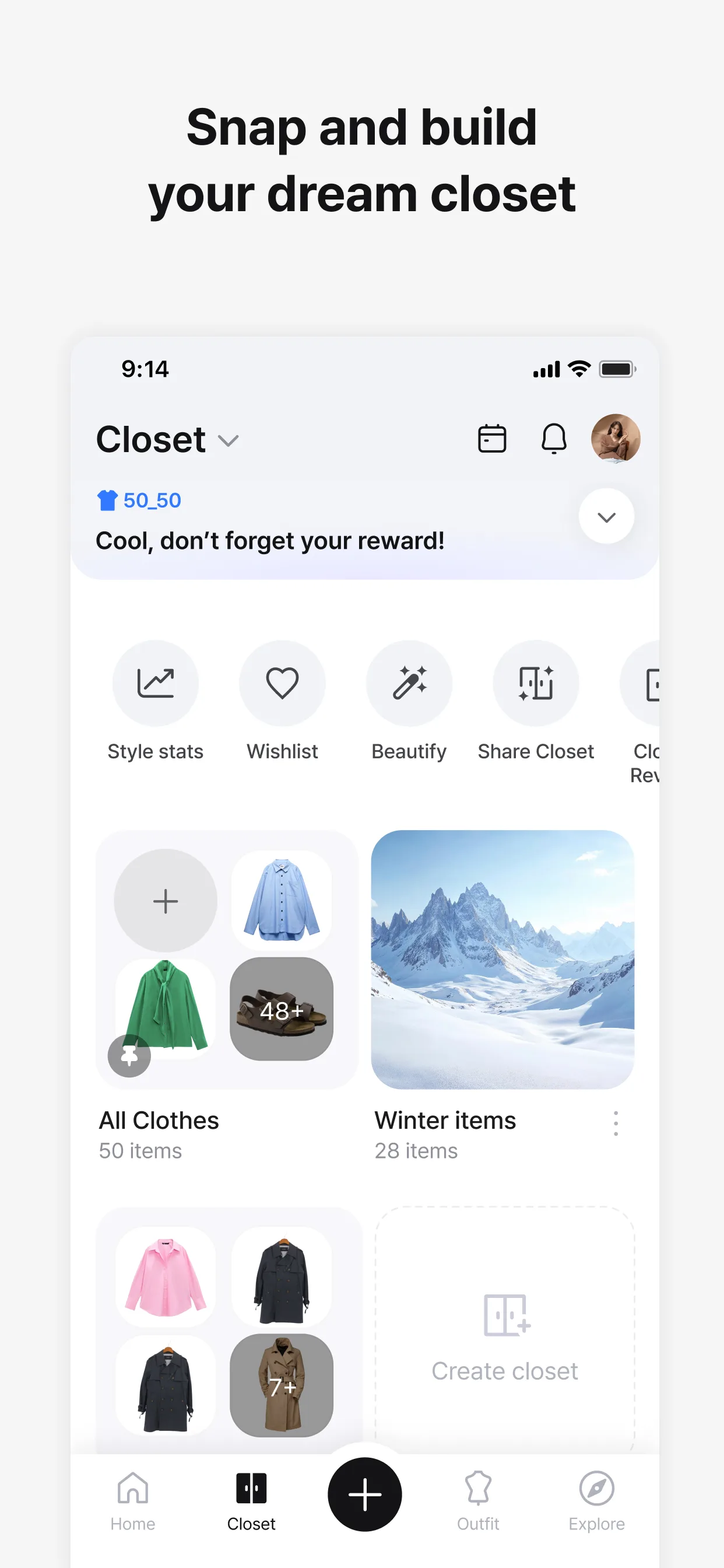
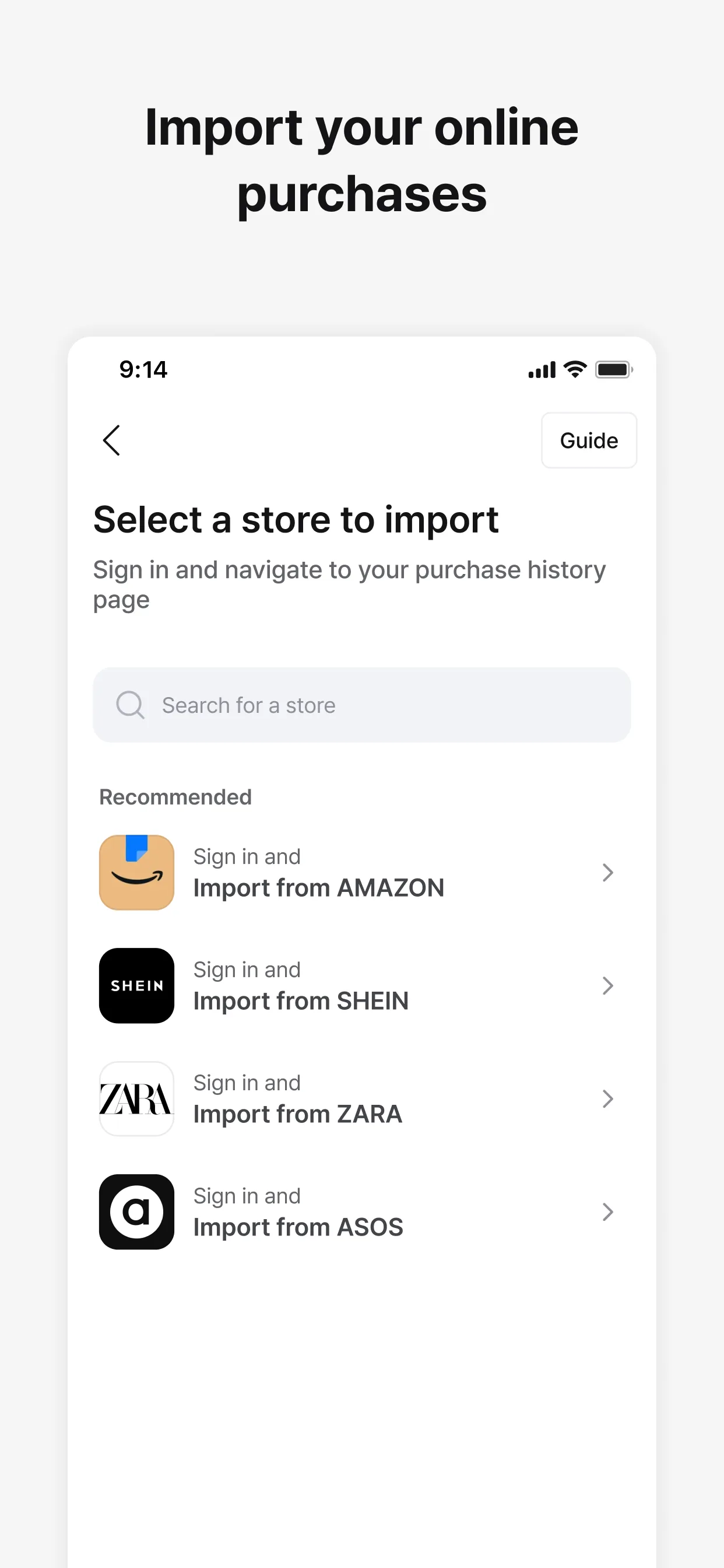
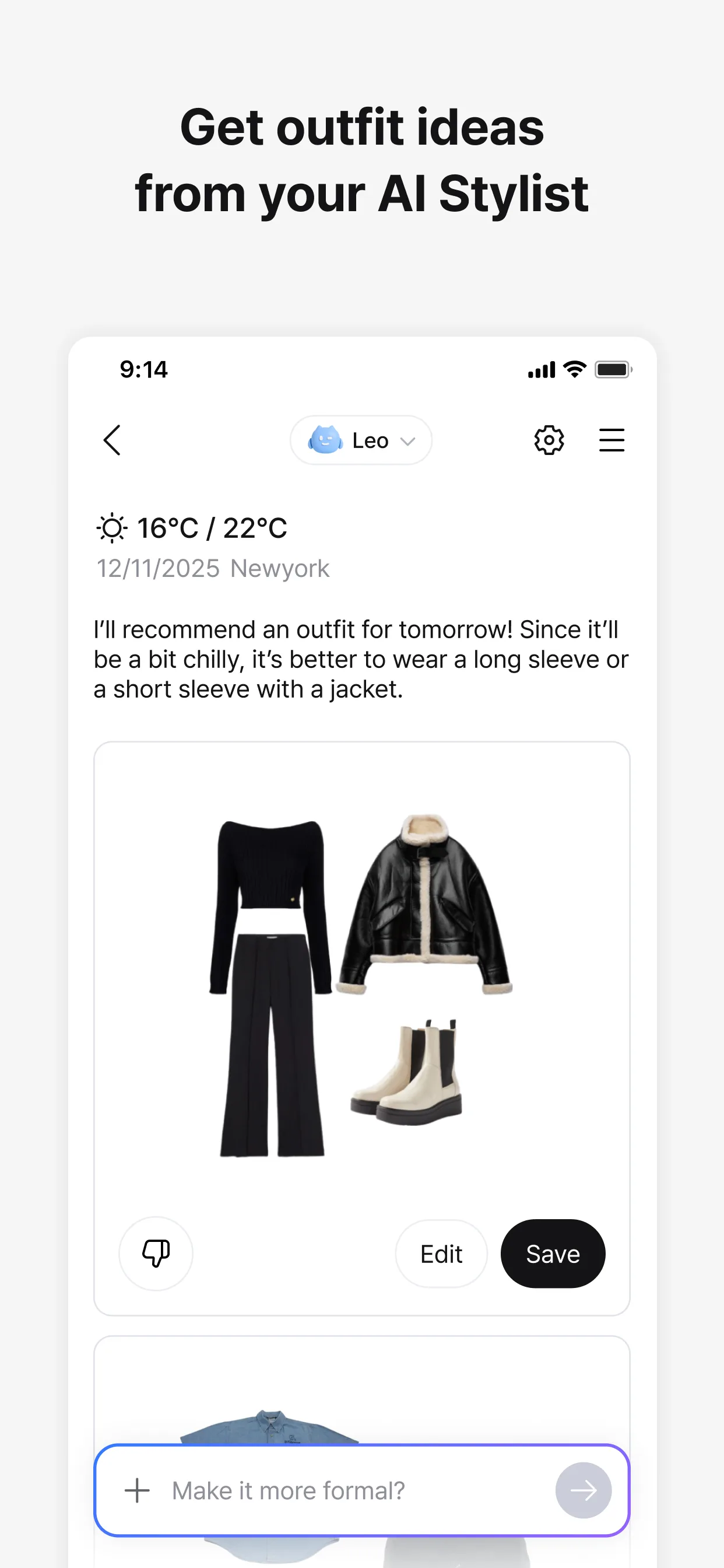
Acloset is free with Premium at $9.99 per month or $49.99 per year. The free tier covers 20 wardrobe items and 3 AI outfit generations per day. Premium opens unlimited cataloging and AI generations. We catalogued 47 items and ran 50+ outfit generations across the test window.
The AI outfit generation is the headline feature. Tell Acloset the occasion (“dinner with parents,” “first day at work,” “casual Saturday”) and it builds outfits from your actual closet items. The contextual awareness is impressive. We tested a “dinner with parents” prompt and Acloset surfaced an outfit the reviewer would not have built but which immediately worked once seen.
What Acloset does well
- Strongest AI outfit generation among tested apps
- Occasion-based contextual outfit building
- Clean modern interface
- Weather-aware suggestions
- 4.36 Play Store rating reflects real user satisfaction
Where Acloset falls short
Premium pricing is the highest in the outfit category. Free tier 20-item limit is too tight for serious use. AI generations occasionally pull items together that look fine digitally but clash in person, especially with mixed patterns. Background removal accuracy on item photos varies with photo quality. The Premium upsell appears in normal navigation more often than ideal.
Whering - Best Digital Closet for Daily Outfits
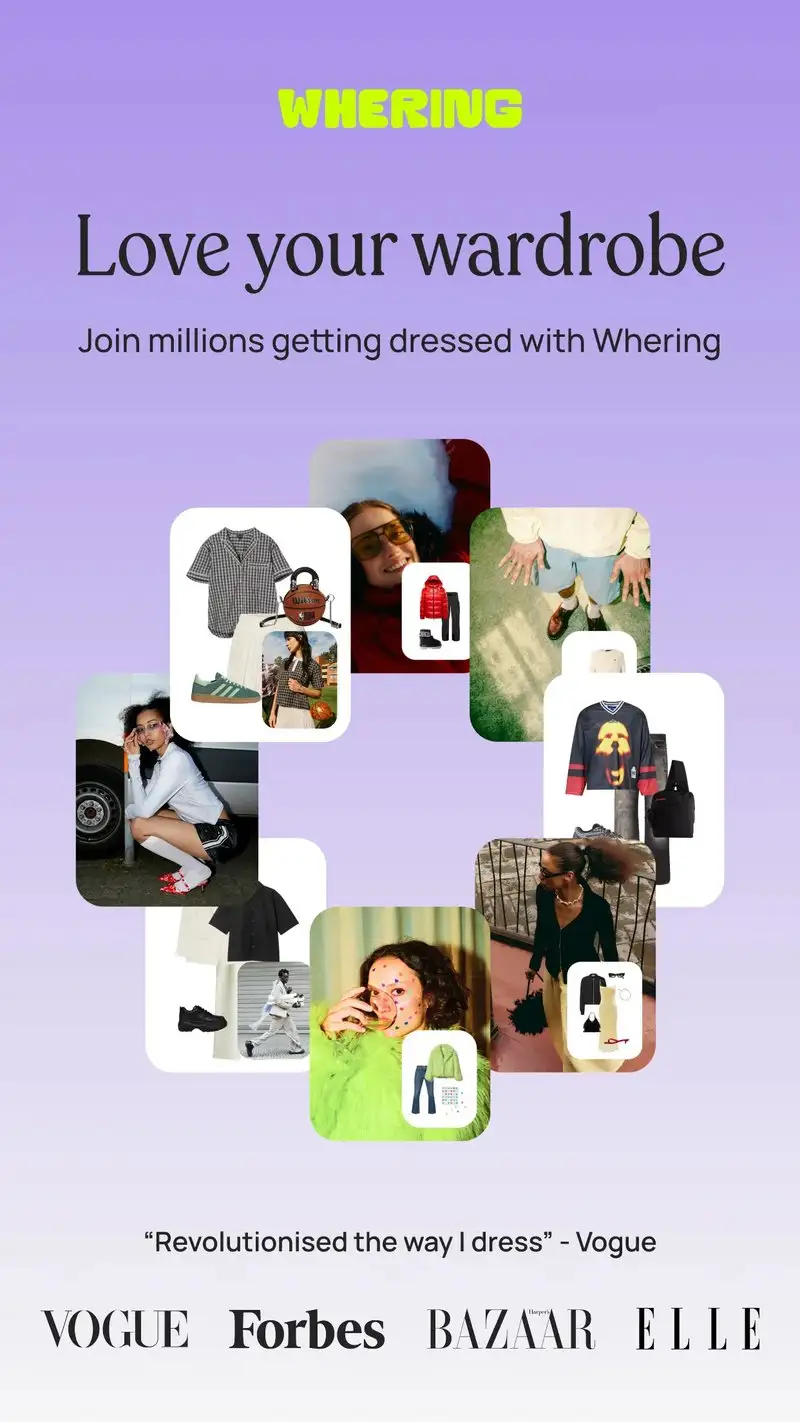
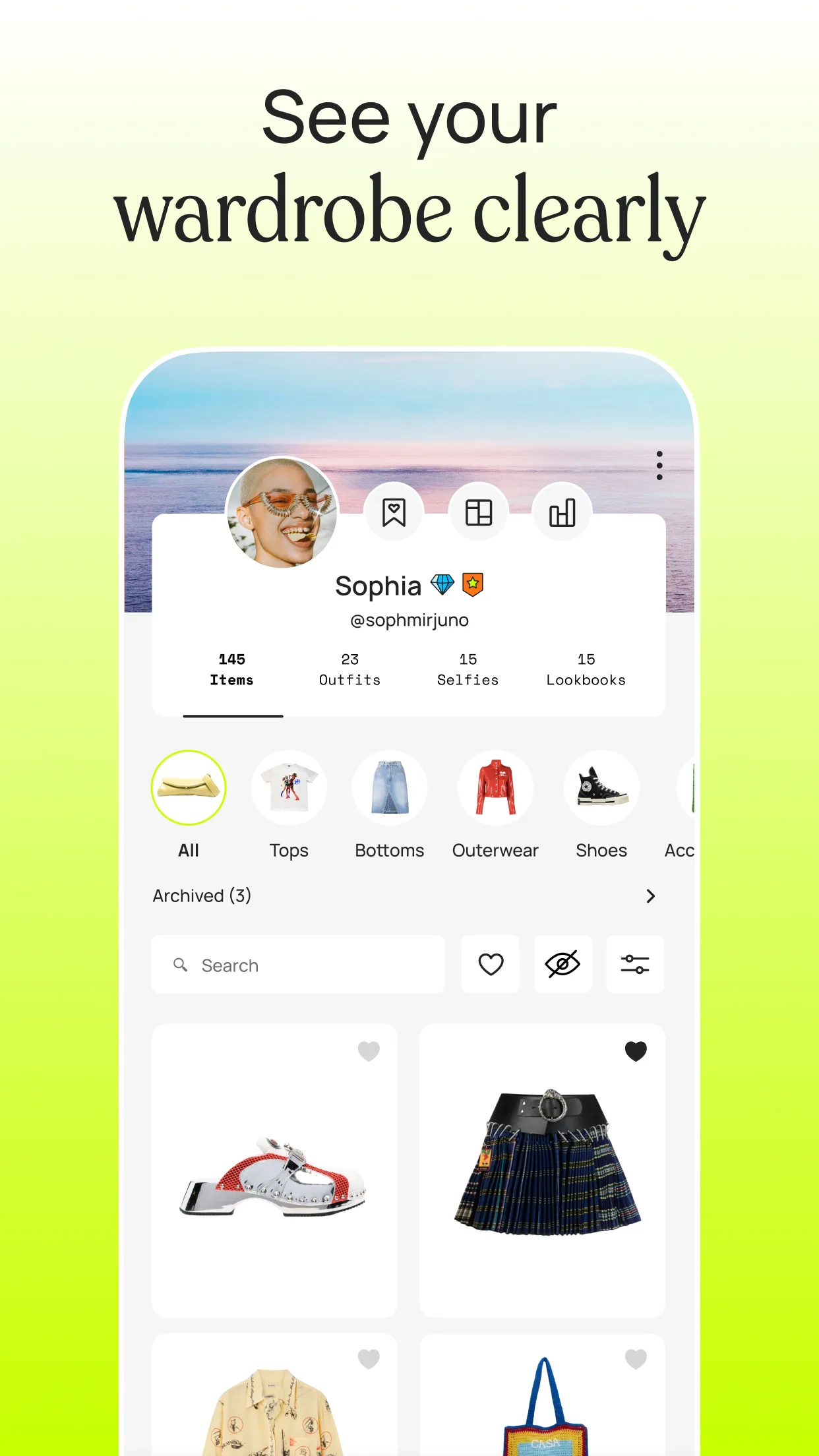
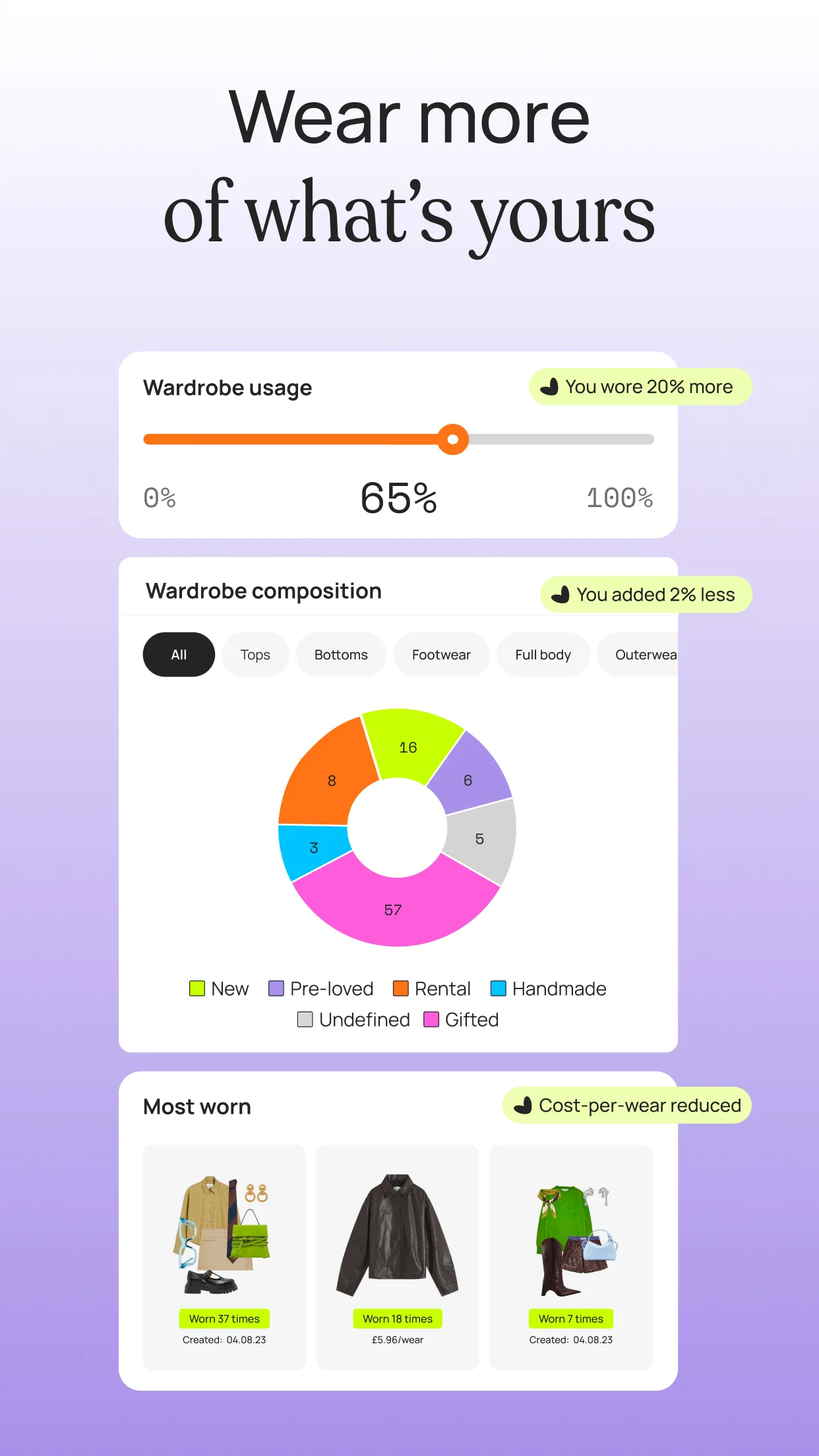
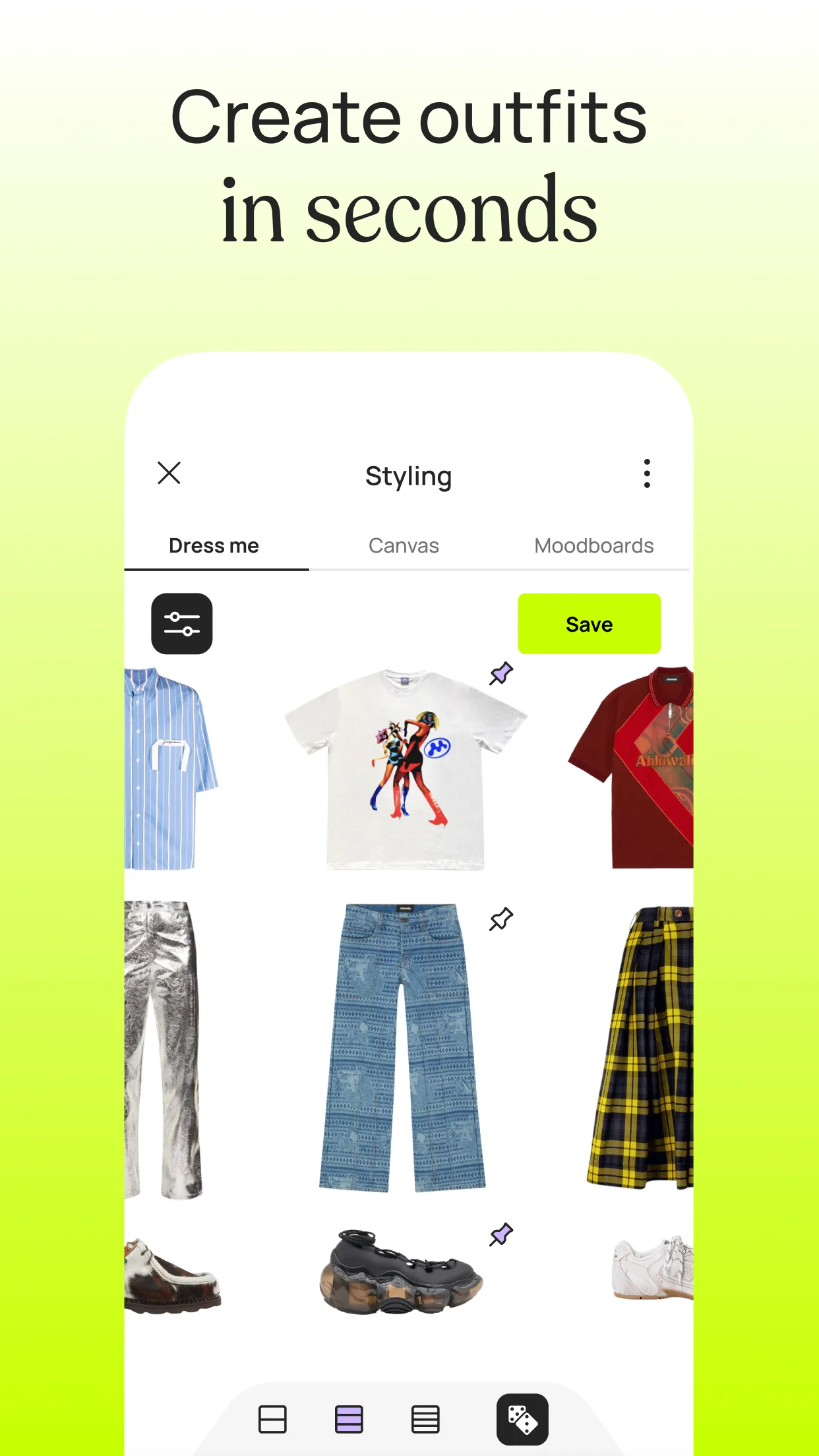
Whering is free with Premium at $2.99 per month or $19.99 per year. The free tier supports unlimited cataloging and basic outfit planning. Premium adds AI styling, weather forecasts, and analytics. We tested Whering for four weeks alongside Pureple and Acloset.
The everyday-use ergonomics are the headline feature. Whering’s home screen prioritizes today’s outfit, today’s weather, and a simple “what should I wear” generation. We used it for daily outfit planning over the test window and it eliminated the morning “what should I wear” deliberation on 24 of 28 mornings.
What Whering does well
- Cleanest daily outfit planner of the wardrobe apps
- Free tier supports unlimited cataloging
- Weather-aware suggestions on Premium
- Outfit statistics highlight unworn items
- 4.45 Play Store rating with strong stability
Where Whering falls short
The catalog upload UX is slower than Pureple’s automated background removal. AI outfit generations on Premium are less context-aware than Acloset’s. The app’s European focus shows in default season-naming and weather logic that some US users found awkward. Premium features creep into normal navigation. Some long-term users report sync delays on shared closets.
Which App Do You Actually Need
If you want one app for hair, makeup, and skin together: YouCam Perfect Pro at $39.99 per year. The all-round quality justifies the subscription.
If you want a brand makeup tester before a real purchase: Perfect365. The brand try-ons match the actual product on most skin tones.
If you want to see drastic transformations like age, gender swap, or major hair color changes: FaceApp. The realism on big changes is unmatched.
If you want to bring three saved hairstyles to a stylist appointment: Hair Color Try On. The swipe-through workflow is fast and the results print clearly on a phone screen.
If you want AI to recommend hairstyles based on your face shape: Lookify. The face shape detection works and the recommendations make decisions easier.
If you want to plan outfits from your real closet and build looks visually: Pureple at $34.99 per year. The drag-and-drop builder is intuitive.
If you want AI to assemble outfits for specific occasions from your own clothes: Acloset Premium at $49.99 per year. The contextual generation is the strongest in the category.
If you want a daily outfit assistant that strips away decision fatigue: Whering. The free tier is enough to test the workflow, Premium is cheap if it sticks.
None of these apps will replace the salon mirror or a real stylist’s eye. All eight, used with intention, will reduce the number of $200 haircut regrets and 7:14 AM closet panics.