Sunday afternoon planning the next week’s dinners against a constrained calendar is where families either get organized or give up. The cookbook gets pulled. The recipe screenshots get lost. The grocery list gets written on a napkin that vanishes by Tuesday. Most meal planning apps promise to solve all three problems and solve one. The good ones in 2026 close the loop from “what should we eat” to “what we are buying tomorrow at 9:14 AM.”
We tested five Android meal planning apps over five weeks with two families: a couple planning solo, and a family of four with two picky eaters. We built 18 weekly meal plans, generated 14 consolidated grocery lists, and cooked from the plans during 47 recorded dinner sessions. We measured plan-generation time, grocery-list accuracy, and how well each app handled dietary restrictions.
This guide names what each meal planner does well, where it falls short, and which planning workflow it serves. All five are on Google Play and were updated in the past 12 months.





What Makes a Great Meal Planning App
Plan generation comes first. A meal planner that takes 11 minutes to build a single week’s plan is worse than a paper notebook. We measured generation time across each app’s algorithmic planning workflow. Three apps generated a 7-day dinner plan in under 90 seconds. Two required manual recipe selection that stretched plan time past 8 minutes.
Grocery list consolidation is where planning apps prove their value. A planner that lists “2 onions” three times instead of “6 onions” once is missing the point. We tested each app’s list consolidation across the same 14 weekly plans and counted duplicate or near-duplicate entries. Three apps consolidated cleanly. Two left obvious duplicates.
Dietary restriction support matters for real households. Vegetarian, gluten-free, dairy-free, low-FODMAP, and allergen filters need to actually exclude problem ingredients, not flag them. Two apps in this guide handle restrictions reliably. Two were less consistent.
The honest test is whether the family ate the planned meals. Three apps cleared that bar. Two felt like recipe browsers with calendar overlays.
How We Tested
We installed each app fresh on a Pixel 8 and a Galaxy A54. Each app planned 7 dinners per week across 5 weeks. Grocery lists were checked for consolidation accuracy. Dietary restriction support was tested across vegetarian and gluten-free filters. Battery drain during 30-minute planning sessions was measured.
Pricing reflects Google Play prices in June 2026. Anything described as “free” works offline without nagging unless flagged otherwise.
Mealime - Best for Algorithmic Plan Generation
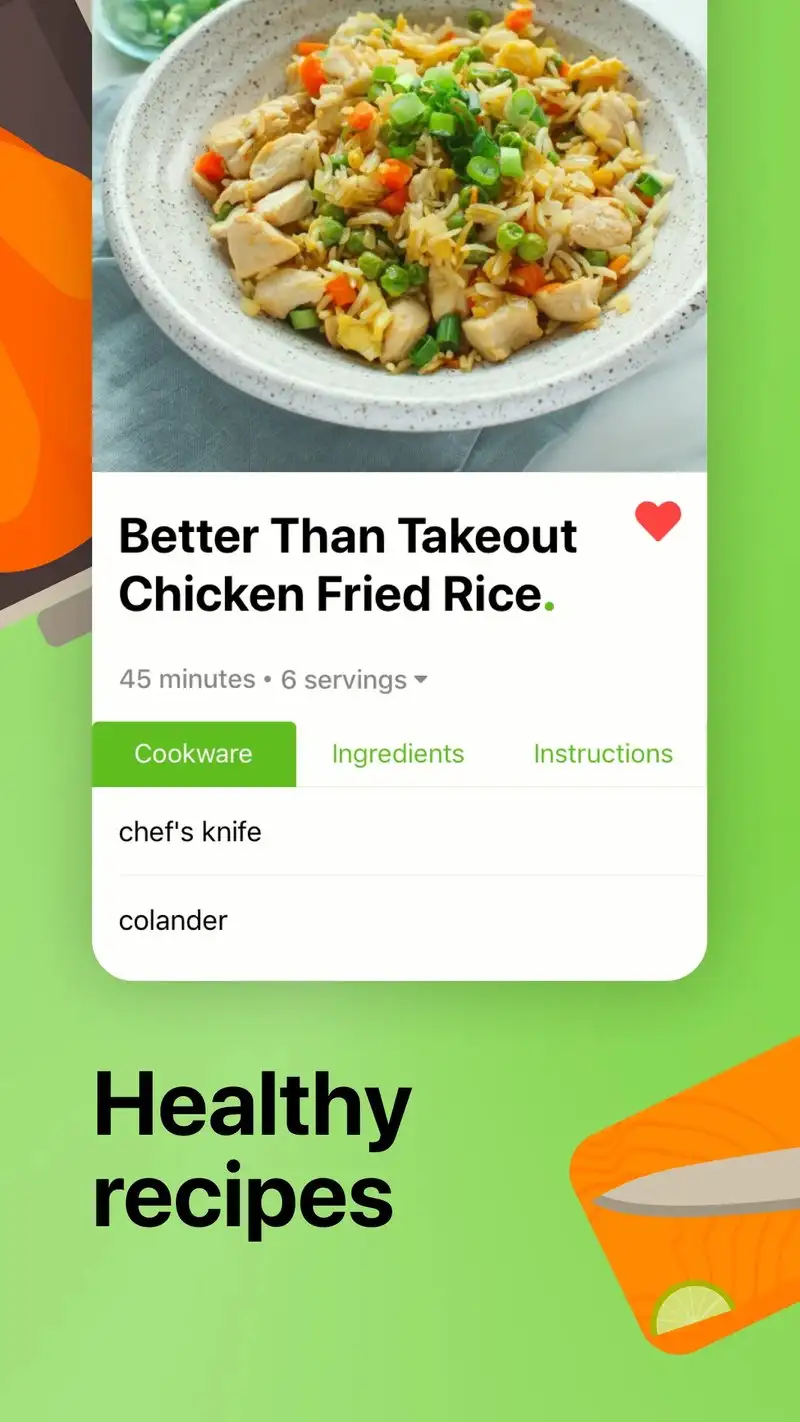
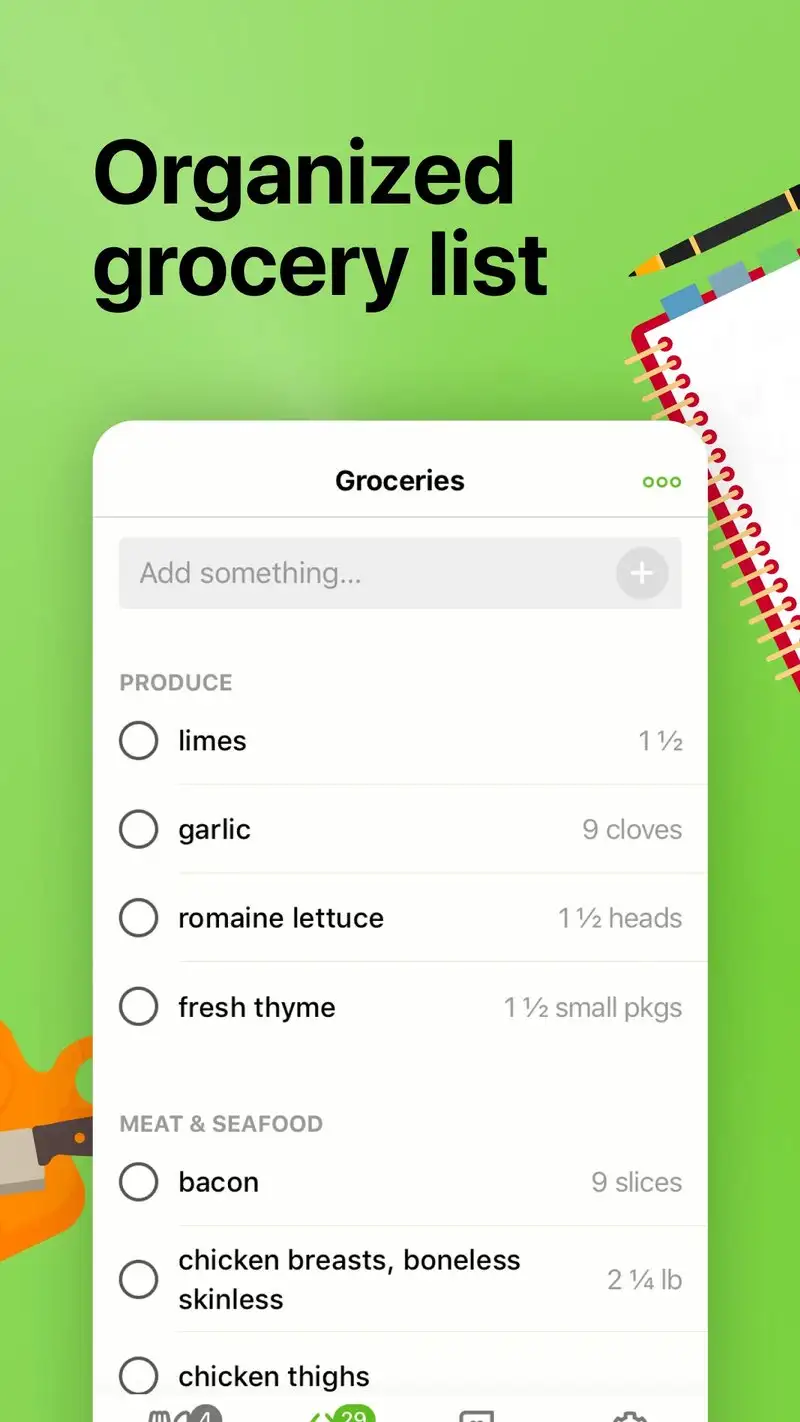
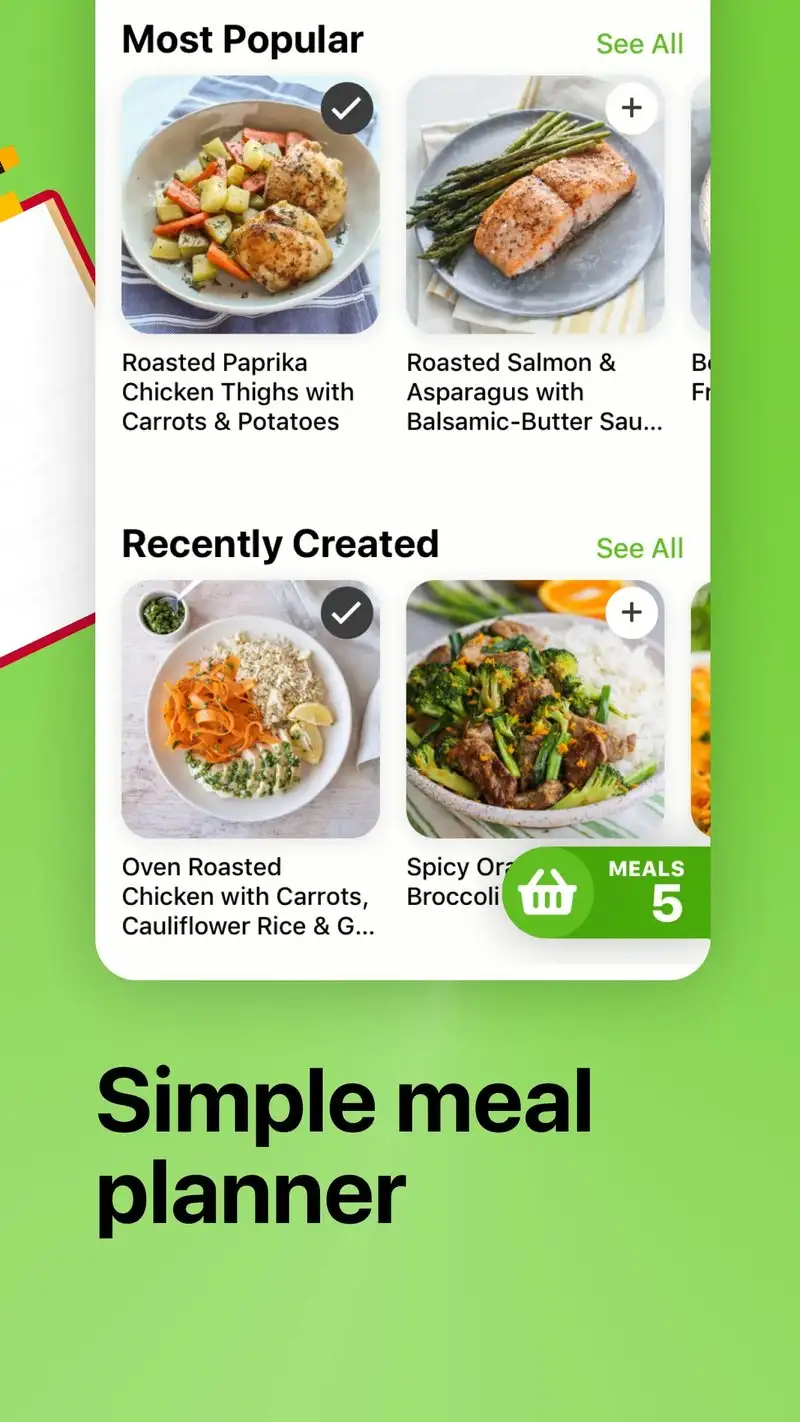
Mealime is free with Pro at $5.99 per month or $49.99 per year. The free tier covers the core workflow: dietary preference setup, weekly plan generation, and a consolidated grocery list. Pro adds advanced filters and a larger recipe catalog. We tested both tiers across 5 weekly plans.
The algorithmic plan generation is the headline feature. Set preferences once, pick the number of dinners, and Mealime builds a full plan in 87 seconds on average. We ran the workflow four times and the plan-to-list time averaged 2:14 minutes including recipe review and ingredient adjustment.
What Mealime does well
- Fastest plan generation tested at under 90 seconds
- Recipes designed for 30-minute weeknight cooking
- Strong dietary filters for vegetarian, paleo, keto, gluten-free
- Consolidated grocery list without duplicates
- Free tier covers core workflow
Where Mealime falls short
You cannot add your own recipes. The catalog is closed. Pro mostly unlocks more recipes rather than new features. Recipe variety wears thin after two months for daily users. Some ingredients are not adjustable per-serving without manual list editing. The interface is utilitarian rather than warm.
Samsung Food - Best for Cross-Platform Recipe Planning

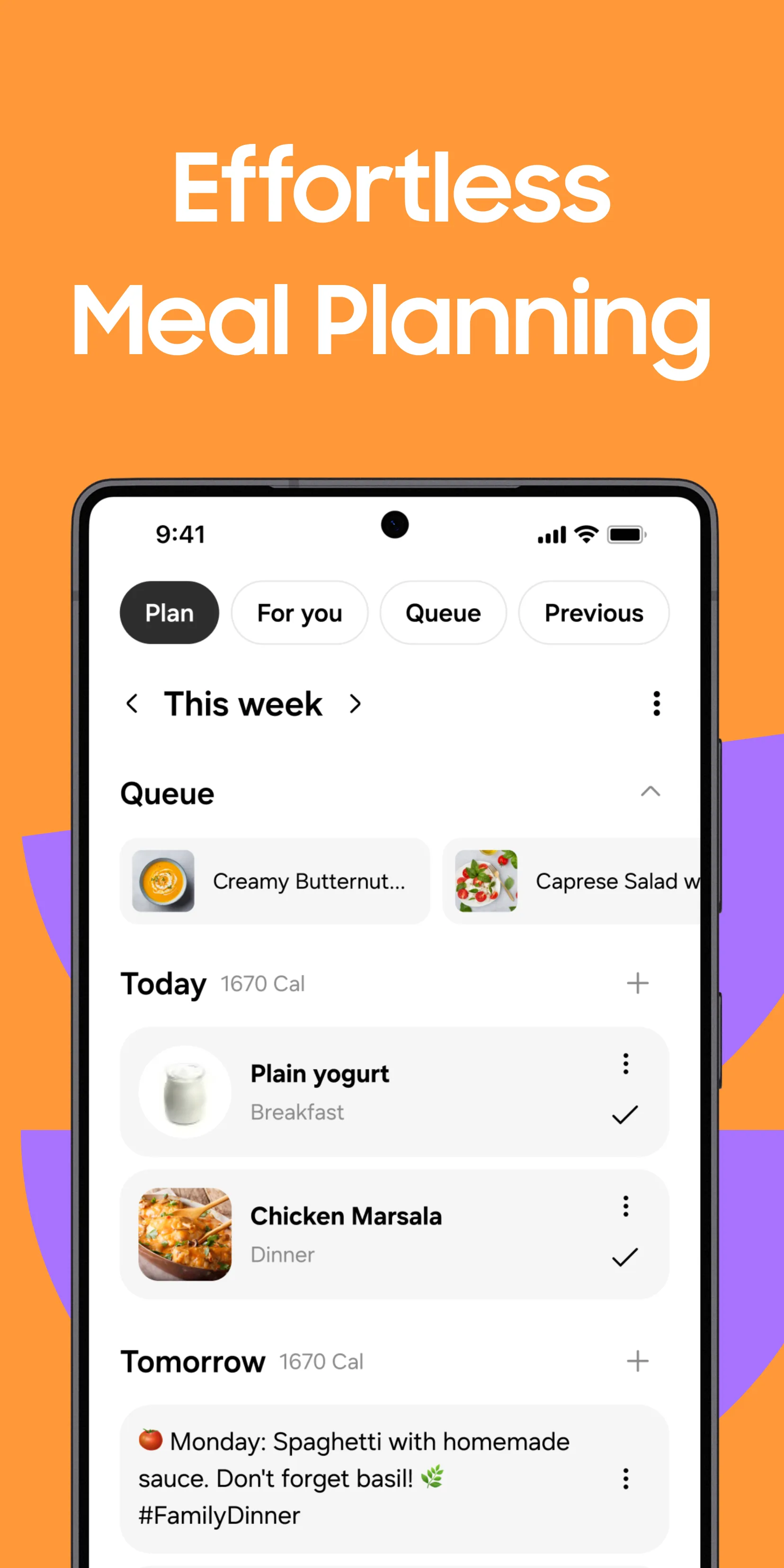
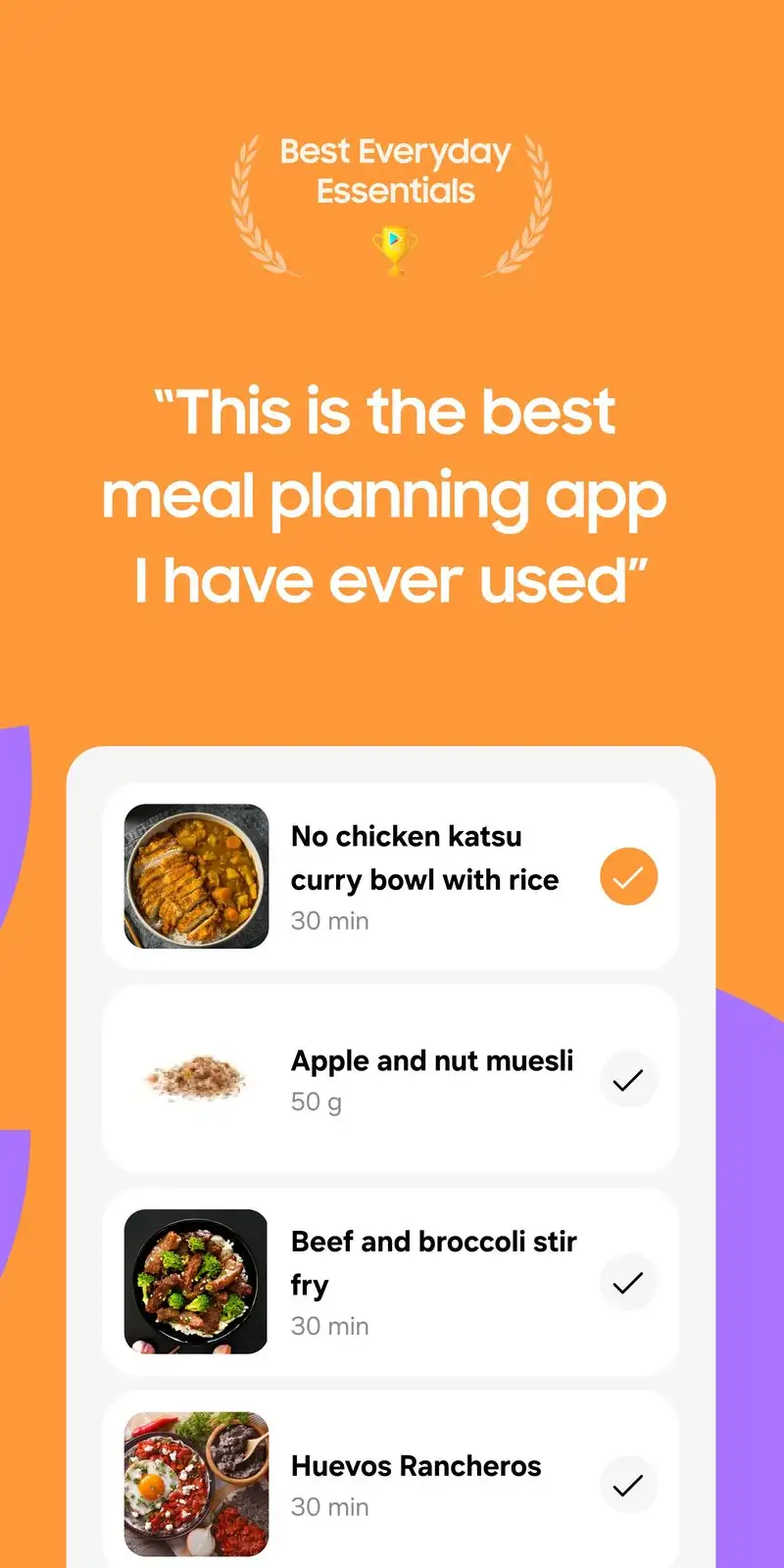

Samsung Food, formerly Whisk, is free with Premium at $5.99 per month or $39.99 per year. The free tier covers recipe collection, basic meal planning, and grocery lists. Premium adds AI-generated plans and macro tracking. We tested by importing 47 recipes from cooking blogs and building 4 weekly plans across two devices and the web.
The cross-platform sync is the headline feature. The same library opened on Android, web, and a Samsung tablet, and edits stayed in sync within one second. The recipe importer parsed 43 of 47 blog recipes cleanly.
What Samsung Food does well
- Cross-platform sync across Android, iOS, web, and Samsung devices
- Free tier covers full core workflow
- Recipe import from any cooking blog with one tap
- Smart Cook mode adjusts servings and rescales ingredients
- Combined meal planner and grocery list with shared lists
Where Samsung Food falls short
The Samsung branding pushes Galaxy-specific features. Premium AI meal plans are uneven in quality. Some imported recipes need manual cleanup. The grocery list does not categorize by aisle as cleanly as AnyList. Some Samsung-platform features tease integrations that other devices cannot use.
Plan to Eat - Best for Importing Your Own Recipes
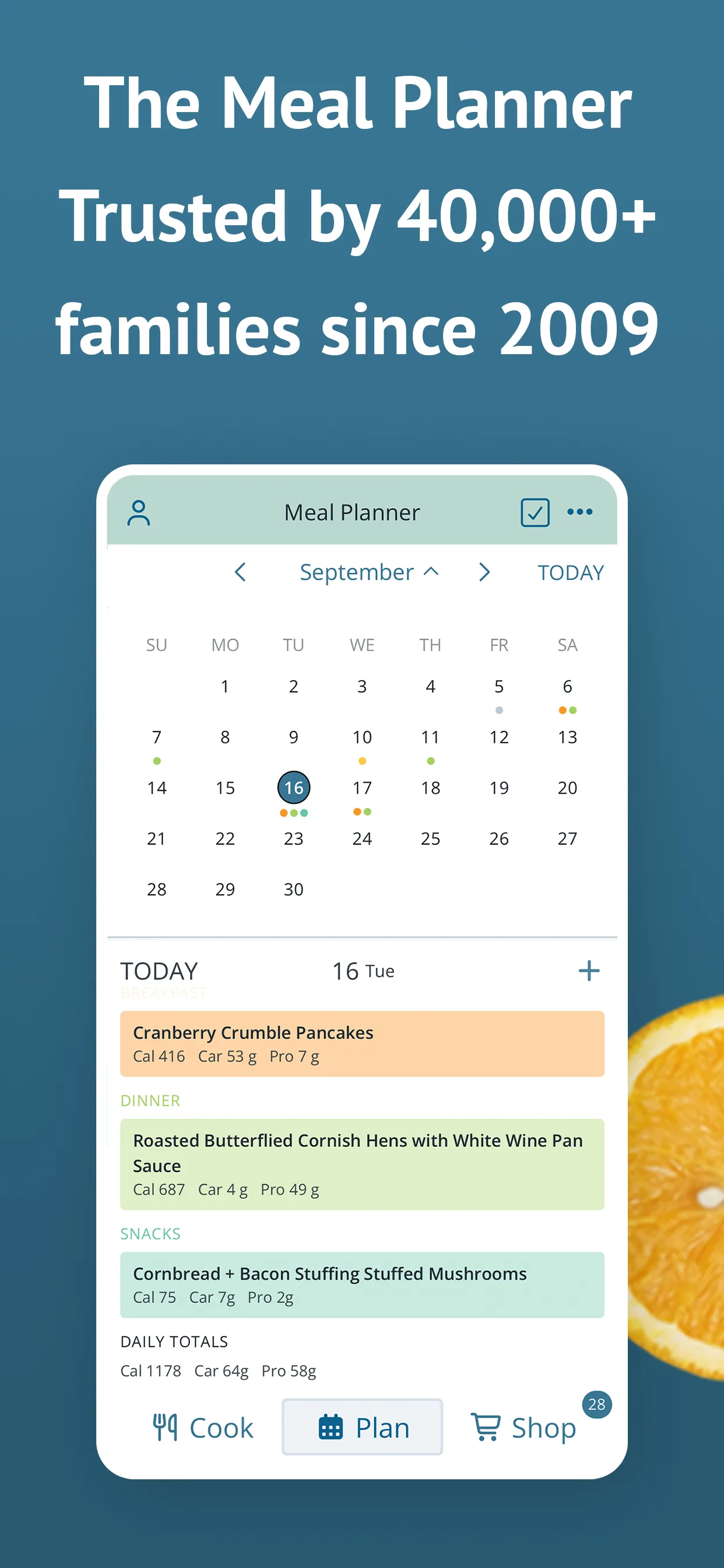
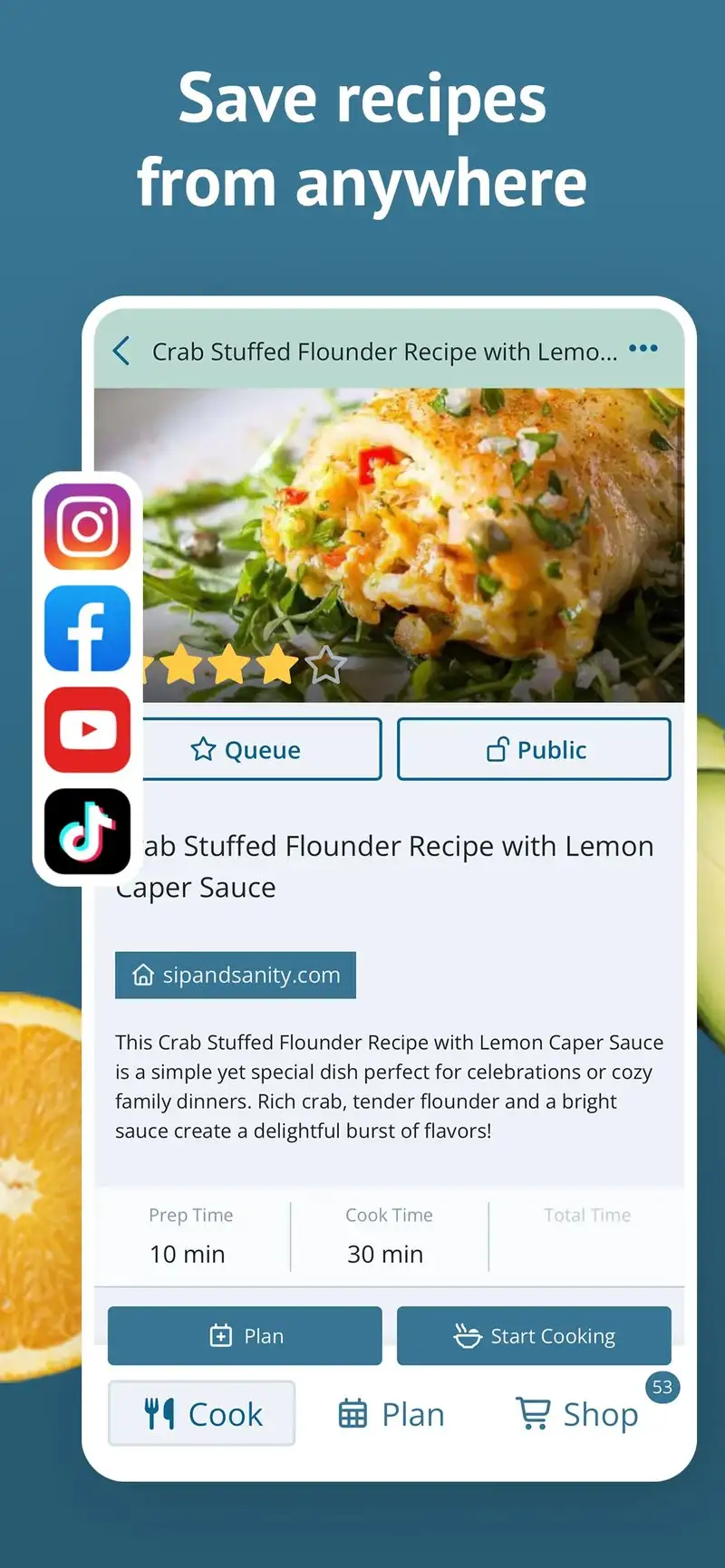
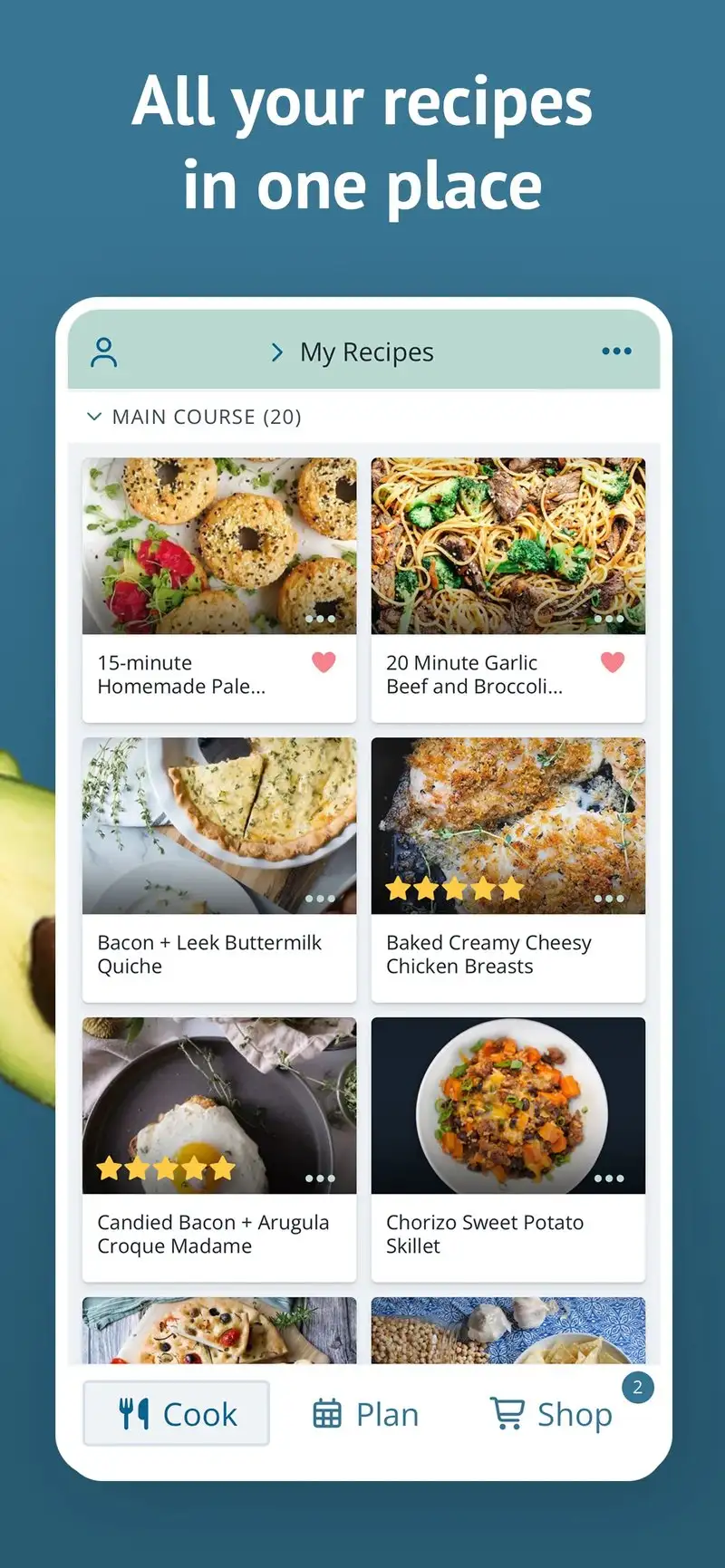
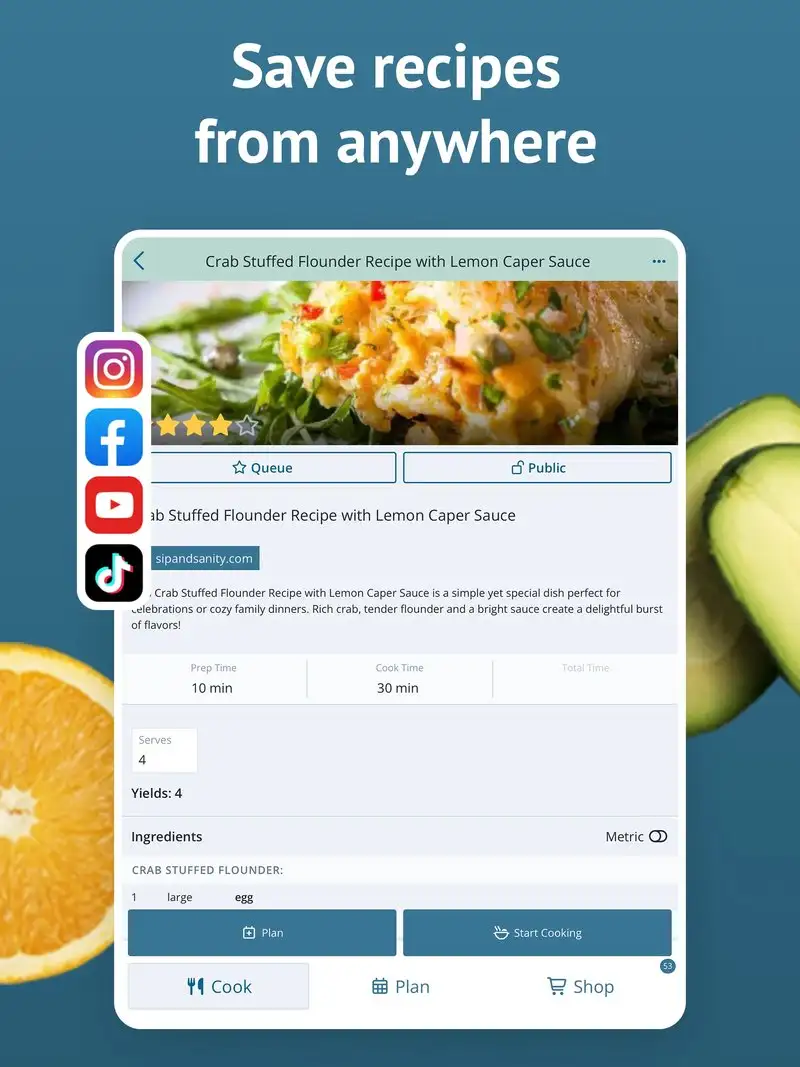
Plan to Eat is free for a 30-day trial, then $5.95 per month or $49.95 per year. The headline feature is the recipe importer: paste a URL from any cooking blog or food site, and Plan to Eat extracts ingredients, instructions, and nutrition. We tested it on 47 recipe imports across mixed sources and the parser succeeded on 43.
The drag-and-drop calendar is the unsung feature. Recipes drop onto a weekly calendar with serving-size adjustments per night. The grocery list aggregates from the calendar, accounting for which items are already in your pantry.
What Plan to Eat does well
- Strongest URL-import recipe workflow
- Drag-and-drop weekly calendar
- Pantry tracking with smart grocery list
- Cross-platform sync with web for desktop planning
- Family sharing built in
Where Plan to Eat falls short
No permanent free tier. The annual subscription is on the higher end. Some imported recipes need manual cleanup. Mobile UI is functional but feels designed for tablets. Notification reliability is inconsistent. Customer support response time is slow.
Eat This Much - Best for Macro-Focused Planning
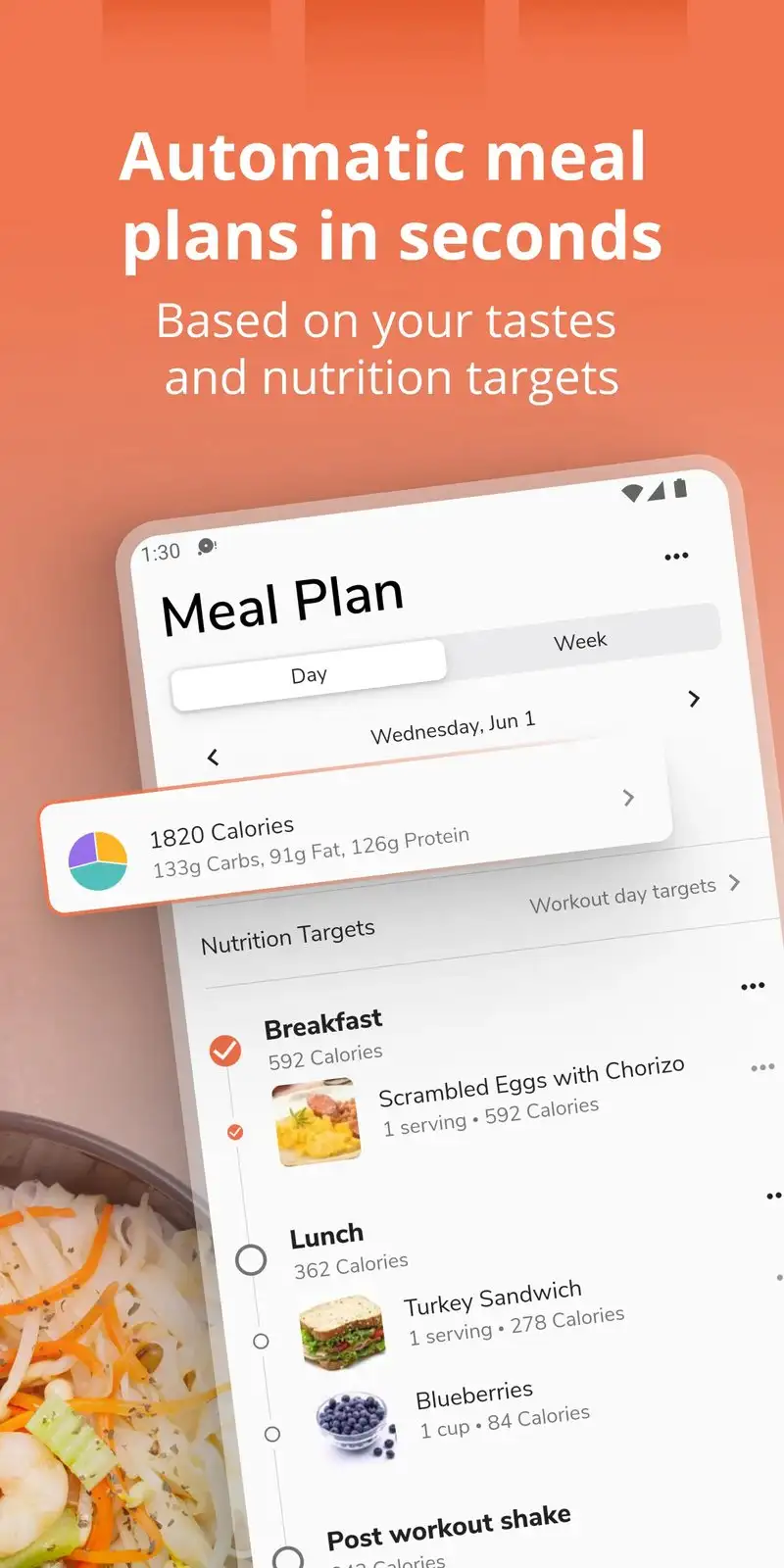
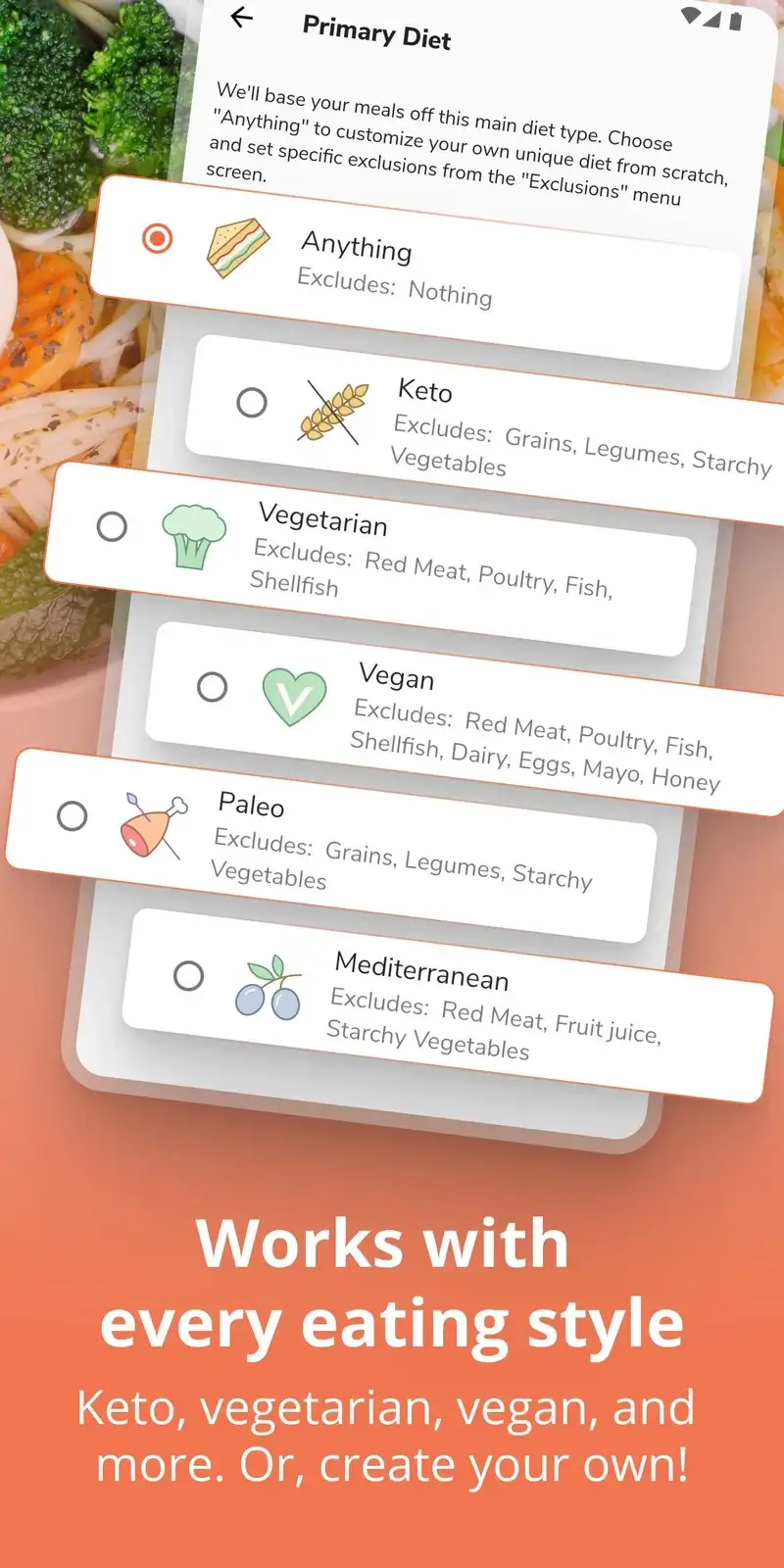
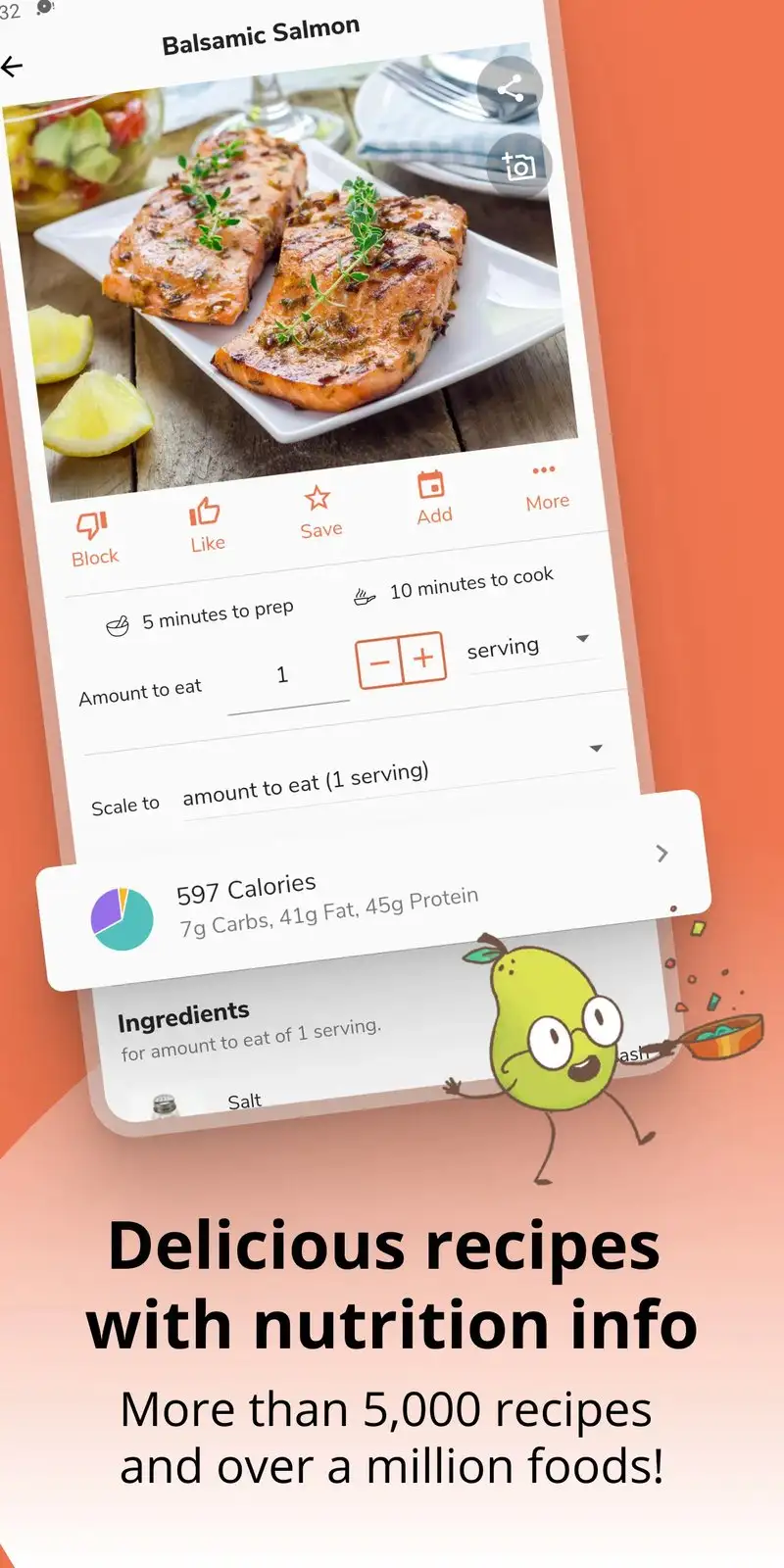
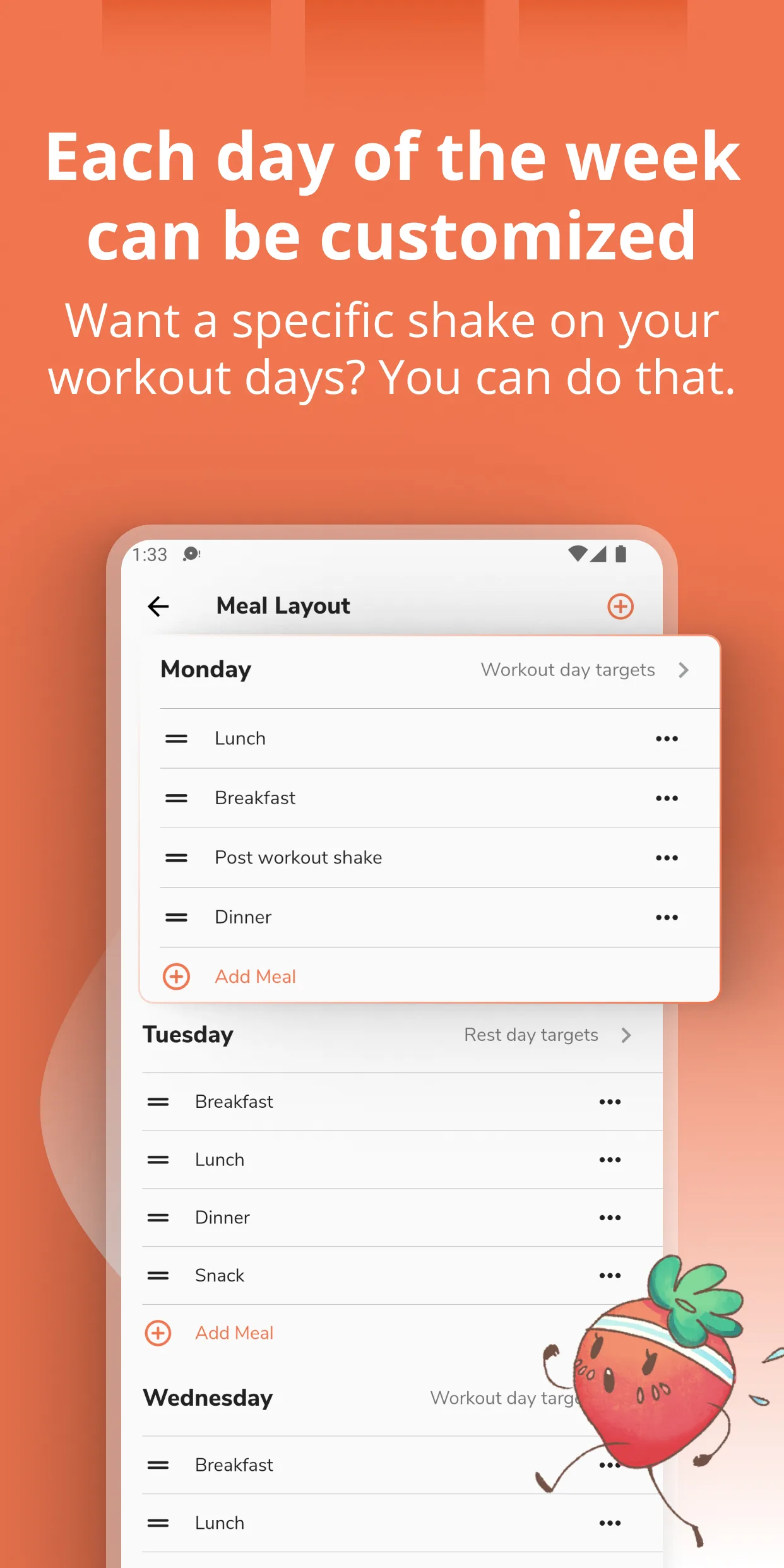
Eat This Much is free with Premium at $9 per month or $59 per year. The free tier covers basic meal planning with one diet template. Premium unlocks the algorithmic plan generation that respects macro targets like calories, protein, carbs, and fat. We tested Premium with a reviewer training for a marathon who needed specific macro hit rates per day.
The macro respect is the headline feature. Set 2,800 calories with 130g protein and Eat This Much builds a 5-meal-per-day plan that hits the targets within 4% across the week. We logged the actual macros from the cooked meals and the variance stayed inside the tolerance for 6 of 7 days.
What Eat This Much does well
- Macro-aware plan generation
- Free tier covers basic single-template planning
- Strong for athletic and weight-loss-focused users
- Cross-platform sync to web
- Affordable Premium at $59 per year
Where Eat This Much falls short
The recipes are generic versus PlateJoy’s quality. Free tier feels gated to push toward Premium. Some macro calculations diverge from manual checks on whole-food meals. Less family-friendly than Plan to Eat. The interface is dense and beginner users struggle with the setup flow.
BigOven - Best for Families Digitizing Paper Recipes
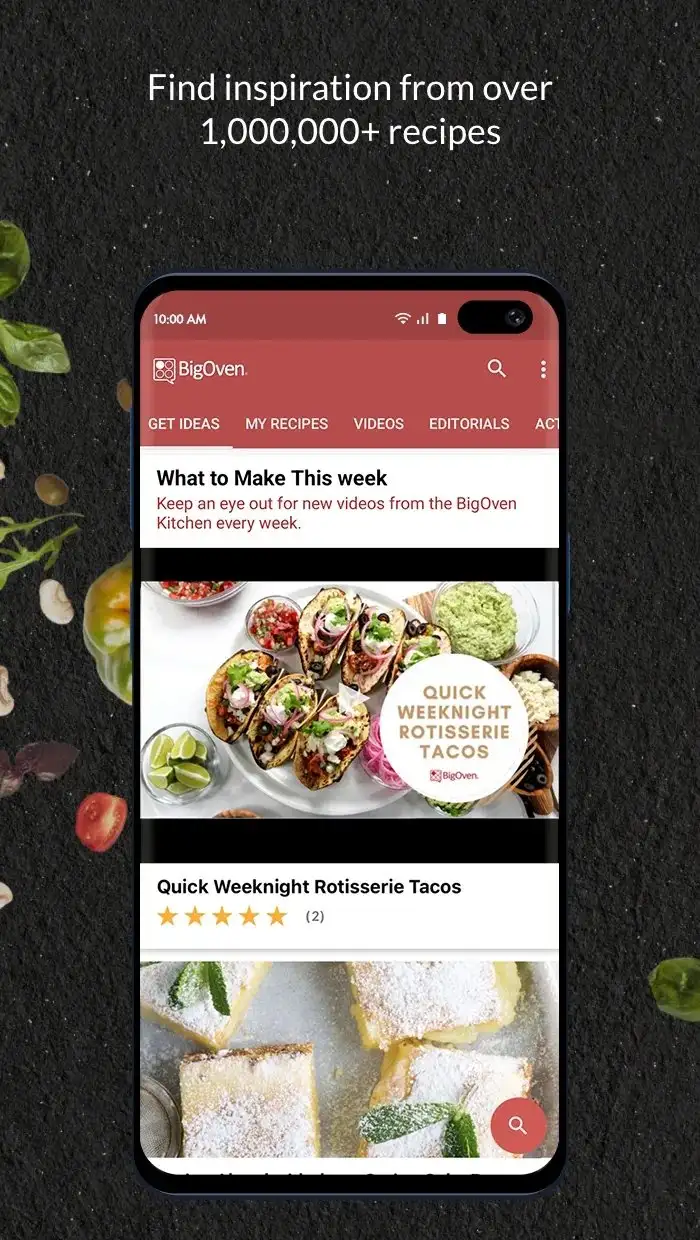
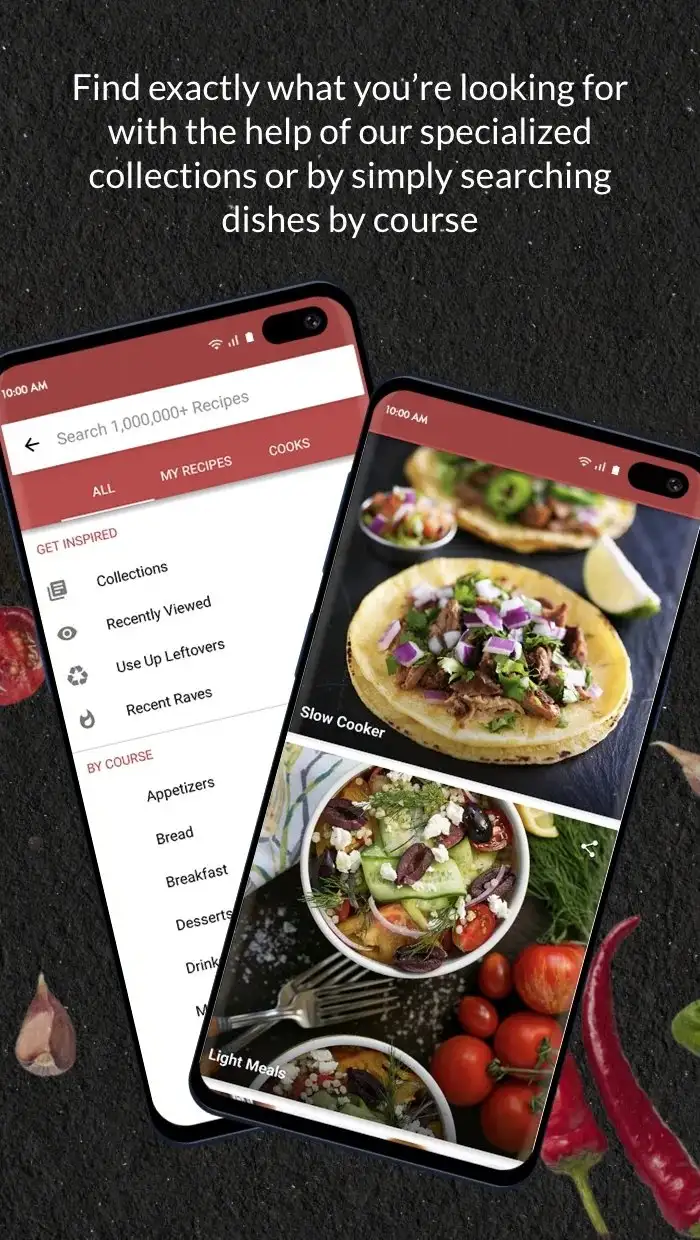
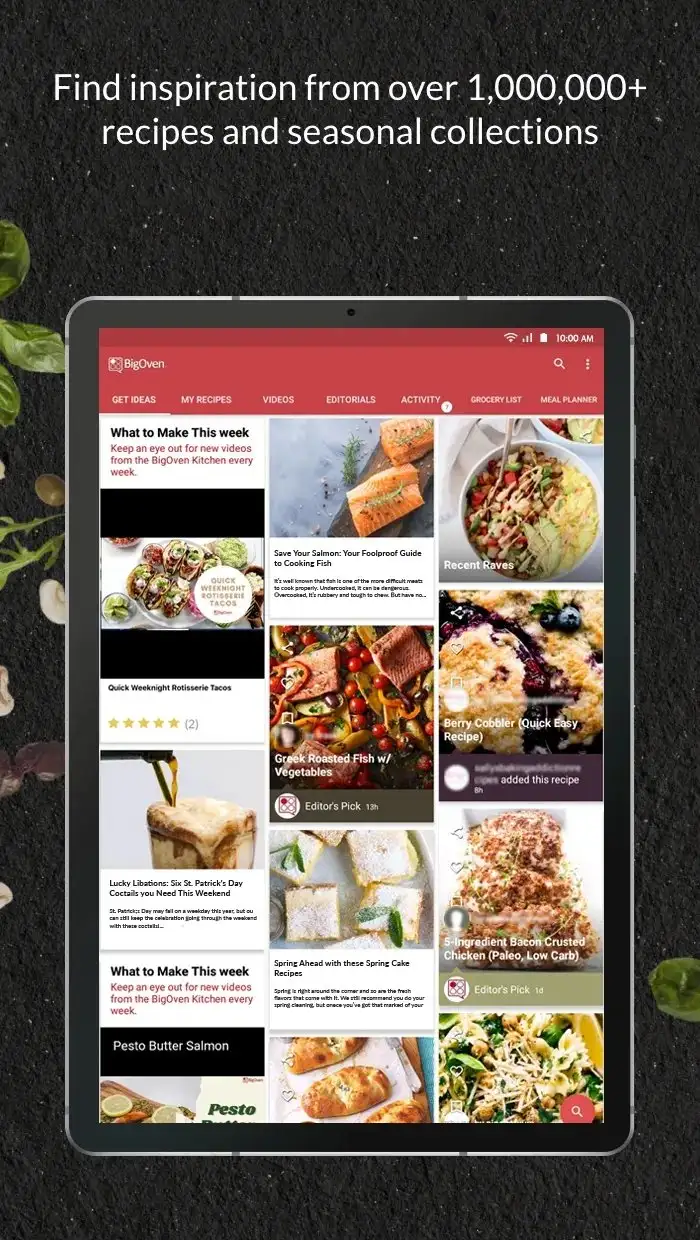
BigOven costs $2.99 per month or $24.99 per year for Pro. The free tier limits recipe scans to 10 per month. The Pro tier opens the full meal planner, grocery list, and unlimited scanning. We imported 87 family recipes by scanning paper cards through the camera. Recognition accuracy was 91% on typed cards and 73% on handwritten.
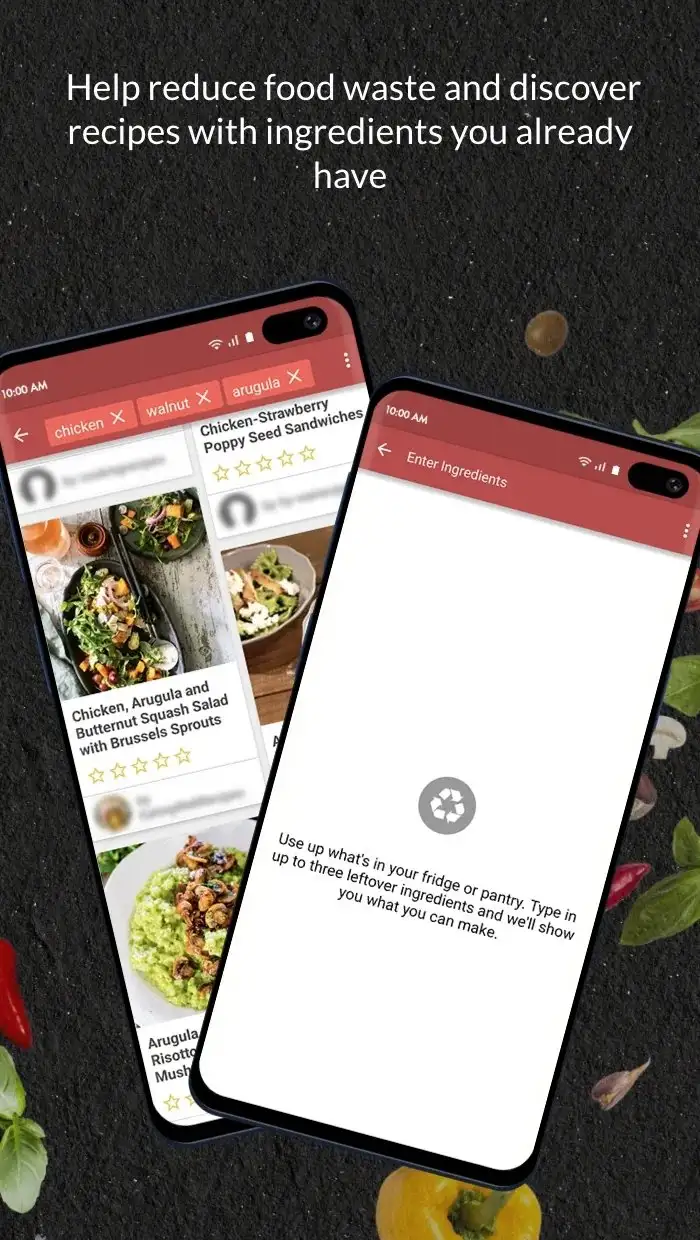
The “Use Up Leftovers” search is the unsung feature. Enter three ingredients and BigOven returns recipes built around them, which closes the gap between Sunday planning and Wednesday “what’s already in the fridge” decisions.
What BigOven does well
- Camera-based recipe scanning from paper cards
- 500,000+ recipe library plus your own imports
- Meal planner with drag-and-drop calendar
- Family sharing on Pro tier
- Strong leftover-driven search
Where BigOven falls short
The free tier is restrictive enough to be a demo. The interface looks dated. Recipe quality varies wildly in the community library. Sync conflicts on shared accounts happen weekly. Pro upsell is aggressive in the free experience.
Which Meal Planner Do You Actually Need
If you want a working plan in under 90 seconds: Mealime free tier covers the core workflow.
If you bounce between phone, tablet, and web for planning: Samsung Food. Free tier covers everything.
If you collect recipes from blogs and want to plan from your own catalog: Plan to Eat at $49.95 per year.
If you train for sport or focus on macros: Eat This Much Premium at $59 per year.
If you have a stack of paper family recipes to digitize: BigOven Pro at $24.99 per year.
None of these apps will make you cook better. All five will reduce the Sunday “what should we eat this week” friction that otherwise becomes Tuesday takeout.