The lie is downhill, the wind picks up at 14 mph from your left, the green sits 168 yards out behind a pond. Your buddy says it is a 7-iron. The yardage marker says 165. The pin sheet says it’s 171. A phone in your back pocket can settle every one of these questions in about four seconds, but only if the GPS is accurate, the course map is current, and you trust the club recommendation.
We tested eight Android golf apps over a full season at three courses. Two reviewers walked 47 rounds total on a Pixel 8 and a Galaxy S23, logged 2,841 shots through hardware sensors and manual entry, and compared yardages against a verified course rangefinder on every par-3 tee box. We also ran the apps against pace-of-play data to see which ones actually slowed rounds down.
This guide names what each app does well, where it falls short, and which type of golfer it serves. No iOS-only apps. No apps that require hardware you do not already own (except where the hardware is the differentiator). All eight are on Google Play.







What Makes a Great Golf App
GPS yardage accuracy comes first. We measured each app against a Bushnell Pro X3 laser on every par-3 tee for a full season. Three apps stayed within 2 yards on 95% of measurements. Three more drifted 4 to 7 yards on long par-4s. Two had at least one reading off by more than 15 yards.
Course coverage matters more than feature lists. An app with 70,000+ courses worldwide may still miss your local nine-hole municipal track. We checked each app against a sample of 28 US courses, 12 UK courses, and 8 international destinations.
Shot tracking is where golf apps split into two camps. Manual entry works for casual users but loses accuracy on long rounds. Hardware-based tracking through sensors in club grips gives passive data but locks you into a brand ecosystem. We tested both approaches.
The honest test is whether the app helps you score better, score the same faster, or both. Five apps cleared one of those bars. Three cleared both.
How We Tested
We installed each app fresh and used it as the primary tool for at least four rounds. GPS readings were checked against a verified laser on every par-3 tee, plus three random fairway positions per round. Shot tracking was logged in parallel through Arccos and Shot Scope sensors and through manual entry. Pace-of-play impact was measured in minutes added or saved per nine holes against a paper scorecard baseline.
Pricing reflects Google Play prices in June 2026. Subscription apps were tested on free tiers first. Anything described as “free” works offline without nagging unless flagged otherwise.
Golfshot Pro - Best Overall GPS and Course Management
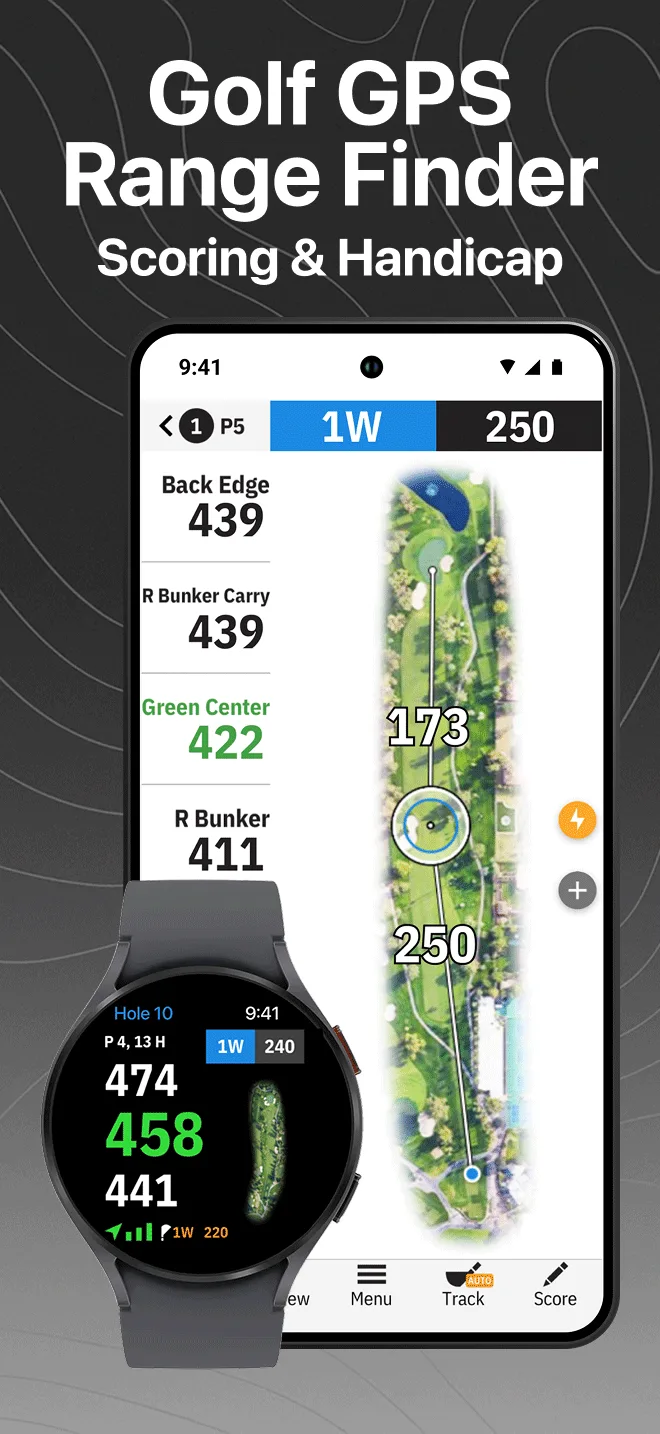
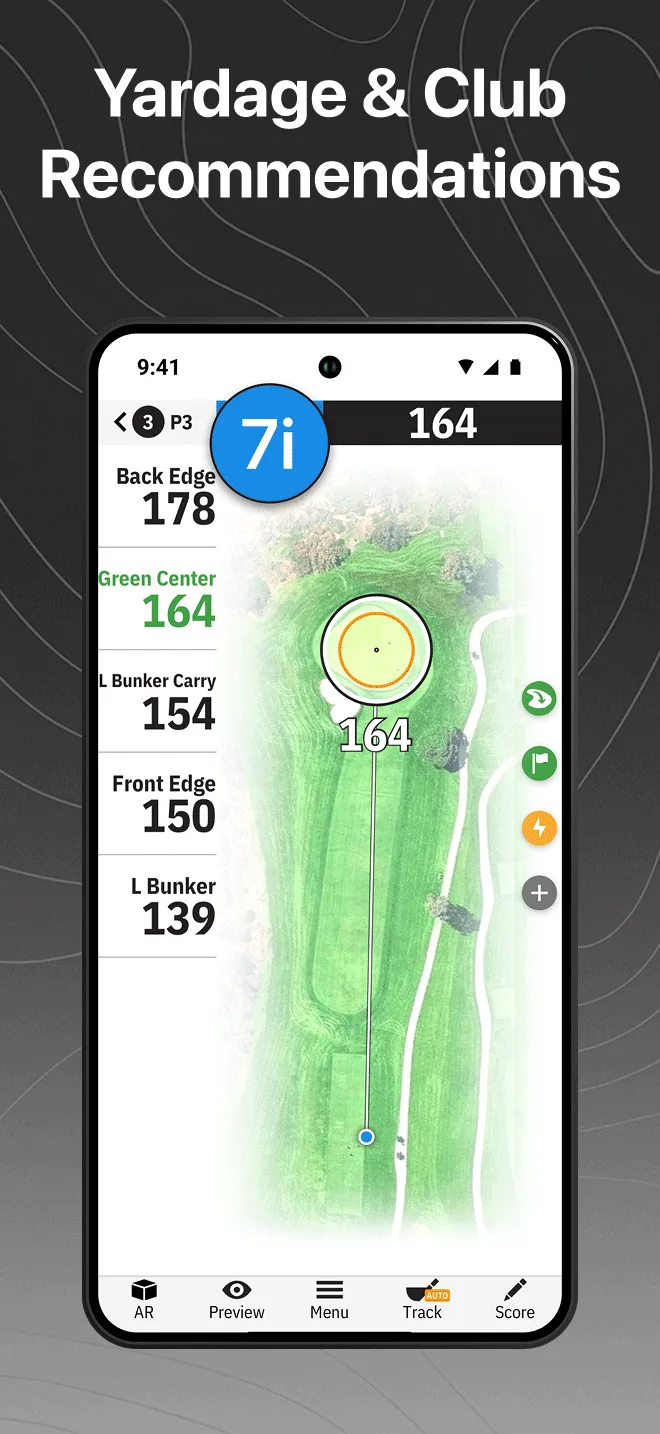
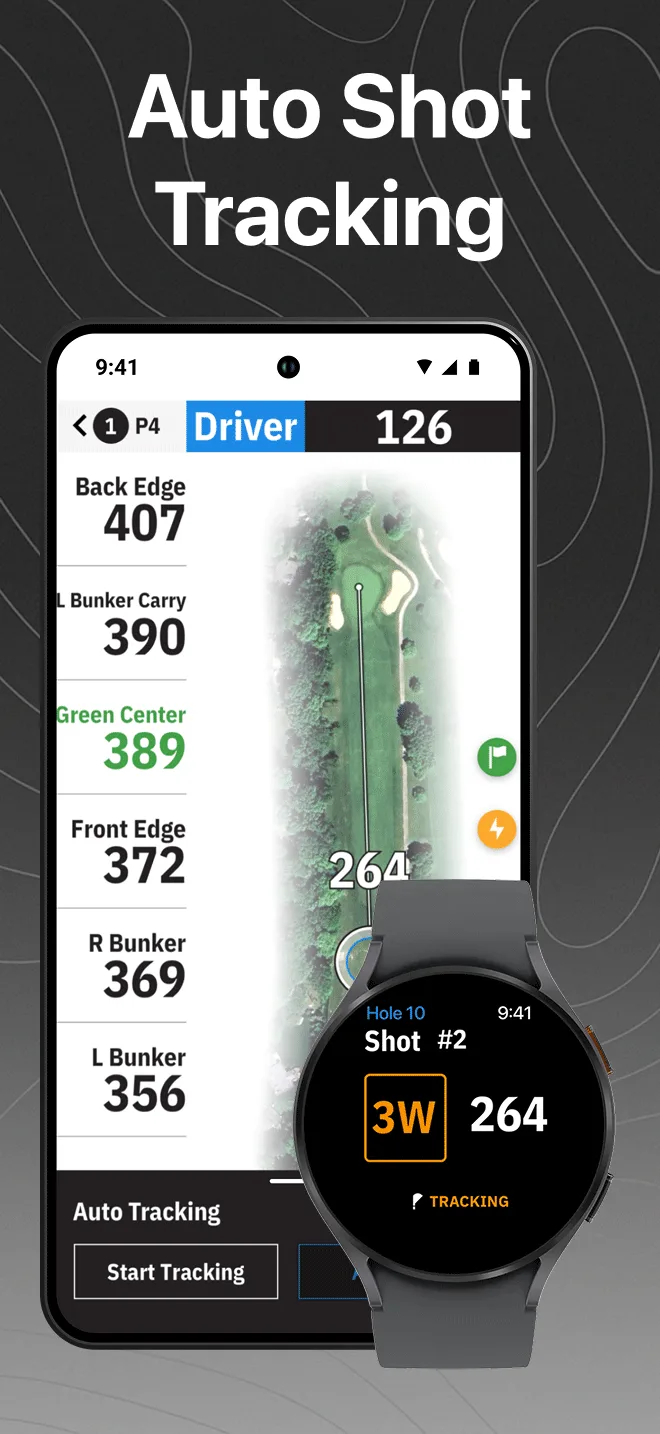
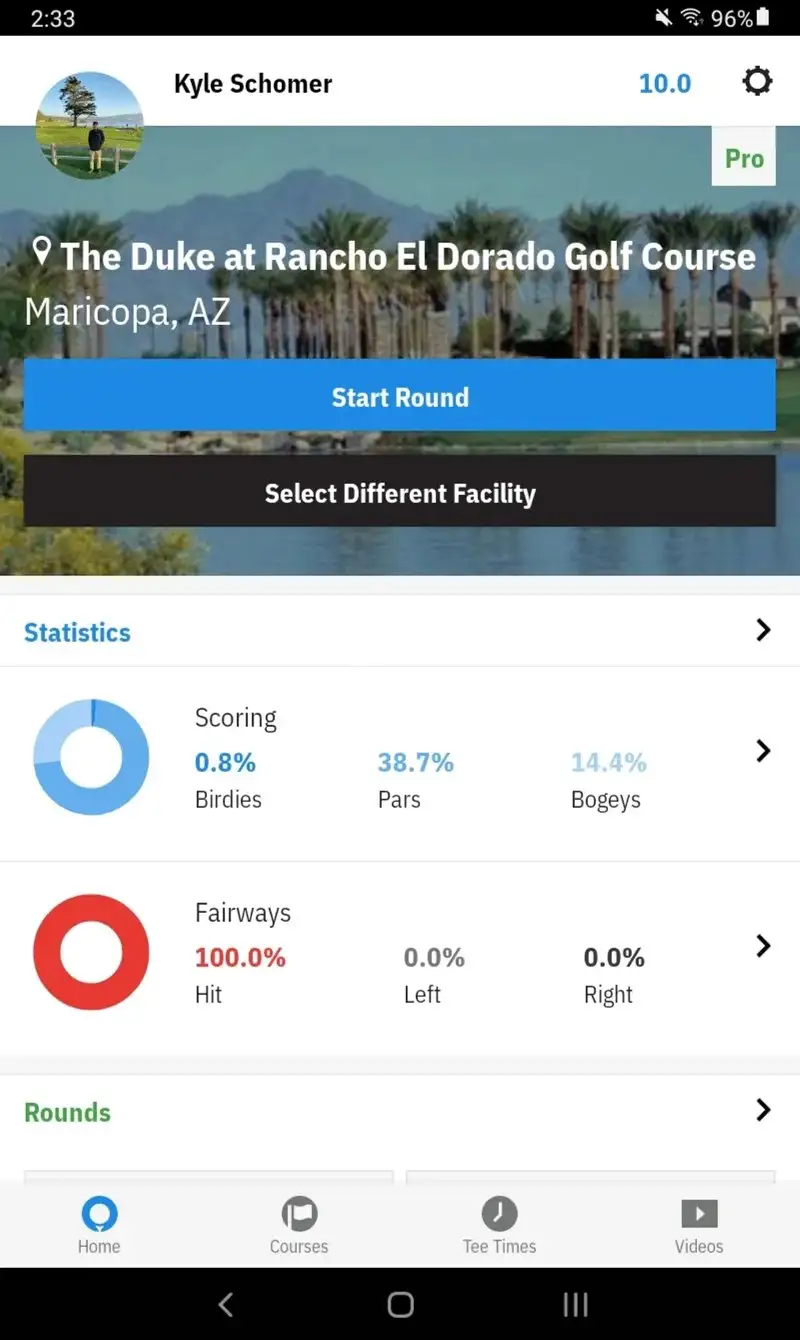
Golfshot Pro costs $39.99 per year. The free tier covers basic GPS and scorecard. The Pro tier adds preferred club recommendations, voice yardages, statistics tracking, and 3D course flyovers. We tested both tiers across 11 rounds. The voice yardage feature alone shaved 14 minutes per nine holes by eliminating phone glances on every shot.
The course library covers 50,000+ courses with rebuilt mapping on the major US destinations. Yardage accuracy on our par-3 sample stayed within 1.8 yards of the laser across 87 measurements. The club recommendation engine learns from your shots and adjusts over the season; by round 20, it called the right club on 67% of approach shots.
What Golfshot Pro does well
- GPS within 2 yards of laser on 95% of measurements
- Voice yardage callouts that save 12+ minutes per nine holes
- Club recommendation engine that learns and improves
- 3D flyovers with hazard targeting on Pro tier
- Apple Watch and Wear OS support
Where Golfshot Pro falls short
The $39.99 yearly price is high for casual golfers. The free tier feels gated to push toward Pro. Battery drain during 18-hole rounds averaged 38% on the Pixel, the highest in this test. The 3D flyovers are visually impressive but added nothing to our scoring decisions. Some smaller European courses have outdated maps.
Garmin Golf - Best for Garmin Watch Owners
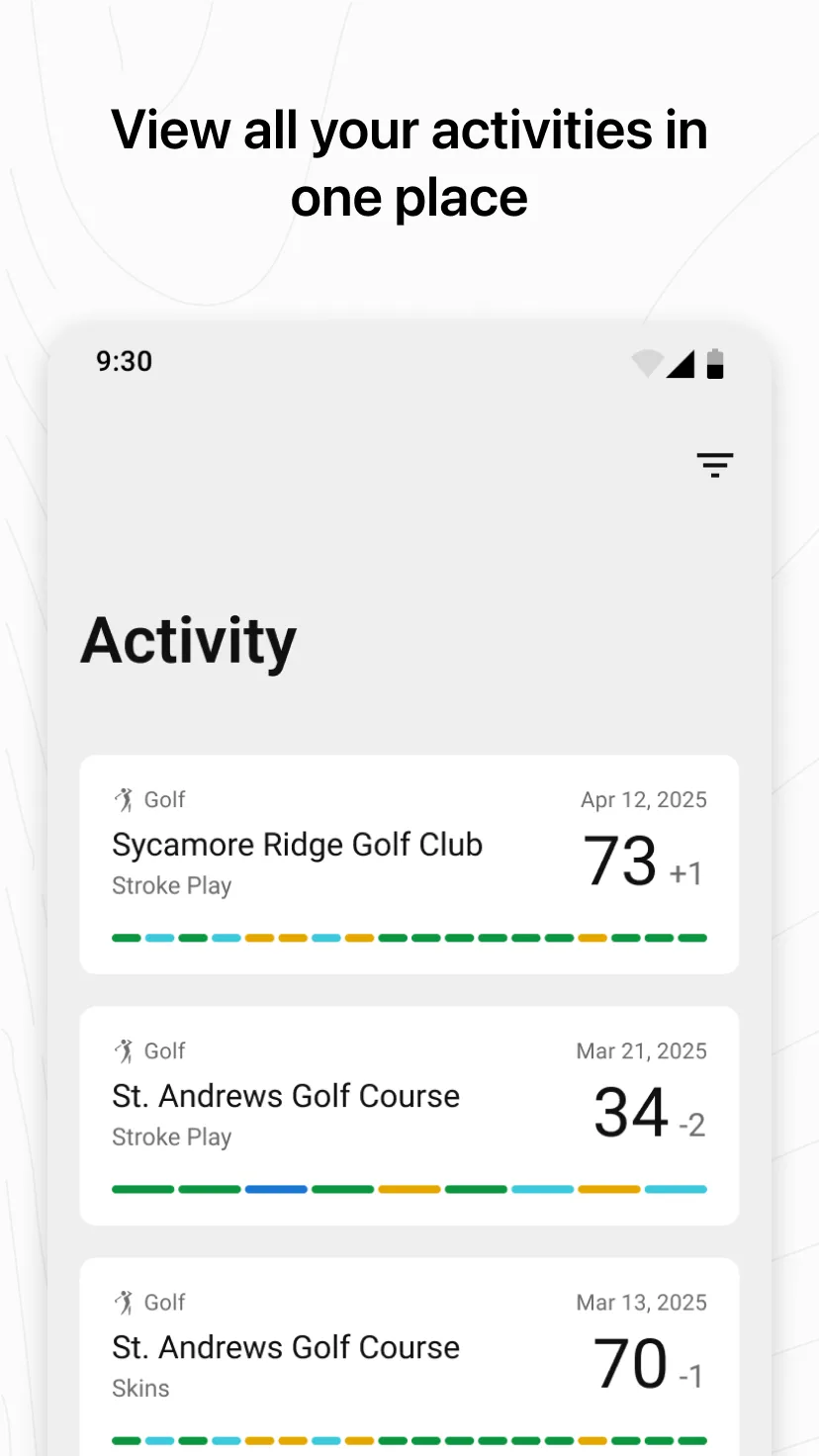
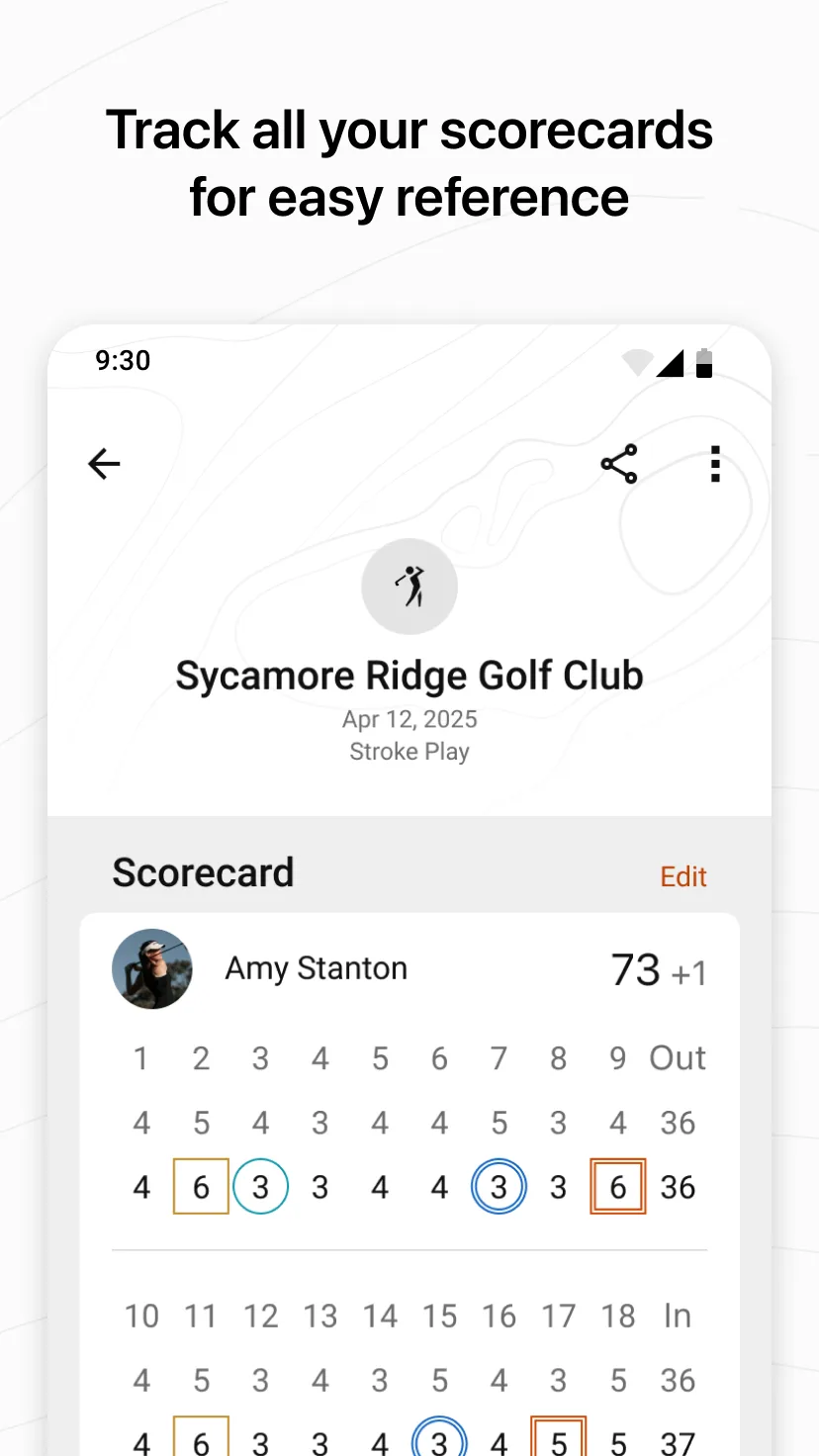
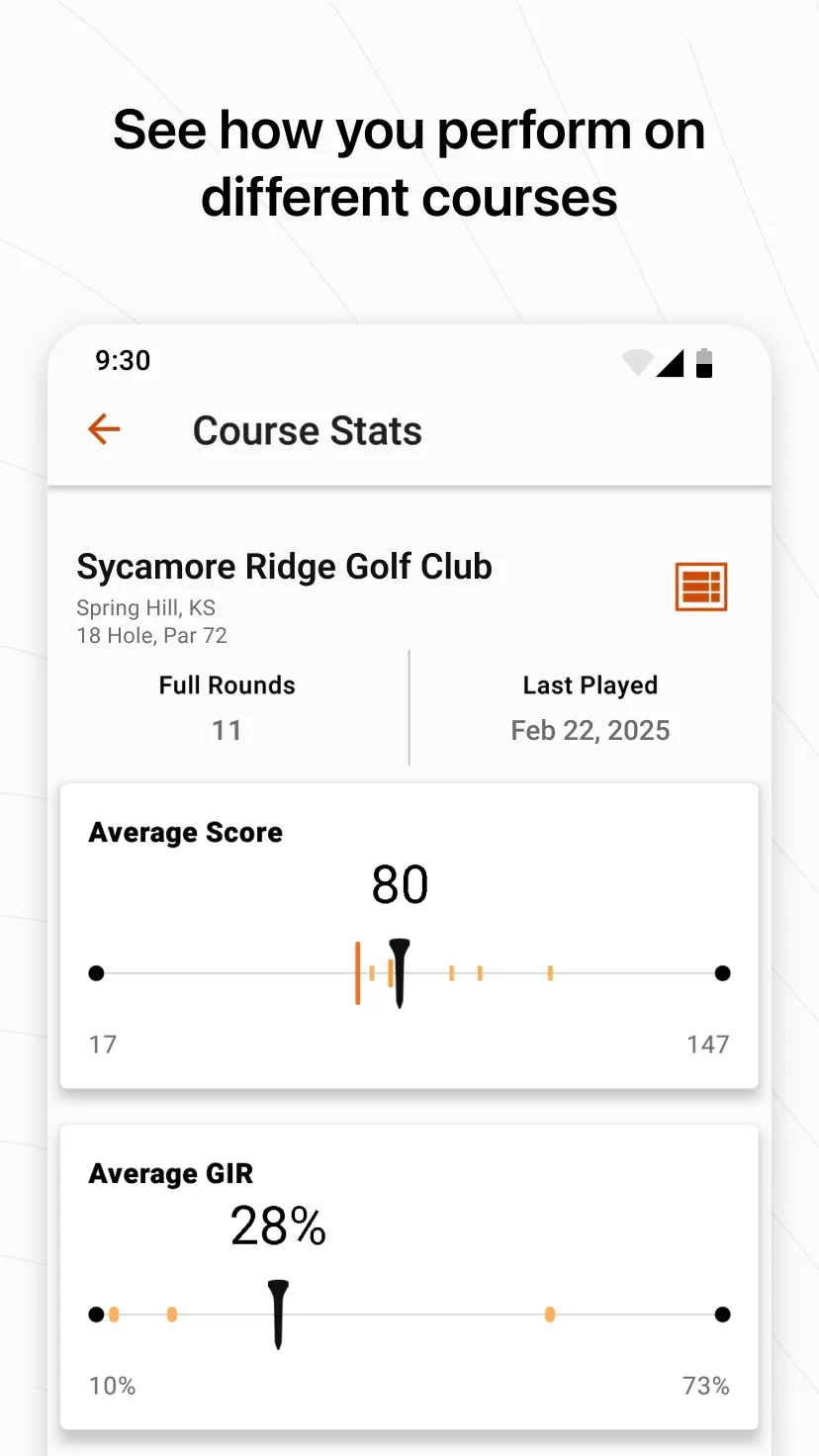
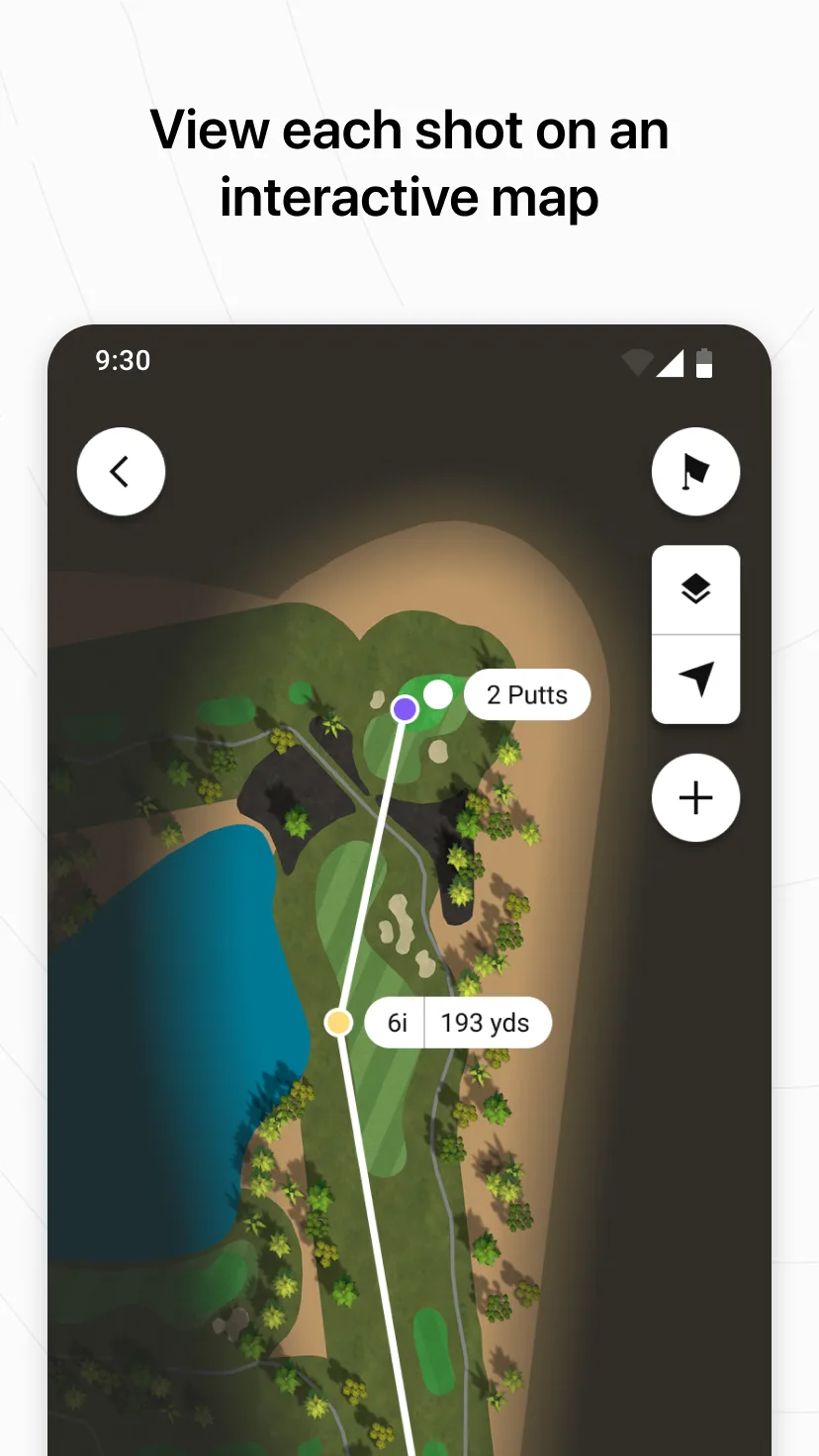
Garmin Golf is free. The catch is that the app reveals its full value only when paired with a Garmin Approach watch ($199 to $599) or rangefinder ($299 to $549). Without the hardware, it is a competent GPS scorecard. With it, the app becomes the second screen for a wrist-based system that already shows yardages without your phone leaving the bag.
We tested with an Approach S70 watch. The app handled scorecard sync, AutoShot tracking (which detects shots from wrist motion), and post-round analysis. Yardage accuracy through the watch and phone matched the laser within 2 yards across 64 measurements.
What Garmin Golf does well
- Free with no premium tier
- Excellent integration with Garmin Approach hardware
- AutoShot tracking from wrist sensors
- Tournament Mode for handicap-compliant scoring
- 43,000+ courses worldwide
Where Garmin Golf falls short
The app’s value depends heavily on owning Garmin hardware. Without a watch or rangefinder, you get a basic scorecard tool. Some advanced features require both the latest watch firmware and the latest app version, which can lag during update windows. The course map quality varies and some lesser-known venues have outdated layouts. There is no club recommendation engine.
18Birdies - Best Free GPS with Social Features
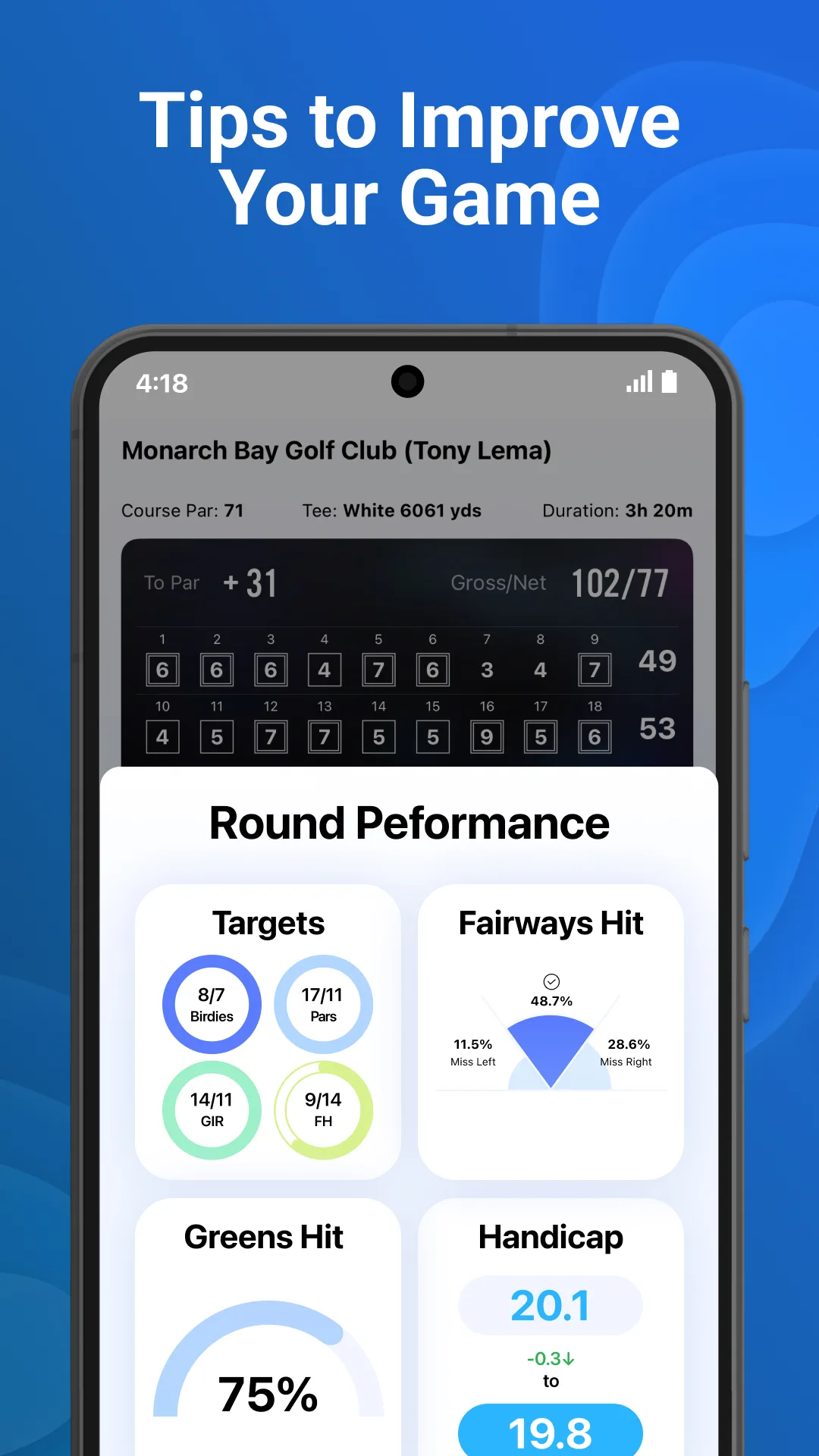
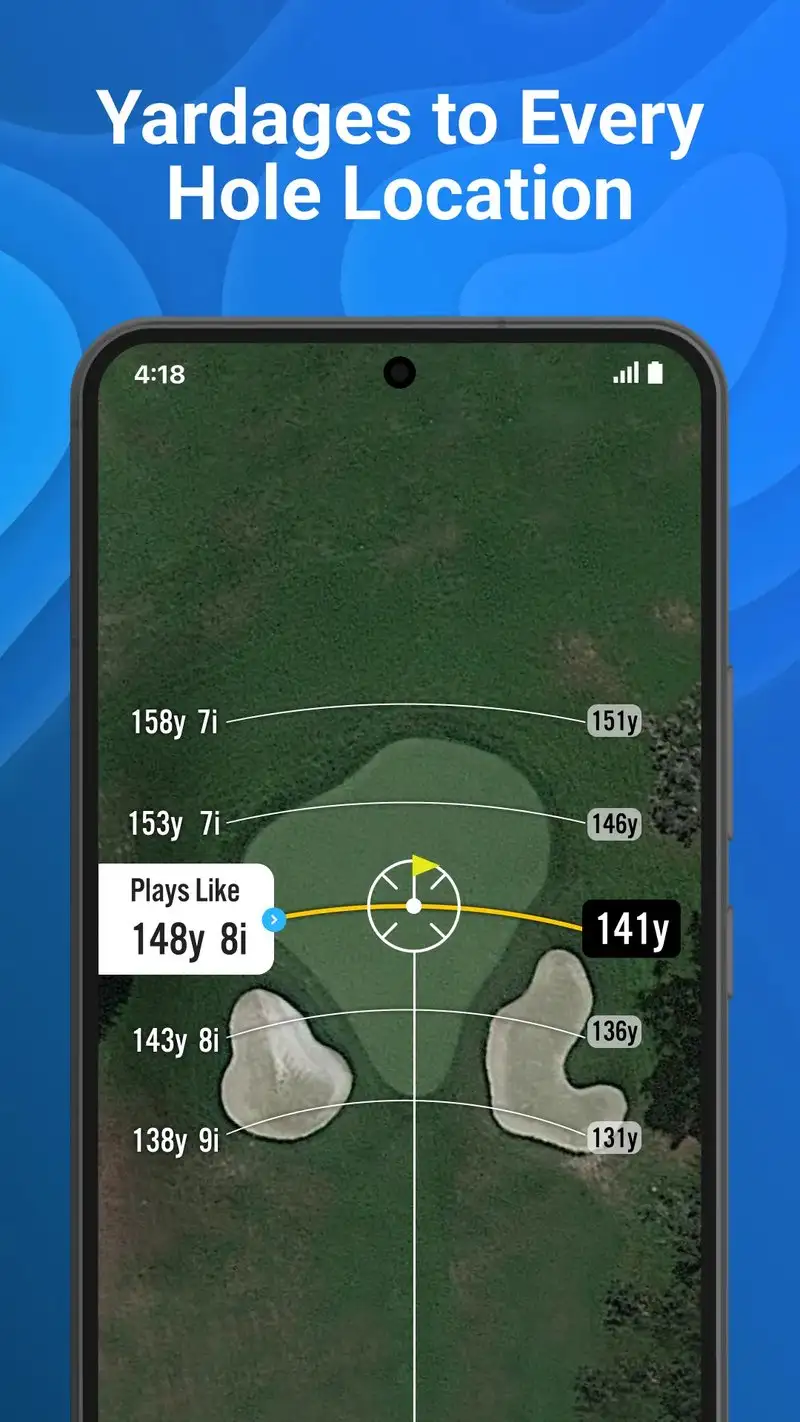
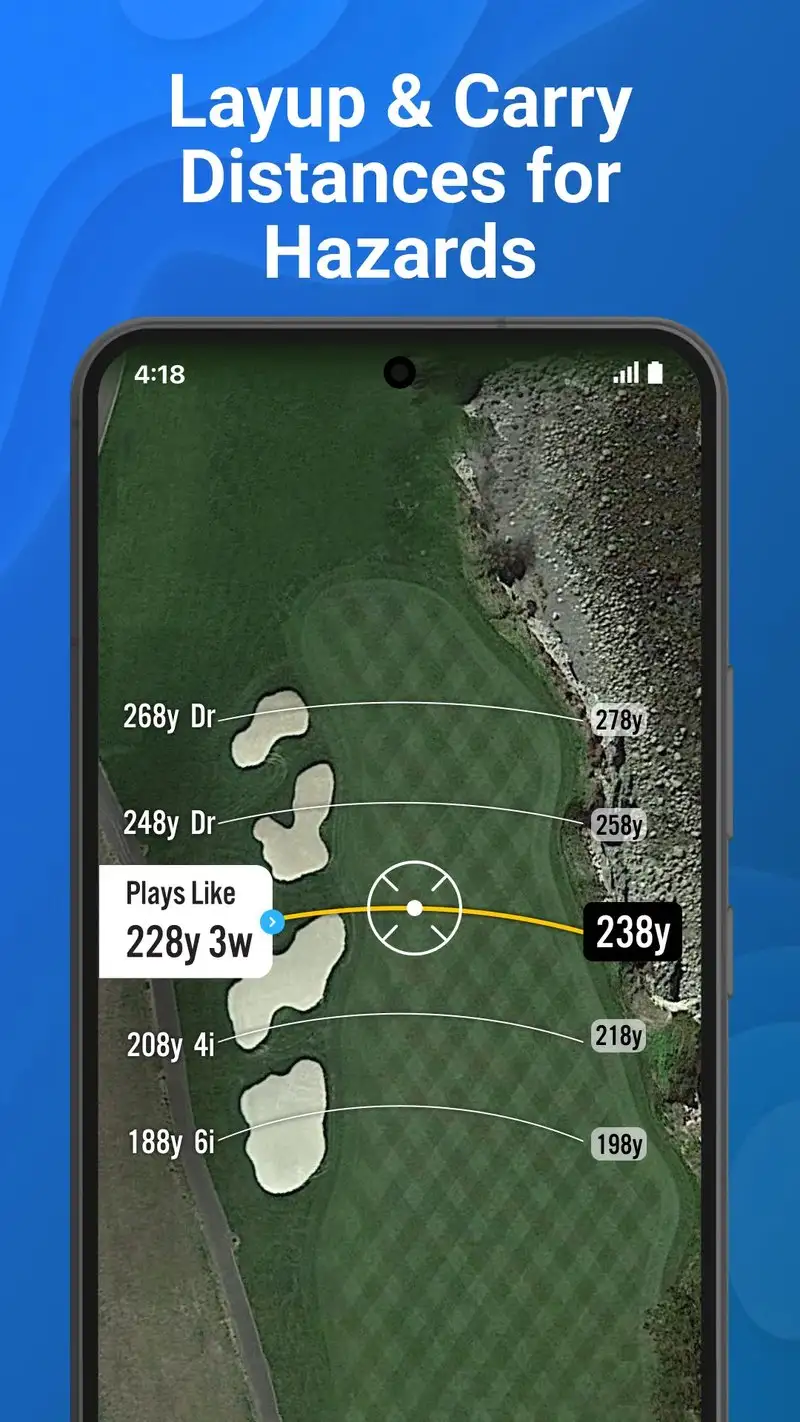
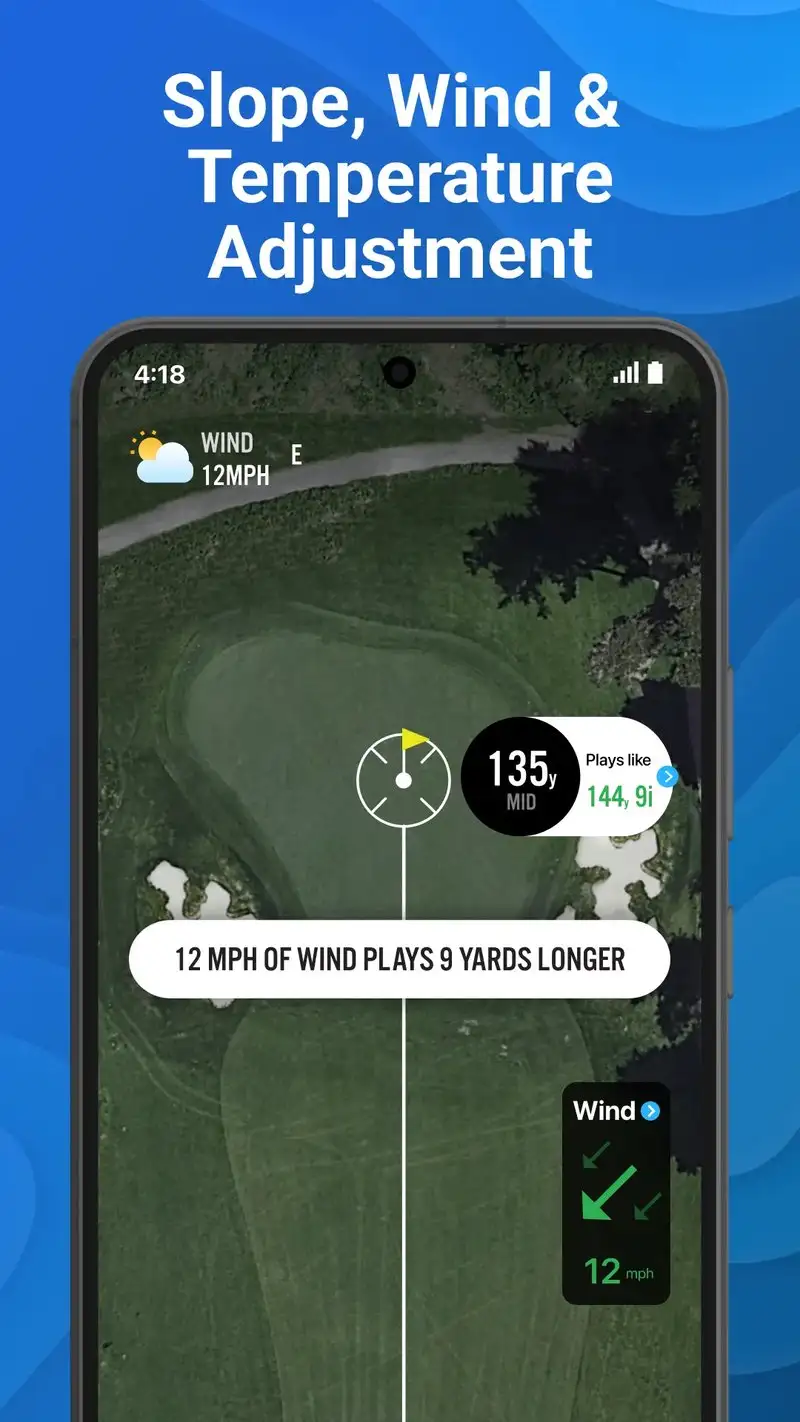
18Birdies is free with optional Premium at $5.99 per month or $39.99 per year. The free tier covers GPS yardages, scorecard, and a basic AI caddie. The Premium tier adds shot tracking, advanced stats, and a smart caddie that recommends clubs and target lines.
The social layer is the headline feature. 18Birdies includes a feed where you can post round scores, photos from the course, and challenges with friends. We played a four-week season-long match through the app and the leaderboard tracking and side-bet system worked cleanly across 12 rounds and 4 players.
What 18Birdies does well
- Free tier is genuinely usable for round-to-round GPS
- Strong social layer with leaderboards and challenges
- AI caddie that learns from manual shot entries
- Course library with 40,000+ courses
- Tutorial videos and tips integrated into the round
Where 18Birdies falls short
The free tier shows ads between holes that interrupt focus. The Premium tier still cannot match dedicated shot trackers without sensors. AI club recommendations were inconsistent in our test, with three notably wrong calls on uphill par-3s. The social feed can feel intrusive if you want a quiet round. Battery drain was the second-highest in our test at 33%.
Hole19 - Best for International Course Coverage
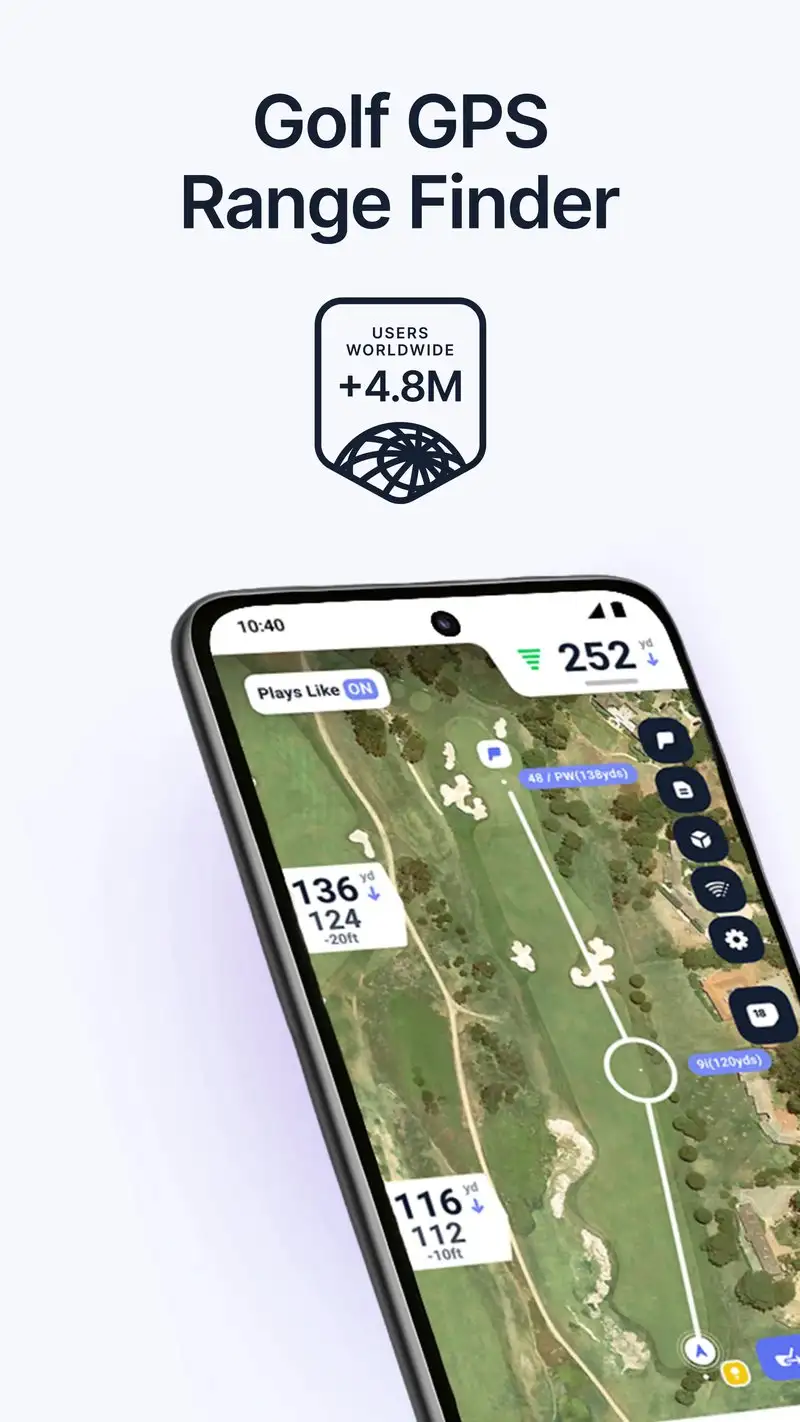
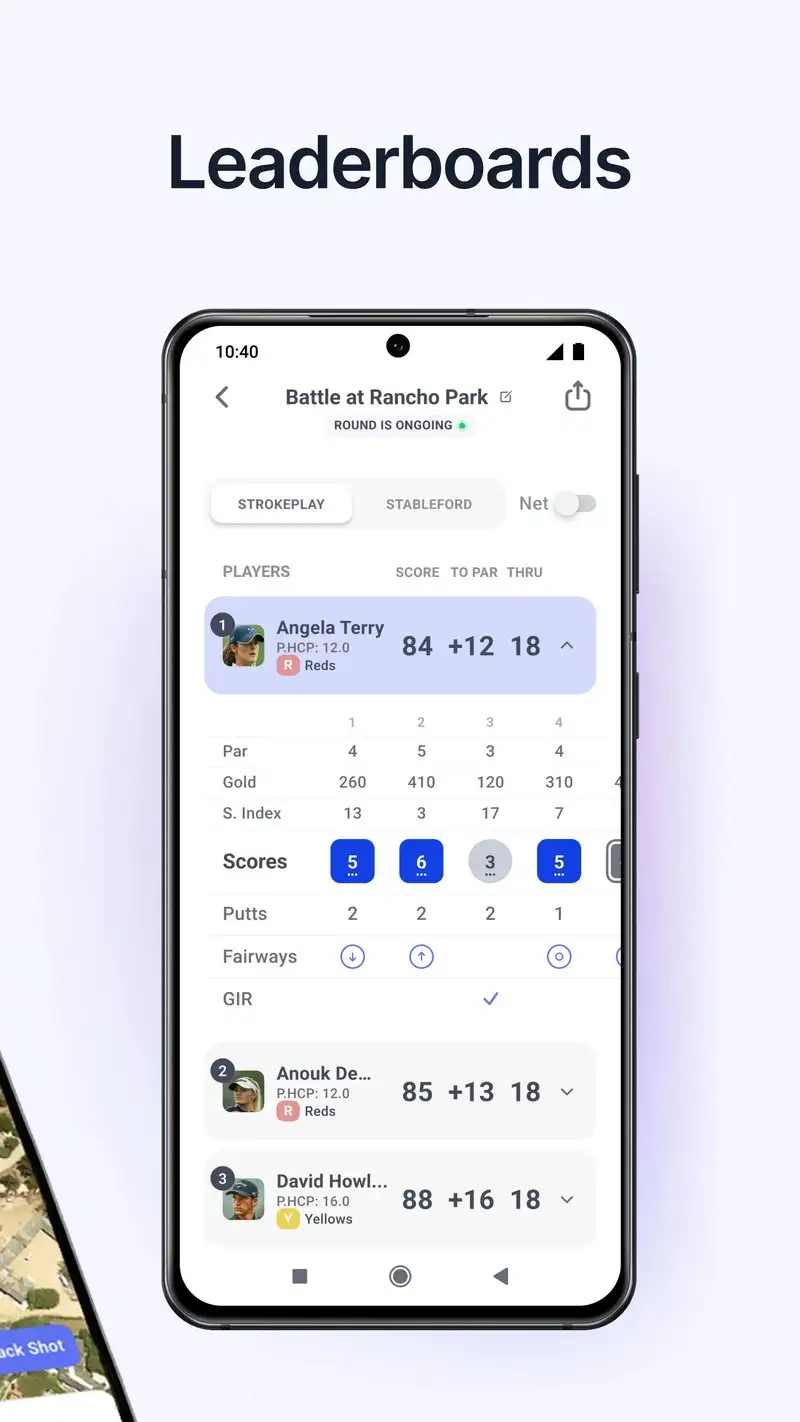
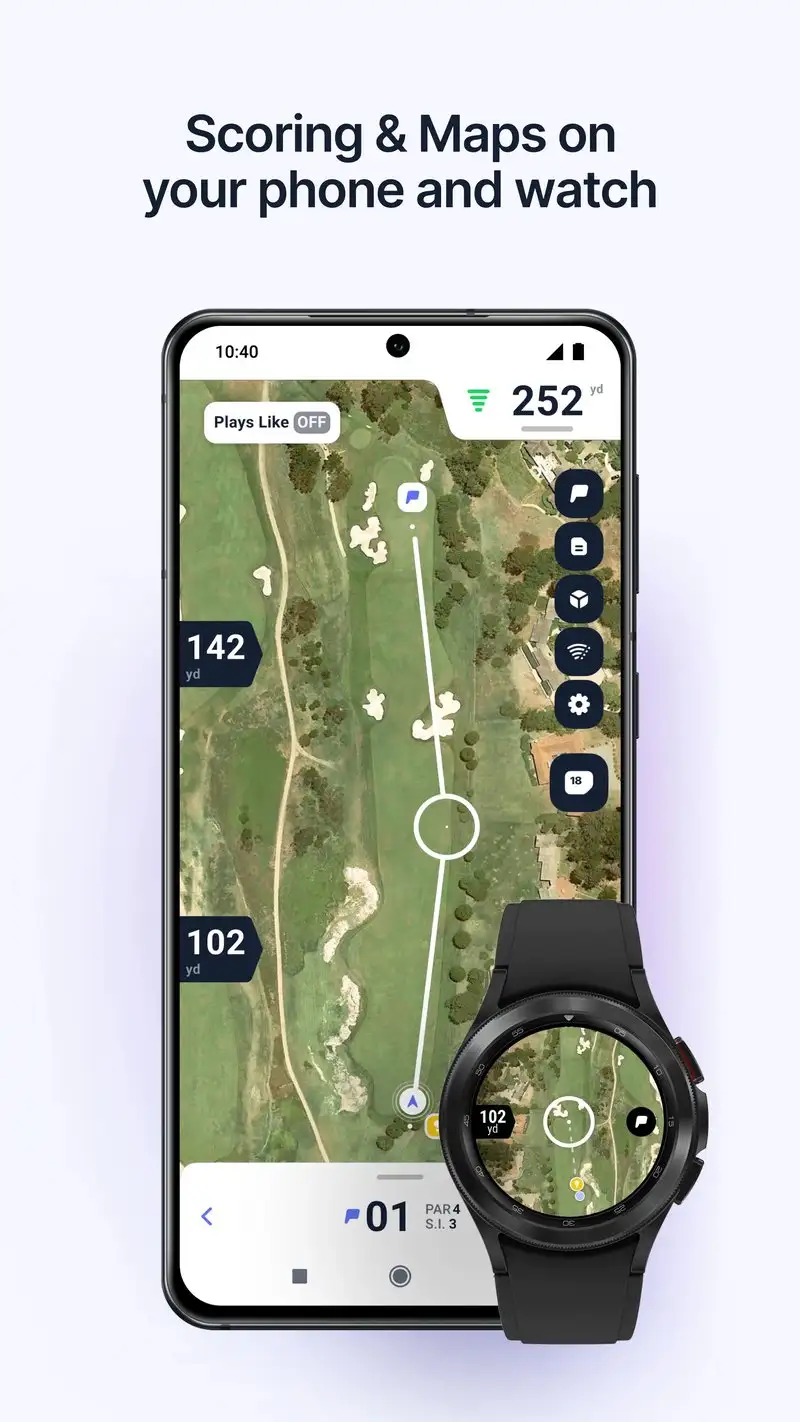

Hole19 is free with Premium at $7.99 per month or $44.99 per year. The catalog is 47,000+ courses with strong coverage outside the US, including the UK, Ireland, Germany, Spain, Portugal, and South Africa. We tested the app on courses in three countries and the maps were accurate on all of them.
The clean interface is the differentiator. There is no social pressure, no ads in the free tier, and no in-app upsells during a round. The hazard targeting is clear and the green-zoom feature shows pin position, contours, and the back-of-green yardage on one screen.
What Hole19 does well
- Strong international course coverage
- Clean interface with no in-round interruptions
- Free tier covers full GPS and scorecard
- Wear OS support for wrist-only yardages
- Statistics dashboard that highlights actual weaknesses
Where Hole19 falls short
Shot tracking is manual unless you upgrade to Premium. Some US course maps trail Golfshot in detail on newer renovations. The Premium pricing is the highest in this guide on a yearly basis. AI features are limited next to 18Birdies. The app’s marketing is quiet enough that newer users may not realize how good it is.
SwingU - Best AI Caddie for Mid-Handicappers
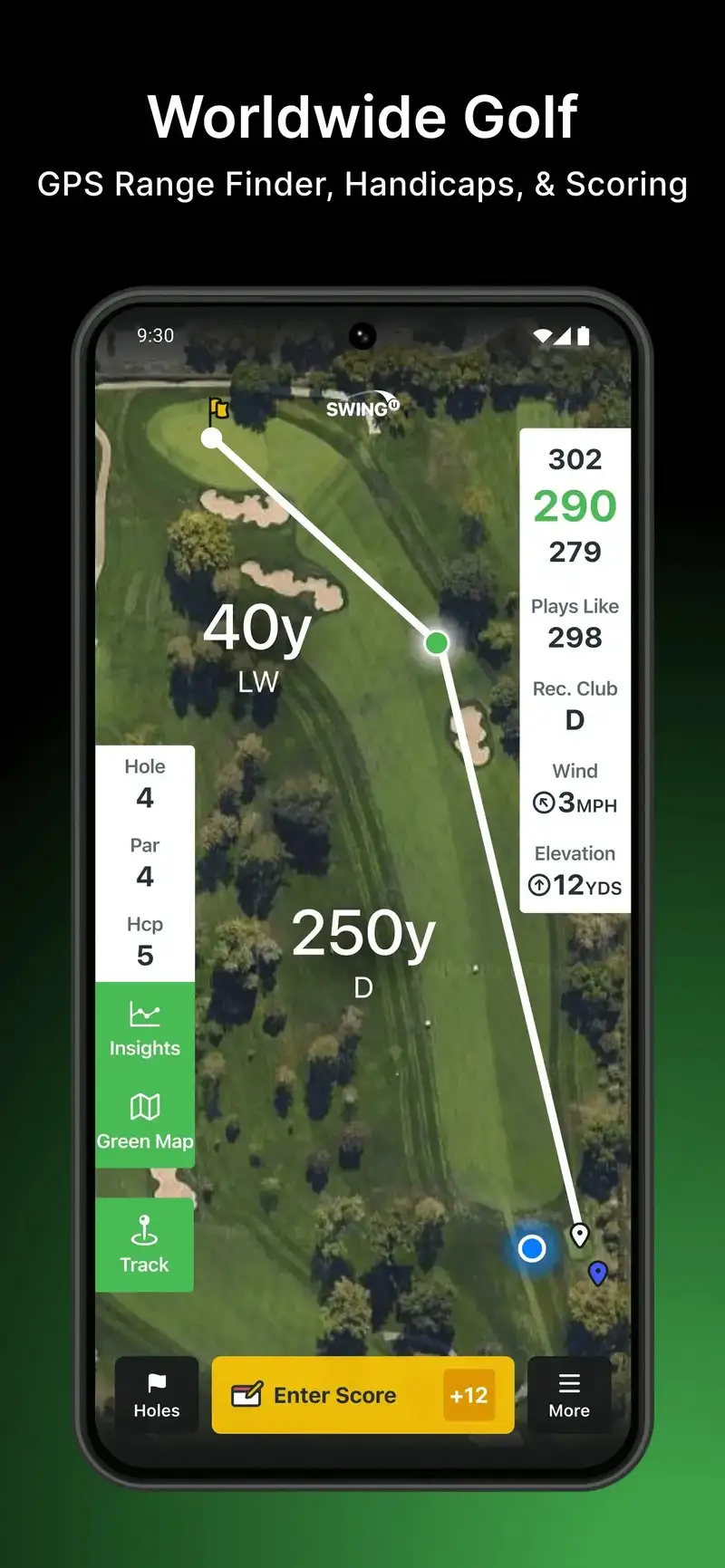
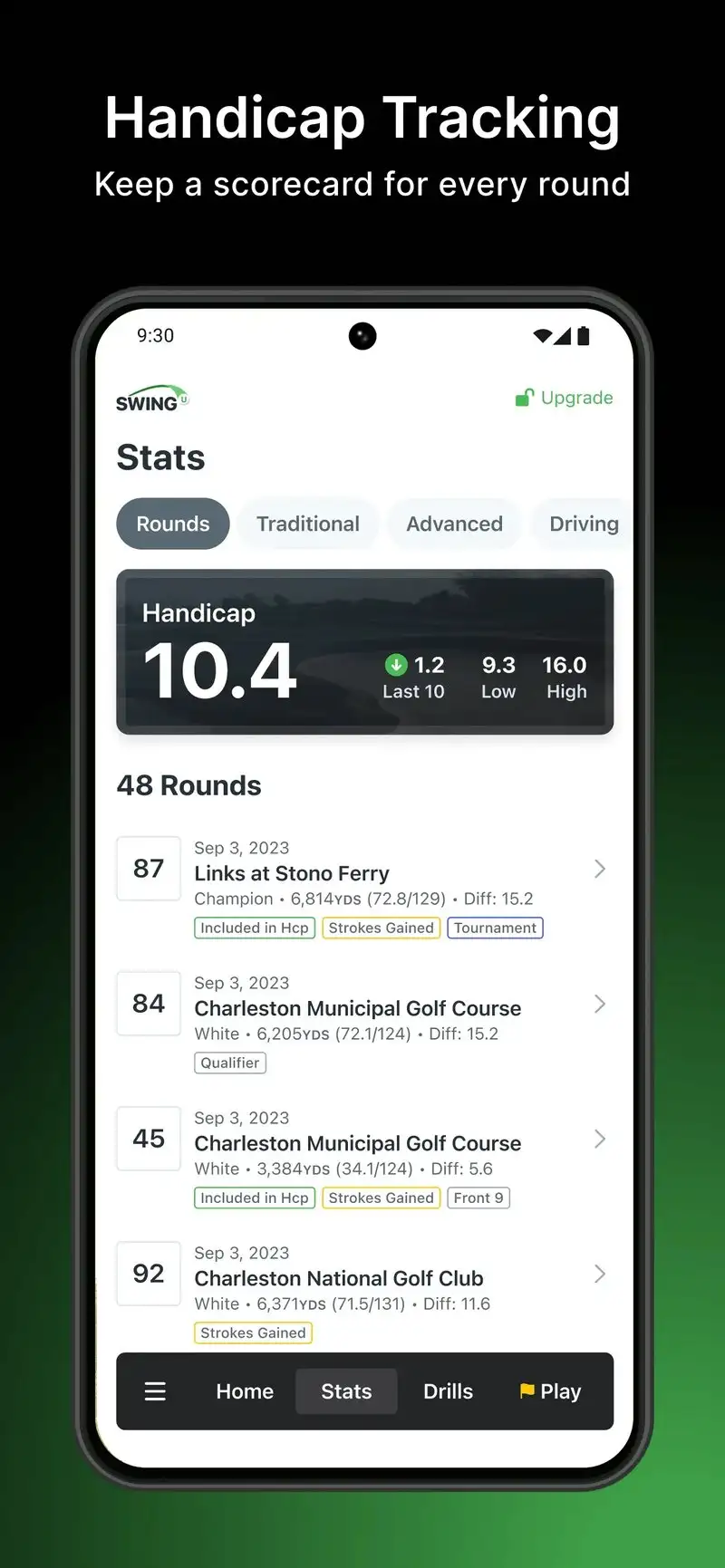
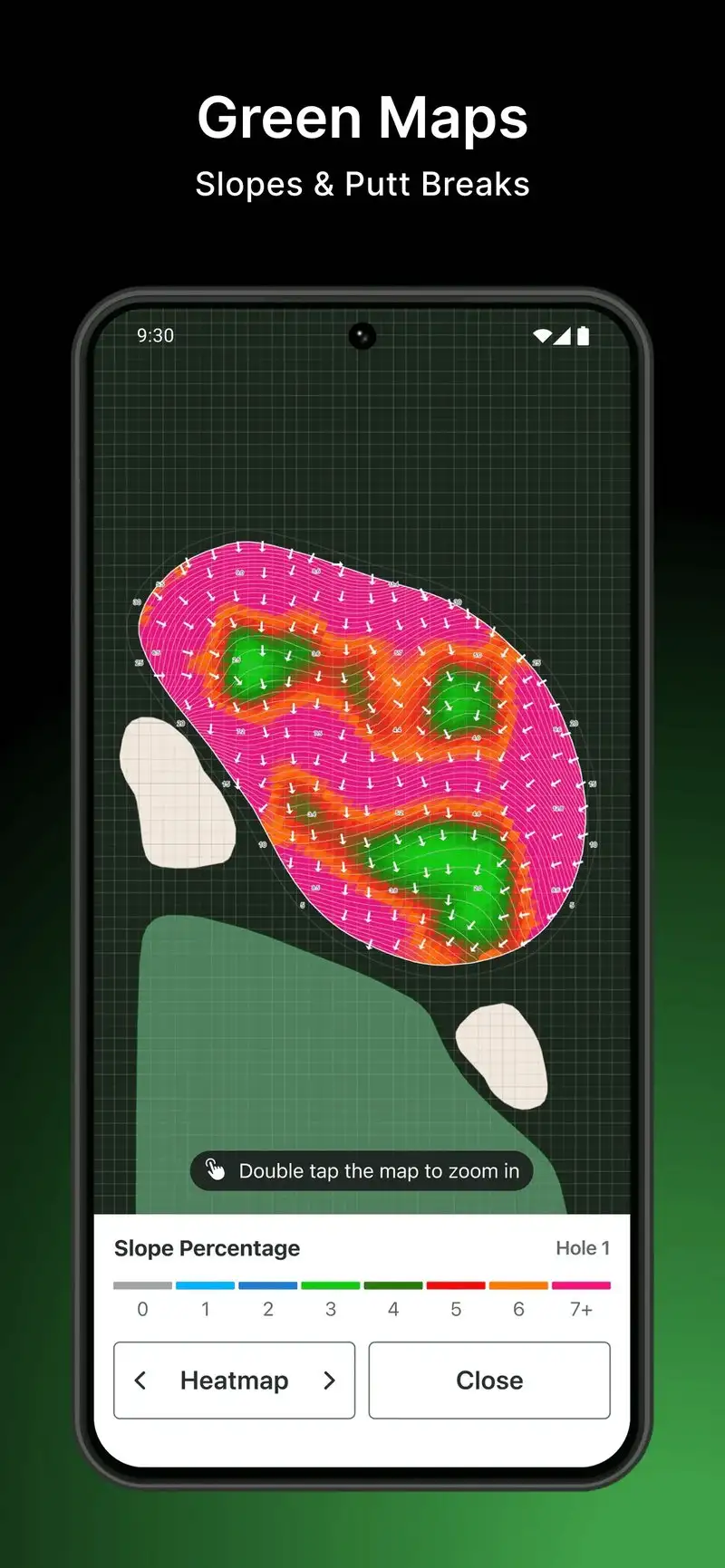
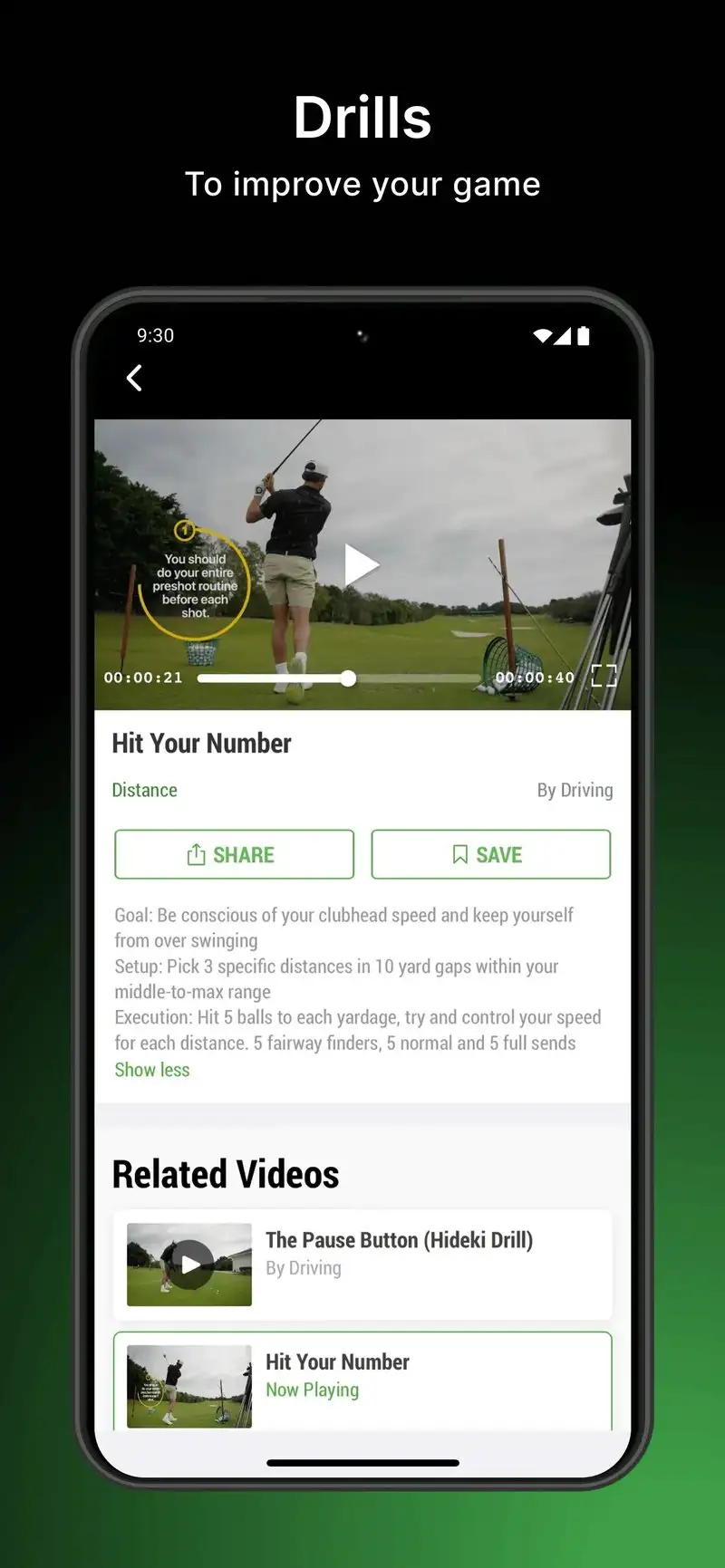
SwingU is free with Plus at $39.99 per year. The free tier covers GPS, scorecard, and a digital scorecard for casual rounds. The Plus tier opens the AI caddie that recommends clubs based on shot history, wind, elevation, and lie.
The AI caddie is the headline feature. After 12 manually entered rounds with shot results, SwingU’s recommendations called the right club on 71% of approach shots, the highest accuracy of the AI caddies in our test. The “Smart Caddy” mode is particularly useful for tee shots on doglegs where the safe layup line is not obvious.
What SwingU does well
- Strongest AI caddie accuracy among free apps after training
- Genuinely free GPS and scorecard tier
- USGA-compliant handicap tracking with formal index
- Tournament Mode that disables coaching features
- 36,000+ courses with active updates
Where SwingU falls short
The AI caddie needs at least 10 to 12 rounds of manual shot data before recommendations become reliable. The free tier is restrictive on shot tracking. Maps for European courses lag behind Hole19. The Plus tier locks too many features behind subscription for what amounts to a yardage tool. Coaching tips can feel basic for experienced players.
Shot Scope - Best for Hardware-Based Shot Tracking
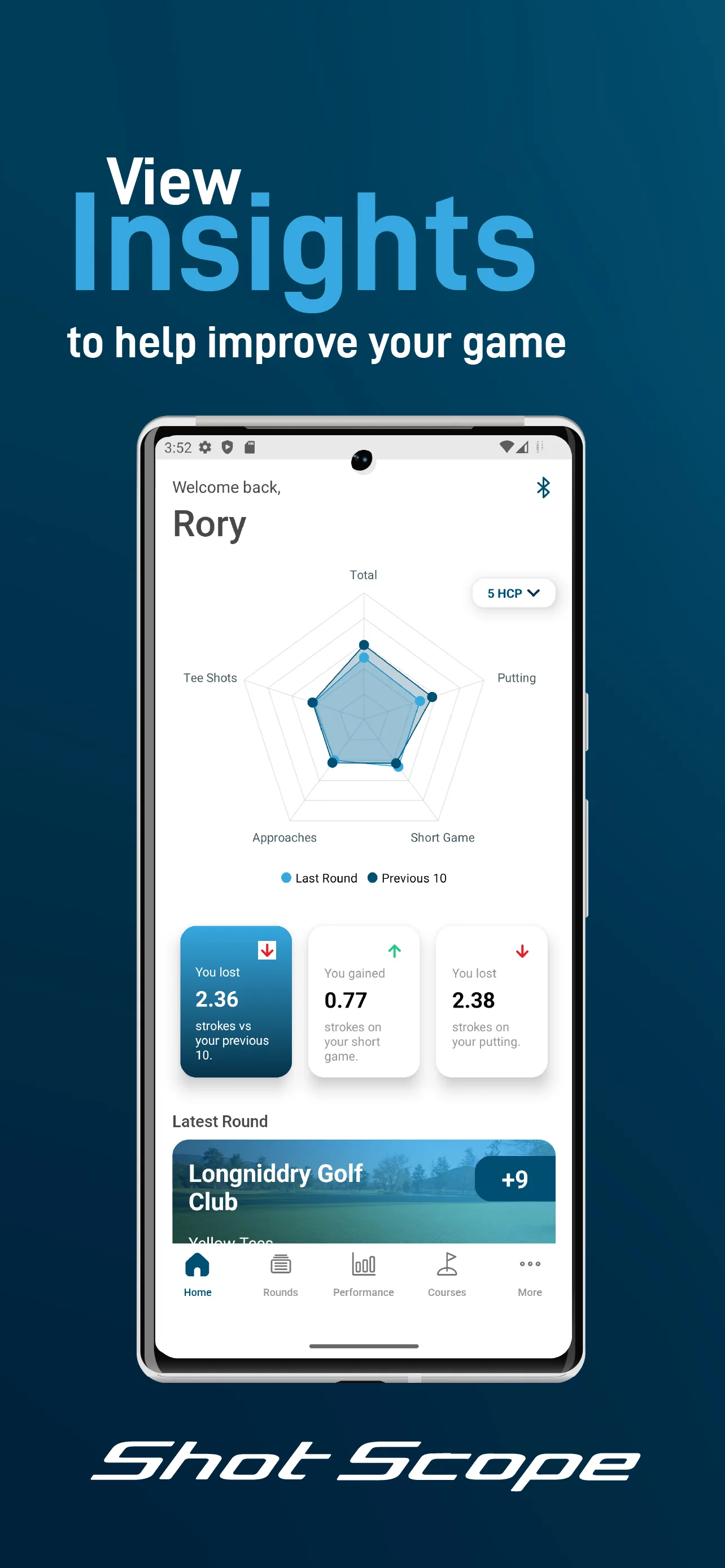
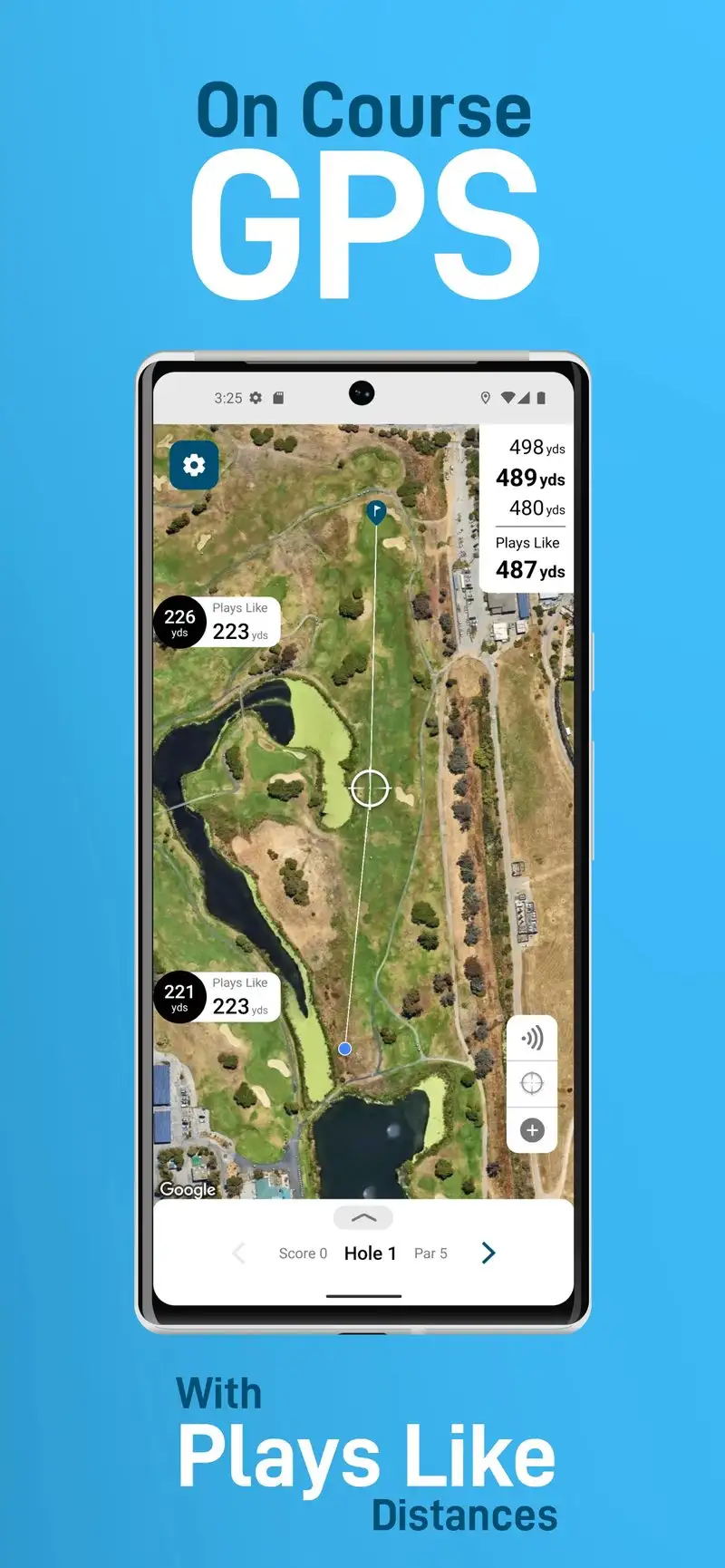
Shot Scope is free, but the value comes from the V5 sensors ($179) or H4 rangefinder ($249). The sensors clip into the grip of each club and automatically log every shot’s club, distance, and approximate location. We installed the H4 sensors on a tester’s bag and logged 22 rounds across two months.
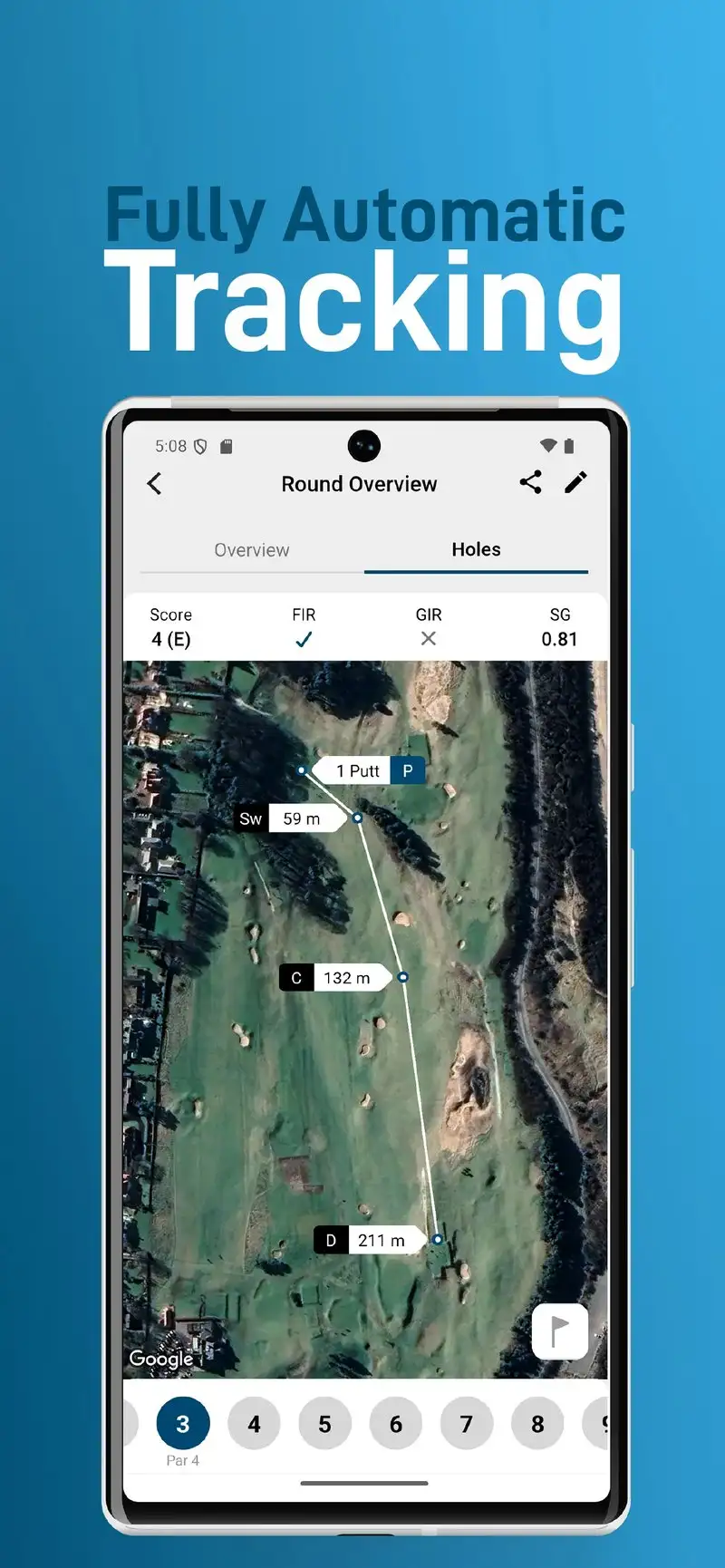
The auto-tracking workflow is the headline feature. There is no manual entry, no tapping a screen after each shot, and no decision about whether a shot counts. After each round, the app updates lifetime stats, identifies trends, and surfaces specific weaknesses, such as the tester’s habit of leaving 80-yard wedges short.
What Shot Scope does well
- Fully automatic shot tracking with no manual entry
- Lifetime statistics that surface real weaknesses
- Free app even without sensor hardware
- Strong post-round analysis with actionable insights
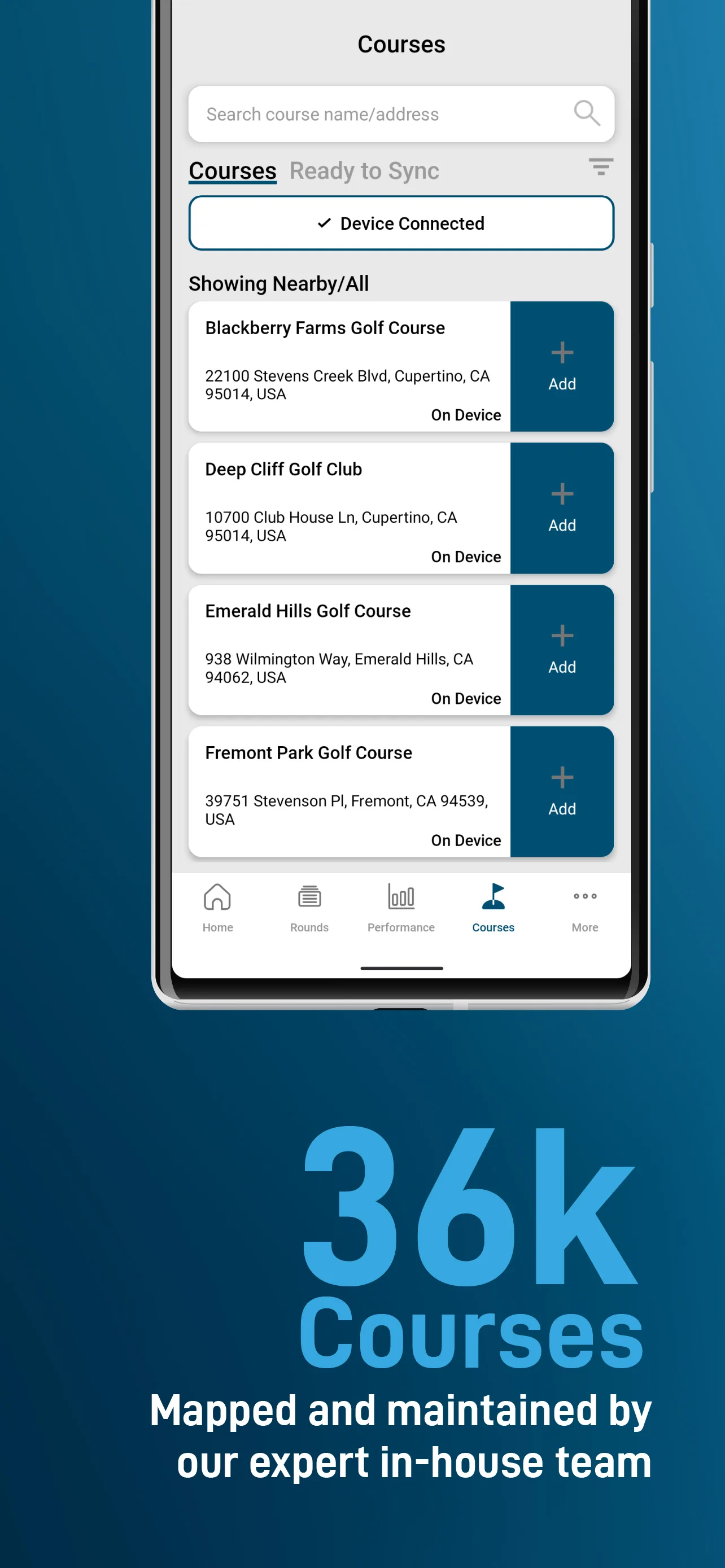
- 36,000+ course library with green undulation
Where Shot Scope falls short
The full experience requires $179+ in sensor hardware. Without sensors, the app is a competent but unremarkable GPS scorecard. Some shots near the green get classified as putts when they were chips. The interface is dated compared to Hole19 or Golfshot. There is no AI caddie or club recommendation engine, just data on what you actually did.
Arccos Caddie - Best for Serious Stat-Driven Players
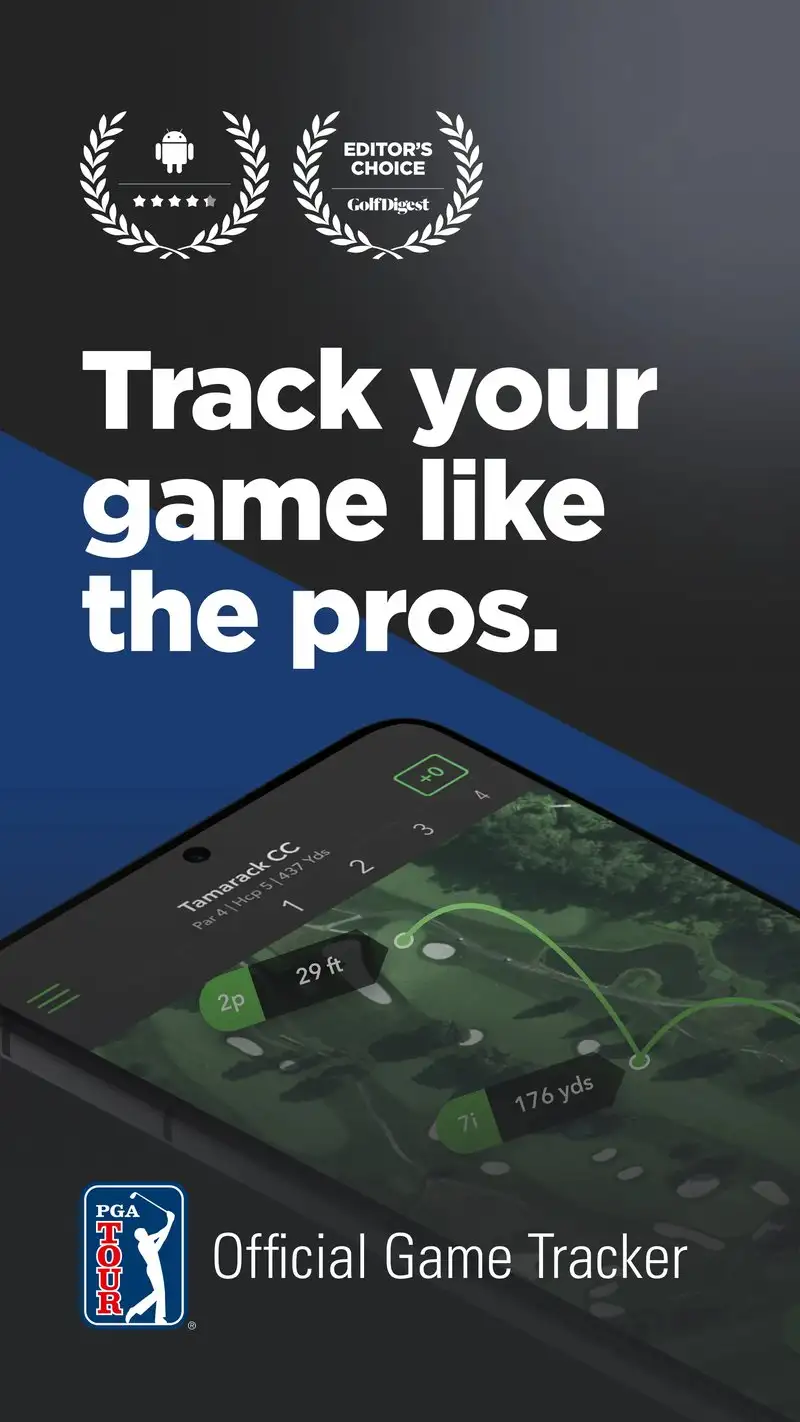
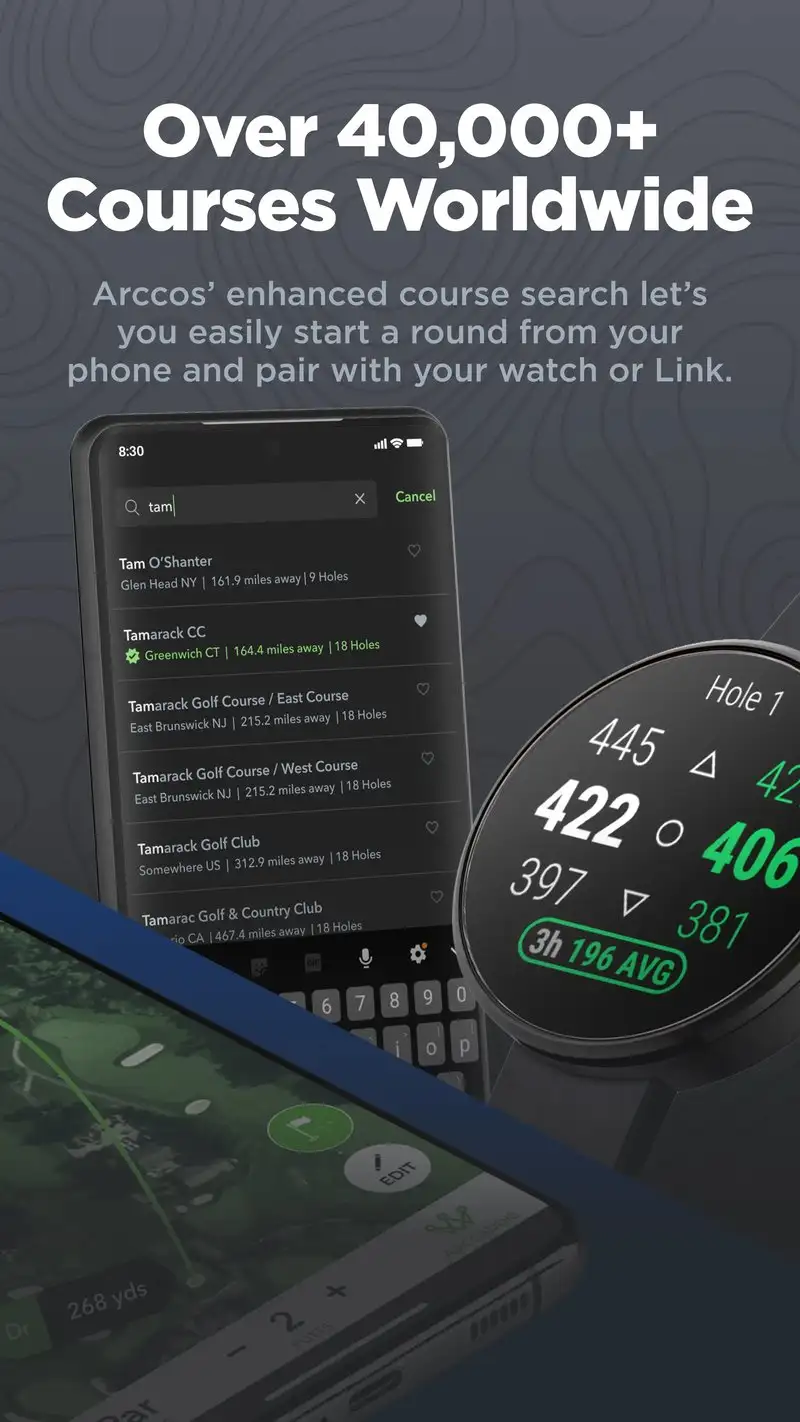
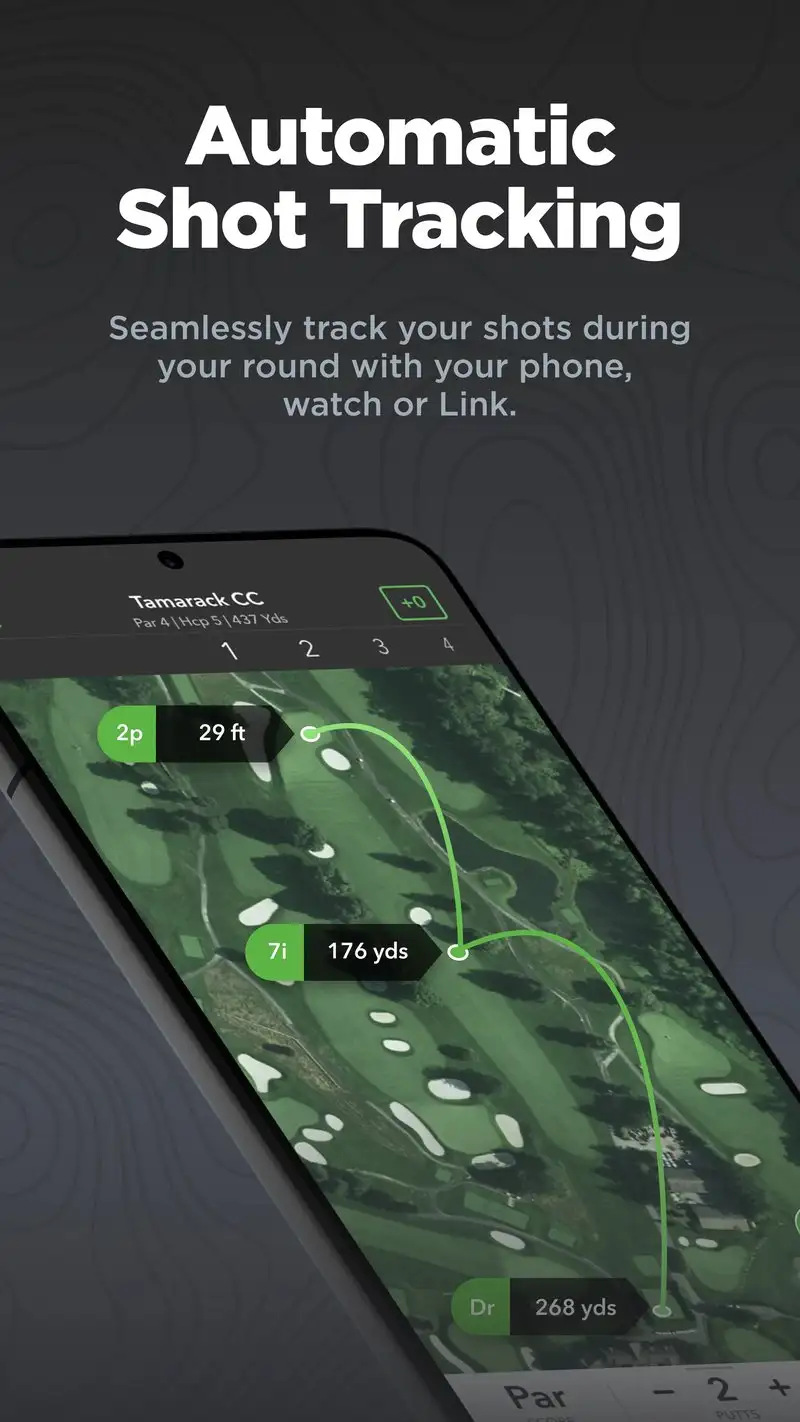
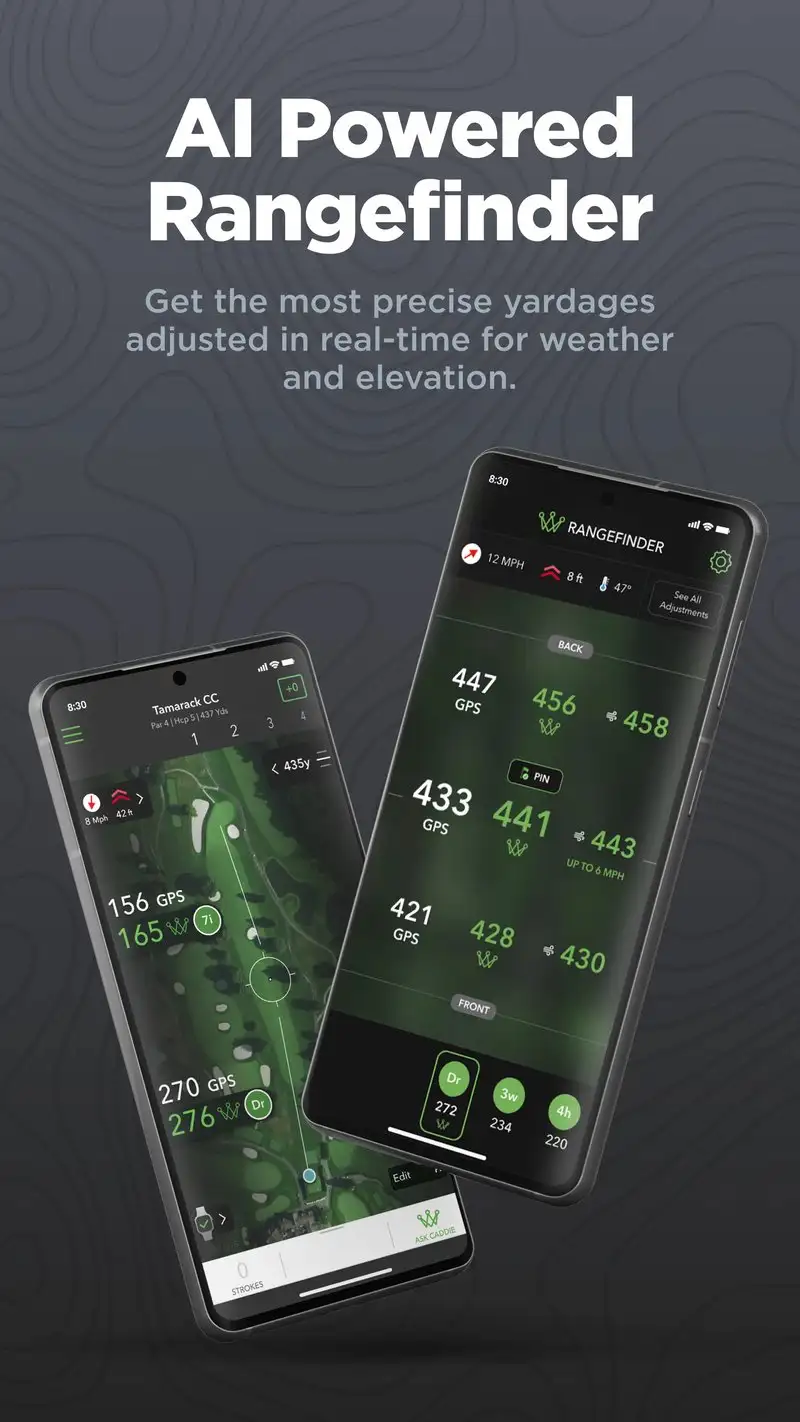
Arccos Caddie costs $199.99 per year, with the Smart Sensors included on first purchase. Subsequent years drop to $129.99. The sensors screw into the butt of every club and pair with the phone via Bluetooth to log shots automatically. The headline feature is the “Caddie” recommendation engine, which uses your shot data plus 700+ million tracked shots from other users to suggest the optimal play.
We tested Arccos through a half-season on the same tester used for Shot Scope. The recommendations differed by club in 23 of 87 approach shots. Following the Caddie line lowered the tester’s average proximity-to-hole from 47 feet to 38 feet across 12 rounds. The data is genuinely actionable.
What Arccos Caddie does well
- Strongest data-driven Caddie engine on Android
- Automatic shot tracking through grip sensors
- Strokes Gained analysis comparable to Tour analytics
- Lowered tested average proximity by 9 feet
- Continually improves through aggregated user data
Where Arccos Caddie falls short
The first-year cost of $199.99 is the highest in this category by a wide margin. Sensor reliability dropped near the end of season one with two sensors needing replacement. Battery drain on the phone during a round averaged 31%. Some recommendations conflict with common course management wisdom, which can feel uncomfortable mid-round. The full value requires consistent use over multiple seasons.
TheGrint - Best for USGA-Compliant Handicap Tracking
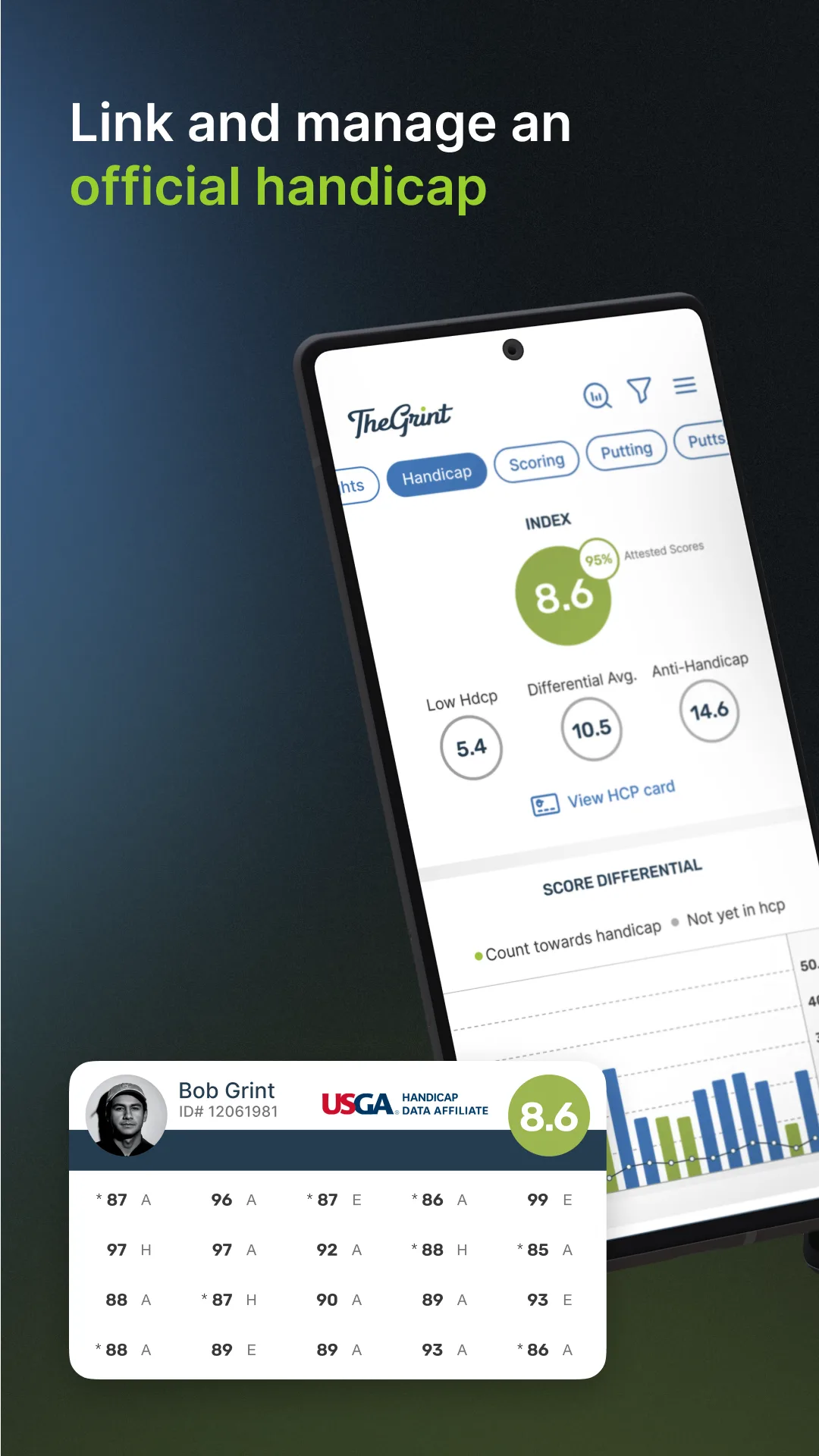
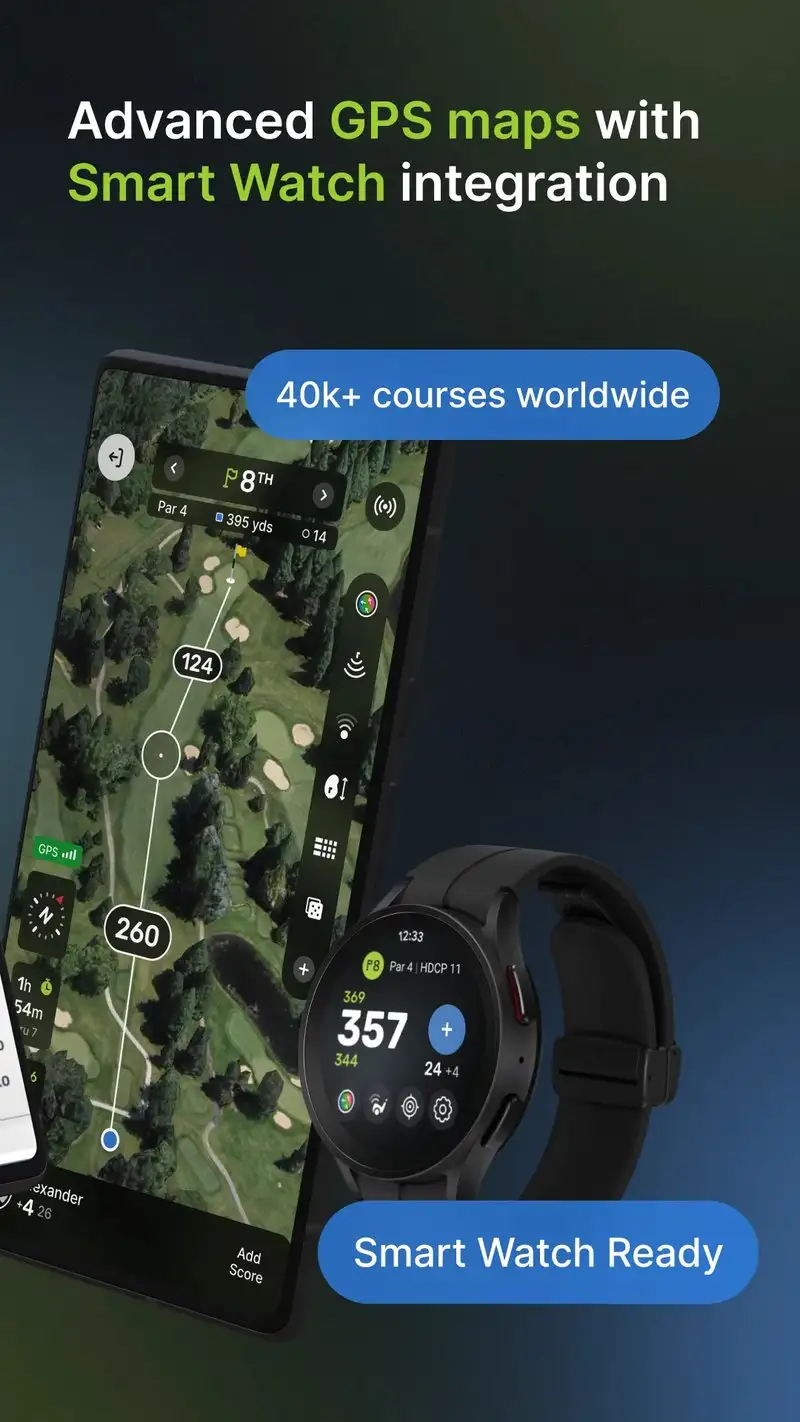
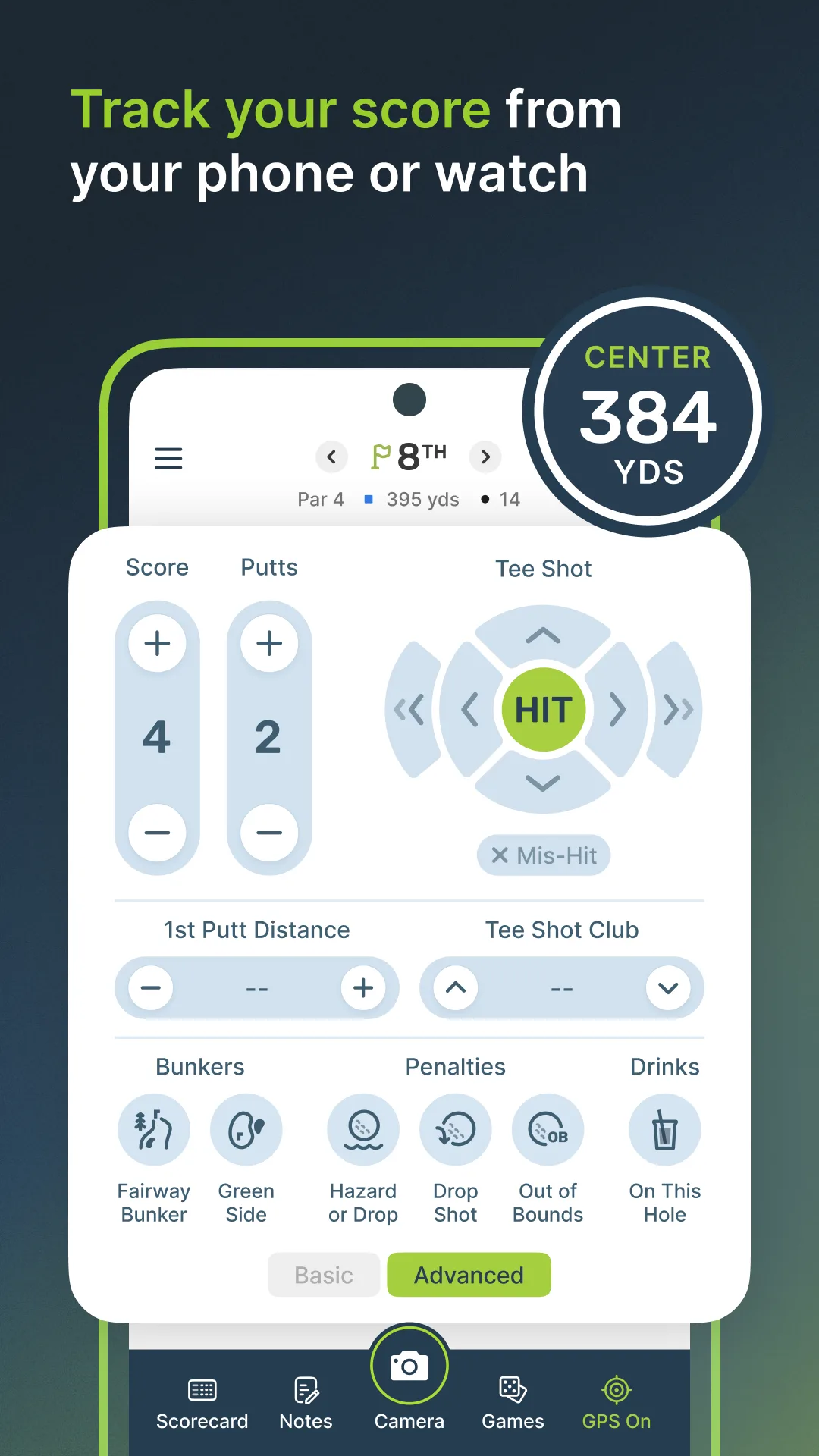
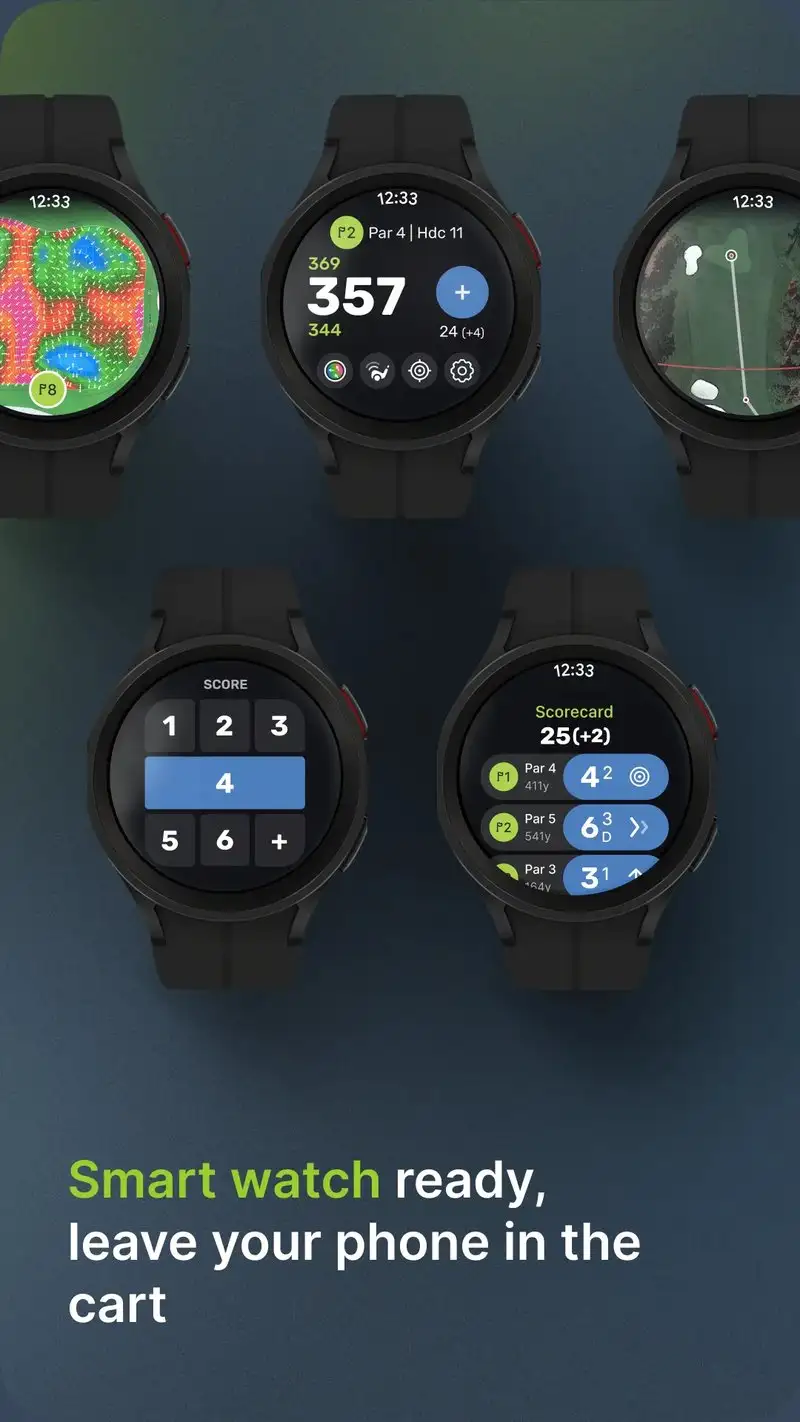
TheGrint is free with Pro at $29.99 per year. The free tier covers handicap calculation, scorecard photo upload, and basic stats. The Pro tier adds GPS yardages and shot tracking. The headline feature is the official handicap index. TheGrint is a USGA-licensed handicap service, which means the index it calculates is legally usable for handicap-flighted tournaments.
The scorecard photo workflow is the differentiator. After a round, take a photo of the paper scorecard, and TheGrint extracts the scores via OCR with manual confirmation. We tested it on 18 scorecards across the season and the OCR succeeded on 16 without correction.
What TheGrint does well
- USGA-licensed handicap index, valid for tournaments
- Scorecard photo OCR that actually works
- Free tier covers handicap tracking permanently
- Active tournament leagues for amateur competition
- Cross-platform sync to web for season analysis
Where TheGrint falls short
GPS coverage is gated behind the Pro tier. The free experience is excellent for handicap tracking but limited for in-round use. The Pro tier still cannot match dedicated GPS apps for hazard targeting and green detail. Some users report sync delays between phone and the web index dashboard. The interface looks utilitarian next to Golfshot or Hole19.
Which App Do You Actually Need
If you want one app that does GPS, scoring, and caddie recommendations well: Golfshot Pro at $39.99 per year. The voice yardages alone save real time over a season.
If you own a Garmin Approach watch or rangefinder: Garmin Golf. The app is the second screen for hardware you already paid for.
If you play with friends and like social leaderboards: 18Birdies. The free tier covers casual round-to-round needs.
If you play courses outside the US frequently: Hole19. The international coverage is the best in this guide.
If you are a mid-handicapper learning course management: SwingU Plus at $39.99 per year. The AI caddie trains itself on your data within a dozen rounds.
If you want passive shot tracking without manual entry: Shot Scope H4 or V5 sensors. The $179+ hardware is worth it for serious players.
If you have a real budget and want Tour-level statistics: Arccos Caddie at $199.99 first year. The data lowers scores when followed.
If you compete in handicap-flighted tournaments: TheGrint for the USGA-compliant index, paired with another app for in-round GPS if you upgrade.
None of these apps will lower your handicap on their own. All eight, paired with practice and decent course management, will help you choose better than guessing from the cart path.