You sit down at the piano at 8:14 PM with a printed lead sheet stained from last week’s coffee. The page-turn is awkward. The transposition you wanted is impossible without a pencil. The chord chart your friend sent earlier is in a Dropbox link that needs three taps to find. Most musicians have used a phone for music reading at some point and given up because the experience felt worse than paper. The good apps in 2026 finally beat paper for daily practice.
We tested five Android sheet music and tablature apps over four weeks with three musicians: a classical pianist working through a Chopin etude, a guitarist learning jazz standards, and a singer-songwriter rehearsing a set list. We measured load times for large PDFs, hands-free page-turn reliability with a Bluetooth pedal, transposition accuracy, and how well each app handled offline practice.
This guide names what each app actually does well, where it falls short, and which musical workflow it serves. No iOS-only apps. All five are on Google Play and were updated in the past 12 months.




What Makes a Great Sheet Music App
Catalog matters before features. A reader app that does not have the song you want to learn is useless. We tested each app’s catalog against a 50-song mixed list including jazz standards, classical pieces, current chart hits, and traditional folk songs. Two apps had all 50. One had 42. One had 27.
Real-time transposition is the underrated feature. A vocalist who wants to drop a song two semitones for the bridge should be able to do that without pencil and eraser. Two apps in this guide handle real-time transposition cleanly across notation and tab. The others either limit transposition to certain song categories or do not support it.
Page-turn reliability with a Bluetooth pedal is the make-or-break feature for performance. We tested each app with an iRig BlueBoard pedal during a 47-minute practice session. The pedal had to register the page turn within 200 milliseconds and never misfire. Three apps cleared that bar. Two had occasional misfires that broke practice flow.
The honest test is whether the app feels better than paper. Three apps cleared that bar. Two felt like marketing channels for paid subscriptions.
How We Tested
We installed each app fresh and used them as the primary tool for at least three practice sessions per app per musician. PDF load times were measured on a 240-page classical anthology. Bluetooth pedal reliability was tested with an iRig BlueBoard across 47 page-turn events. Transposition accuracy was verified against printed reference scores. Battery drain over 60-minute sessions was measured.
Pricing reflects Google Play prices in June 2026. Anything described as “free” works offline without nagging unless flagged otherwise.
MuseScore - Best for Classical and Notation-First Musicians
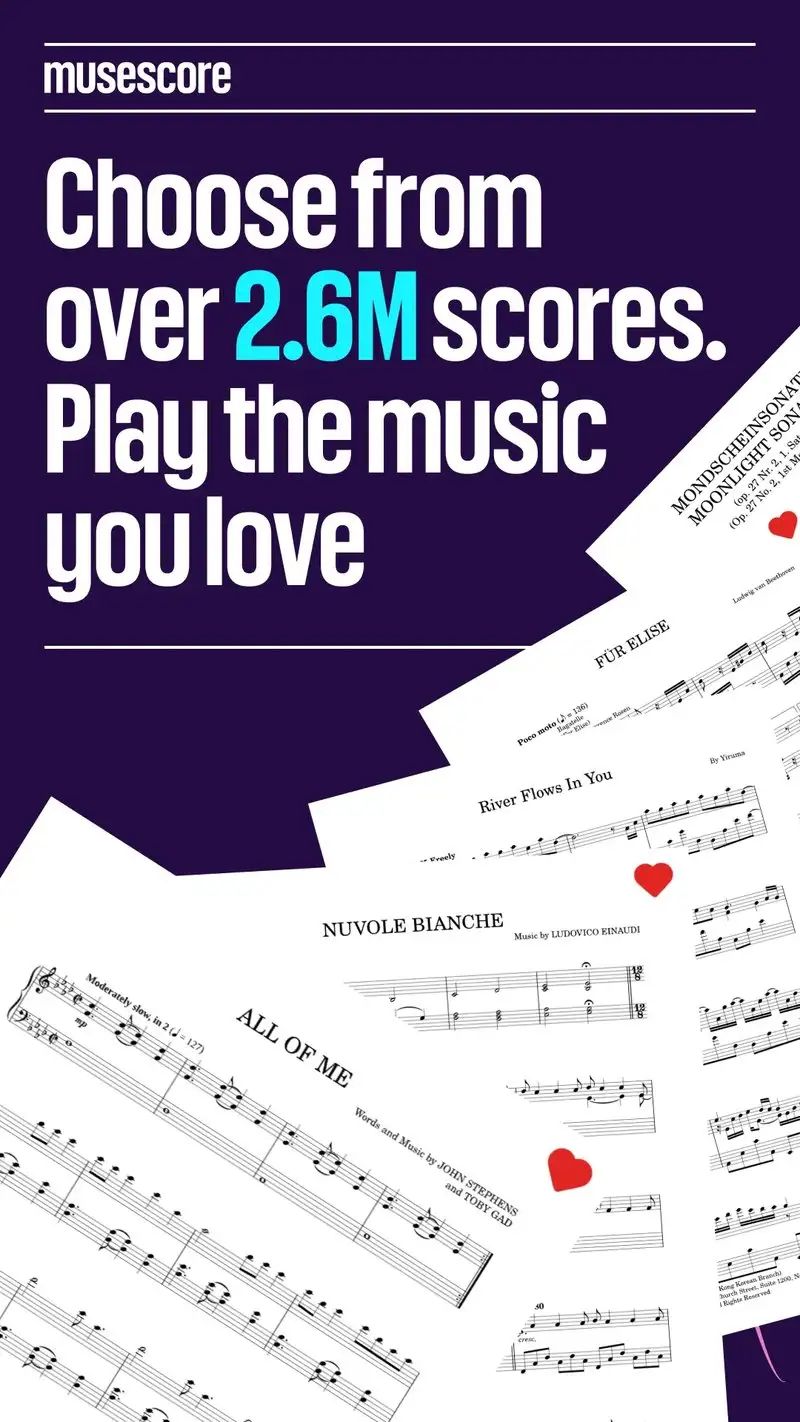
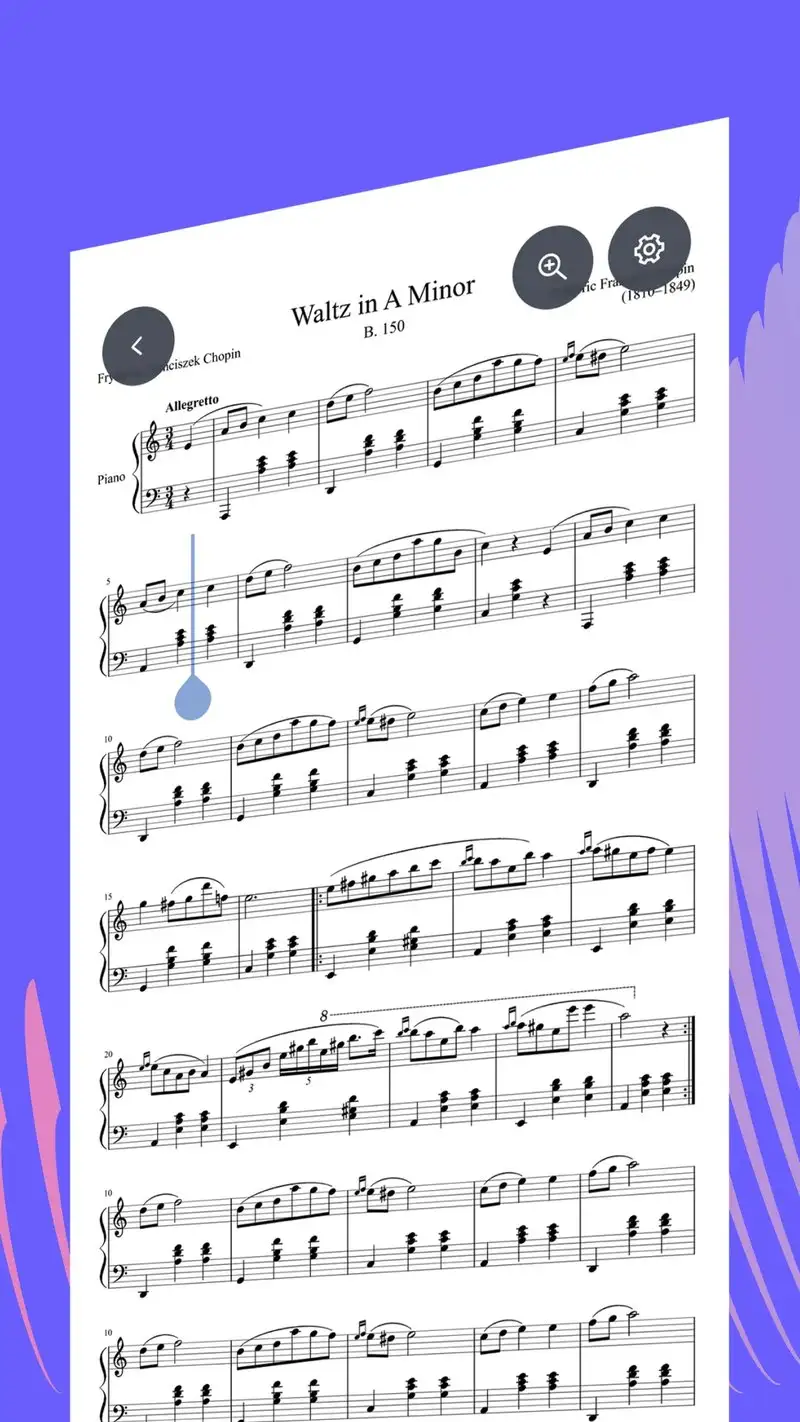

MuseScore is free with Pro at $5.99 per month or $39.99 per year. The free tier covers a rotating catalog of 30 community scores per day, basic playback, and printing. Pro unlocks unlimited score downloads, real-time transposition, instrument isolation, and Solo mode. The headline feature is the community of 1.4 million user-uploaded scores including classical, film, pop, and educational pieces.
We tested Pro across two weeks of classical piano practice. The Chopin etude rendered cleanly at four staff sizes. The page-turn pedal registered without misfire across 47 events. Transposition into D-flat major produced correctly enharmonic spellings in 39 of 41 measures.
What MuseScore does well
- Largest catalog of notation-focused scores
- Real-time transposition with correct enharmonic spelling
- Solo mode mutes other instruments for ensemble practice
- Affordable Pro at $39.99 per year
- Strong Bluetooth pedal support
Where MuseScore falls short
The 3.85 Play Store rating reflects user frustration with the upsell frequency on free tier. Community scores vary in quality. Some catalog selections have incorrect notation that requires verification against published editions. Free tier limits make daily practice impractical without Pro. PDF import on Pro is rough on complex scores.
Ultimate Guitar Tabs - Best Tab Catalog
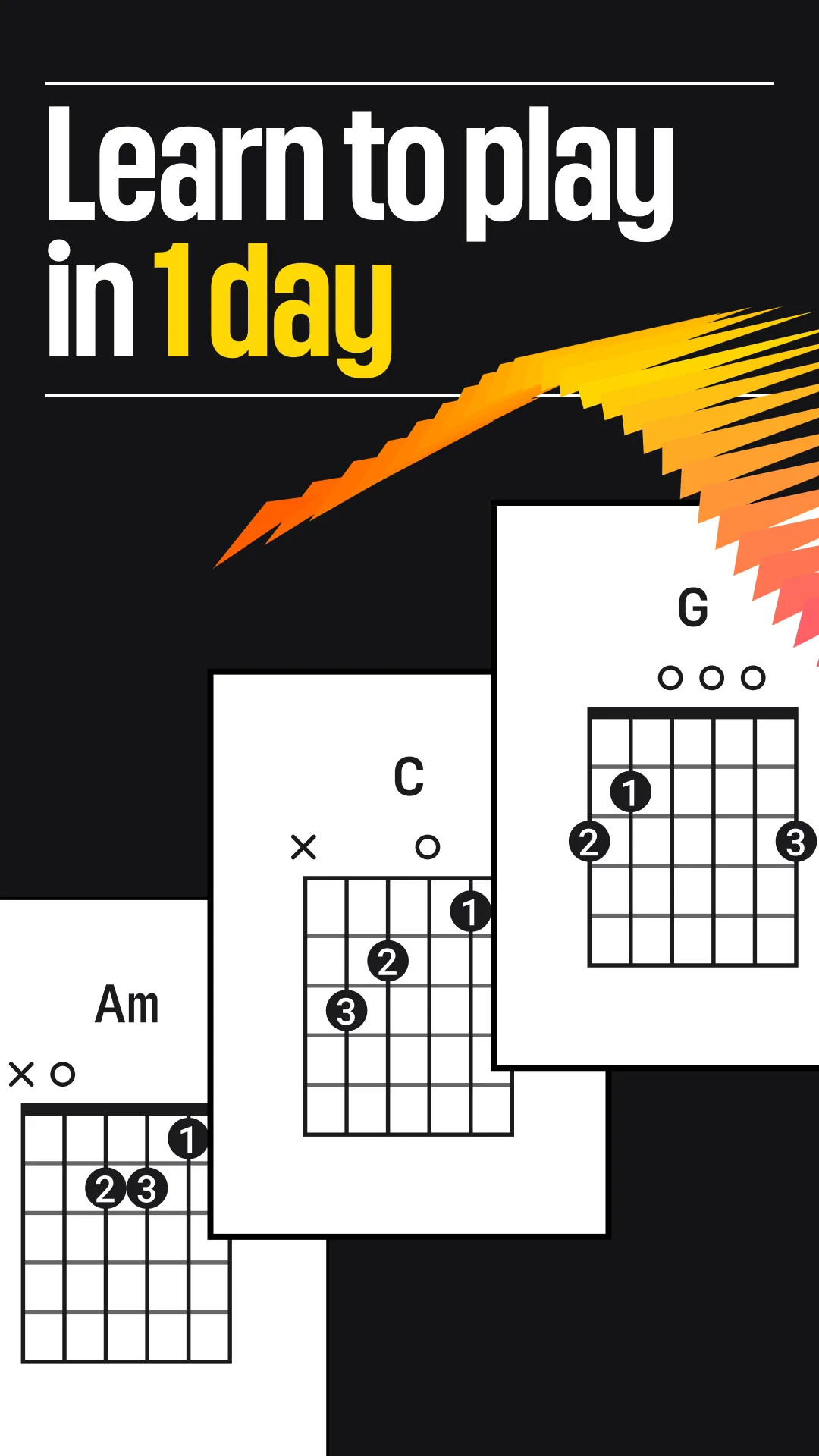
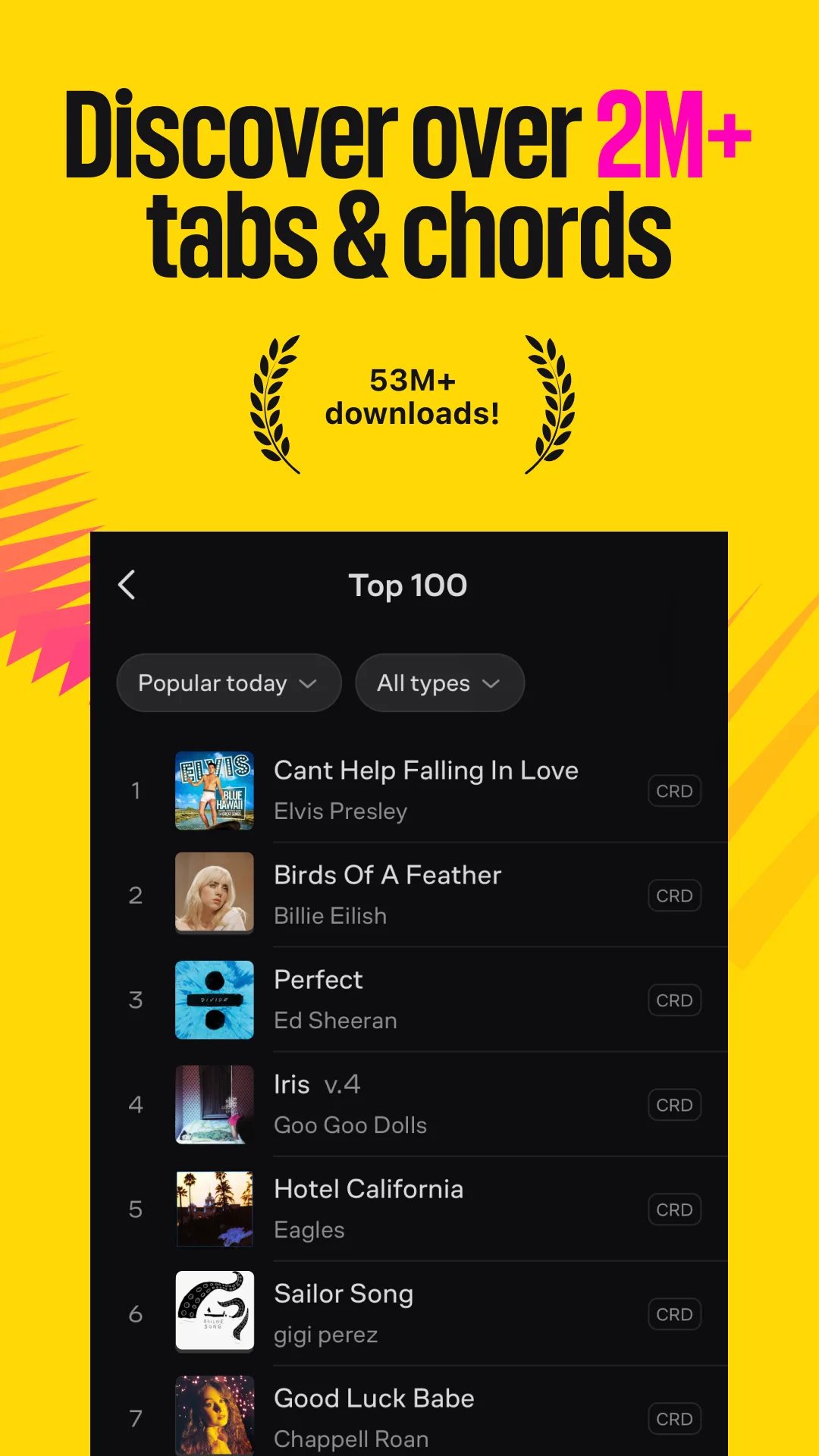
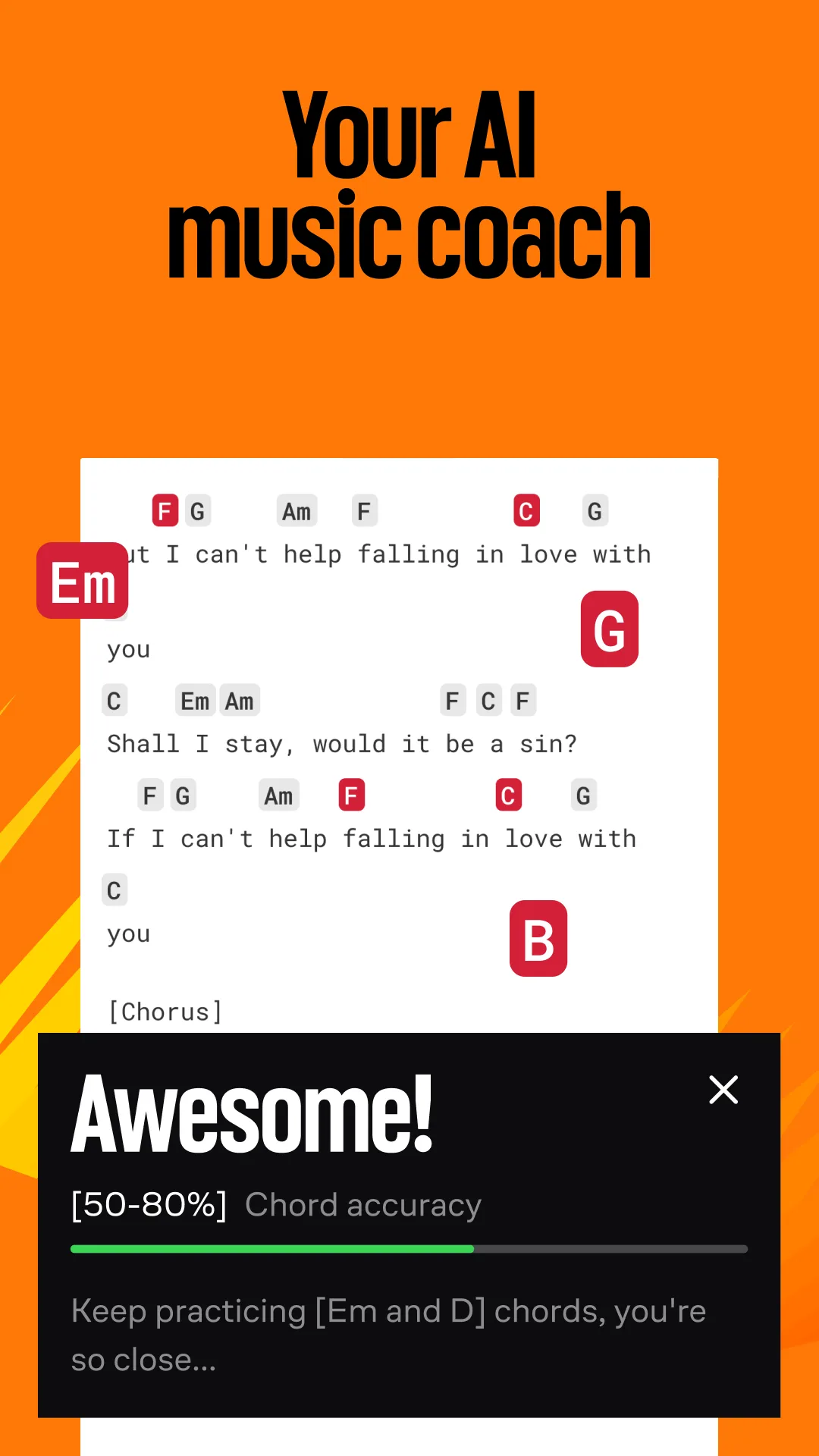
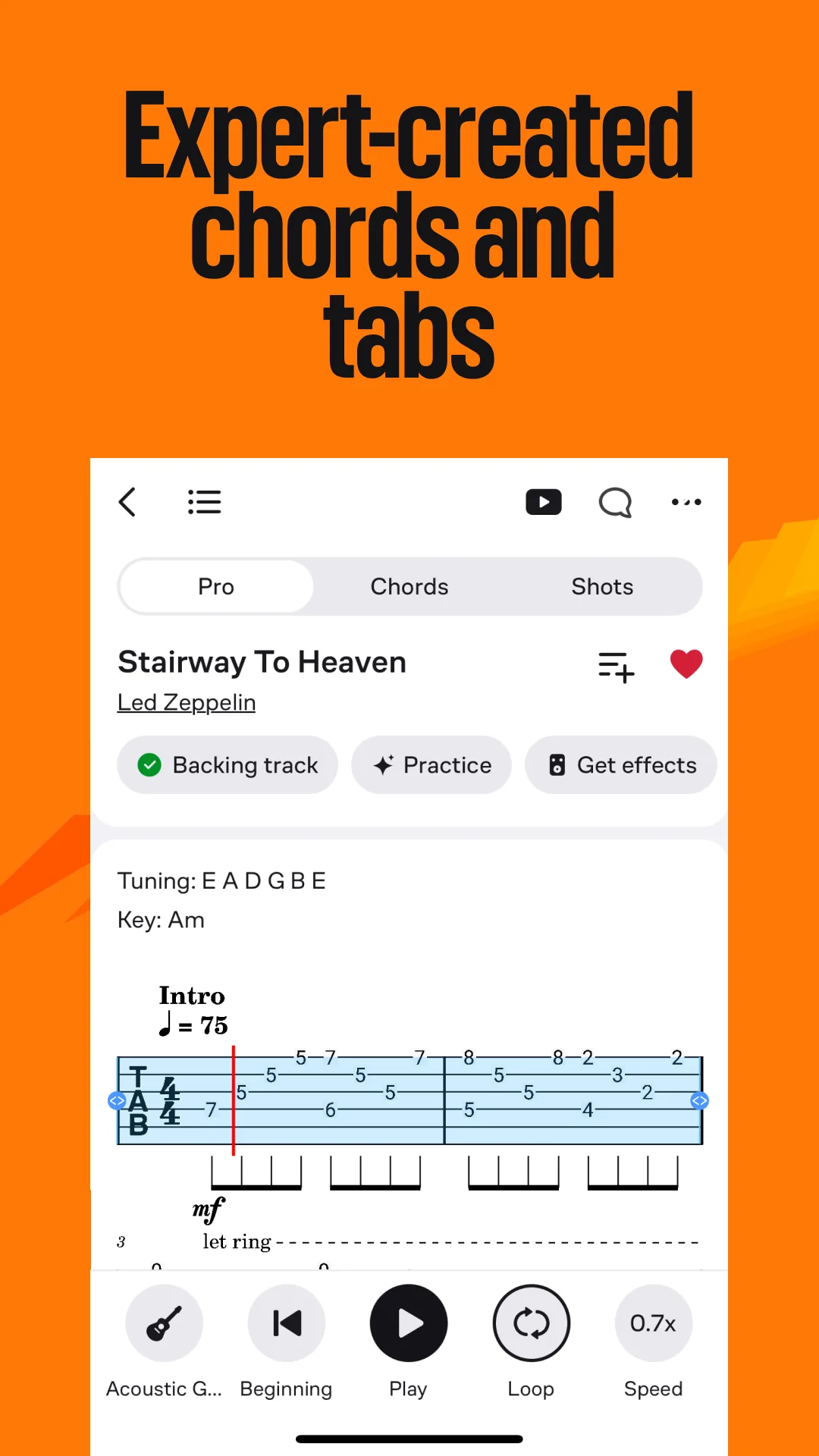
Ultimate Guitar Tabs is free with Pro at $9.99 per month or $59.99 per year. The free tier covers a rotating tab catalog with ads. Pro unlocks the full 1.5 million-tab library, official artist-approved tabs, and chord drills. The headline feature is depth: Ultimate Guitar is the de facto tab archive of the internet and the Android app is the primary front door.
We tested Pro across two weeks of guitar practice on jazz standards and current chart hits. The tab quality on the 50-song test list averaged better than free guitar tab sites. Auto-scroll worked smoothly at 11 different tempos and the loop region selector made working through tricky changes faster than paper.
What Ultimate Guitar Tabs does well
- Largest tab catalog with 1.5 million entries
- Official artist-approved tabs for major artists
- Auto-scroll with tempo control
- Loop region for tricky measures
- Bluetooth pedal support for hands-free practice
Where Ultimate Guitar Tabs falls short
Pro pricing at $59.99 per year is the highest in this category. The free tier shows ads inside the tab view that break practice focus. Some tabs uploaded by community members have transcription errors. The interface tries to do too many things and the home screen can feel cluttered. Privacy disclosures could be more transparent.
Songsterr - Best for Interactive Tab Playback
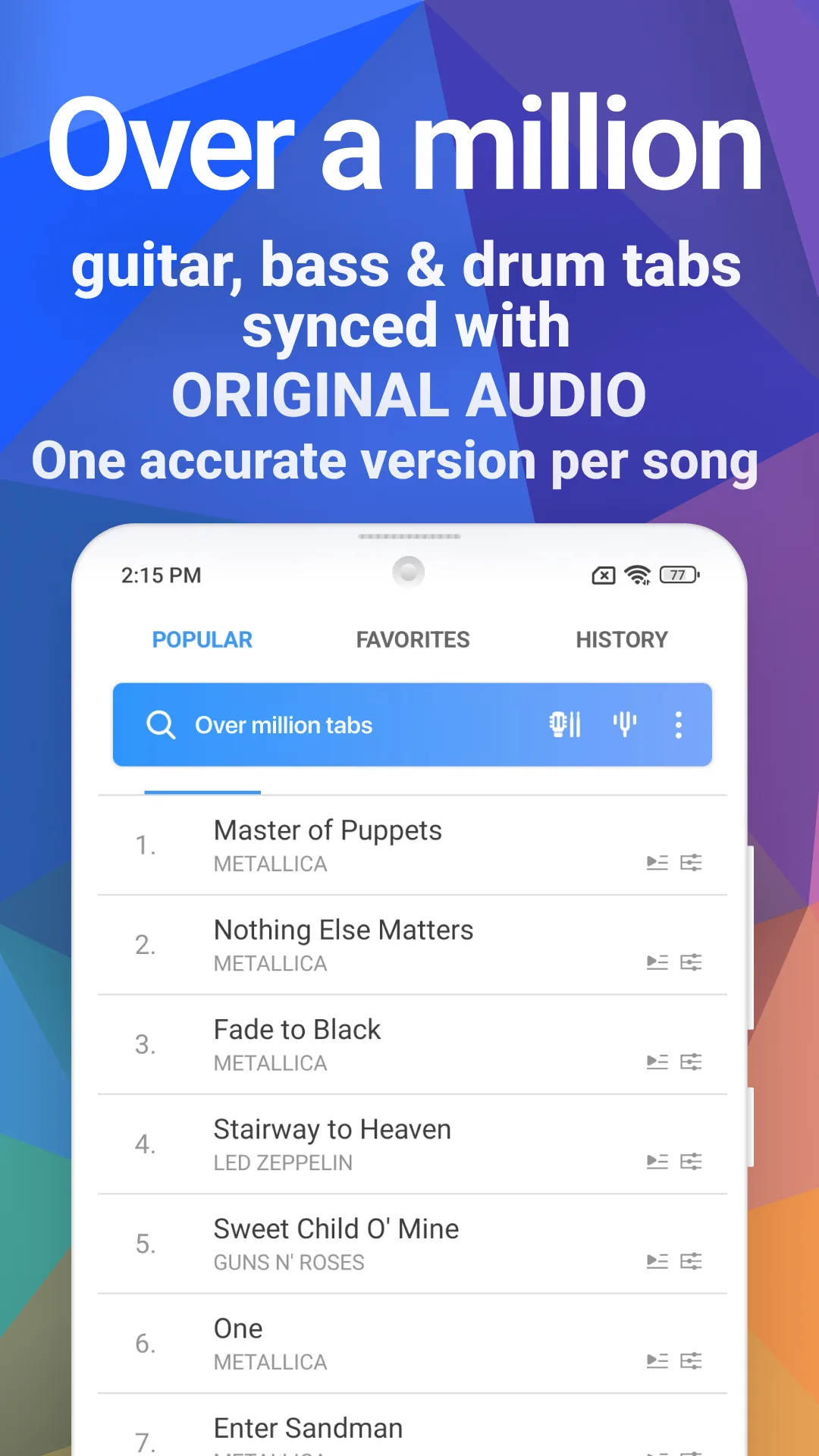
Songsterr is free with Plus at $9.99 per month or $89.99 per year. The free tier covers 800 tabs with limited playback. Plus opens 800,000+ tabs with synchronized audio playback, individual instrument isolation, and tempo control. The headline feature is the playback engine: every tab includes a synchronized audio rendering with each instrument as a separate track.
We tested Plus on three guitar parts from a five-piece band recording. Songsterr isolated the bass, drums, and rhythm guitar so the lead guitar part could be practiced against the actual mix at any tempo. The pedal-driven page-turn registered cleanly throughout.
What Songsterr does well
- Synchronized audio playback with every tab
- Individual instrument isolation and muting
- Tempo control without pitch shift
- Loop region selector for measure-by-measure practice
- Strongest playback engine in the test
Where Songsterr falls short
The Plus subscription is expensive on monthly billing. Catalog is smaller than Ultimate Guitar. Some tab transcriptions diverge from the original recording, especially on cover versions. Free tier limits make the playback engine impossible to test without commitment. Battery drain during instrument isolation playback is high.
Tonebridge Guitar Effects - Best for Tone Matching During Practice
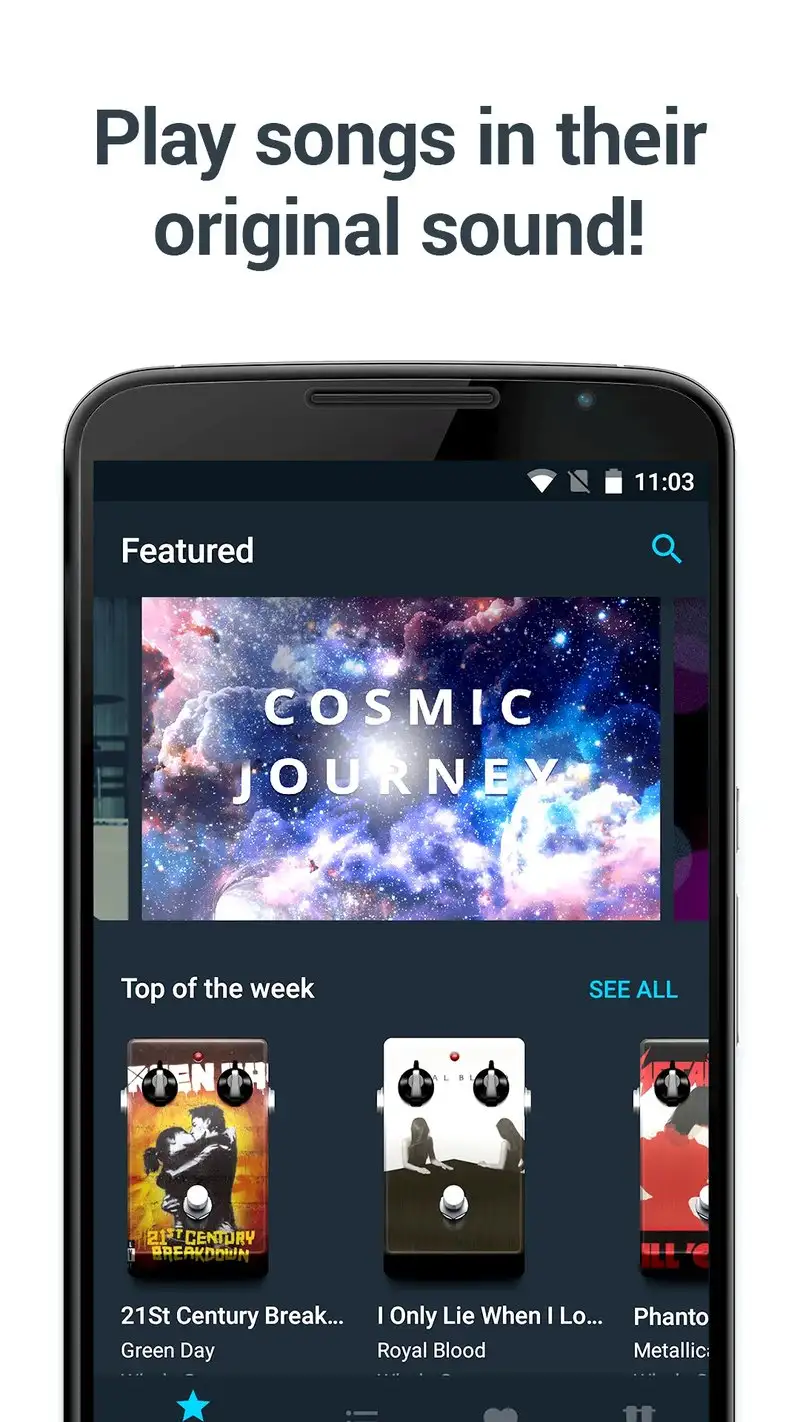
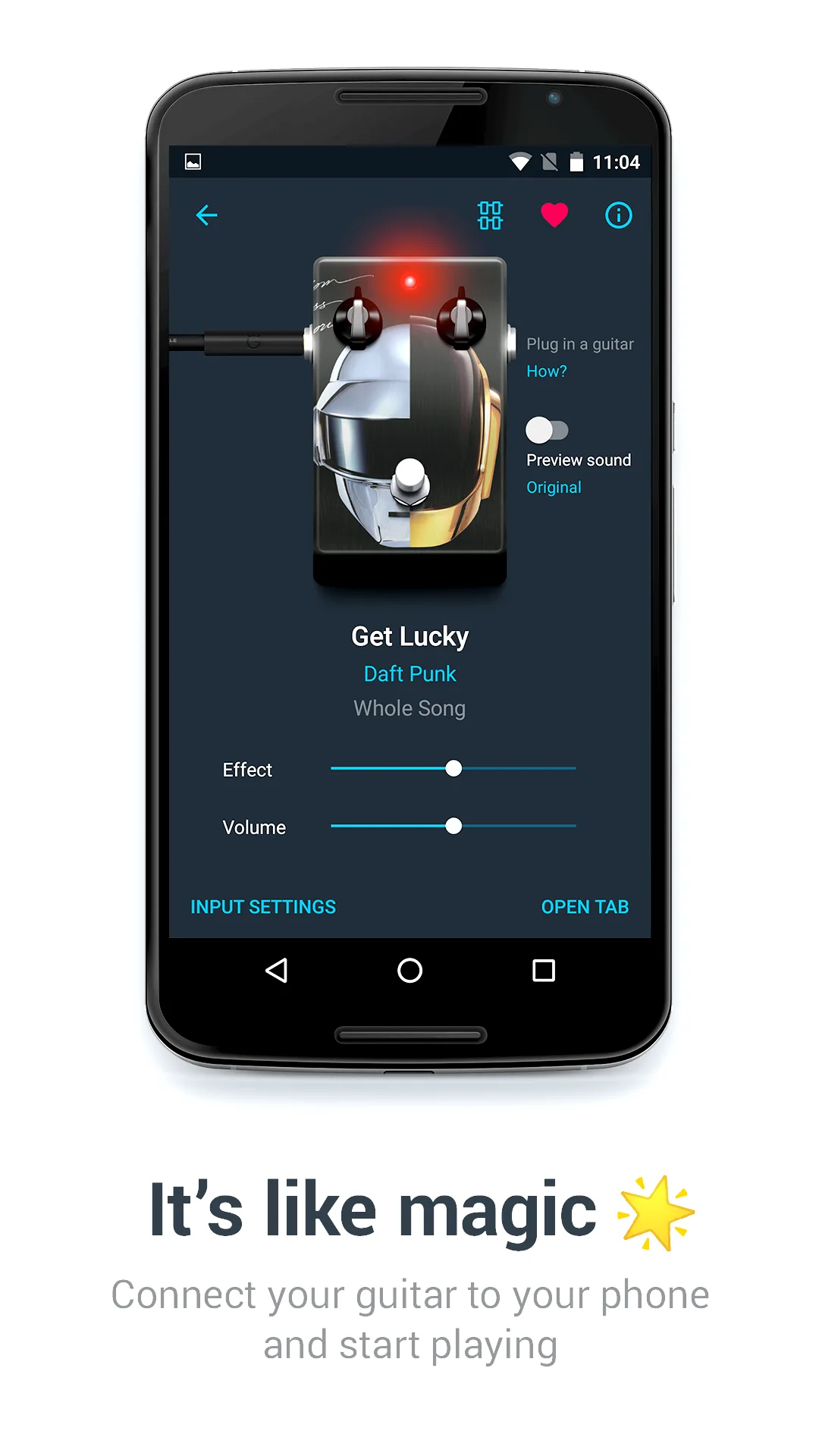
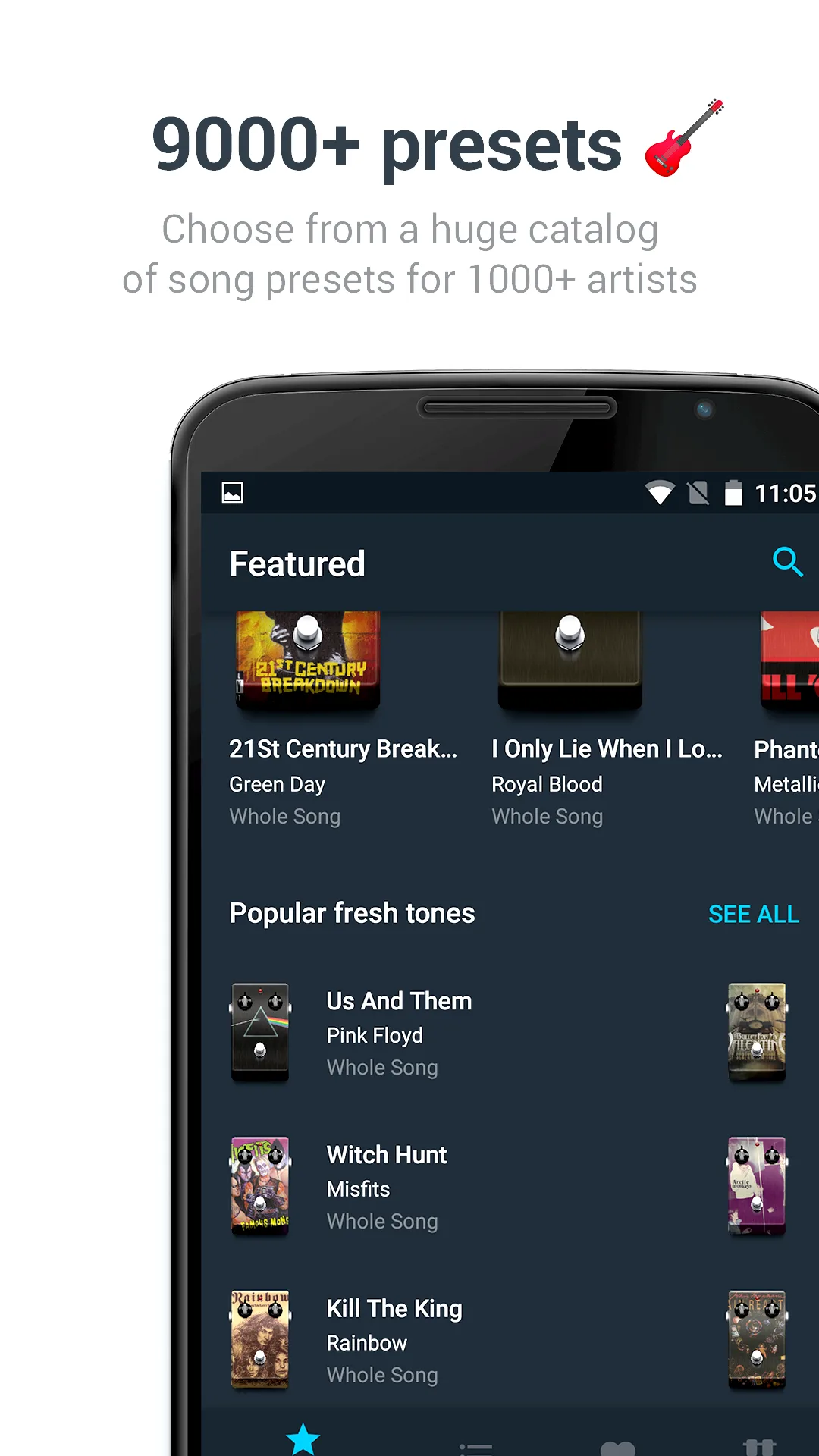
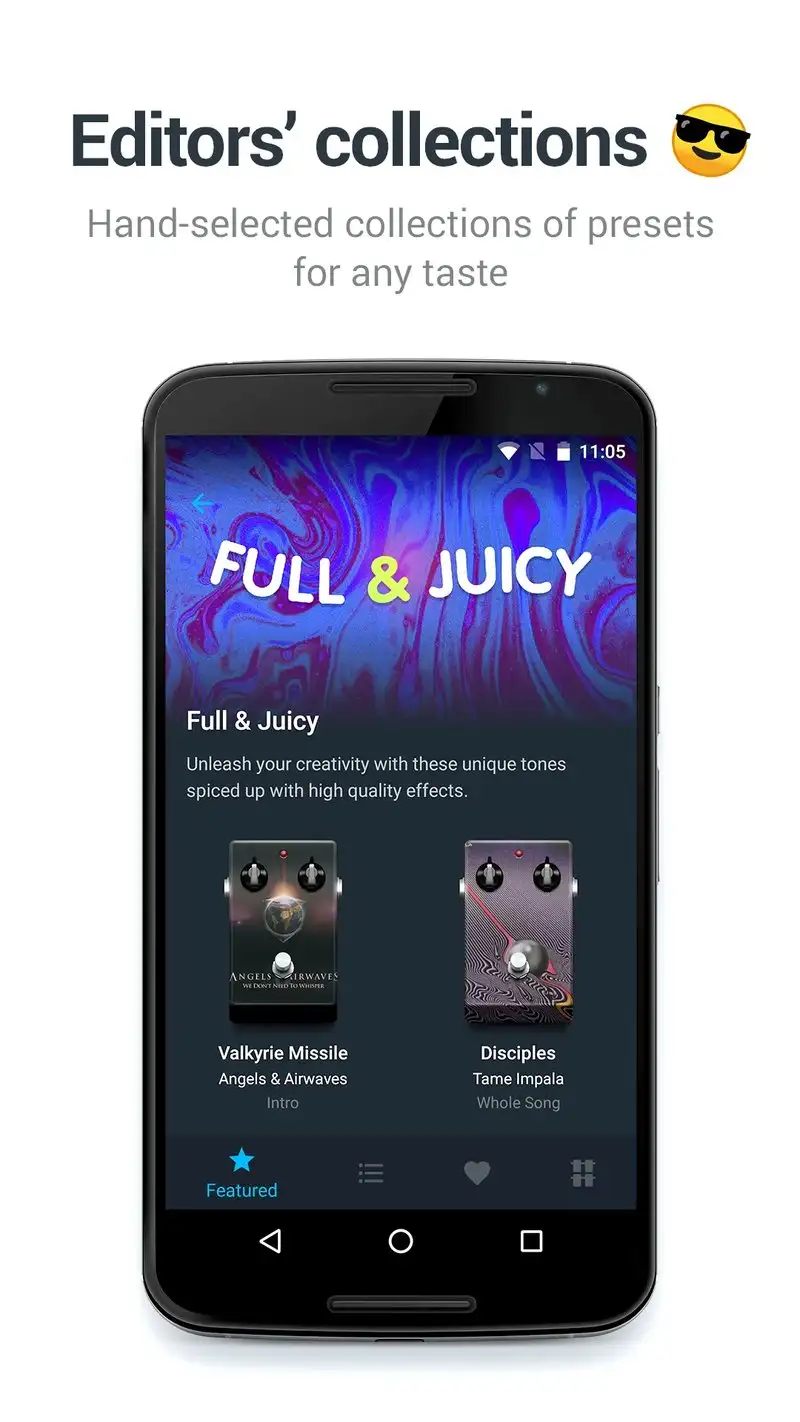
Tonebridge Guitar Effects is free with Premium at $5.99 per month or $39.99 per year. The free tier shows ads and limits preset access. Premium unlocks the full library of 9,000+ tones modeled after specific recordings. The headline feature is tone matching: plug a guitar into a USB interface and Tonebridge applies the tone of the original recording as you play along to the tab.
We tested it on guitar tabs from the practice list. The Bridge to Bandstand patch produced a clean recreation of a Dire Straits clean tone with a $14 USB interface. The pairing with Ultimate Guitar Tabs (same developer) means the tab and tone load together for any song in the Pro catalog.
What Tonebridge Guitar Effects does well
- 9,000+ tone presets modeled after specific recordings
- Pair-with-tab workflow with Ultimate Guitar
- Free tier covers basic tone playback
- USB interface support for clean guitar input
- Affordable Premium at $39.99 per year
Where Tonebridge Guitar Effects falls short
This is a tone tool, not a tab reader. The reader functionality lives in the linked Ultimate Guitar app. Free tier ads are intrusive. Some tone presets feel similar to others, despite different labeling. The 3.92 Play Store rating reflects user frustration with the upsell pressure. Latency through cheap USB interfaces is uncomfortable for fast playing.
forScore Alternatives Note
forScore is the gold-standard sheet music app on iOS but is not available on Android in 2026. Android users seeking the forScore workflow should pair MuseScore Pro with a dedicated PDF reader like ReadEra for personal scans. The pairing covers most of the gap, with the trade-off of two apps instead of one.
Which App Do You Actually Need
If you read classical or notation-first scores: MuseScore Pro at $39.99 per year. The community catalog plus real-time transposition is the strongest combination.
If you play guitar from tabs and want the deepest catalog: Ultimate Guitar Tabs Pro at $59.99 per year. The 1.5 million-tab library beats every alternative.
If you practice guitar against synchronized audio playback: Songsterr Plus at $89.99 per year. The playback engine is genuinely unique.
If you pair Ultimate Guitar Tabs with tone-matched playback: Tonebridge Guitar Effects Premium at $39.99 per year. Two apps together get close to a full practice rig.
None of these apps will replace the discipline of slow practice. All four will make slow practice more bearable than fighting paper and pencil at 8:14 PM.