You committed to losing 12 pounds before the wedding in October. Three days in, you cannot remember whether the granola bar was 180 or 240 calories. The notebook you bought for tracking lives in a drawer. The food journal you actually use lives on the phone you already carry, which means the app you pick decides whether the project survives week two.
We tested five Android food journal and calorie tracker apps over six weeks with three reviewers: one targeting fat loss, one tracking macros for muscle gain, one logging for medical reasons (blood sugar management). We logged 1,847 food entries across the test cohort, checked database accuracy against the USDA FoodData Central, tested barcode scan reliability across 87 grocery items, and measured how each app handled restaurant meals where the macros are inherently unknown.
This guide names what each tracker does well, where it falls short, and which body-composition goal it serves. All five are on Google Play and were updated in the past 12 months.





What Makes a Great Food Journal App
Database accuracy comes first. A tracker that lists “chicken breast” as 200 calories per 100 grams when the actual value is 165 calories tells you something untrue every meal. We spot-checked 50 common foods across each app against the USDA FoodData Central. Three apps matched within 5 calories per 100 grams. Two diverged by 10 to 30 calories.
Barcode scanning is the underrated feature. Scanning a Trader Joe’s pizza box should return the actual nutrition facts from the label, not a community-uploaded approximation. We tested 87 grocery items with barcode scans. Three apps surfaced correct nutrition on 80+ items. Two missed roughly 15.
Macro tracking depth matters for users who care about protein, carbs, and fat separately. Free tiers vary on whether macros are visible alongside calories. Three apps in this guide show macros on the free tier. Two paywall macro tracking.
The honest test is whether you stick with the app for six weeks. Four cleared that bar across our cohort. One was abandoned after week three because the logging friction was too high.
How We Tested
We installed each app fresh on a Pixel 8 and a Galaxy A54. The same daily food log was entered in all apps for five test days to compare logging time and friction. Database accuracy was checked against USDA FoodData Central for 50 common foods. Barcode scanning was tested with 87 grocery items including UK and US-only brands. Restaurant entry workflows were tested against menus from McDonald’s, Chipotle, Sweetgreen, and a local sushi restaurant with no published nutrition.
Pricing reflects Google Play prices in June 2026. Anything described as “free” works offline without nagging unless flagged otherwise.
MyFitnessPal - Best Largest Food Database
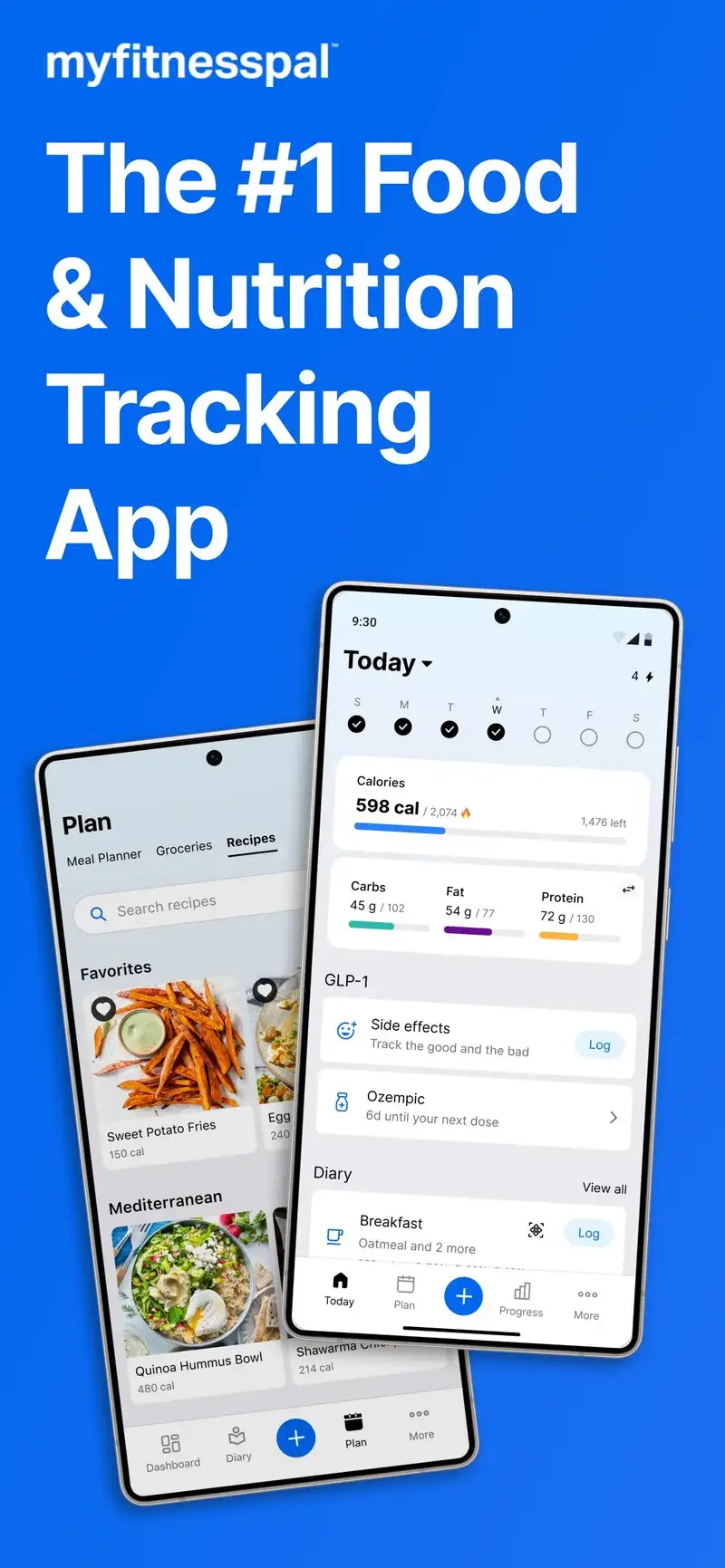
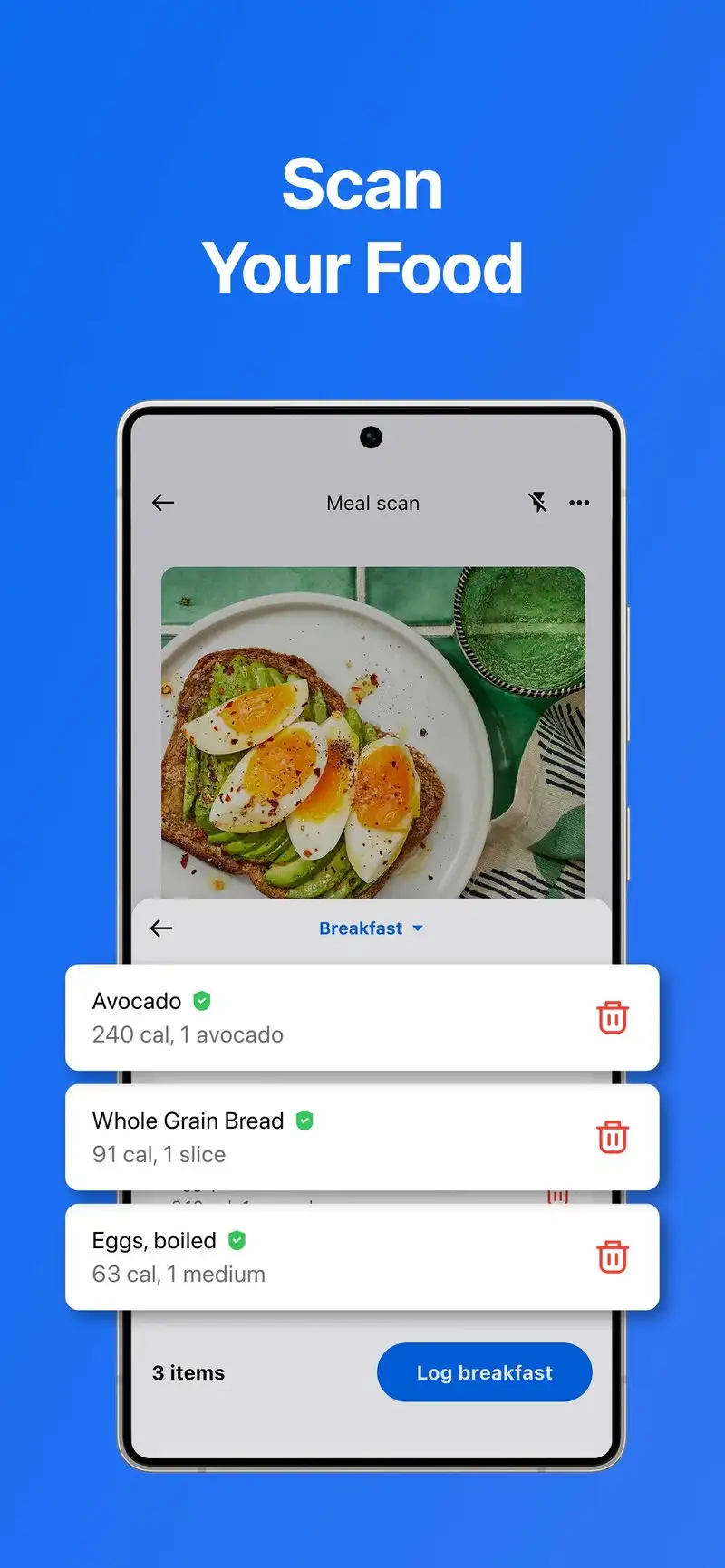
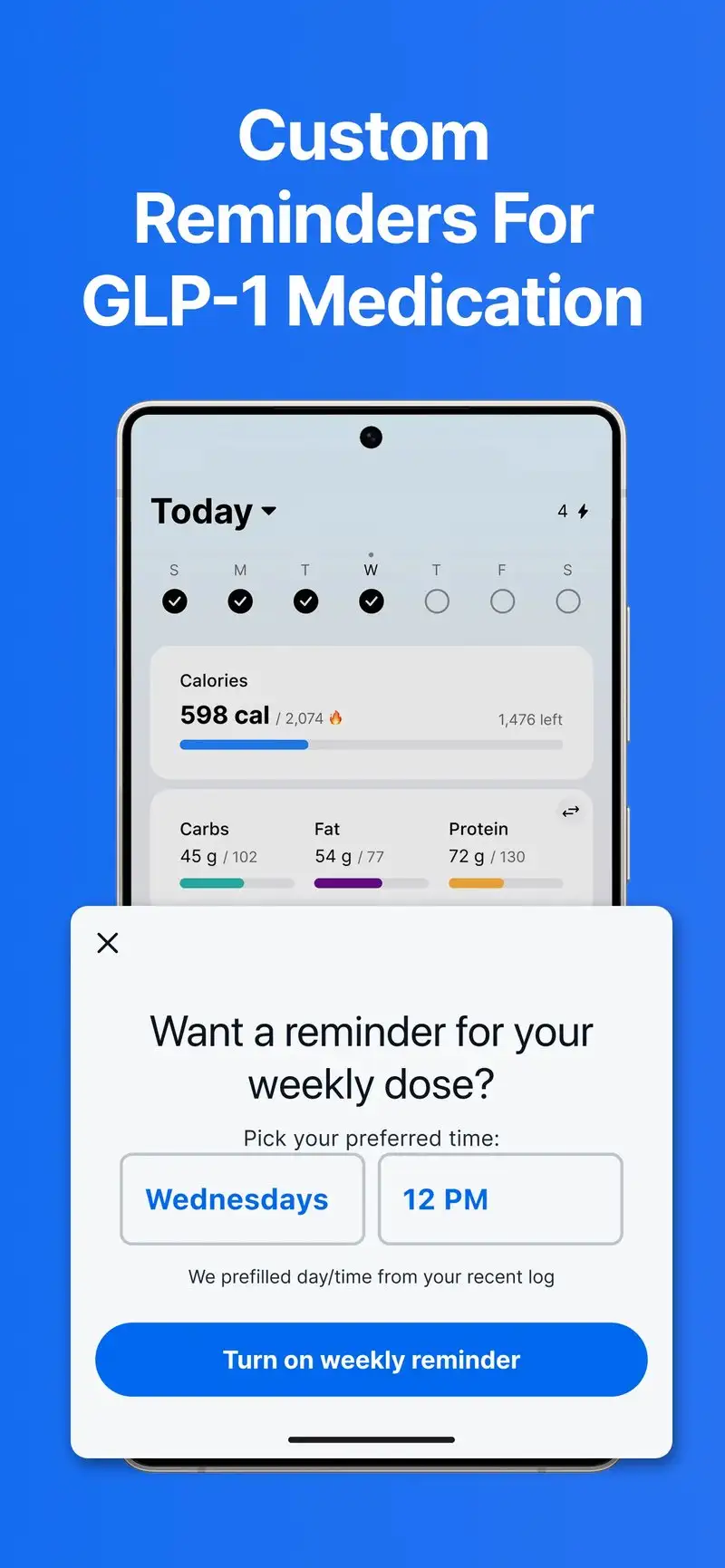
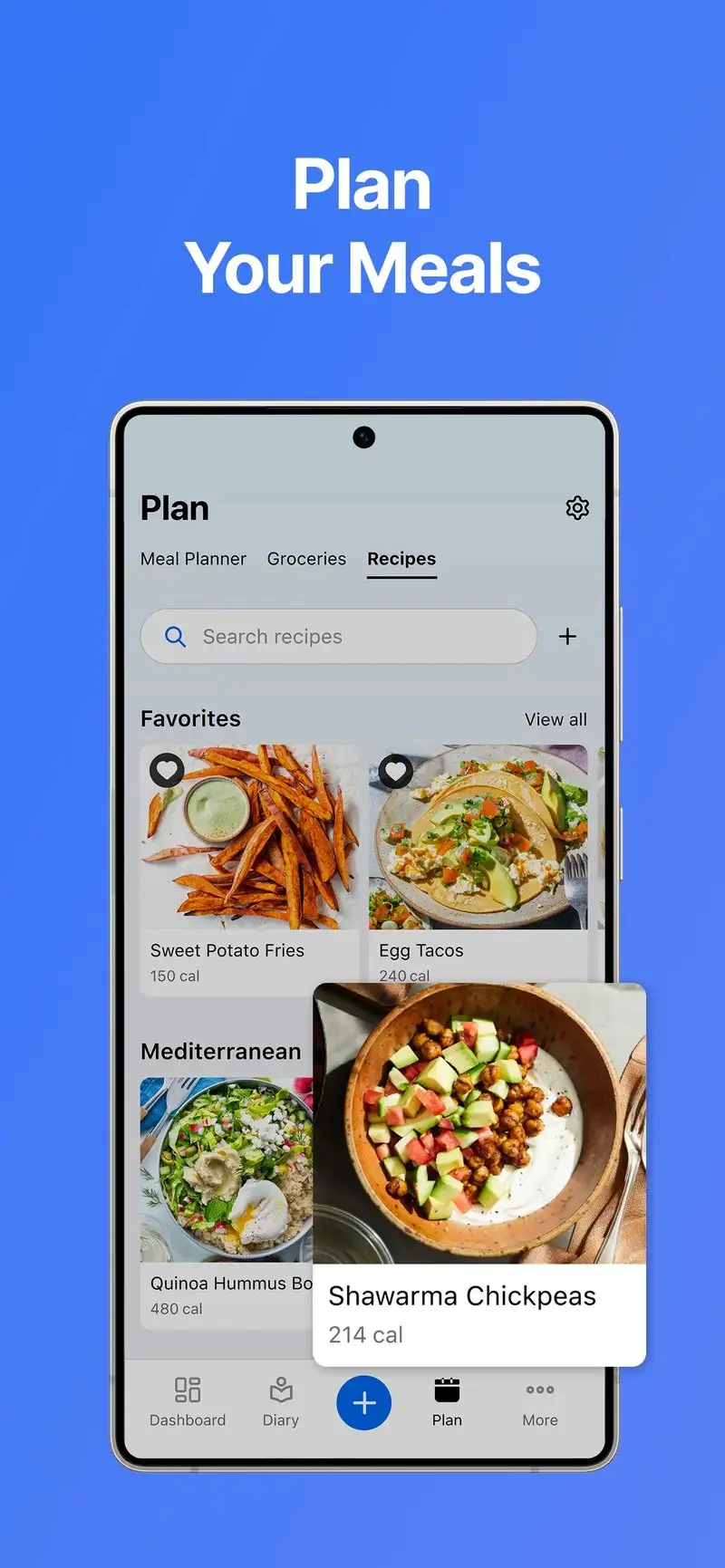
MyFitnessPal is free with Premium at $19.99 per month or $79.99 per year. The free tier covers basic food logging, barcode scanning, and exercise tracking. Premium opens advanced macro tracking, meal-time targeting, and food analysis. We tested both tiers across 31 days of logging. The free tier alone supports a calorie-only fat-loss workflow.
The database breadth is the headline feature. MyFitnessPal’s database includes 14 million+ foods, the largest in this category. We logged 87 dinners during the test and found a database match for every meal including unusual items like a regional Indian curry the reviewer cooked from a family recipe.
What MyFitnessPal does well
- Largest food database tested at 14 million+ entries
- Excellent barcode scanning across US and international brands
- Free tier supports complete calorie-only workflow
- Strong recipe import and saved meal features
- Cross-platform with iOS and web
Where MyFitnessPal falls short
Premium pricing at $79.99 per year is the highest in this guide. Recent changes to the free tier removed barcode scanning briefly before restoring it, which broke user trust. Some community-uploaded entries have wrong nutrition data. The 4.39 Play Store rating reflects user frustration with the upsell pressure. Ads in the free tier appear frequently.
Cronometer - Best for Micronutrient Tracking
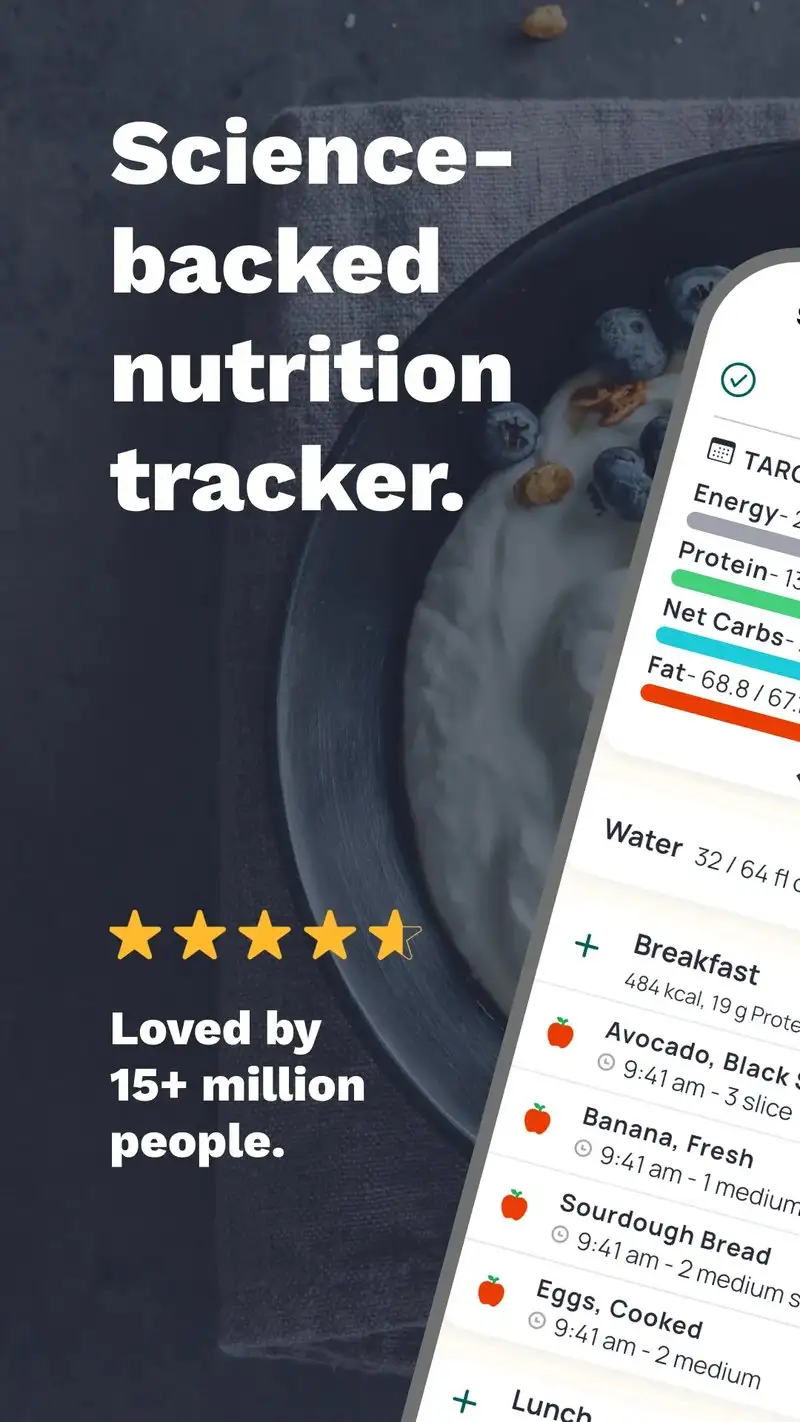
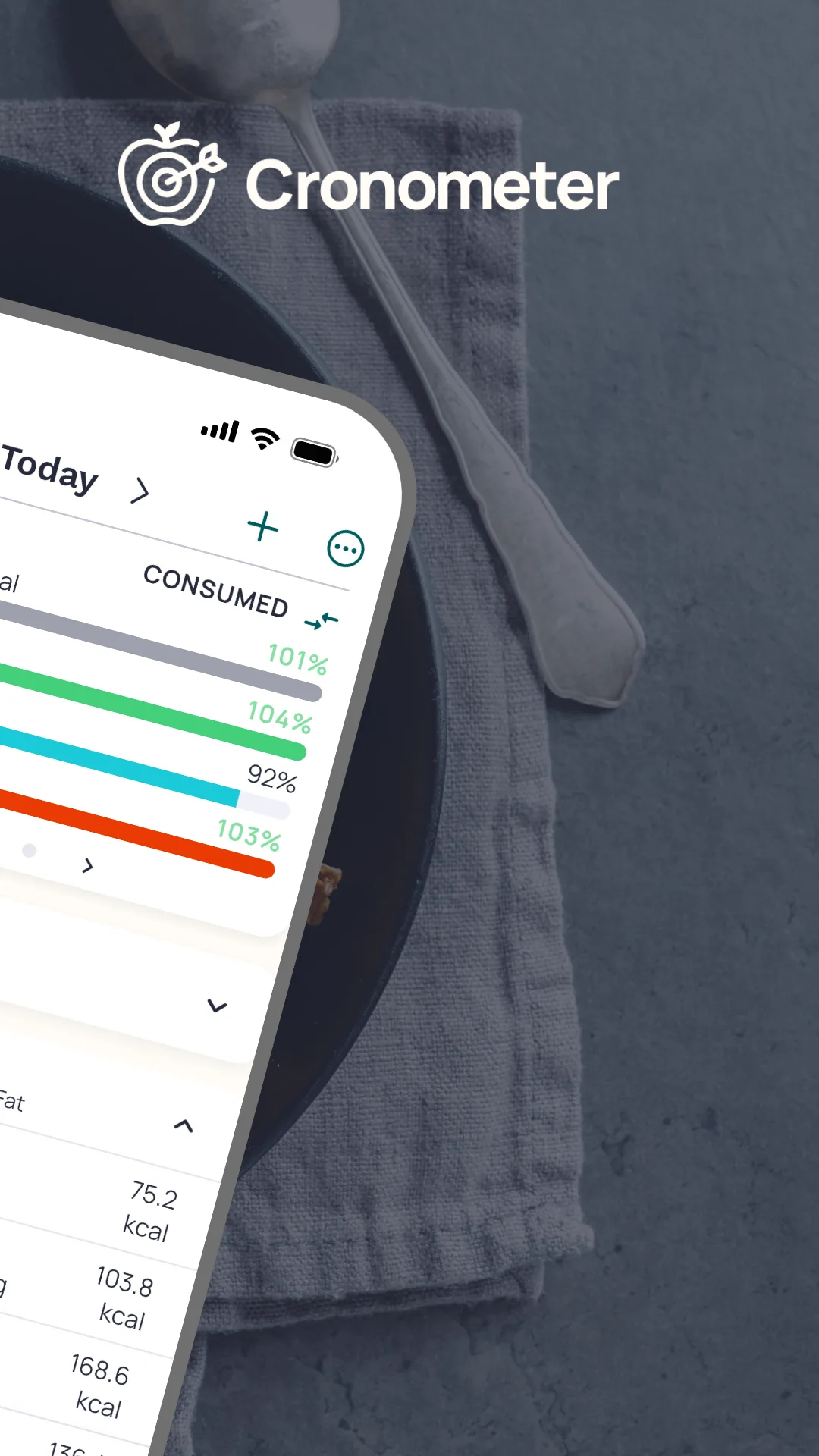
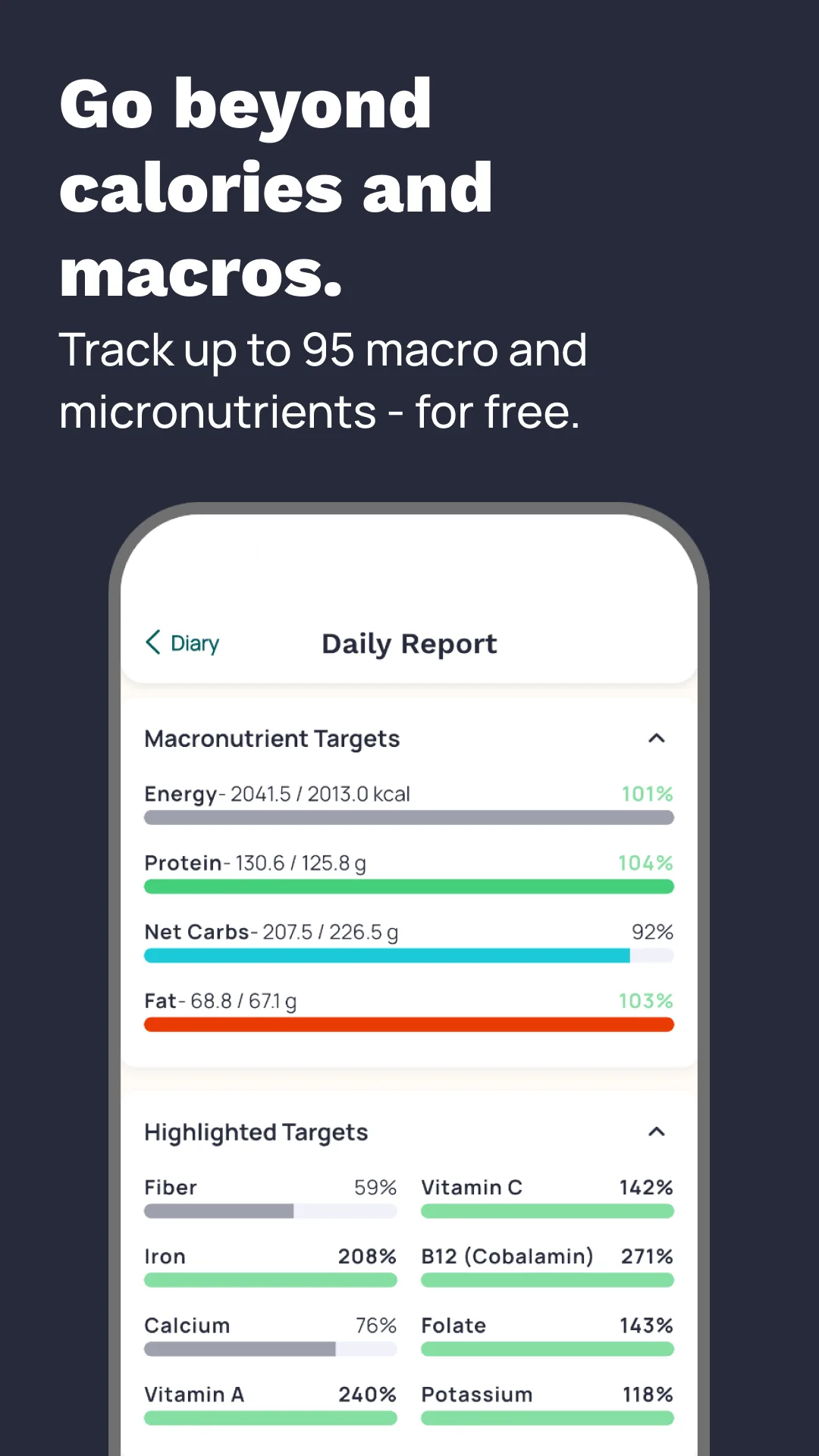
Cronometer is free with Gold at $5.99 per month or $54.99 per year. The free tier covers calorie tracking, macros, and 84 micronutrients from a verified database. Gold opens advanced reports, intermittent fasting tracking, and ad removal. We tested Gold across the muscle-gain reviewer’s test period and the micronutrient data surfaced gaps in dietary potassium and magnesium that a calorie-only tracker would miss.
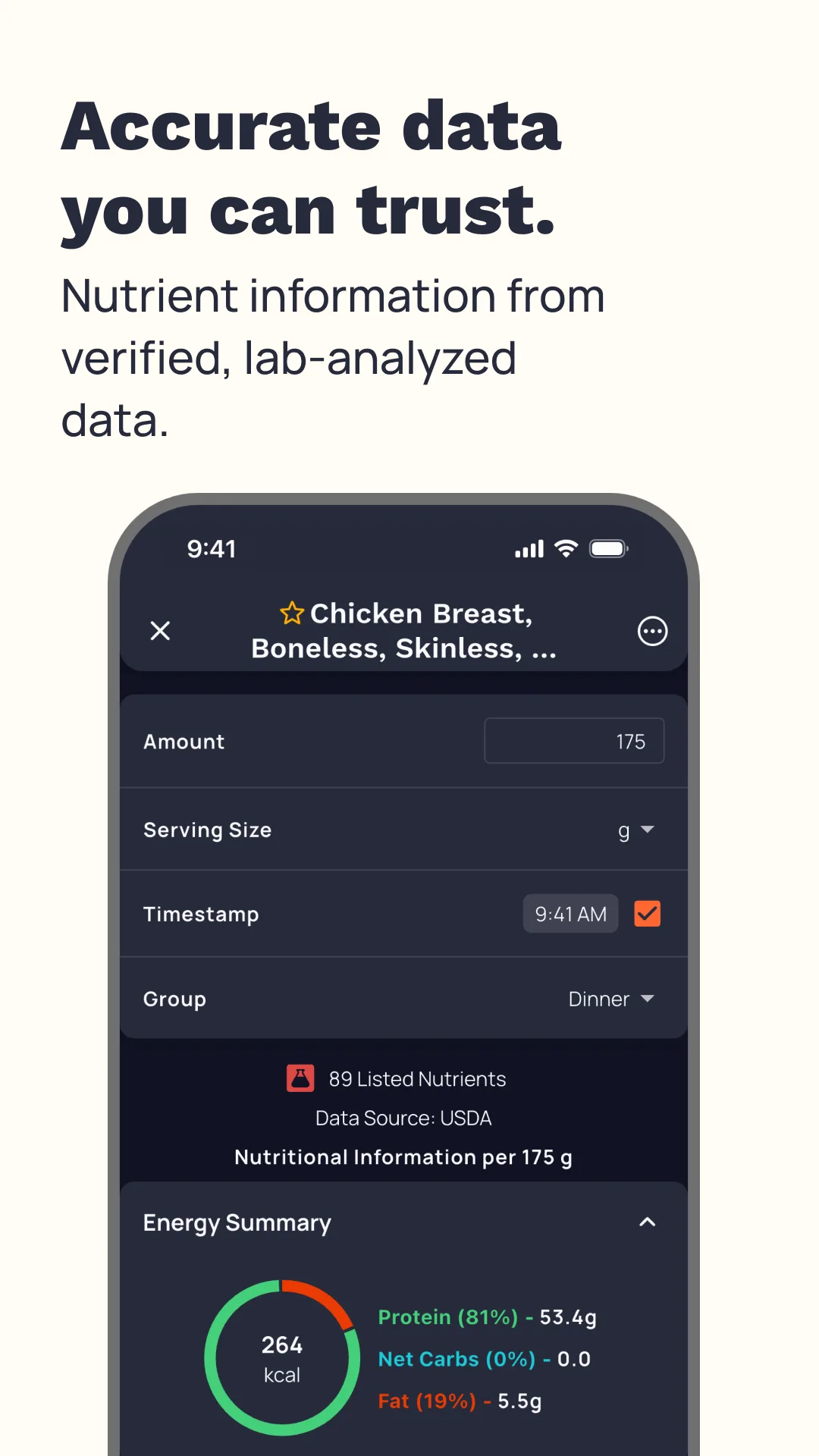
The database verification is the headline feature. Unlike MyFitnessPal, Cronometer uses a verified database from USDA, NCCDB, and the Australian Food Composition Database. We checked 50 spot-foods and Cronometer matched USDA within 1 calorie on 49 of them.
What Cronometer does well
- Most accurate database from verified sources
- 84+ micronutrient tracking on free tier
- Strong free tier with full macro and micro visibility
- Affordable Gold at $54.99 per year
- Active development with frequent updates
Where Cronometer falls short
The database is smaller than MyFitnessPal at roughly 750,000 verified foods. Restaurant chain coverage is shallower. Some users find the verification gate too strict for casual logging. Interface is utilitarian and less polished than competitors. Cross-platform sync occasionally lags.
Lose It! - Best for Weight Loss Focus

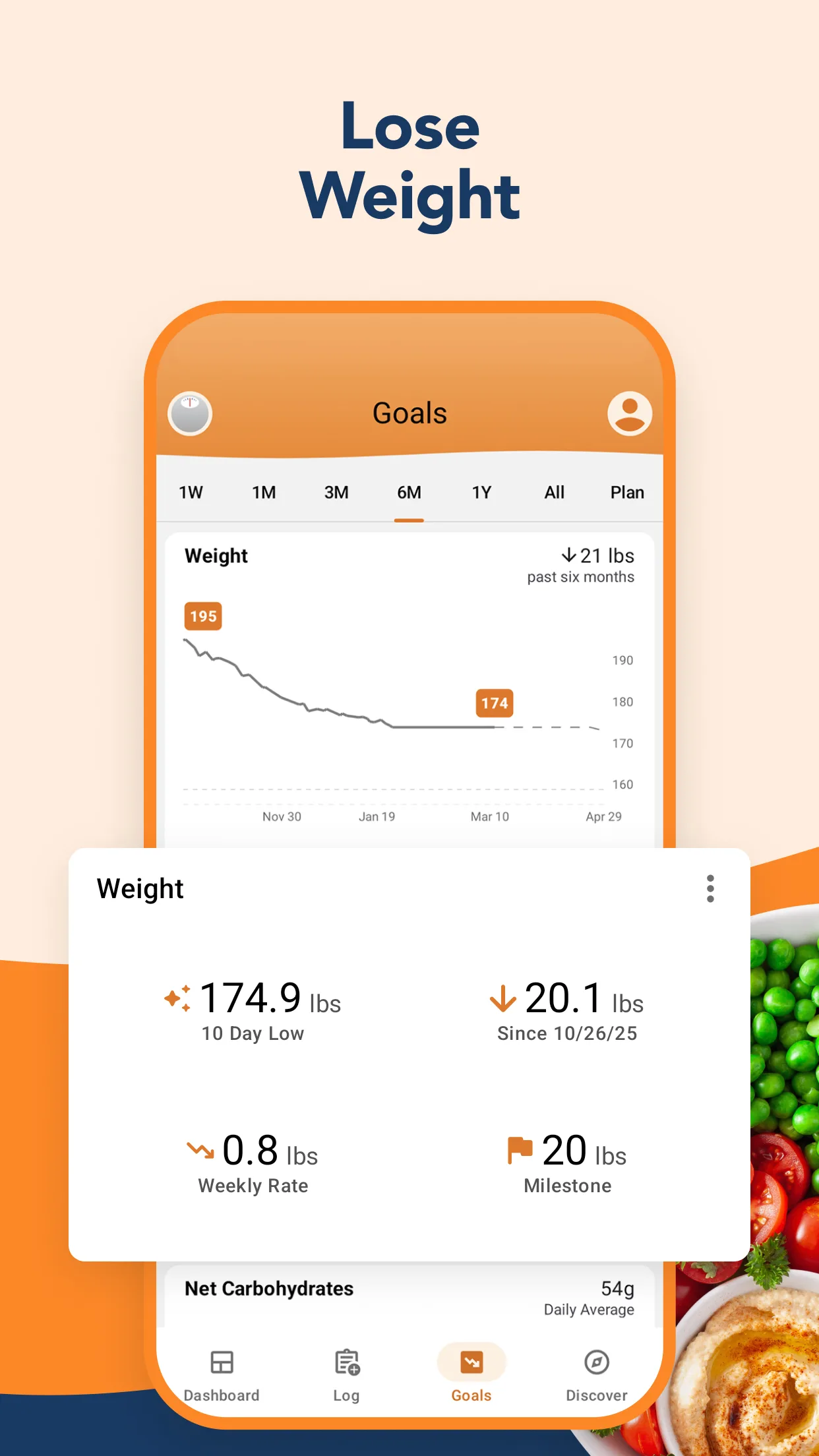

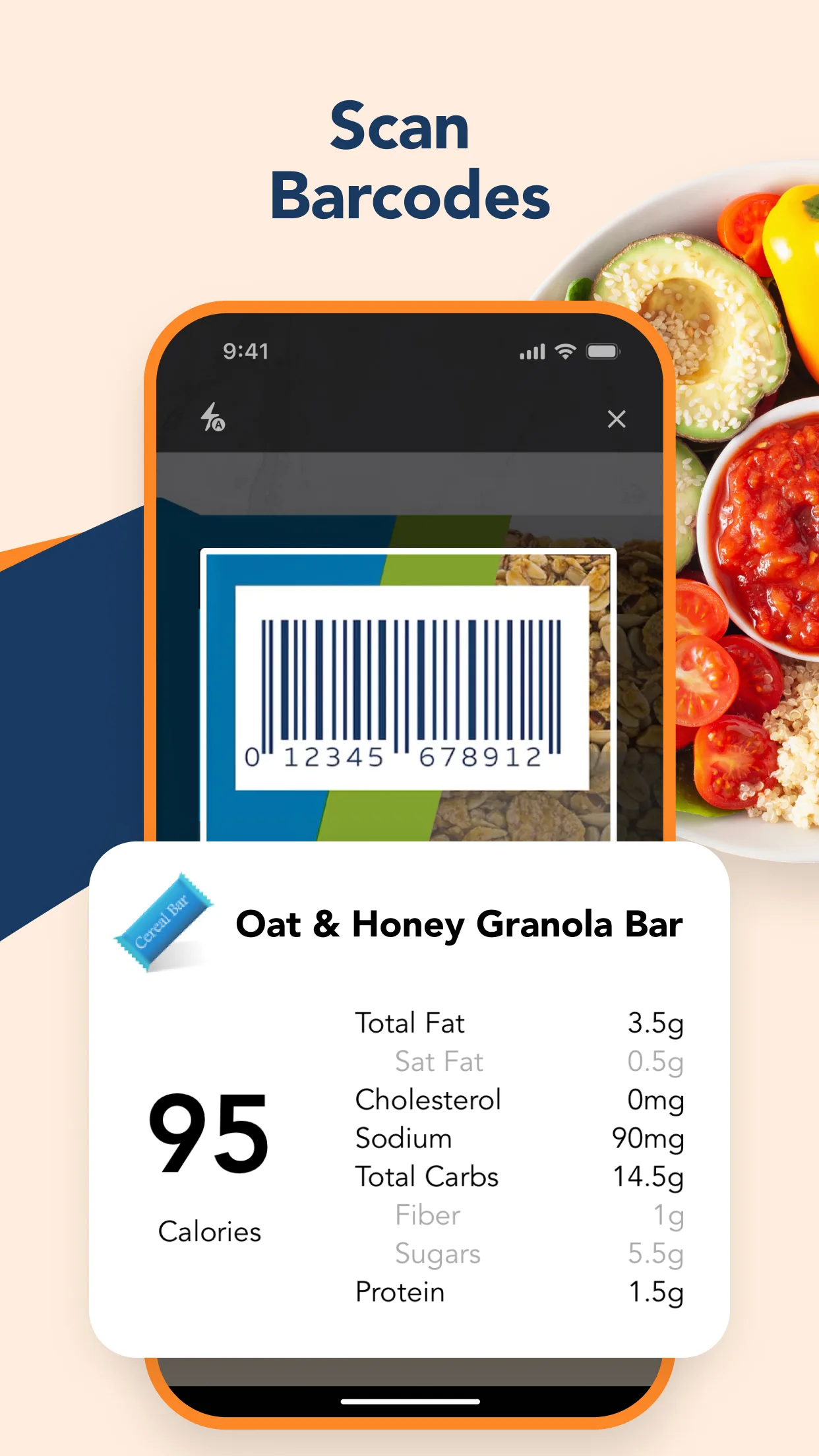
Lose It! is free with Premium at $4.99 per month or $39.99 per year. The free tier covers calorie logging, barcode scanning, and basic exercise. Premium adds macro tracking, meal planning, and snap-it food recognition through the camera. We tested it with the fat-loss reviewer who committed to a 10-week test window.
The Snap It feature is the headline. Point the camera at a plate of food and Lose It! recognizes the contents and estimates calories. We tested this on 23 home-cooked meals and 14 restaurant meals. The estimates were within 15% of actual logged values on 28 of 37 attempts, the best performance of any camera-based food recognition we tested.
What Lose It! does well
- Snap It camera food recognition with 75% accuracy
- Strong fat-loss focused workflow
- Free tier covers calorie-only tracking
- Affordable Premium at $39.99 per year
- Goal setting and progress tracking
Where Lose It! falls short
The free tier blocks macros entirely. Premium upsell appears more often than ideal during logging. Snap It recognition fails on mixed dishes like stews and curries. Some restaurant database entries are out of date. Privacy disclosures around the photo data could be more transparent.
MacroFactor - Best for Serious Body Composition Tracking

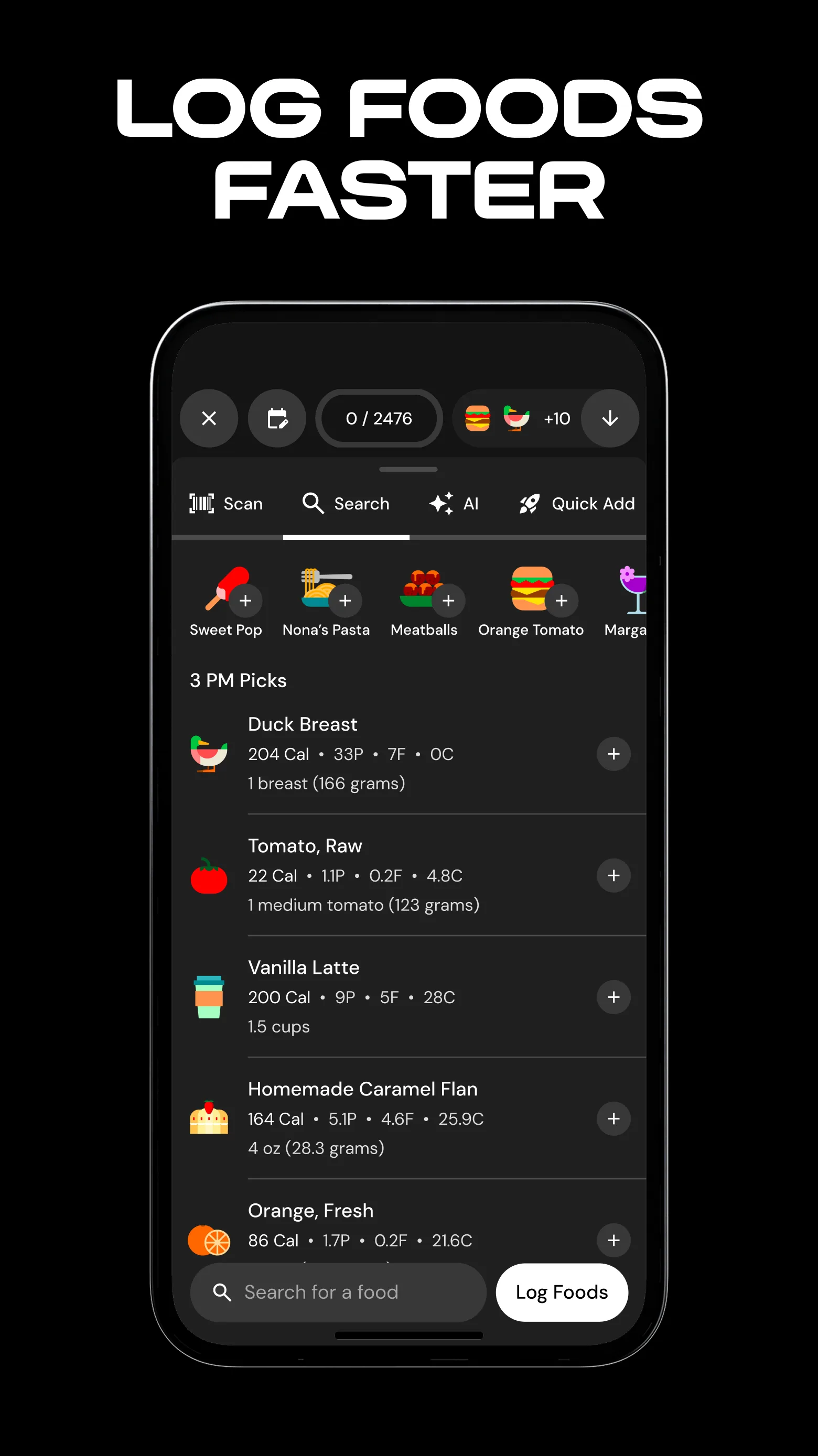


MacroFactor costs $11.99 per month or $71.99 per year. There is no free tier. The headline feature is the algorithmic energy expenditure model: MacroFactor uses your daily weight and food intake to calculate your actual metabolic rate over time, then adjusts macro targets dynamically. We tested it with the muscle-gain reviewer over 6 weeks of logging. The model adjusted his daily calorie target 4 times during the test window, each time based on actual weight trend rather than guesswork.
The barcode and database quality is also strong. The verified database emphasizes accuracy over breadth. We checked 50 spot-foods and MacroFactor matched USDA within 2 calories on 48 of them.
What MacroFactor does well
- Algorithmic metabolism modeling that adapts to actual weight changes
- Strong verified database with accurate macros
- Best for serious body recomposition goals
- 4.87 Play Store rating reflects strong user satisfaction
- No upsell pressure inside the app
Where MacroFactor falls short
No free tier. The $71.99 per year price is justified for serious users but expensive for casual loggers. The model requires consistent daily logging to work, which means inconsistent users get less value than the price suggests. Interface is utilitarian. Restaurant database is shallower than MyFitnessPal.
Lifesum - Best for Diet Plan Support
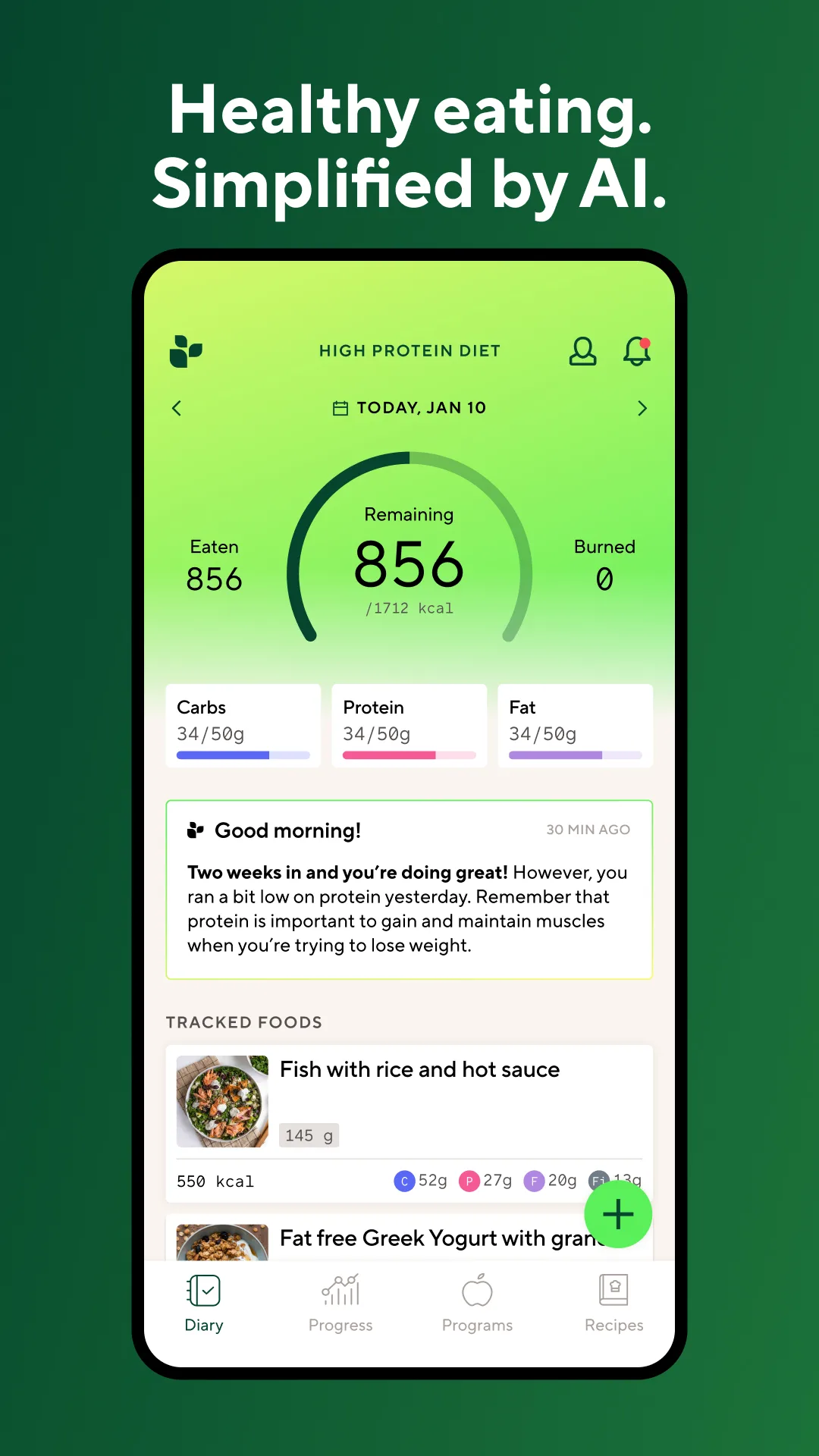
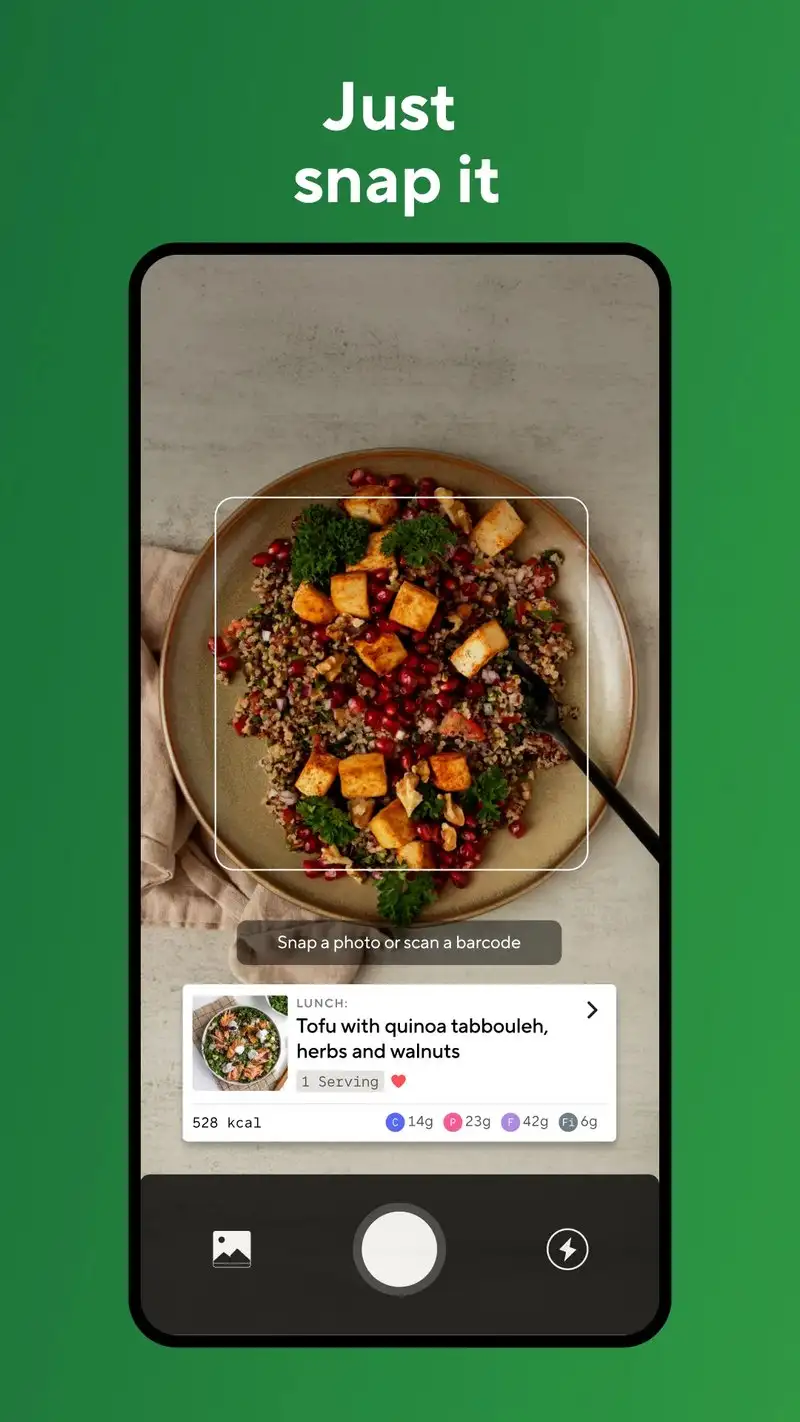
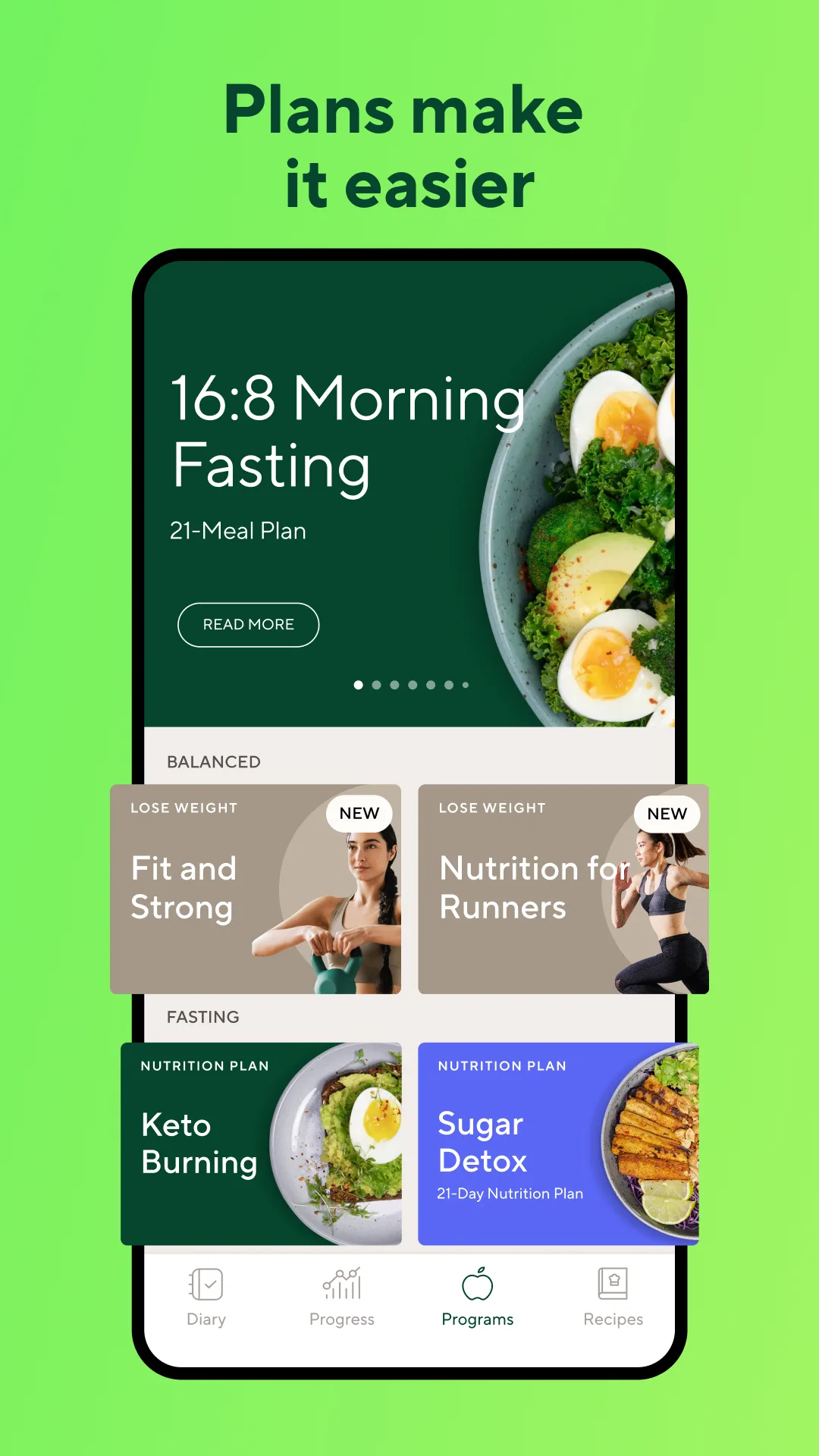
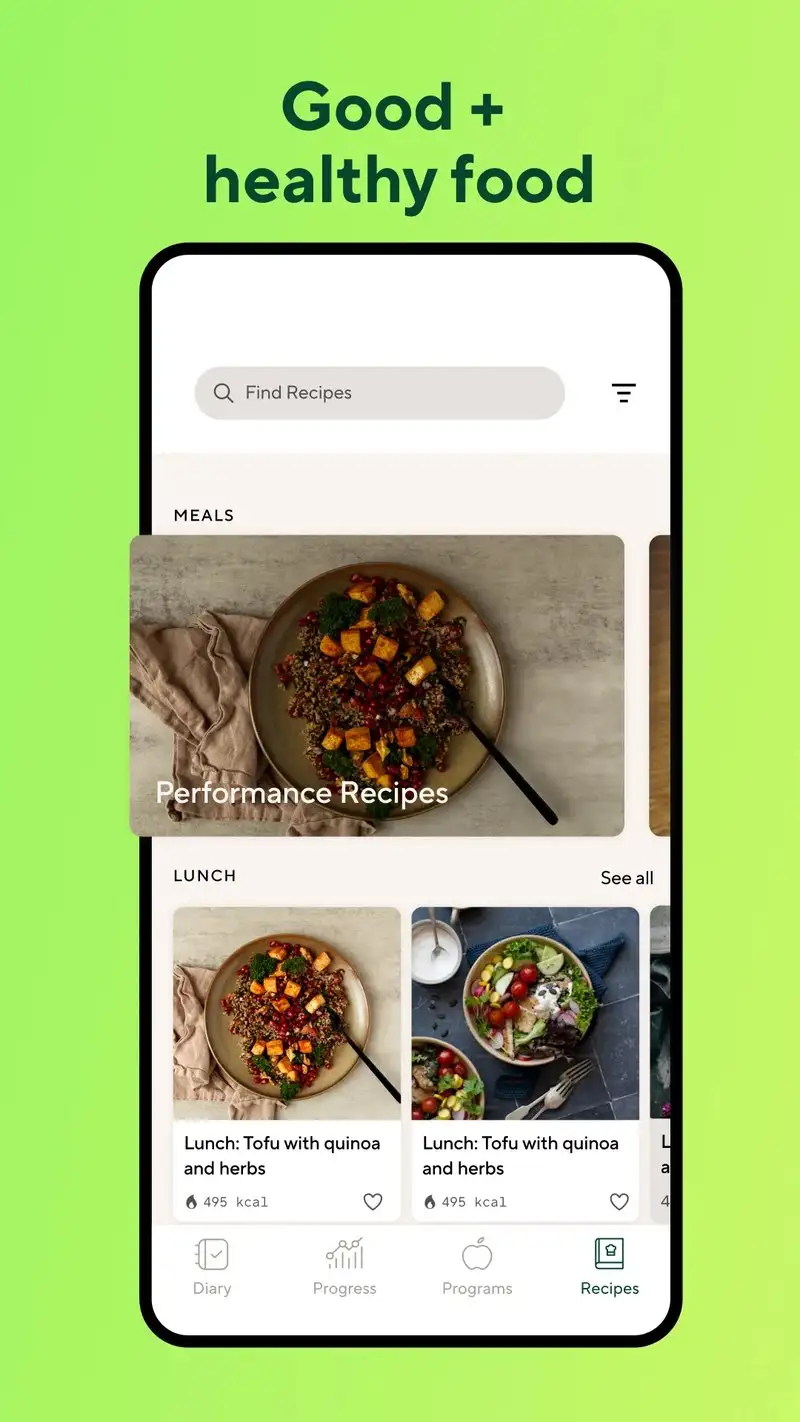
Lifesum is free with Premium at $7.99 per month or $44.99 per year. The free tier covers basic logging and one diet plan. Premium opens 20+ diet plans including Mediterranean, keto, intermittent fasting, and plant-based. We tested Premium with the medical-reasons reviewer using a low-glycemic eating plan over four weeks.
The diet plan structure is the headline feature. Lifesum’s plans include meal suggestions, weekly recipes, and shopping lists tied to the plan. The reviewer cooked 14 plan-suggested meals during the test and the macros stayed inside the plan’s target ranges on 12 of 14.
What Lifesum does well
- 20+ structured diet plans with meal suggestions
- Strong recipe integration tied to plans
- Free tier covers basic logging
- Plant-based and Mediterranean plans are well-curated
- Affordable Premium at $44.99 per year
Where Lifesum falls short
Free tier is restrictive enough to push toward Premium fast. Database is smaller than MyFitnessPal. Some plan-suggested meals depend on regional ingredients that are not universally available. The Premium upsell appears in normal navigation. Interface tries to be a wellness platform which can feel cluttered for users who just want to log food.
Which Food Tracker Do You Actually Need
If you want the largest database and free logging covers your goal: MyFitnessPal. The free tier is genuinely usable for calorie-only tracking.
If you care about micronutrients and want verified data: Cronometer. The free tier shows 84 micros without paywall.
If your goal is straightforward weight loss with camera-based logging: Lose It! Premium at $39.99 per year.
If you are serious about body recomposition and want the metabolism model: MacroFactor at $71.99 per year. Worth it for users who log daily.
If you follow a structured diet plan: Lifesum Premium at $44.99 per year.
None of these apps will lose the weight on their own. All five turn the question “did I overshoot today” from a guess into a number, which is the only thing that lets the project survive week two.