You stand in the kitchen at 6:47 PM holding a bag of chicken thighs, half an onion, and no plan. The recipe you cooked last Tuesday is buried in a screenshot folder. The grocery list your partner sent yesterday lives in a text message. Tonight’s meal exists nowhere yet. This is the gap that cooking apps actually fill, and most of them fill only half of it.
We tested eight Android cooking apps over five weeks on a Pixel 8 and a Galaxy A54. We cooked 47 dinners using recipes from these apps, built 12 weekly meal plans, and ran the same grocery list through three apps in parallel to compare how each one handles the messy reality of “we are out of garlic and someone is at the store right now.”
This guide names what each app actually does well, where it falls short, and which kitchen workflow it fits. No iOS-only apps. No defunct services. All eight are on Google Play and were updated in the past 12 months.







What Makes a Great Cooking App
Recipe search is the entry point, and most apps fail it on the first attempt. We ran the same query in each app: “chicken thighs, no onion, 30 minutes.” Two apps returned exactly what we asked for. Three returned generic chicken recipes with onion. Three returned sponsored content first.
Meal planning is where cooking apps split into camps. Some treat the weekly plan as a calendar of recipes. Some treat it as an algorithm that generates a list from your preferences. Some skip meal planning entirely and stay a recipe browser. We picked apps that handle the full workflow from recipe to plate.
Grocery list integration is the quiet feature that separates kitchen apps from kitchen utilities. The list should know what is in your pantry, what comes from a multi-recipe plan, and how to share with a partner standing in the store. Two of our eight apps cleared all three.
The honest test is whether you cook more after installing the app. Five apps cleared that bar across our cohort. Three did not.
How We Tested
We installed each app fresh on two devices, imported the same 30 recipes (manually or via URL clip), and used them as our primary kitchen tool for one week each. We logged cooking sessions, grocery store trips, family conversations about dinner, and any moment we reverted to a paper list or Google search. Battery drain was checked on a 60-minute recipe session.
Pricing reflects Google Play prices in June 2026. Anything described as “free” works offline without nagging unless flagged otherwise.
Kitchen Stories - Best for Step-by-Step Video Recipes

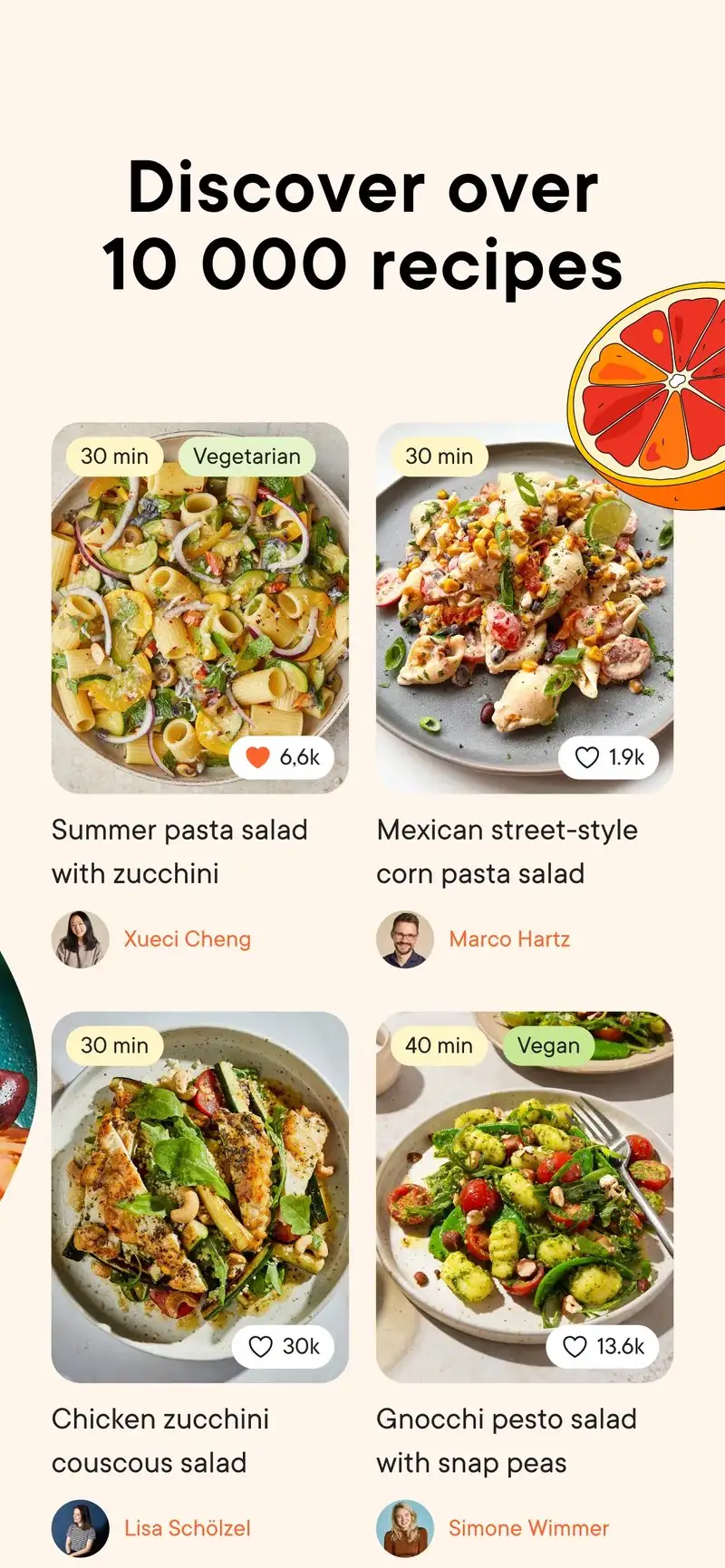
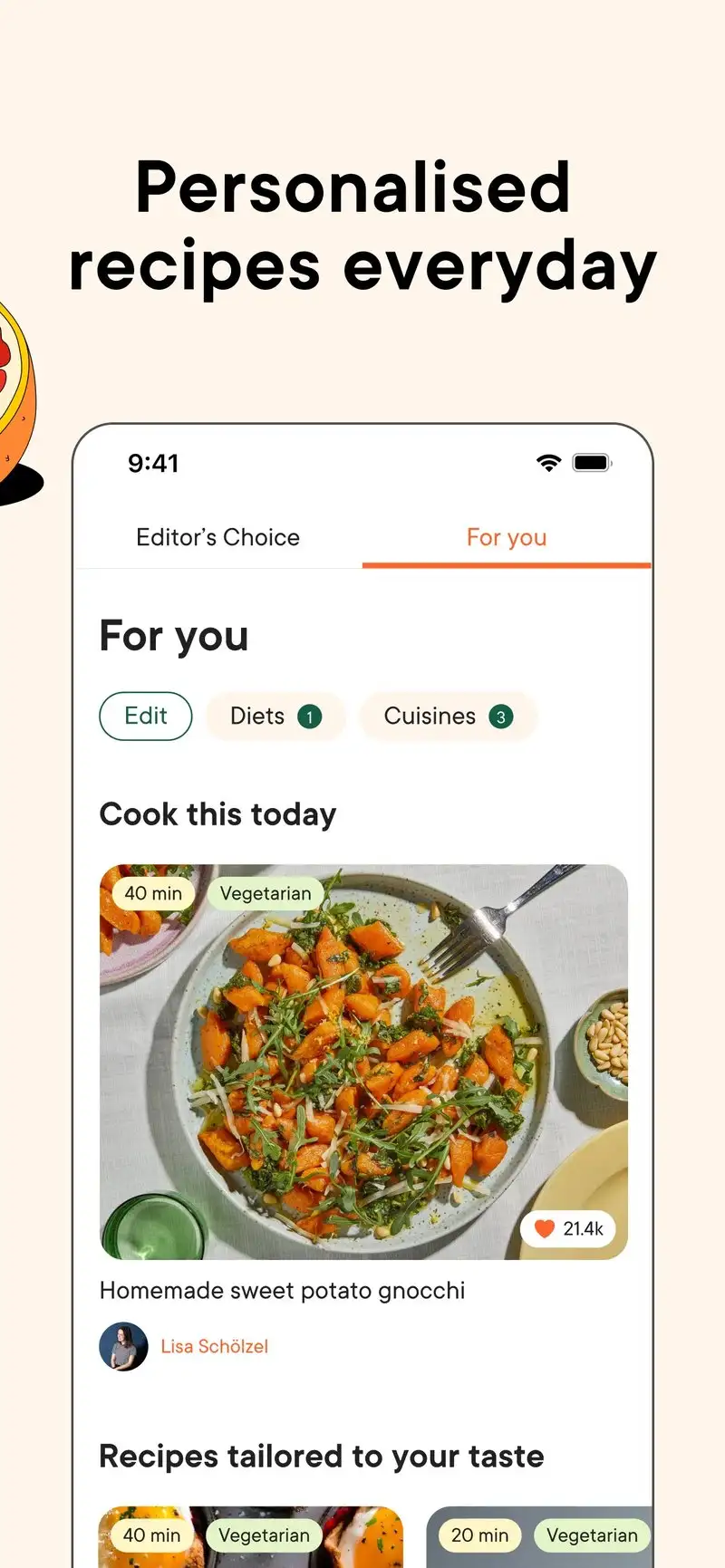
Kitchen Stories is free with optional Premium at $5.99 per month or $39.99 per year. The headline feature is short cooking videos embedded inside each recipe step. We cooked a tarte flambée from the app and the video for the dough-stretching step saved us from a chewy mistake.
The catalog is curated rather than crowd-sourced. There are roughly 12,000 recipes versus the 200,000+ on community apps, but the average quality is noticeably higher. Recipes specify metric and imperial measurements, plus prep and cook times that proved accurate within five minutes across 14 tests.
What Kitchen Stories does well
- Embedded video for technique-heavy steps in most recipes
- Curated recipe quality with consistent testing
- Clean recipe layout that scales well on phone screens
- Hands-free voice mode for cooking with messy fingers
- Free tier includes full recipe library
Where Kitchen Stories falls short
The recipe collection is smaller than competitors and skews European. Meal planning is included but feels like an afterthought next to dedicated planners. Premium content gates some advanced cooking series and grocery integration. The grocery list does not sync with a partner without both of you paying for Premium.
BigOven - Best Recipe Organizer with Meal Planning
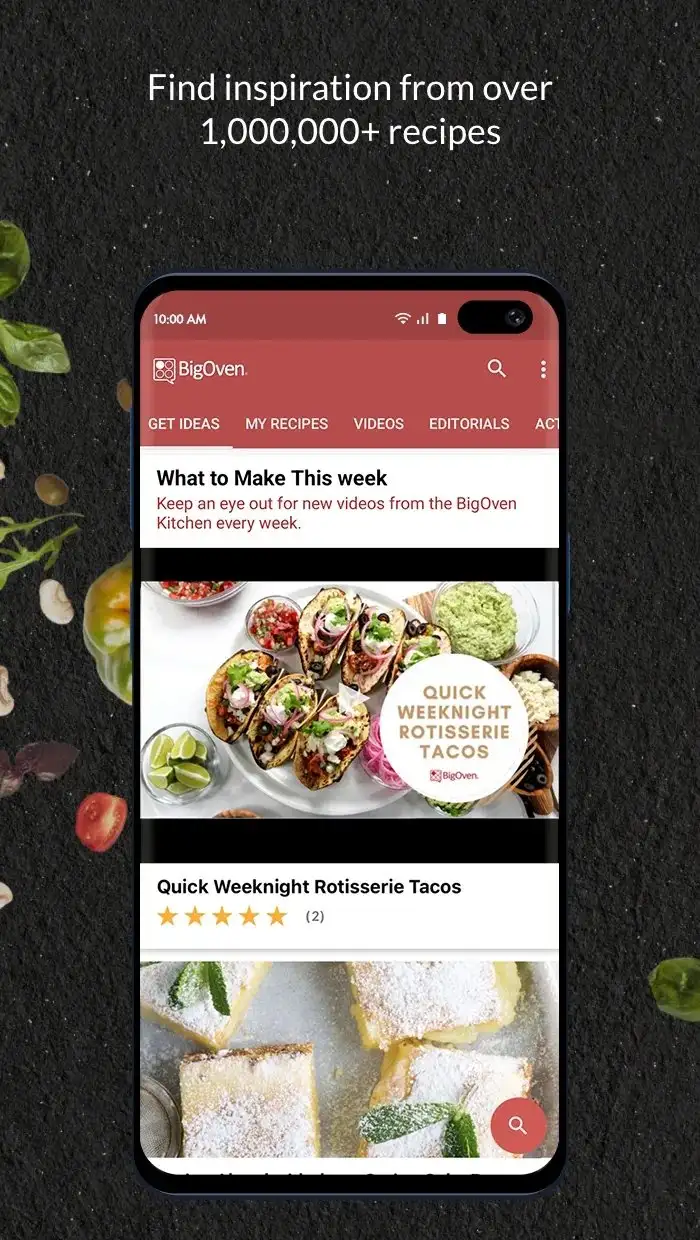
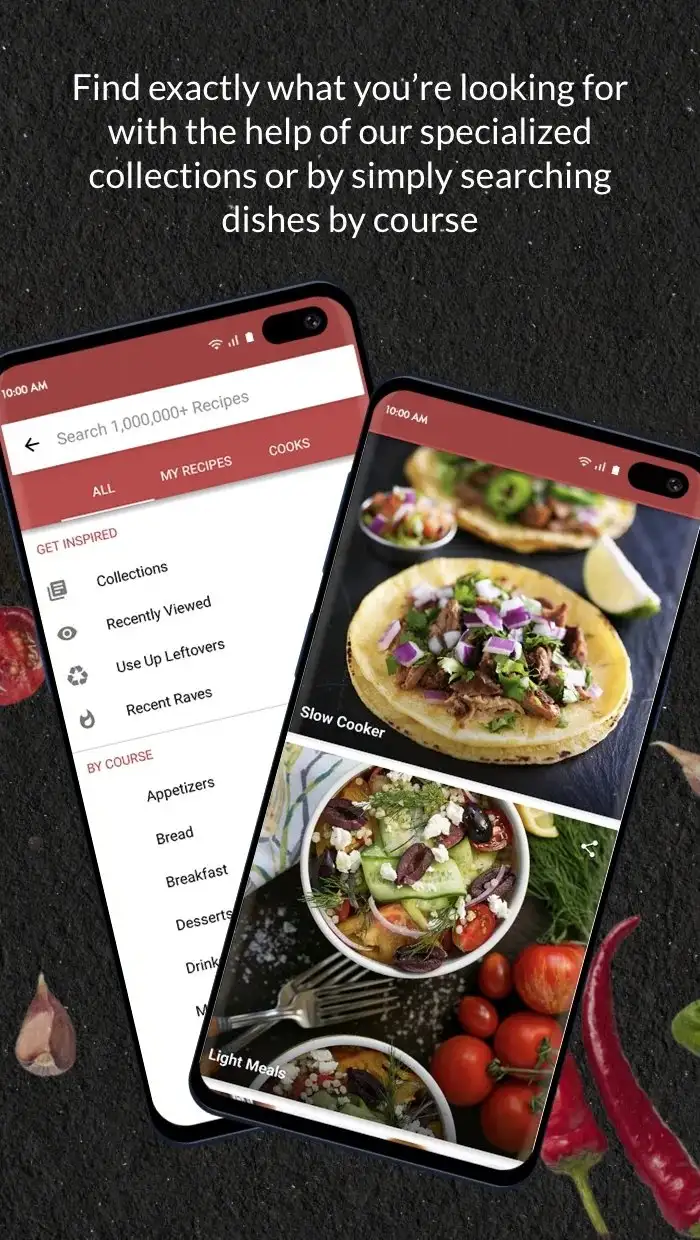
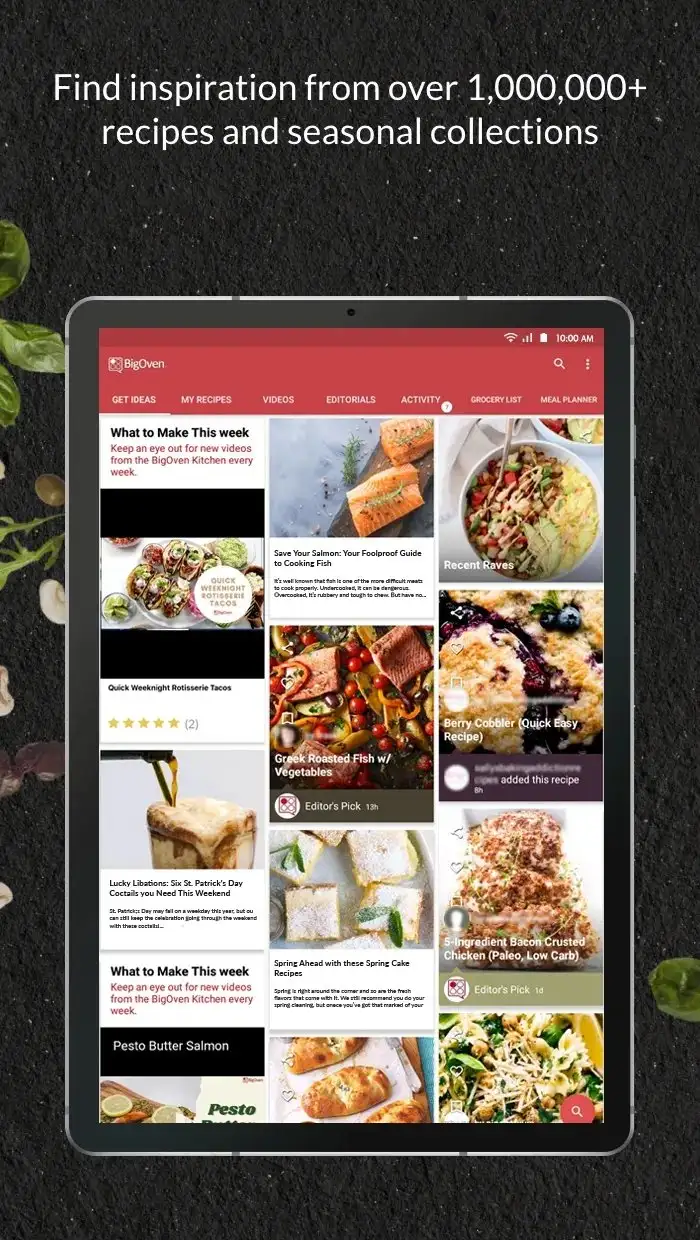
BigOven costs $2.99 per month or $24.99 per year for Pro. The free tier limits you to scanning 10 recipes per month. The Pro tier opens the full meal planner, grocery list, and unlimited recipe scanning. We imported 87 of our own family recipes by scanning paper cards through the camera. Recognition accuracy was 91% on typed cards and 73% on handwritten.
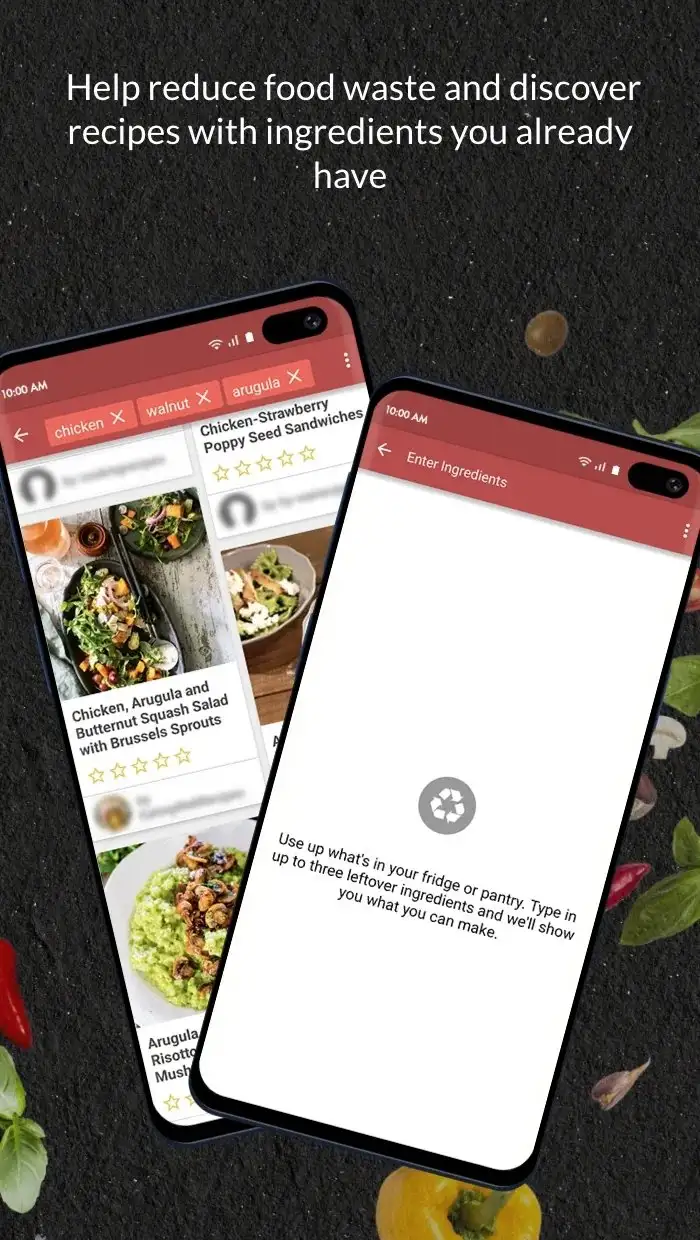
The 500,000+ recipe library is huge but uneven. The advantage is the “Use Up Leftovers” search, which lets you enter three ingredients and returns recipes built around them. We used it 11 times during the test and got a workable dinner from 9 of those queries.
What BigOven does well
- Camera-based recipe scanning from paper cards
- 500,000+ recipe library with leftover-driven search
- Meal planner with drag-and-drop calendar interface
- Grocery list auto-builds from the meal plan
- Family sharing on the Pro tier
Where BigOven falls short
The free tier is restrictive enough that you will hit limits in the first week. The interface looks like 2018 and the menus run deep. Recipe quality varies wildly because much of the library is user-uploaded with light moderation. Sync conflicts on shared accounts happen weekly.
Mealime - Best for Generated Weekly Meal Plans
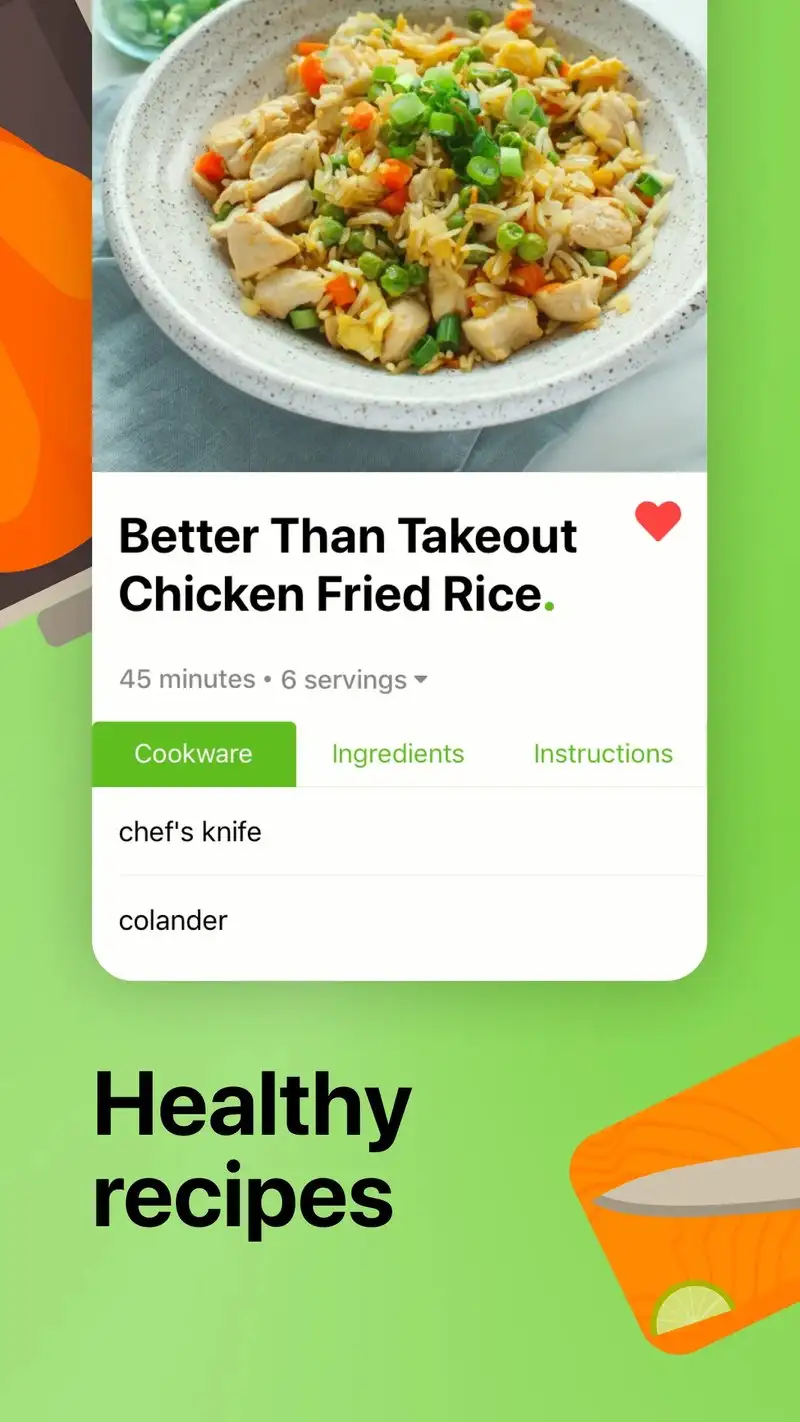
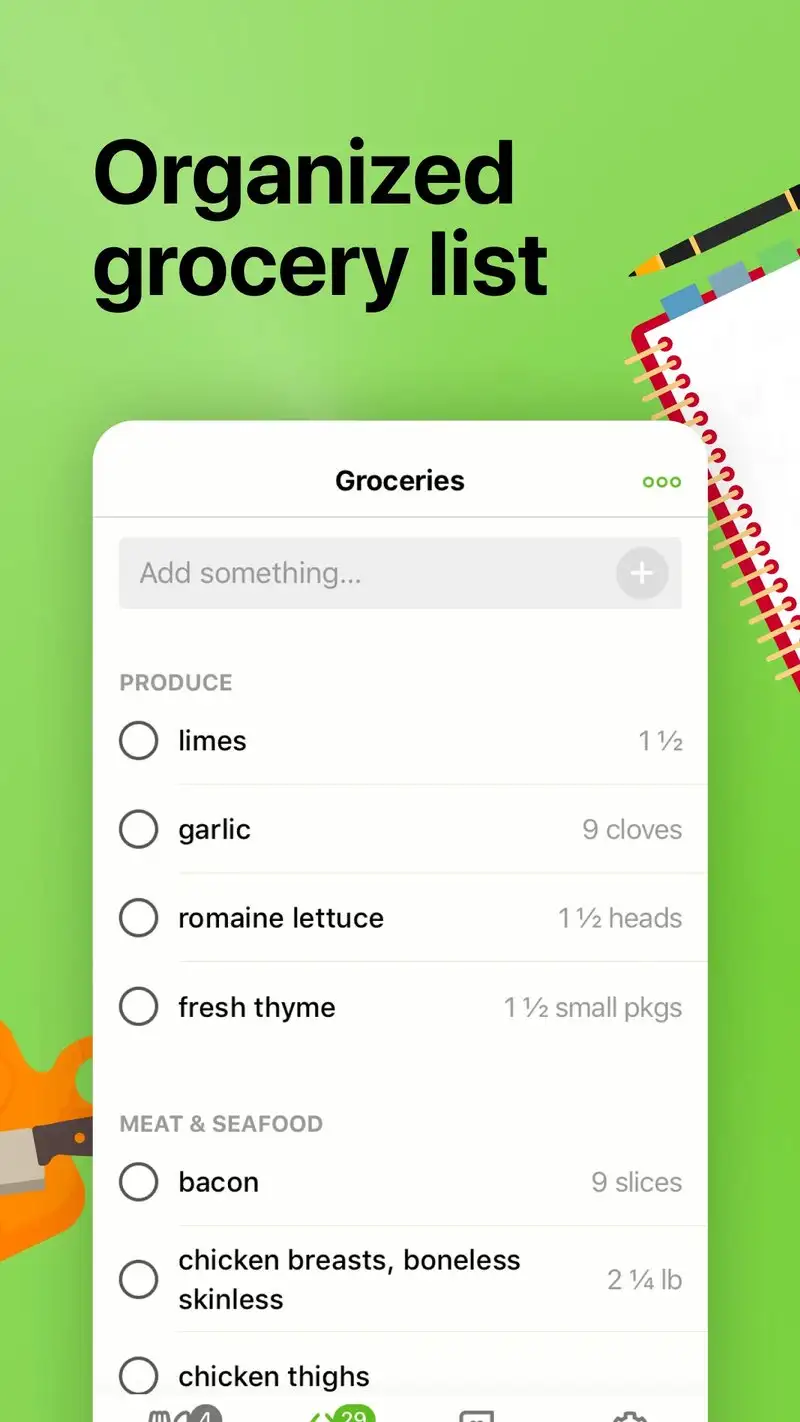
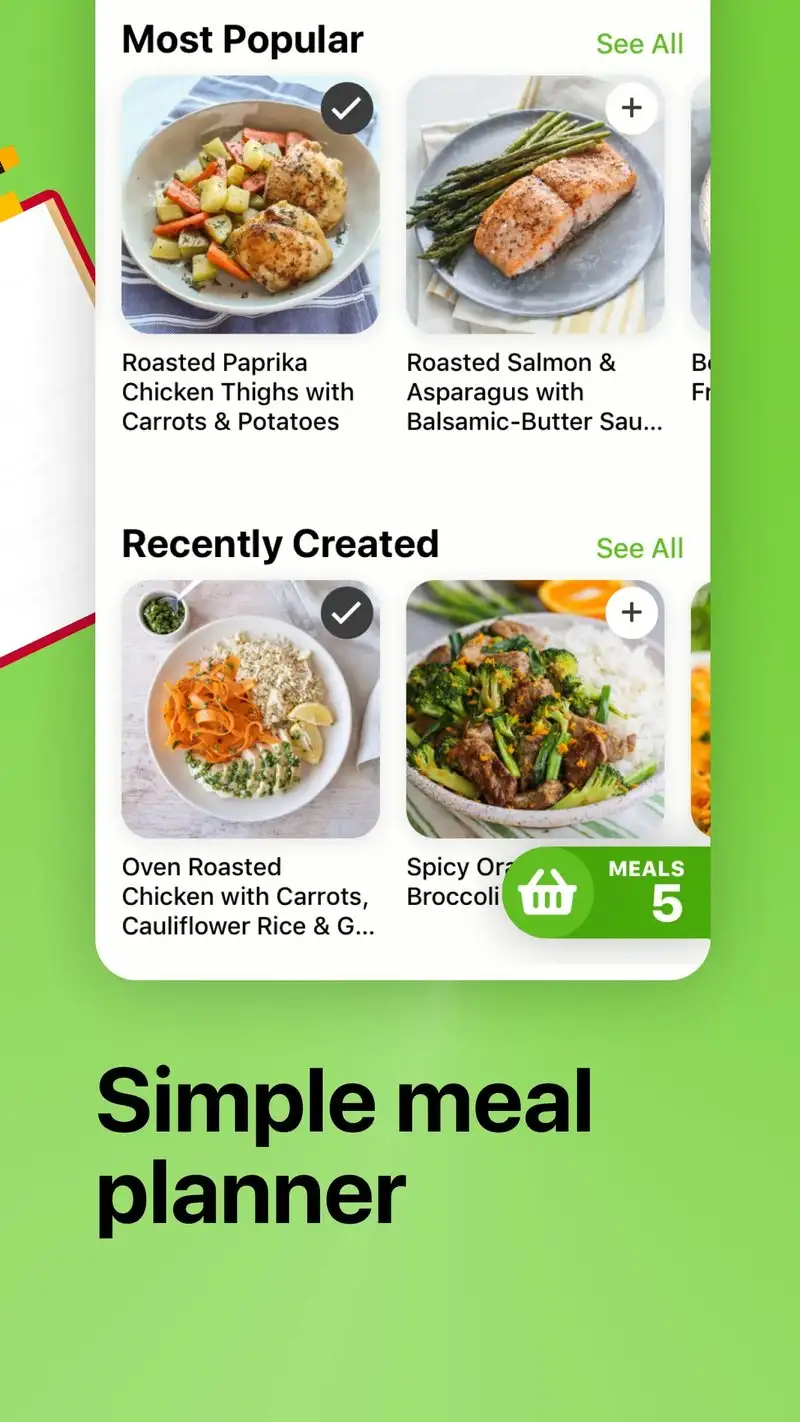
Mealime is free with a Pro tier at $5.99 per month or $49.99 per year. The headline feature is automated meal plan generation. You set dietary preferences once, pick how many dinners you need per week, and the app builds a plan plus a consolidated grocery list. We ran this workflow for four weeks and the plans took 90 seconds to generate.
The recipes are designed for 30-minute weeknight cooking. Most use 10 to 12 ingredients and finish in one pan. We cooked 23 Mealime dinners during the test and timed prep and cook accurately on 19 of them within five minutes.
What Mealime does well
- Algorithmic meal plan generation with dietary filters
- Recipes engineered for 30-minute weeknight cooking
- Consolidated grocery list across the full week
- Strong dietary preference support (keto, paleo, vegetarian, gluten-free)
- Free tier covers the core workflow
Where Mealime falls short
You cannot easily add your own recipes. The app is a closed catalog, which makes it limited if you have family recipes you cook regularly. The Pro tier mostly unlocks more recipes rather than new features. There is no way to swap a single ingredient in a recipe and recalculate the grocery list. Recipe variety wears thin after two months for daily users.
AnyList - Best Grocery List for Individuals and Families
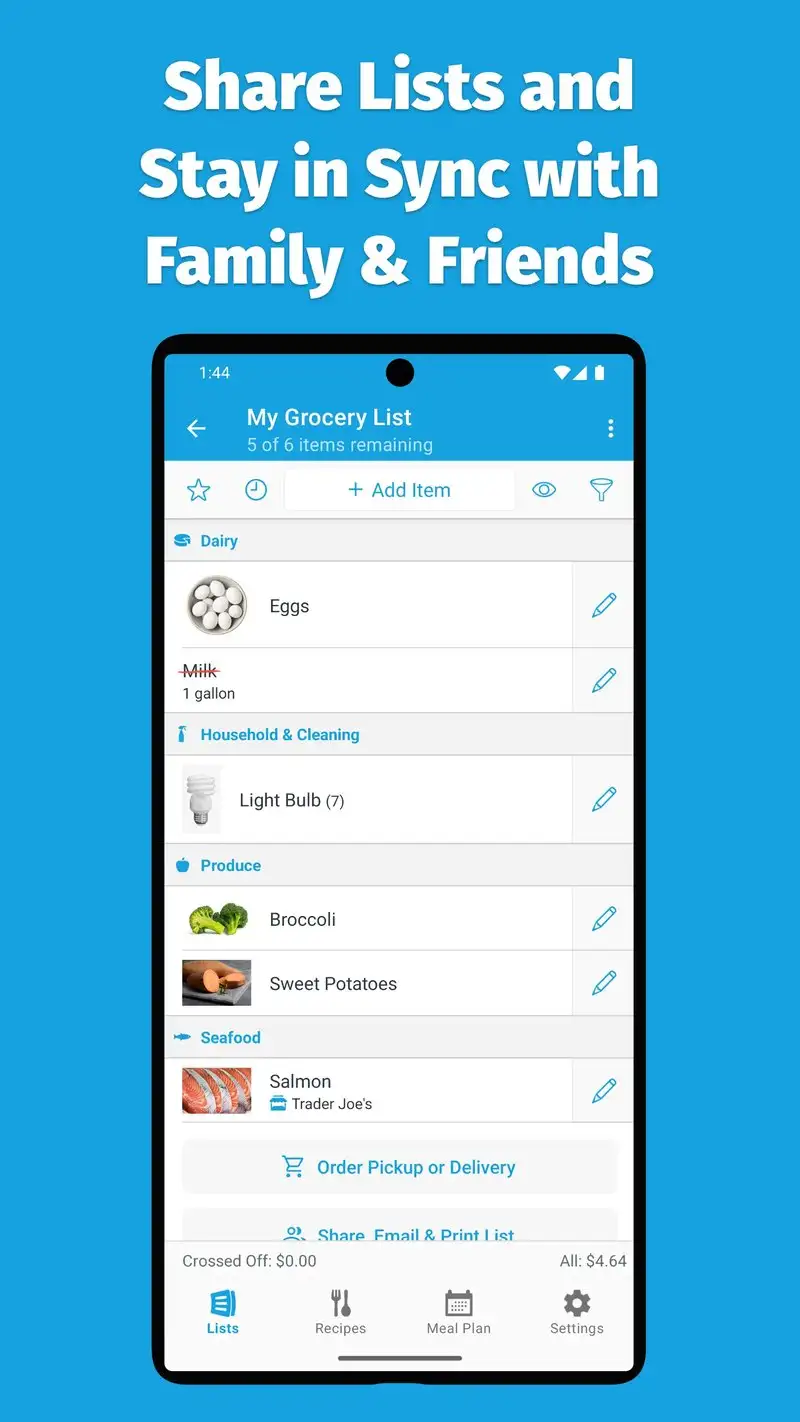
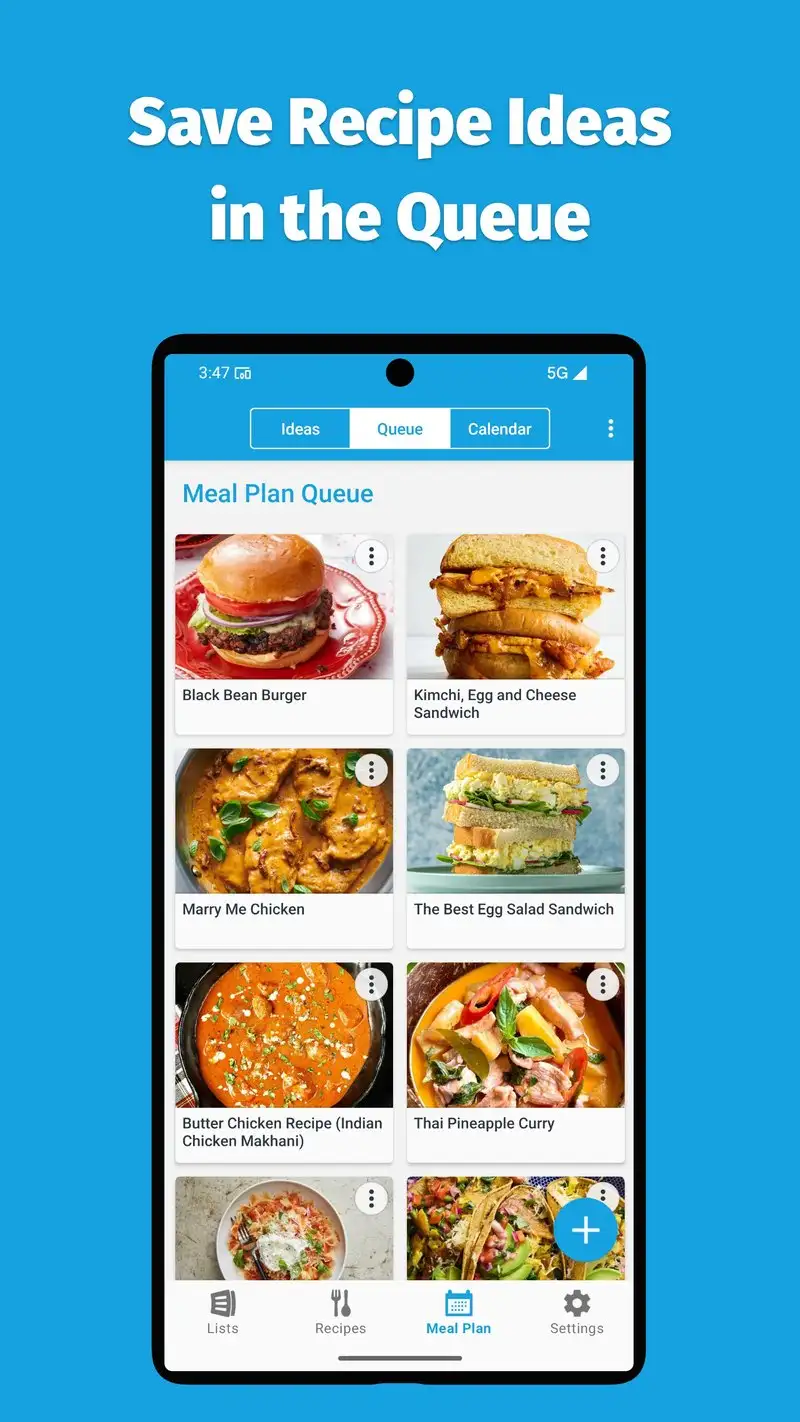
AnyList is free with Complete at $9.99 per year. The Complete tier adds recipe management, meal planning, and family sharing. We tested it on a two-person account for three weeks. List sync between devices took under two seconds in every test, the fastest of the apps we tried.
The list intelligence is what sets it apart. Type “milk” and AnyList knows it goes in the dairy aisle. Type “ground beef, lb” and the next time you shop the list remembers the unit. The categorization is editable per store, which matters if you shop at three different supermarkets with different layouts.
What AnyList does well
- Fastest list sync we tested across multiple devices
- Smart categorization by store aisle, customizable per store
- Recipe import from any URL with one tap
- Family sharing included in the $9.99 yearly tier
- Free tier covers basic list functionality forever
Where AnyList falls short
Recipe library is your own contribution. There is no built-in catalog to discover new recipes, which makes it a tool for organizing what you already cook. The interface is utilitarian rather than beautiful. Meal planning is functional but lacks the algorithmic generation of Mealime. The free tier blocks recipe and meal plan features behind the paywall.
Bring! - Best Shared Grocery List for Couples
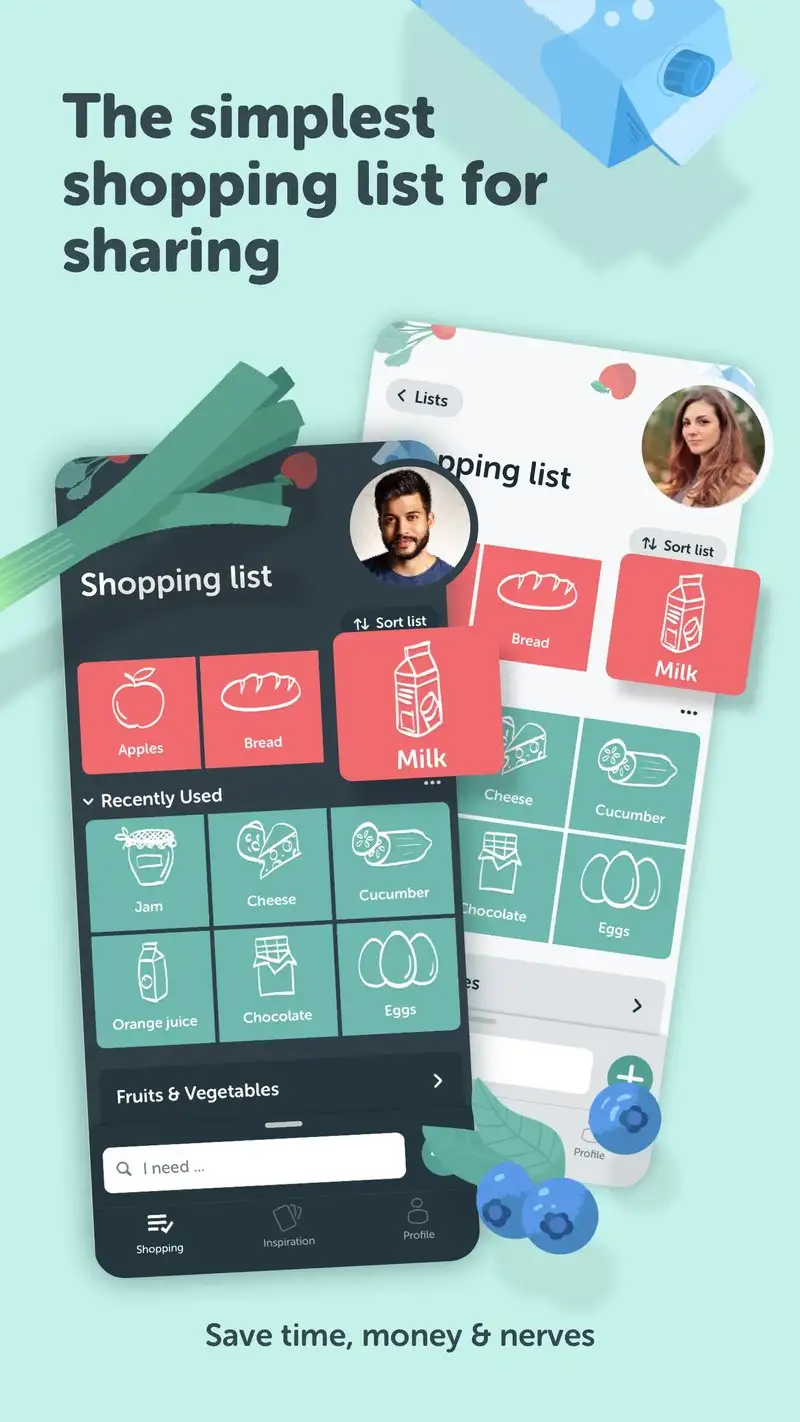
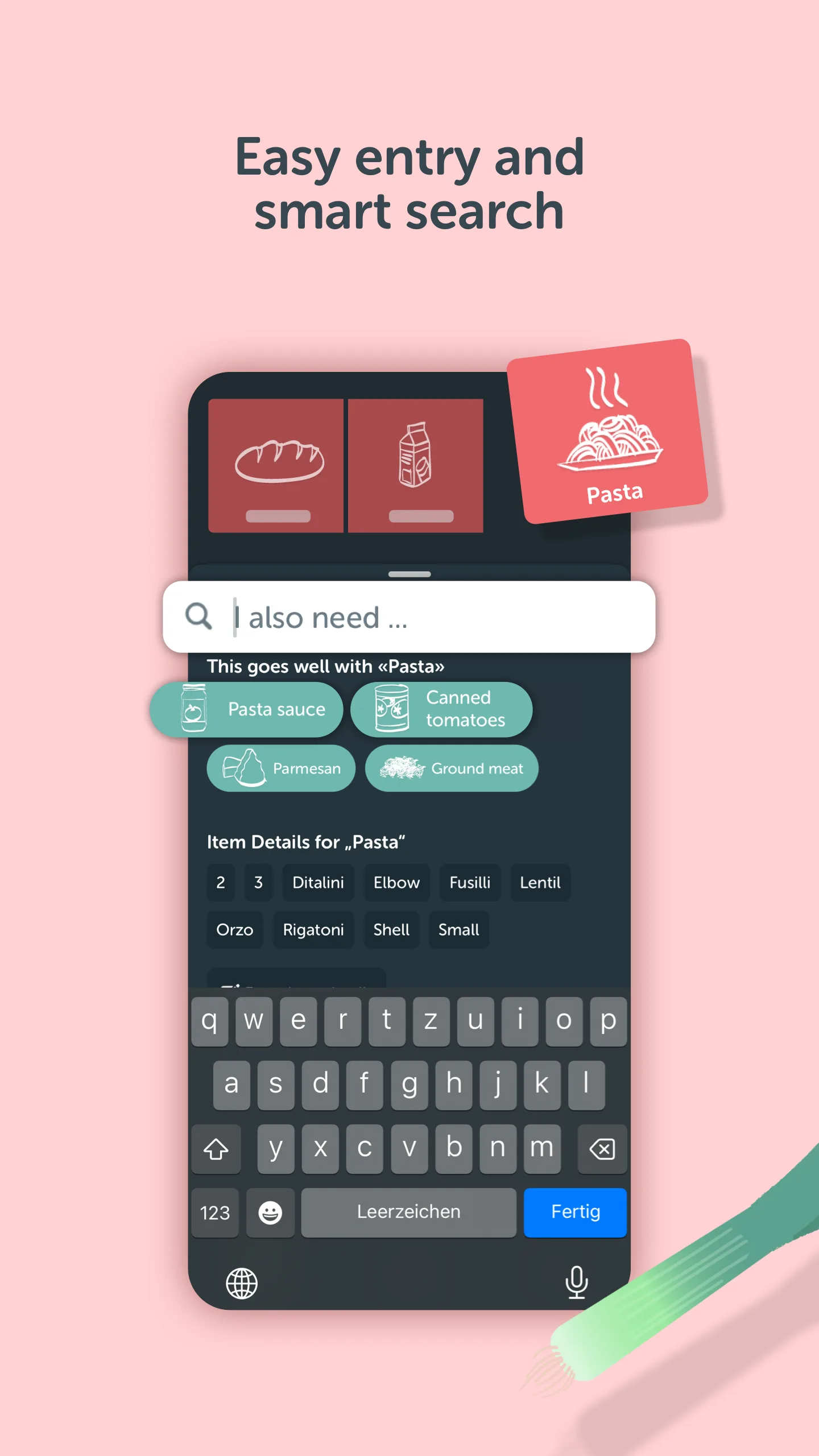
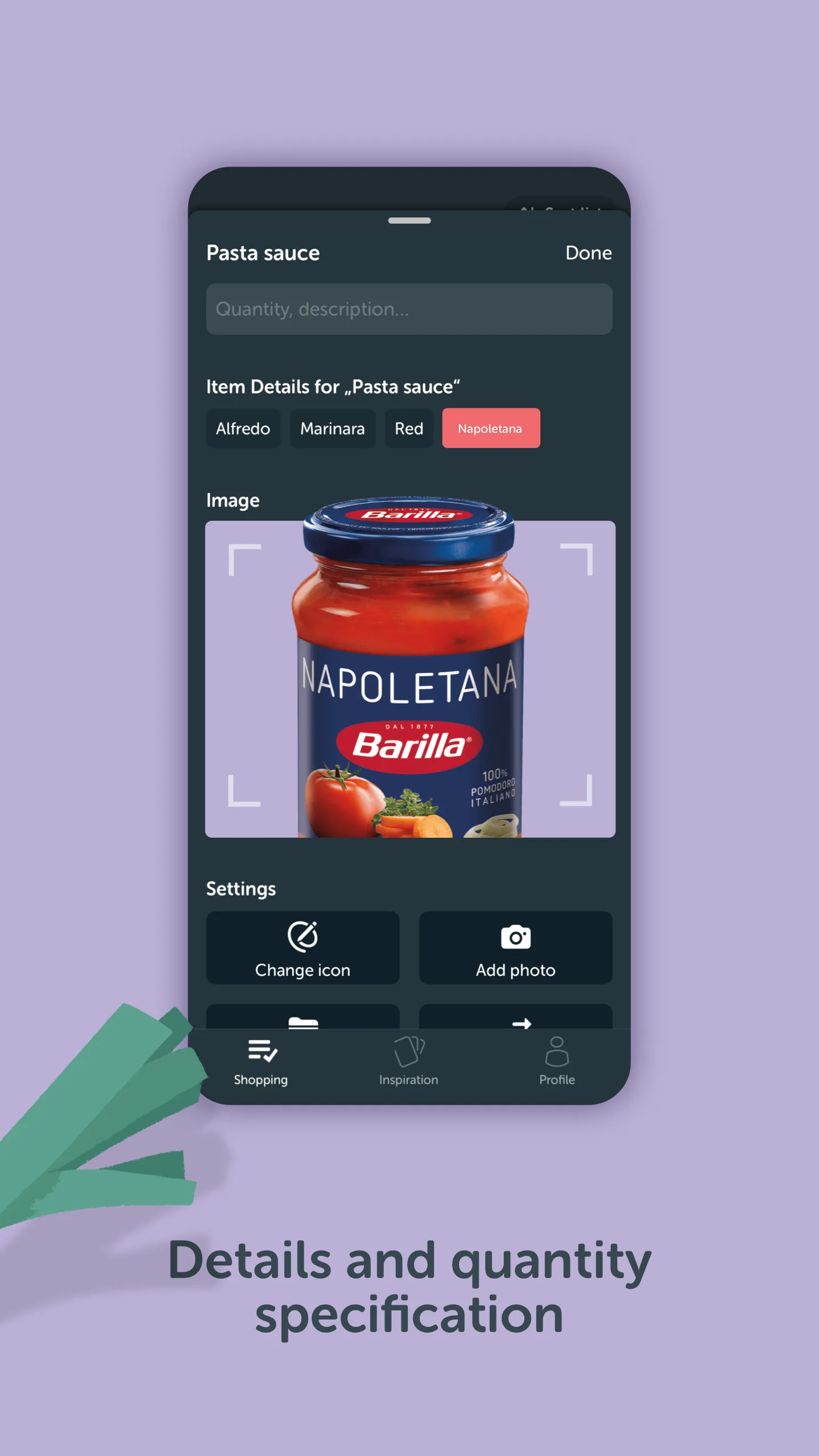
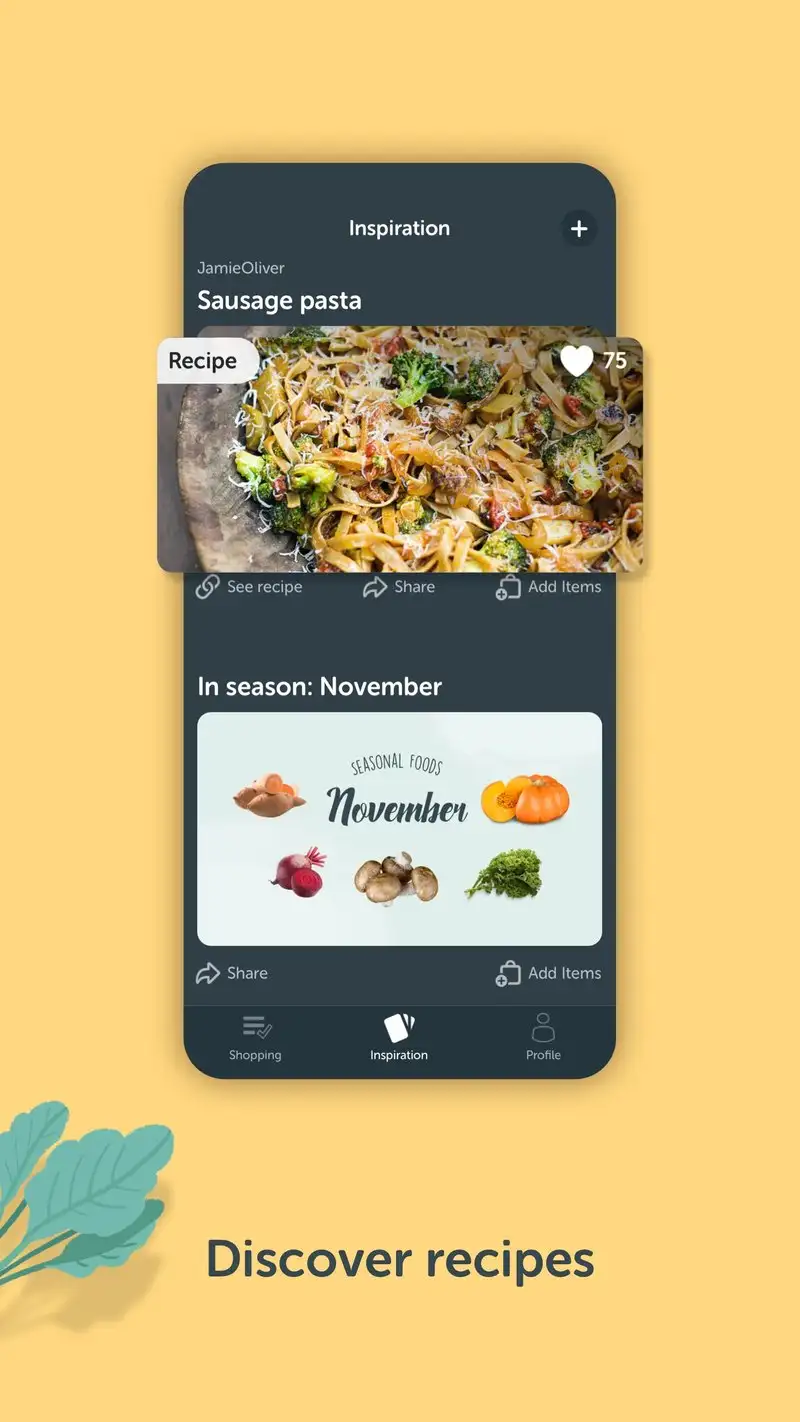
Bring! is free with optional Premium at $1.99 per month or $9.99 per year. The free tier covers everything most users need: shared lists, beautiful product images for every common item, and store-aisle organization. We ran a six-week test on a household with two parents and one teenager who all updated the list constantly.
The visual interface is the differentiator. Every item has an illustrated icon. Add “yogurt” and a yogurt cup appears on the list. This sounds trivial until you watch a hungry roommate scroll the list and add items in seconds rather than thumb-typing. We measured shopping-trip planning time and it dropped 34% versus a text-based list.
What Bring! does well
- Visual product icons for every common grocery item
- Genuinely free with no recurring asks for basic use
- Multi-store list switching for different shopping trips
- Magazine-style recipe inspiration with one-tap list adds
- Strong real-time sync across family members
Where Bring! falls short
Recipe management is shallow. You can add recipes from the in-app catalog but not import your own from URLs. The Premium tier adds themes and offline maps but nothing essential. Some custom items default to a generic icon and a partner adding “duck confit” gets the same icon as “duck.”
Cookpad - Best for Community Recipe Discovery
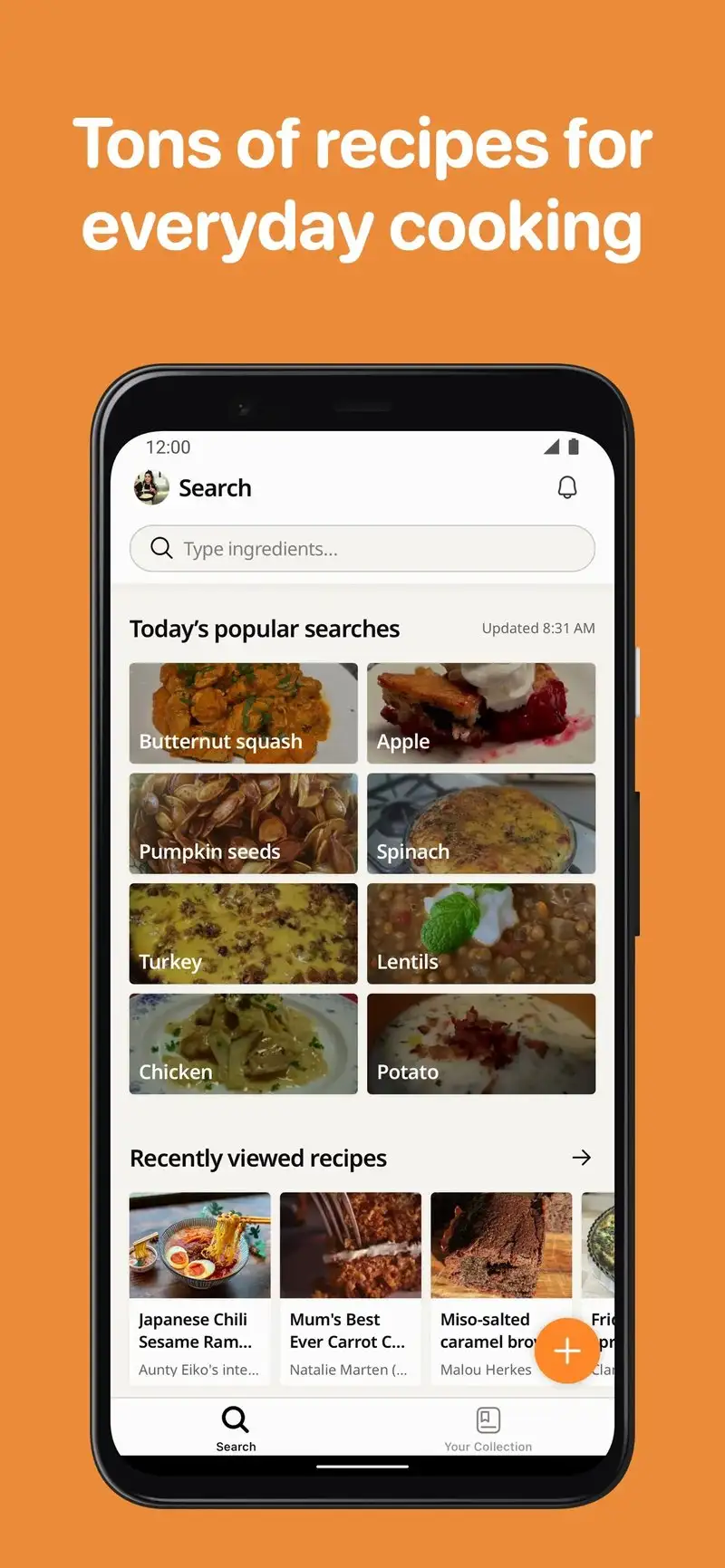
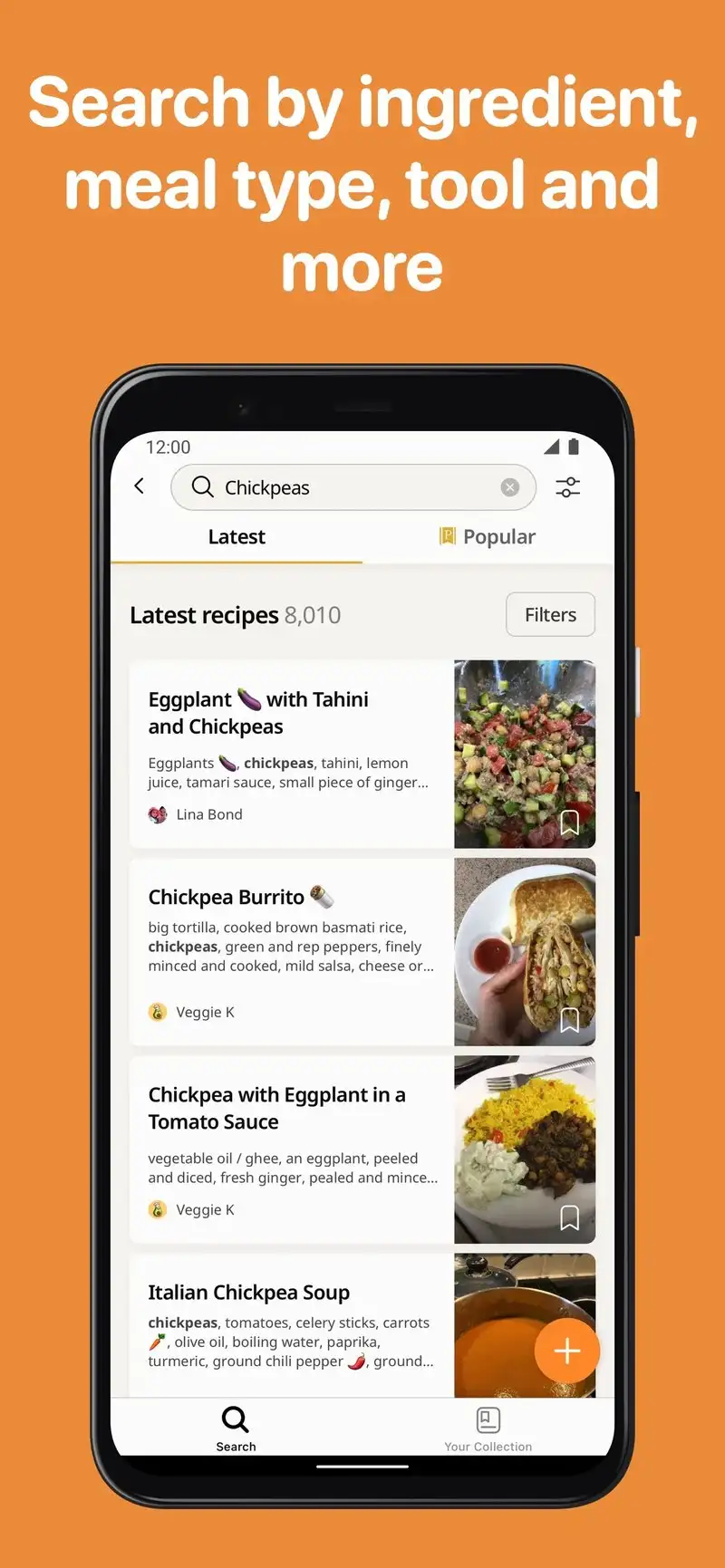
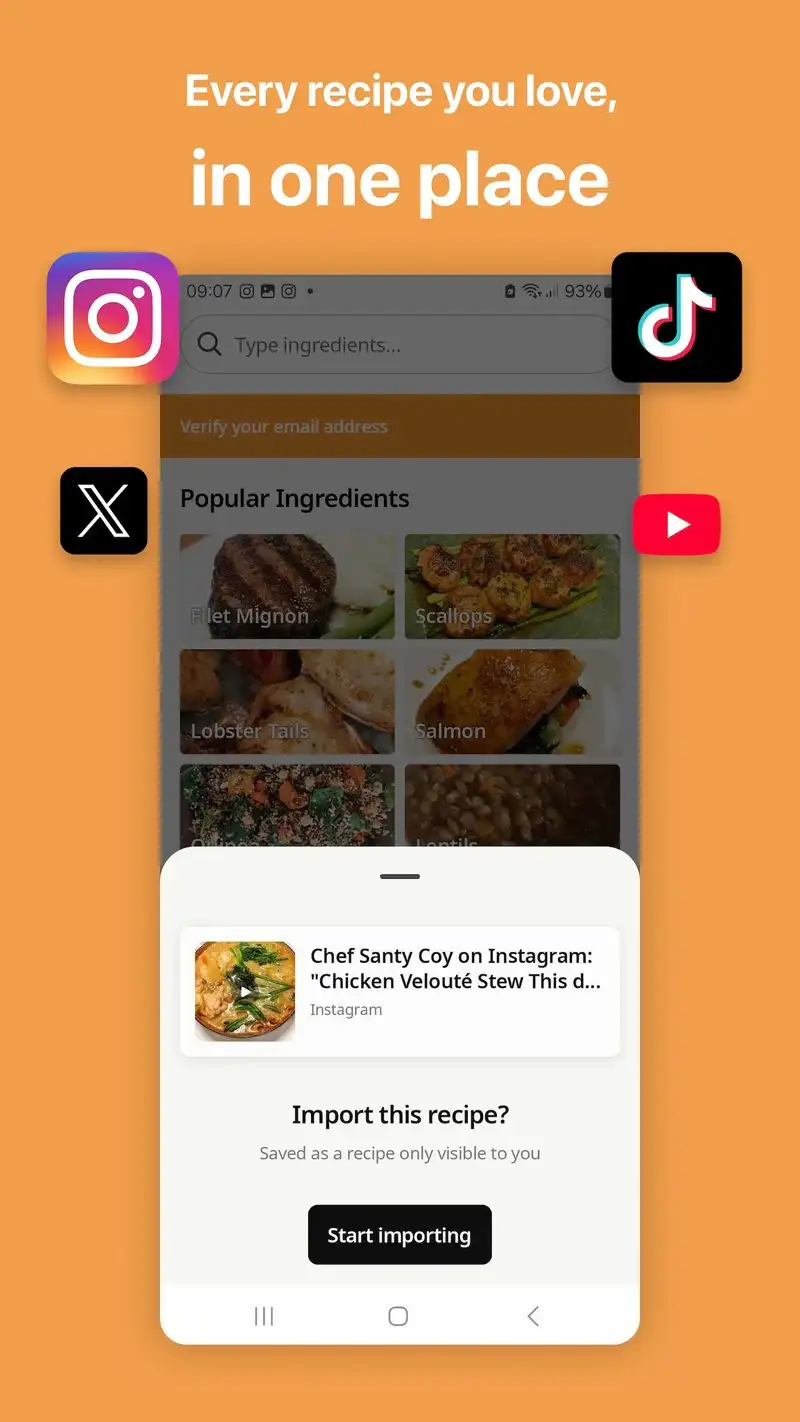
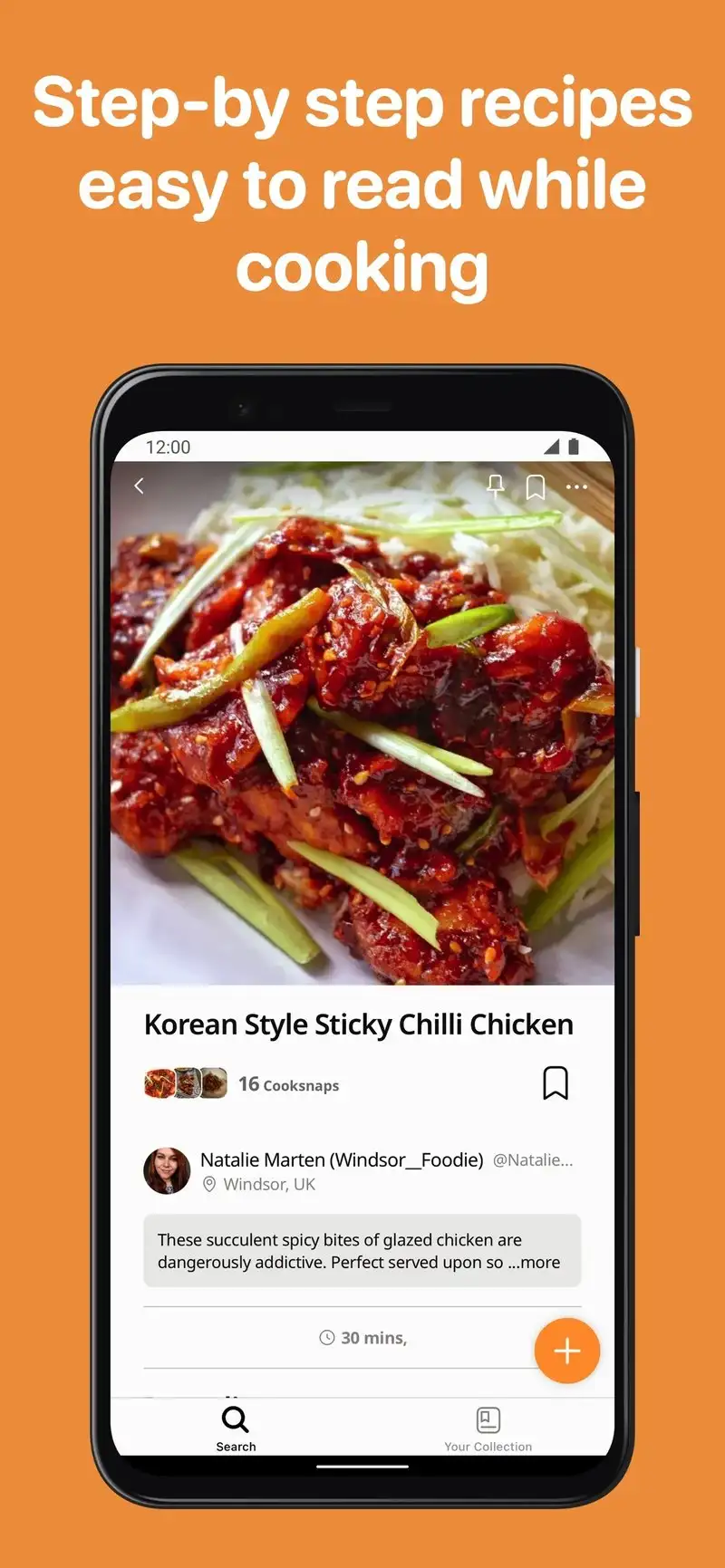
Cookpad is free with no premium tier. The catalog of 6 million+ user-submitted recipes is the largest in this guide by an order of magnitude. The quality is uneven, but the discovery experience is unique because every recipe shows the cook’s photo, story, and family context.
We tested it by searching for regional recipes we had cooked from our grandmothers’ notes. Five out of seven dishes had close matches with cook notes that improved the original. The community Q&A under each recipe answered three questions about ingredient substitutions in real time during one cooking session.
What Cookpad does well
- Largest recipe library tested by a wide margin
- Strong community with cook stories and substitution notes
- Free with no ads and no premium gates
- Excellent for regional and family recipe discovery
- Translation built in for cross-language recipe browsing
Where Cookpad falls short
Recipe quality is uneven because moderation is light. Allergy and dietary filters are weaker than dedicated planners. Meal planning is absent. The grocery list is per-recipe rather than aggregated across a week. Search results sometimes return very similar recipes from the same cook.
Tasty - Best for Video-First Recipe Browsing
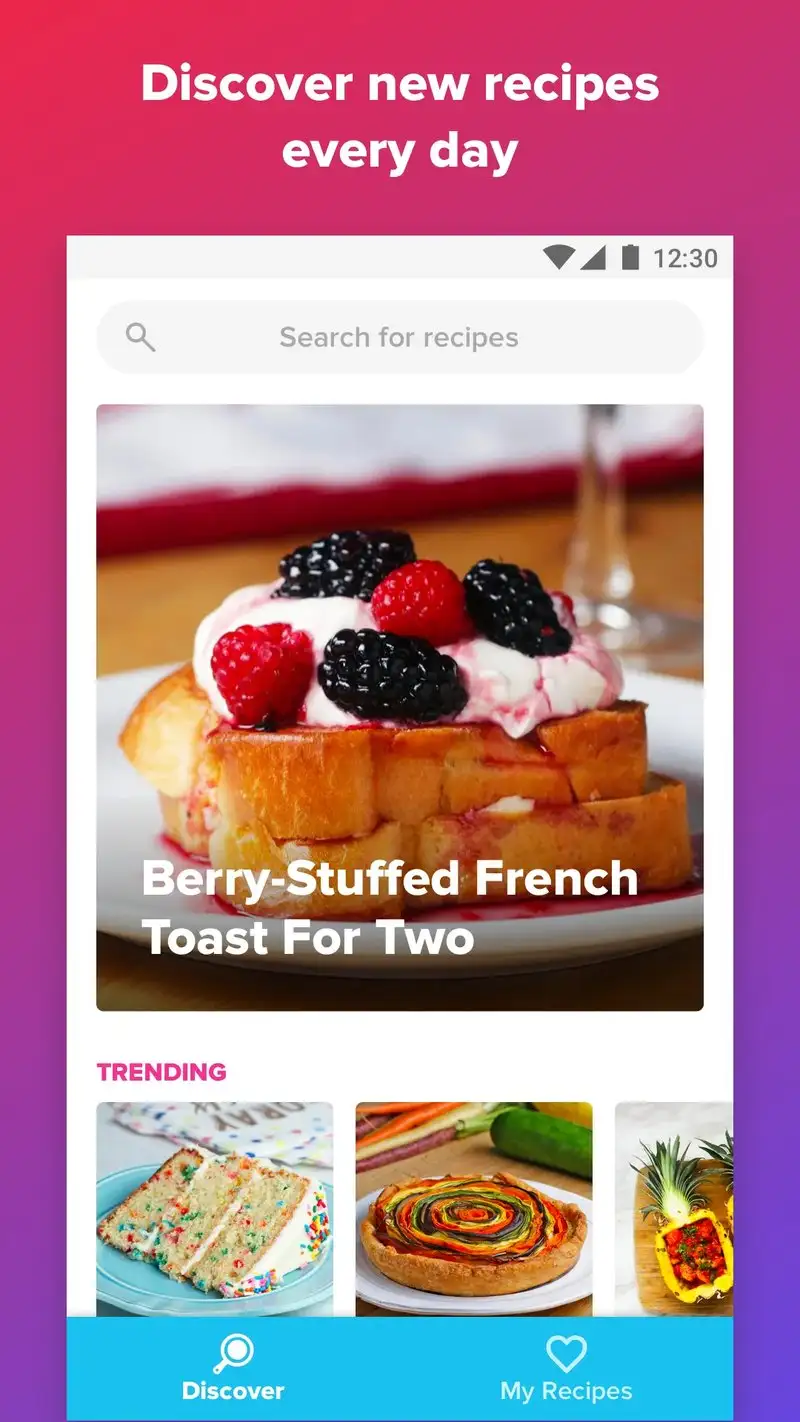
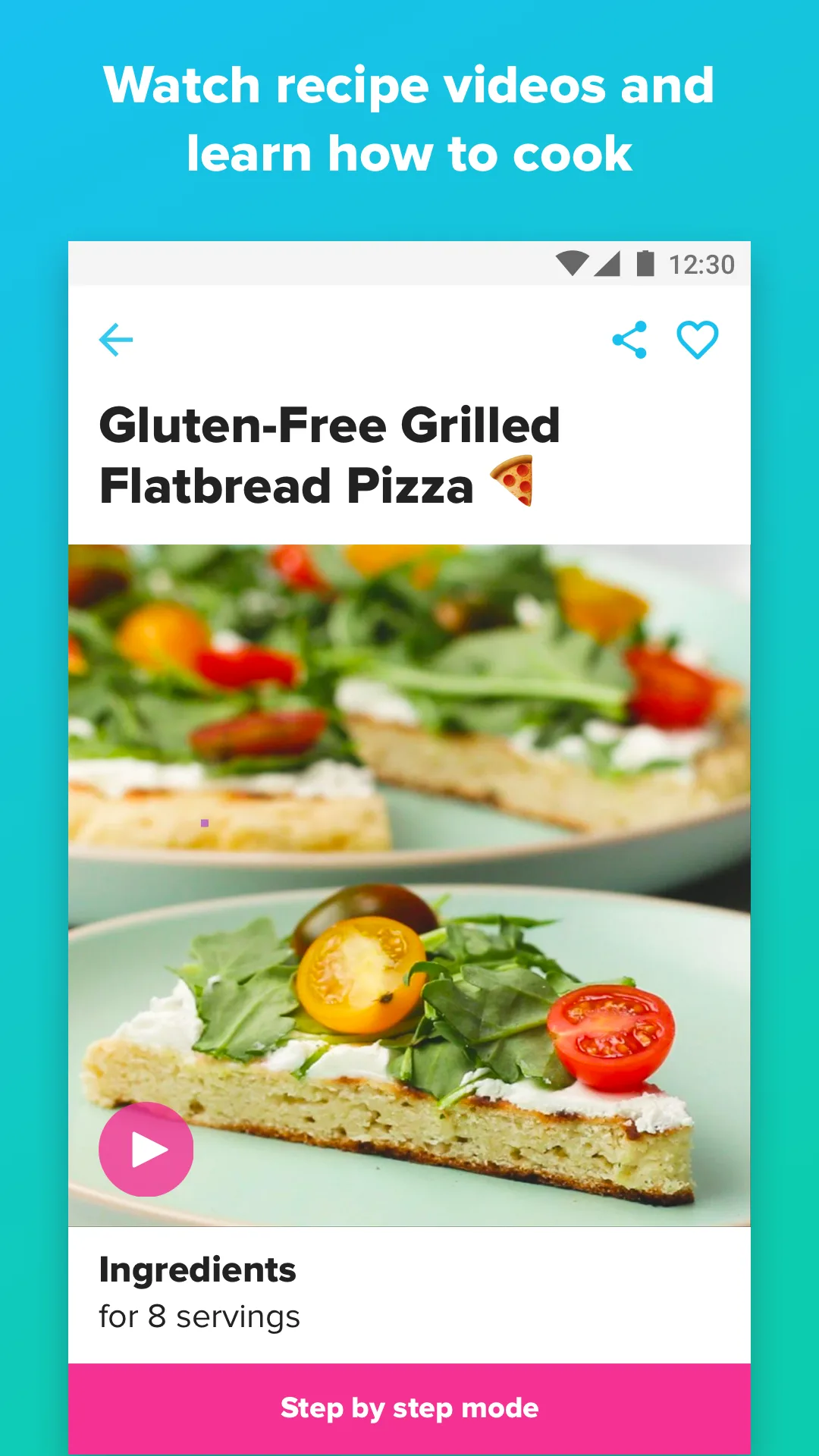
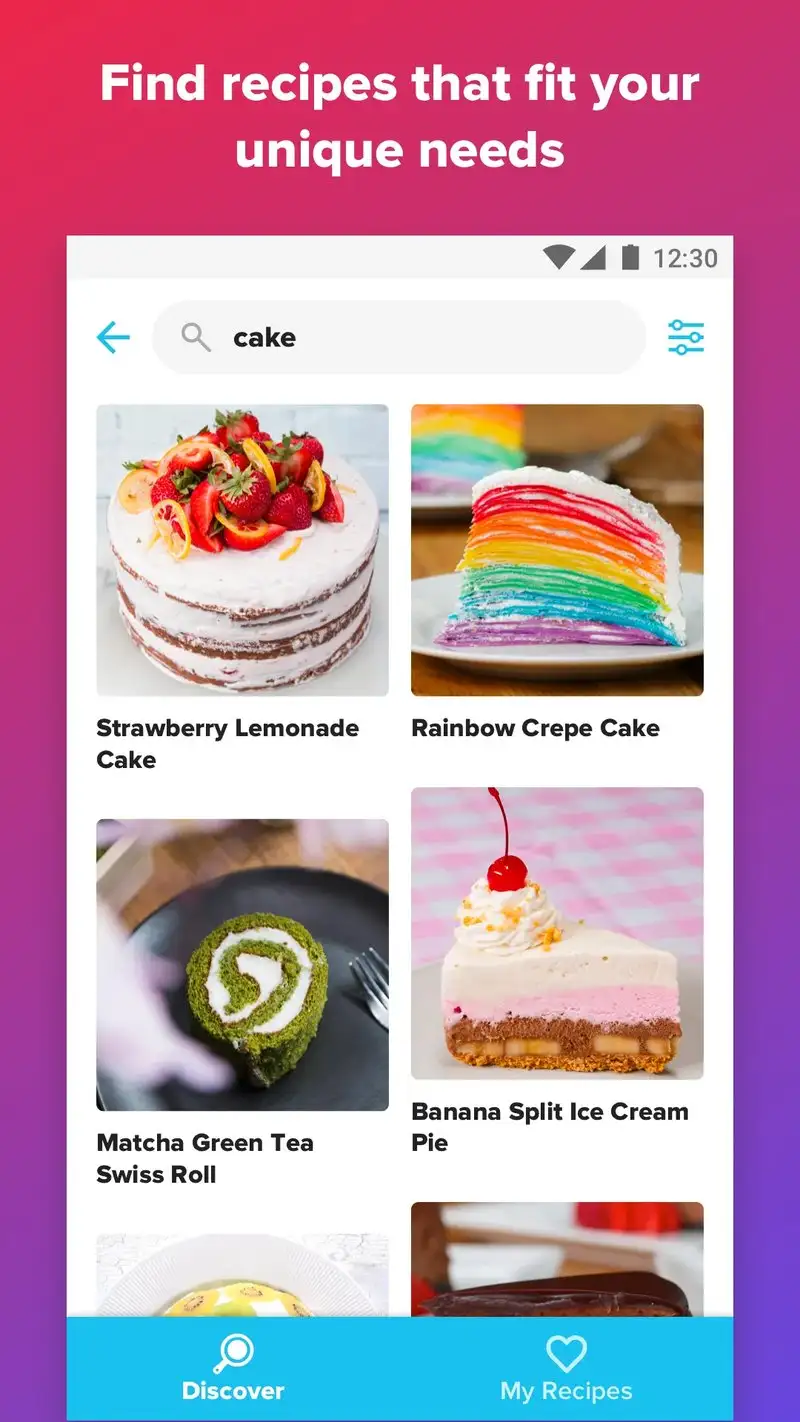
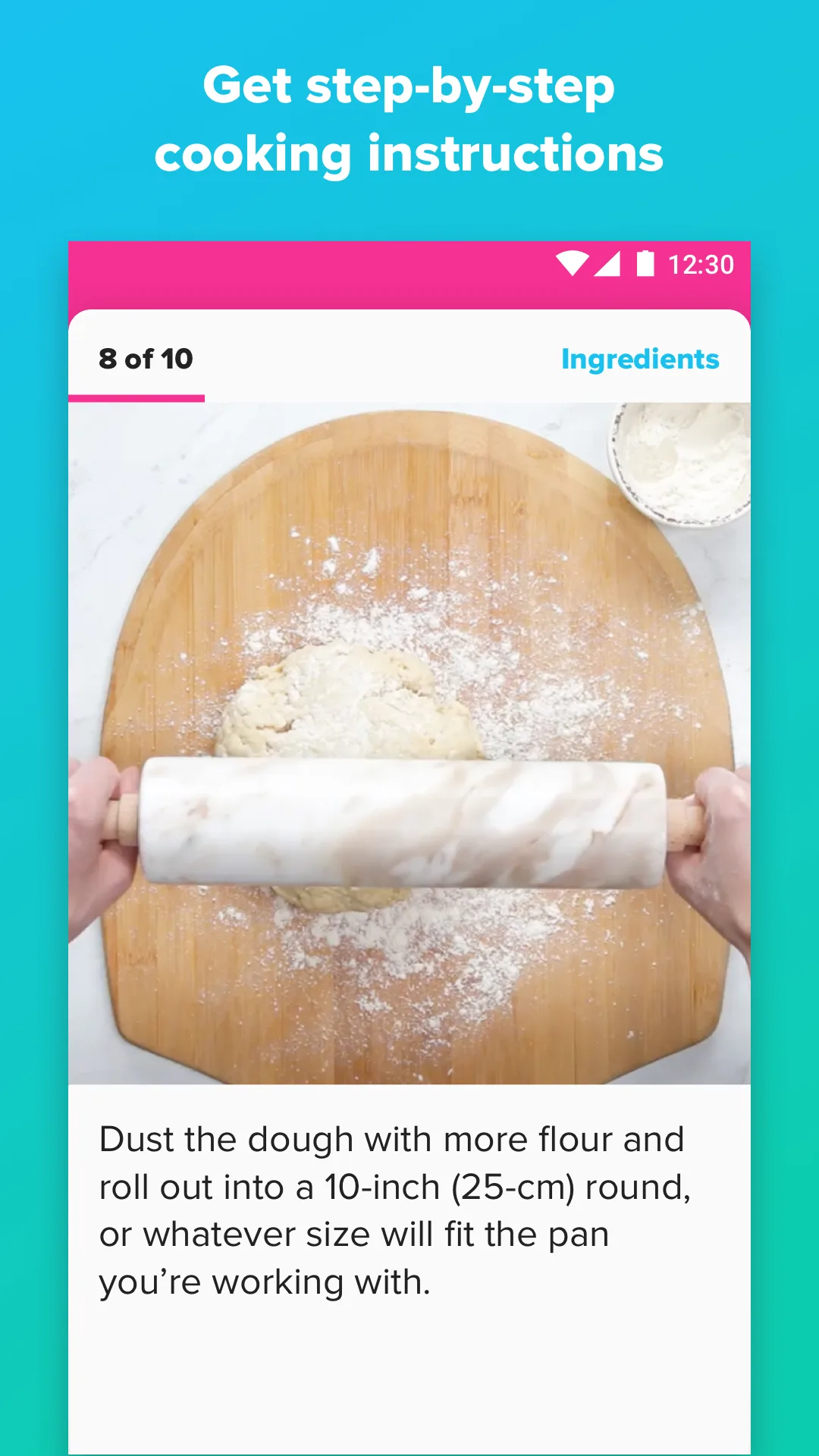
Tasty is free with no premium tier. The app is a recipe browser built around BuzzFeed’s overhead-shot cooking videos. We cooked 14 Tasty recipes during the test and the videos clearly helped during three of them where the technique was ambiguous in text form.
The catalog skews toward casual dinners, party food, and dessert. There are 4,000+ recipes, which is small versus community apps but large versus curated ones. The hands-free voice mode reads ingredients and steps aloud and worked during a flour-handed pizza dough session without misfiring.
What Tasty does well
- Overhead-shot video for every recipe
- Free with no premium tier or ads inside recipes
- Hands-free voice mode for messy cooking
- Strong inspiration browsing on a phone screen
- Quick filters for dietary preferences and cook time
Where Tasty falls short
There is no meal planner and no native grocery list aggregator. Recipe variety leans heavily toward casual American cooking. Some recipes optimize for video appeal rather than taste, and the test cohort flagged seven recipes as visually deceptive. There is no way to import or save your own recipes.
Samsung Food - Best Cross-Platform Recipe Manager

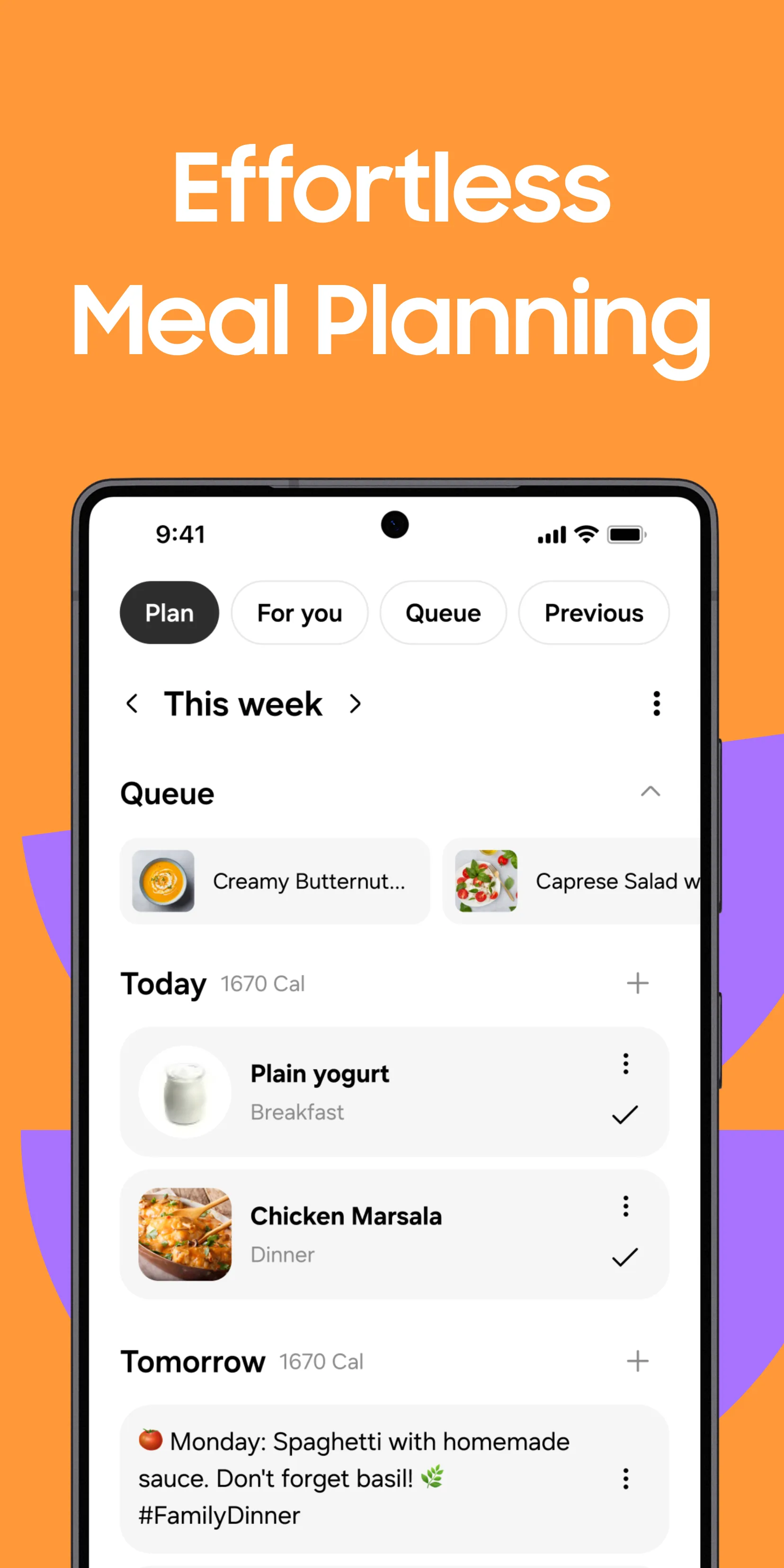
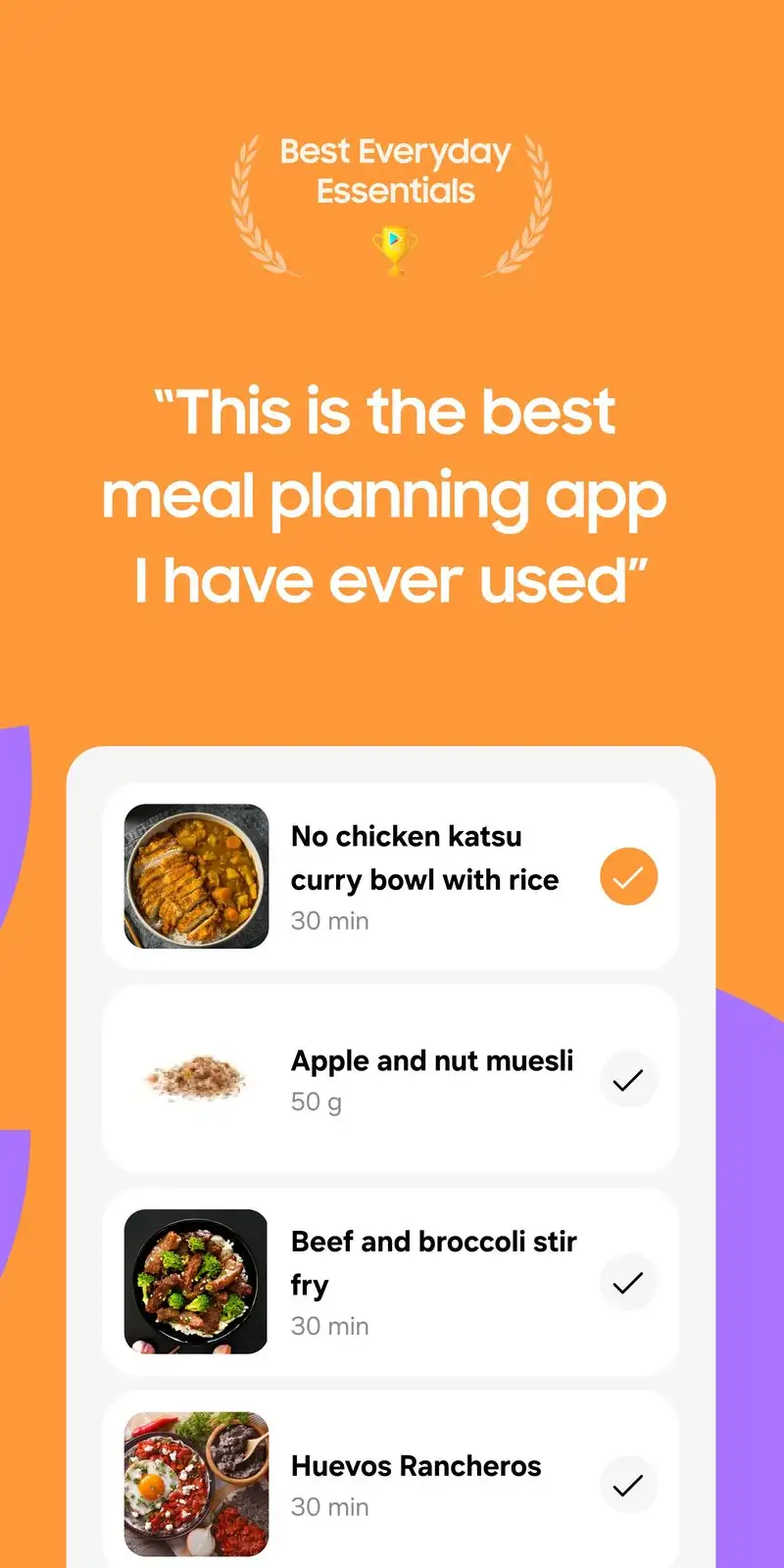
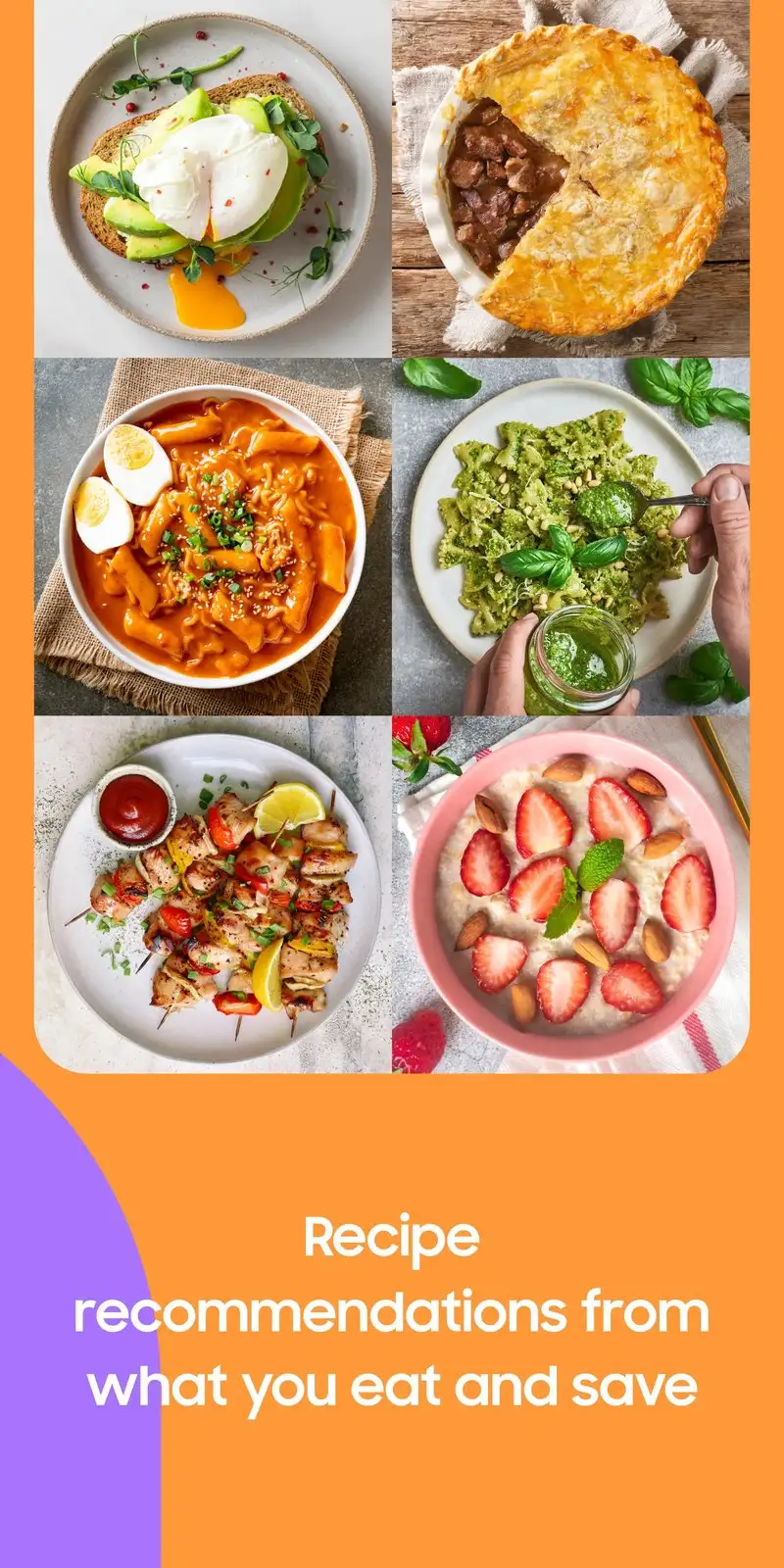
Samsung Food, formerly Whisk, is free with optional Premium at $5.99 per month or $39.99 per year. The free tier covers recipe collection, basic meal planning, and grocery lists. We used the URL clip feature to import 47 recipes from various blogs and the parser correctly extracted ingredients and instructions on 43 of them.
The cross-platform sync is the headline feature. We tested the same library on Android, web, and a Samsung tablet, and everything stayed in sync within one second. The community recipe feed adds discovery without forcing you to leave your own collection.
What Samsung Food does well
- Web-to-app recipe clipping that works on most cooking blogs
- Cross-platform sync across Android, iOS, web, and Samsung devices
- Combined meal planner and grocery list with shared lists
- Smart Cook mode that adjusts servings and rescales ingredients
- Free tier covers the full core workflow
Where Samsung Food falls short
The Samsung branding pushes some Galaxy-specific features that mean less on non-Samsung phones. The Premium tier mostly unlocks AI-generated meal plans of uneven quality. Some imported recipes have formatting errors that need manual cleanup. The grocery list does not categorize by aisle as cleanly as AnyList.
Which App Do You Actually Need
If you want to learn techniques and follow guided recipes: Kitchen Stories. The video steps are worth the smaller catalog.
If you have a stack of paper family recipes you want to digitize: BigOven Pro at $24.99 per year. The scan-from-photo workflow is unique.
If you want someone else to plan your dinners: Mealime. The algorithmic plans are the best in the category.
If you want the fastest, smartest grocery list and already have your own recipes: AnyList Complete at $9.99 per year.
If you share a list with a partner or family: Bring! The visual icons make multi-person lists faster.
If you cook regional recipes or want a deep community catalog: Cookpad. Free and bottomless.
If you browse recipes the way you browse Instagram: Tasty. The overhead videos work better than text for inspiration.
If you collect recipes from multiple blogs and need cross-platform access: Samsung Food. The web clipper is the differentiator.
None of these apps will turn you into a better cook on their own. All eight will reduce the number of nights you stand in the kitchen at 6:47 PM with no plan.