The Android book reader you pick decides three things you cannot reverse later: which file formats you can sideload, whether you own your library or rent it, and how much your eyes hurt after a 90-minute session. The default Google Play Books app handles purchased ebooks well and EPUB sideloads badly. Kindle locks you to Amazon. PDFs render poorly in both.
We tested eight Android reading apps on a Pixel 8 and a Galaxy Tab S9 over four weeks. We loaded the same 1.2 GB library into each one (412 EPUB files, 87 PDFs, 14 CBZ comics) and measured how long it took to index, how cleanly text reflowed on a 6-inch screen, and what each app costs after the free tier runs out.
This guide names what each app actually does well, where it falls short, and which workflow it fits. No iOS-only readers. No defunct apps. All eight are on Google Play and were updated in the past 12 months.
What Makes a Great Reading App
Format support matters more than features. An app that opens EPUB, MOBI, FB2, CBZ, and PDF without conversion saves you hours of file-juggling. Five of eight tested apps cleared that bar. Two of them only handle proprietary formats. One forces a cloud upload step before you can read your own files.
Text rendering separates serious readers from utilities. The PDF reader you grab to sign a form is not the EPUB reader you want for a 600-page novel. We checked font choice, line spacing controls, hyphenation, custom CSS support, and night mode quality. Three apps in this guide hit all five. The rest miss at least one.
Library ownership is the quiet rule. An app that locks your highlights and bookmarks into its own cloud is a rental. An app that exports notes to plain text or Markdown is a tool you own. We checked export options in every app.
The honest test is whether you can read for an hour without fighting the interface. Five apps cleared that bar. Three did not.
How We Tested
We installed each app fresh on two devices and loaded the same library: 412 EPUBs, 87 PDFs (ranging from 300 KB academic papers to 240 MB scanned books), and 14 CBZ comics. We timed library indexing, measured page-turn latency, and ran a 30-minute drain test to flag battery-hungry apps. Highlights and bookmarks were exported on every app where the option existed.
Pricing reflects Google Play prices in June 2026. Subscription apps were tested on free tiers first. Anything described as “free” works offline without nagging unless flagged otherwise.
Moon+ Reader Pro - Best Overall EPUB Reader
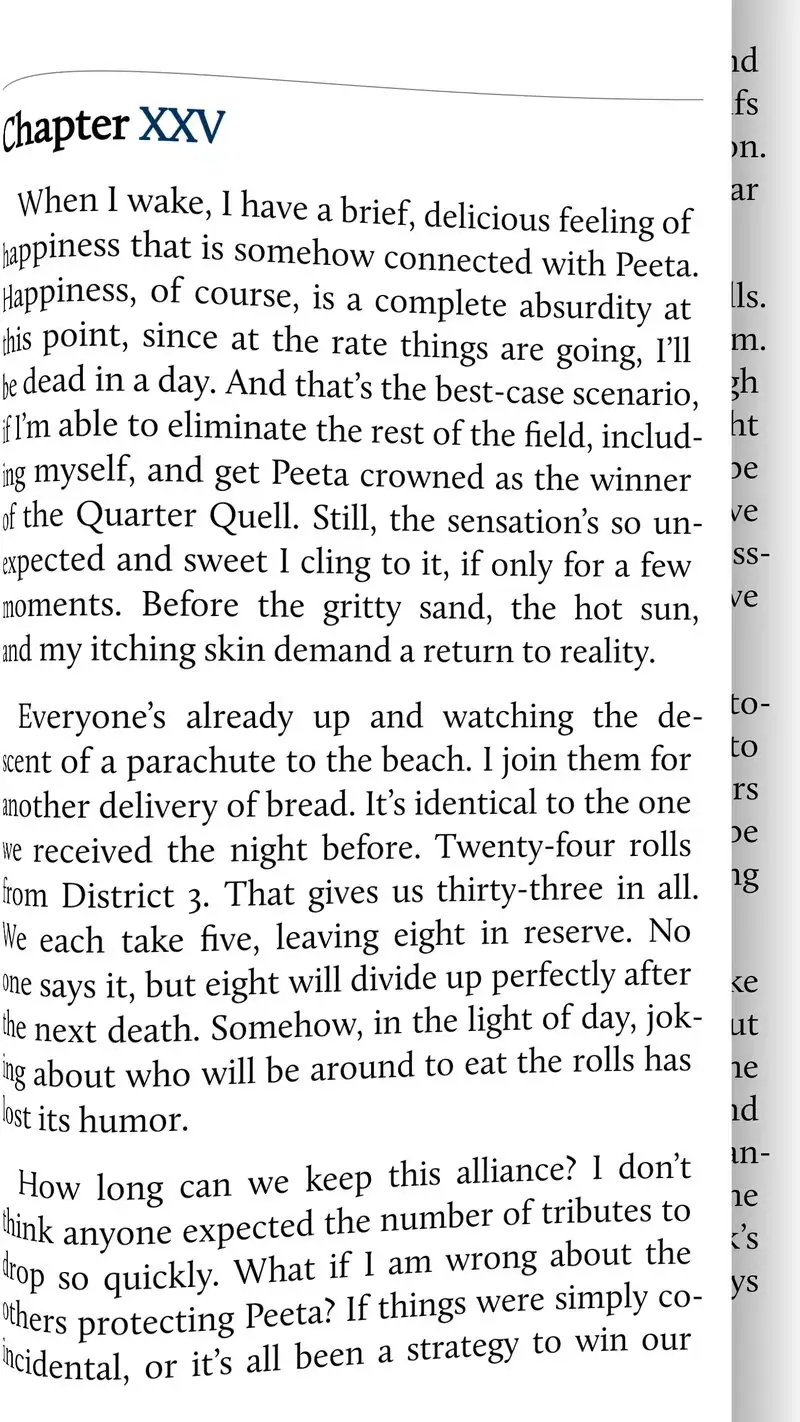
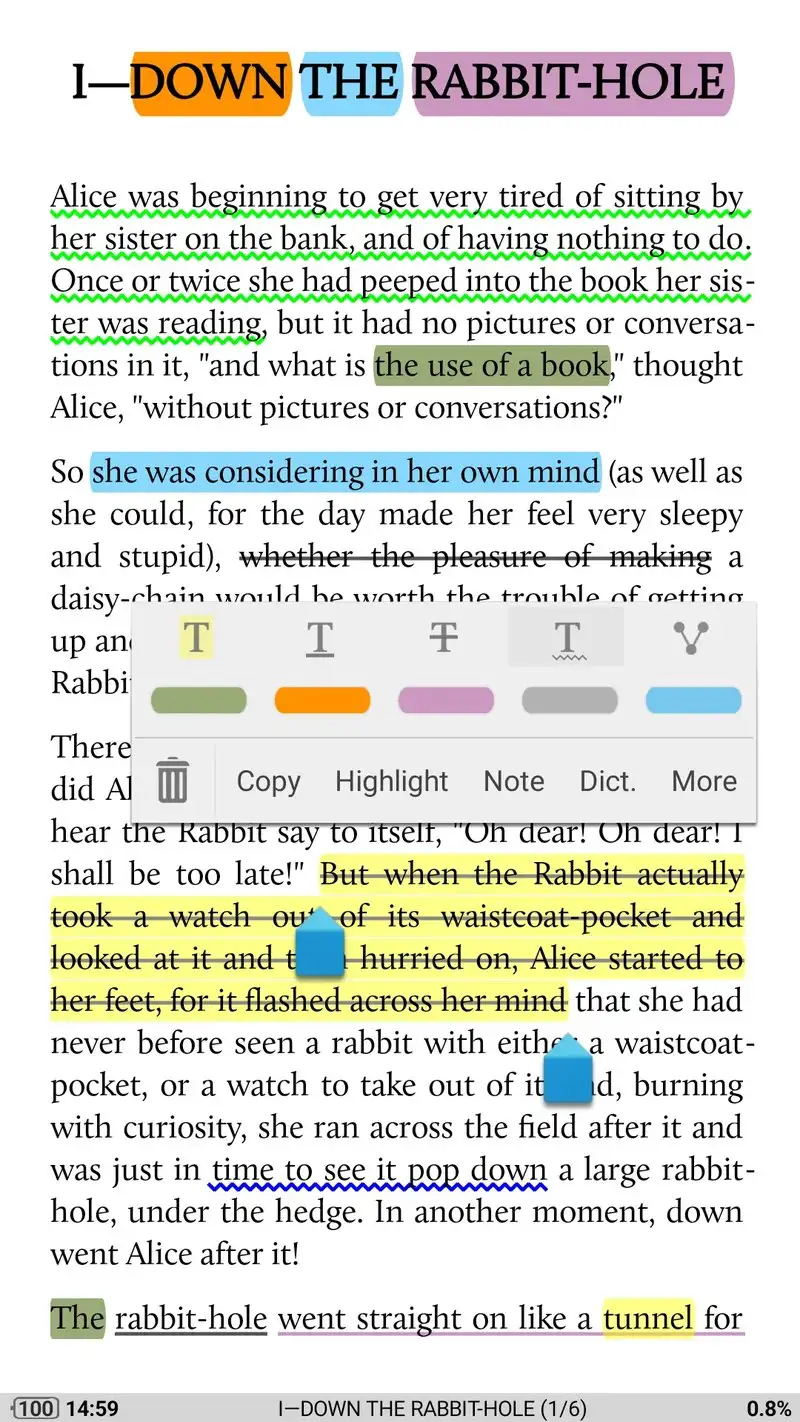
Moon+ Reader Pro costs $4.99 once. No subscription, no ads. The free version exists but has ads on every chapter break, which kills any long reading session. The Pro version reads EPUB, MOBI, AZW3, FB2, TXT, HTML, and PDF without conversion. It indexed our 412-book library in 38 seconds on the Pixel.
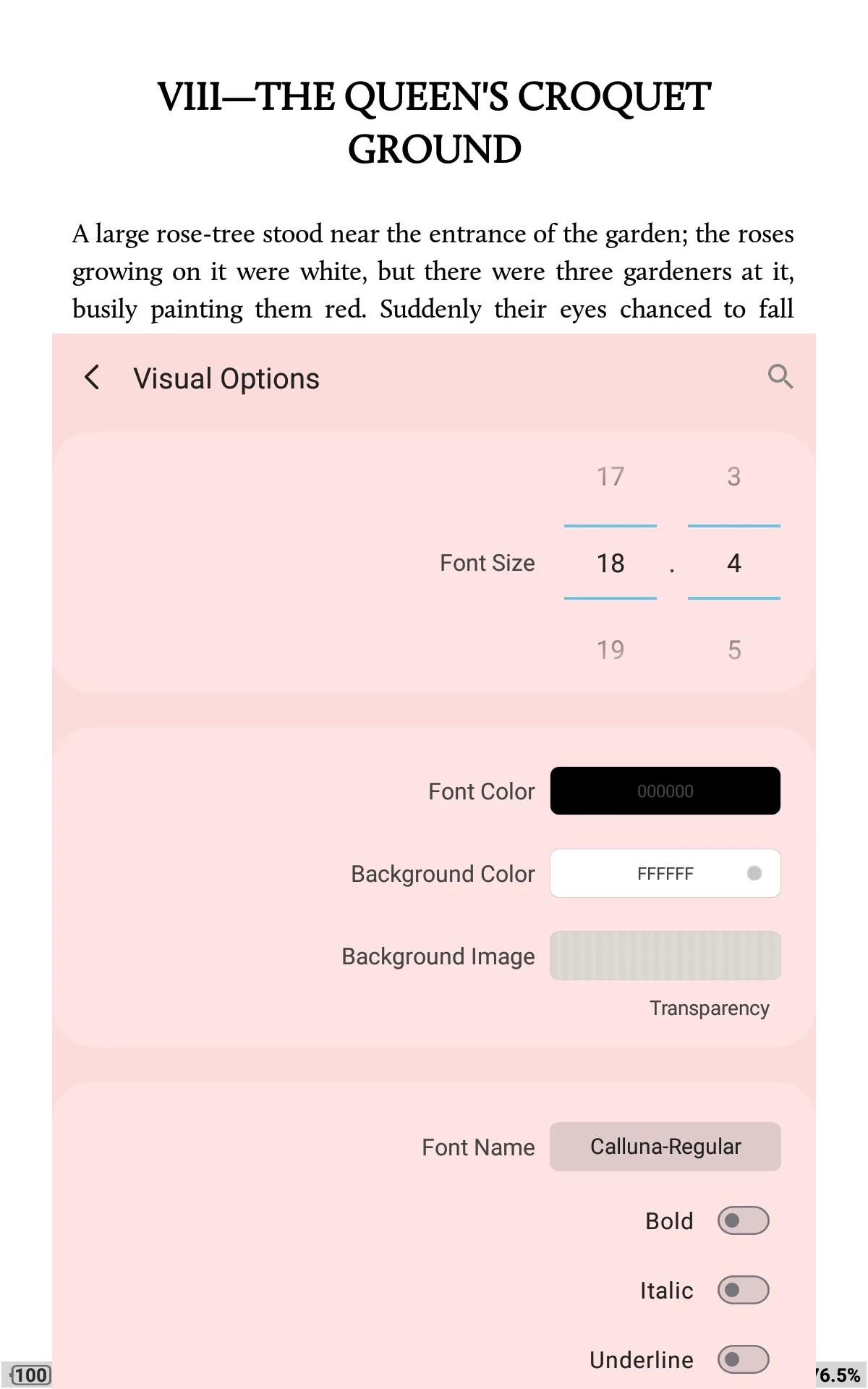
Custom CSS support is the headline feature. You can drop a stylesheet into the app and every EPUB inherits your formatting choices. Six built-in themes ship by default. We bounced between a sepia daylight theme and an OLED-black night theme by tapping the middle of the screen.
What Moon+ Reader Pro does well
- Reads 7 ebook formats without conversion
- Custom CSS support for typography control
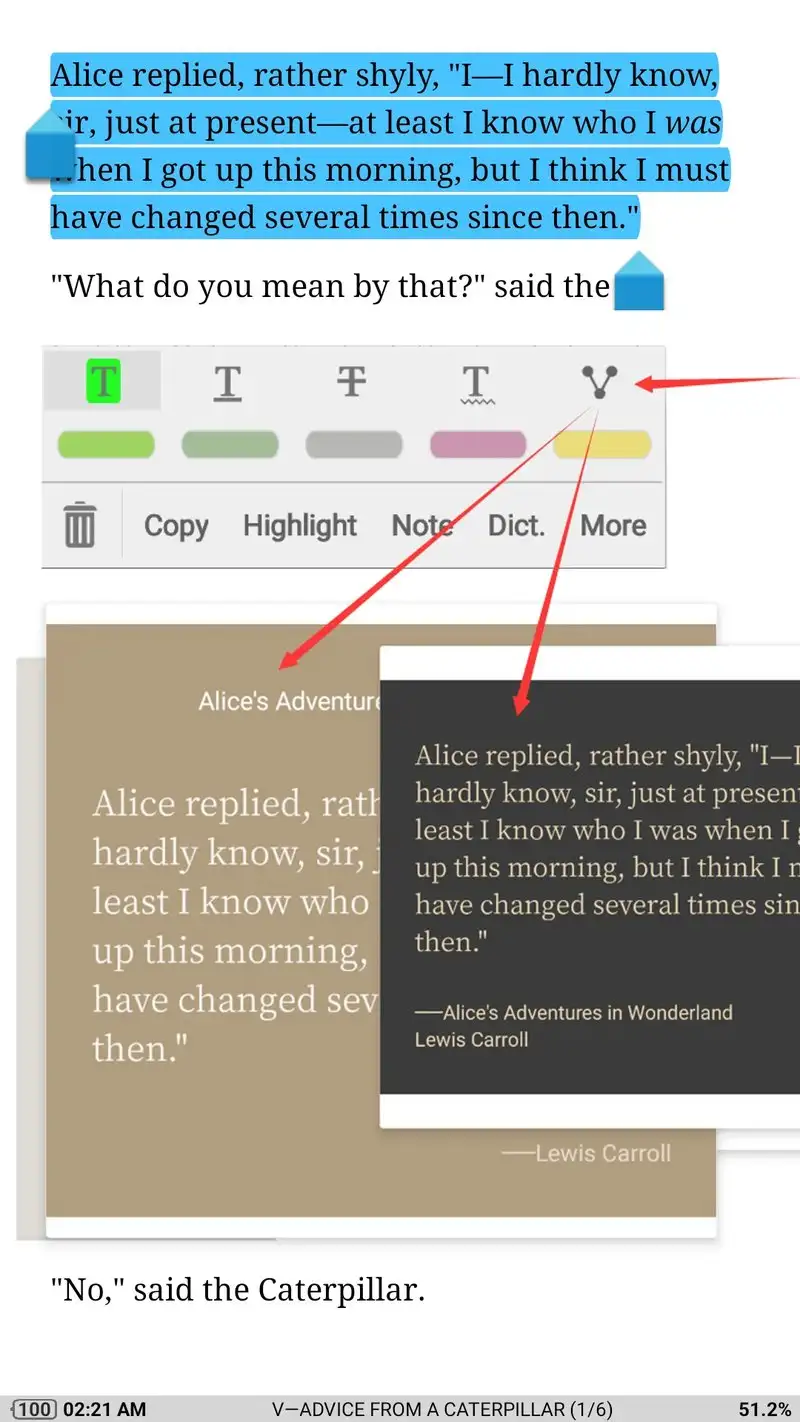
- Highlights and notes export to plain text and Evernote
- Stable text-to-speech using system voices
- One-time $4.99 purchase, no recurring cost
Where Moon+ Reader Pro falls short
The interface looks like 2017. Buttons are small, menu icons are dated, and the settings tree runs three levels deep. New users get lost. PDF rendering works but slows down on books over 50 MB. There is no native cloud sync between devices, so you handle library backup yourself through Google Drive or Dropbox.
Amazon Kindle - Best for Amazon Ebook Library
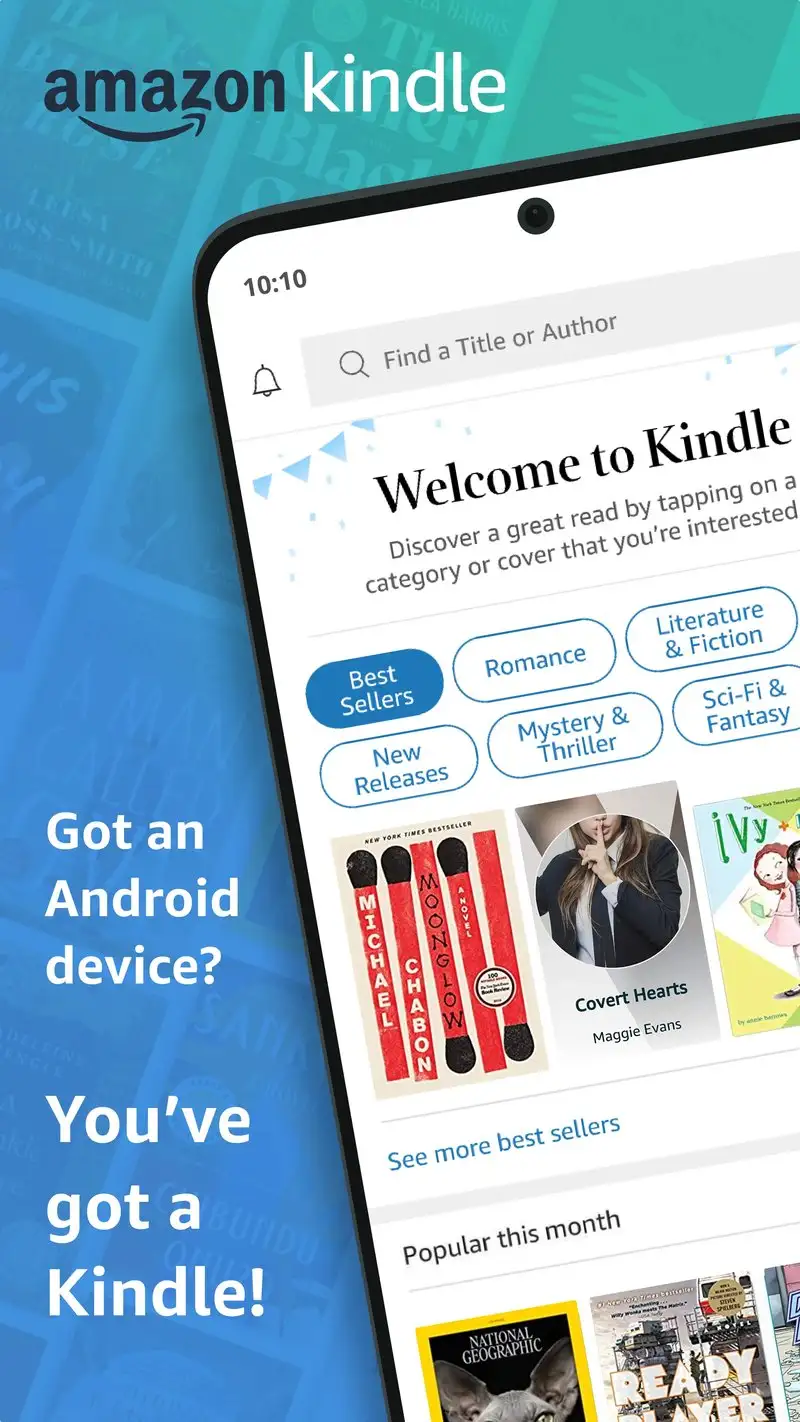
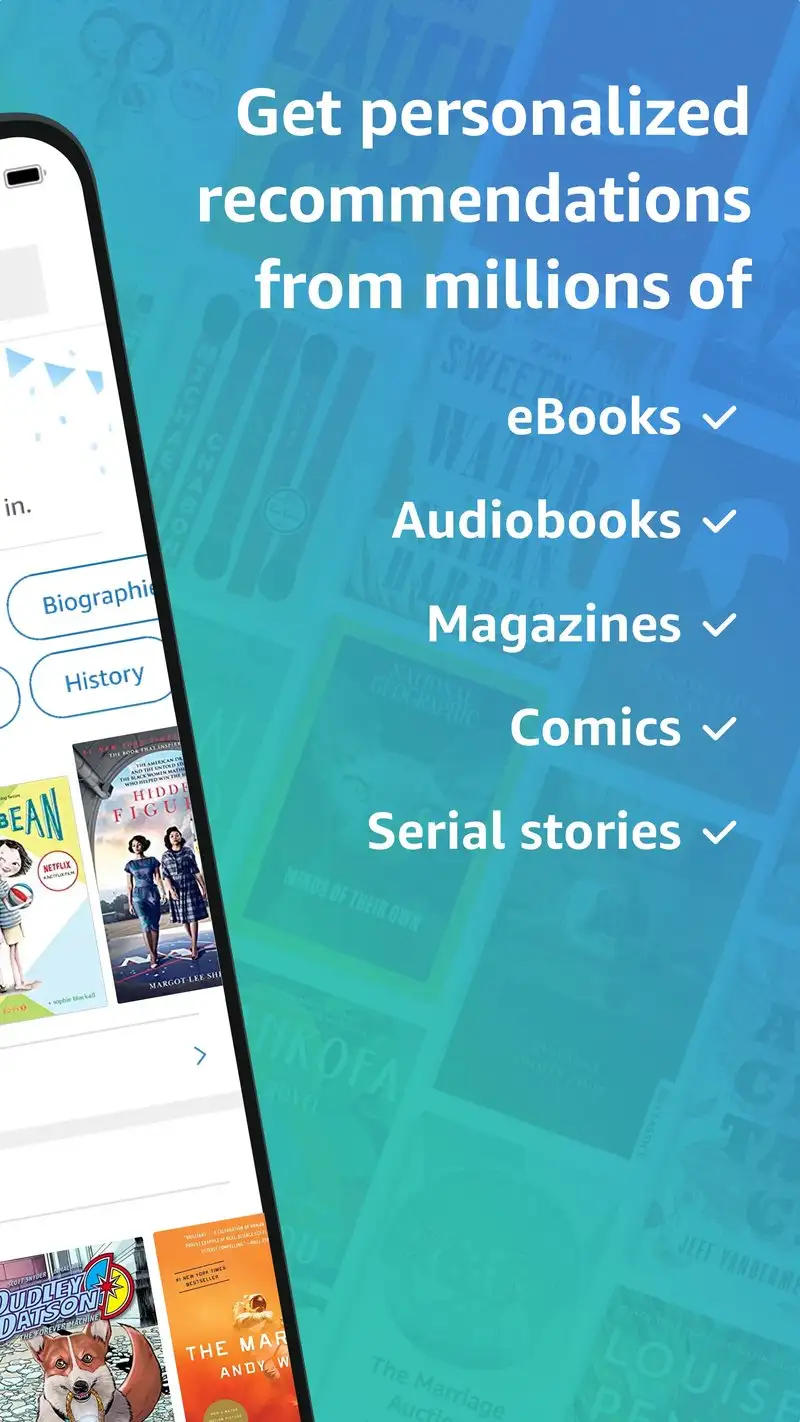
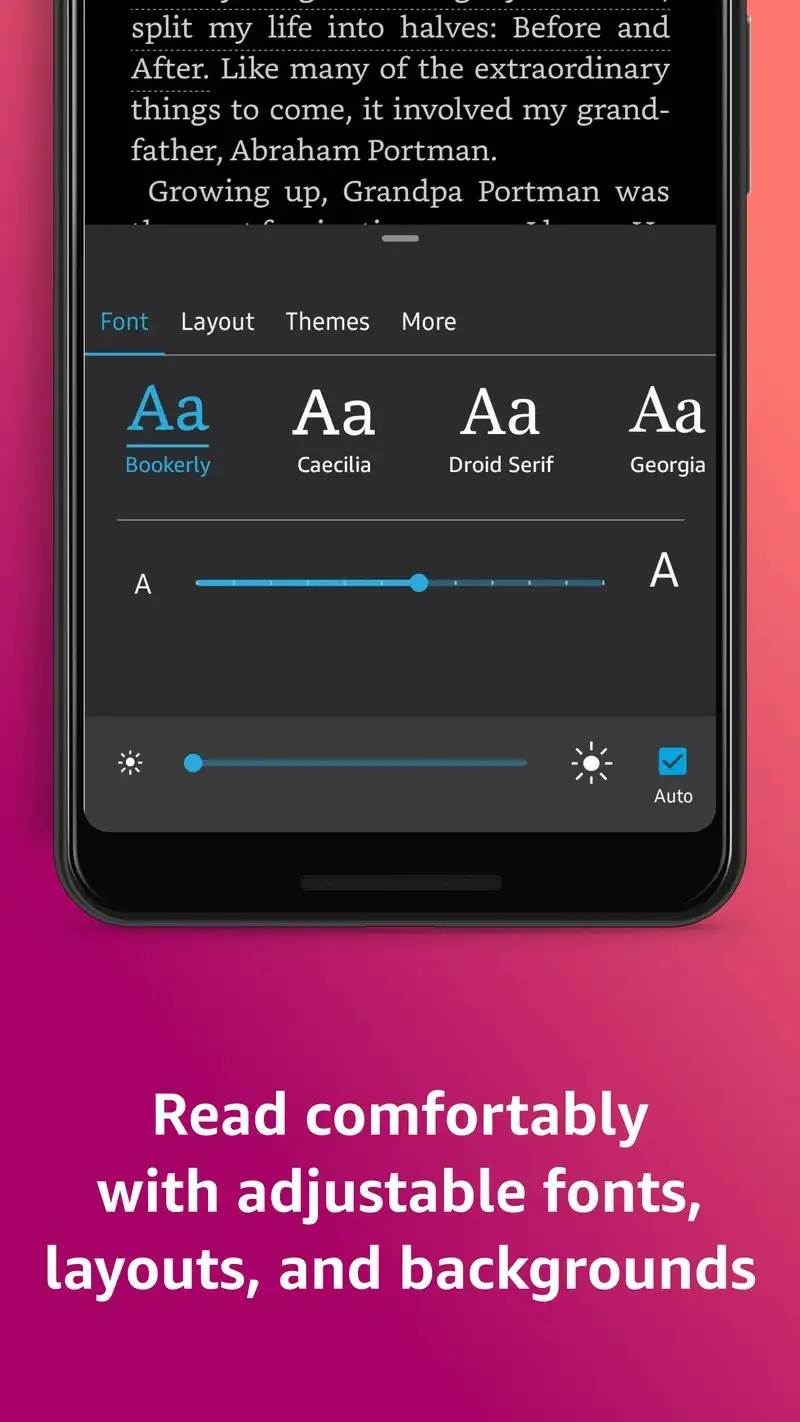
Kindle is free and feeds your Amazon library. If you bought ebooks on Amazon over the past decade, this is where they live. Whispersync keeps your place across phone, tablet, and Kindle hardware. The text rendering is genuinely good, with Bookerly and Amazon Ember serif as the defaults.
We sideloaded our 412 EPUBs through the Send to Kindle email service. It worked for 387 of them. The other 25 failed conversion silently and never appeared in the library. Native EPUB sideloading without conversion is not supported.
What Kindle does well
- Free, no in-app purchases or ads for Kindle owners
- Whispersync across all Amazon devices and the web reader
- Excellent typography defaults with Bookerly font
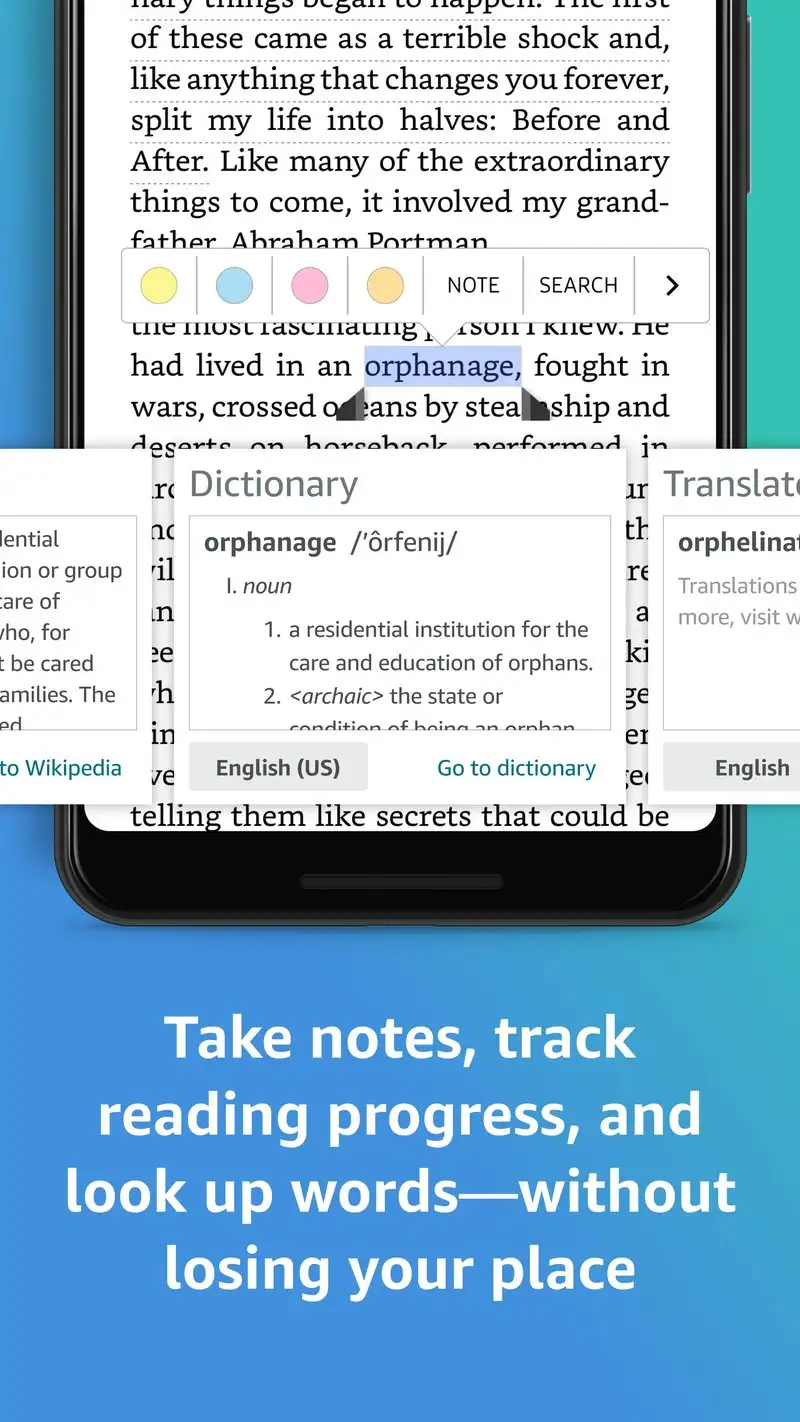
- Built-in dictionary, Wikipedia, and X-Ray content layer
- Reliable highlight and note export to Amazon Notebooks
Where Kindle falls short
Your library lives in Amazon’s cloud. If your account is closed, the books go with it. EPUB and PDF sideloading is awkward and silently fails on roughly 6% of files in our test. No support for FB2, MOBI without conversion, or CBZ comics. The reader will not open files from your local Downloads folder directly.
Google Play Books - Best for Google Ecosystem Users
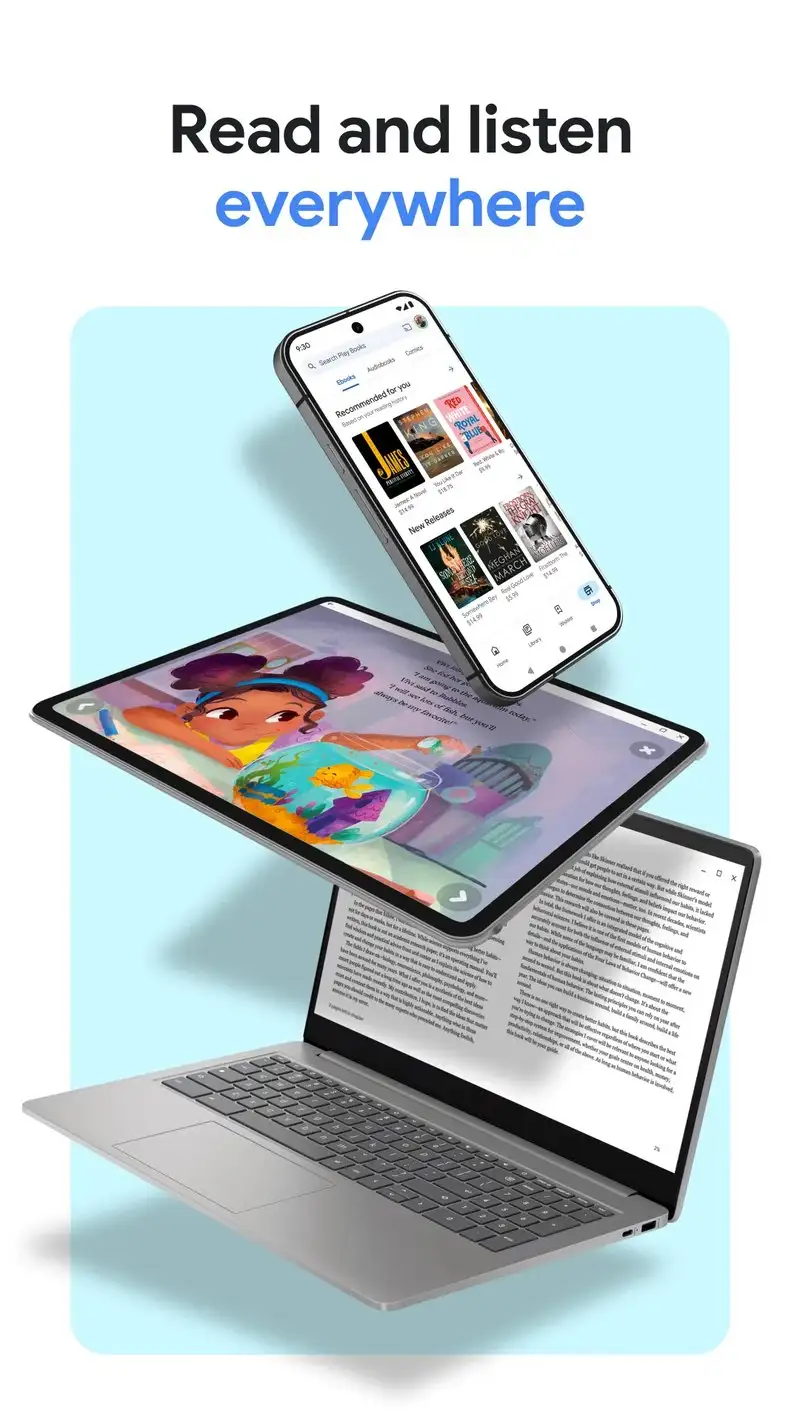
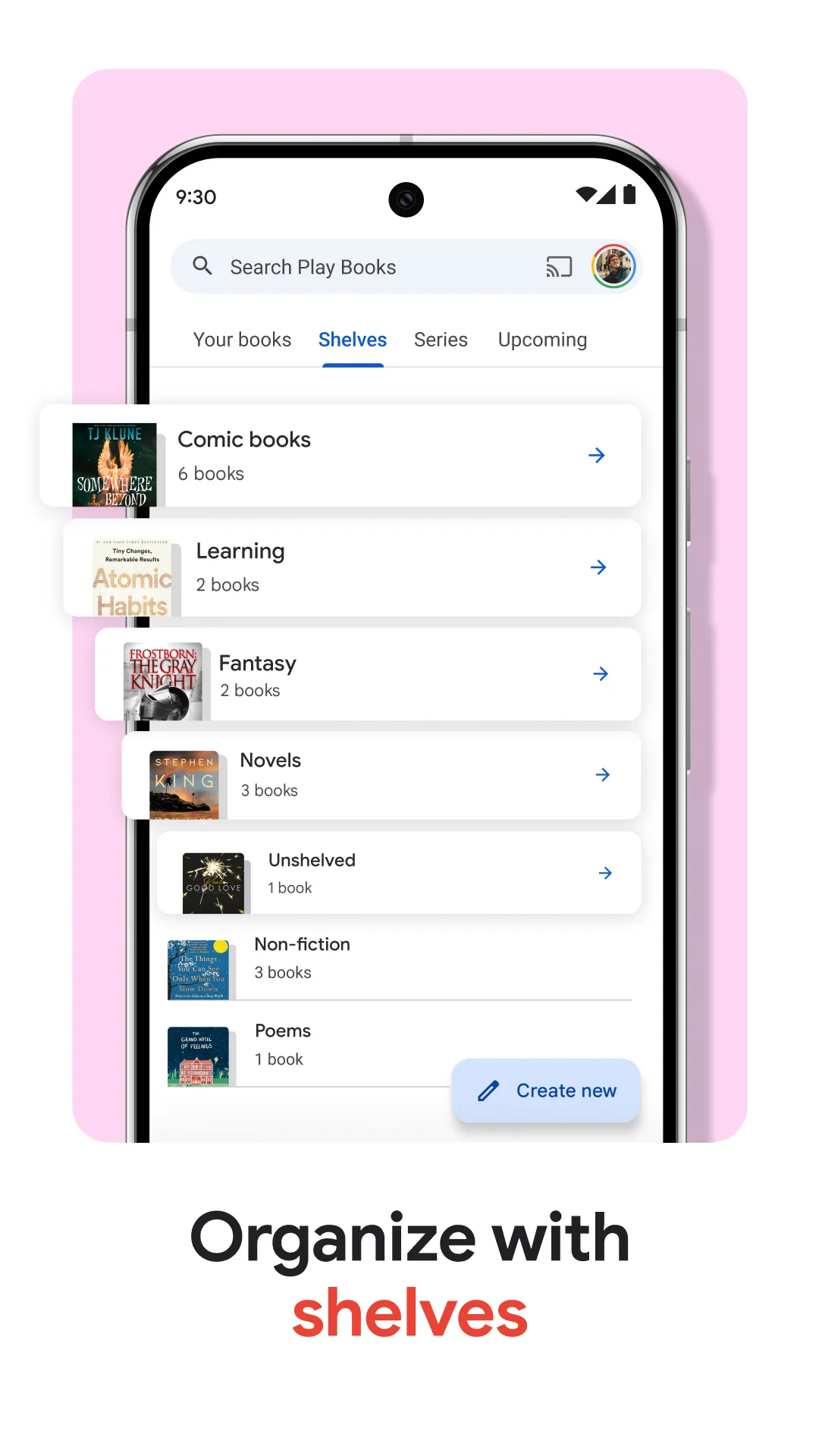
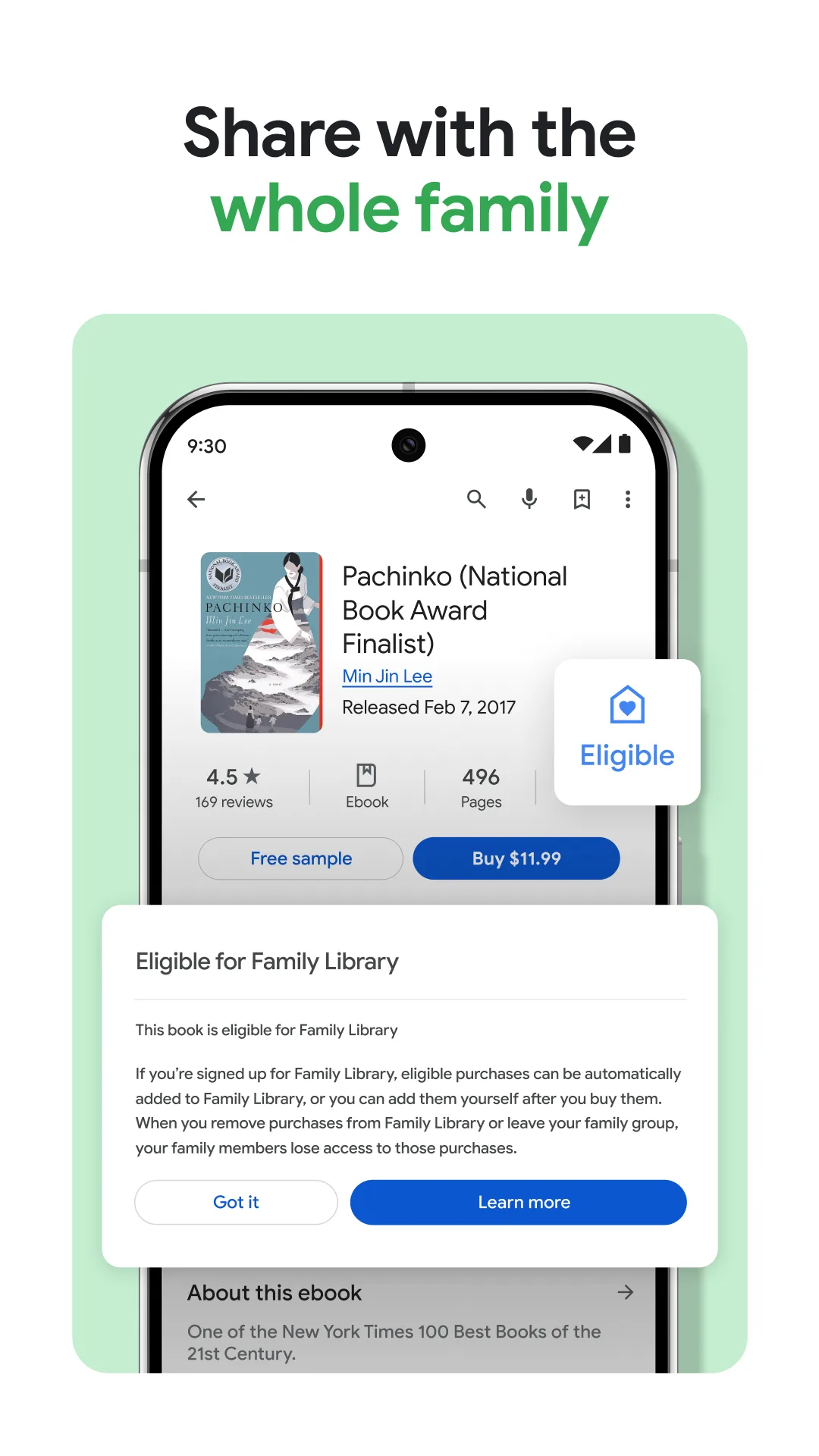
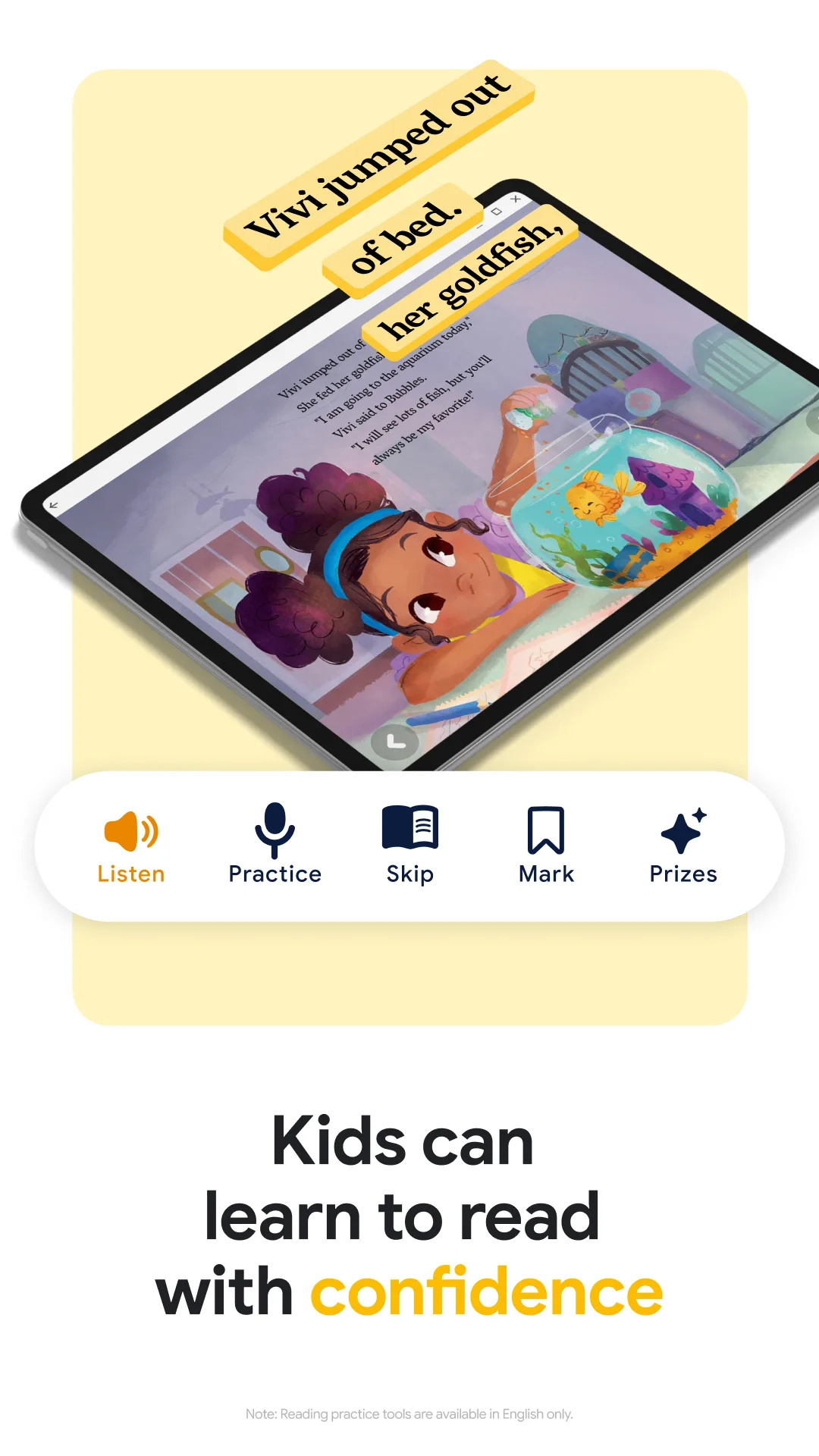
Google Play Books is free, syncs across every device that runs your Google account, and accepts EPUB and PDF uploads through the web interface. It indexed our test library in 52 seconds. The reading experience is clean, with seven font choices and four reading themes.
The audiobook integration is the underrated feature. Books you upload as text get text-to-speech narration in a voice that is genuinely listenable. We ran a 90-minute audiobook session and the voice held up.
What Google Play Books does well
- Free, included with every Google account
- Cross-device sync across Android, iOS, web, and Chromebook
- Quality text-to-speech narration on any uploaded book
- Cloud library backed up automatically with Google Drive
- Clean reading interface that respects system dark mode
Where Google Play Books falls short
EPUB sideloading goes through the web interface only, which adds friction. There is no CBZ or MOBI support. PDF text reflow does not work on scanned PDFs, only digital ones. Highlights export to Google Docs but the formatting is rough. The app feels less actively developed than the Amazon competitor.
ReadEra - Best Free Multi-Format Reader
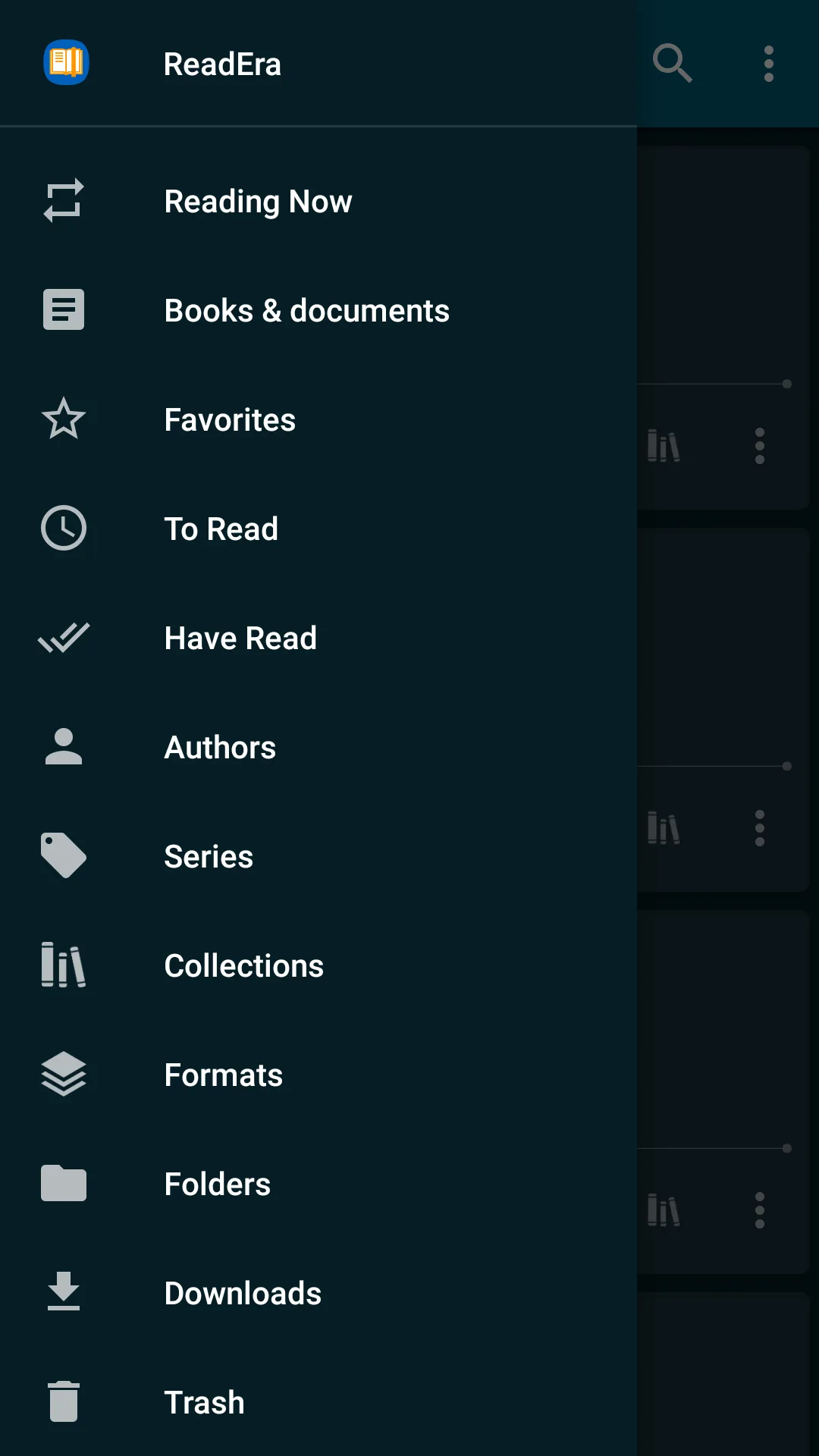
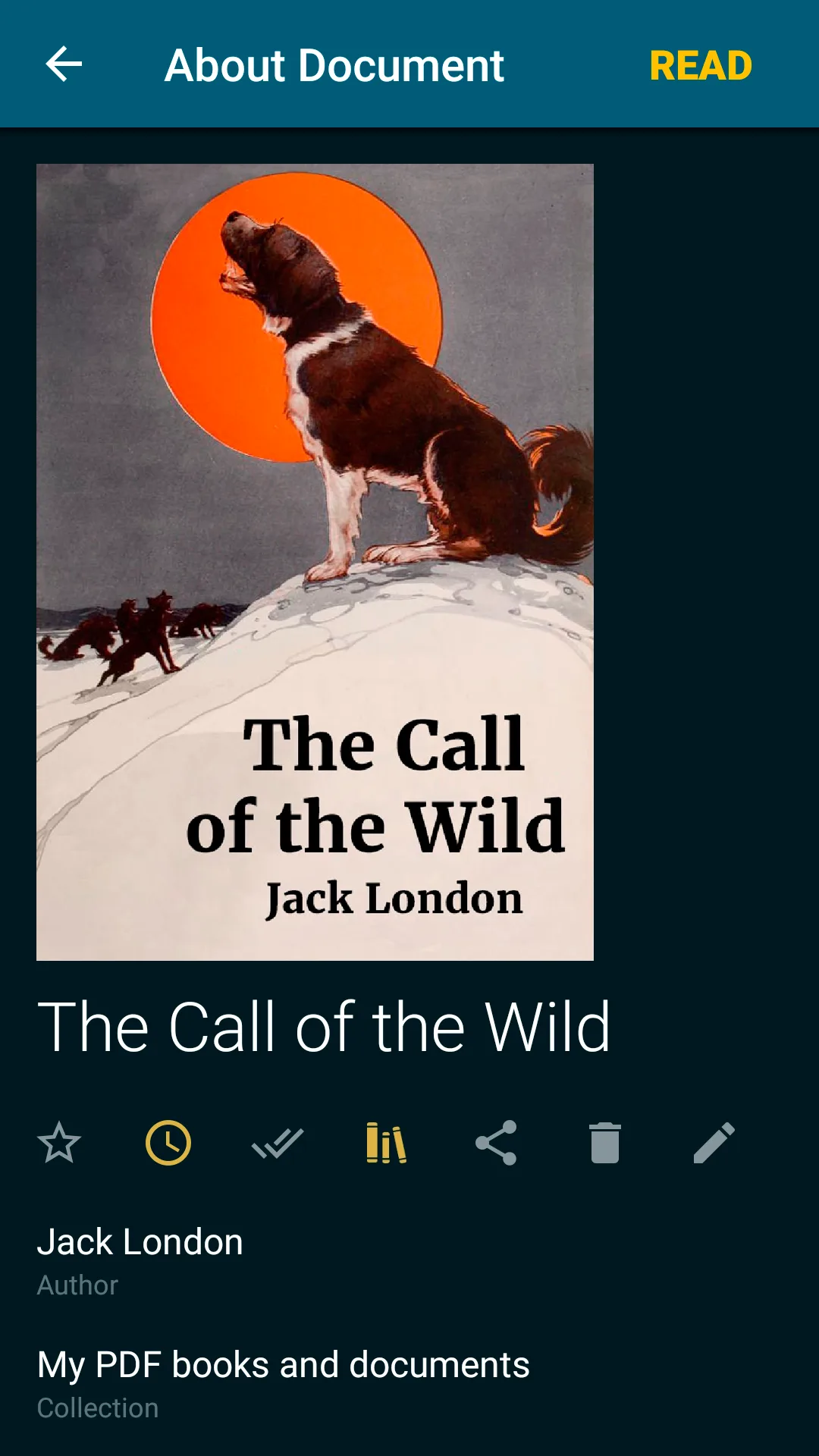
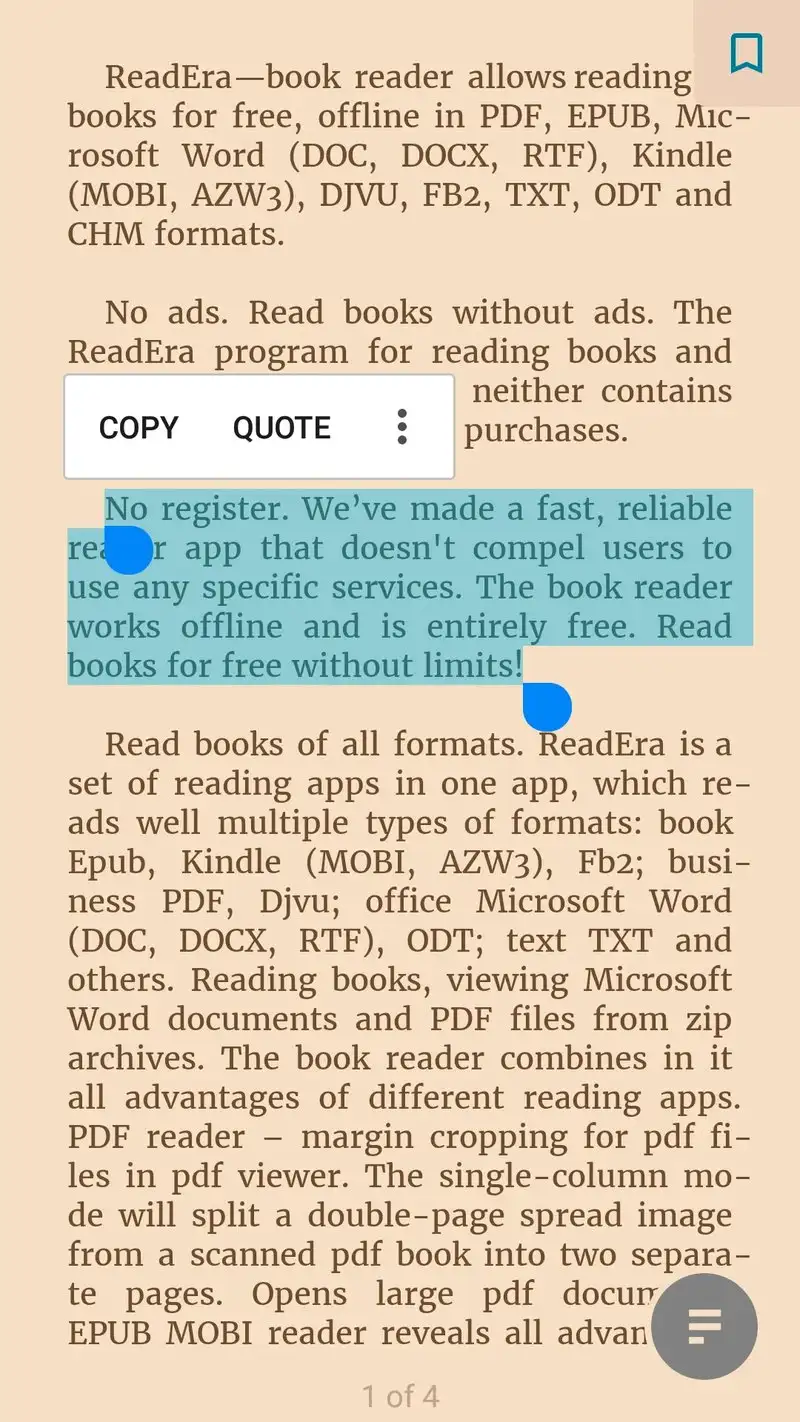
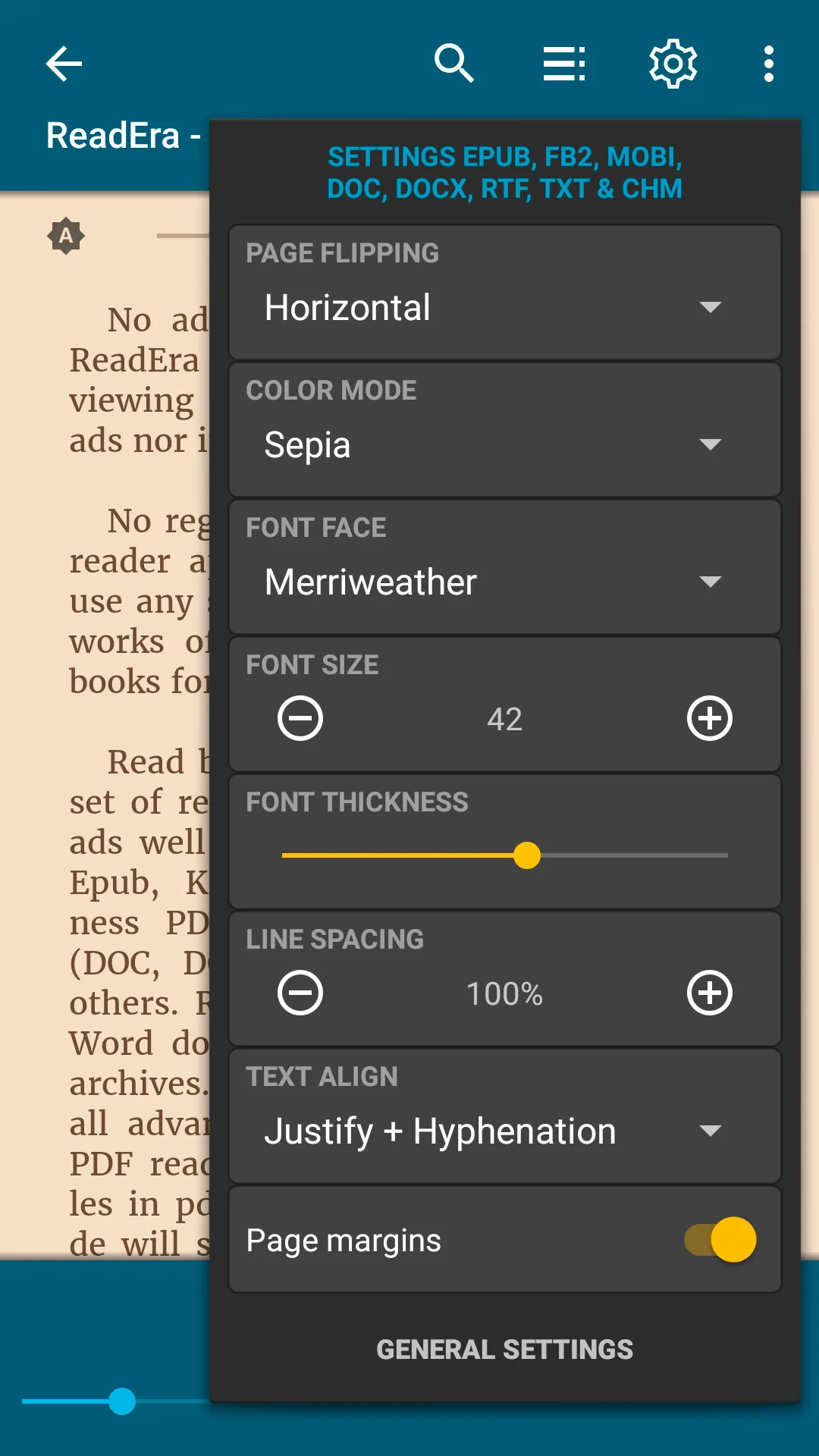
ReadEra is free, has no ads, and reads EPUB, PDF, MOBI, FB2, DOC, DOCX, RTF, and TXT. That last sentence is rare on Android. It indexed our test library in 41 seconds. The interface is clean and the menus stay shallow.
The collections feature is excellent. Tag a book with as many collections as you want, filter by tag, and the reader remembers your reading position across all of them. We tagged academic PDFs with course names and the navigation stayed fast even with 90+ tags applied.
What ReadEra does well
- Genuinely free with no ads or upsells
- Reads 8 formats including DOCX and RTF
- Flexible collections system for organizing large libraries
- Clean Material Design interface
- Pinch-zoom on PDF and DOC for tight margins
Where ReadEra falls short
There is no cloud sync between devices. Your library lives only on the device you installed it on. The free version blocks one feature behind a one-time $5.99 upgrade: bookmark export. Audiobook support is missing entirely. Custom font installation is not supported.
Librera PRO - Best for Power Users
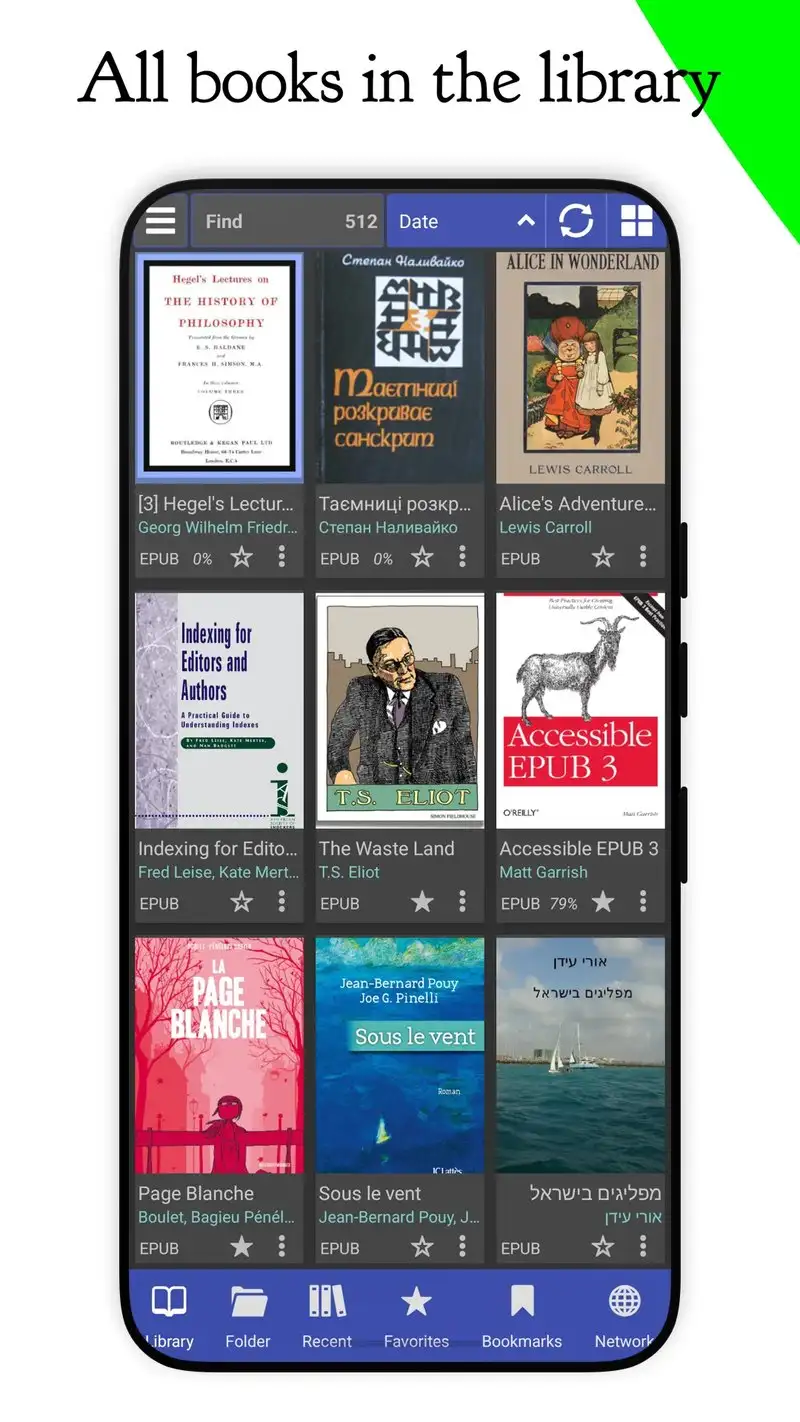
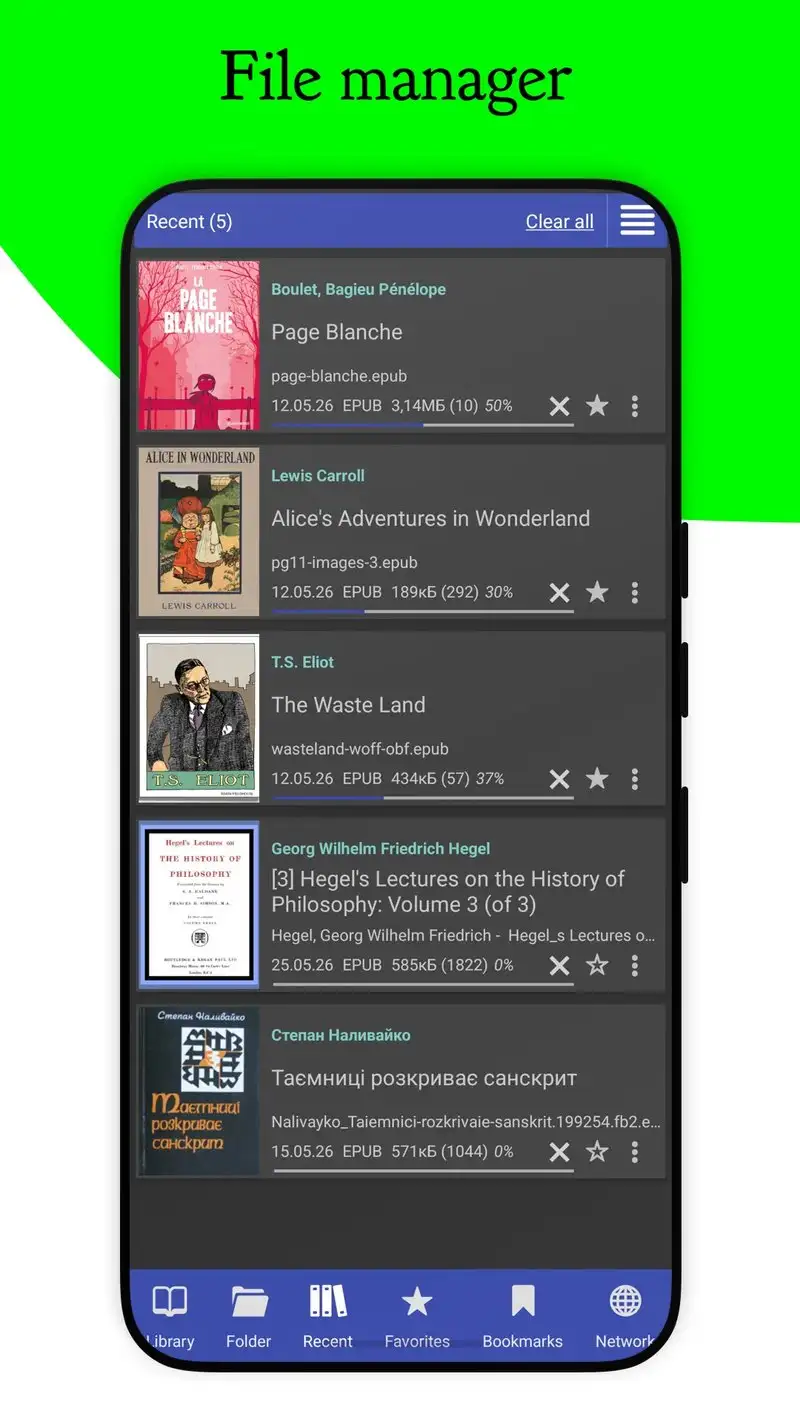
Librera PRO costs $4.99 once and reads EPUB, MOBI, FB2, PDF, DJVU, CBZ, CBR, TXT, and RTF. It is the only reader in our test that opens CBZ and DJVU without an add-on. Library indexing took 47 seconds for our 412 books.
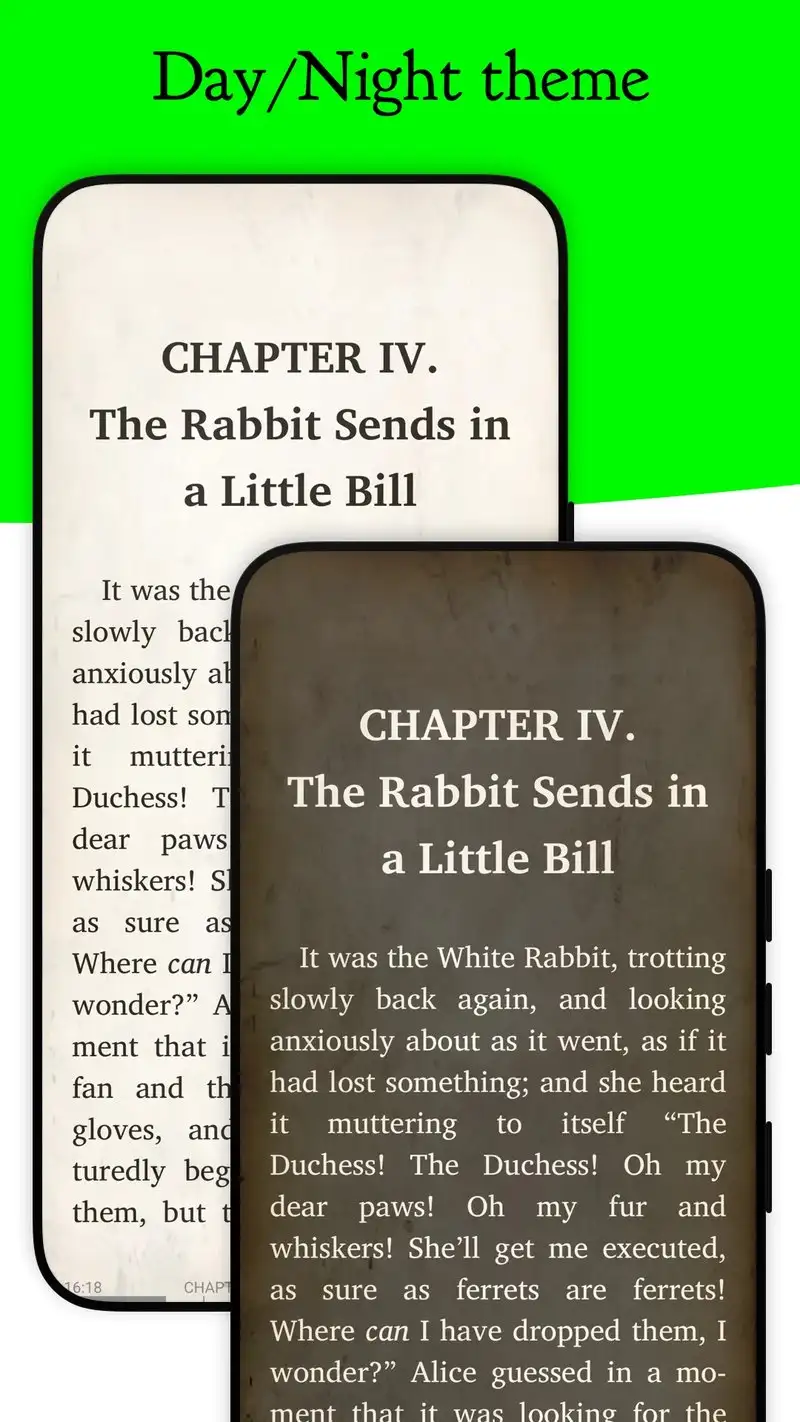
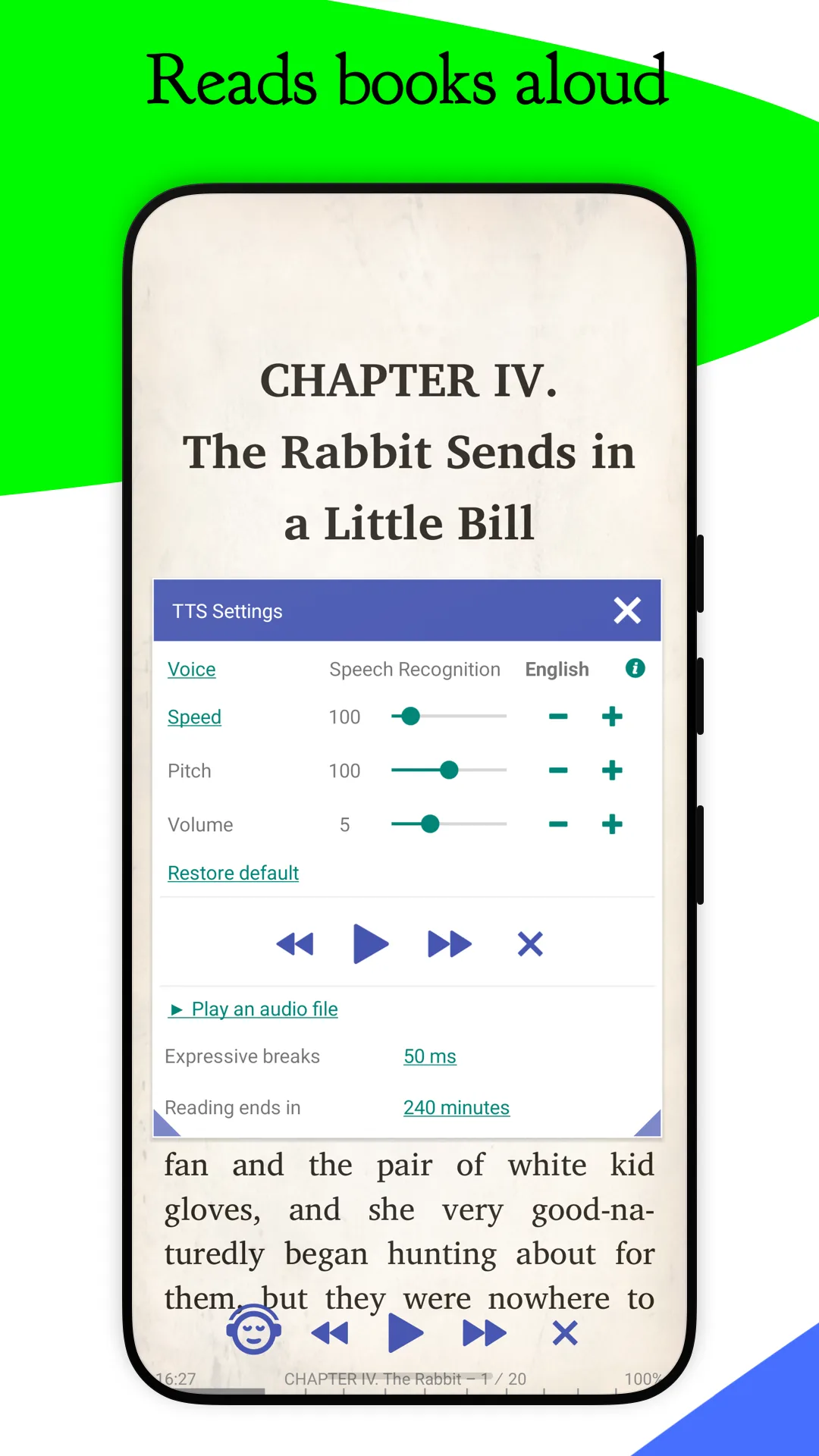
The customization depth is the headline feature. You can adjust line spacing in 1-pixel increments, set margins per format, choose from 15 reading modes, and create profiles that switch the entire interface based on file type. PDFs use one profile, EPUBs use another.
What Librera PRO does well
- Reads 9 formats including DJVU, CBZ, and CBR
- Per-format reading profiles for switching modes automatically
- Deep typography controls with per-pixel adjustments
- Web browser inside the app for opening links in highlighted text
- One-time $4.99 purchase with lifetime updates
Where Librera PRO falls short
The interface is dense to the point of overwhelming. New users routinely take three days to feel productive. There are 200+ settings and most have no in-app explanation. PDF rendering on academic papers with mixed columns sometimes breaks the text reflow. Cloud sync is limited to Dropbox and Google Drive, no native solution.
Xodo PDF - Best PDF Tool
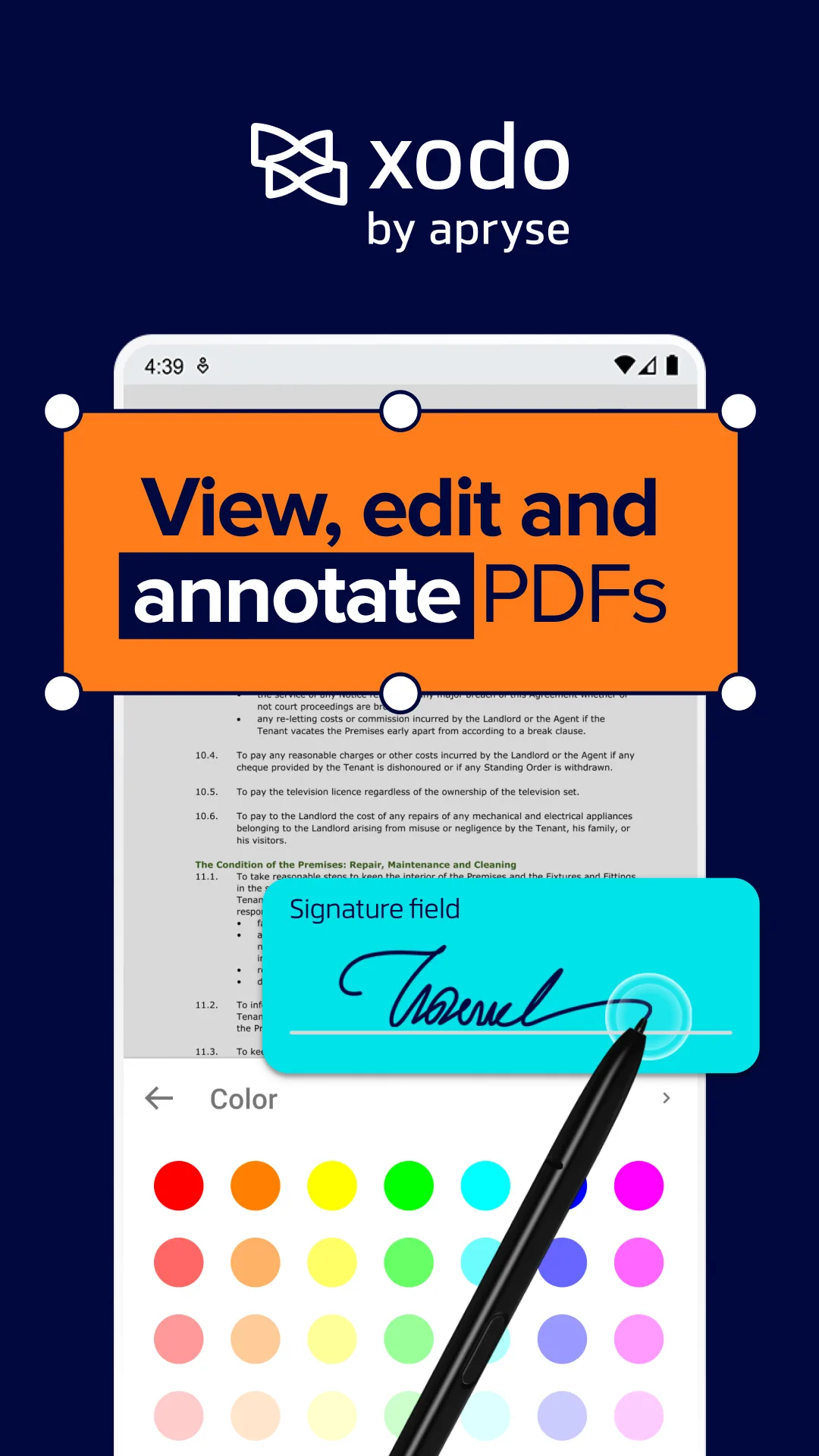
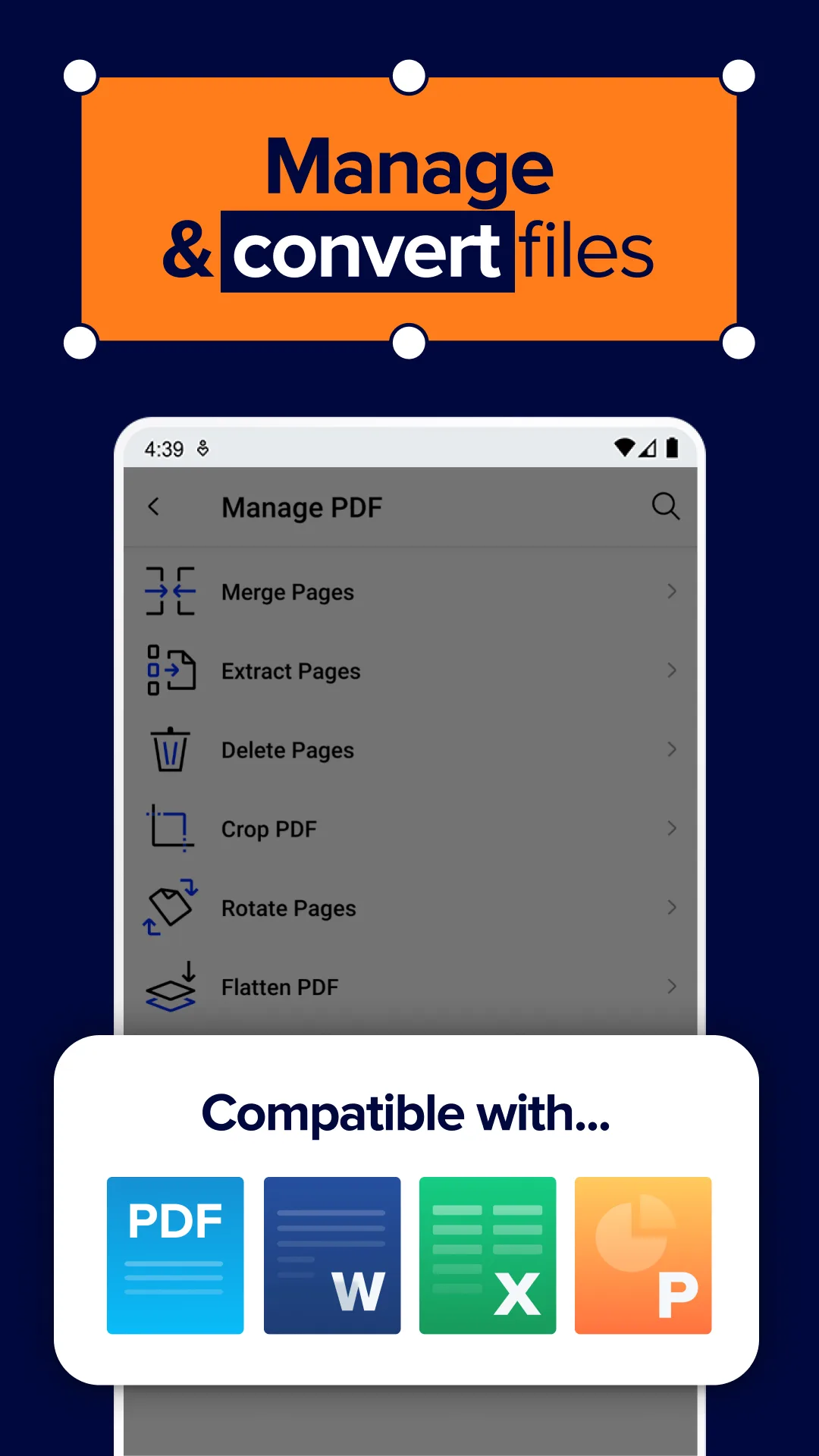
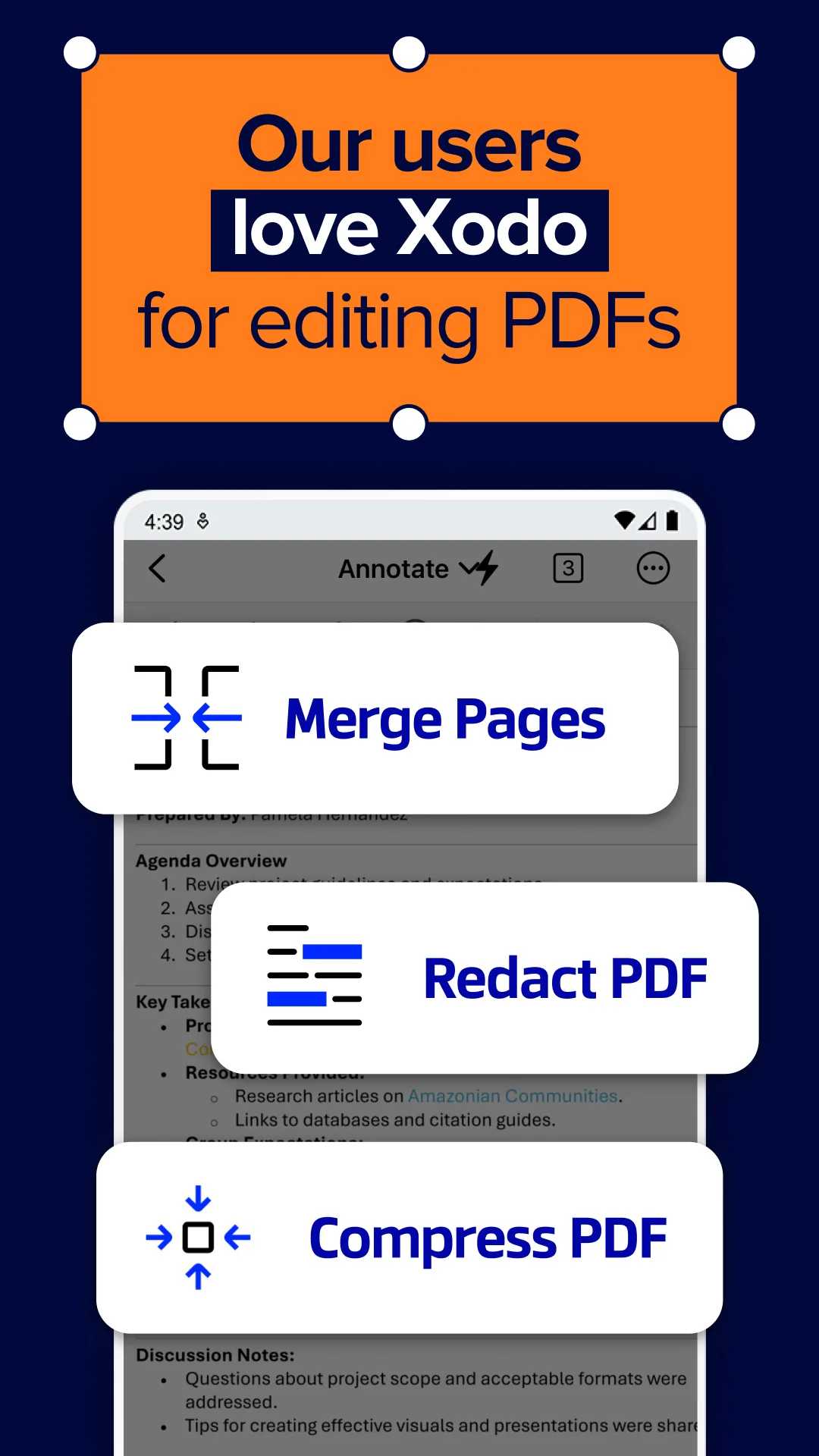
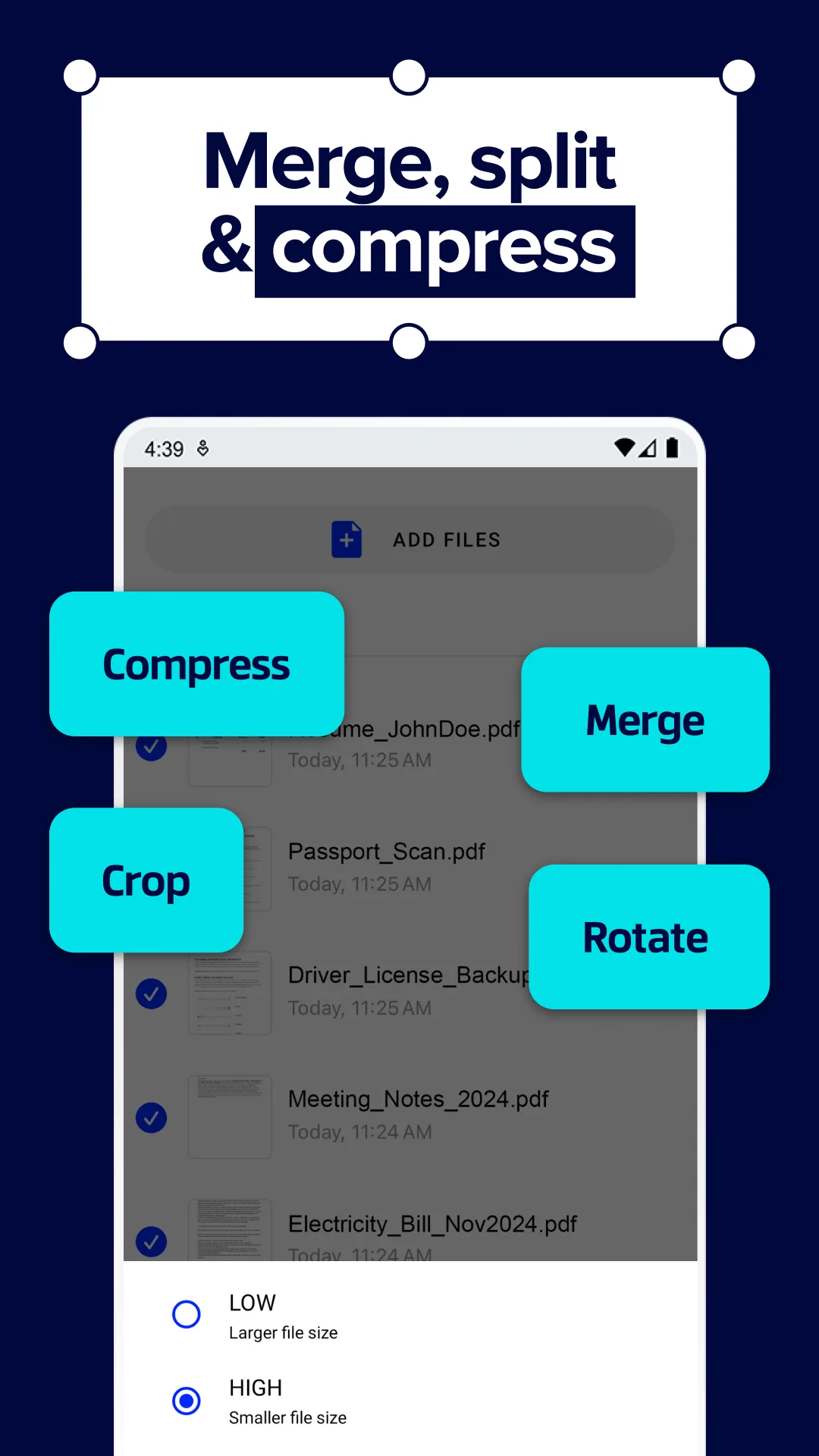
Xodo PDF is free, ad-free, and handles PDF annotation as well as desktop tools twice its price. We loaded a 240 MB scanned medical reference into Xodo and the search index built in 19 seconds. Highlighting on the same book worked at 60 frames per second on the Pixel.
The form-filling capability matters more than people expect. Xodo recognizes interactive PDF fields, lets you type into them, and saves the filled form as a flat PDF that any reader can open. We tested it on three IRS forms and a rental application and all four saved correctly.
What Xodo PDF does well
- Free with no ads, no watermarks, no premium tier
- Genuinely good annotation tools including freehand and shape
- Form-filling that respects interactive PDF fields
- Fast page rendering even on 200 MB+ files
- Sync optional through Xodo Connect or external cloud accounts
Where Xodo PDF falls short
This is a PDF tool, not an ebook reader. EPUB and MOBI are not supported. Text reflow on text-heavy PDFs is mediocre next to dedicated readers. The export-to-image function is limited to PNG at one resolution. The desktop and mobile versions diverge in feature parity, with mobile lagging on some advanced edit options.
Adobe Acrobat Reader - Best for Form-Heavy PDF Work
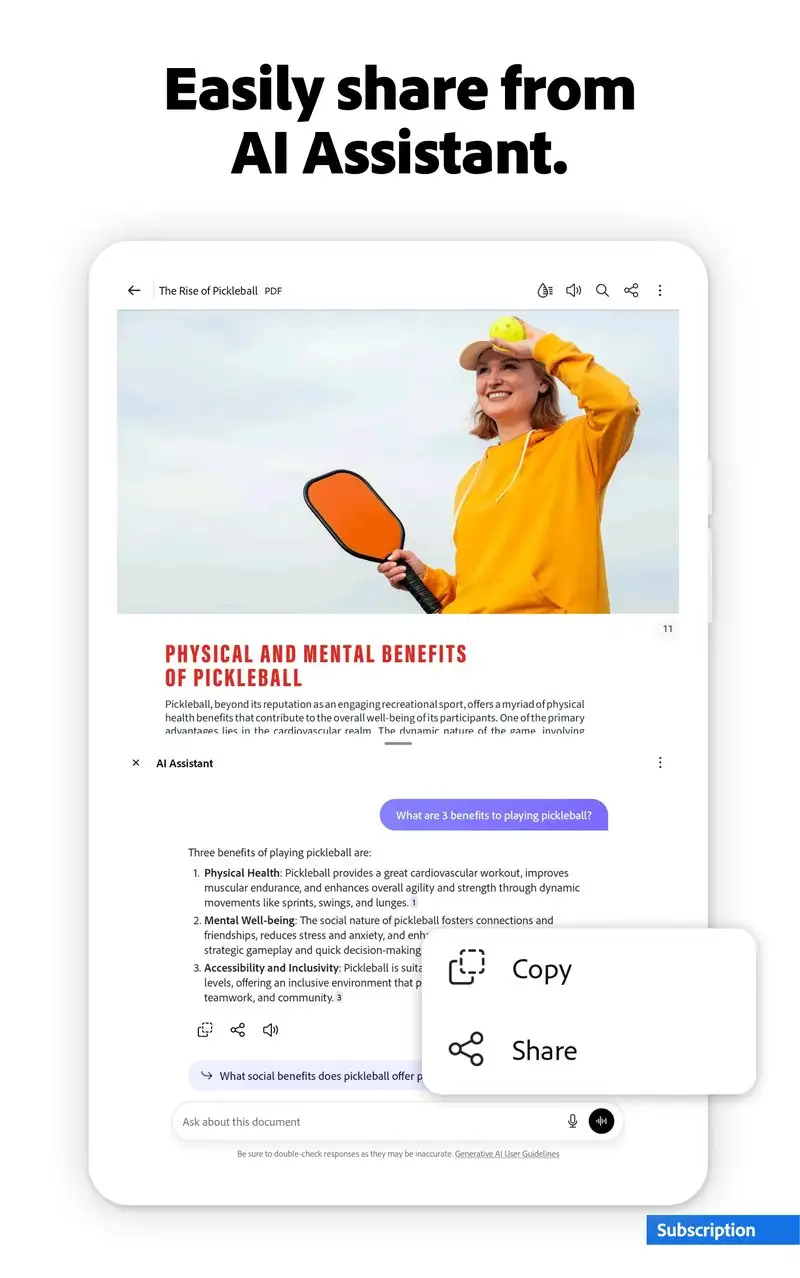
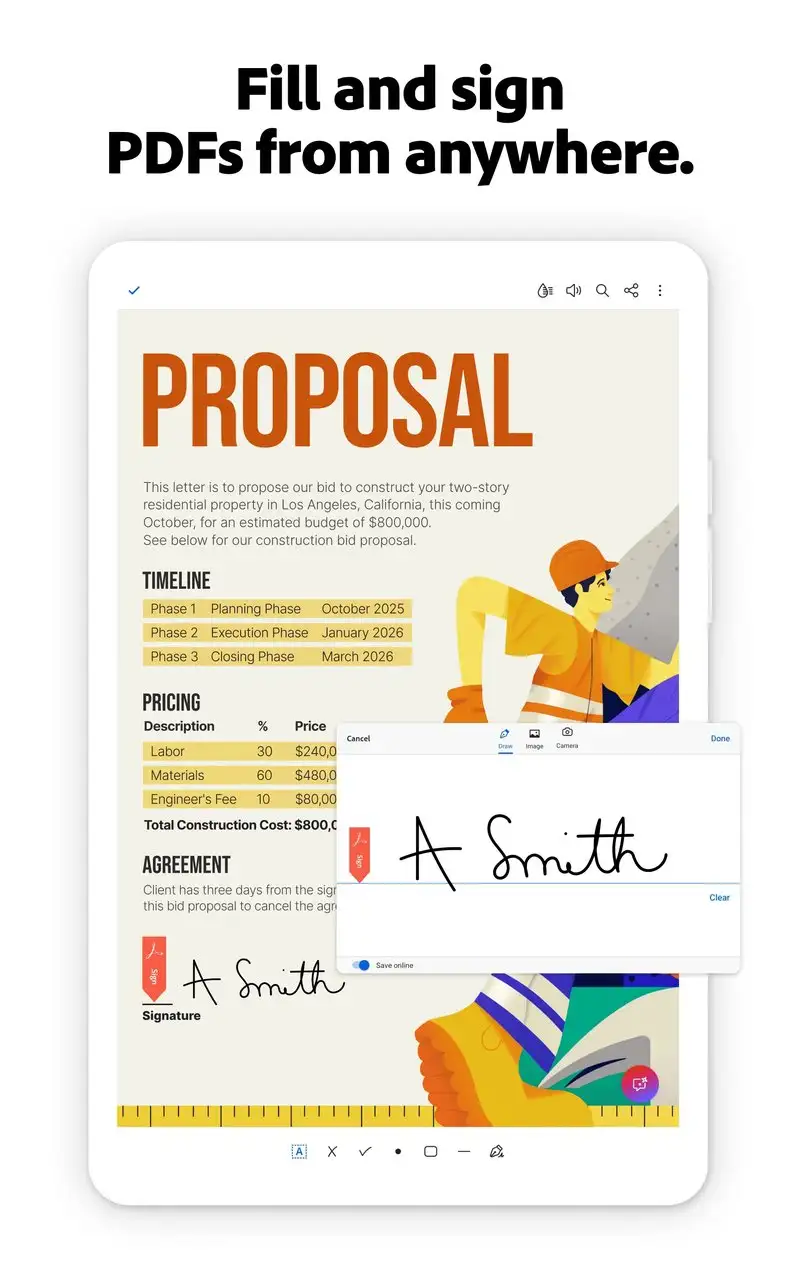
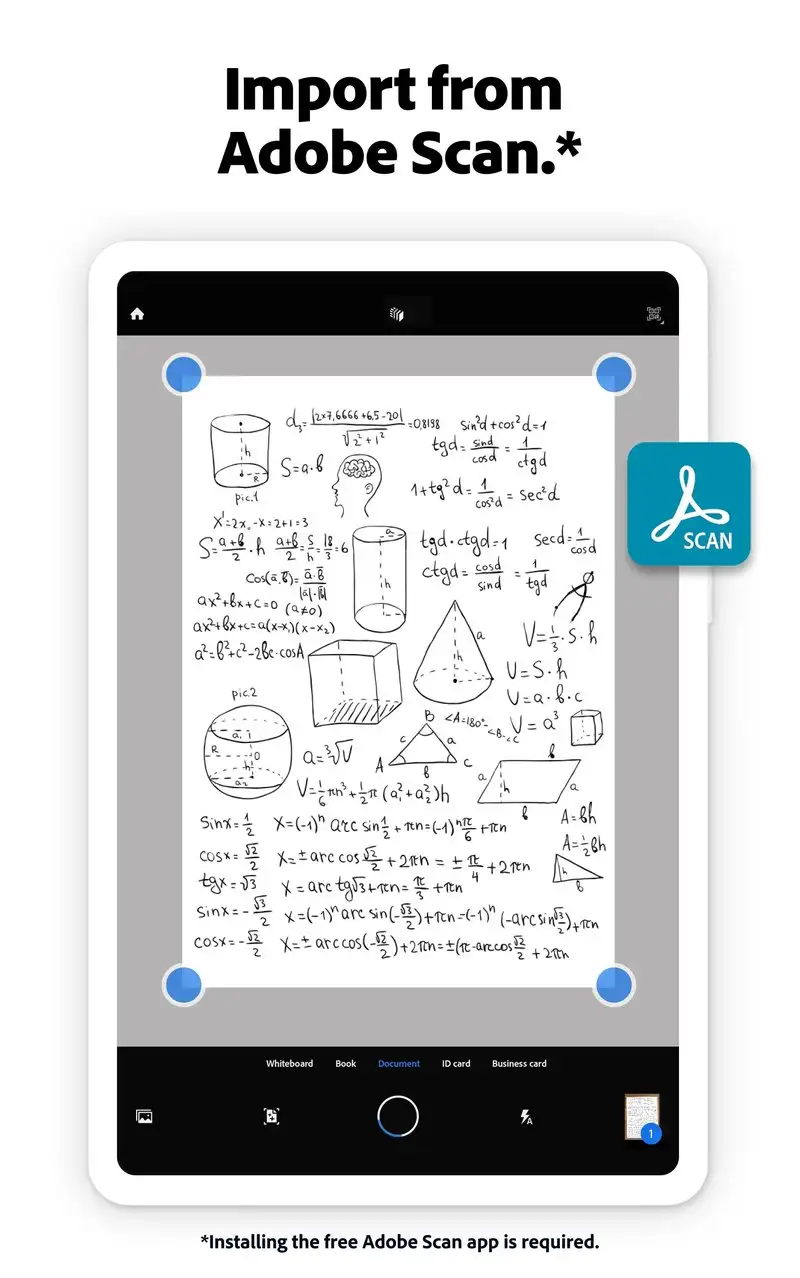
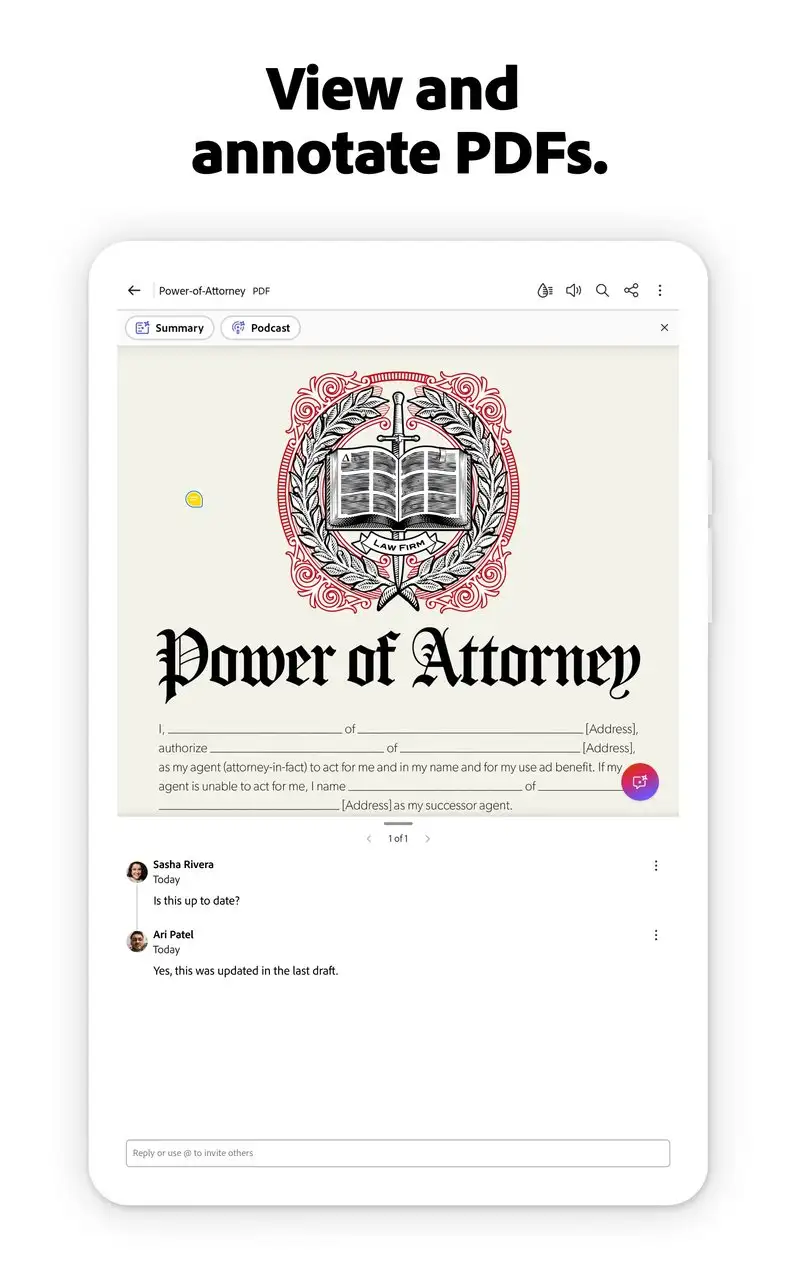
Adobe Acrobat Reader is free, with optional Premium and Pro subscriptions starting at $1.99 per month. The free tier covers viewing, basic annotation, and signing. The Premium tier adds OCR, edit, and document export. Our test loaded a 1,200-page scanned book in 8 seconds and built a searchable index 24 seconds after that.
The signing flow is the best in the category. Adobe handles signature placement, initial blocks, date stamps, and saves the result as a verifiable signed PDF. Three signed contracts in our test workflow worked on the first attempt across mail and Slack.
What Adobe Acrobat Reader does well
- Industry-standard signing recognized in most legal contexts
- Free tier covers viewing, comment, and signature
- Best OCR quality in the test, even on faded scans
- Direct integration with Adobe Document Cloud and Box
- Stable on enormous files (1000+ pages)
Where Adobe Acrobat Reader falls short
The Premium subscription pricing adds up fast. PDF editing on the mobile version is restricted next to the desktop. The app is heavy on the system: 480 MB install and 350 MB of cached data after our test. There is no EPUB support and no plan to add it. Ads for Premium appear inside the free experience and become intrusive within a week.
PocketBook Reader - Best for E-Ink Tablet Owners
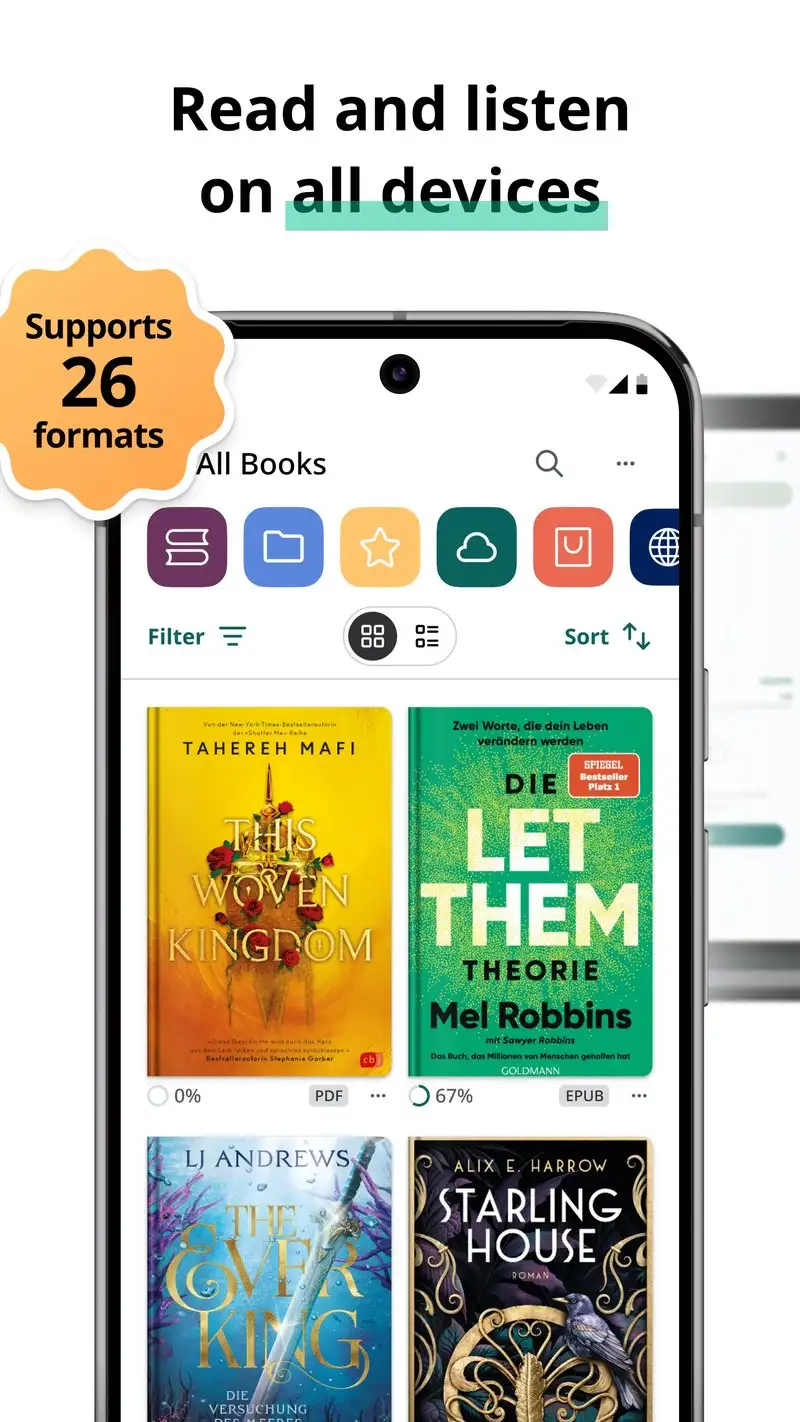
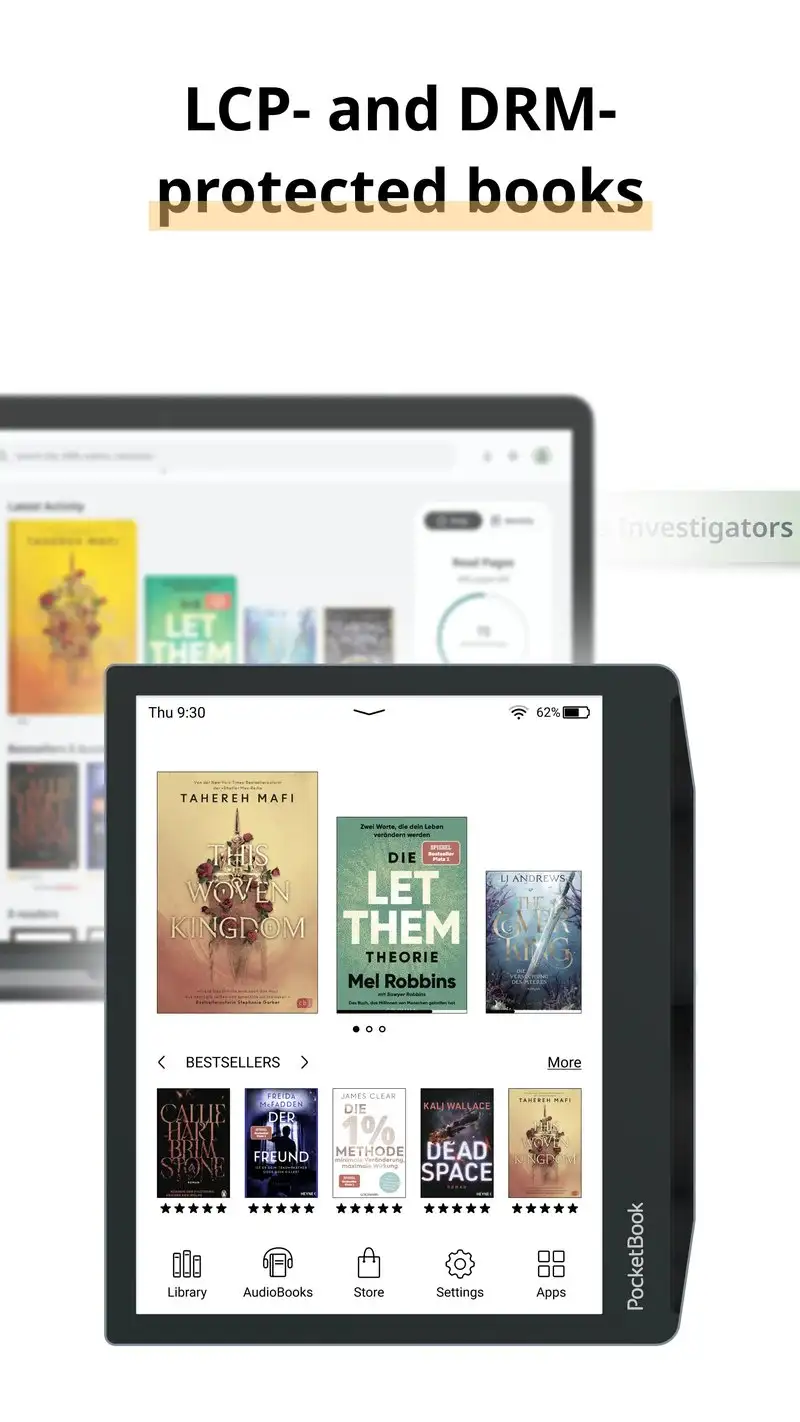
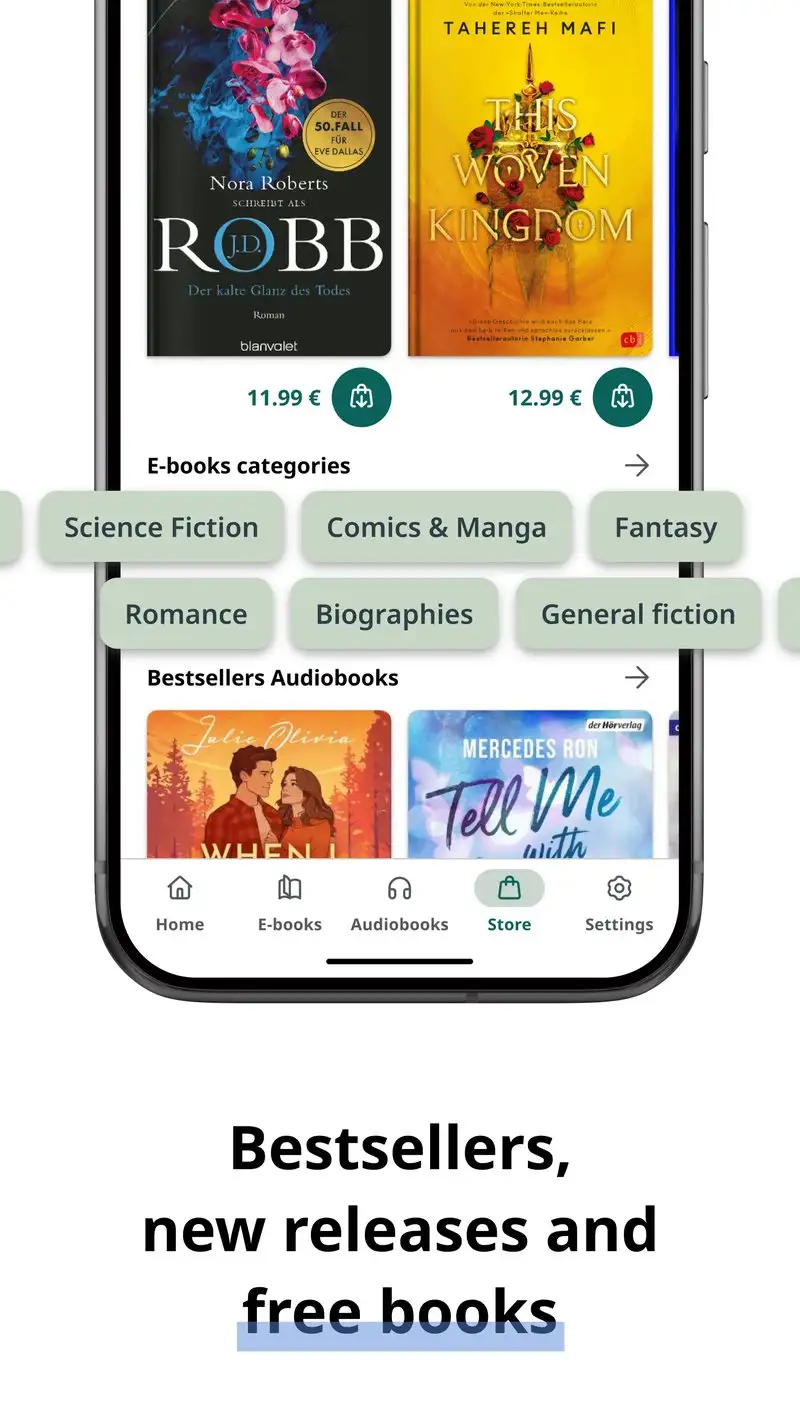
PocketBook Reader is free, ad-free, and reads EPUB, MOBI, FB2, PDF, DJVU, CBZ, CBR, and TXT. It is the Android companion to PocketBook’s e-ink hardware, but works fine on regular tablets and phones. Indexing our test library took 49 seconds.
The translation feature is unique. Highlight a word or phrase in 22 languages and PocketBook offers an inline translation through built-in dictionaries. We tested it on a Russian novel and a German technical manual and the response time stayed under two seconds.
What PocketBook Reader does well
- 8 reading formats supported including DJVU and CBZ
- Inline translation for 22 languages
- Free with no ads or premium upsells
- Adobe DRM support for library lending services
- Audio book playback for MP3 and M4B files
Where PocketBook Reader falls short
The interface looks dated and the navigation can feel sluggish on older phones. PDF rendering on large scanned files is slower than Xodo. The cloud sync requires a PocketBook account and is slower than Google or Amazon equivalents. Some users report sync conflicts when reading the same book across phone and e-ink hardware.
Which App Do You Actually Need
If you already own a Kindle or buy from Amazon: Amazon Kindle. The Whispersync alone is worth the lock-in for most readers.
If you want the best free EPUB reader with no ads and no compromises: ReadEra. It does what you want without asking for money.
If you want serious typography control and own your library: Moon+ Reader Pro at $4.99. Eight years from now you will still have the same purchase and the same features.
If you read DJVU, CBZ comics, or scanned scientific papers: Librera PRO at $4.99. Nothing else on Android handles this many formats this well.
If you fill PDF forms or annotate PDFs daily: Xodo PDF. Free, fast, and the best annotation tools in the test.
If you sign contracts and need legal-grade PDF tooling: Adobe Acrobat Reader. Pay the Premium subscription only if you actually use OCR and edit.
If you live in the Google ecosystem and want one less password: Google Play Books. The audiobook narration is the secret weapon.
If you read in multiple languages and want inline translation: PocketBook Reader. The 22-language dictionary is the differentiator.
None of these apps will give you a perfect reading experience on a 6-inch screen. All eight will get a 400-page novel finished without you swearing at the interface.